
- 3.9star1,250 reviews
- 100K+Downloads
- 2 MBAPK size
- EveryoneRated for Everyone
- API 14+Android
check_circleOriginal APK from InunxLABS · Updated Nov 12, 2026

No threats found
0 / — antivirus engines flagged this file
Original signature
First seen — InunxLABS
Unmodified APK
Same file the developer published — no mods
Easy DNS (NO/ROOT) screenshots
8 images · tap to enlarge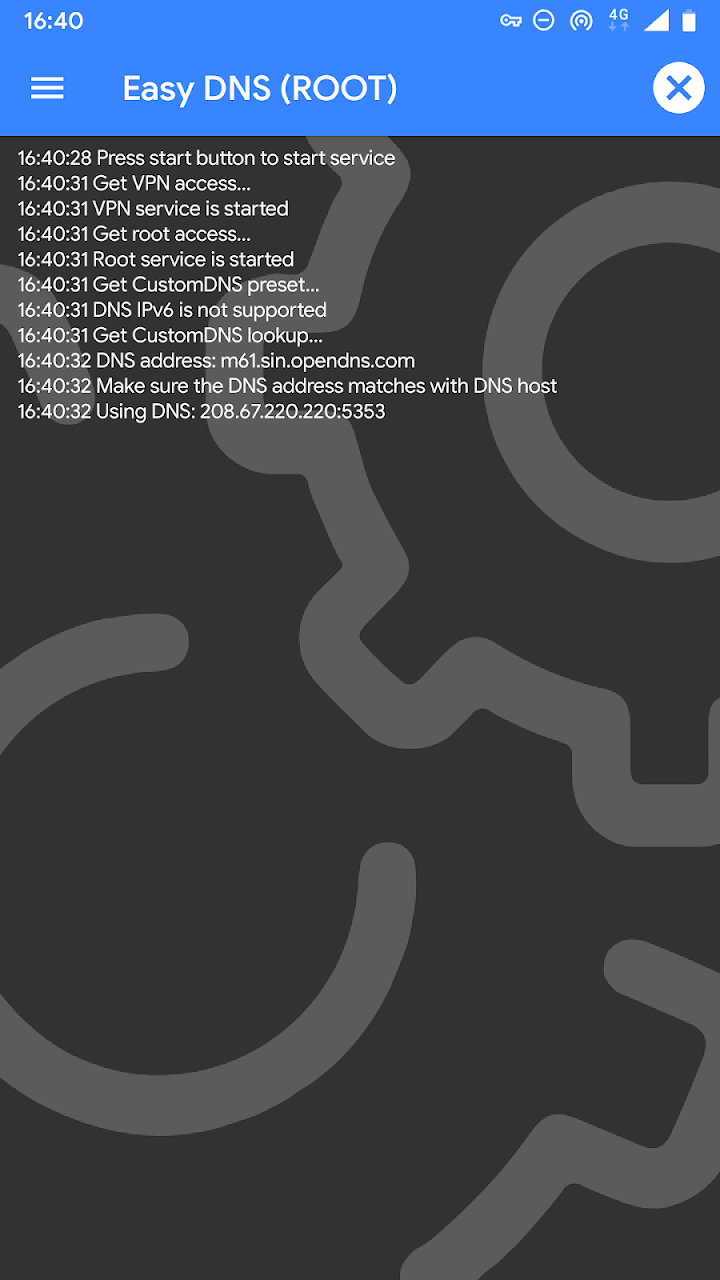
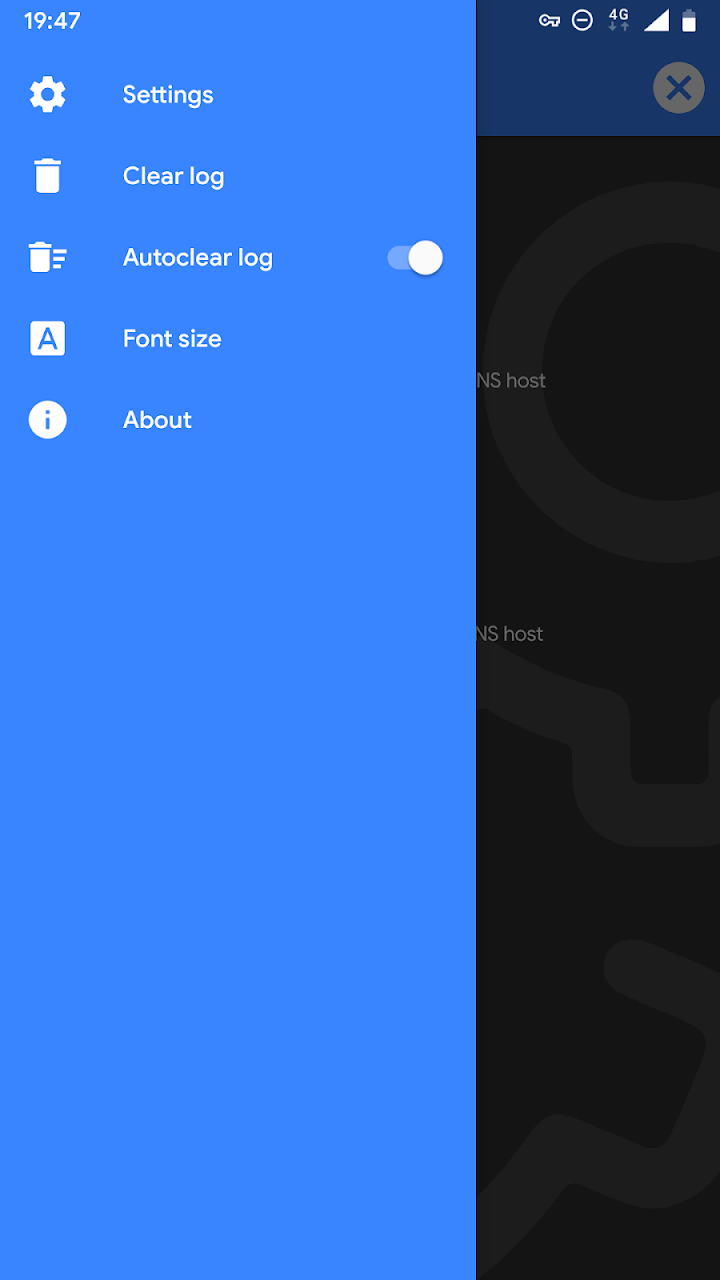
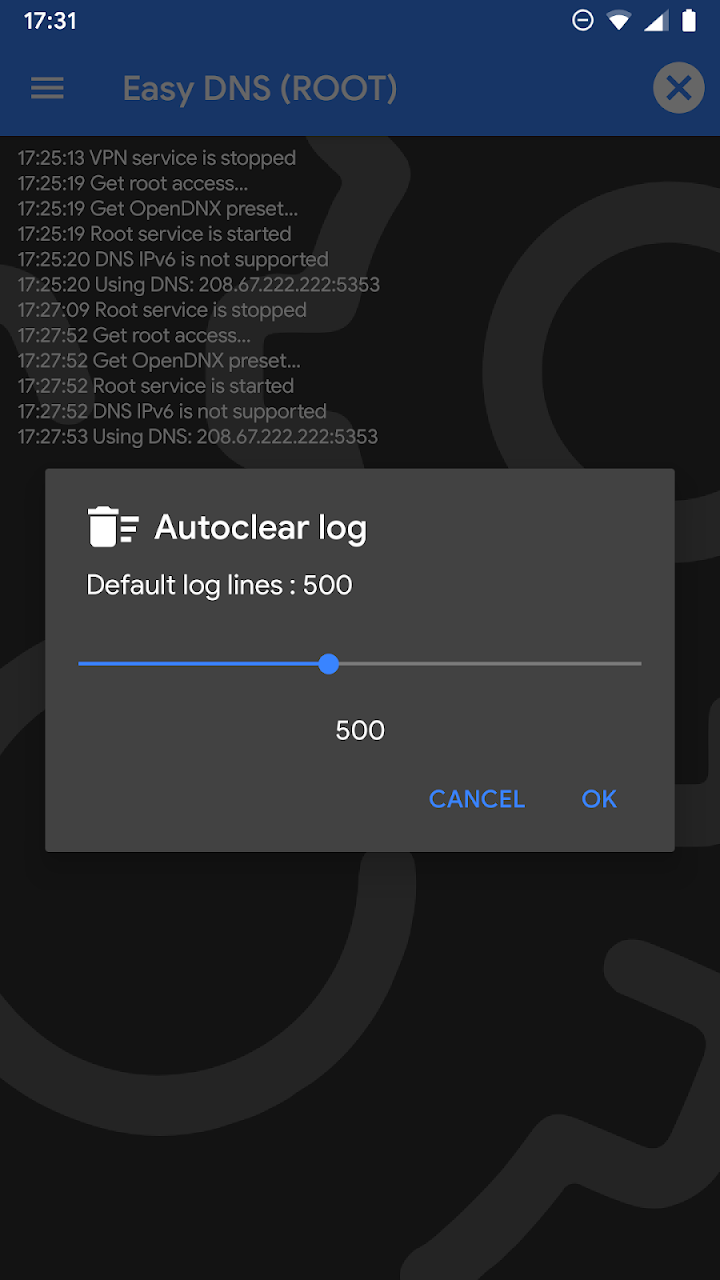
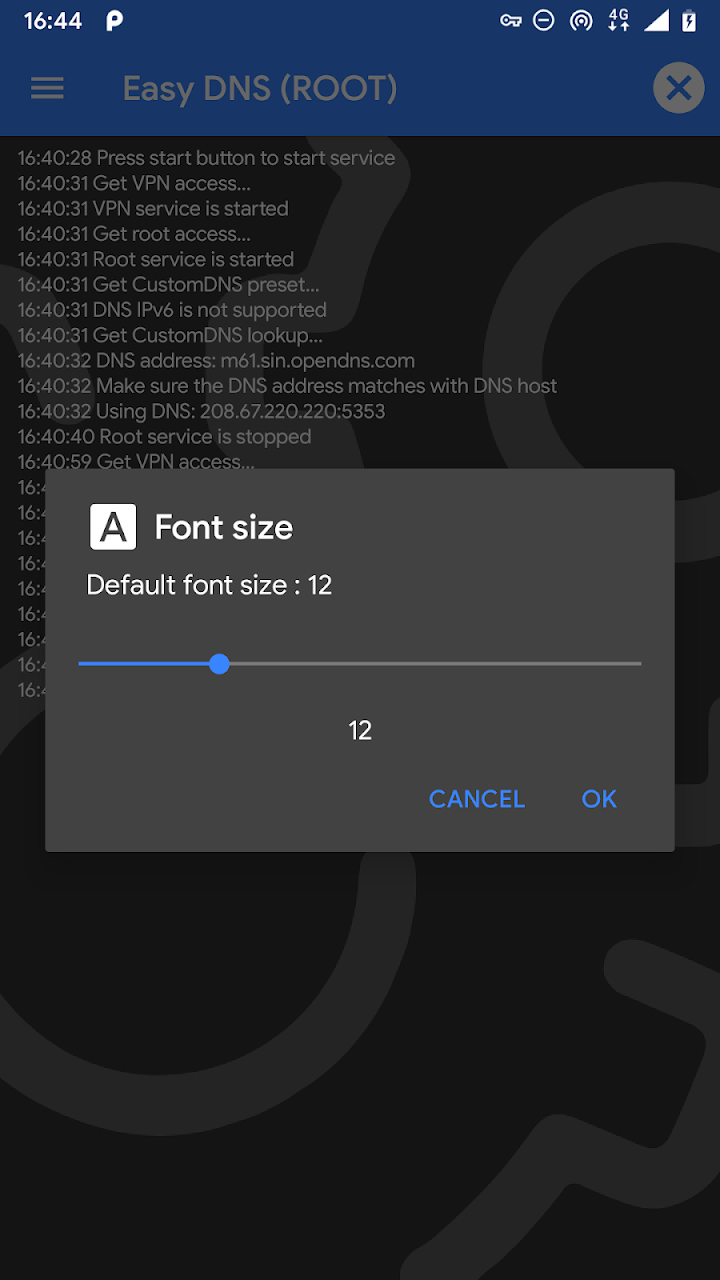
About this app
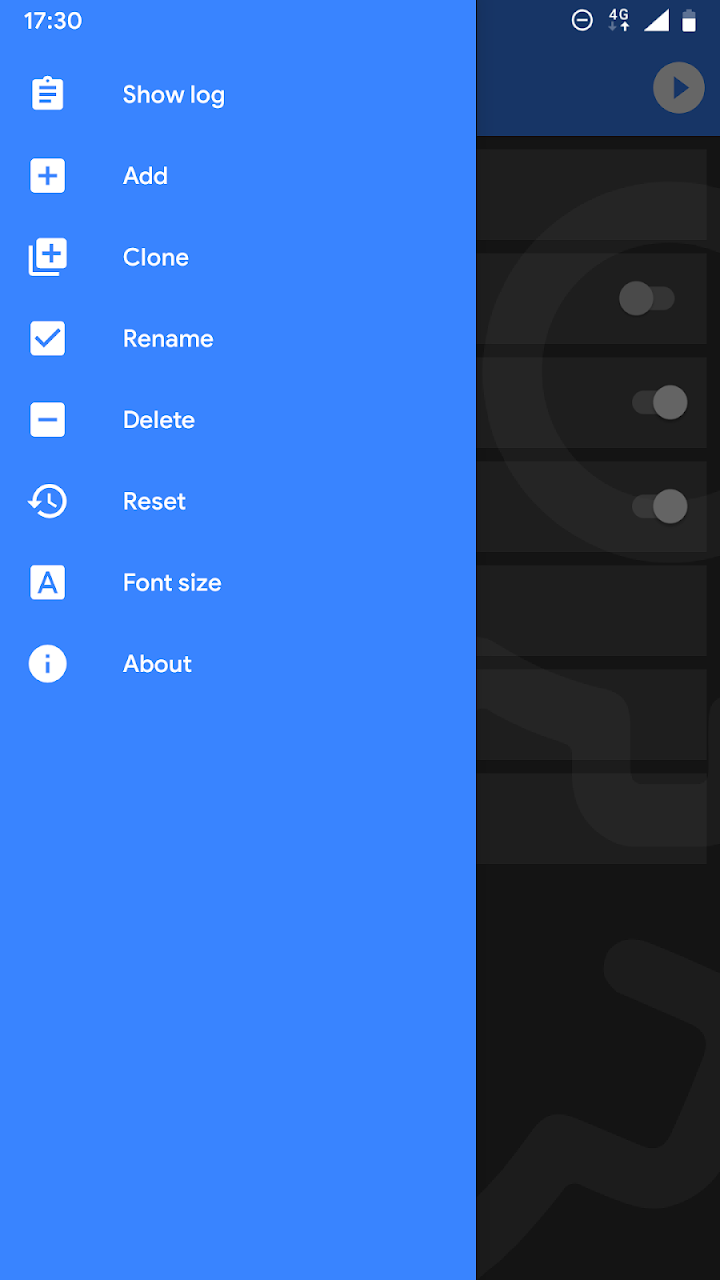
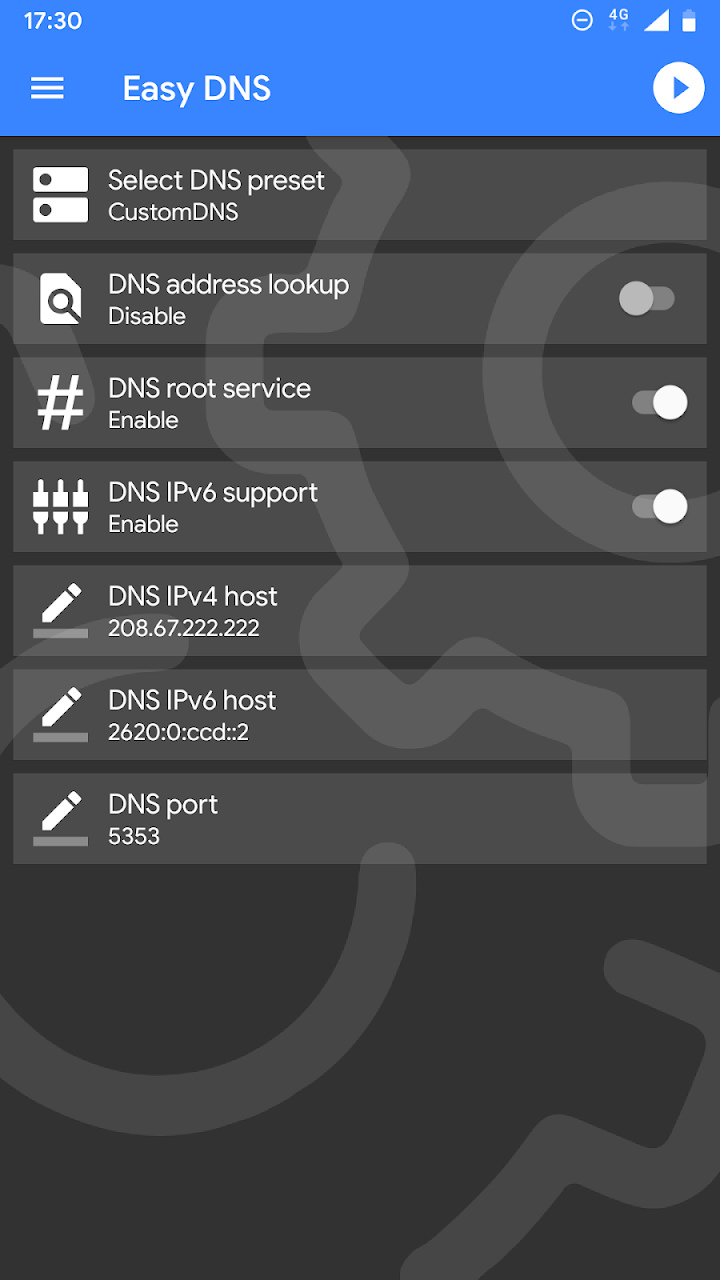
Easy DNS (NO/ROOT) stands out by offering DNS changes with either root access or a no-root path. It is a small 2.4 MB APK from InunxLABS, free to install, with support for Android API 14 and up. The app focuses on DNS switching rather than changing your IP address, and its setup depends on whether the device is rooted.
- Root or no-root — Use built-in commands with root, or the no-root path with the default DNS port 53.
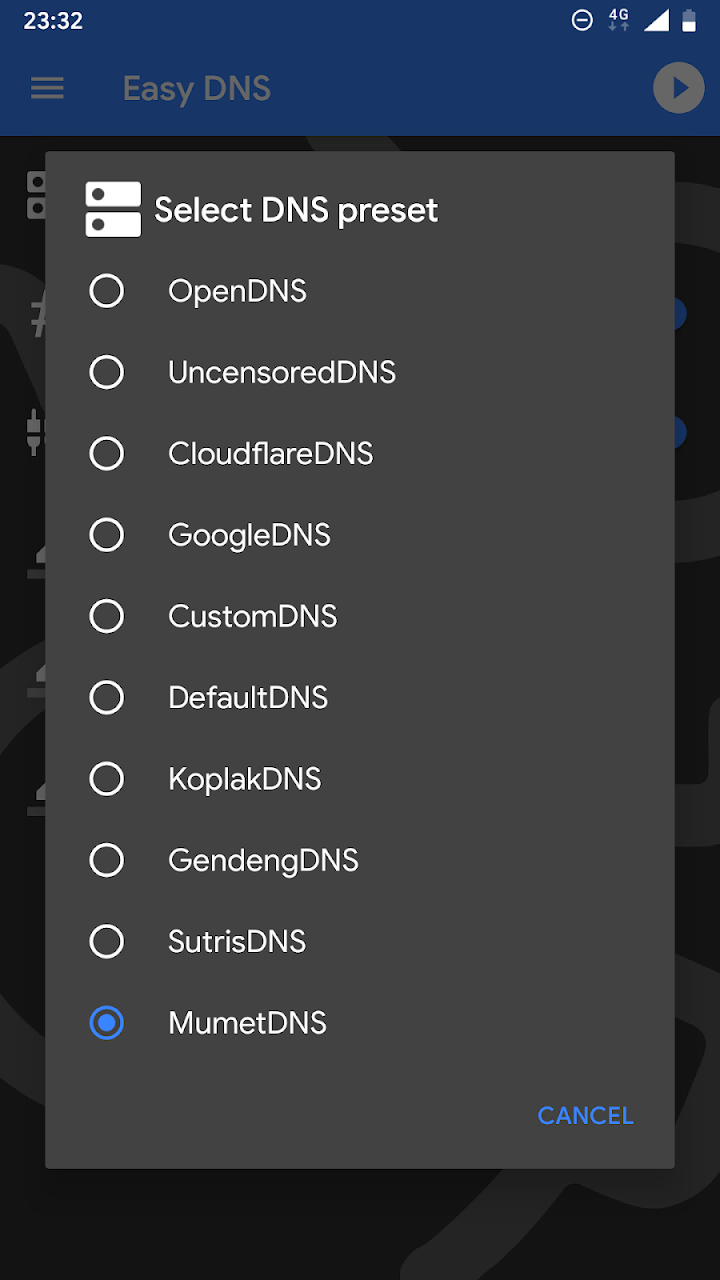
- OpenDNS default — The app uses OpenDNS as the default DNS server.
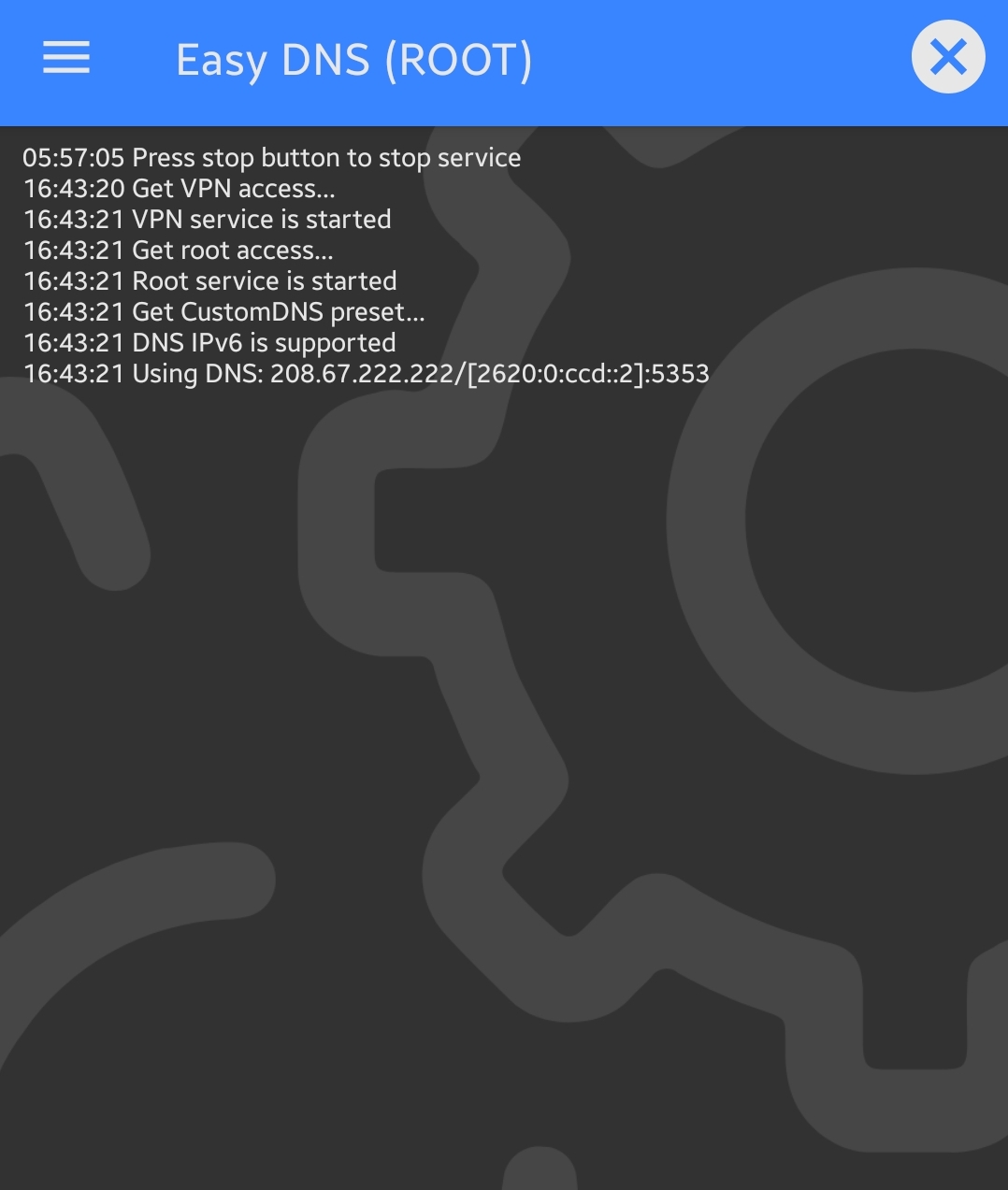
- Auto detection — It can detect DNS root and VPN services automatically.
- Broad Android support — It supports Android API 15+ through newer versions, with minimum Android API 14 listed for the APK.
- No listed permissions — The current APK lists no permissions.
First launch and what to expect
On first launch, Easy DNS (NO/ROOT) is set up as a DNS changer rather than a full network tool. Its summary makes the scope clear: it changes DNS without changing your IP address. The app is free, has no ads, and the current APK is 2.4 MB in APK format, which keeps storage use light.
Because the app supports both rooted and non-rooted devices, the first decision is how you plan to use it. Root access enables built-in commands, while the no-root mode is limited to the default DNS port 53.
Set up DNS and choose the mode
Start by checking whether your device is rooted. If it is, the app can use its built-in command path and also supports unofficial DNS ports when the DNS provider and rooted device allow it. If your device is not rooted, stay with the default port 53. The app also includes auto detection for DNS root and VPN services, which helps it choose the right path on supported devices.
OpenDNS is the default DNS server, so there is no need to pick a provider before trying the app. The description also notes DNS lookup support on supported devices.
Compatibility and practical limits
The APK lists minimum Android API 14, and the app description says it supports Android API 15+ up to newer releases. That makes it suitable for older devices as well as recent ones, but the feature set is tied to device capabilities and root status. If your device is not rooted, unofficial DNS ports are not available.
- Use root if you need built-in commands or unofficial DNS ports.
- Stay on port 53 when using the app without root.
- Expect a small install size, but not a full VPN-style feature set.
Permissions, battery, and updates
The current APK lists no permissions, so there is nothing to review on the permissions screen. The app also shows no in-app ad load, which may help keep the interface simple. Battery use is not specified, so the safest expectation is that any ongoing use depends on how long you keep DNS switching active and whether the app is running a service.
To update from an APK, download the newer version and install it over the existing app on your device. The listed version is 1.02.73(91), and the app was last updated on 2026-10-17.
APK information
- Version
- 1.02.73(91)
- Package
- com.inunxlabs.easydns
- Category
- Tools
- Size
- 2 MB
- Min Android
- API 14
- Architecture
- universal
Older versions
-
Easy DNS (NO/ROOT) 1.02.73(91)Nov 12, 2026Latest downloadAPK
Easy DNS (NO/ROOT) FAQ
Does Easy DNS (NO/ROOT) drain the battery?expand_more
Battery impact is not listed. The app can run a service, so usage will depend on how long it stays active.
Why does Easy DNS (NO/ROOT) need these permissions?expand_more
The current APK lists no permissions. There are no permission requests shown in the provided listing.
How do I update Easy DNS (NO/ROOT) from an APK?expand_more
Download the newer APK version and install it over the existing app on your device. The current version is 1.02.73(91).
Is Easy DNS (NO/ROOT) free to use?expand_more
Yes. The app is free to install, and it does not contain ads. It does include in-app purchases.
What Android version does Easy DNS (NO/ROOT) support?expand_more
The APK lists minimum Android API 14, and the description says it supports Android API 15+ through newer versions.