
- 4.7star2,007,688 reviews
- 100M+Downloads
- 160 MBAPK size
- EveryoneRated for Everyone
- 9+Android
check_circleOriginal APK from Instagram · Updated Nov 10, 2026
No threats found
0 / — antivirus engines flagged this file
Original signature
First seen — Instagram
Unmodified APK
Same file the developer published — no mods
Edits: Video Editor screenshots
8 images · tap to enlarge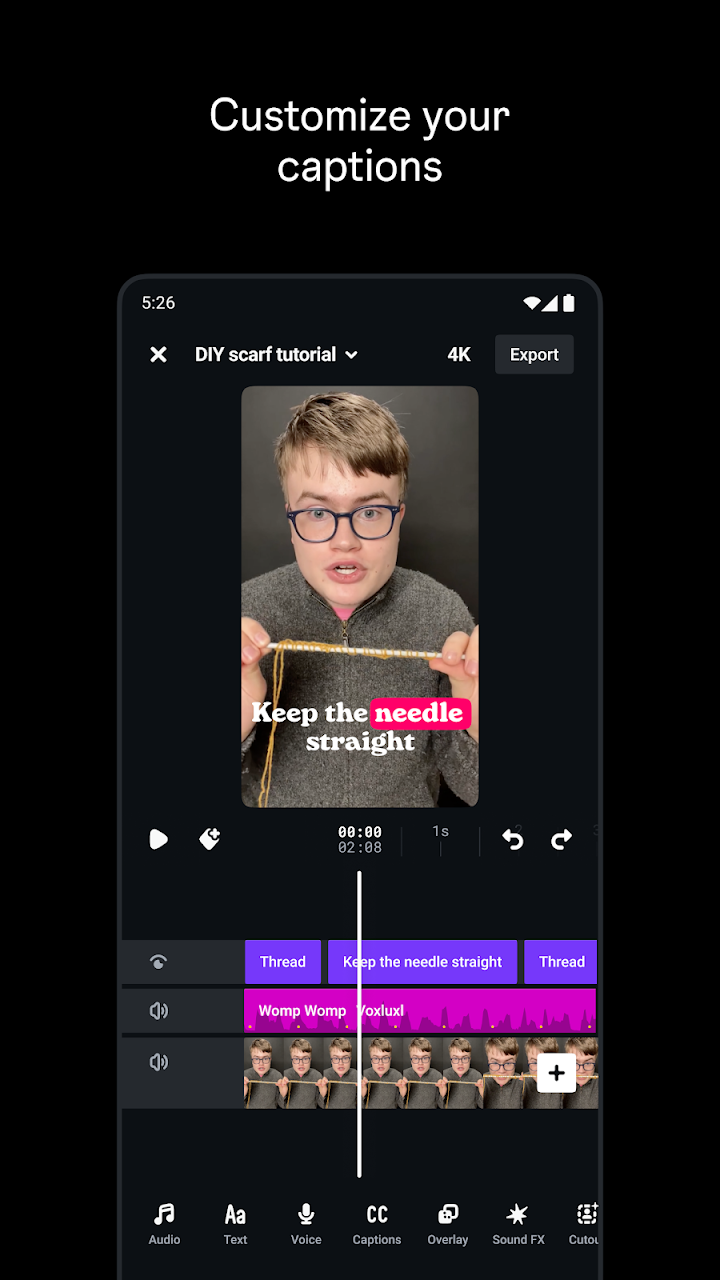
About this app
Need a simple way to turn phone clips into finished videos? Edits: Video Editor from Instagram brings editing, captions, audio cleanup, and draft tracking into one free app. It is made for creators who want to record, edit, and share from the same place without moving between tools.
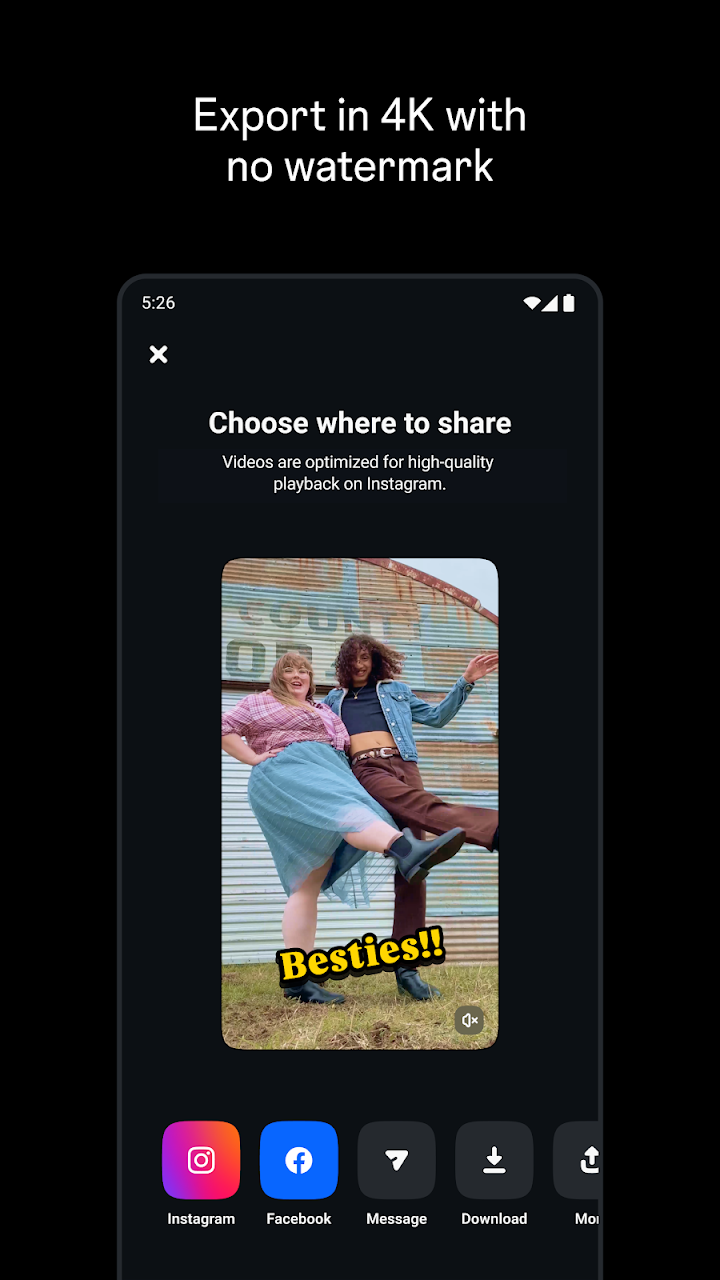
- 4K No Watermark — Export finished videos in 4K without a watermark and share them to any platform.
- Drafts In One Place — Keep your drafts and videos together so you can return to them later.
- Single-Frame Editing — Adjust clips with single-frame precision for small timing changes.
- Audio Cleanup — Make voices clearer and reduce background noise with audio enhancement tools.
- Auto Captions — Generate captions automatically and change how they appear in the video.
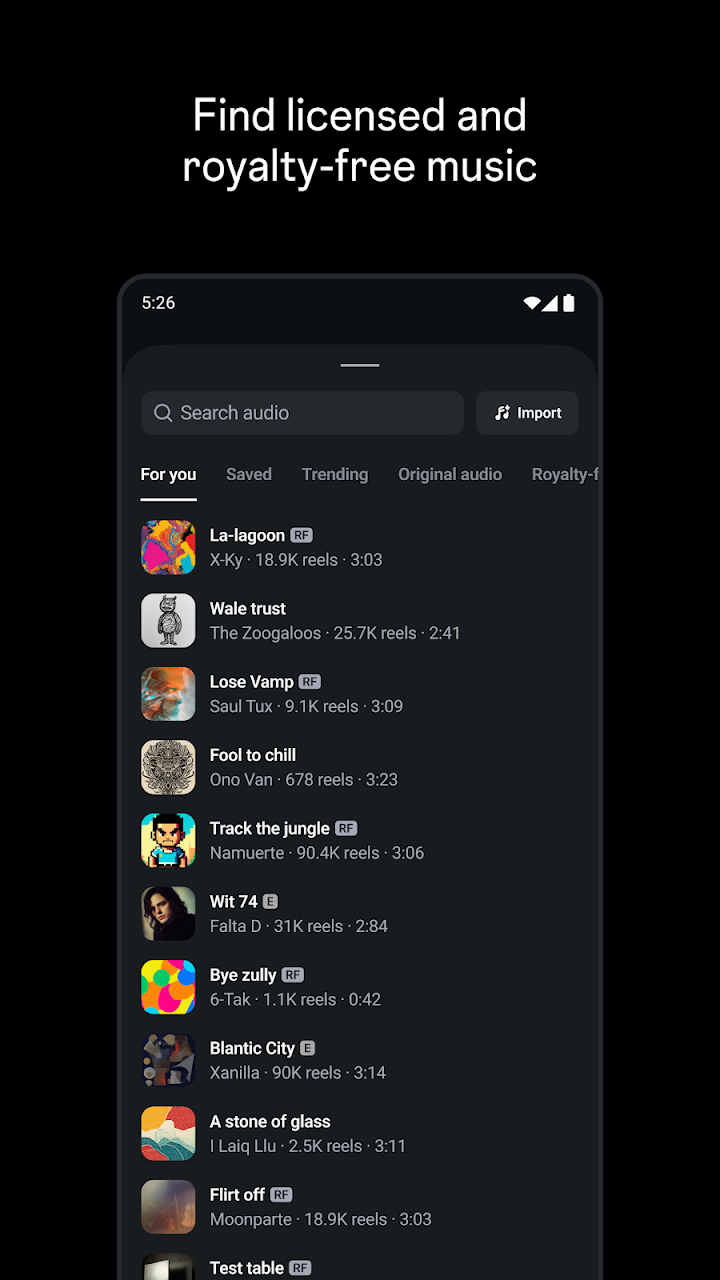
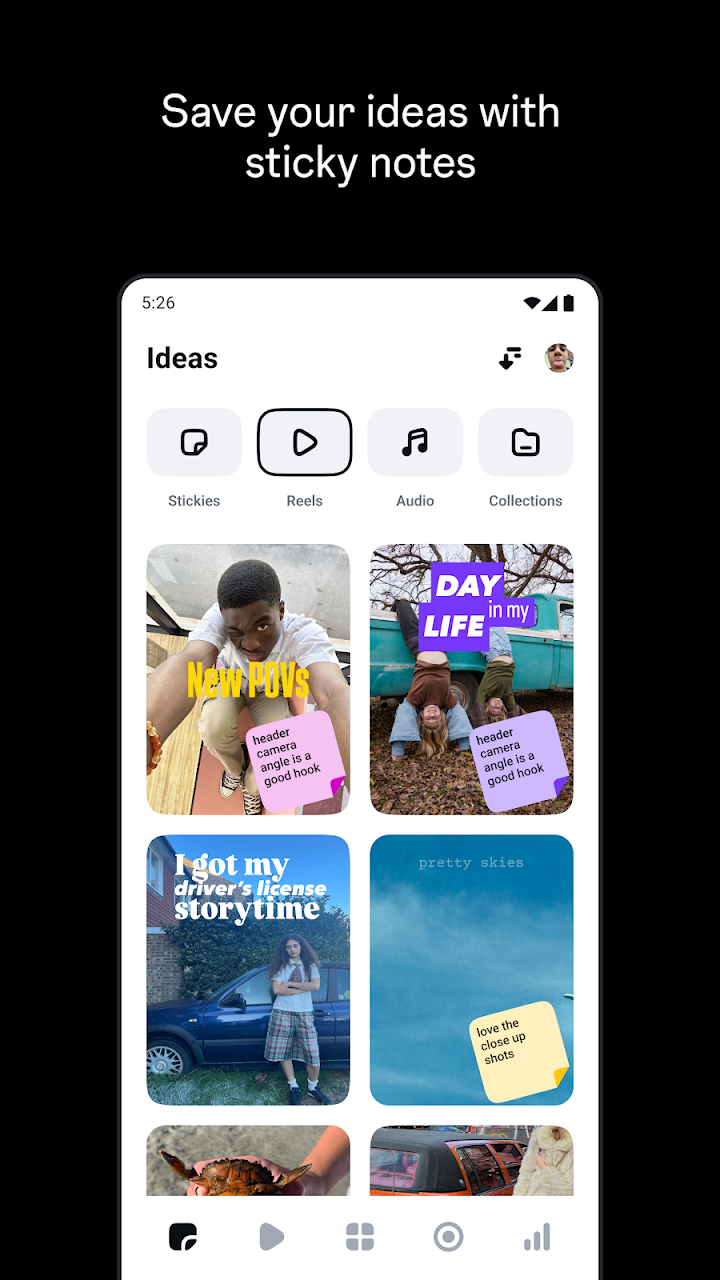
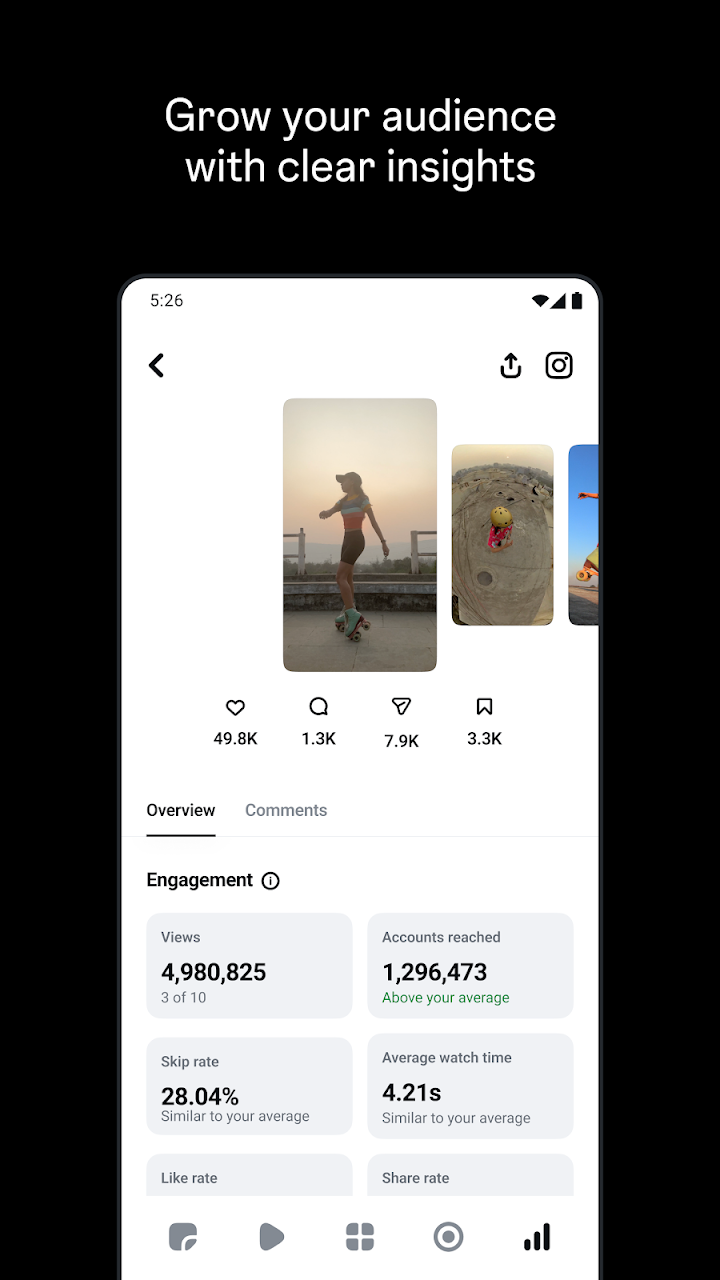
- Reels Insights — Browse trending audio, save ideas, and check how your reels are performing.
Turn clips into finished videos on your phone
When you have a clip, an idea, and not much time, it helps to have one app that keeps the whole process together. Edits: Video Editor is a free video editor from Instagram that lets you capture, edit, and export from the same phone app. It supports 4K export, no watermark, and sharing to any platform. The APK is 159.6 MB, works on Android 9 and up, and comes as a universal APK file.
Edit with tools made for creators
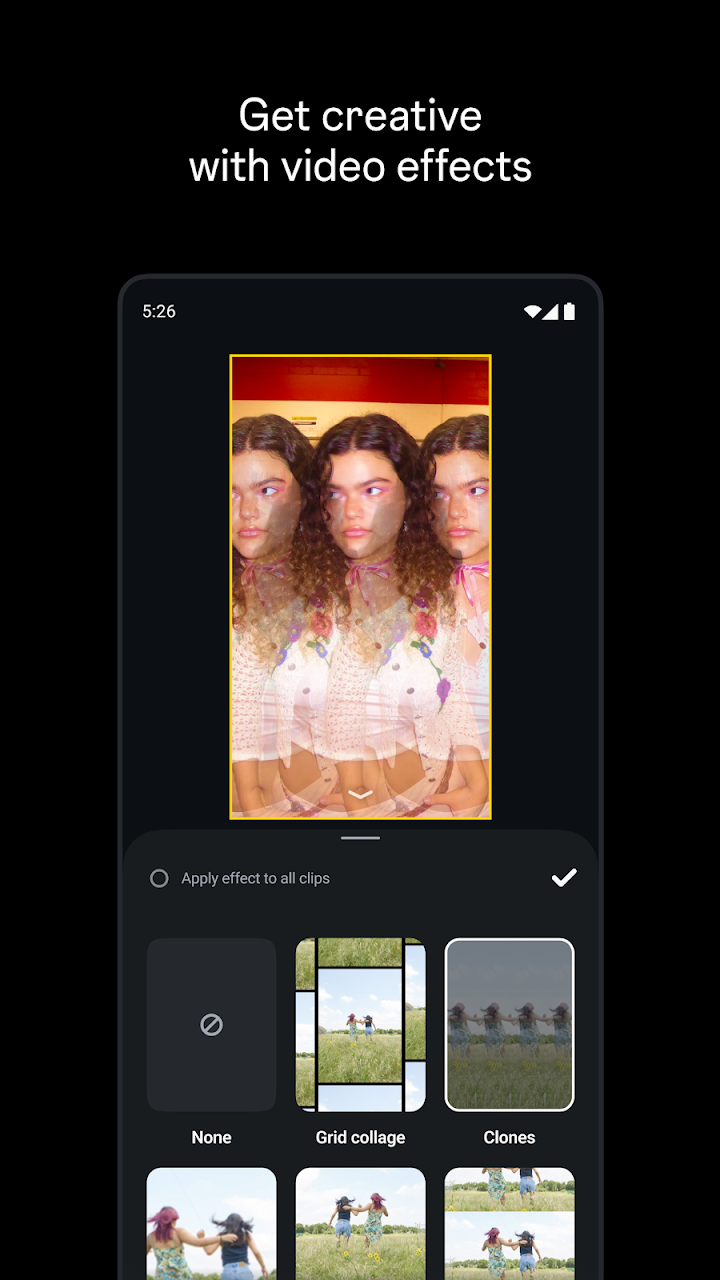
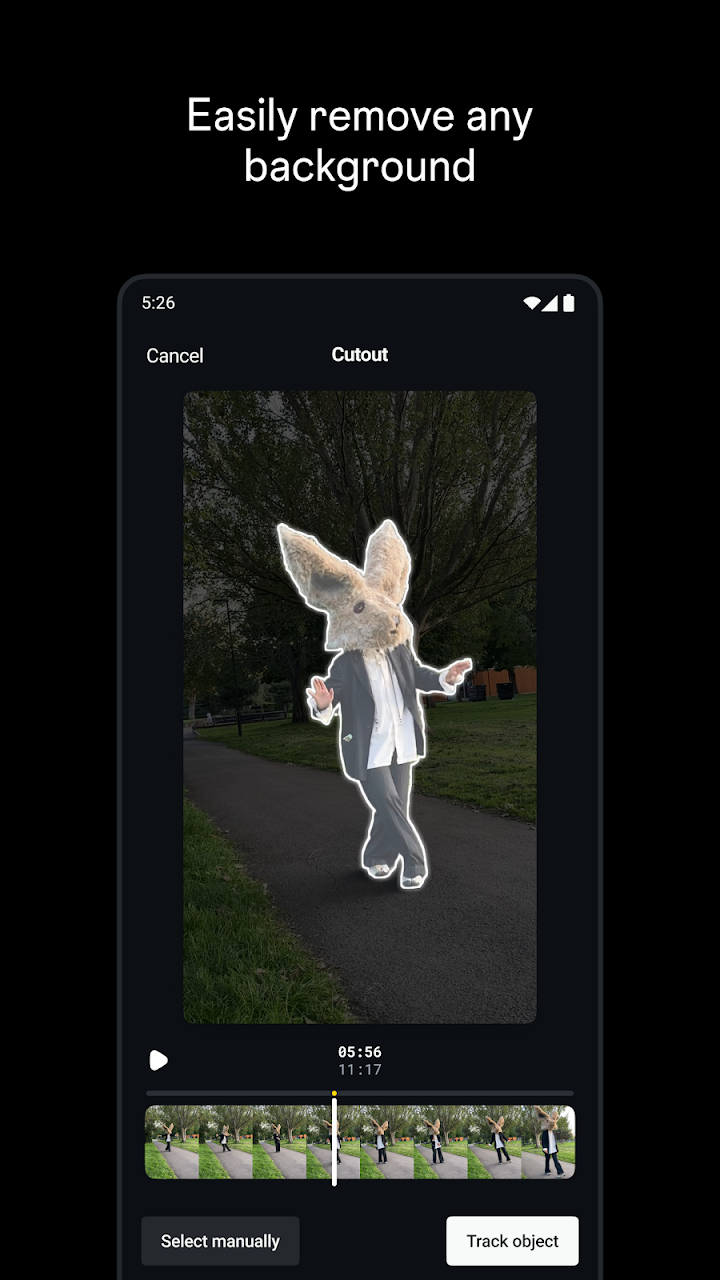
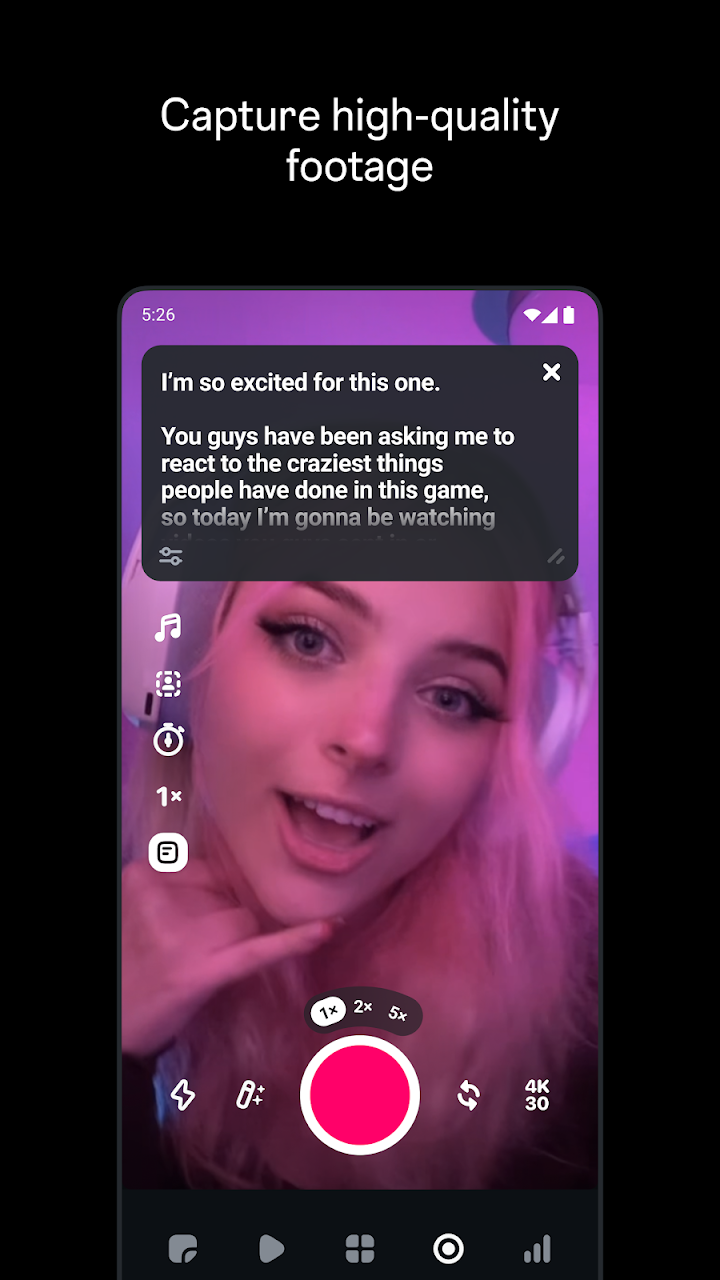
The app includes single-frame precision for careful trimming and timing. You can also change camera settings such as resolution, frame rate, and dynamic range, plus use upgraded flash and zoom controls while recording. For visual changes, it offers AI animation for images, green screen, cutout, video overlays, fonts, sound and voice effects, filters, effects, and stickers.
Audio, captions, and playback
Edits also handles common playback and finishing tasks. You can enhance audio so voices are clearer and background noise is reduced. Captions can be generated automatically, then customized to match your video. If you post to Instagram, the app supports high-quality playback there, which helps your video keep its look when shared.
Ideas, drafts, and performance tracking
The app is not only for editing; it also helps you plan what to make next. You can browse reels with trending audio, save ideas you want to use later, and keep track of drafts and videos in one place. A live insights dashboard shows how your reels are performing and what affects engagement.
Free to start, with some extras
Edits is free to download and does not contain ads. It does include in-app purchases. If you want an editor that combines recording, editing, captions, and reel tracking in one place, this app fits creators who prefer working from their phone and want Instagram-linked tools without a separate desktop setup.
What's new
Version 454.0.0.54.77 · Nov 10, 2026
- More motion for your text. More control over your sound.
- Beat-synced video effects. Colors and motion match to your sound.
- Text animations. 13 new ways to move your text.
- Clip volume. Boost clips up to 150%.
- Better stability and performance across the board. Fewer crashes and smoother exports.
APK information
- Version
- 454.0.0.54.77
- Package
- com.instagram.basel
- Category
- Video Players & Editors
- Size
- 160 MB
- Min Android
- 9
- Architecture
- universal
Older versions
-
Edits: Video Editor 454.0.0.54.77Nov 10, 2026Latest downloadAPK
Edits: Video Editor FAQ
Does Edits: Video Editor support Chromecast?expand_more
Chromecast support is not listed for Edits: Video Editor.
Can Edits: Video Editor play offline?expand_more
Offline playback is not listed for Edits: Video Editor.
What permissions does Edits: Video Editor ask for?expand_more
No permissions are listed for this version of Edits: Video Editor.
Does Edits: Video Editor have in-app purchases?expand_more
Yes. Edits: Video Editor includes in-app purchases.
What Android version does Edits: Video Editor require?expand_more
Edits: Video Editor requires Android 9 or higher.