- 4.6star3,627 reviews
- 100M+Downloads
- 35 MBAPK size
- EveryoneRated for Everyone
- API 19+Android
check_circleOriginal APK from ES APP Group · Updated Nov 12, 2026
No threats found
0 / — antivirus engines flagged this file
Original signature
First seen — ES APP Group
Unmodified APK
Same file the developer published — no mods
ES File Explorer/Manager PRO screenshots
8 images · tap to enlarge
About this app
Need a way to sort files fast? ES File Explorer/Manager PRO gives you one place to open photos, videos, apps, documents, music, and compressed files. It also lets you copy, rename, delete, make folders, and reach cloud storage. The app is free, works on Android 19 and up, and uses a 35.2 MB APK.
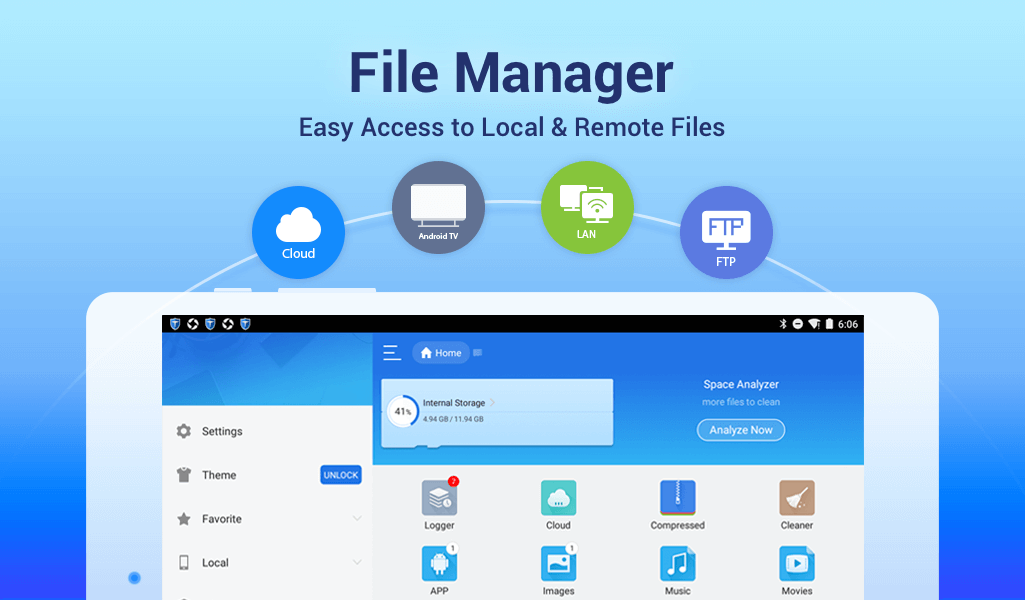
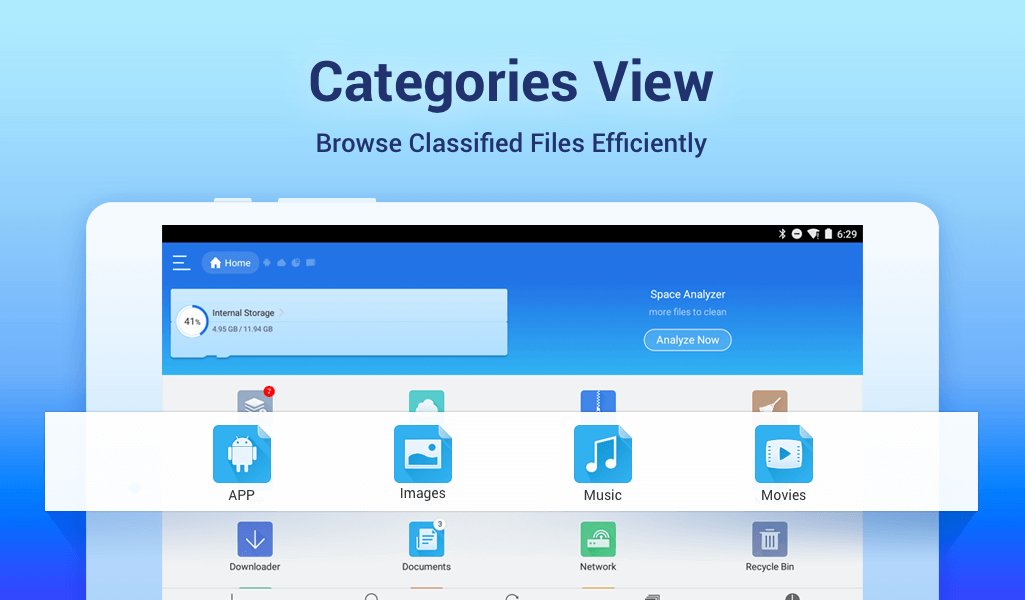
- Open file types — Browse photos, movies, apps, documents, music, ZIP, and RAR files in one app.
- Organize storage — Copy, paste, rename, delete, and create folders from the file list.
- Cloud access — Connect to cloud platforms such as Dropbox and Google Drive to manage files there.
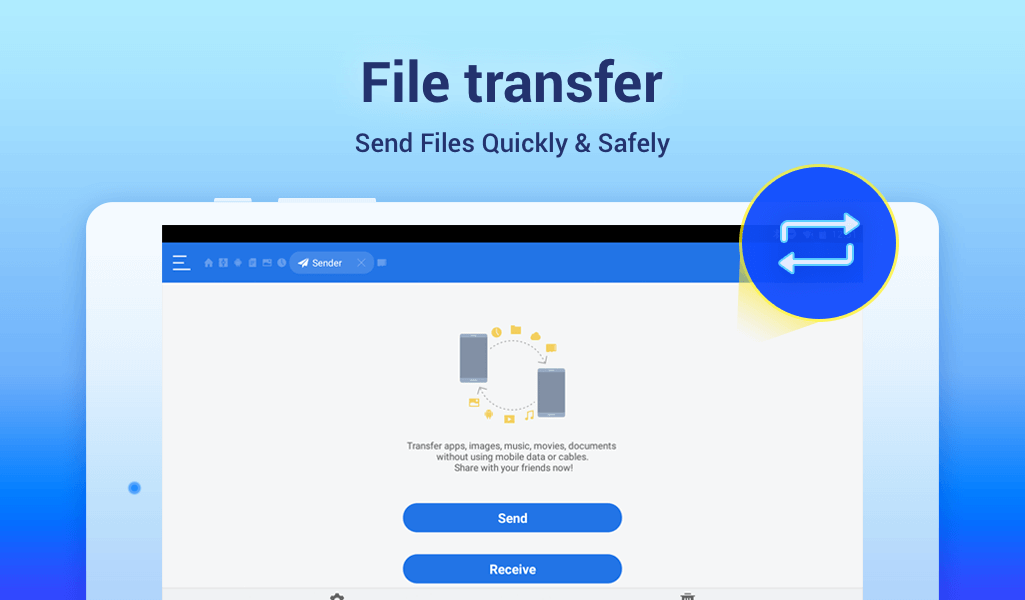
- Transfer files — Move files over Wi‑Fi or Bluetooth to other devices.
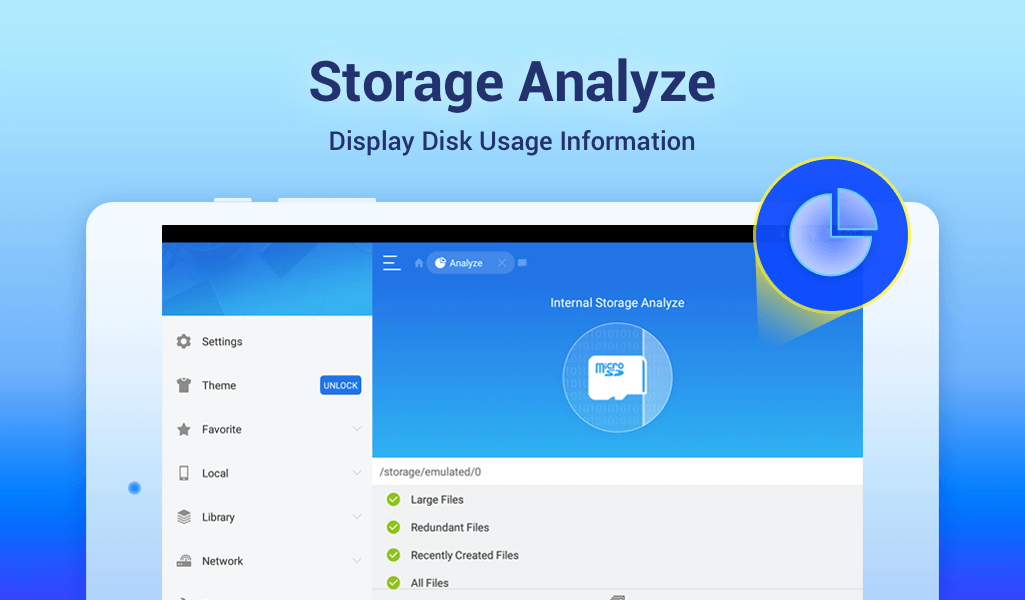
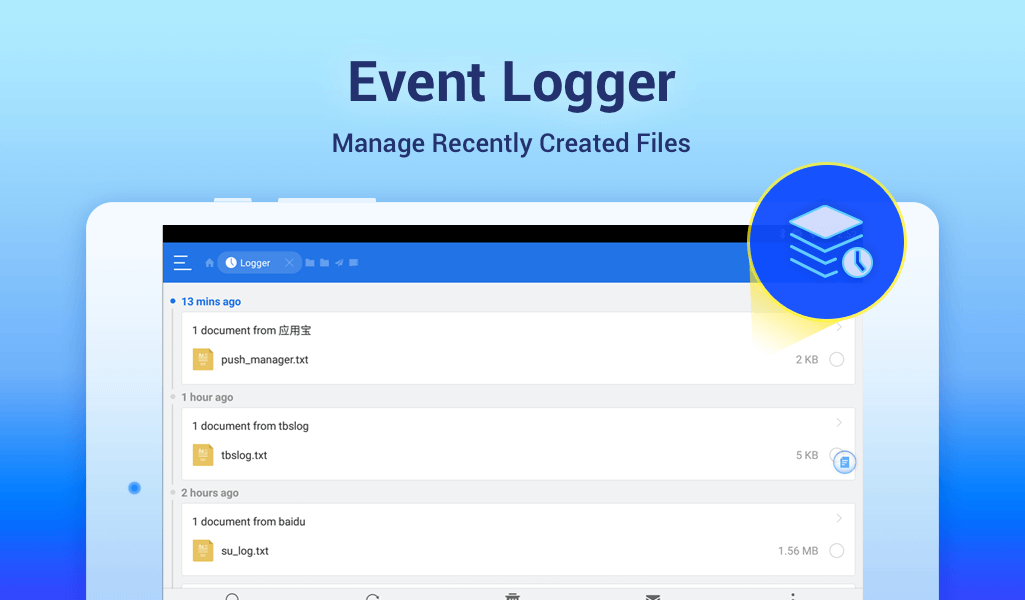
- Clean up space — Clear cache, remove unused files, and stop tasks that slow the phone down.
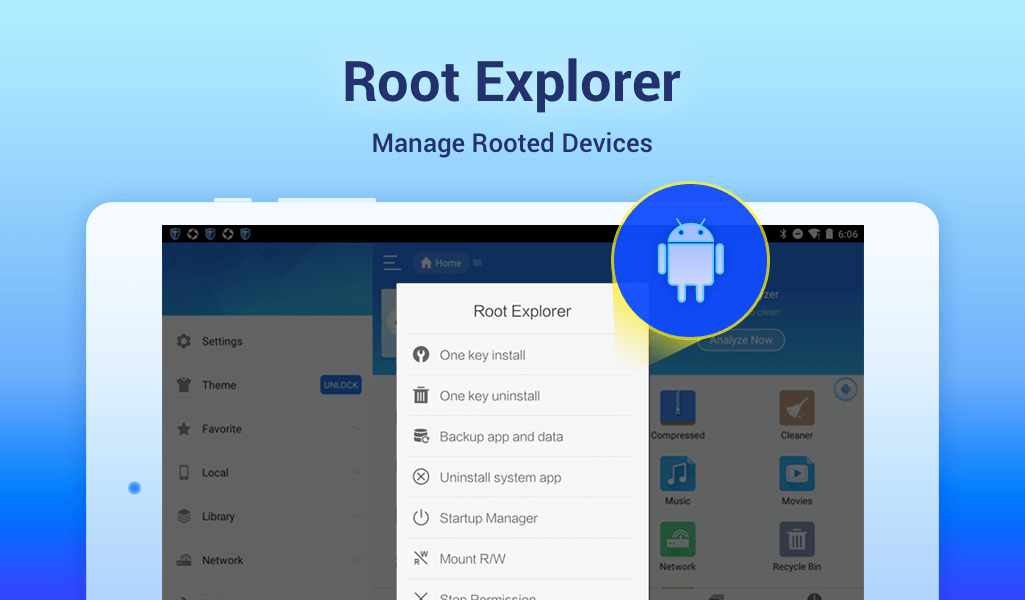
- Root access — Open the root of the phone and view the full file system and data directories.
Quick file access on Android
ES File Explorer/Manager PRO opens with a simple job: help you move through the storage on your phone without digging through menus. It handles photos, movies, apps, documents, music, and compressed ZIP and RAR files. The app is free, comes as a 35.2 MB APK, and runs on Android 19 and up.
Copy, rename, delete, and build folders
The main screen is built around routine file work. You can copy and paste items, rename them, delete them, and create new folders when your storage starts to get messy. That makes it useful for daily cleanup, moving downloads, or sorting media into separate folders.
- Copy and paste files between folders on the device.
- Rename items when file names are unclear.
- Delete unused files to free space.
- Create folders for better organization.
Cloud, Wi‑Fi, and Bluetooth transfer
The app is not limited to local storage. It can connect to cloud platforms such as Dropbox and Google Drive, and it also supports file movement through Wi‑Fi or Bluetooth. That gives you a few ways to shift files between devices or reach files stored online when you need them.
Cleanup tools and root access
There are extra tools for cleaning cache, removing unused files, and killing tasks that may be slowing the phone down. The app also offers access to the root of the phone, where you can check the full file system and data directories. That part is only useful if you need deeper system access.
What stands out in daily use
The app has a 4.6 rating from 3,627 ratings, with most of them in the 5-star range. There are also some lower ratings, so the experience is not perfect for everyone. It does not show ads and it does not include in-app purchases, which keeps the file manager straightforward once it is installed.
For a normal day, it fits into quick fixes: opening a download, moving a photo, clearing cache, or checking stored files from another device. If you need a file manager with cloud access, archive support, and root browsing, this one covers those tasks in a single place.
What's new
Version 4.4.2.2.1 · Nov 12, 2026
- V4.0.2.3
- Add New&Old layout setting guideline
- Minor User Interface improvements
- Bugs fixed
- V4.0.2.2
- UI improvement of Default Theme
APK information
- Version
- 4.4.2.2.1
- Package
- com.estrongs.android.pop
- Category
- Tools
- Size
- 35 MB
- Min Android
- API 19
- Architecture
- universal
Older versions
-
ES File Explorer/Manager PRO 4.4.2.2.1Nov 12, 2026Latest downloadAPK
ES File Explorer/Manager PRO FAQ
Does ES File Explorer/Manager PRO drain the battery?expand_more
The app includes a task-killing tool, but the provided details do not say anything about battery drain.
Does ES File Explorer/Manager PRO need root?expand_more
No. Root access is available for deeper file system browsing, but the app also works for normal file management without it.
How do I install the ES File Explorer/Manager PRO APK file?expand_more
Download the APK and install it on a device running Android 19 or later. The file format is APK and the download size is 35.2 MB.
How big is the ES File Explorer/Manager PRO download?expand_more
The APK size is 35.2 MB.
Can ES File Explorer/Manager PRO open ZIP and RAR files?expand_more
Yes. It can open compressed formats like ZIP and RAR along with photos, movies, apps, documents, and music files.