- 4.4star200,365 reviews
- 1B+Downloads
- 13 MBAPK size
- EveryoneRated for Everyone
- 8.0+Android
check_circleOriginal APK from Transsion Holdings · Updated Nov 11, 2026
No threats found
0 / — antivirus engines flagged this file
Original signature
First seen — Transsion Holdings
Unmodified APK
Same file the developer published — no mods
File Manager screenshots
5 images · tap to enlarge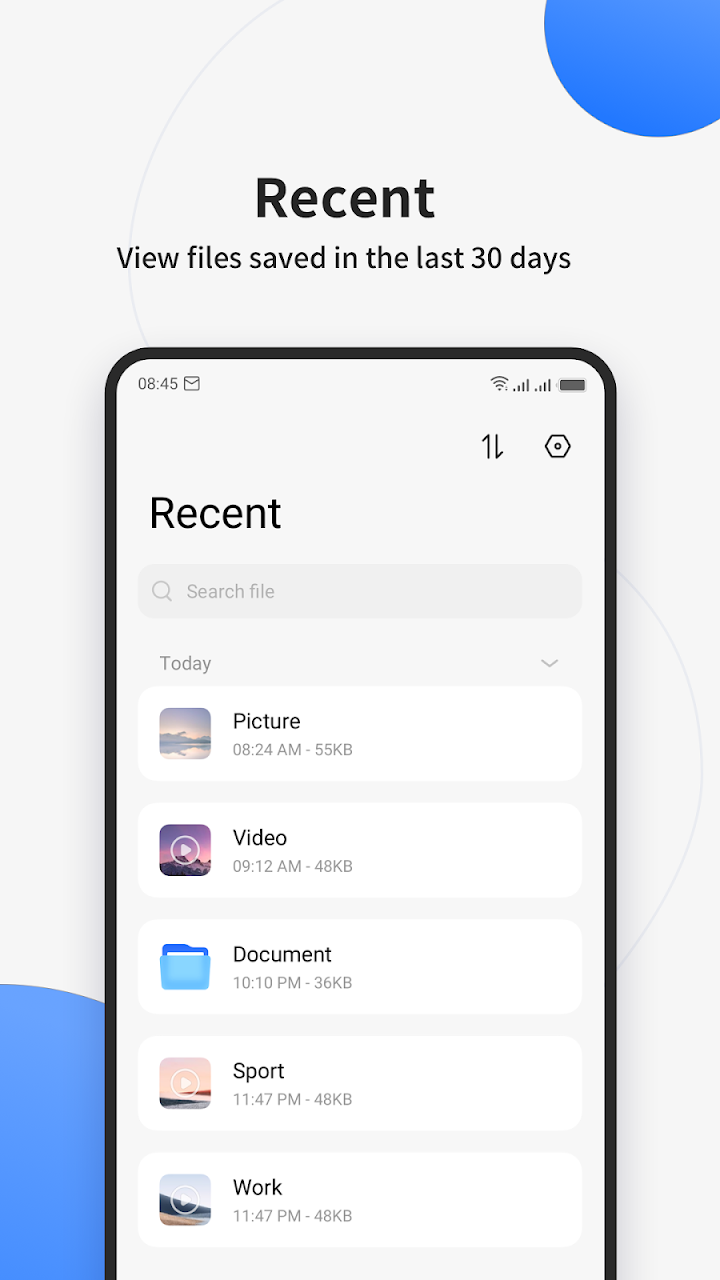
About this app
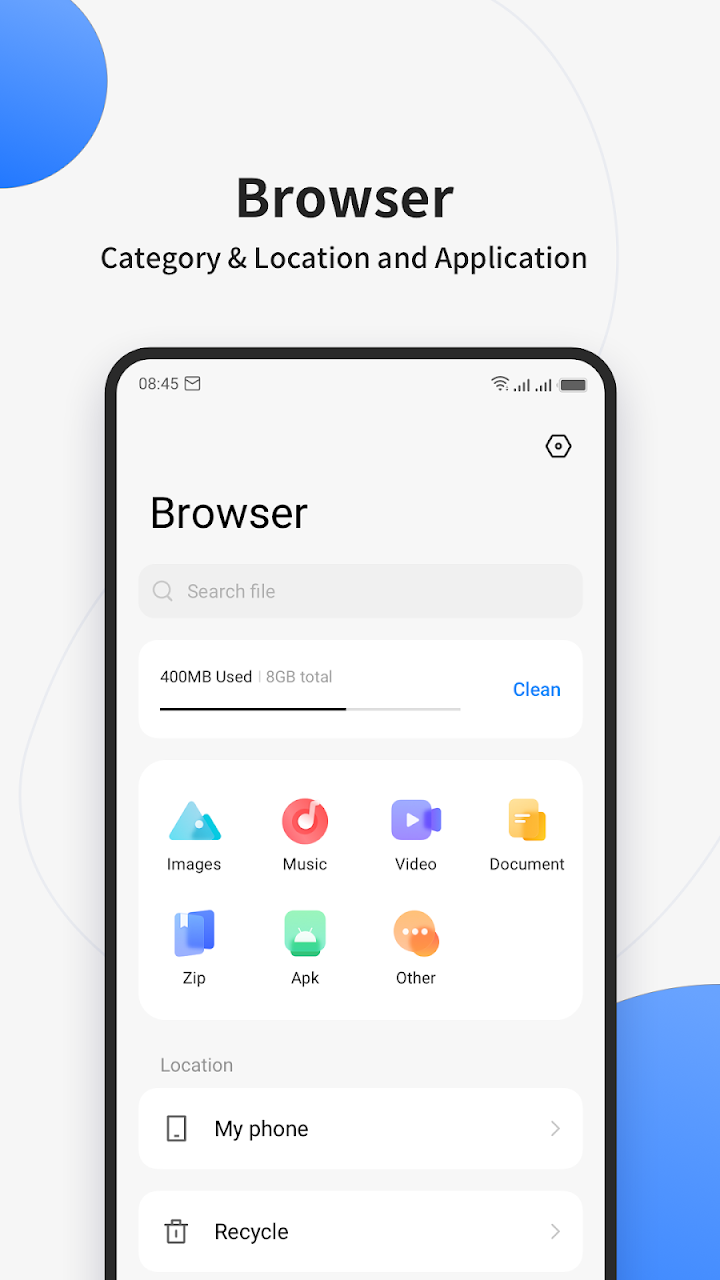
Need a simple way to sort files on your phone? File Manager opens to tools for browsing music, video, images, documents, APKs, and more. It also includes global search, batch selection, and one-tap cleanup. It runs on Android 8.0 and up, and shows ads while you use it.
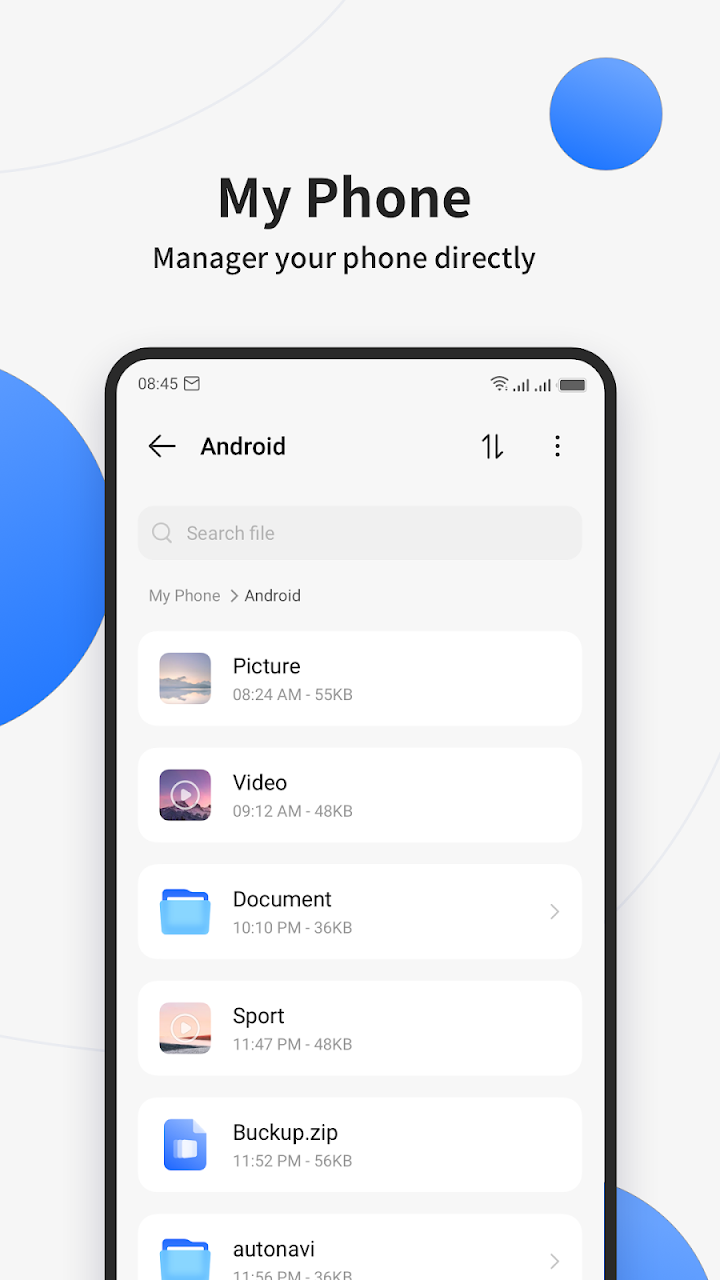
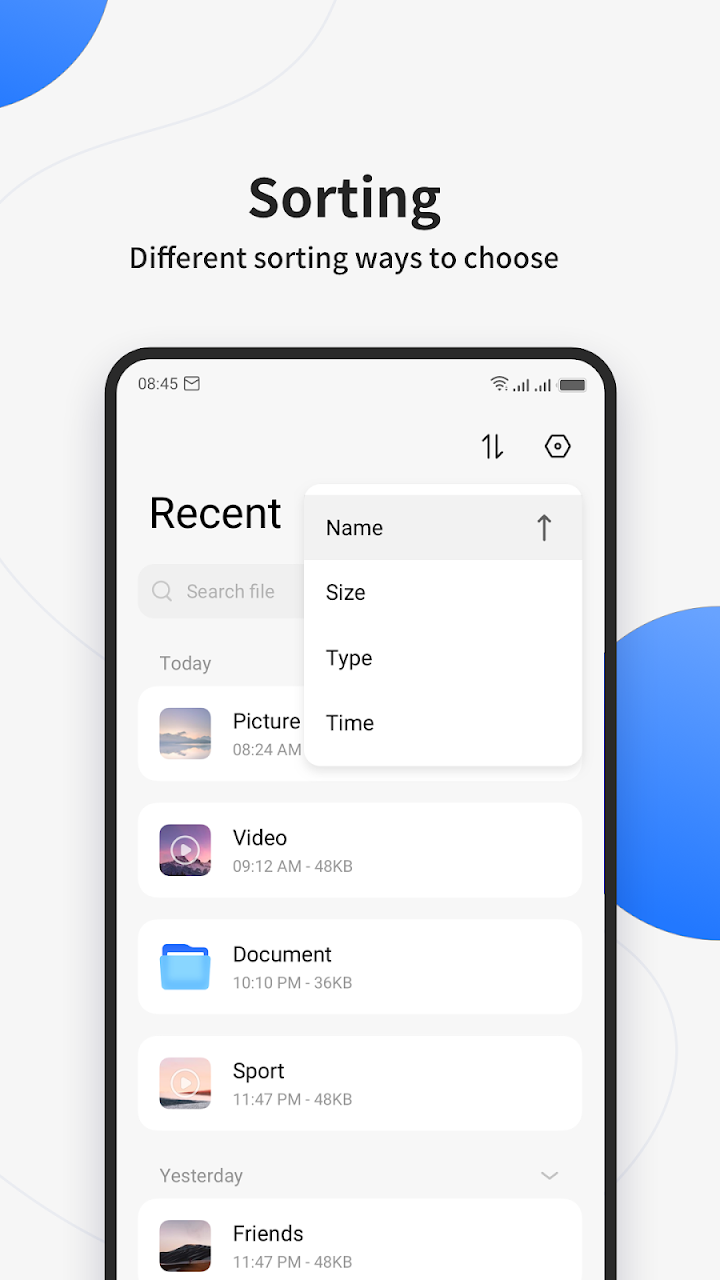
- Sort by file type — Group music, video, images, documents, ZIP files, APKs, and other files into clear categories.
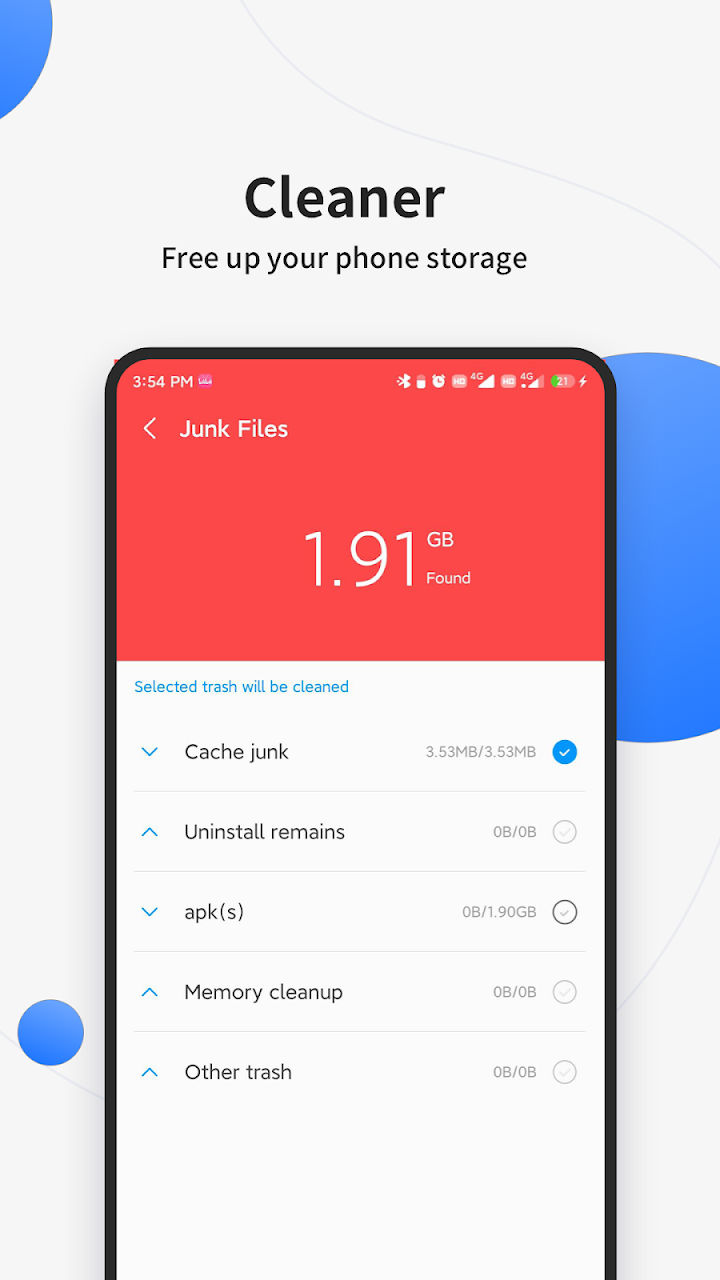
- One-tap cleanup — Use the cleaning tool to free up space without digging through folders one by one.
- Global search — Search by keyword to find files faster when you already know the name.
- Batch actions — Select multiple files at once and process them together.
- Social app files — Handle classified files from WhatsApp, Messenger, Facebook, and Instagram.
First launch and what you see
On first open, File Manager goes straight into file handling tools. You can move through file categories, look up items with search, and use cleanup tools when storage starts filling up. There is no account setup shown in the app details. Ads are part of the free app, so you may notice them while using it.
Sorting WhatsApp files and everyday media
This app is built around daily file jobs. It separates common file types such as music, video, images, documents, ZIP files, APKs, and others. It also supports classified files from WhatsApp, Messenger, Facebook, and Instagram. That makes it easier to check saved media, find documents, or review app files in one place.
- Open a category to narrow the view to one file type.
- Use search when you know a file name or keyword.
- Select several items for batch processing.
Cleaning space without extra steps
The cleanup tool is for users who want to free up storage quickly. The app describes this as a professional cleaning function with one-click cleanup. If your phone feels crowded, this is the part to open first. It is meant to help you manage files and space from the same screen.
Requirements, size, and permissions
File Manager installs as an APK and needs Android 8.0 or later. The app size is 13.3 MB. No permissions are listed, and no permissions were added in the latest version. That means there are no specific permission prompts shown in the app details here.
Useful habits: check the file categories first, use search for known names, and run cleanup when you want to clear space. The app was last updated on 2023-06-27, and the current version is 9.2.0.014.
What's new
Version 9.2.0.014 · Nov 11, 2026
- Fix the bug
APK information
- Version
- 9.2.0.014
- Package
- com.transsion.filemanagerx
- Category
- Tools
- Size
- 13 MB
- Min Android
- 8.0
- Architecture
- universal
Older versions
-
File Manager 9.2.0.014Nov 11, 2026Latest downloadAPK
File Manager FAQ
Does File Manager drain the battery?expand_more
The app details do not list battery impact. It is a file manager with cleanup and search tools, and there are no battery claims shown.
Why does File Manager need these permissions?expand_more
No permissions are listed for this app, and none were added in the latest version. So there are no specific permission requests to explain here.
Is File Manager free to use?expand_more
Yes. It is free to download and use, and it contains ads.
Can I install File Manager without Google Play?expand_more
The app is distributed as an APK, so it can be installed as an APK file. It needs Android 8.0 or later.
What file types can File Manager sort?expand_more
It sorts music, video, images, documents, ZIP files, APKs, and other files.