- 4.5star10 reviews
- 100M+Downloads
- 34 MBAPK size
- EveryoneRated for Everyone
- 5.0+Android
check_circleOriginal APK from Starry Sky Mobi · Updated Nov 12, 2026
No threats found
0 / — antivirus engines flagged this file
Original signature
First seen — Starry Sky Mobi
Unmodified APK
Same file the developer published — no mods
FileMaster: Manager screenshots
8 images · tap to enlarge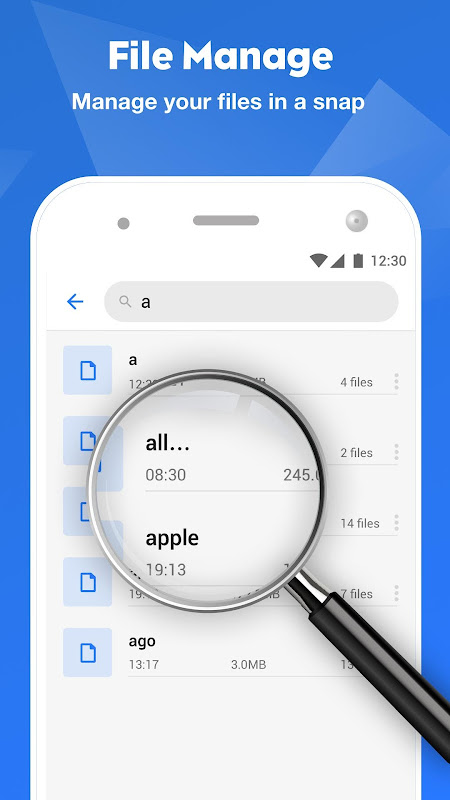

About this app
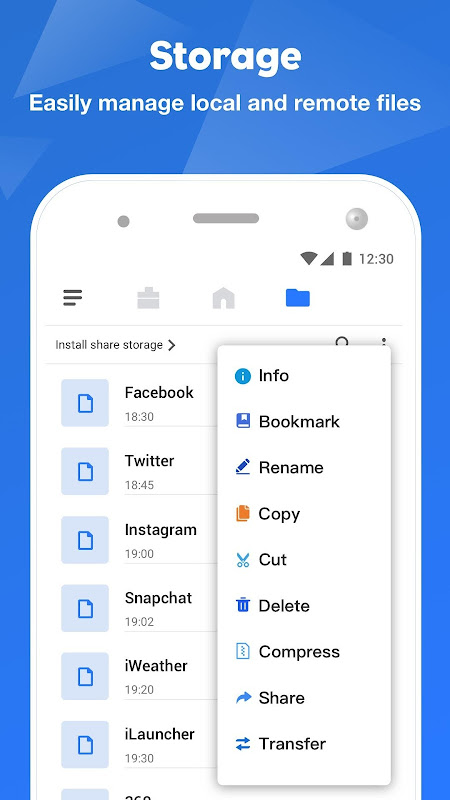
FileMaster: Manager helps you get to the right file fast when your phone is crowded with downloads, photos, videos, and APKs. Open it to browse by category, search internal storage or SD card, move files around, lock the app for privacy, or send media to Chromecast and other devices.
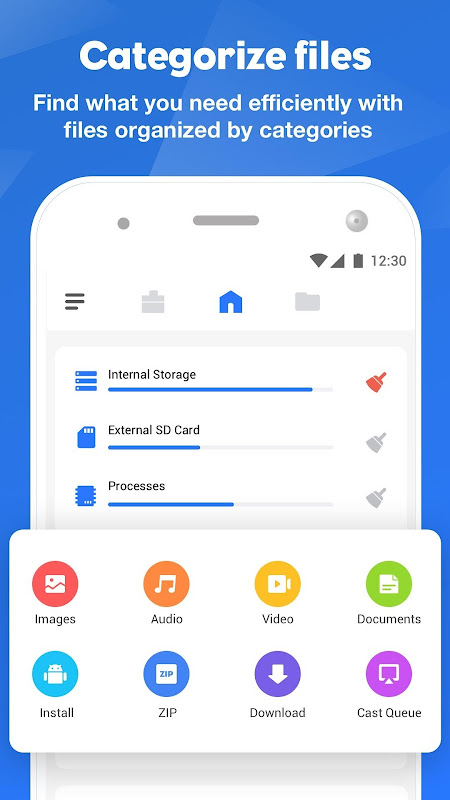
- Browse by category — See downloads, Bluetooth files, images, videos, music, documents, archives, and APKs in separate groups.
- Search storage fast — Search internal storage and SD card from one file explorer instead of digging through folders.
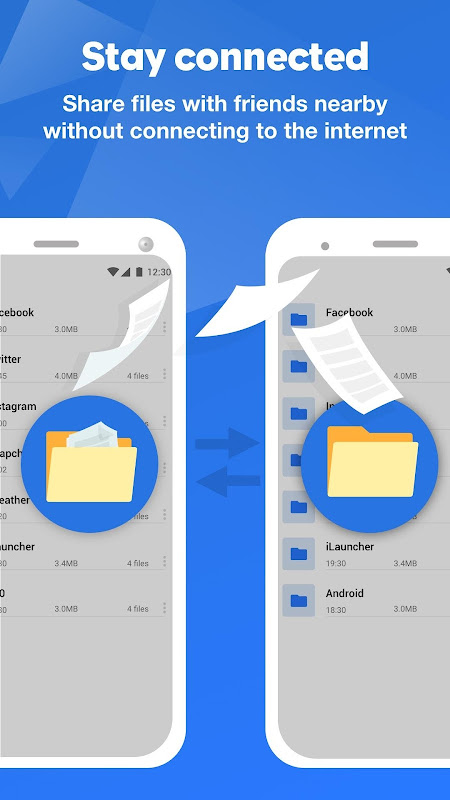
- Wi‑Fi file transfer — Send files to another phone or PC over Wi‑Fi or hotspot without using the internet.
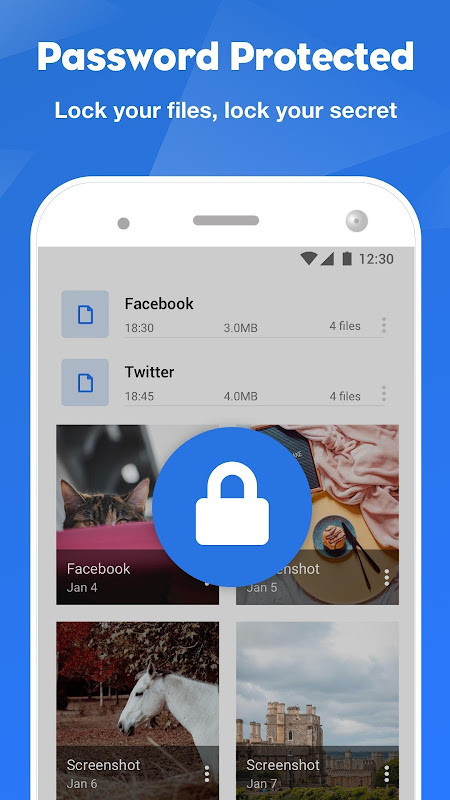
- App lock protection — Lock the app with fingerprint, password, or pattern, depending on your device.
- Cast local media — Play local media on Chromecast, Google Home, Android TV, and similar devices.
- Root access tools — Advanced users can explore, edit, copy, paste, and delete files in root folders like data and cache.
When your storage feels crowded
On a day when screenshots, downloads, music, and documents are all mixed together, FileMaster: Manager gives you one place to sort through them. It opens as a file explorer and device manager, so you can jump straight into the folder or category you need instead of hunting through storage one screen at a time.
Browse downloads, photos, and APKs
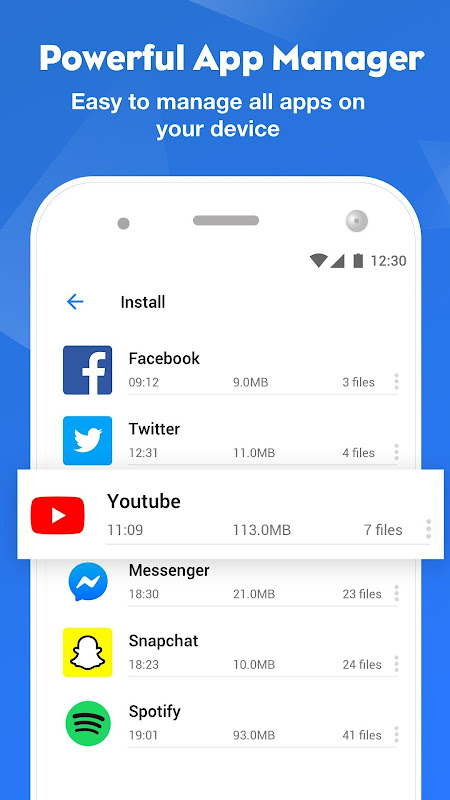
The smart library groups files into Downloads, Bluetooth, Images, Videos, Music, Documents, Archives, and APK. That makes it easier to check what arrived from the internet, what came in from nearby devices, or which app files are already on the phone. The app is free, works on Android 5.0 and up, comes as a 34 MB universal APK, and does not show ads or offer in-app purchases.
- Downloads and Bluetooth files stay separated from media.
- Documents include PDFs, spreadsheets, and presentations.
- Archives and APKs are grouped for quicker cleanup.
Search and move files without the detour
When you know a file is somewhere on the device but not exactly where, the built-in search covers internal storage and the SD card. That is useful on a train ride or during a quick break, when you want to find a video, app, or document and move on. The app also supports file transfer, so you can copy files between devices as part of the same workflow.
Wi‑Fi sharing, app lock, and casting
FileMaster: Manager includes Wi‑Fi file transfer for sending files to another phone or PC without an internet connection. It can also lock itself with fingerprint, password, or pattern for privacy, and it can cast local media to Chromecast, Google Home, Android TV, and other supported devices.
Trade-offs to know
To work as a file manager, the app uses the MANAGE_EXTERNAL_STORAGE permission to access files on the device. That access is what lets it browse storage, search files, and manage folders, including root areas for advanced users. Root Explorer is aimed at development purposes, so those tools are not the part most people will use every day.
For users who want a practical file browser, a way to share files nearby, and a simple place to manage storage, FileMaster: Manager fits into everyday phone cleanup and file-moving tasks.
APK information
- Version
- 1.9.1
- Package
- com.root.clean.boost.explorer.filemanager
- Category
- Tools
- Size
- 34 MB
- Min Android
- 5.0
- Architecture
- universal
Older versions
-
FileMaster: Manager 1.9.1Nov 12, 2026Latest downloadAPK
FileMaster: Manager FAQ
Does FileMaster: Manager drain the battery?expand_more
The app description does not mention battery use. It is a file manager and transfer tool, so battery impact will depend on how long you use features like Wi‑Fi sharing or casting.
Why does FileMaster: Manager need these permissions?expand_more
It uses MANAGE_EXTERNAL_STORAGE to access files on the device so it can browse, search, and manage storage properly.
How do I update FileMaster: Manager from an APK?expand_more
Install the newer APK over the existing app on your device. The listed version is 1.9.1.
Does FileMaster: Manager show ads?expand_more
No. It is listed as free with no ads and no in-app purchases.
Can FileMaster: Manager open root folders?expand_more
Yes. Root Explorer lets advanced users explore folders like data and cache, and edit, copy, paste, and delete files there.