- 4.3star313,742 reviews
- 100M+Downloads
- 32 MBAPK size
- EveryoneRated for Everyone
- 5.0+Android
check_circleOriginal APK from Lighthouse, Inc. · Updated Nov 12, 2026
No threats found
0 / — antivirus engines flagged this file
Original signature
First seen — Lighthouse, Inc.
Unmodified APK
Same file the developer published — no mods
Flashlight screenshots
8 images · tap to enlarge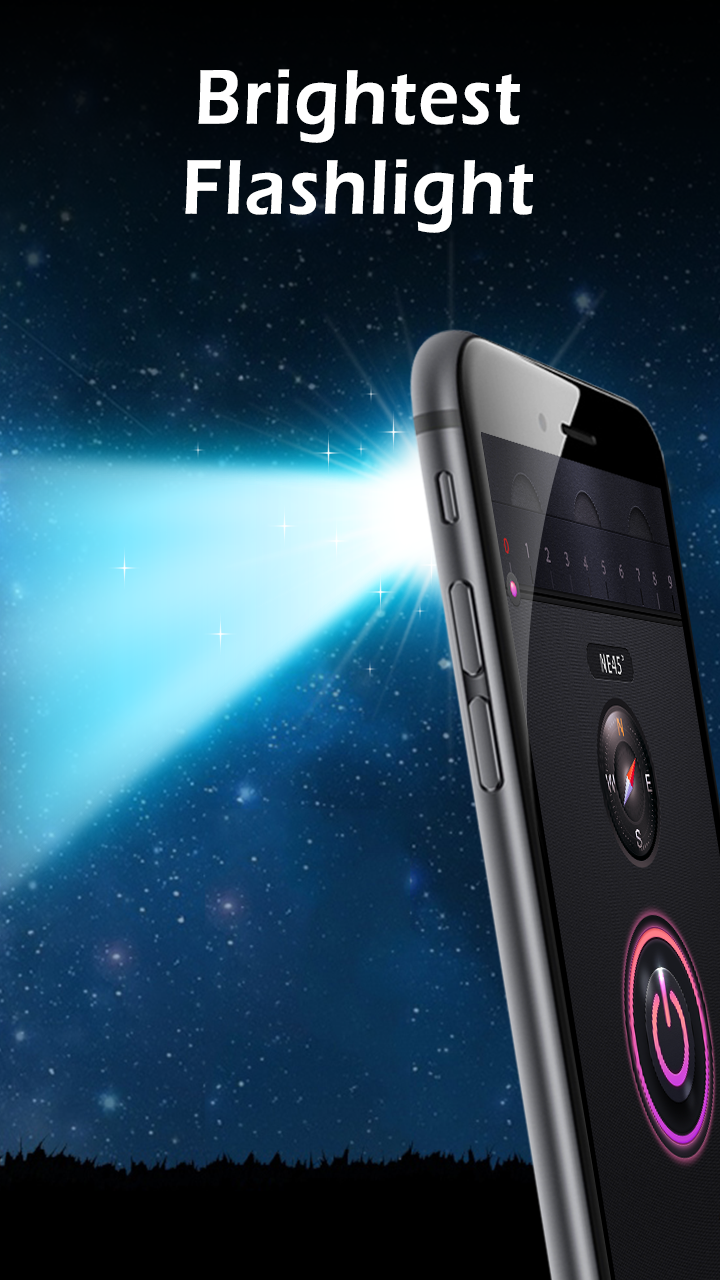
About this app
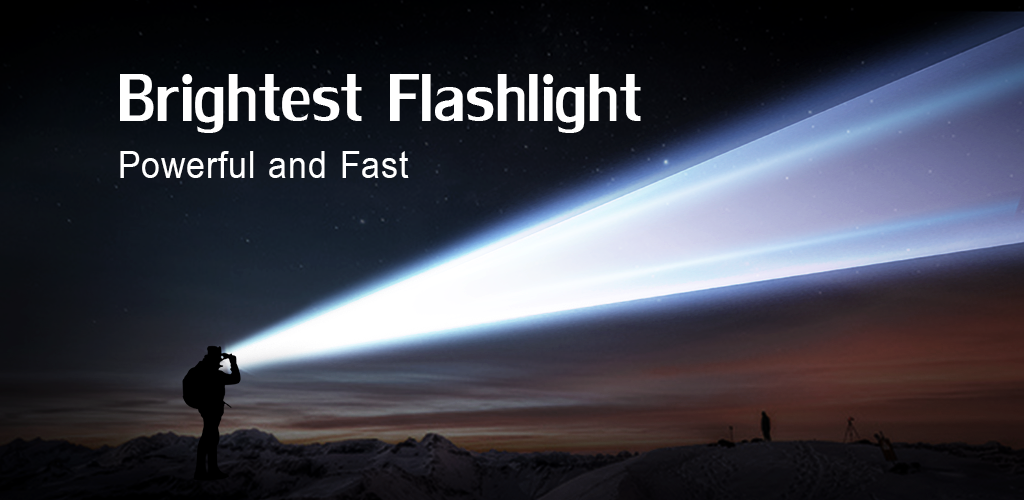
100M+ people have installed Flashlight, which focuses on quick access to the rear-camera torch. On first launch, you get a straightforward on/off screen plus extra tools like color screen lighting, Morse code SOS, and a compass with map support. It is free, shows ads, and includes in-app purchases.
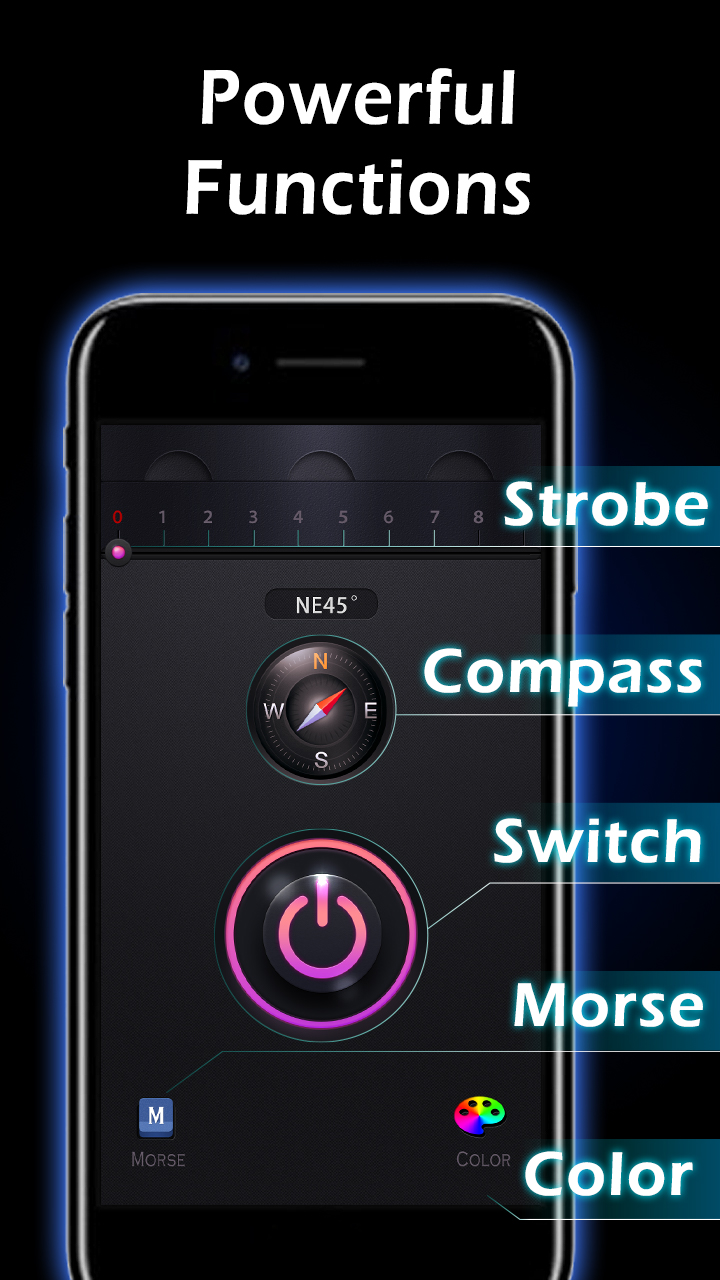
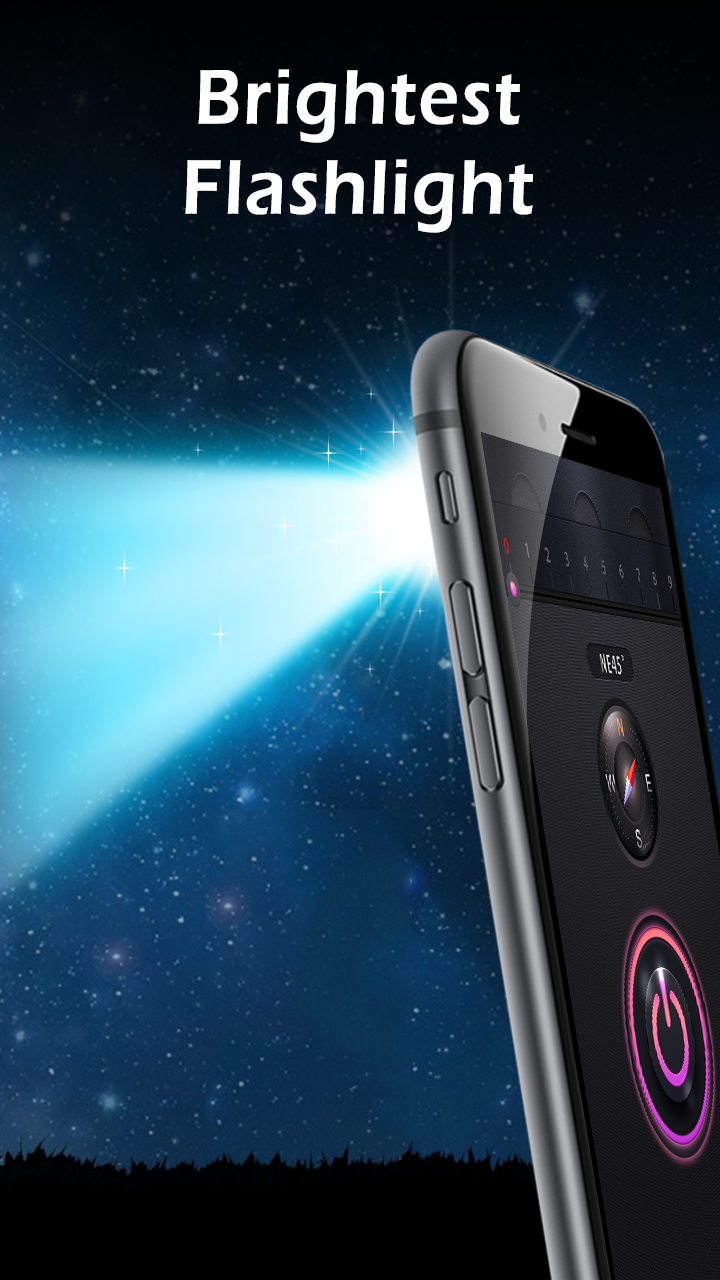
- Fast torch control — Open the app and switch the rear-camera flashlight on or off with a simple toggle.
- Strobe adjustment — Swipe left or right on the bezel to change the blinking or strobe mode.
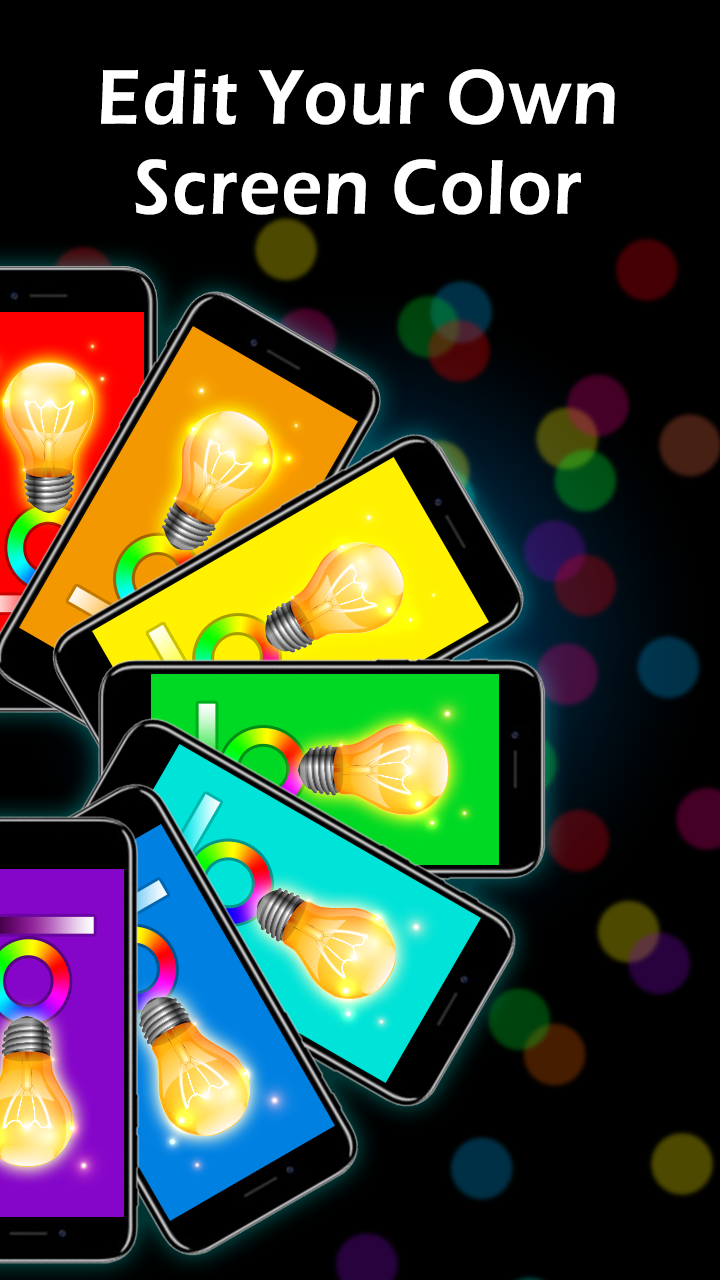
- Color screen light — Use the screen as a light source when you do not want the rear flash on.
- Morse code SOS — Send an SOS signal with the built-in Morse code flashlight feature.
- Compass and map — Check direction and location with the included compass and map tools.
First launch: a plain torch screen
When you open Flashlight for the first time, it goes straight to the job it was made for: turning on the light next to the rear camera. The layout is simple, with an on and off switch that feels closer to a hardware torch than a busy utility app. You do not need to set up an account before using it.
The app is free, includes ads, and offers in-app purchases. It is available as an APK, works on Android 5.0 and up, and the download is 32.4 MB.
Find your keys, read, or light the way
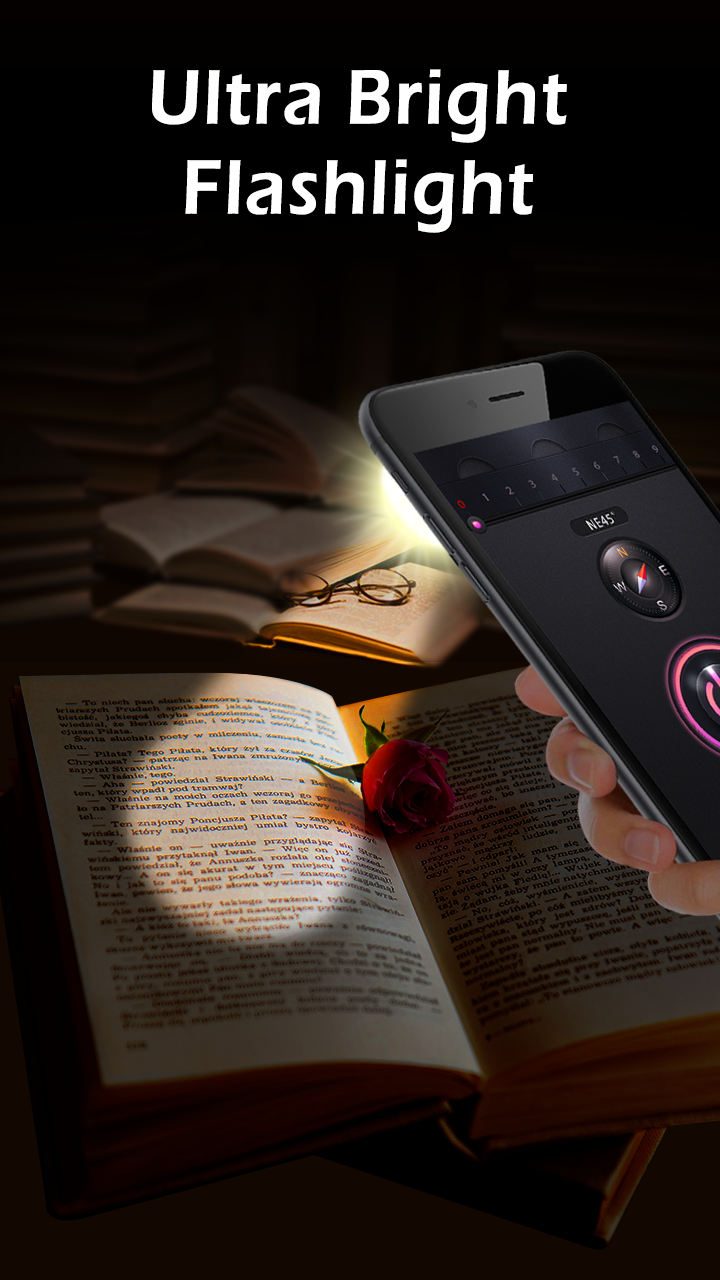
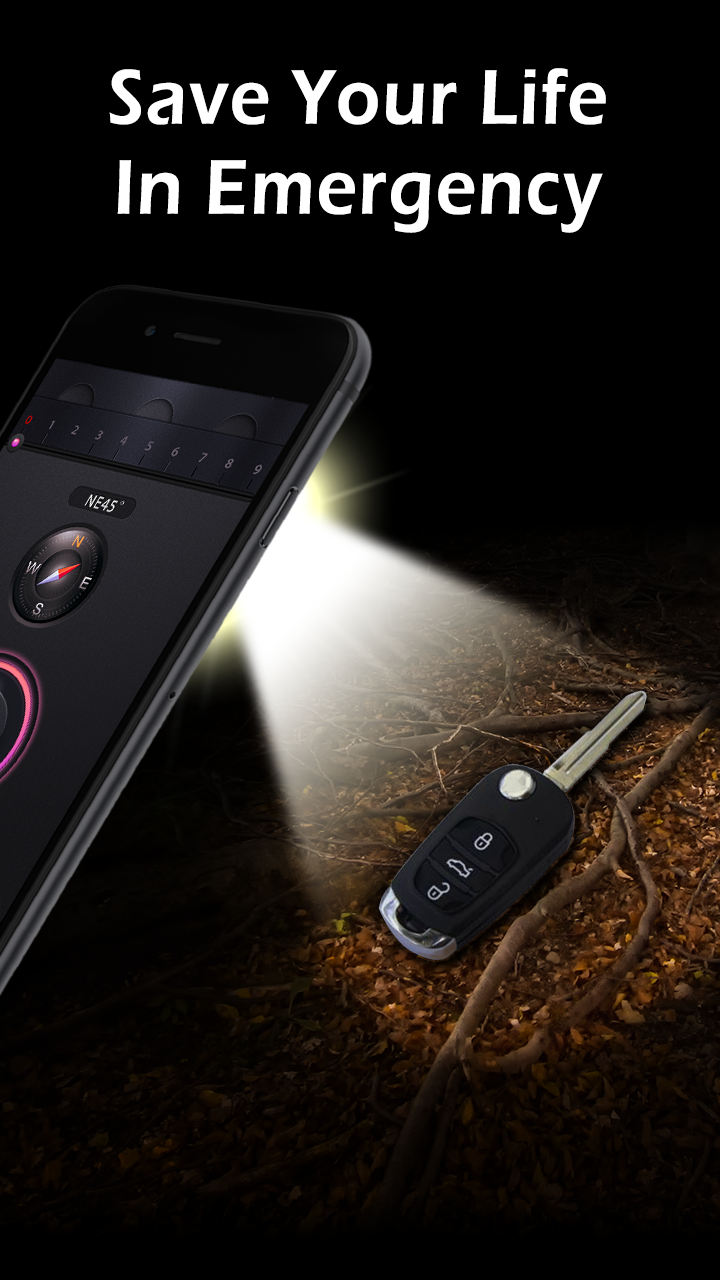
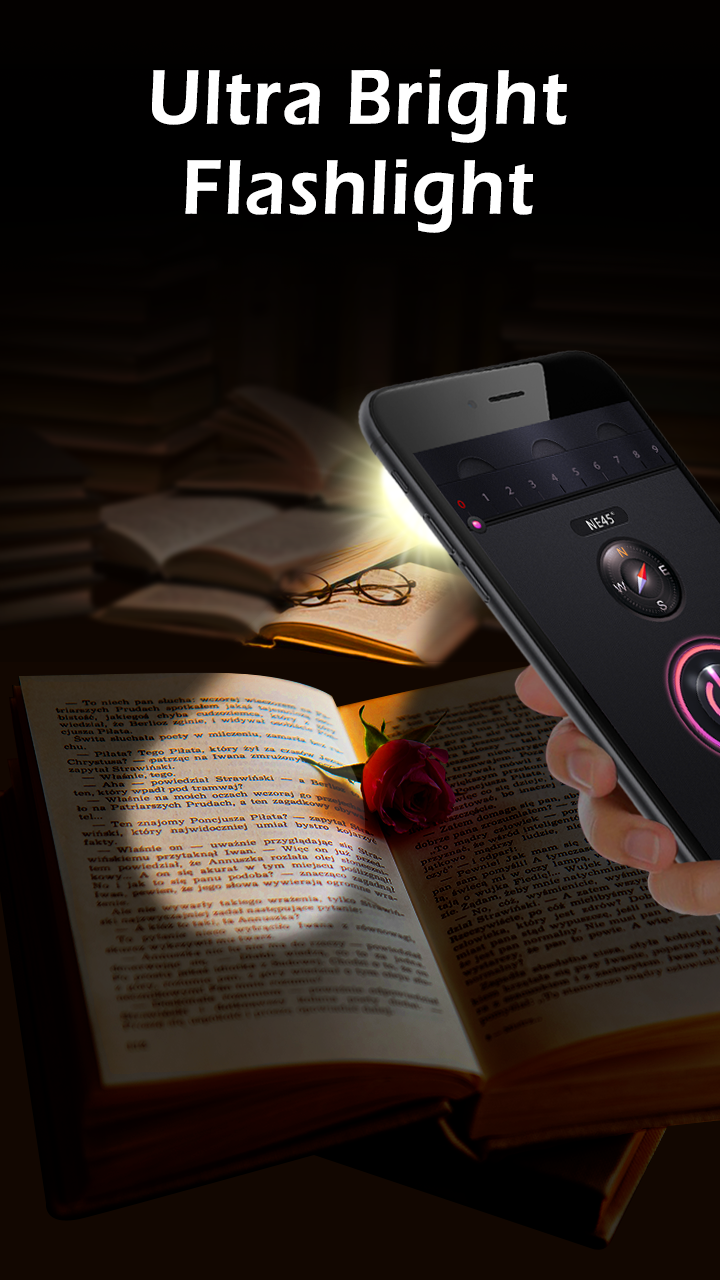
Most people will open this app in short bursts during everyday moments: looking for keys in the dark, reading at night, finding a path while camping, or getting light during a power outage. It also covers roadside visibility and quick tasks around the car, such as repairs or changing parts.
- Rear flash on/off: Tap the switch to turn the flashlight on and off.
- Strobe mode: Swipe left or right to adjust blinking.
- Color screen flashlight: Use the screen light when you want a softer option.
- Morse code: Use the SOS feature when you need a signal.
Compass and map tools in the same app
Flashlight also includes a compass and map, so it is not just a torch. That makes it useful when you are outside and want light plus a quick direction check in one place. The app’s setup stays focused on the essentials, so it does not get in the way when you only need the light.
Requirements, permissions, and what to expect
This app is designed for Android phones running 5.0 or later. No permissions are listed here, so there is nothing extra to approve from this record. Storage use is modest for a utility app at 32.4 MB, though ads and in-app purchases are part of the experience. The app has been updated most recently on 2025-01-16.
APK information
- Version
- 9.11.0.20250115
- Package
- com.peacock.flashlight
- Category
- Tools
- Size
- 32 MB
- Min Android
- 5.0
- Architecture
- universal
Older versions
-
Flashlight 9.11.0.20250115Nov 12, 2026Latest downloadAPK
Flashlight FAQ
Does Flashlight need root access?expand_more
No root requirement is listed for Flashlight. It is built to turn on the flashlight next to the rear camera on standard Android devices.
Why does Flashlight need these permissions?expand_more
No permissions are listed here, so there is nothing specific to approve from this record. The app description centers on flashlight control, strobe, Morse code, compass, and map features.
How big is the Flashlight download?expand_more
The APK size is 32.4 MB. It works on Android 5.0 and up.
What changed in the latest Flashlight version?expand_more
No recent changes are listed for the latest version. The app version shown is 9.11.0.20250115.
Can Flashlight send Morse code?expand_more
Yes. The app includes a Morse code flashlight feature for SOS signals.