- 3.6star127,768 reviews
- 10M+Downloads
- 32 MBAPK size
- EveryoneRated for Everyone
- 8.0+Android
check_circleOriginal APK from NewSoftwares LLC · Updated Nov 12, 2026
No threats found
0 / — antivirus engines flagged this file
Original signature
First seen — NewSoftwares LLC
Unmodified APK
Same file the developer published — no mods
Folder Lock screenshots
8 images · tap to enlarge
About this app
Folder Lock stands out as a privacy vault that goes beyond hiding files, using AES 256-bit encryption for photos, videos, apps, documents, passwords, and more. In day-to-day use, it’s the app you open to lock a gallery album, store a password note, or keep a document out of sight. It runs on Android 8.0 and up, comes as a 32.5 MB APK, and includes ads plus optional in-app purchases.
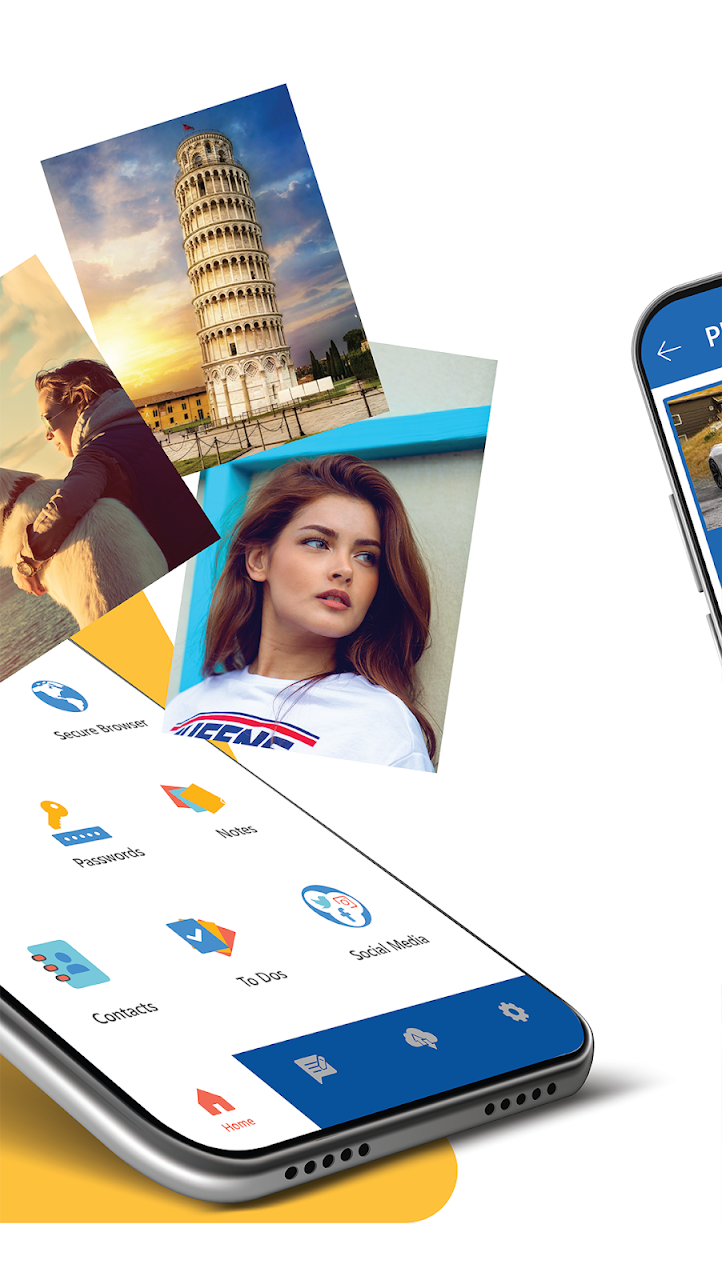
- Encrypts private files — Lock photos, videos, documents, and other files with AES 256-bit encryption.
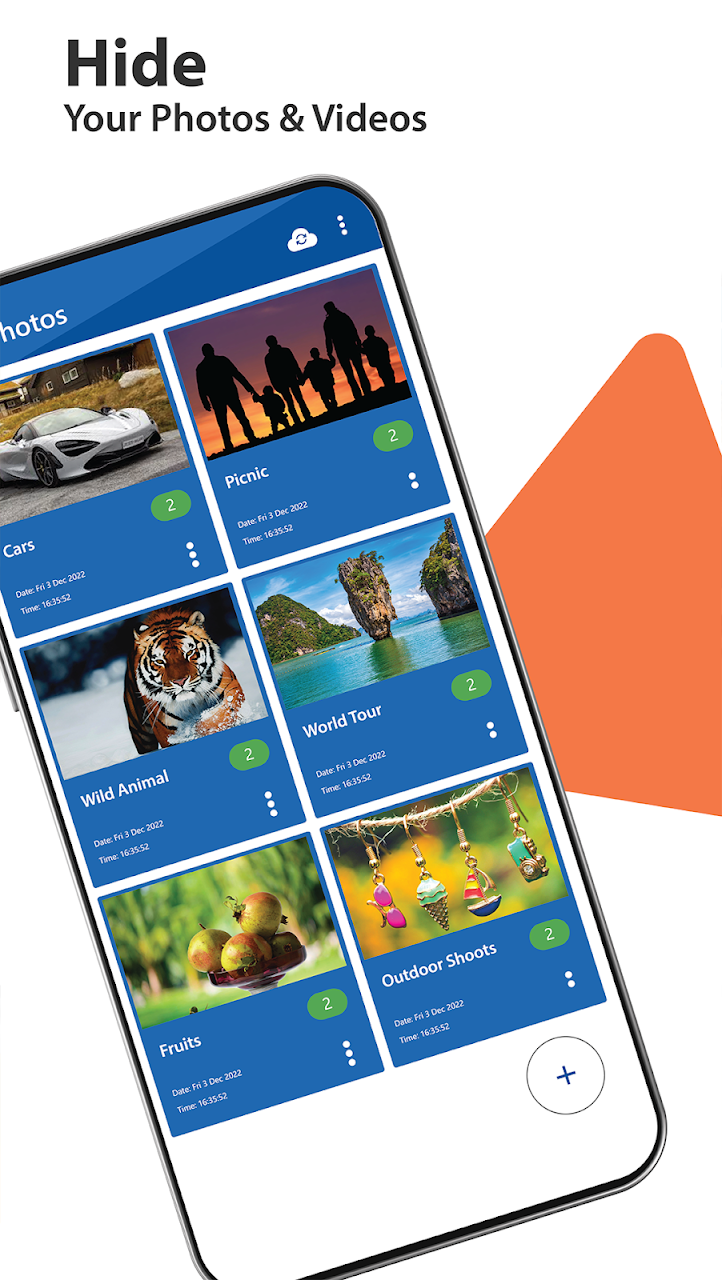
- Hides media safely — Keep images and videos out of the gallery inside a protected vault.
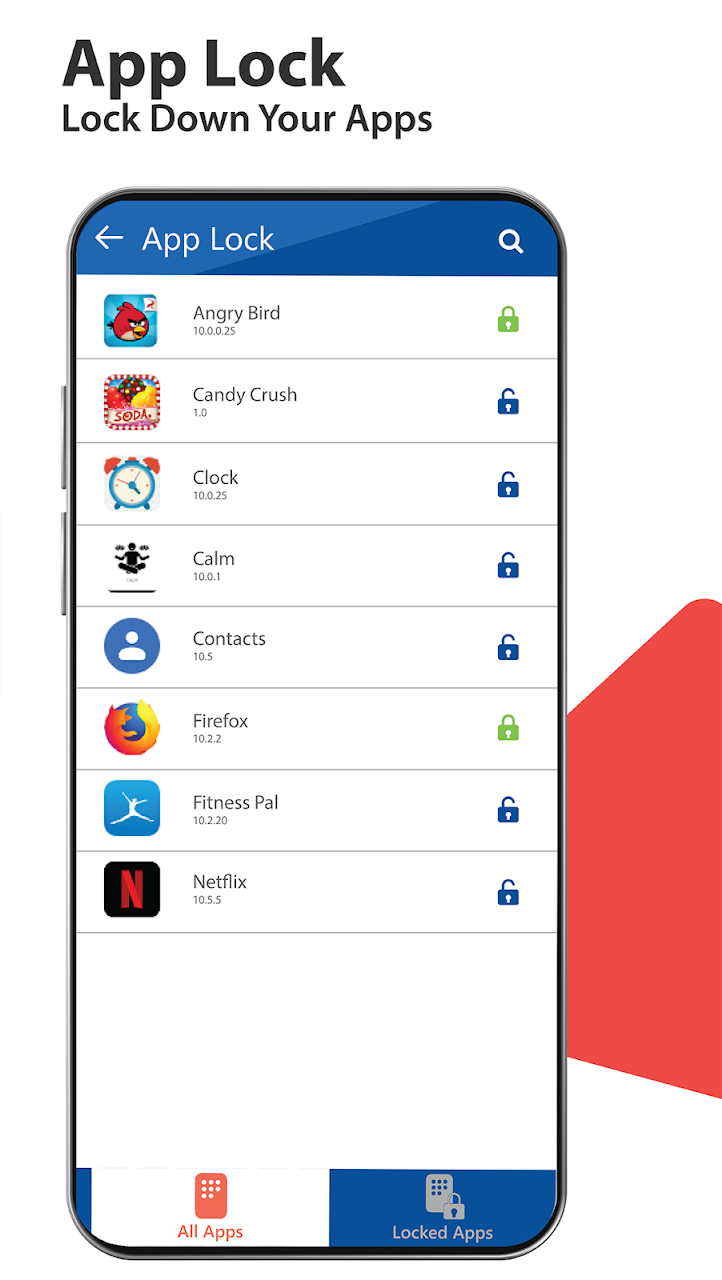
- Locks other apps — Protect apps such as WhatsApp, Instagram, Facebook, Gallery, SMS, Contacts, and Gmail.
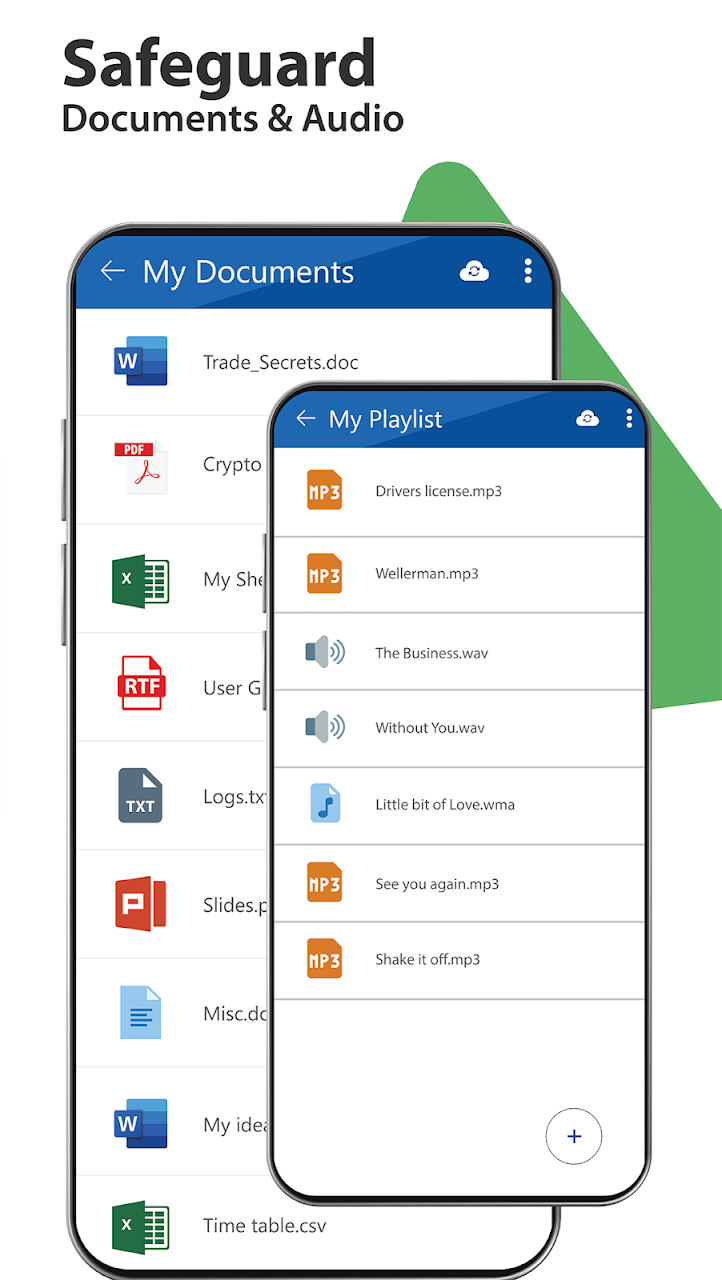
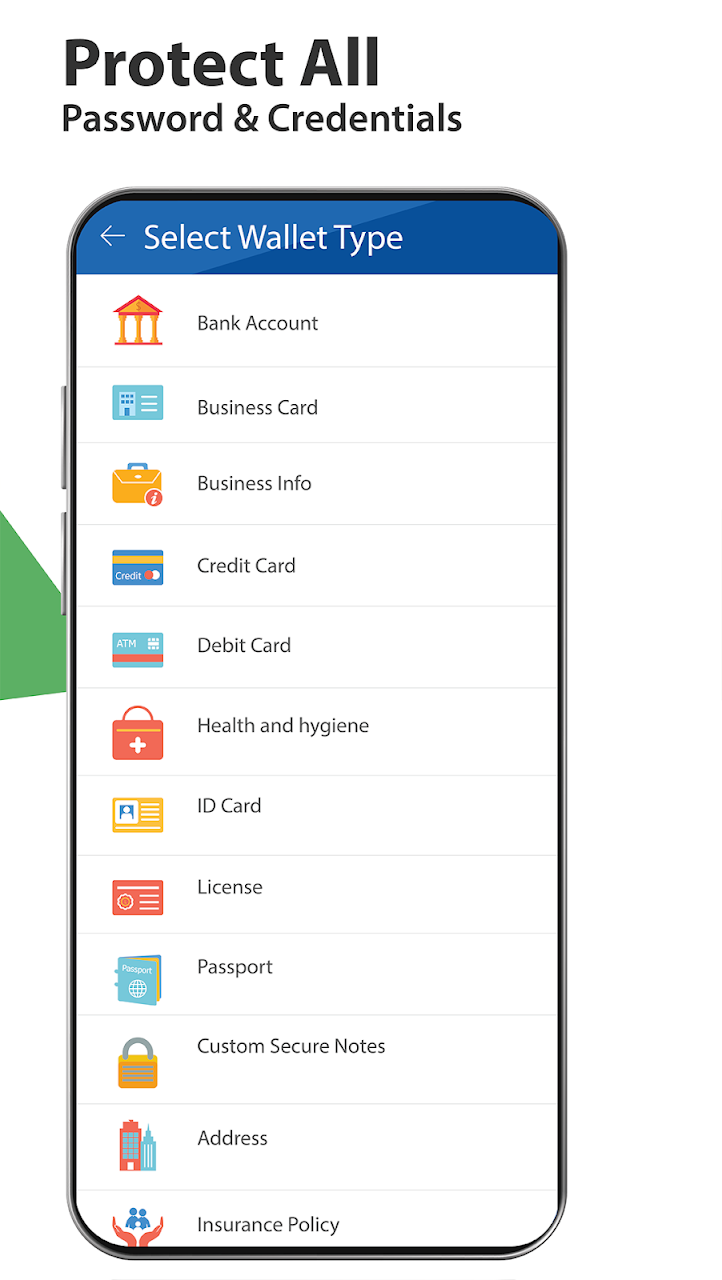
- Stores sensitive details — Save encrypted wallets, secure notes, voice memos, and private contacts.
- Adds privacy tools — Use Decoy Mode, Panic Switch, Intruder Alert, and a secure browser.
Encrypting photos, videos, and files
Folder Lock is built for the moments when a file needs more than a simple hide option. You can encrypt photos, videos, documents, and other personal items, then keep them inside a protected vault. The app also supports taking secure photos and videos from within the app, which makes it easier to keep new media private from the start.
Locking apps and sensitive folders
Its app locker is part of the daily workflow too. You can block access to apps such as WhatsApp, Instagram, Facebook, Gallery, SMS, Contacts, and Gmail, then open them with a password, pattern, PIN, or fingerprint. The vault also covers encrypted wallets, secure notes, voice memos, and private contacts, so the same app can hold several kinds of personal content.
- Import files from the phone gallery, SD card, secure camera, or secure browser.
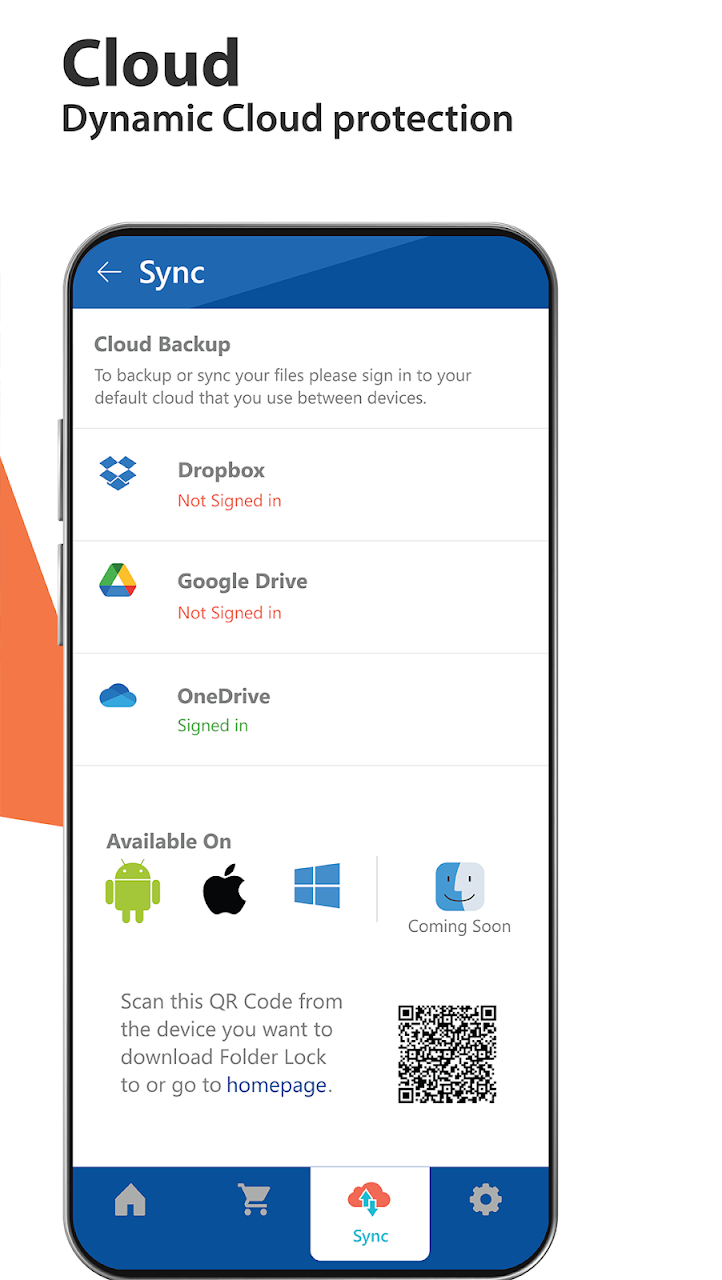
- Back up encrypted files to the cloud and restore them later.
- Use Wi-Fi file transfer to move encrypted files wirelessly.
- Recover deleted or lost locked files with built-in data recovery.
Privacy tools that change the routine
Folder Lock adds a few extra controls that shape how you use it. Decoy Mode creates a fake login, Panic Switch can move you out of the app by shaking, flicking, or covering the screen, and Intruder Alert can snap a photo with a timestamp. The secure browser keeps browsing private with no history or traces.
Permissions, ads, and install notes
The app is free, contains ads, and offers in-app purchases. No permissions are listed in the store listing, so the exact access it requests is not shown there. It installs as a 32.5 MB APK and needs Android 8.0 or later, which makes it a straightforward fit for newer devices while still leaving room for cloud backup and recovery features.
What's new
Version 10.0.17 · Nov 12, 2026
- Minor bugs resolved
APK information
- Version
- 10.0.17
- Package
- com.newsoftwares.folderlock_v1
- Category
- Tools
- Size
- 32 MB
- Min Android
- 8.0
- Architecture
- universal
Older versions
-
Folder Lock 10.0.17Nov 12, 2026Latest downloadAPK
Folder Lock FAQ
Does Folder Lock need root?expand_more
No root requirement is listed for Folder Lock.
Does Folder Lock drain the battery?expand_more
The store listing does not mention battery use or battery impact.
What permissions does Folder Lock ask for?expand_more
No permissions are listed in the store listing.
Can I install Folder Lock without Google Play?expand_more
It is available as an APK, so it can be installed outside Google Play if you have the file and your device allows APK installs.
What can Folder Lock lock or hide?expand_more
It can lock and hide photos, videos, apps, documents, passwords, notes, wallets, and contacts.