- 1.0star1 reviews
- 100M+Downloads
- 5 MBAPK size
- EveryoneRated for Everyone
- 9+Android
check_circleOriginal APK from Samsung R&D Institute India Noida · Updated Nov 12, 2026
No threats found
0 / — antivirus engines flagged this file
Original signature
First seen — Samsung R&D Institute India Noida
Unmodified APK
Same file the developer published — no mods
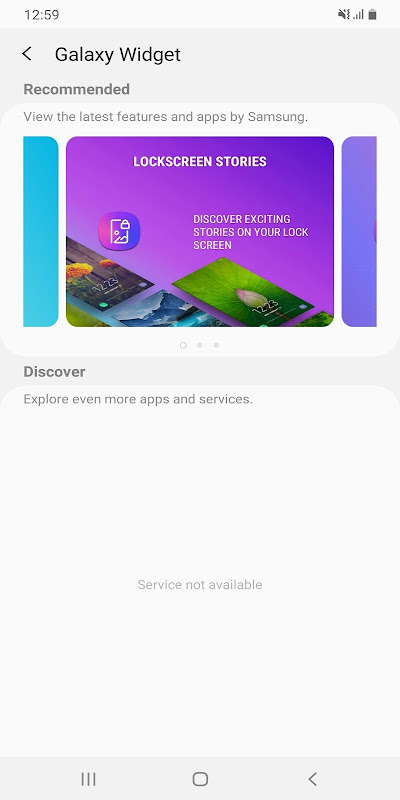
Galaxy Widget screenshots
4 images · tap to enlarge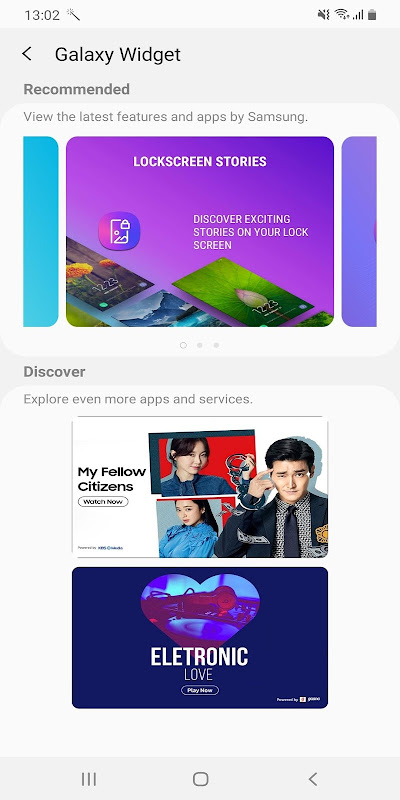
About this app
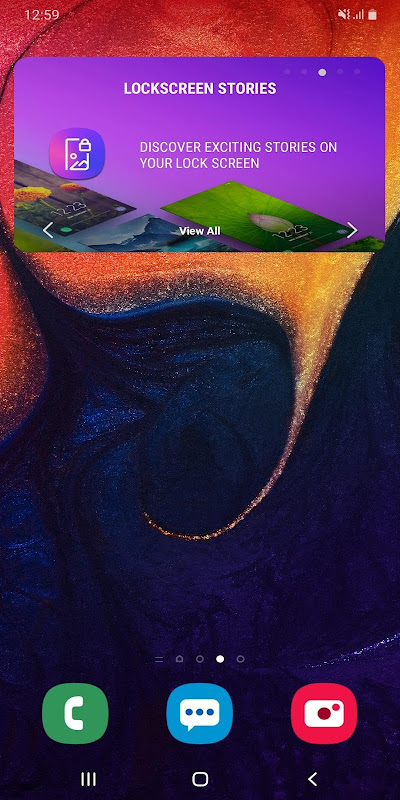
When you want quick access to Samsung smart features, Galaxy Widget puts them in one place on your Android screen. It also folds in entertainment and everyday services, so you can jump from a dashboard to music, video, gaming, or simple transactions without moving through multiple apps.
- Smart feature access — Open Samsung Smart Features quickly and check an information dashboard for usage updates.
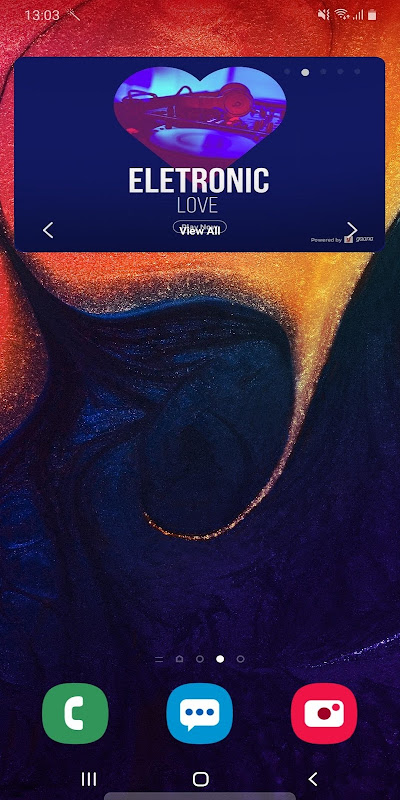
- Entertainment shortcuts — Reach music, videos, and gaming options from one widget instead of searching across separate apps.
- Music and video access — Browse a large catalog of songs and premium video content through the app’s entertainment area.
- Gaming livestream options — Share gameplay across Omlet, Facebook, and Twitch from the gaming section.
- Daily service tools — Handle cab booking, movie tickets, recharge, and food orders from the same place.
Samsung Smart Features on your screen
Galaxy Widget is built around quick access to Samsung Smart Features. Open it when you want a simple dashboard that shows usage details and lets you launch those features without digging through menus. It is a practical stop during the day, especially when you just need to check what is available and move on.
Entertainment without switching apps
The entertainment section gathers music, videos, and gaming options in one place. You can browse songs across many styles, then move to video content or gaming tools from the same app. It is set up for quick browsing rather than a long setup, so the flow stays close to a widget-style shortcut.
Book a cab or recharge quickly
Galaxy Widget also covers common errands. From the services area, you can book a cab, buy a movie ticket, recharge, order food, and handle other daily transactions from one screen. That makes it useful when you are already on your phone and want to get a task done without opening several separate apps.
What to check before installing
The app is free, has no ads, and does not list in-app purchases. It uses no permissions, and there is no root requirement shown. It installs as an APK, needs Android 9 or later, and the file size is 4.8 MB. If you are using a device that meets those basics, setup should be straightforward.
- Version: 3.0.00.11
- Updated: 2025-02-10
- Content rating: Everyone
What's new
Version 3.0.00.11 · Nov 12, 2026
- Bug Fixes
APK information
- Version
- 3.0.00.11
- Package
- com.samsung.android.mfi
- Category
- Tools
- Size
- 5 MB
- Min Android
- 9
- Architecture
- universal
Older versions
-
Galaxy Widget 3.0.00.11Nov 12, 2026Latest downloadAPK
Galaxy Widget FAQ
Does Galaxy Widget need root?expand_more
No root requirement is listed for Galaxy Widget.
Does Galaxy Widget drain the battery?expand_more
There is no battery-use claim listed for this app.
Can I install Galaxy Widget without Google Play?expand_more
Yes. It is provided as an APK file, so it can be installed outside Google Play.
Does Galaxy Widget show ads?expand_more
No, the app does not contain ads.
What Android version does Galaxy Widget need?expand_more
Galaxy Widget needs Android 9 or later.