
- 0.0star0 reviews
- 1K+Downloads
- 131 MBAPK size
- EveryoneRated for Everyone
- 8.0+Android
check_circleOriginal APK from Augury · Updated Nov 12, 2026
No threats found
0 / — antivirus engines flagged this file
Original signature
First seen — Augury
Unmodified APK
Same file the developer published — no mods
Halo Installation screenshots
3 images · tap to enlarge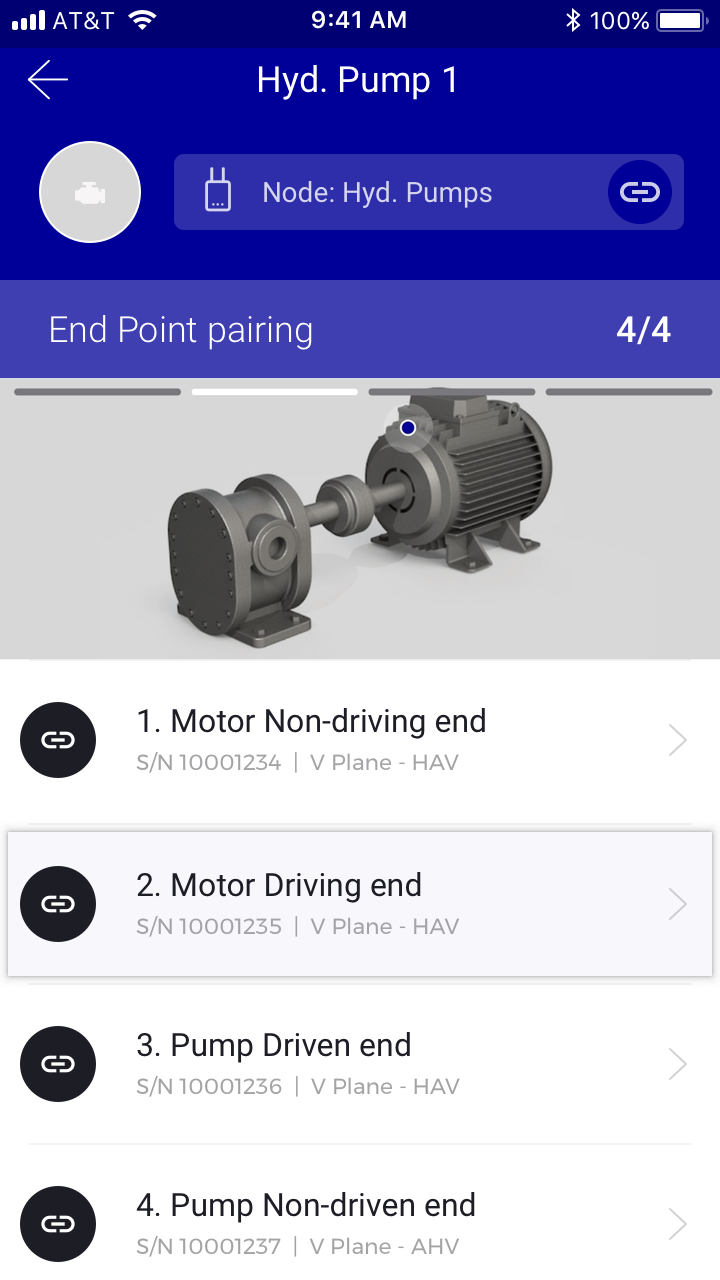
About this app
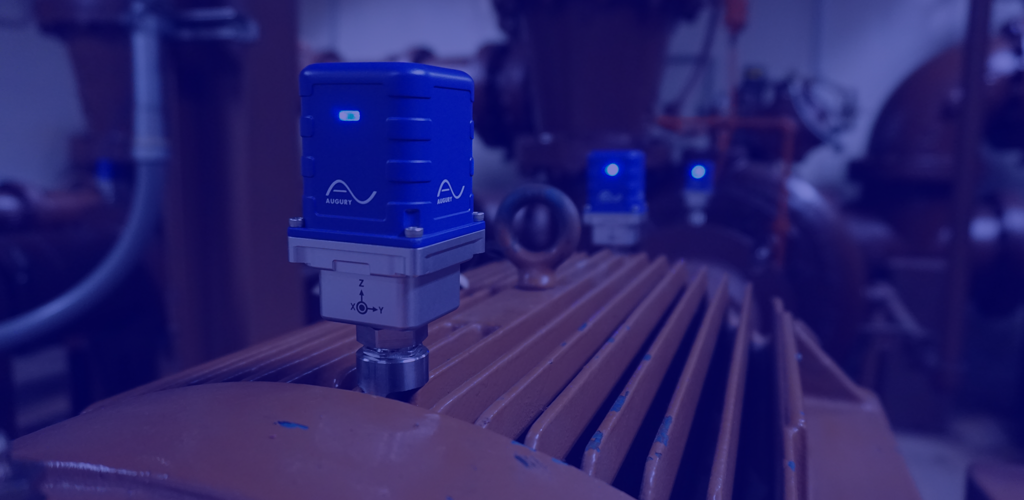
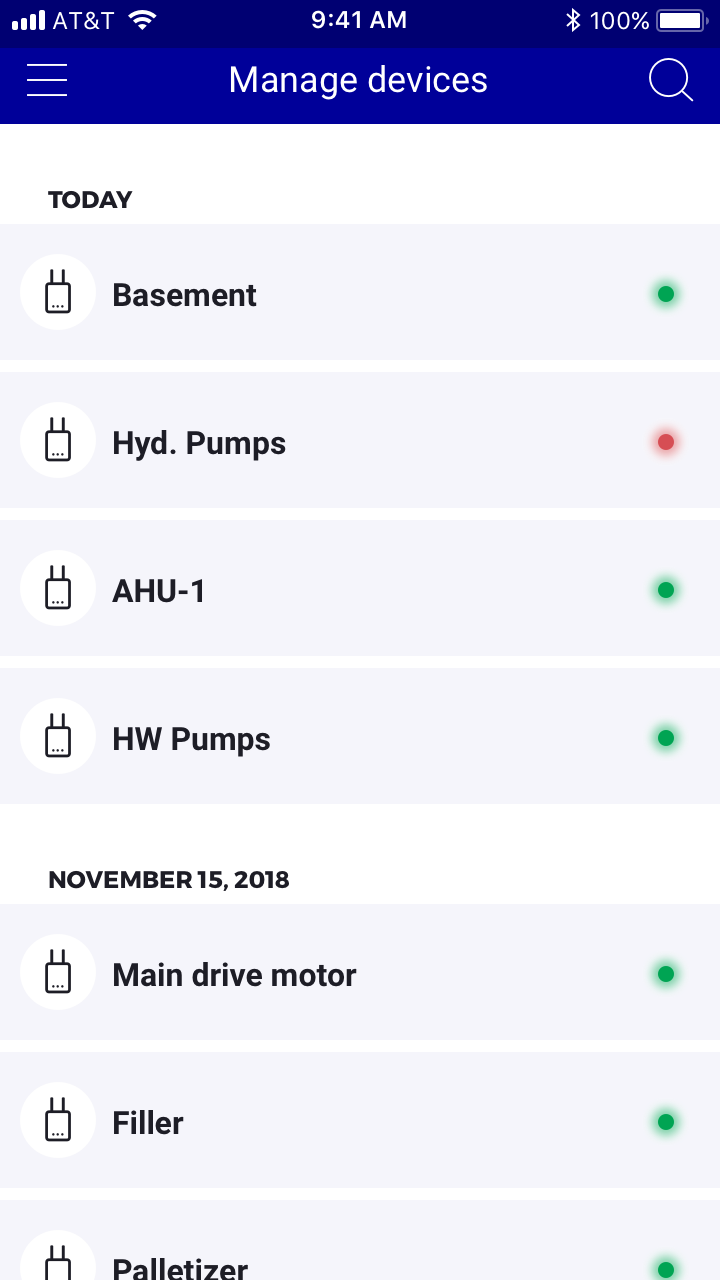
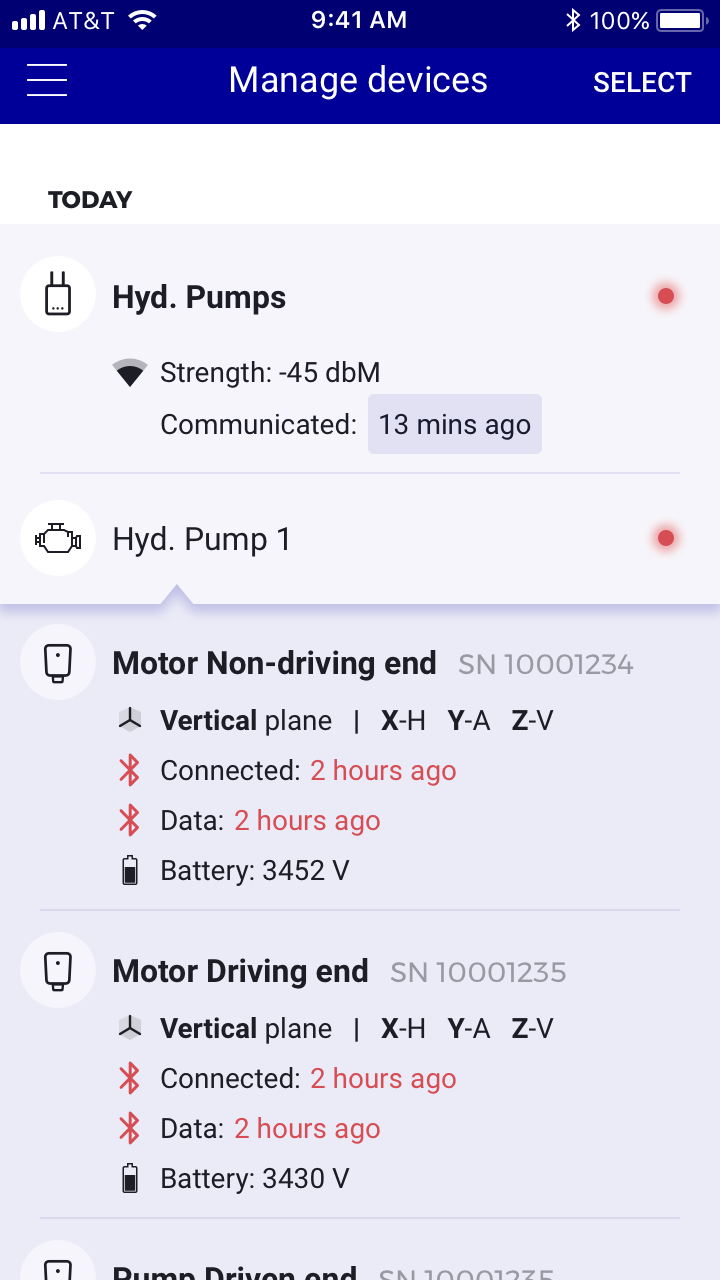
Halo Installation is a setup app for Augury’s equipment sensors, not a general maintenance tool. It connects Halo IoT devices on pumps, fans, chillers, air compressors, and other machinery to Augury’s secured cloud. It also lets you follow live installations and verify that the device is sending data. You need Augury login credentials and hardware to use it.
- Device setup — Connect Halo IoT devices mounted on equipment to Augury’s secured cloud.
- Live install tracking — Follow the progress of installations while the hardware is being placed on assets.
- Connectivity checks — Verify that the device is connected and transmitting data correctly.
- Industrial asset support — Works with pumps, fans, chillers, air compressors, and advanced process machinery.
- Account and hardware — Requires Augury login credentials and the matching hardware to work.
Built for Halo device installation
Halo Installation is made for one job: setting up Augury’s Halo IoT devices on equipment and linking them to the secured cloud. It is aimed at industrial assets rather than everyday phone use. The app helps technicians see whether an installation is moving along and whether the device is sending data after it is mounted.
What you can do during setup
- Connect Halo devices to Augury’s cloud.
- Track live installation progress.
- Check device connectivity and data transmission.
- Use it with supported equipment such as pumps, fans, chillers, and air compressors.
- Watch for the need for Augury login credentials and hardware.
Access, storage, and compatibility
The app is free, with no ads and no in-app purchases listed. It has no permissions listed here, so there is nothing specific to review from the app access list. The APK is 131.3 MB, and it runs on Android 8.0 and up. That size suggests a heavier install than a small utility, so storage space matters before you download.
How it compares with typical tools
Most tools in the Android Tools category are general utilities. Halo Installation is narrower. It is tied to Augury hardware and Augury’s secured cloud, so it is not a standalone monitor for any device. If you do not have the required login and hardware, the app will not be useful on its own.
What to know before installing
Install the APK if you need to set up Halo sensors on equipment. It is released as an APK file, not a smaller app package, and the current version is 0.4.16-Halo. Recent changes mention a target SDK update and support for a Cordant firmware update.
What's new
Version 0.4.16-Halo · Nov 12, 2026
- Target SDK update
- Supporting Cordant FW Update
APK information
- Version
- 0.4.16-Halo
- Package
- com.augury.apusnodeconfiguration
- Category
- Tools
- Size
- 131 MB
- Min Android
- 8.0
- Architecture
- universal
Older versions
-
Halo Installation 0.4.16-HaloNov 12, 2026Latest downloadAPK
Halo Installation FAQ
Why does Halo Installation need these permissions?expand_more
No permissions are listed for this app here. The description says it connects Halo IoT devices to Augury’s secured cloud and checks live installations and data transmission.
Does Halo Installation drain the battery?expand_more
There is no battery use claim in the listing. The APK is 131.3 MB, so storage space is the clearer consideration from the available details.
What is the difference between the APK and the Play Store version of Halo Installation?expand_more
The APK is the install file for version 0.4.16-Halo. The listing does not describe any feature difference between APK and Play Store installs.
How do I update Halo Installation from an APK?expand_more
Download the newer APK version and install it over the existing app. The current listed version is 0.4.16-Halo.
What equipment does Halo Installation work with?expand_more
The app description names pumps, fans, chillers, air compressors, and advanced process machinery as supported asset types.