
- 3.0star414,130 reviews
- 100M+Downloads
- 13 MBAPK size
- EveryoneRated for Everyone
- 6.0+Android
check_circleOriginal APK from Video and music apps · Updated Nov 12, 2026

No threats found
0 / — antivirus engines flagged this file
Original signature
First seen — Video and music apps
Unmodified APK
Same file the developer published — no mods
HD Video Downloader screenshots
8 images · tap to enlarge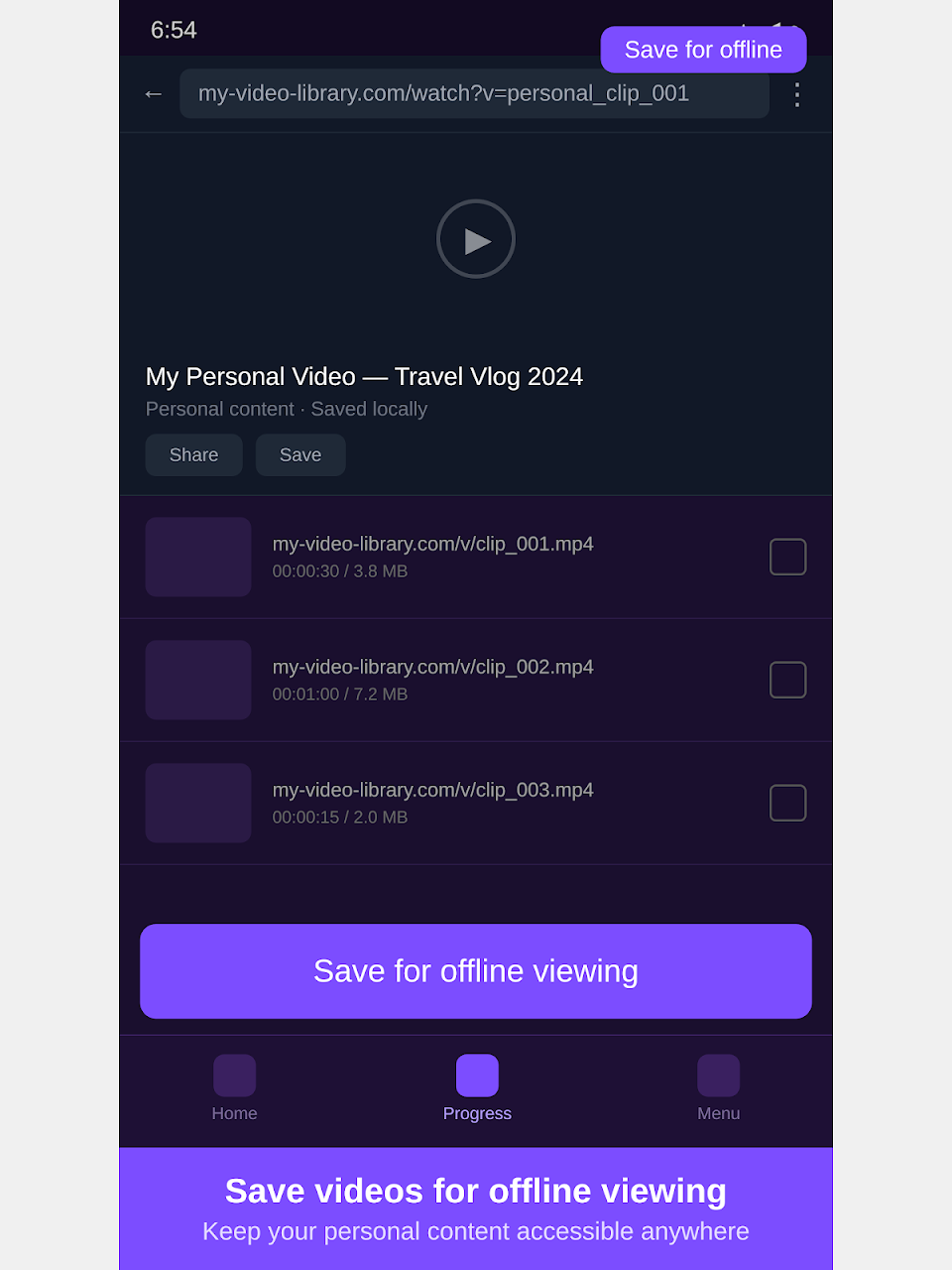
About this app
On a train ride with no signal, you can open HD Video Downloader, find a video in the built-in browser, and save it before the connection drops. After that, the app keeps your videos ready for offline playback, with controls to pause, resume, or cancel downloads and a simple file manager for sorting what you save.
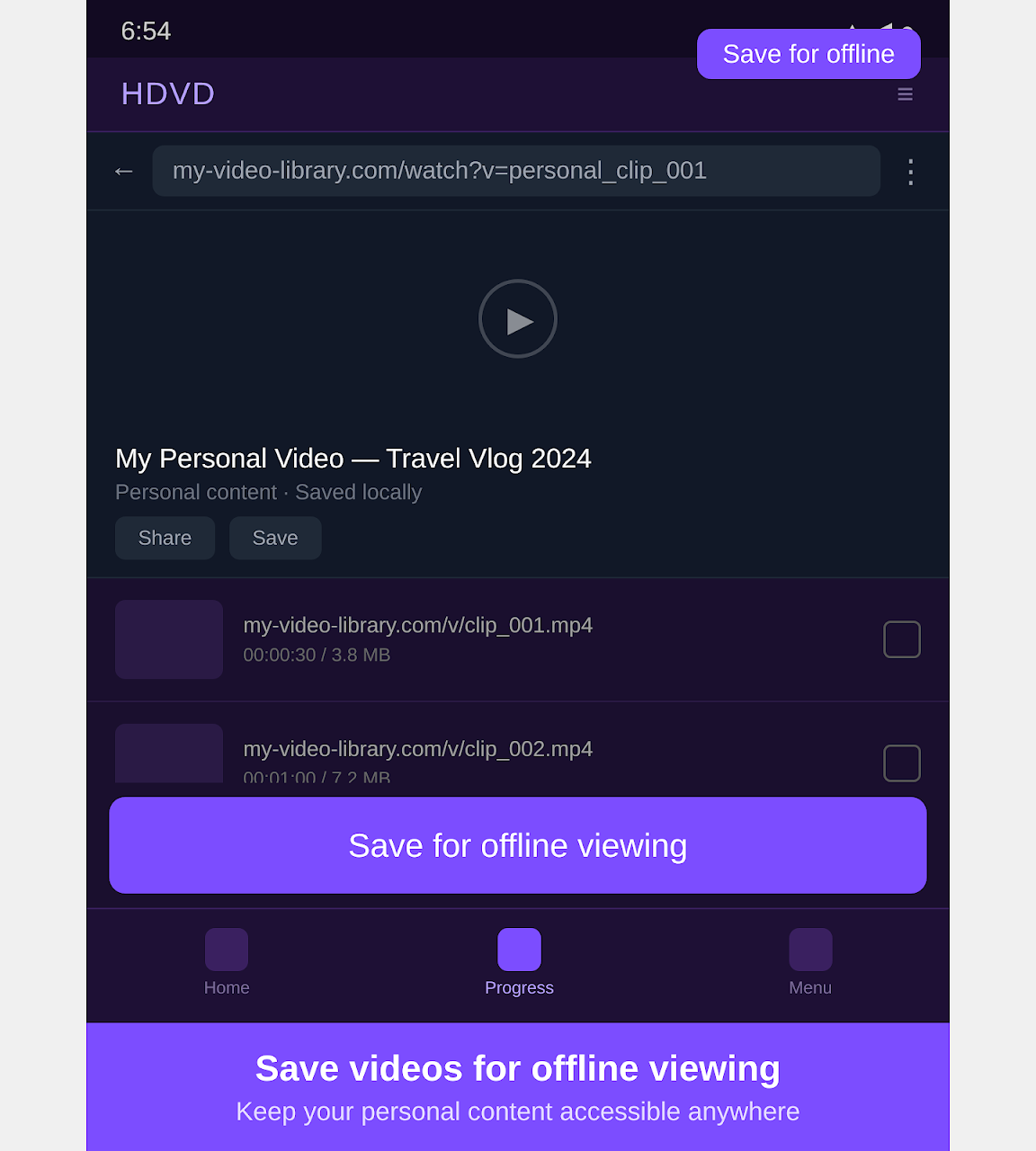
- Built-in browser — Open the browser inside the app, reach the video you want, and start saving it from there.
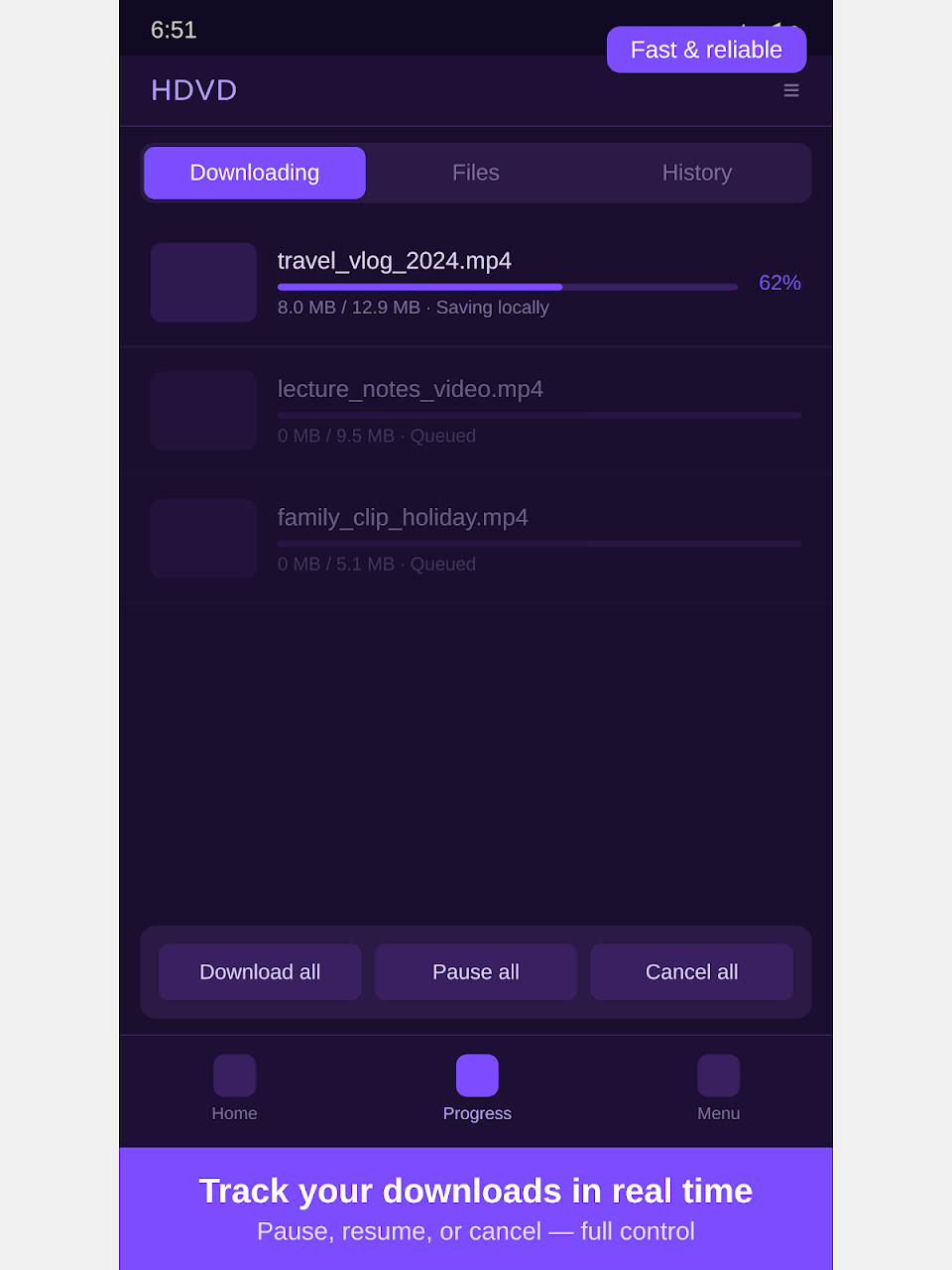
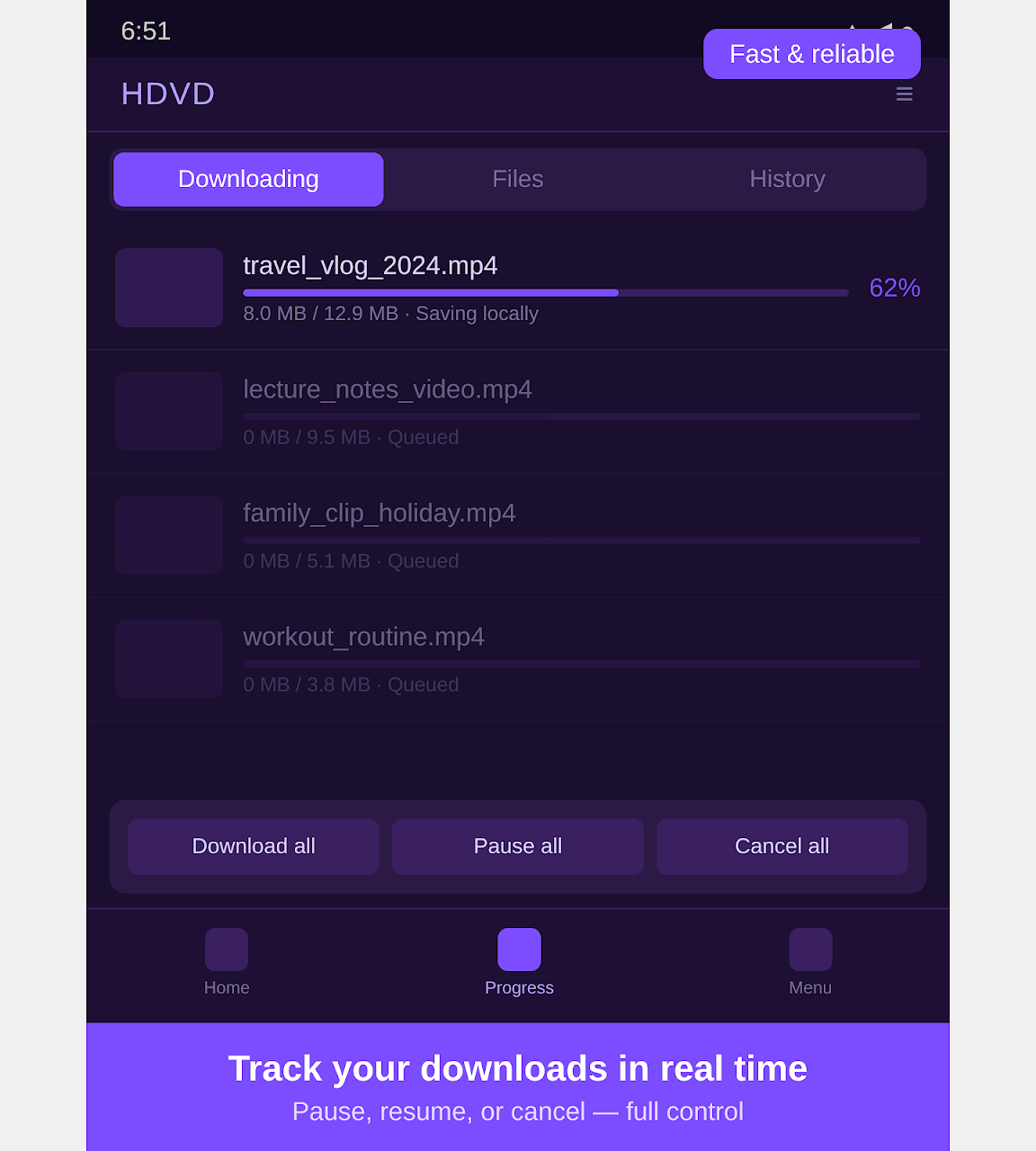
- Download queue — Add videos to a queue and manage them with pause, resume, and cancel controls.
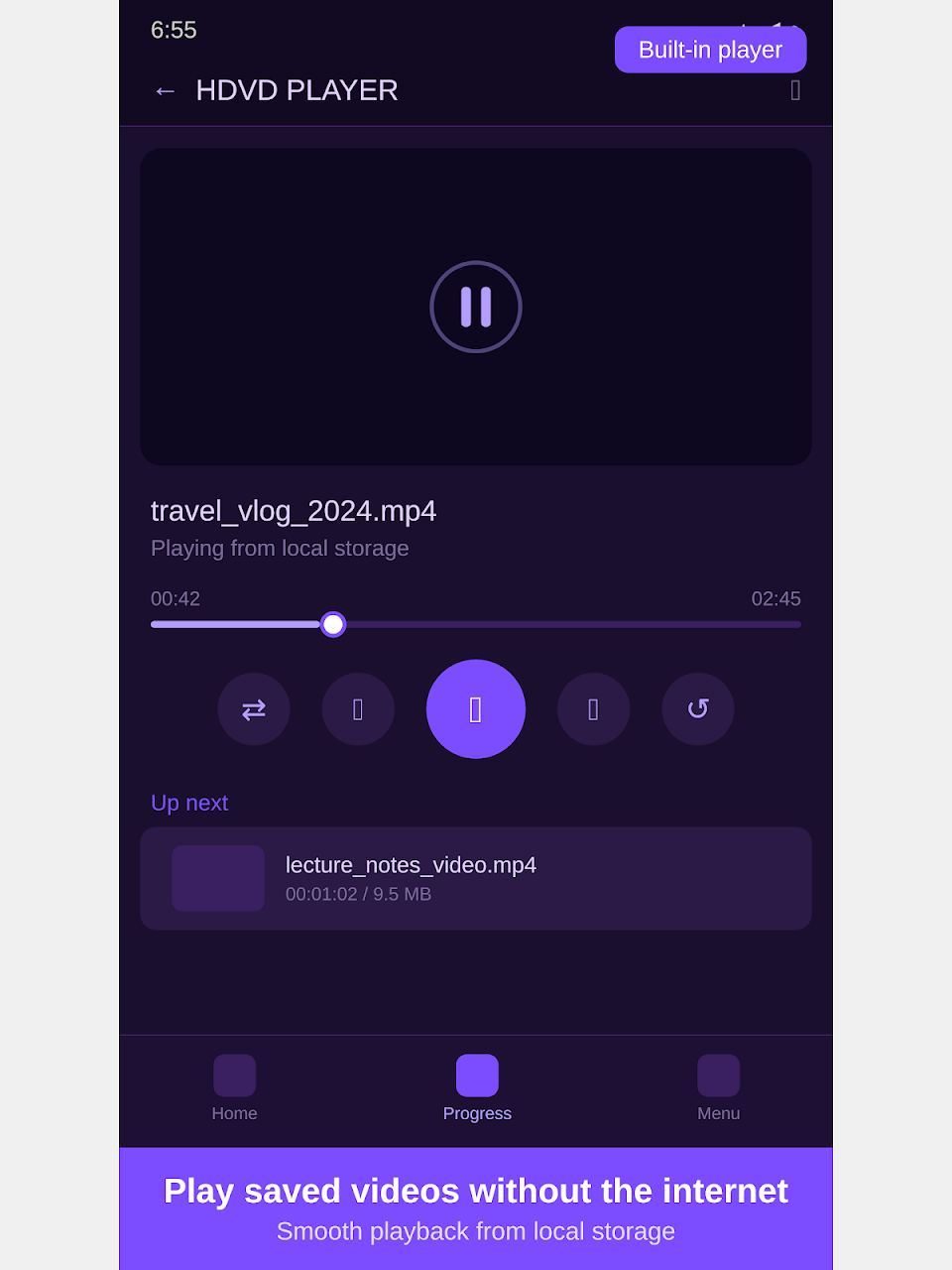
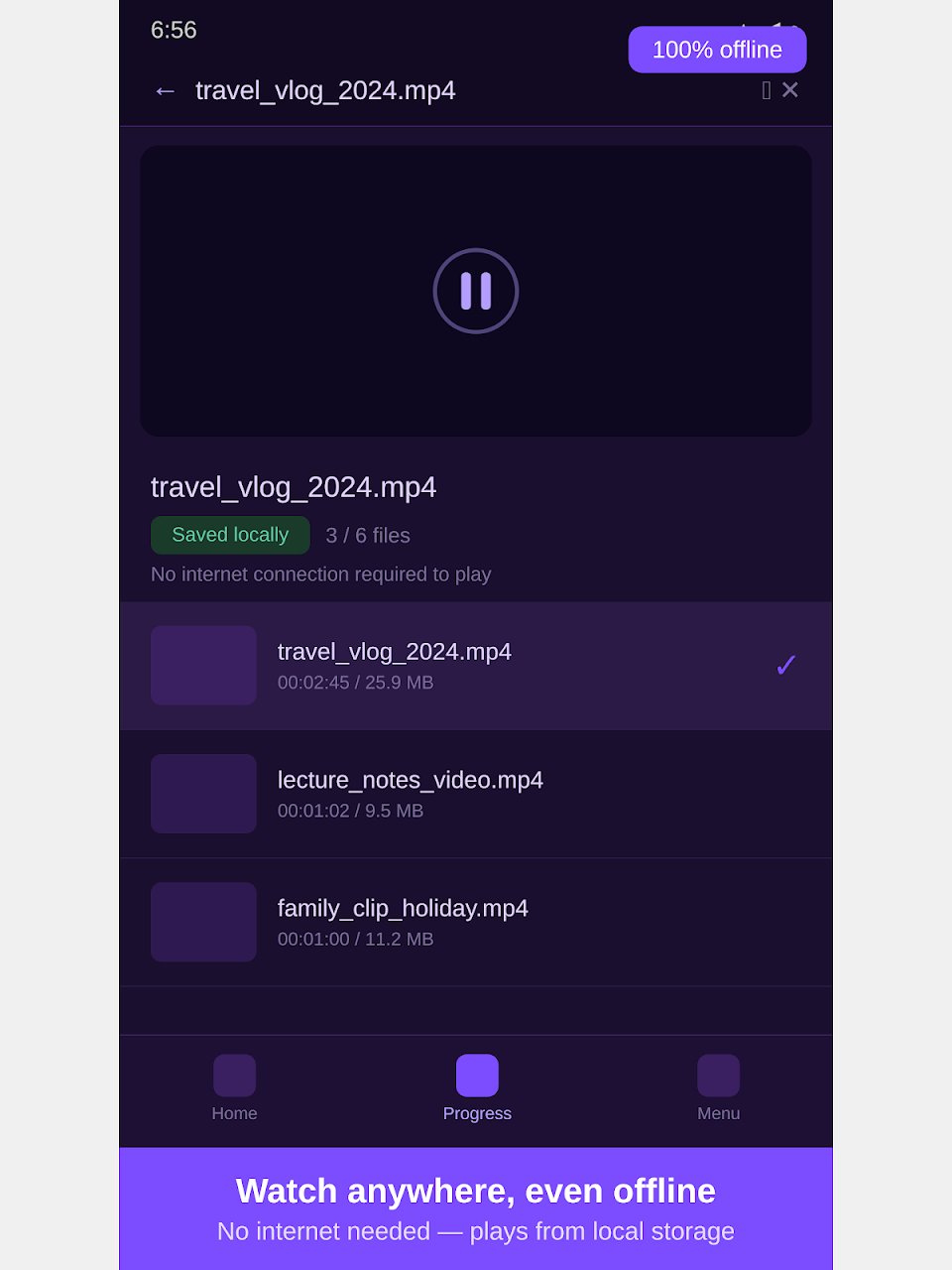
- Offline playback — Watch saved videos later without needing an internet connection.
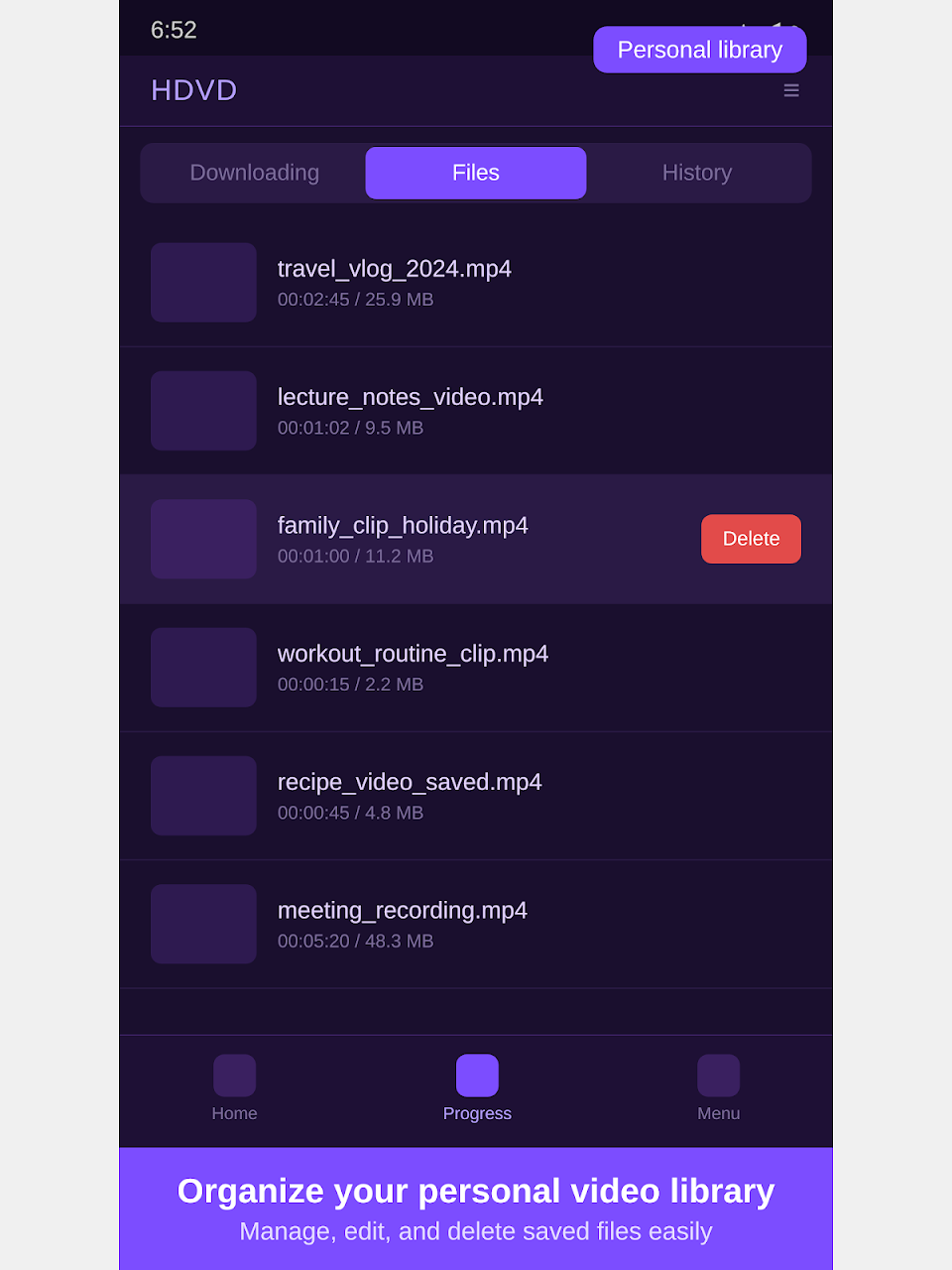
- File manager — Keep your saved videos organized in a simple library inside the app.
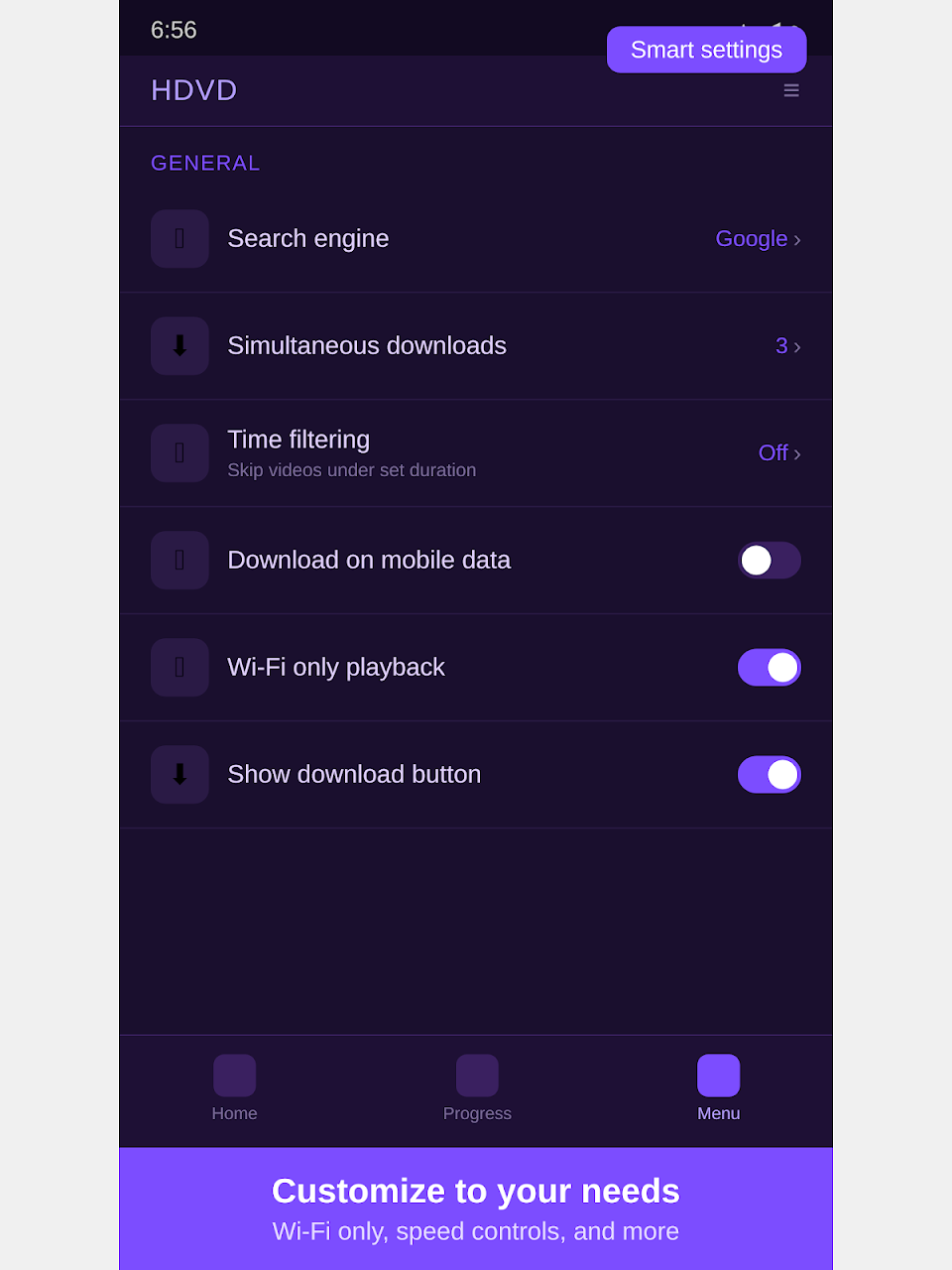
- Wi-Fi only mode — Limit downloads to Wi-Fi so you can avoid using mobile data.
- Preview before saving — Check the thumbnail, video length, and quality before you download.
When a video won’t wait
HD Video Downloader fits those moments when you spot a video during a commute, between classes, or while waiting for a connection to come back. Instead of leaving it open in the browser, you can save it for later and watch it offline when you have time.
Save videos from the built-in browser
The main flow starts inside the app’s browser. Open a page, play the video, or tap the download button to send it to the queue. Before saving, you can check the thumbnail, video length, and quality, which makes it easier to decide what belongs in your library.
Manage downloads and playback
Once a download starts, the queue gives you control over the process. You can pause, resume, or cancel items as needed, then return later to watch what you saved without an internet connection. The app also includes a simple file manager for keeping your video library in order.
For people who want to save data, Wi-Fi only mode is useful when you do not want downloads running on mobile data. The app is available as an APK for Android 6.0 and up, with a 13.0 MB universal build.
Limits to keep in mind
HD Video Downloader is intended for personal and permitted use only, so you need to make sure you have the right to save any content. The app also contains ads and offers in-app purchases, which are part of the daily experience. Recent updates mention improved content safety and general stability improvements.
- Free to use, with ads
- In-app purchases are available
- Videos are saved to sdcard/HDV Downloader
Who will use it most
This app works best for someone who wants a straightforward way to save videos they are allowed to keep, then watch them later without depending on a connection. If you want browser-based downloading, offline playback, and basic library management in one place, this app covers those everyday tasks.
What's new
Version 4.0.3 · Nov 12, 2026
- Improved content safety. General stability improvements.
APK information
- Version
- 4.0.3
- Package
- com.ne.hdv
- Category
- Video Players & Editors
- Size
- 13 MB
- Min Android
- 6.0
- Architecture
- universal
Older versions
-
HD Video Downloader 4.0.3Nov 12, 2026Latest downloadAPK
HD Video Downloader FAQ
Does HD Video Downloader support Chromecast?expand_more
Chromecast support is not listed. The app focuses on saving videos, managing downloads, and offline playback.
Does HD Video Downloader need a subscription?expand_more
No subscription is listed. The app is free to use, with in-app purchases available.
Does HD Video Downloader show ads?expand_more
Yes. The app contains ads.
Is HD Video Downloader free to use?expand_more
Yes, it is free to use.
Where are videos saved in HD Video Downloader?expand_more
Videos are saved to sdcard/HDV Downloader.