
HD Video Player All Formats
ASD Dev Video Player for All Format- 4.3star370,619 reviews
- 100M+Downloads
- 2 MBAPK size
- EveryoneRated for Everyone
- API 14+Android
check_circleOriginal APK from ASD Dev Video Player for All Format · Updated Nov 12, 2026
No threats found
0 / — antivirus engines flagged this file
Original signature
First seen — ASD Dev Video Player for All Format
Unmodified APK
Same file the developer published — no mods
HD Video Player All Formats screenshots
8 images · tap to enlarge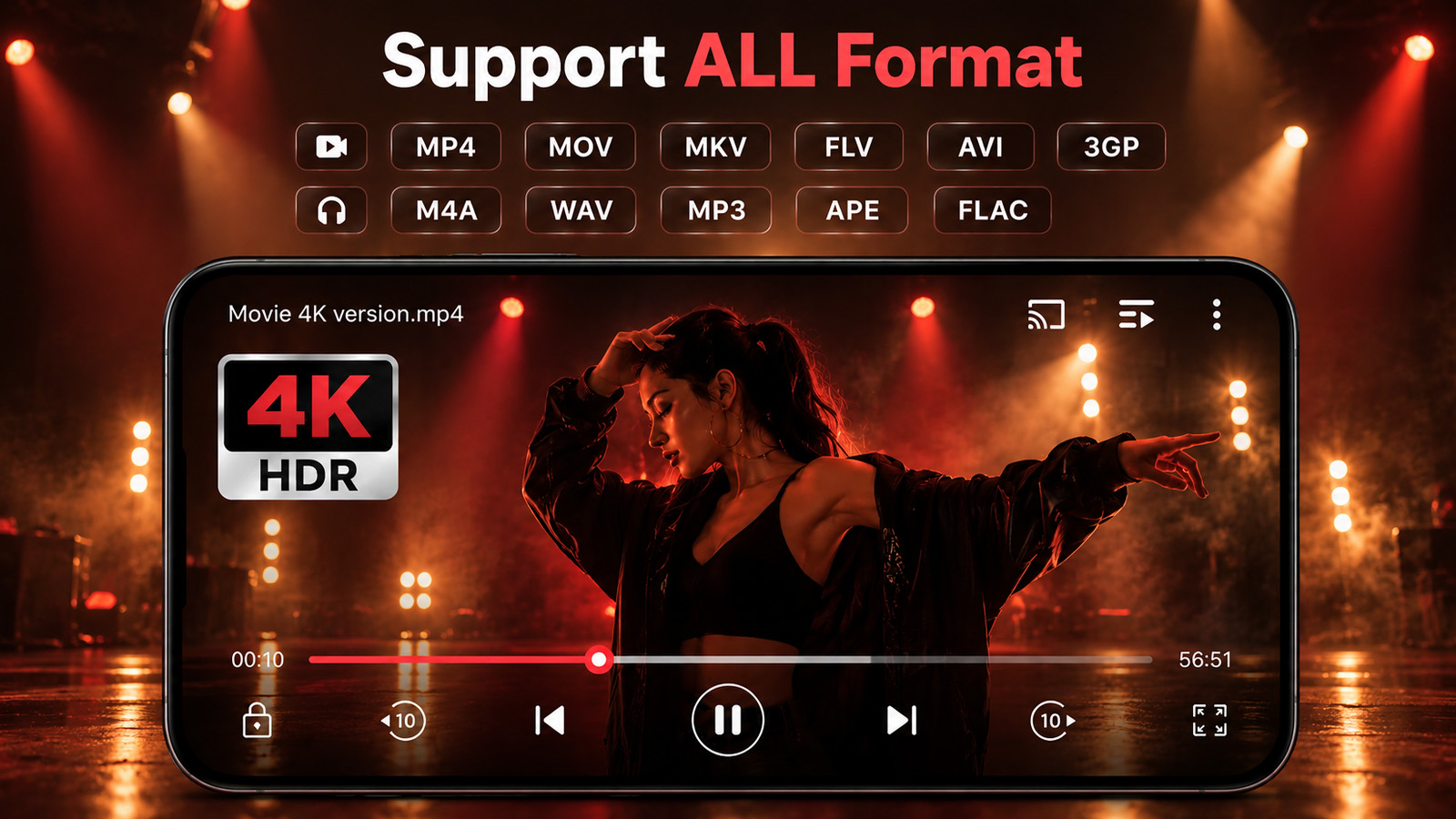
About this app
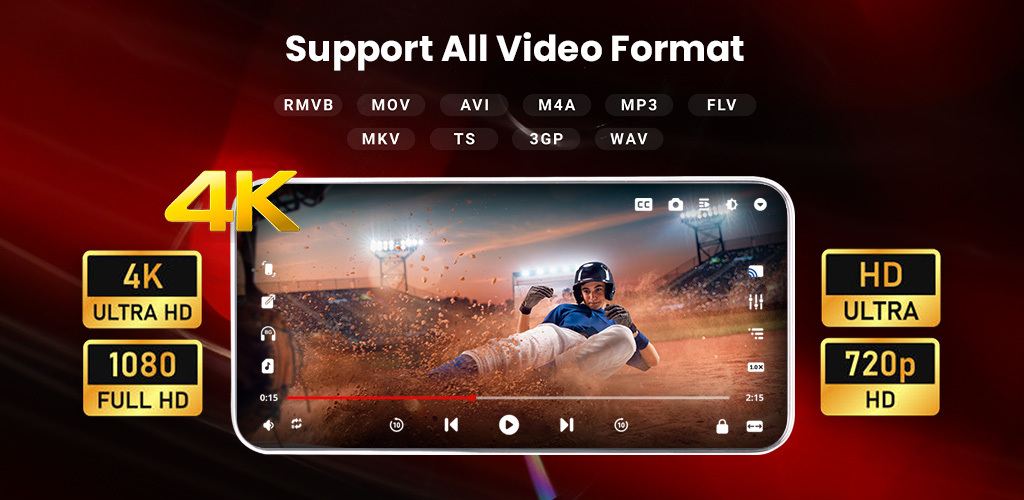
Play local videos and music in one Android player that handles many common formats, including HD, Full HD, 4K, and Ultra HD files. HD Video Player All Formats also adds subtitle support, floating playback, cast-to-TV support, and tools for browsing, sorting, and managing media on your device.
- Wide format support — Plays formats such as MKV, MP4, M4V, MOV, 3GP, FLV, WMV, TS, MP3, and MPG.
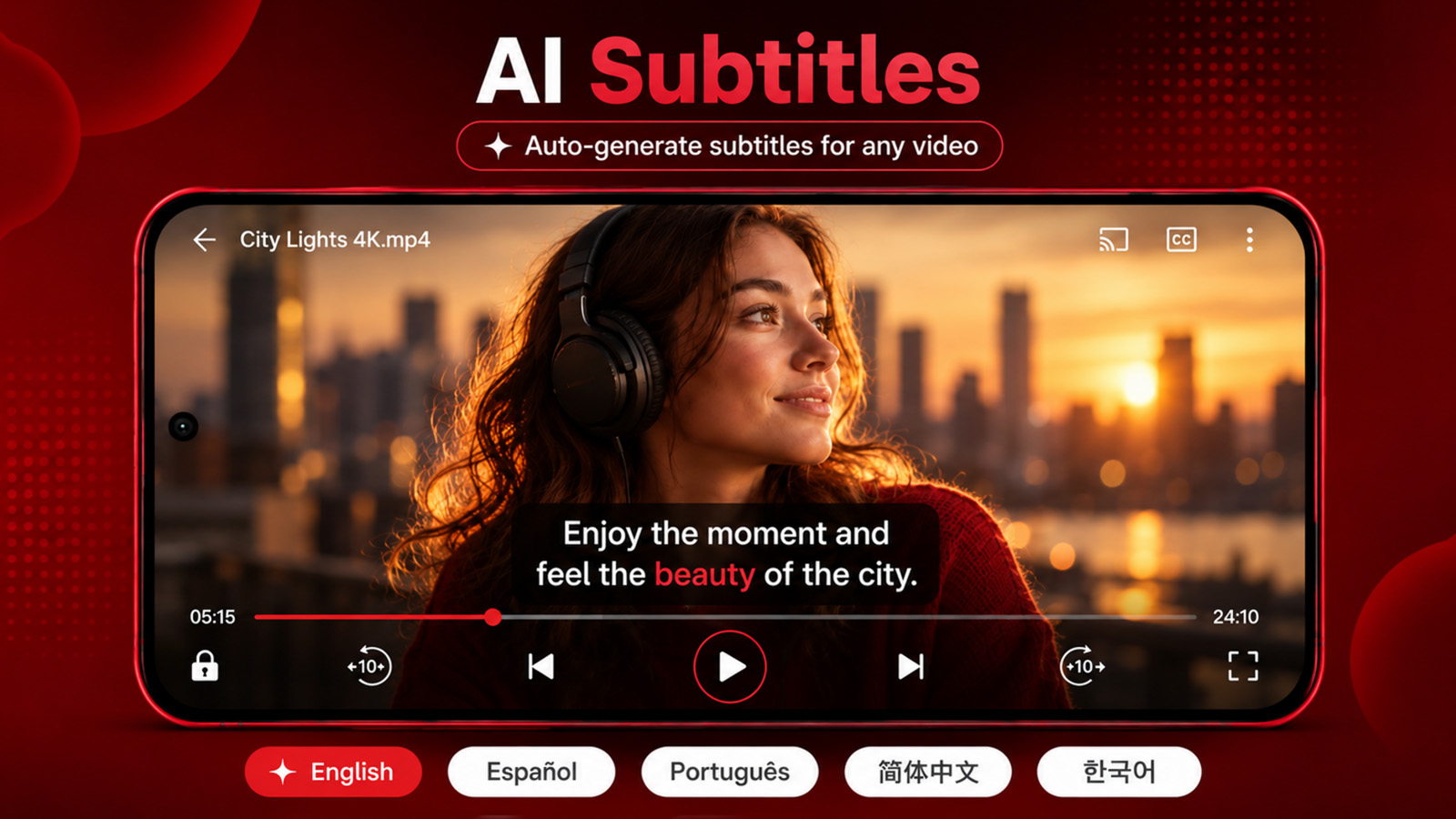
- Subtitle tools — Includes subtitle support and a subtitle downloader for videos that need captions.
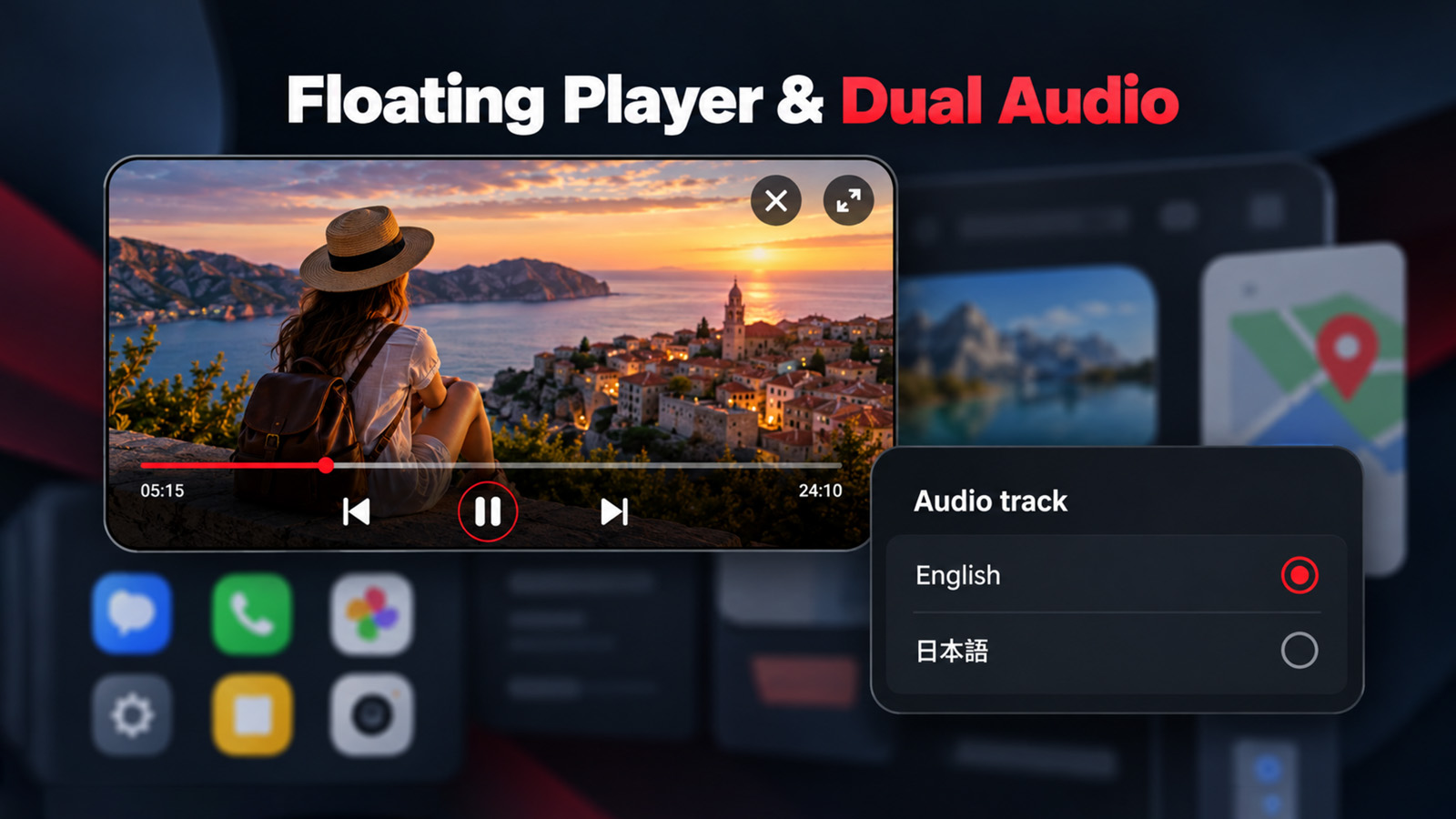
- Floating playback — Lets you watch in a pop-up window or split-screen while using other apps.
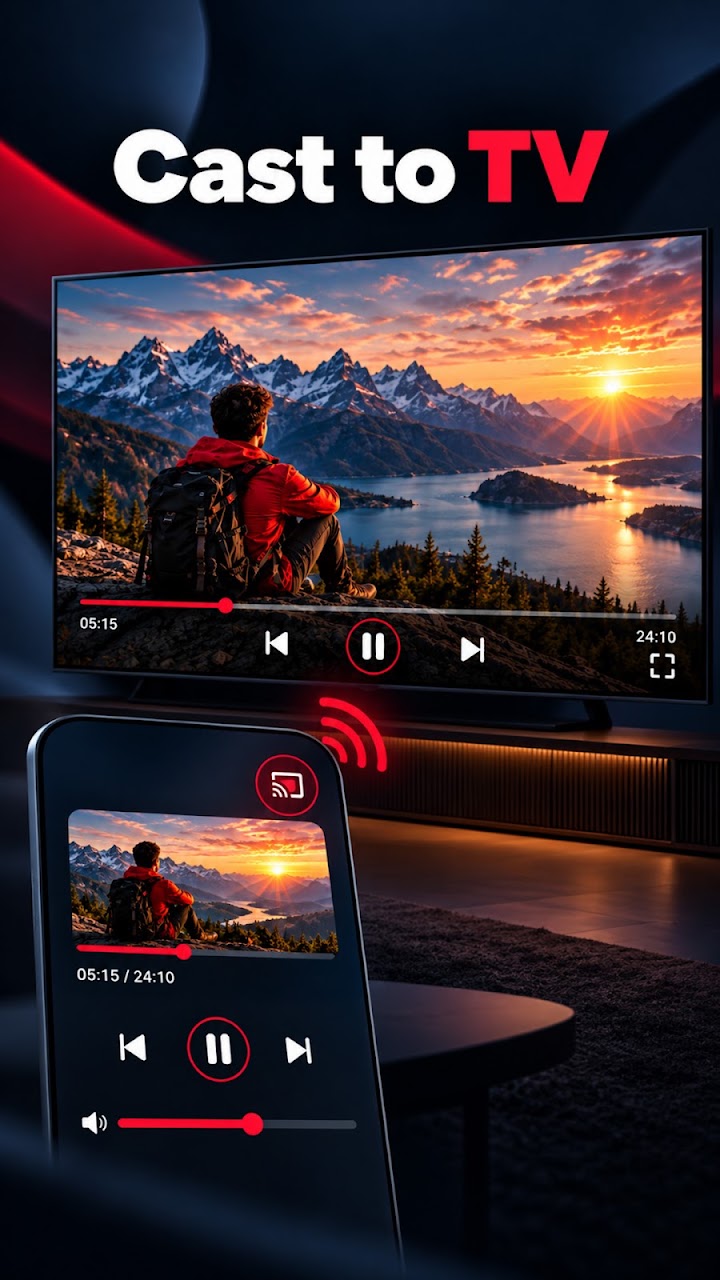
- TV casting — Can cast video from your Android phone to a TV.
- Media management — Browses, searches, and organizes videos, songs, playlists, albums, and recently played items.
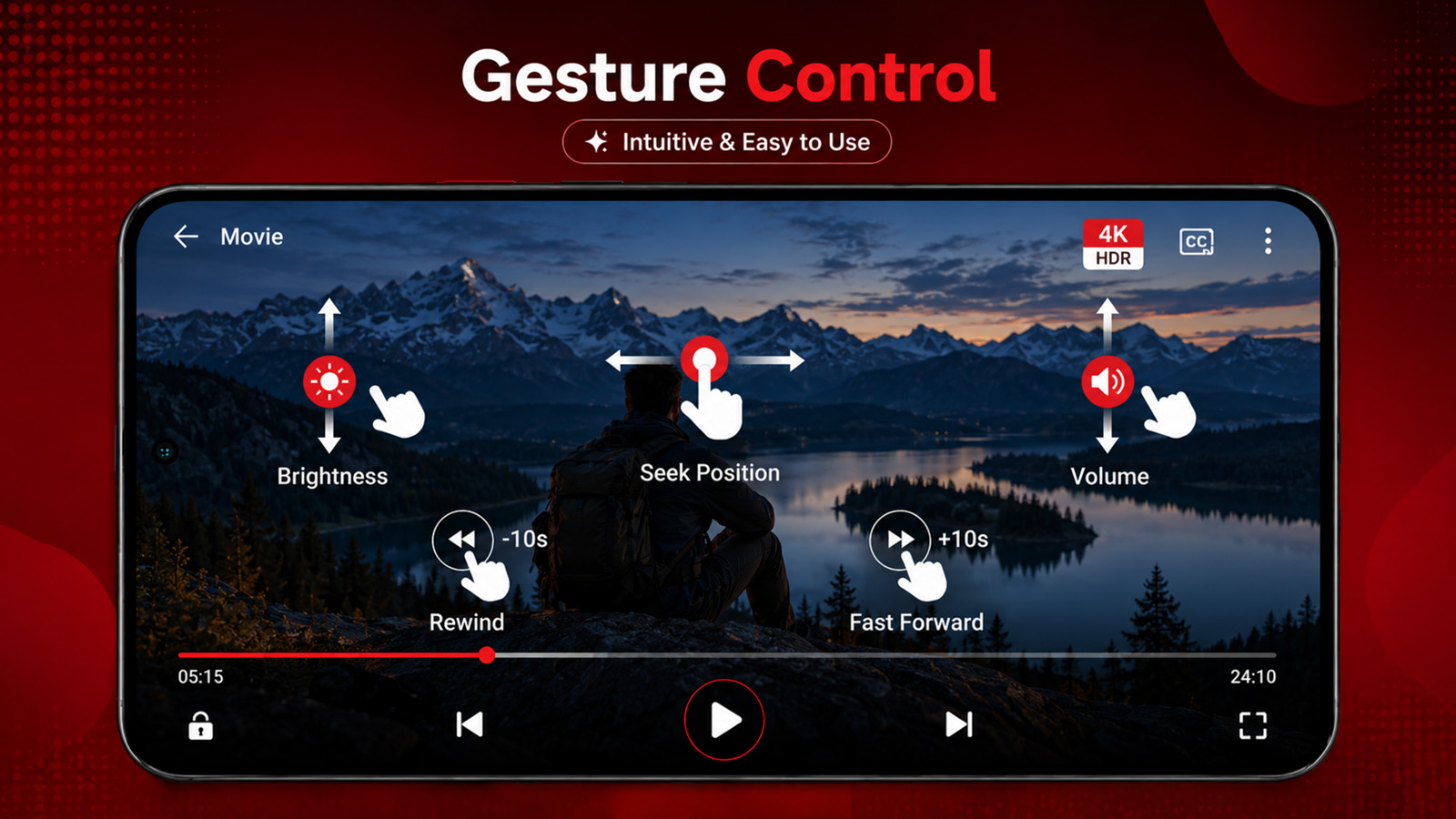
- Playback controls — Offers gestures, playback speed, dual audio, night mode, and a sleep timer.
When a phone has too many video files
HD Video Player All Formats is built for the common problem of switching between different players just to open one file. It plays local videos and music in many formats, including MKV, MP4, MOV, FLV, WMV, TS, and MP3, so the library stays in one place instead of being split across apps.
HD, 4K, and subtitle support
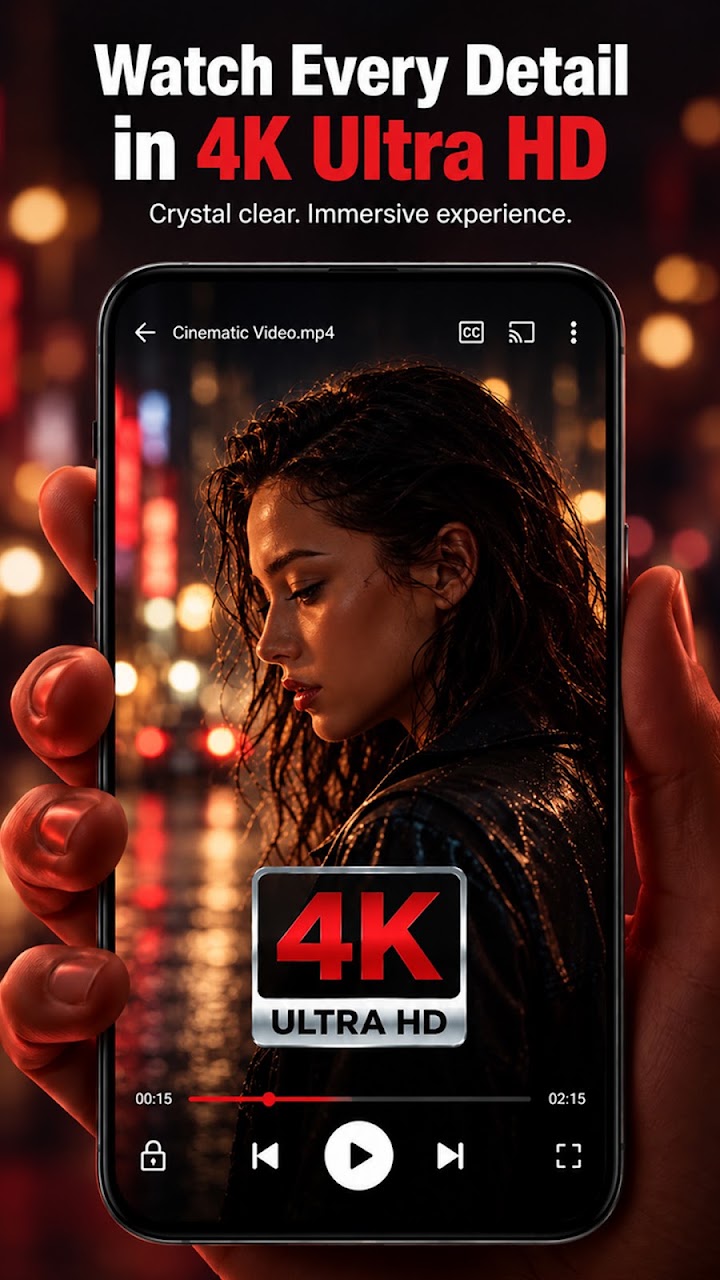
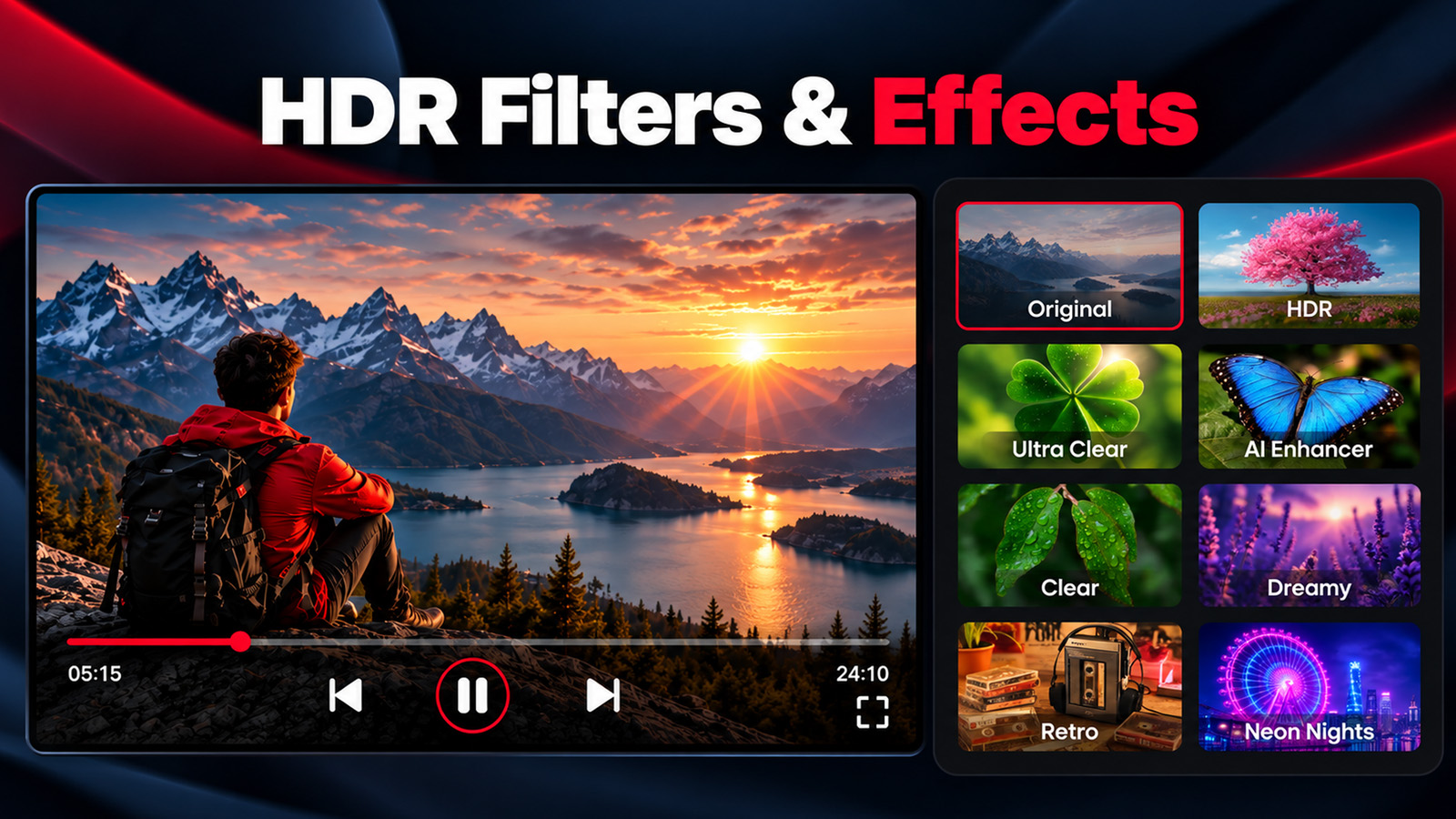
The app is aimed at users who keep high-resolution files on their device. It supports HD, Full HD, 4K, and Ultra HD playback, and it includes subtitle support with a subtitle downloader. That makes it useful for downloaded movies, saved clips, and files that need captions without extra setup.
- Offline playback: plays local media stored on the phone or SD card.
- File access: scans devices automatically to find video and music files.
- Library tools: lets you browse, search, and resume recent items.
TV casting and background use
There are a few ways to watch beyond the phone screen. The app can cast video to a TV, play in a floating window, use split-screen, or keep audio running in the background. That makes it more flexible than a basic player, though the interface still centers on playback and file management rather than editing.
Controls, storage, and install details
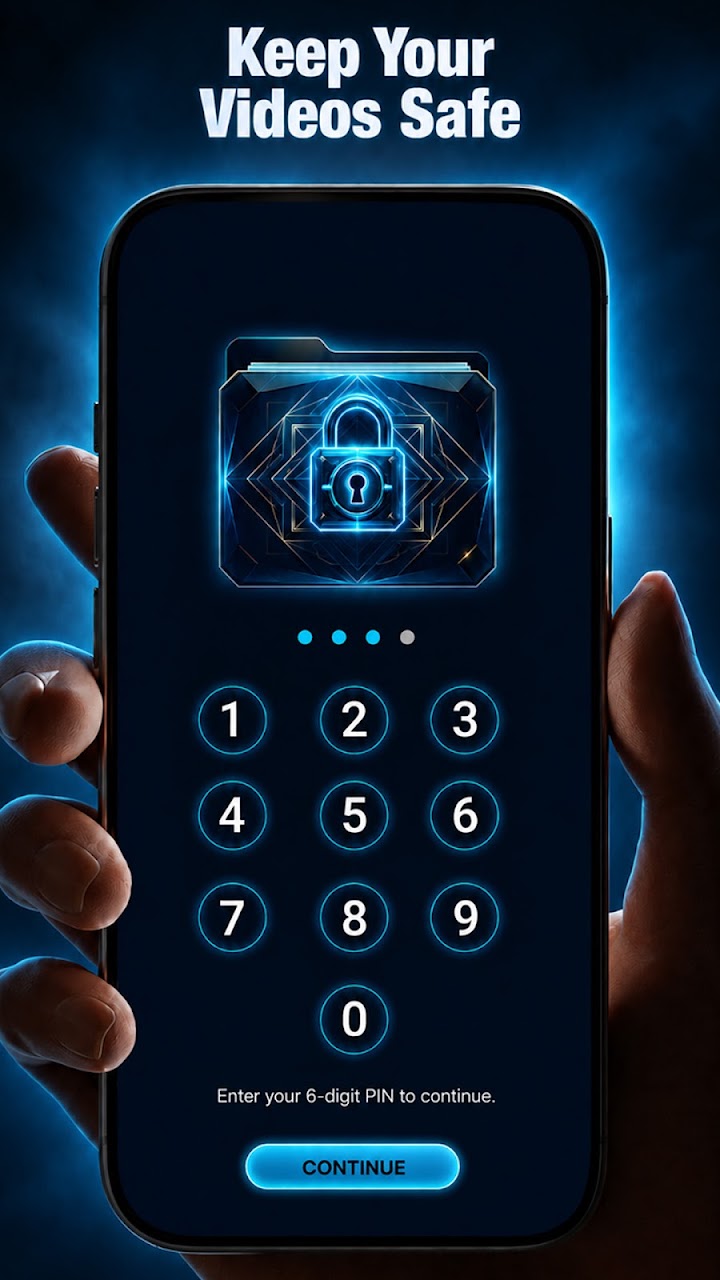
Playback controls include gestures for volume, brightness, and progress, plus pinch to zoom, screen lock, aspect ratio options, playback speed, dual audio, and a sleep timer. It also offers a file manager with PIN access, duplicate filtering, and local storage tools for selected files. The APK is 2.3 MB, comes as a universal build, and requires Android API 14 or higher.
Trade-offs to keep in mind
This app contains ads and offers in-app purchases, so the free install is not the whole experience. It is not affiliated with third-party content platforms, and it focuses on playback and file handling rather than advanced editing. For users who want a straightforward player for many formats, that trade-off is clear.
It suits people who store their own videos and want one player for local playback, TV casting, and subtitle handling. Users who need editing tools may prefer a different app, but for media playback and organization, this one covers the core job well.
APK information
- Version
- 3.1.1.0
- Package
- com.rocks.music.videoplayer
- Category
- Video Players & Editors
- Size
- 2 MB
- Min Android
- API 14
- Architecture
- universal
Older versions
-
HD Video Player All Formats 3.1.1.0Nov 12, 2026Latest downloadAPK
HD Video Player All Formats FAQ
Can HD Video Player All Formats play offline?expand_more
Yes. It plays local videos and music stored on your device or SD card.
Does HD Video Player All Formats need a subscription?expand_more
No subscription is listed. The app is free, but it contains ads and offers in-app purchases.
Does HD Video Player All Formats have in-app purchases?expand_more
Yes. The app includes in-app purchases.
How do I install the HD Video Player All Formats APK file?expand_more
Download the APK file and install it on an Android device that meets the minimum requirement of API 14 or higher.
Can HD Video Player All Formats cast video to a TV?expand_more
Yes. The app includes cast video to TV support from an Android phone.