
- 2.6star78 reviews
- 100M+Downloads
- 26 MBAPK size
- EveryoneRated for Everyone
- 6.0+Android
check_circleOriginal APK from يونس عبدالله الشيباني · Updated Nov 12, 2026

No threats found
0 / — antivirus engines flagged this file
Original signature
First seen — يونس عبدالله الشيباني
Unmodified APK
Same file the developer published — no mods
HiCare screenshots
3 images · tap to enlarge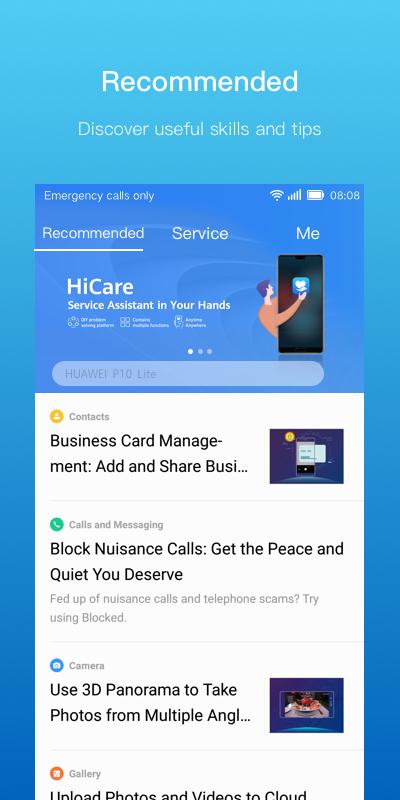
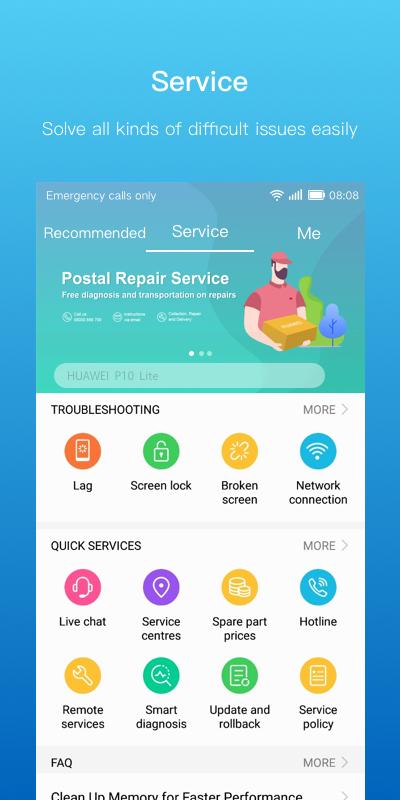
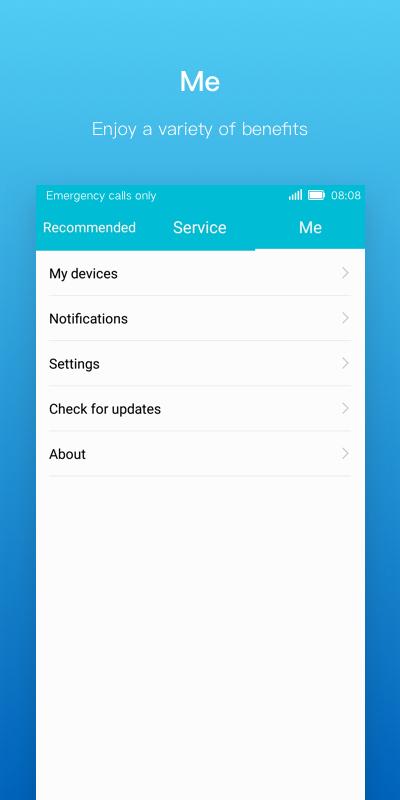
About this app
HiCare by يونس عبدالله الشيباني is a Business app made to help Huawei device users handle after-sales needs in one place. It brings service center details, hotline numbers, manuals, warranty checks, forums, and accessory price lookups together so you can find support without searching across multiple places.
- Service center search — Look up local service center addresses and phone numbers.
- Hotline details — Find local hotline numbers and working hours.
- Warranty checks — Check warranty status and review warranty policy details for your region.
- Manuals and guides — Open user manuals with function descriptions for Huawei devices.
- Forum access — Use the local forum to talk with other phone users.
- Accessory pricing — Check prices for items such as screens, motherboards, and cameras.
Huawei support in one app
HiCare is built around after-sales help for Huawei devices. Instead of jumping between search results and support pages, it gathers service center listings, hotline numbers, manuals, warranty details, a forum, and accessory prices in one place. That makes it easier to check a problem, find the right contact, and see what support options are available nearby.
What you can do inside HiCare
The app focuses on practical tasks. You can search for service center addresses and numbers, check hotline hours, open manuals, review warranty status, and look up warranty policy details for your region. It also includes a forum for local phone users and a price checker for parts such as screens, motherboards, and cameras.
- Gets: service centers, hotline numbers, manuals, warranty status, forum access, accessory prices
- Watch for: it is aimed at Huawei devices, and the store rating is 2.6 from 78 ratings
Free to install, with no ads
HiCare is free, does not contain ads, and has no in-app purchases listed. It also asks for no permissions, which is a simple setup for people who prefer an app that does not request extra access. The APK is 26.5 MB, comes in universal format, and needs Android 6.0 or later.
How it compares with typical support apps
Compared with generic help apps, HiCare is narrower and more specific. It is centered on Huawei after-sales support rather than broad business tools. That focus is useful if you want device service details and warranty checks, but it also means the app is not trying to be an all-purpose customer support platform for every brand.
Should you try it?
If you use a Huawei device and want a single place to check service options, manuals, and warranty details, HiCare may be worth a look. The low rating and mixed rating spread suggest some users had poor experiences, so it is sensible to treat it as a utility for specific support tasks rather than a polished all-around app.
What's new
Version 10.1.3.309 · Nov 12, 2026
- [Other] Optimizes certain logic flows and fixes some known issues.
APK information
- Version
- 10.1.3.309
- Package
- com.huawei.phoneservice
- Category
- Business
- Size
- 26 MB
- Min Android
- 6.0
- Architecture
- universal
Older versions
-
HiCare 10.1.3.309Nov 12, 2026Latest downloadAPK
HiCare FAQ
Is HiCare free for small teams?expand_more
HiCare is free, but it is made for Huawei device customer assistance rather than team use. The listing does not mention team features.
Does HiCare integrate with other tools?expand_more
No integrations are listed. The app description focuses on Huawei support features like service centers, manuals, warranty status, and forums.
Which Android version does HiCare need?expand_more
HiCare needs Android 6.0 or later.
How big is the HiCare download?expand_more
The APK size is 26.5 MB.
Can I check Huawei warranty status in HiCare?expand_more
Yes. HiCare includes a warranty status check and also lets you search for Huawei’s after-sales warranty policy in your region.