- 4.3star995,505 reviews
- 100M+Downloads
- 69 MBAPK size
- EveryoneRated for Everyone
- 6.0+Android
check_circleOriginal APK from Smart Utils Dev Team · Updated Nov 12, 2026
No threats found
0 / — antivirus engines flagged this file
Original signature
First seen — Smart Utils Dev Team
Unmodified APK
Same file the developer published — no mods
HideU: Calculator Lock screenshots
7 images · tap to enlarge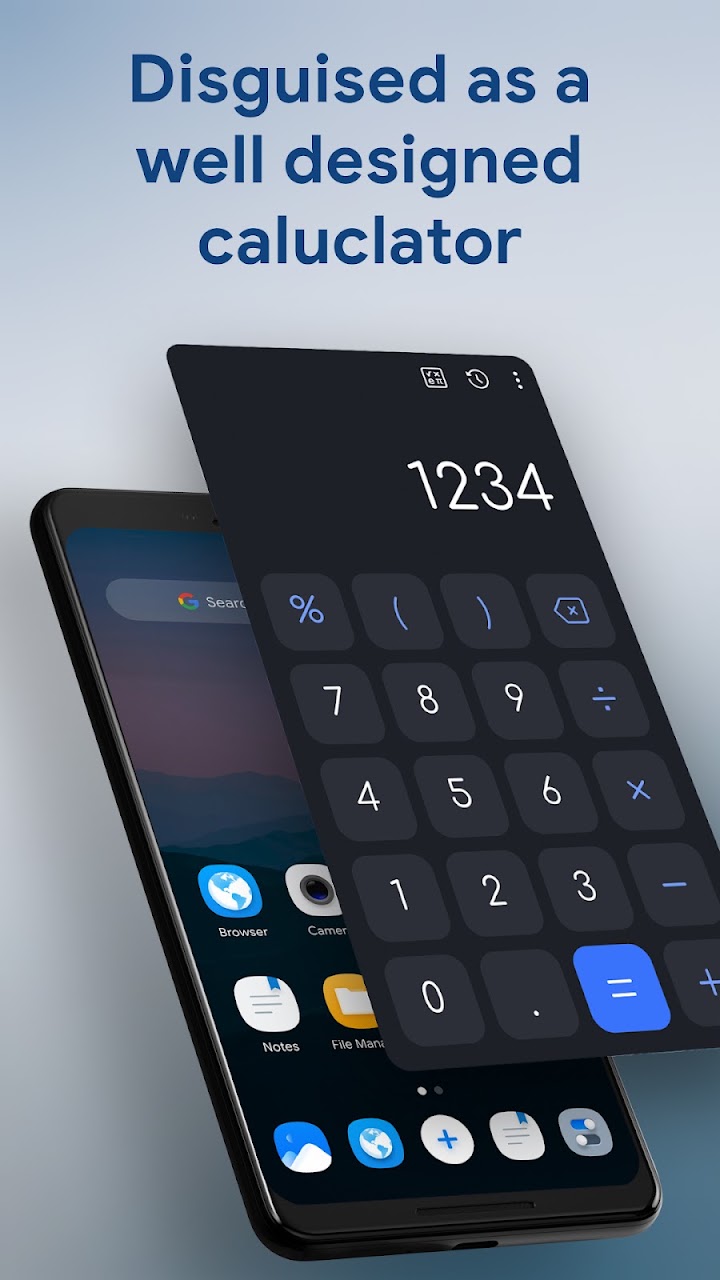



About this app
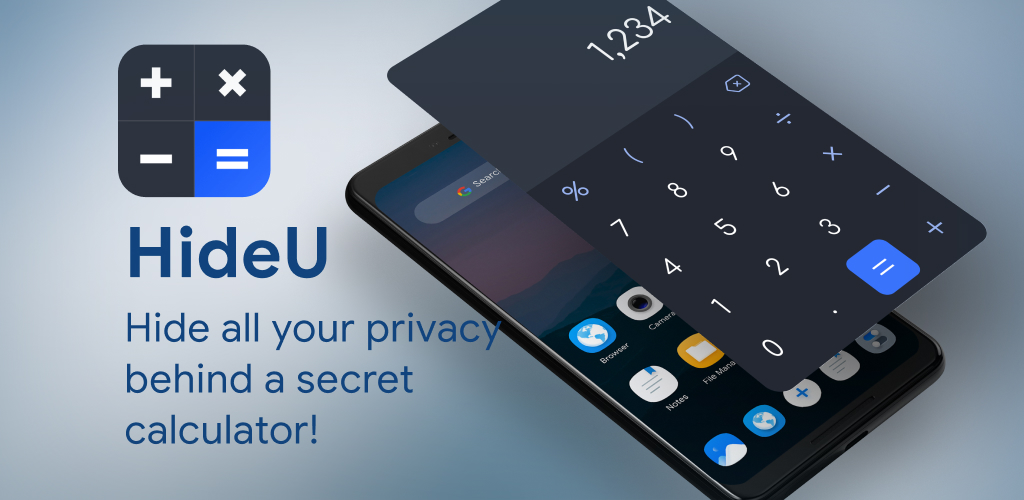
Smart Utils Dev Team made HideU: Calculator Lock for keeping photos, videos, and other files behind a calculator-style lock. It combines a hidden vault, app lock, private browser, and built-in media tools. With 100M+ installs, a 4.3 rating from 995,505 ratings, and ads plus in-app purchases, it is a free tools app for Android 6.0 and up.
- Calculator disguise — The app opens through a calculator-style screen, and the PIN entry is built into that disguise.
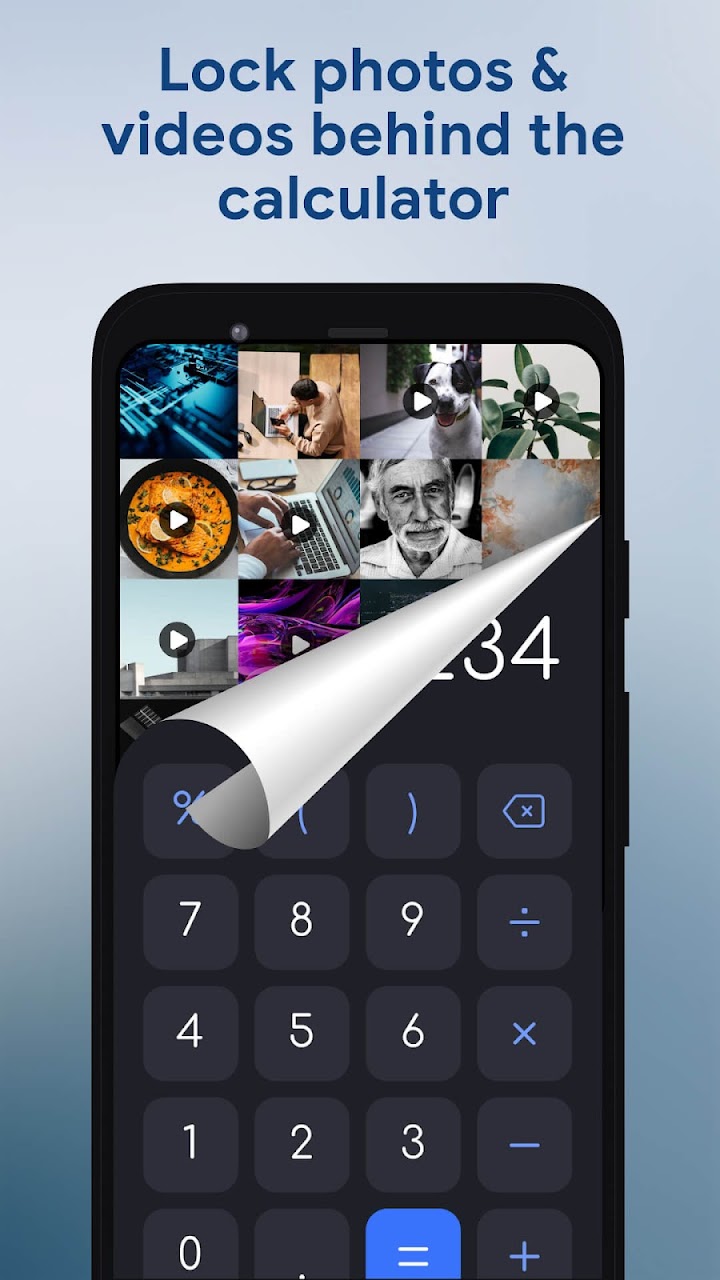
- Hidden media vault — Photos, videos, movies, and other files stay in the private space instead of appearing in normal albums or file managers.
- Built-in playback — Hidden videos can be played inside the vault, with brightness, sound, and one-key mute controls.
- Photo editing tools — The built-in viewer supports filters, crop, text, and basic adjustments for stored photos.
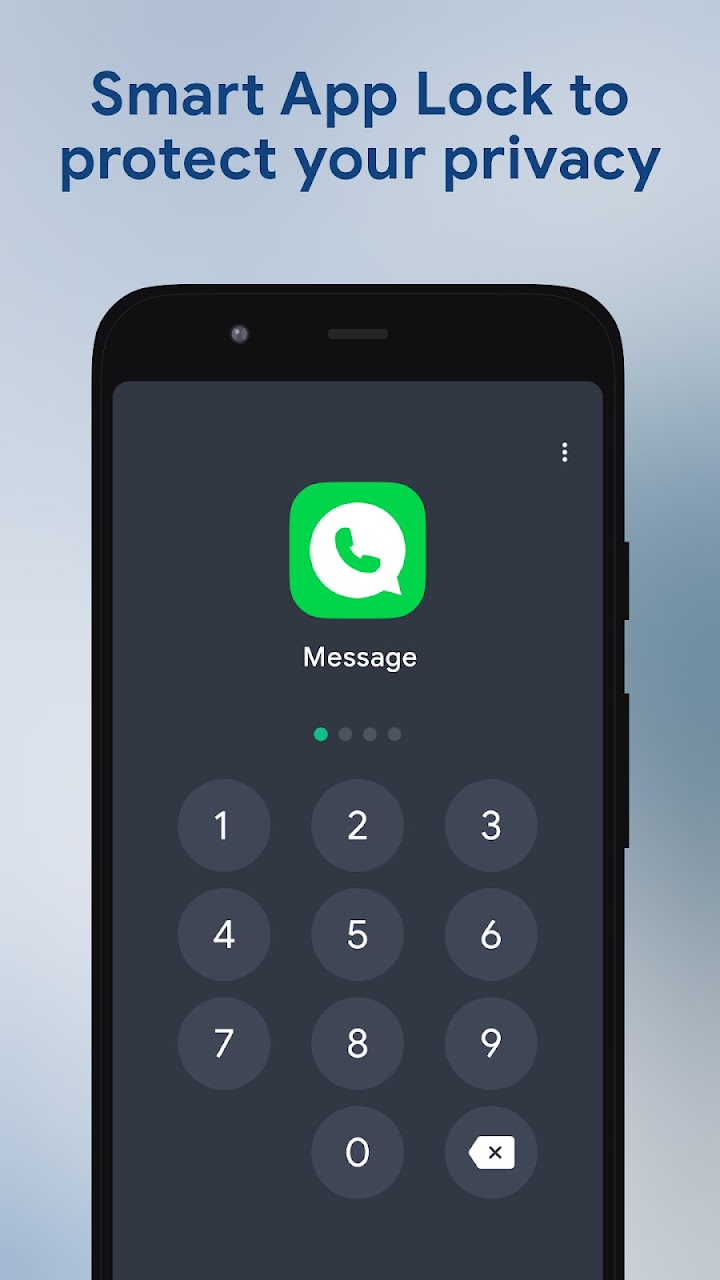
- App locking — Locked apps require a password or pattern before they open, which adds another privacy layer.
- Cloud backup — Personal files and data can be backed up to the cloud for private storage and recovery.
Calculator screen, private space
HideU: Calculator Lock uses a calculator icon and calculator-style entry to open its private space. Enter the PIN on the calculator and press the equals button to reach the vault. That setup keeps the hidden area separate from the rest of the phone, while still letting the app function as a calculator cover.
For someone storing private media, the main advantage is simple access control: one password gate for the hidden space, and a disguise that does not look like a vault at first glance.
Photos and videos stay hidden
The app stores photos, videos, movies, and other files in hidden space so they do not appear in other albums, galleries, or file managers. That makes it useful when you want private media kept away from everyday browsing on the device.
It also includes a built-in photo viewer and video player, so you can open your hidden files without leaving the app. The player includes brightness, sound, and one-key mute controls, which helps when you switch between quiet and louder situations.
Editing, browsing, and app lock
HideU adds a private browser for secret and anonymous browsing, plus app lock for protecting other apps with a password or unlock pattern. In practice, that means the app is not only a vault but also a small privacy toolkit for the phone.
The photo viewer can edit images with filters, crop, text, and basic parameter adjustments. It is a practical extra, though the app does include ads and in-app purchases.
Backup and install checks
Cloud service is available for backing up personal files and data in private storage. The app says not to uninstall it, clear app data, or delete its generated files and folders before backing up, or the files may be lost. The APK is 69.4 MB, in universal format, and requires Android 6.0 or higher.
- Developer: Smart Utils Dev Team
- Category: Tools
- Content rating: Everyone
APK information
- Version
- 2.4.0
- Package
- com.calculator.hideu
- Category
- Tools
- Size
- 69 MB
- Min Android
- 6.0
- Architecture
- universal
Older versions
-
HideU: Calculator Lock 2.4.0Nov 12, 2026Latest downloadAPK
HideU: Calculator Lock FAQ
Does HideU: Calculator Lock need root access?expand_more
No root requirement is listed for this app.
Why does HideU: Calculator Lock need these permissions?expand_more
No permissions are listed in the app details provided. The app description focuses on vault, app lock, private browsing, and cloud backup features.
Who develops HideU: Calculator Lock?expand_more
It is developed by Smart Utils Dev Team.
Can I install HideU: Calculator Lock without Google Play?expand_more
The app is available as an APK file, so it can be installed outside Google Play if your device allows APK installs.
How do I open the hidden space in HideU: Calculator Lock?expand_more
Enter your password on the calculator and press the equals button to open the private space.