
- 0.0star0 reviews
- 50K+Downloads
- 59 MBAPK size
- EveryoneRated for Everyone
- API 18+Android
check_circleOriginal APK from Kudlian Software · Updated Nov 10, 2026
No threats found
0 / — antivirus engines flagged this file
Original signature
First seen — Kudlian Software
Unmodified APK
Same file the developer published — no mods
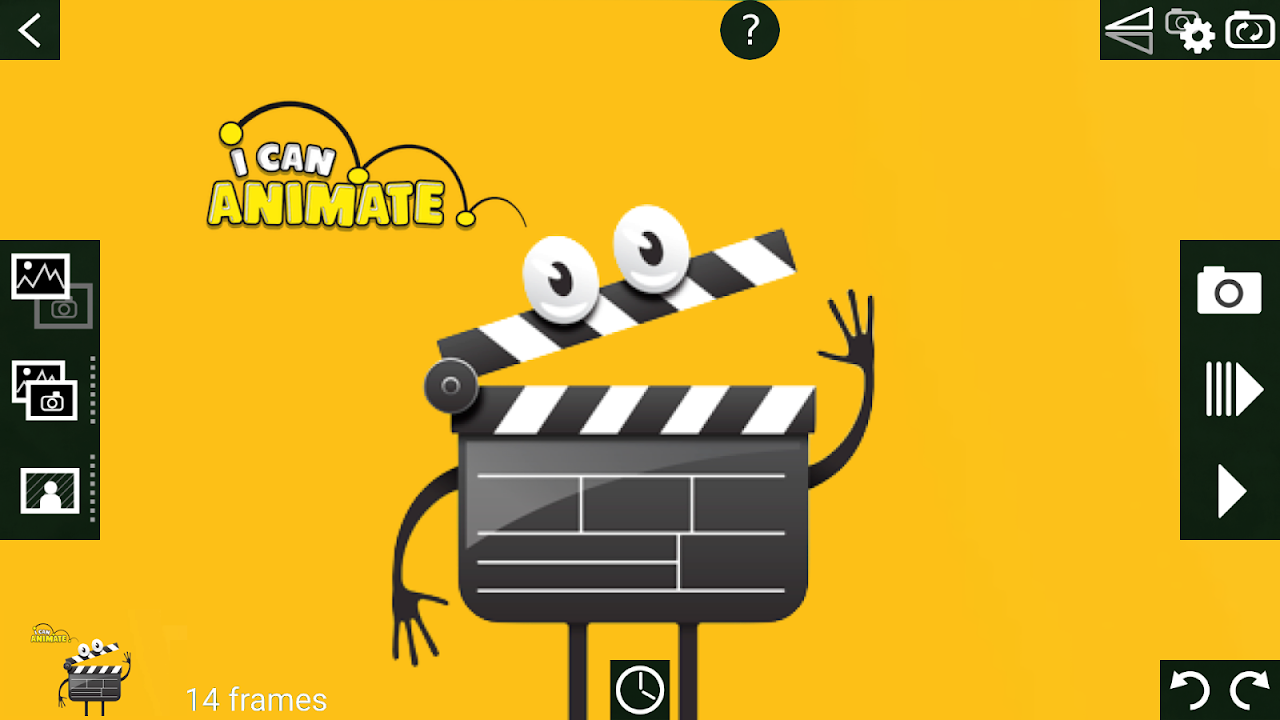
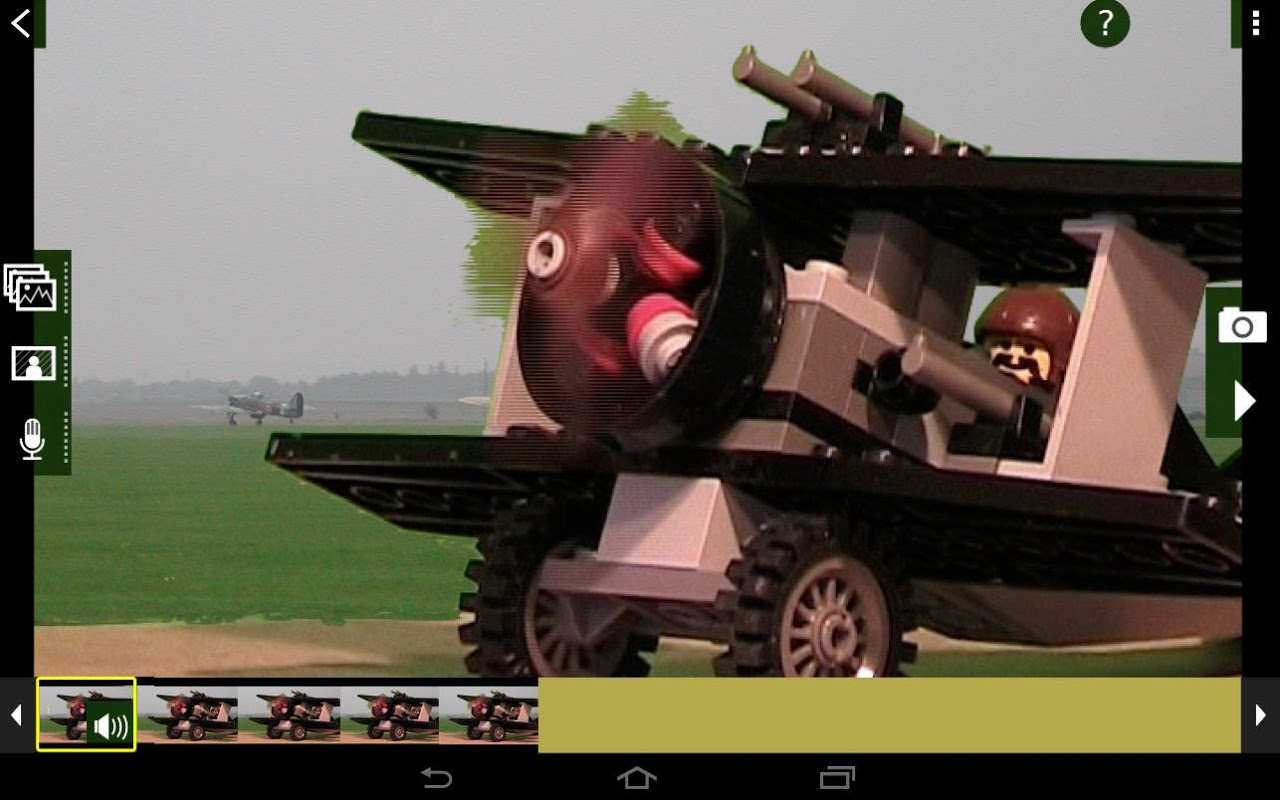
I Can Animate screenshots
3 images · tap to enlarge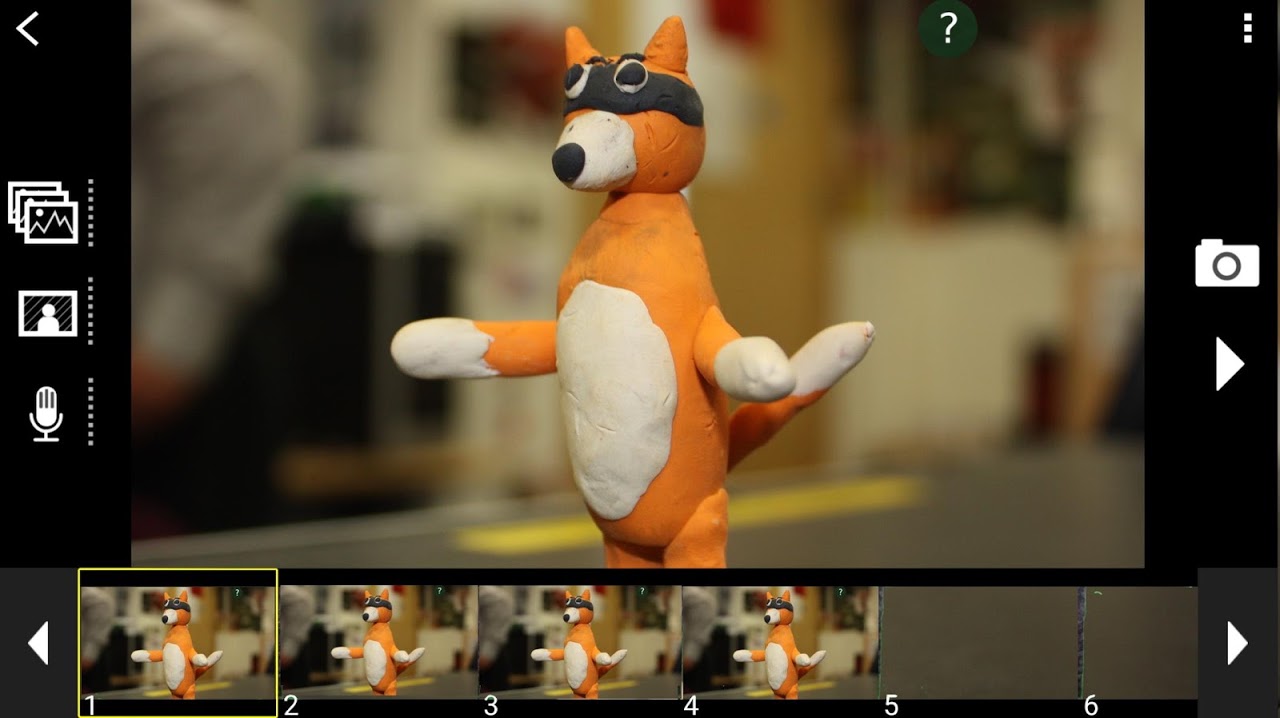
About this app
Create stop motion animations on your Android device with I Can Animate. It is built for making short movies from your own models and scenes, with tools for green screen, sound effects, and clip organisation. You can start free, work without cables or an external camera, and export your animated projects for sharing.
- Stop motion capture — Make frame-by-frame animations directly on your Android device.
- Green screen support — Place characters in different scenes by capturing against a green screen.
- Audio options — Add sound effects from the library or use your own recordings.
- Clip organisation — Keep your animations organised into clips for easier editing.
- No external camera — Create animations anywhere without cables or an outside camera.
- Ultra HD movies — Make movies in Ultra High Definition on devices that support it.
First launch: start a stop motion project
When you open I Can Animate for the first time, you can begin exploring stop motion right away. The app is made for creating animations with models, including Lego, and for building short movies that you can later share on video sites. You do not need cables or an external camera, so the setup stays simple.
The app is free to try, and it is designed for beginners who want to experiment with animation on Android. It works on devices running Android 4.3 and up, comes as an APK, and the file size is 58.8 MB.
Set up your clips, sound, and scenes
After your first project opens, the most useful next steps are to organise your animation into clips and decide how you want it to sound. You can add sound effects from the audio library, import your own audio, or record sound directly for your soundtrack. If you want more visual control, you can also capture against a green screen.
- You get: stop motion tools, green screen capture, sound options, and clip organisation.
- Watch for: Ultra High Definition output only works on devices that support it.
Practical tips for your first animations
Start with a small scene so you can learn how the app handles movement frame by frame. Lego models are a natural fit, but the app is also aimed at other stop motion projects. If you want to post your work, you can prepare it for YouTube and other video sites once your short movie is ready.
Because everything is on your device, it is easy to try ideas in different places, whether you are working at home or somewhere else. The app’s simple approach makes it easier to focus on the animation itself rather than on setup.
Free use and what it asks for
I Can Animate is free to use and does not list ads or in-app purchases. It also does not request any permissions. That means you can install it and start testing the app without setting up extra access steps or account details shown here.
What's new
Version 2.5 · Nov 10, 2026
- Bug fixes
APK information
- Version
- 2.5
- Package
- net.kudlian.icananimate2
- Category
- Video Players & Editors
- Size
- 59 MB
- Min Android
- API 18
- Architecture
- universal
Older versions
-
I Can Animate 2.5Nov 10, 2026Latest downloadAPK
I Can Animate FAQ
Does I Can Animate support Chromecast?expand_more
Chromecast support is not listed for I Can Animate. The app description focuses on stop motion creation, green screen capture, and audio tools.
Does I Can Animate need a subscription?expand_more
No subscription is listed. I Can Animate is free to use, with no in-app purchases shown.
Can I install I Can Animate without Google Play?expand_more
Yes. The app is provided as an APK, so it can be installed outside Google Play.
Is I Can Animate free to use?expand_more
Yes. I Can Animate is free, and there are no in-app purchases listed.
Can I add my own sound to animations?expand_more
Yes. You can import your own audio or record sound to use as a soundtrack, or choose from the audio library.