
- 0.0star0 reviews
- 5K+Downloads
- 4 MBAPK size
- EveryoneRated for Everyone
- 6.0+Android
check_circleOriginal APK from Vida Power · Updated Nov 12, 2026

No threats found
0 / — antivirus engines flagged this file
Original signature
First seen — Vida Power
Unmodified APK
Same file the developer published — no mods
iUC BROWSER screenshots
7 images · tap to enlarge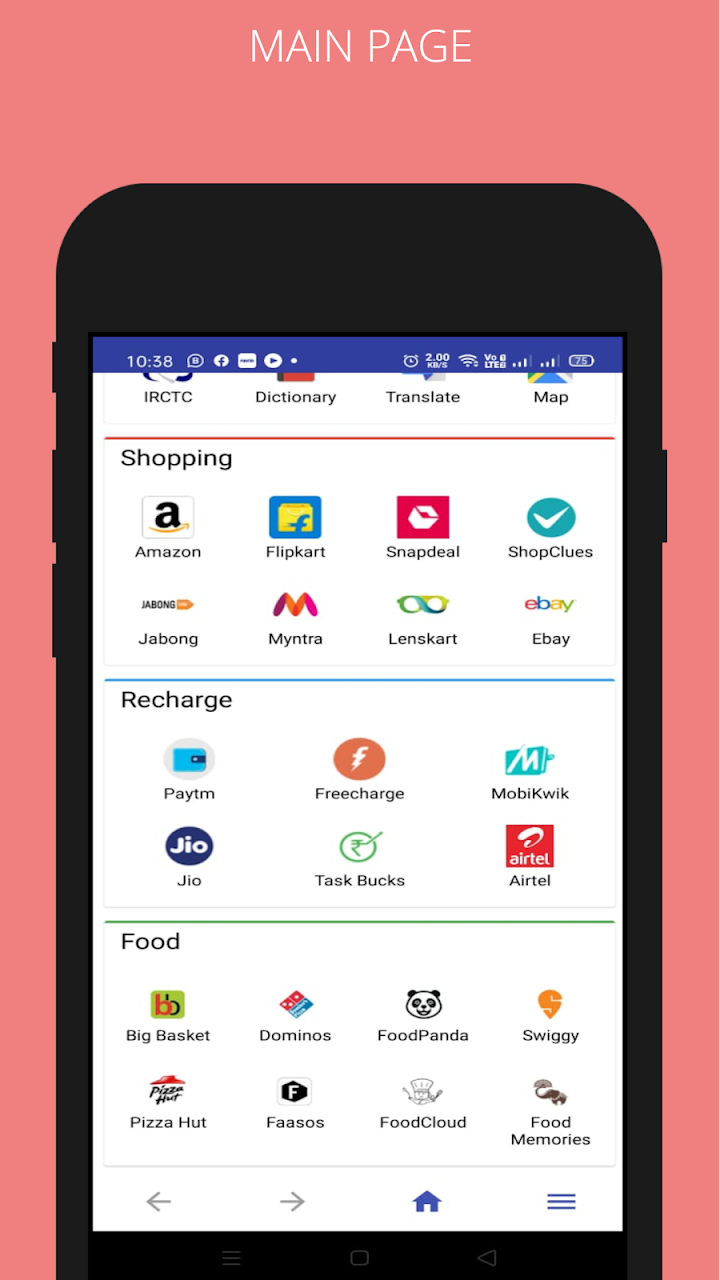
About this app
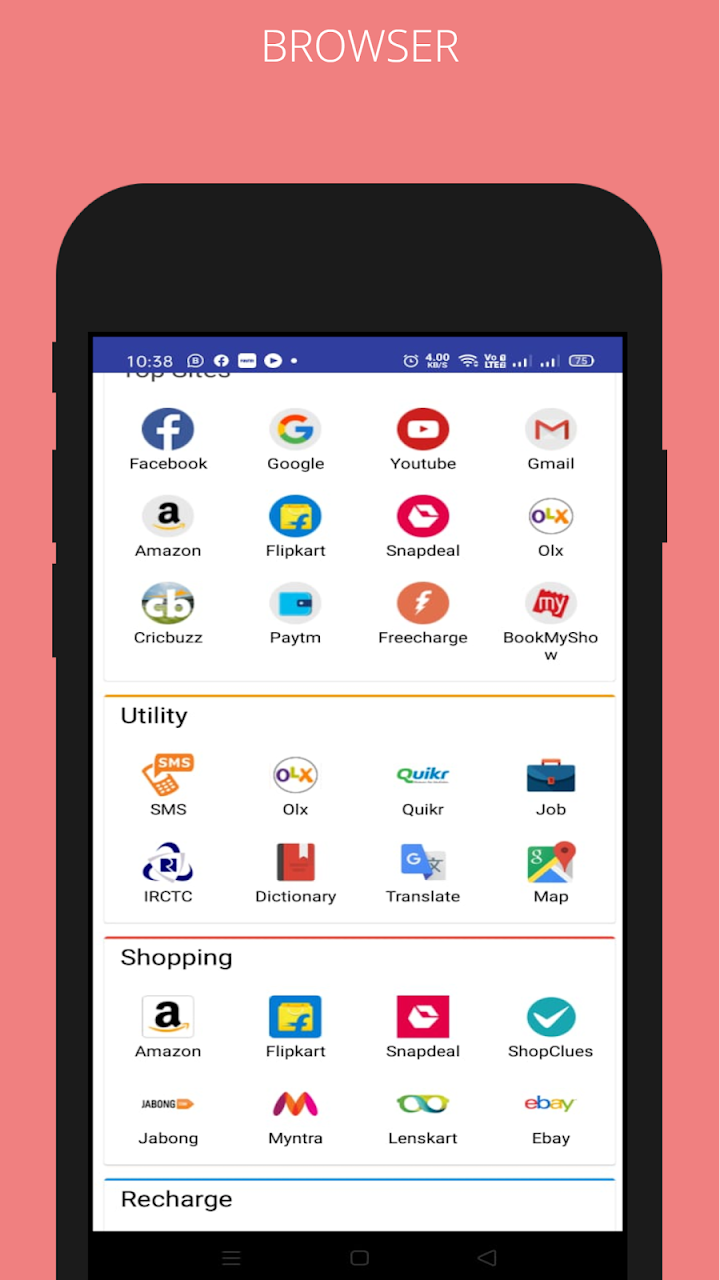
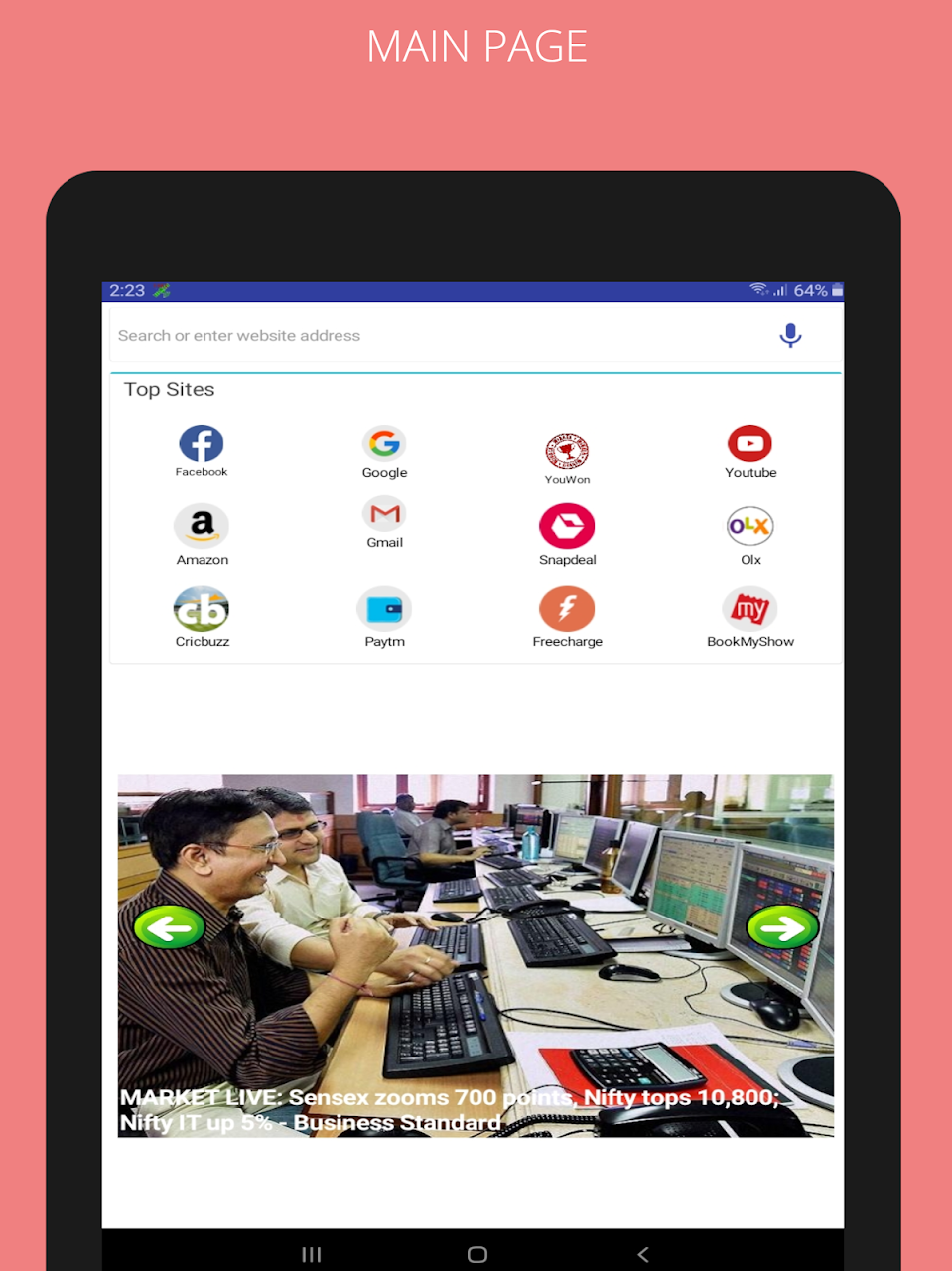
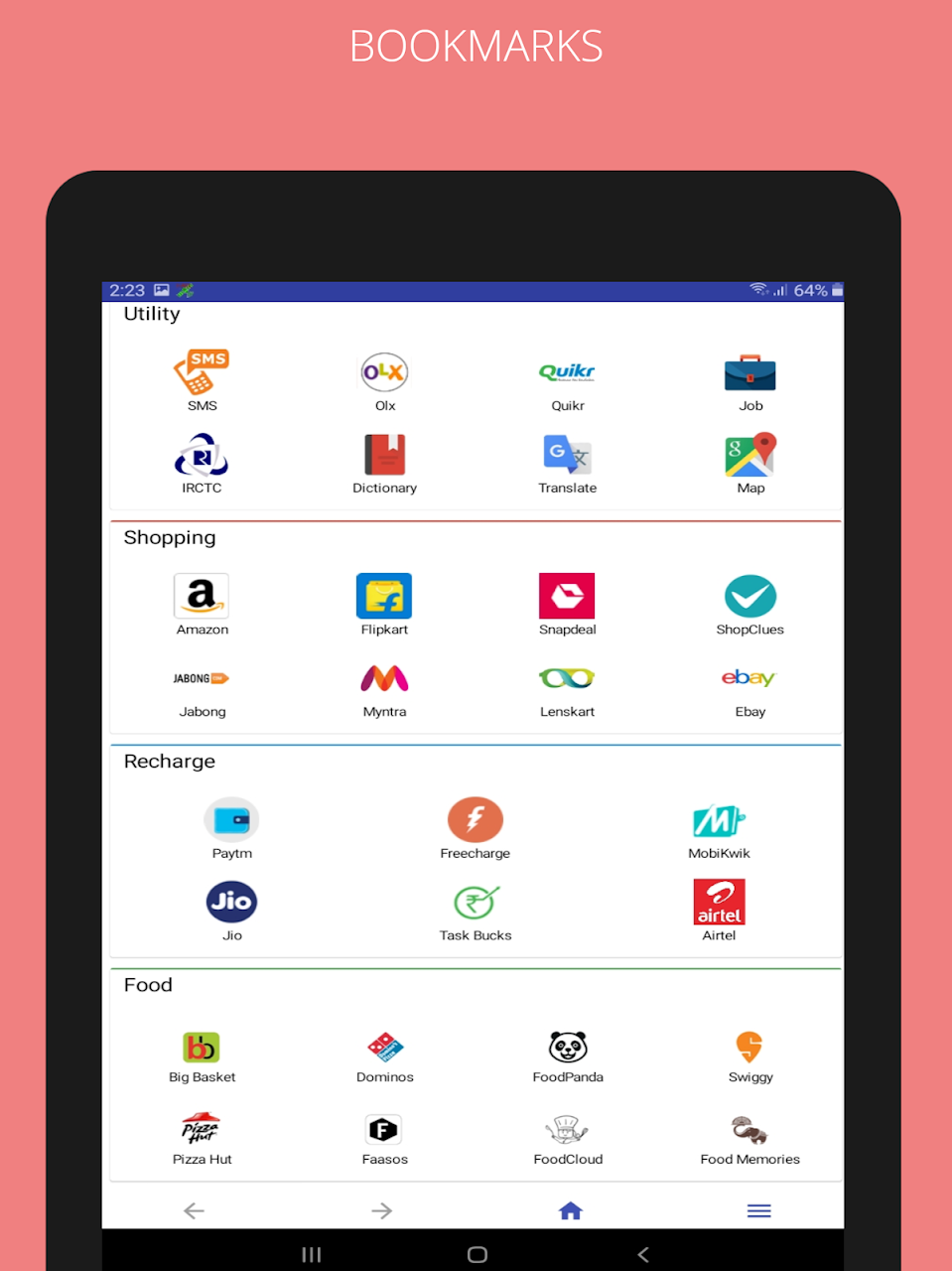
When you open a site you want to save, iUC BROWSER gives you a straightforward browser screen for tabs, bookmarks, and downloads. It keeps browsing history and bookmarks stored locally on your device, includes private mode, and lets you return to your previous session after closing the app. Ads are present, so that is part of the daily experience.
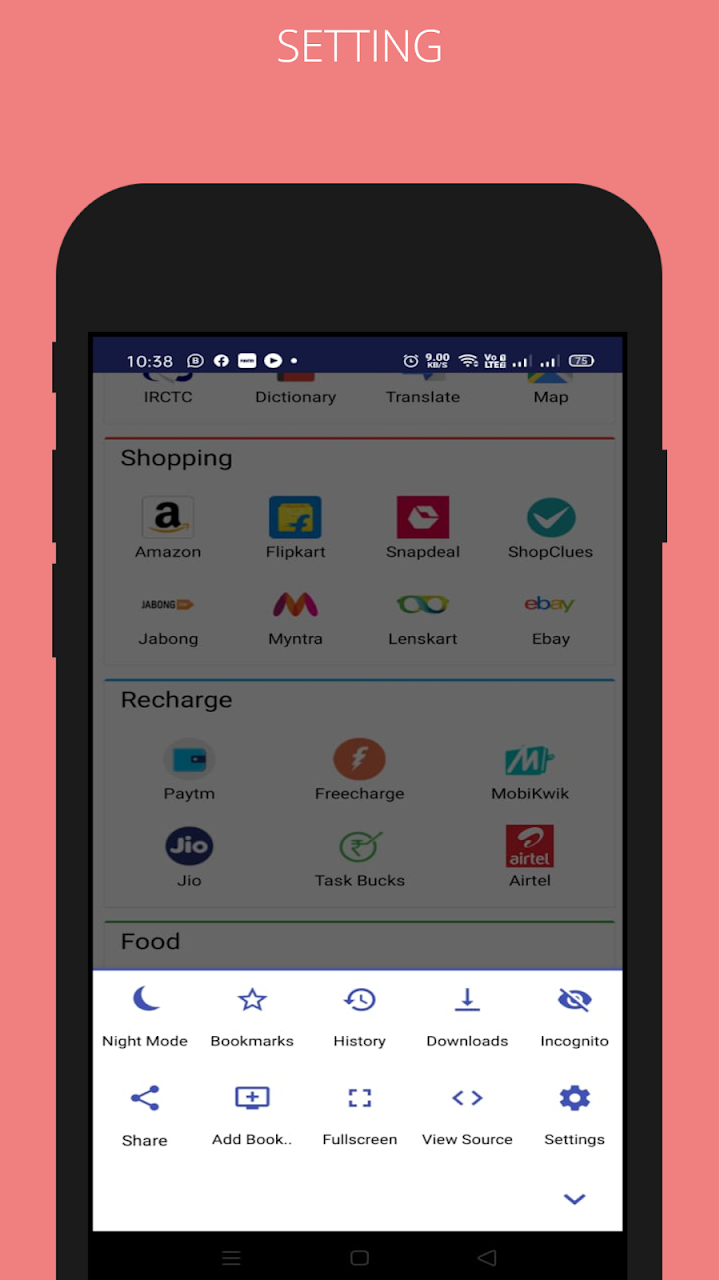
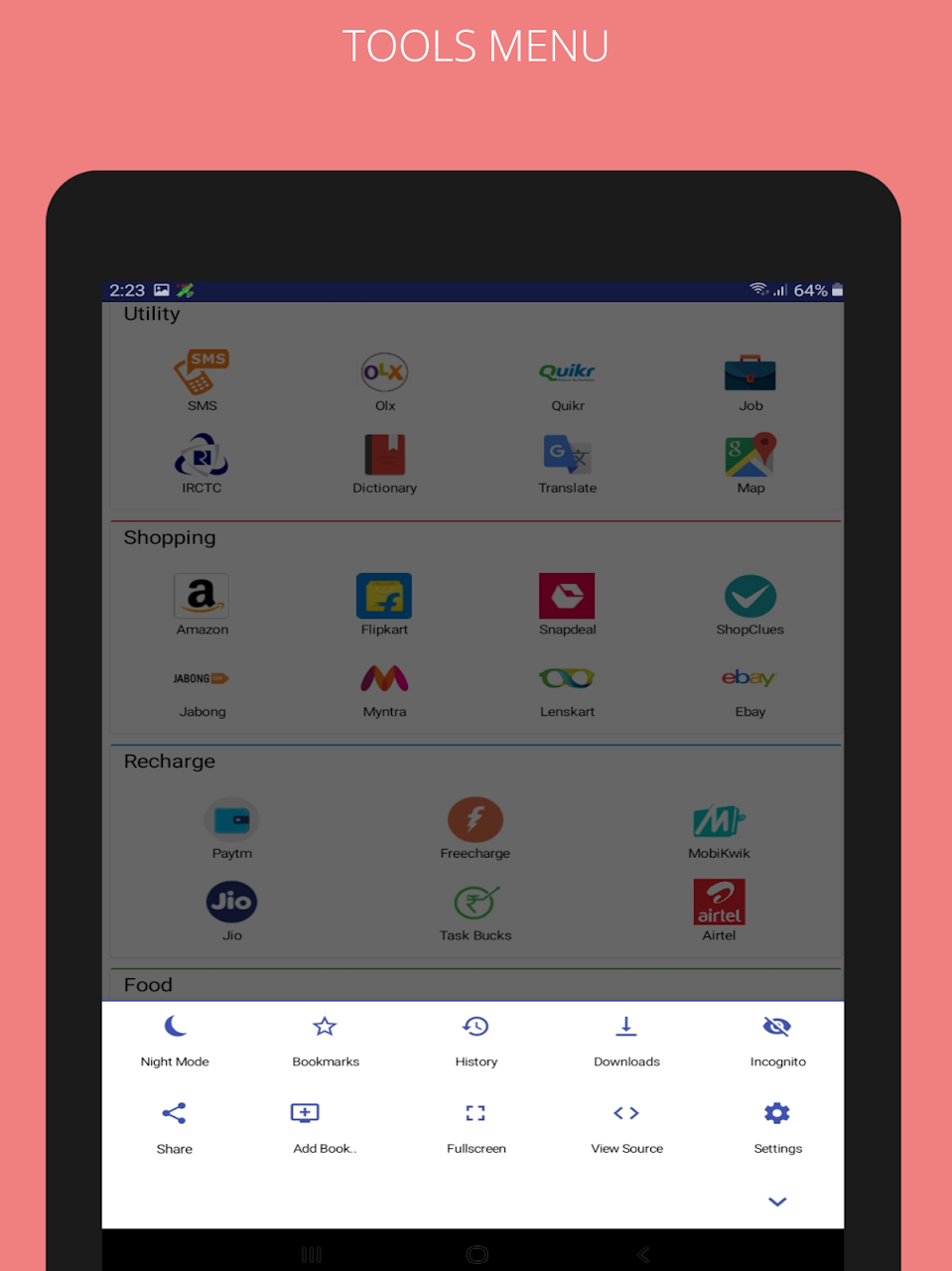
- Multi-tab browsing — Open several pages at once and manage them from a clear tab view.
- Private mode — Browse without saving history in private sessions.
- Downloads manager — Track downloaded files from inside the browser.
- Night mode — Switch to a darker view for easier reading.
- Local storage — Bookmarks, history, and preferences stay on your device.
- Session restore — Continue from your previous browsing session after a crash or close.
Opening sites, tabs, and saved pages
iUC BROWSER is built for everyday web use: type a URL or search from the address bar, then keep related pages open in separate tabs. The tab manager makes it easier to switch between pages, close them with the X button, and keep active tabs visible. Bookmarks and locally stored browsing history help when you return to pages later, while the find-in-page tool and desktop-site mode cover more specific browsing tasks.
For a browser this focused, the workflow is simple: open a page, save it if needed, and move on. Pull to refresh and page zoom controls are there when you need them, and crash-safe session restore helps you pick up where you left off.
Private mode, ads, and local storage
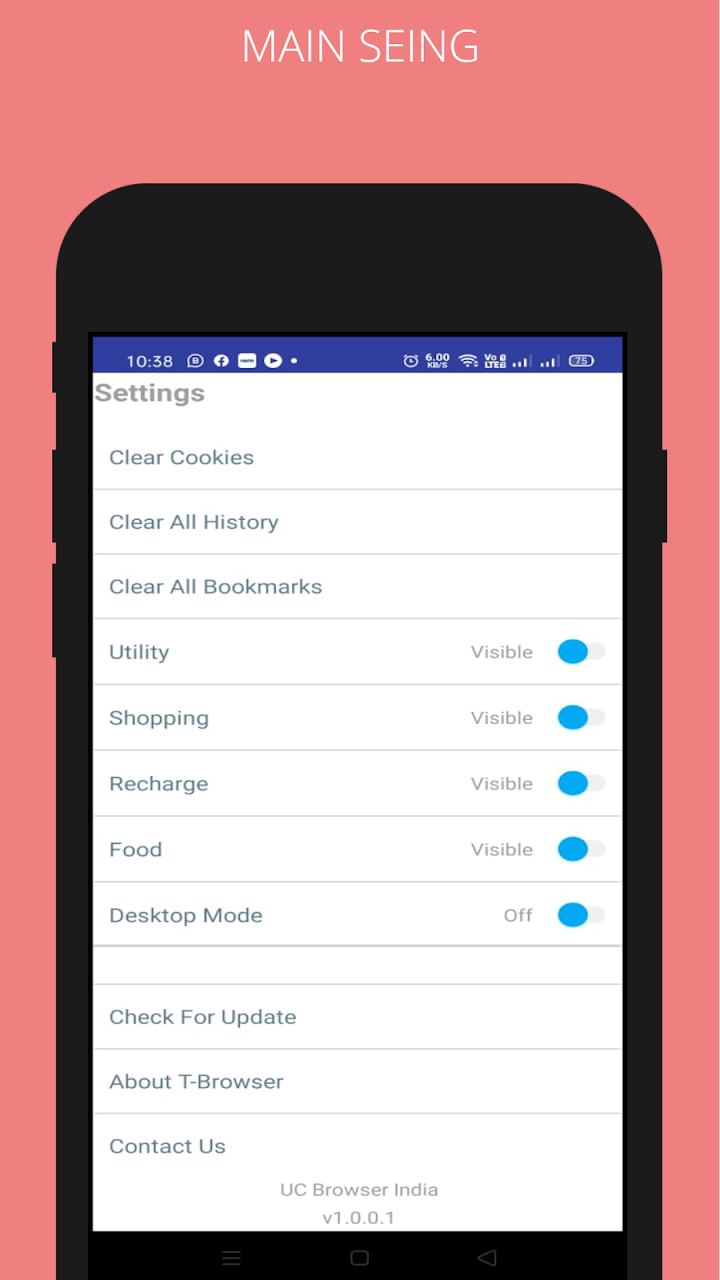
The app includes private browsing mode, which avoids saving browsing history. Outside private mode, browsing history, bookmarks, and app preferences are stored locally on the device, and you can clear browsing data from settings. The app uses Google AdMob for ads, and the recent release adds optional rewarded ad-free browsing plus improved privacy consent handling.
Compared with Android System WebView or Android System Intelligence, iUC BROWSER is the full browsing app rather than a system component. That means you get tabs, bookmarks, downloads, and night mode in one place, instead of a background service or helper tool. If you mainly want a browser that keeps your own pages and settings together, that is the stronger fit here.
Compatibility, size, and device use
The app works on Android 6.0 and up, comes as a universal APK, and is 4.1 MB. That small install size is practical for limited storage, and the browser’s local storage approach means your saved items stay on the phone rather than in an account. There are no listed permissions, so it does not present the usual permission prompts at install.
It is free to download, contains ads, and does not include in-app purchases. For people comparing it with Android Accessibility Suite or Google Play Services for AR, those alternatives serve different system-level purposes, while iUC BROWSER stays centered on browsing pages, managing tabs, and saving useful sites.
- Tabs: Keep several pages open and switch between them from the tab manager.
- Privacy: Use private mode when you do not want history saved.
- Reading: Use night mode, zoom, and reader-friendly viewing for longer pages.
- Downloads: Manage files from the built-in download manager.
What's new
Version 2.1.1 · Nov 12, 2026
- Improved bottom navigation and touch controls
- Active tabs now remain visible automatically
- Close tabs directly using the X button
- Better tab memory management and readability
- Improved URL and search keyboard handling
- Added optional rewarded ad-free browsing
APK information
- Version
- 2.1.1
- Package
- com.ucbrowser.india
- Category
- Tools
- Size
- 4 MB
- Min Android
- 6.0
- Architecture
- universal
Older versions
-
iUC BROWSER 2.1.1Nov 12, 2026Latest downloadAPK
iUC BROWSER FAQ
Does iUC BROWSER need root?expand_more
No root requirement is listed. It is a standard Android browser app for devices running Android 6.0 and above.
Does iUC BROWSER drain the battery?expand_more
Battery usage is not specified. The app does include ad support and features like tabs, downloads, and night mode, but no battery claim is given.
How big is the iUC BROWSER download?expand_more
The APK size is 4.1 MB. It is distributed as a universal APK.
What permissions does iUC BROWSER ask for?expand_more
No permissions are listed for this version. Browsing history, bookmarks, and preferences are stored locally on the device.
Can iUC BROWSER restore my last session?expand_more
Yes. It includes crash-safe session restore so you can continue from your previous browsing session.