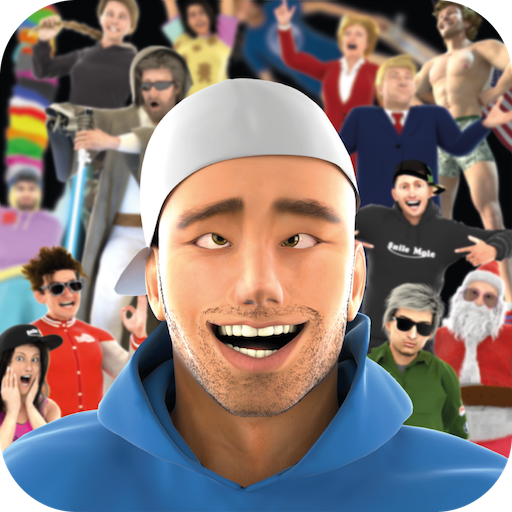
- 3.7star11 reviews
- 500K+Downloads
- 44 MBAPK size
- EveryoneRated for Everyone
- 6.0+Android
check_circleOriginal APK from Andy Front · Updated Nov 12, 2026
No threats found
0 / — antivirus engines flagged this file
Original signature
First seen — Andy Front
Unmodified APK
Same file the developer published — no mods
Jerky Motion screenshots
8 images · tap to enlarge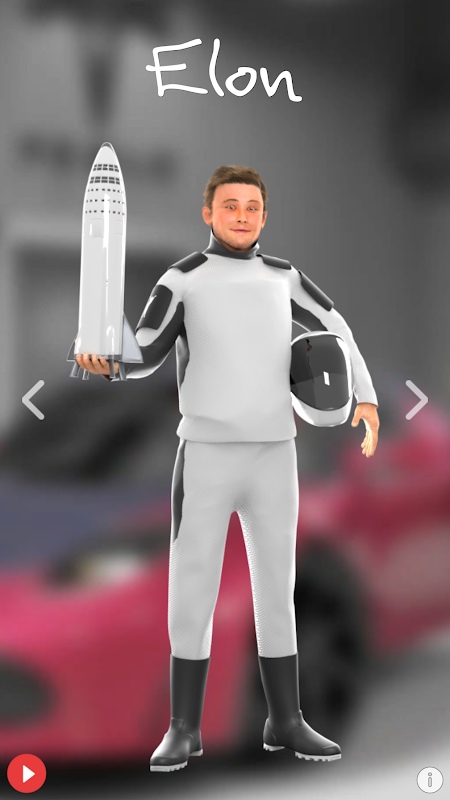
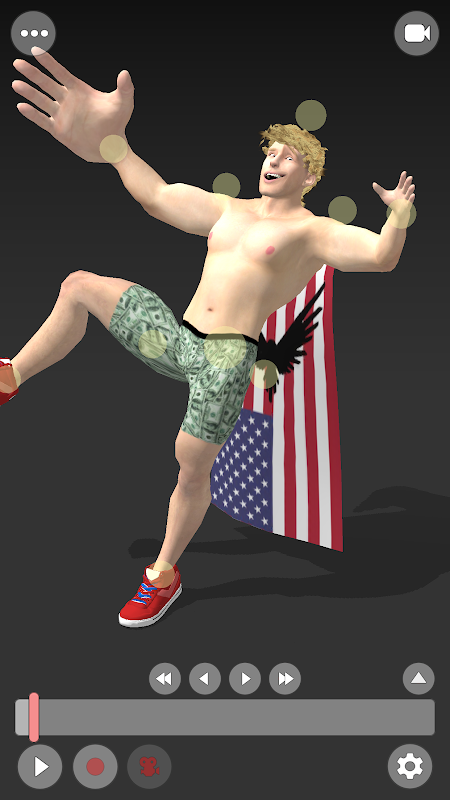
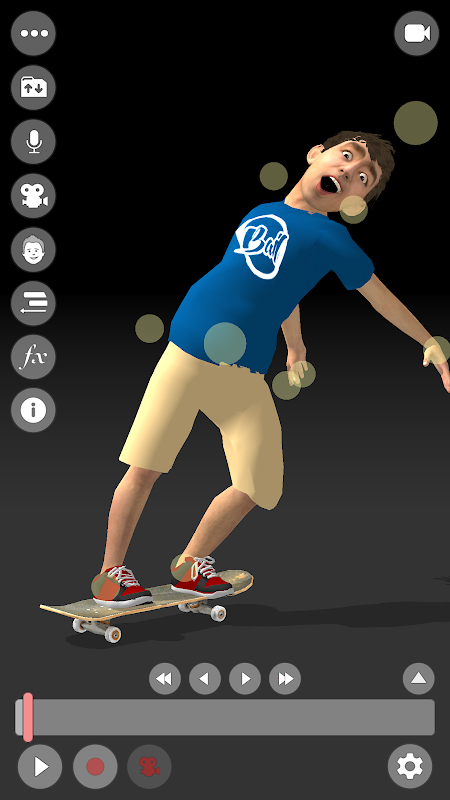
About this app
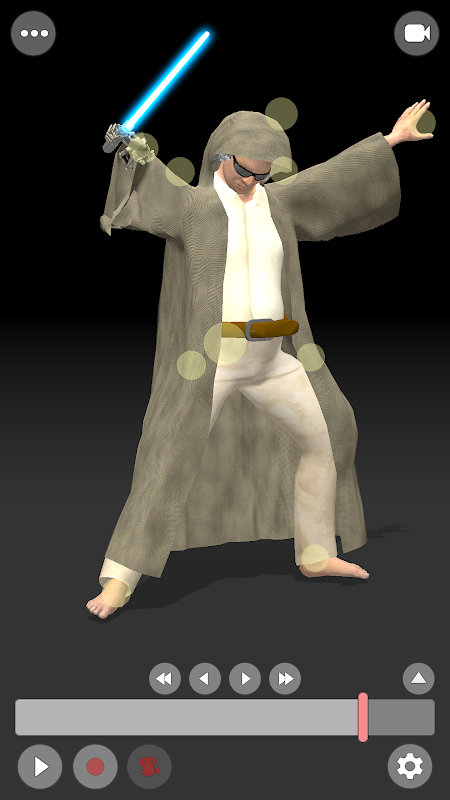
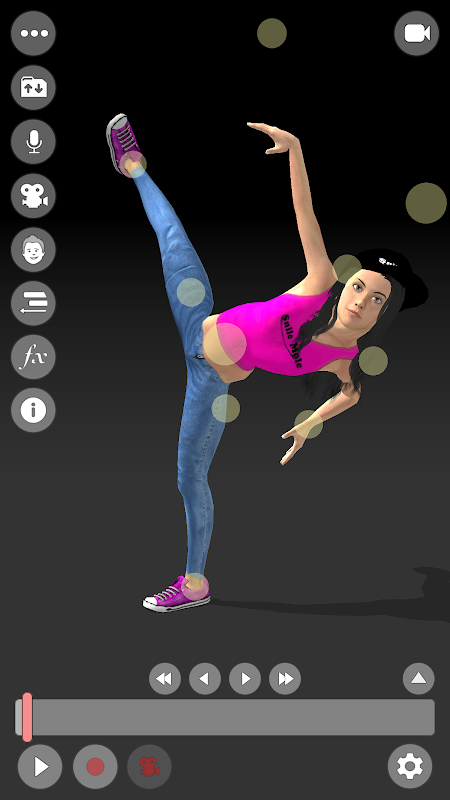
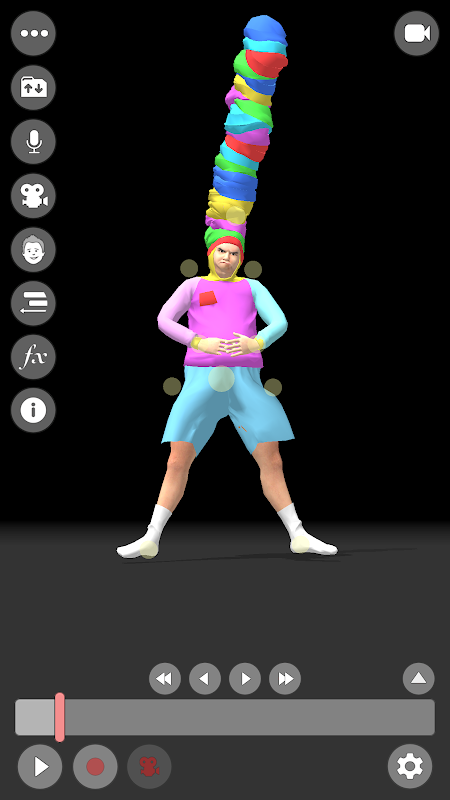
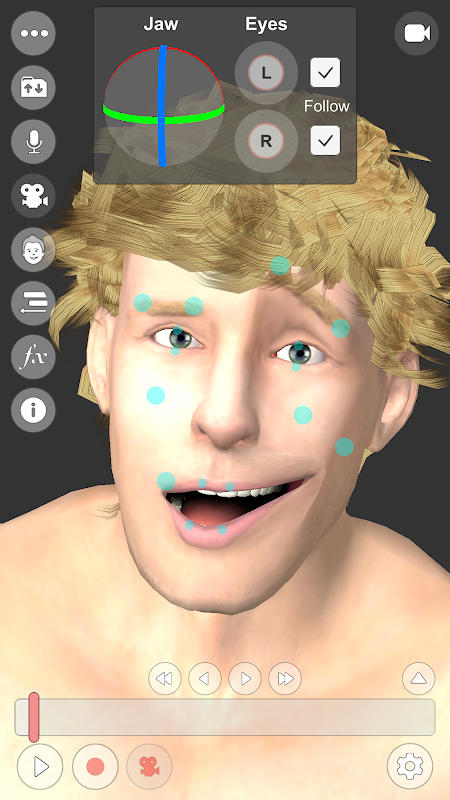
Want to make animations on your phone? Jerky Motion is a beginner-friendly app for creating short animated clips with characters. On first launch, you can start experimenting with motion, add music or audio recordings, and try video effects like color grading, lens flares, and motion blur. It’s built for casual creation and sharing.
- Character animations — Use the app’s characters to make animated clips and try out different motion ideas.
- Audio support — Add music or record your own audio to match your animation.
- Video effects — Apply effects such as color grading, lens flares, and motion blur.
- Share with friends — Create a clip and share it with friends from your device.
- Simple setup — The app is free, has no in-app purchases, and contains no ads.
Start with the character menu
When you open Jerky Motion for the first time, the character menu is the place to begin. The app is built around making animations with its characters, so you can choose one and start testing how movement looks on screen. The latest version also improved performance in this menu, which should help with crashes.
Jerky Motion is a free APK, sized at 44.3 MB, and it works on Android 6.0 and up. It uses the universal ABI, so the same APK is meant for supported devices.
Add motion, sound, and effects
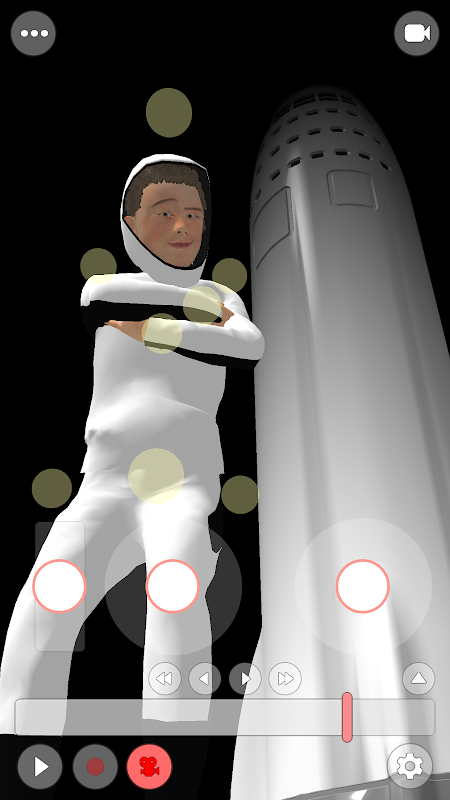
After choosing a character, you can build a scene by combining movement with audio. The app lets you add music or audio recordings, which is helpful if you want your animation to follow a beat or include spoken lines. You can also add effects such as color grading, lens flares, and motion blur.
The app description presents Jerky Motion as a way to learn how time and space work together in motion, but you can also just play around and animate unusual ideas for fun.
Practical tips for your first clips
- Try short scenes first. Small clips are easier when you are learning the controls.
- Use audio early. Music or a recording can help you time the movement.
- Test one effect at a time. Color grading, lens flares, and motion blur can change the feel of a scene.
- Watch the record button. In this version, the record button is turned on by default.
- Share when ready. The app summary says you can share your animations with friends.
Permissions, stability, and version notes
Jerky Motion does not list any permissions, and it does not include in-app purchases. It also contains no ads. Version 1.4.0.5 includes improved overall memory usage and improved overall stability, along with fixes for crashes related to the character menu.
What's new
Version 1.4.0.5 · Nov 12, 2026
- Improved performance on character menu, which should fix some crashes.
- Improved overall memory usage
- Improved overall stability
- Record button is now turned on by default
APK information
- Version
- 1.4.0.5
- Package
- com.AndyFront.JerkyMotion
- Category
- Video Players & Editors
- Size
- 44 MB
- Min Android
- 6.0
- Architecture
- universal
Older versions
-
Jerky Motion 1.4.0.5Nov 12, 2026Latest downloadAPK
Jerky Motion FAQ
Does Jerky Motion need a subscription?expand_more
No. Jerky Motion is free, with no in-app purchases.
Can Jerky Motion play offline?expand_more
The app description does not say whether it works offline.
Is Jerky Motion available for older phones?expand_more
It supports Android 6.0 and up, so devices below Android 6.0 are not supported.
Which processors does this APK support?expand_more
The APK uses a universal ABI.
Can I add sound to animations in Jerky Motion?expand_more
Yes. You can add music or audio recordings to your animations.