
Lemur Browser: Web Extensions
Chongqing Aosiman Front-line Technology Co Ltd- 2.9star5,107 reviews
- 1M+Downloads
- 220 MBAPK size
- EveryoneRated for Everyone
- 8.0+Android
check_circleOriginal APK from Chongqing Aosiman Front-line Technology Co Ltd · Updated Nov 12, 2026
No threats found
0 / — antivirus engines flagged this file
Original signature
First seen — Chongqing Aosiman Front-line Technology Co Ltd
Unmodified APK
Same file the developer published — no mods
Lemur Browser: Web Extensions screenshots
8 images · tap to enlarge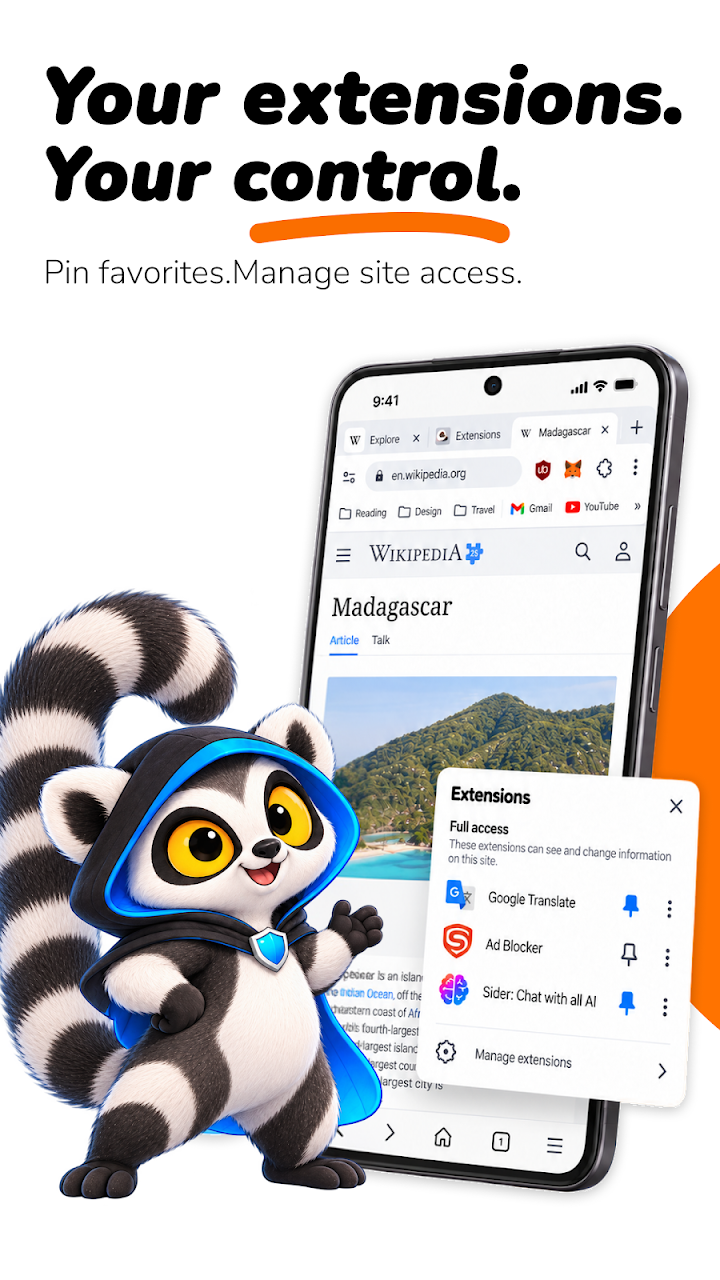
About this app
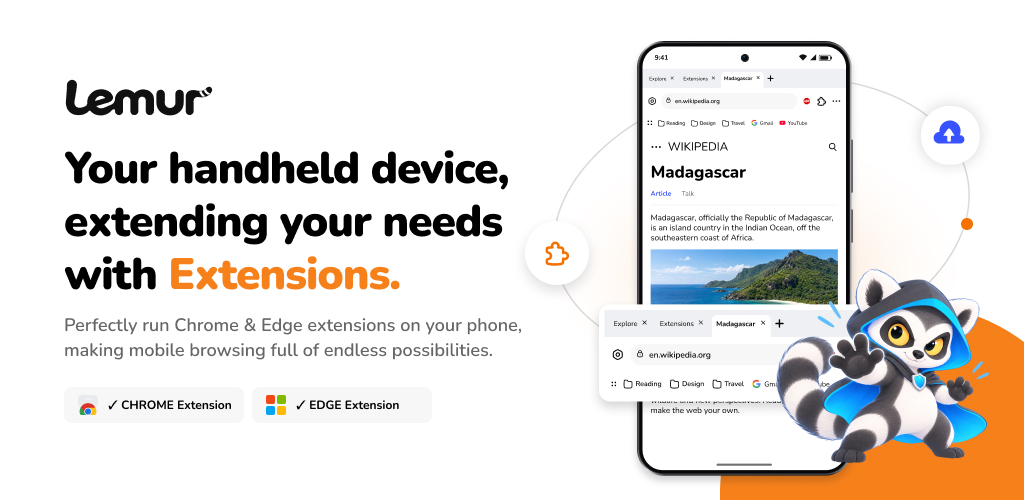
1M+ installs and a 2.9 rating put Lemur Browser: Web Extensions in the hands of people who want desktop-style browsing on Android. It opens into a Chromium-based browser with extension support, a PC-like tab layout, sidebars, resizable pop-ups, and tab groups, while also including dark mode, privacy mode, and multiple search engines.
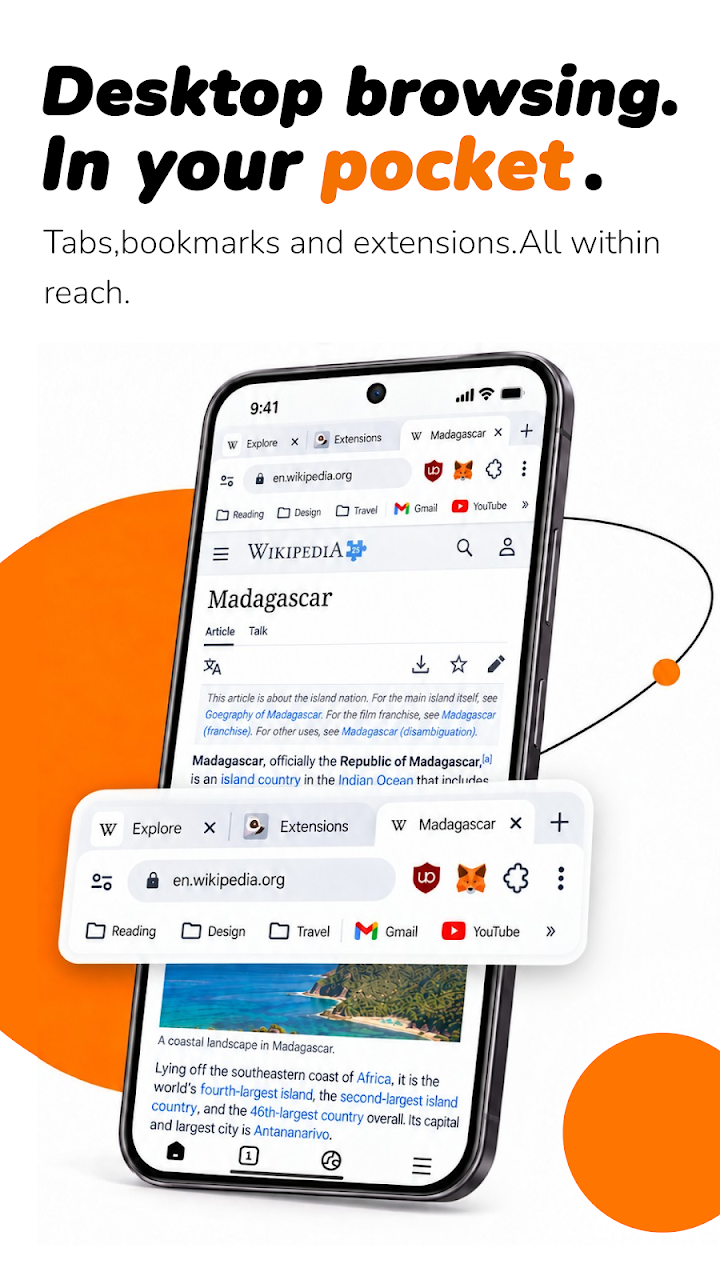
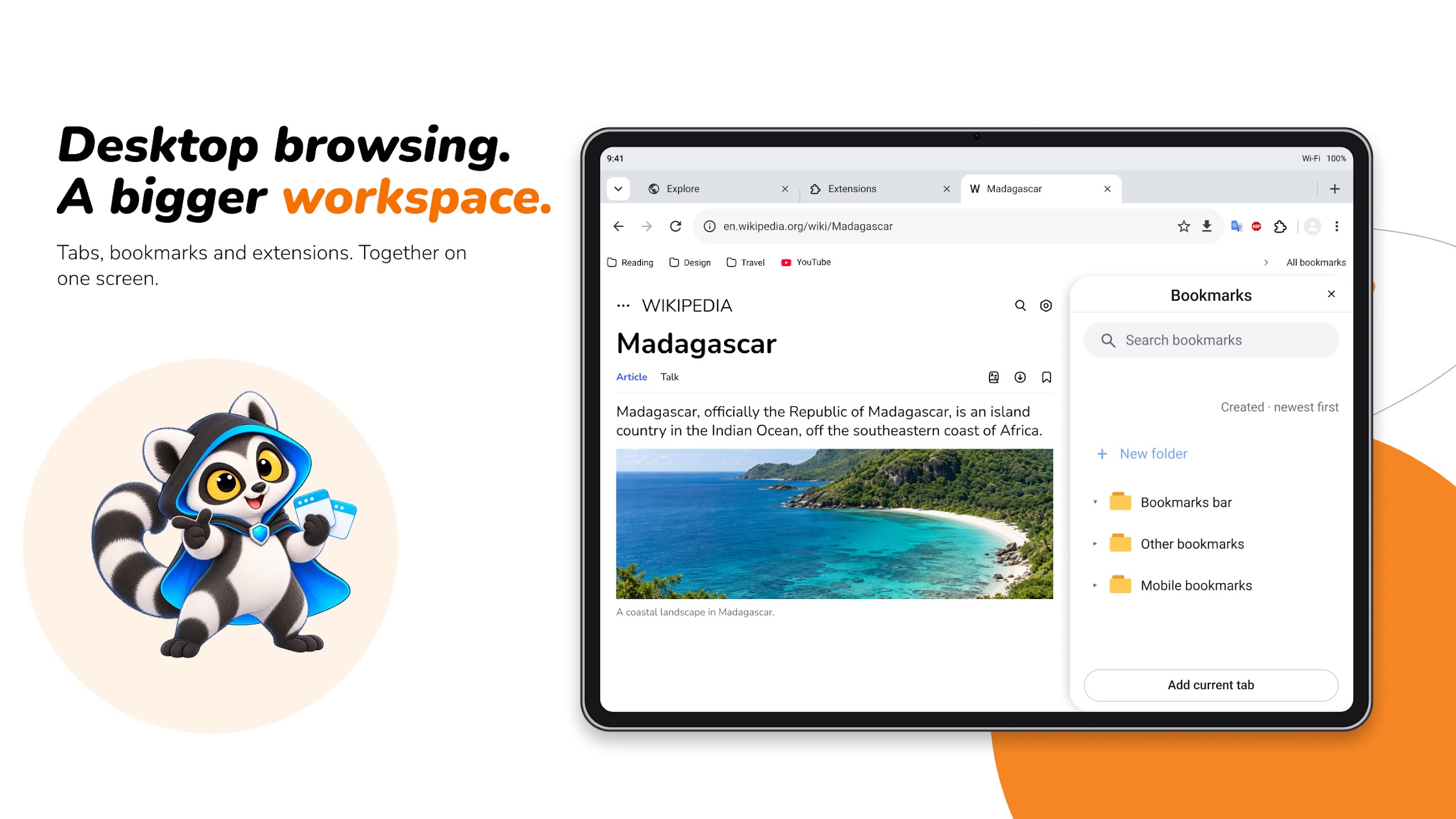
- Desktop-style tabs — Use a PC-like browser layout with desktop tabs and a bookmarks bar on your phone.
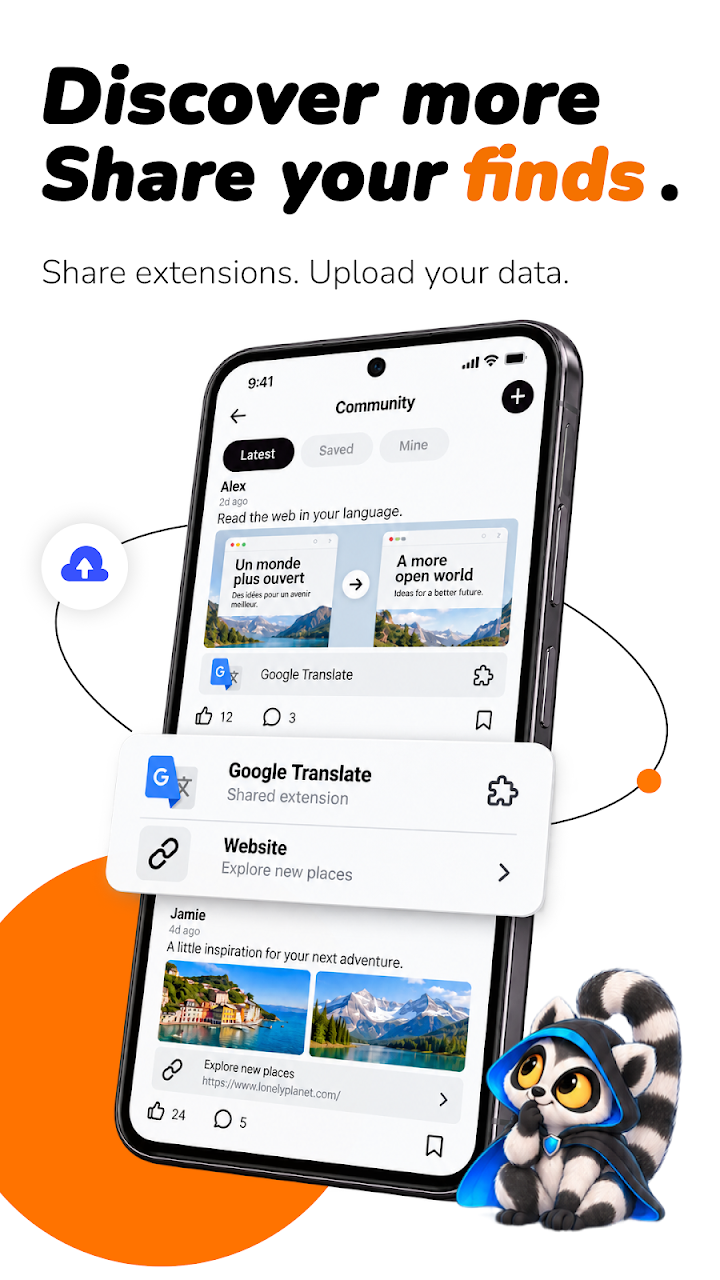
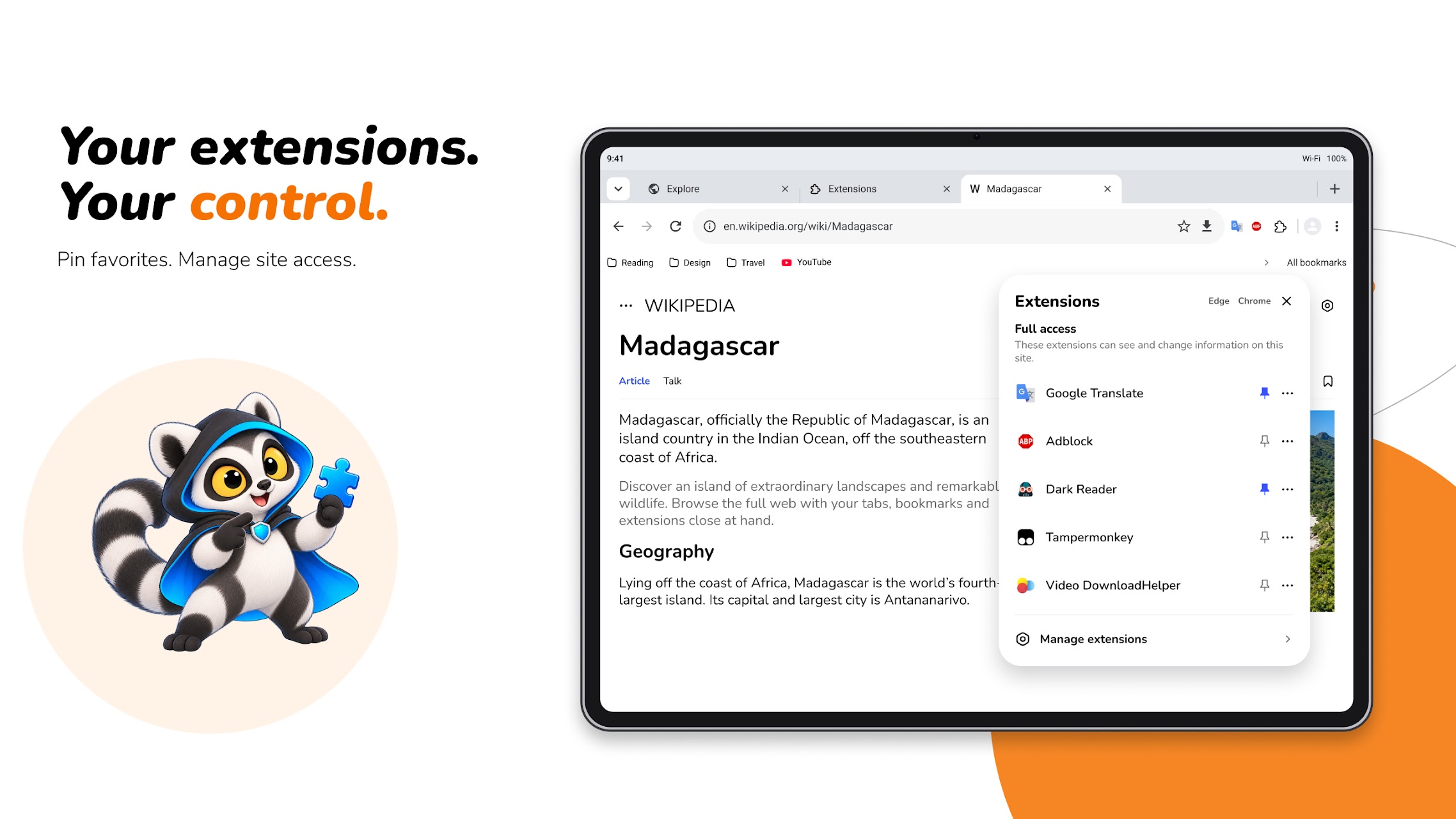
- Chrome and Edge add-ons — Install extensions from Chrome Web Store and Microsoft Edge Add-ons, plus local .crx files.
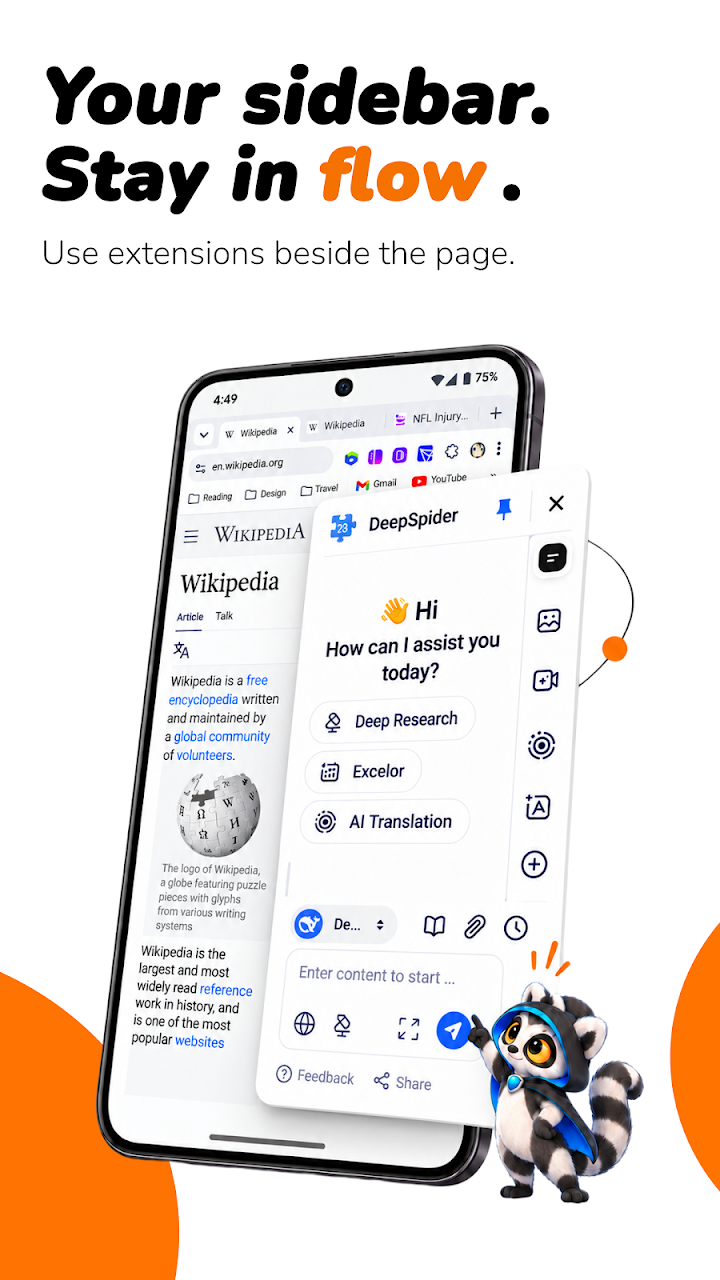
- Sidebar workflow — Keep tools like translators, AI assistants, or note-taking extensions beside the page you are reading.
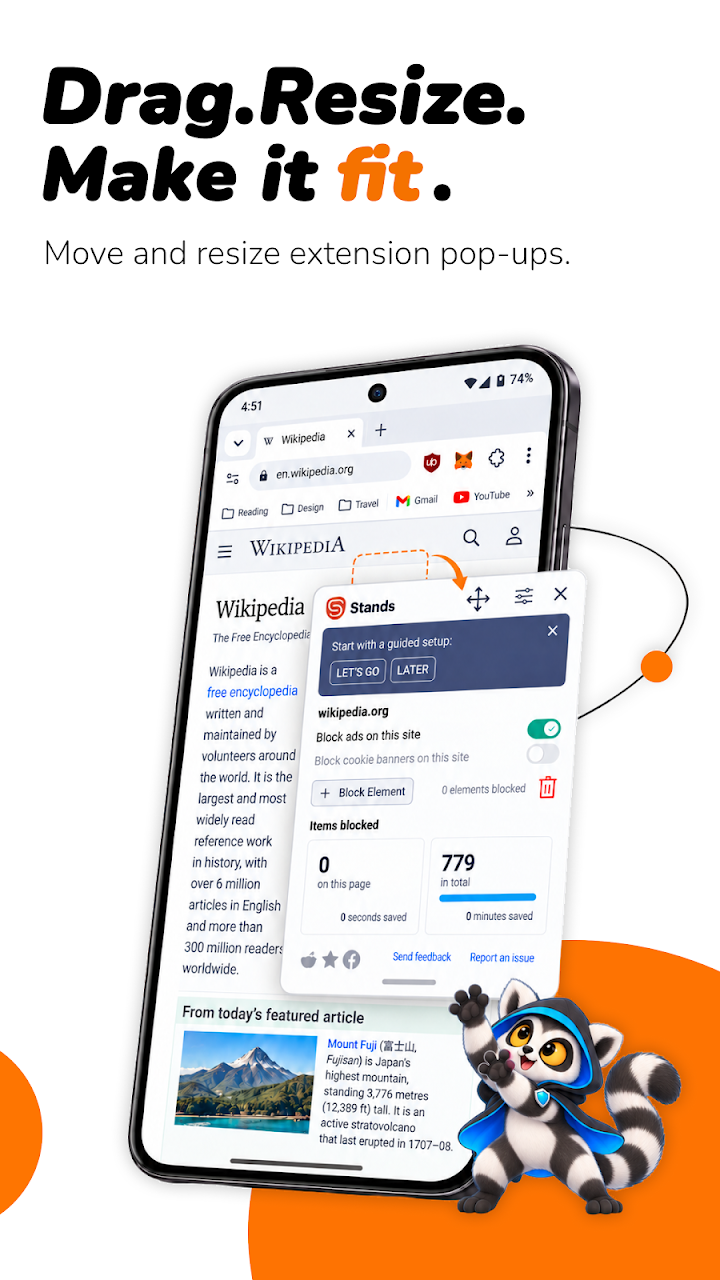
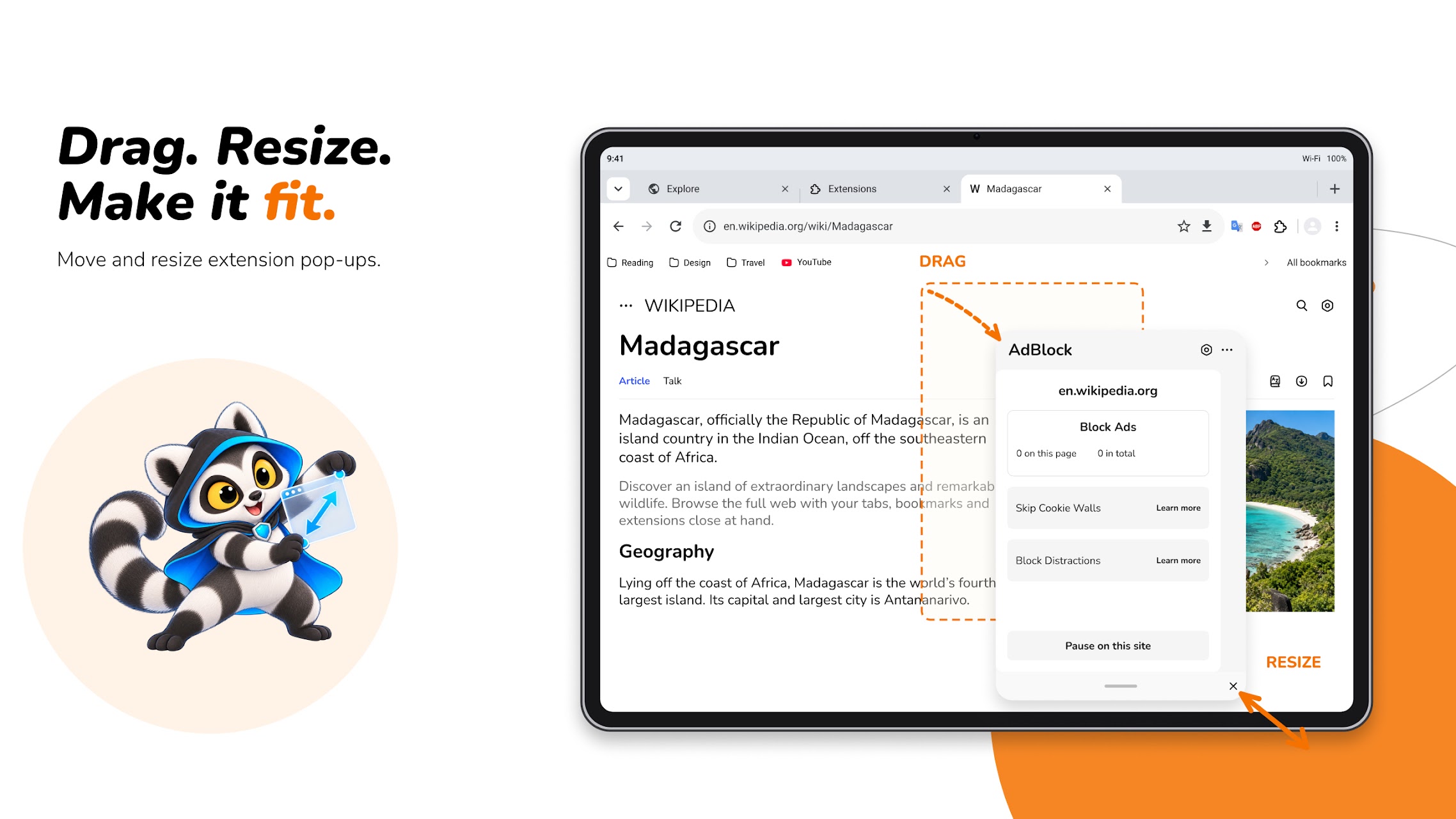
- Resizable pop-ups — Move and resize extension pop-ups so they fit the screen and the page you are on.
- Tab groups — Group pages together and manage them with desktop-grade tab organization.
- Privacy and dark mode — Switch on Privacy Mode or dark mode for private browsing and night reading.
Desktop browser controls on a phone
Lemur Browser opens with a desktop-style layout that keeps tabs, bookmarks, and extension access close at hand. In a normal day, that means you can jump from a work document to a shopping page, keep several tabs grouped together, and use the browser like a smaller PC window instead of a stripped-down mobile shell.
The browser is built on Chromium and supports Chrome and Edge extensions, so the pages and add-ons you already use can carry over to Android. That includes tools such as Tampermonkey, ad blockers, password managers, and speed controllers.
Run extensions beside the page
The sidebar is the part you notice when you are trying to stay on one page without losing your place. You can open an extension next to the active website, which is useful for translating text, checking notes, or using an AI assistant while reading.
Because the sidebar stays separate from the page, you do not need to switch tabs every time you need a quick tool. That makes it easier to keep a long article, a form, or a dashboard open while you work.
Move and resize pop-ups
Extension pop-ups are not fixed in one place. You can drag them around and resize them to match the part of the screen you are using, which helps when a pop-up covers the exact section you want to read.
Tab groups and the tile-based homepage also help with day-to-day browsing. The browser gives you a way to collect related pages together, then return to them without hunting through a long tab strip.
Import .crx files and manage search
If you use local extension files, Lemur Browser supports .crx imports. It also lets you switch between Google, Bing, Baidu, Yandex, DuckDuckGo, and custom search engines, and it includes a built-in QR code scanner plus a local QR code import and recognition flow.
Install notes: the app is free, shows ads, and offers in-app purchases. It comes as an APK, is sized at 220.5 MB, and requires Android 8.0 or later.
- Permissions: no permissions are listed for this version.
- Video: a built-in player handles video playback inside the browser.
- Privacy: Privacy Mode and dark mode are available from the browser itself.
What's new
Version 2.7.5.011 · Nov 12, 2026
- Fixed various bugs in the home page and search bar
- Optimized launch screen ad display logic
- Optimized devtools
- Restored searchbar suggestion display
- Fixed extension language issues
APK information
- Version
- 2.7.5.011
- Package
- com.lemurbrowser.exts
- Category
- Tools
- Size
- 220 MB
- Min Android
- 8.0
- Architecture
- universal
Older versions
-
Lemur Browser: Web Extensions 2.7.5.011Nov 12, 2026Latest downloadAPK
Lemur Browser: Web Extensions FAQ
Does Lemur Browser: Web Extensions drain the battery?expand_more
The app does not list battery-related details, so there is no stated battery impact to check here.
Does Lemur Browser: Web Extensions need root?expand_more
No root requirement is listed for Lemur Browser: Web Extensions.
What permissions does Lemur Browser: Web Extensions ask for?expand_more
No permissions are listed for this version.
Who develops Lemur Browser: Web Extensions?expand_more
It is developed by Chongqing Aosiman Front-line Technology Co Ltd.
Can Lemur Browser: Web Extensions import local extensions?expand_more
Yes. It supports local .crx file imports, along with extensions from Chrome Web Store and Microsoft Edge Add-ons.