
- 3.8star160,839 reviews
- 1B+Downloads
- 49 MBAPK size
- EveryoneRated for Everyone
- 7.0+Android
check_circleOriginal APK from HeyTap · Updated Nov 11, 2026
No threats found
0 / — antivirus engines flagged this file
Original signature
First seen — HeyTap
Unmodified APK
Same file the developer published — no mods
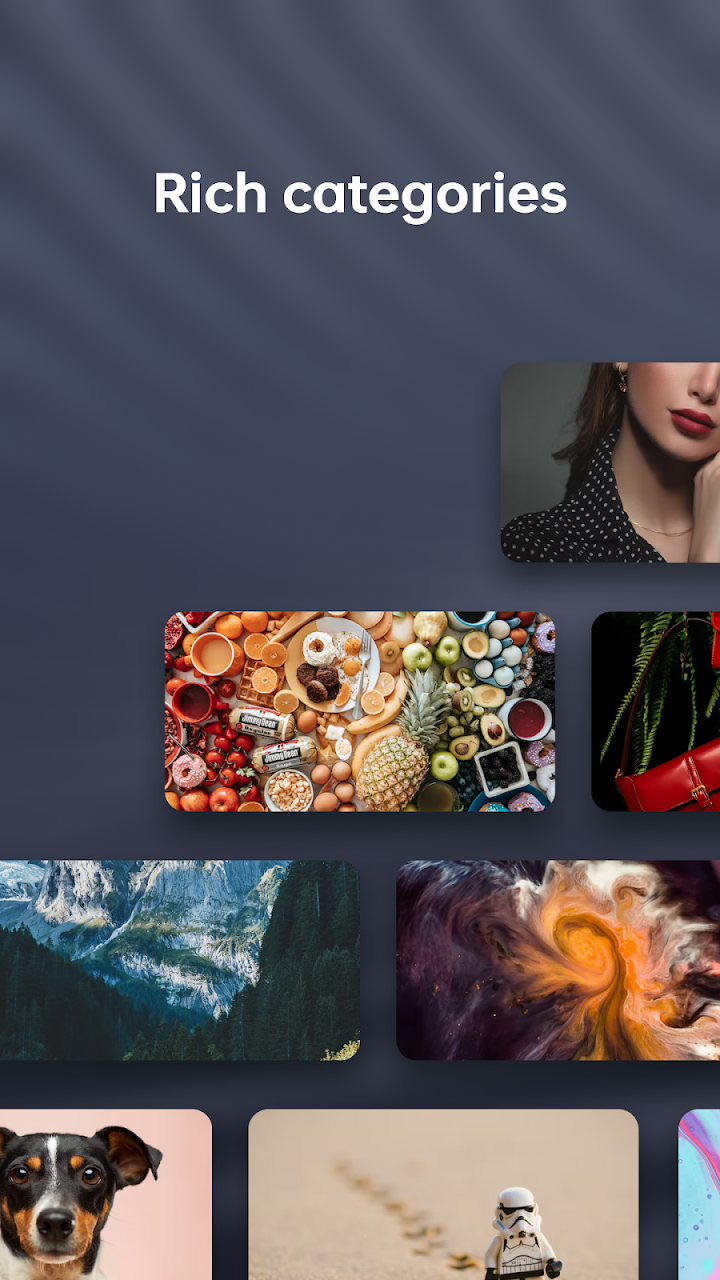
Lock Screen Magazine screenshots
4 images · tap to enlarge
About this app
Lock Screen Magazine stands out in the Tools category by focusing on one job: refreshing your lock screen with rotating wallpapers. It suits people who want a more personal screen without setting up a separate theme app. The app is free, shows ads, and does not list in-app purchases, so the trade-off is straightforward.
- Auto-changing wallpaper — The lock screen image changes automatically each time you wake the screen.
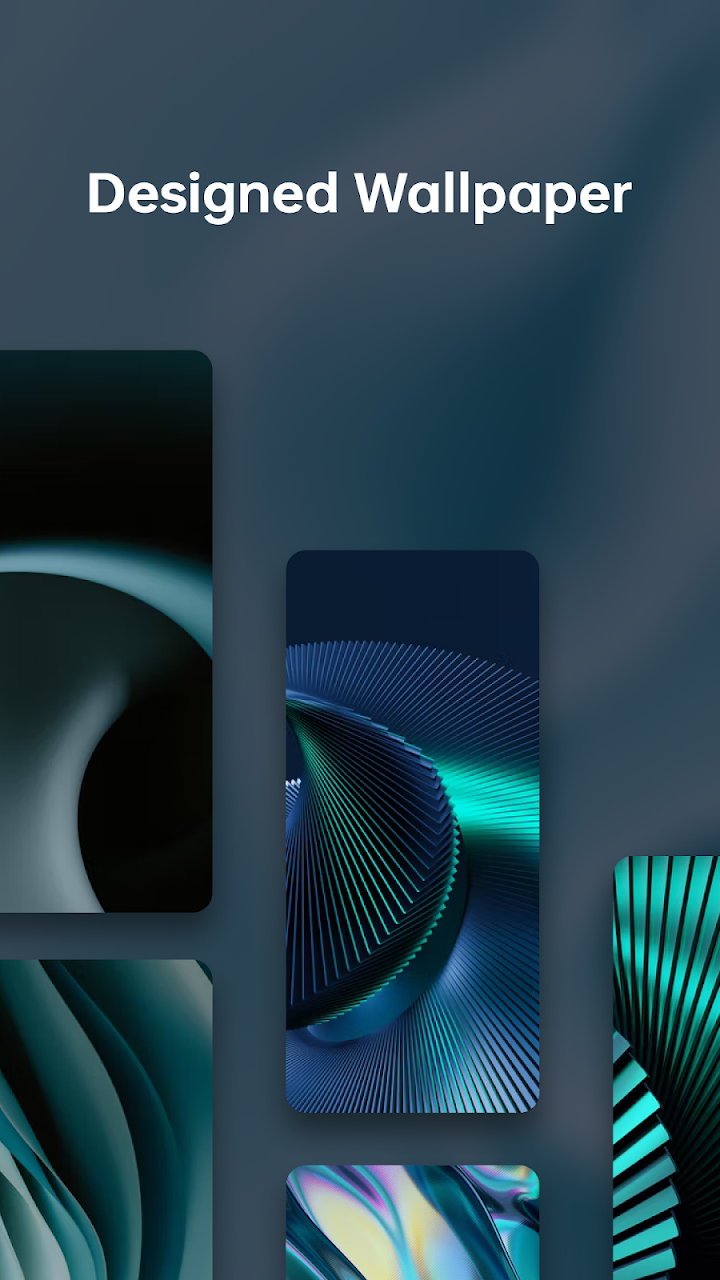
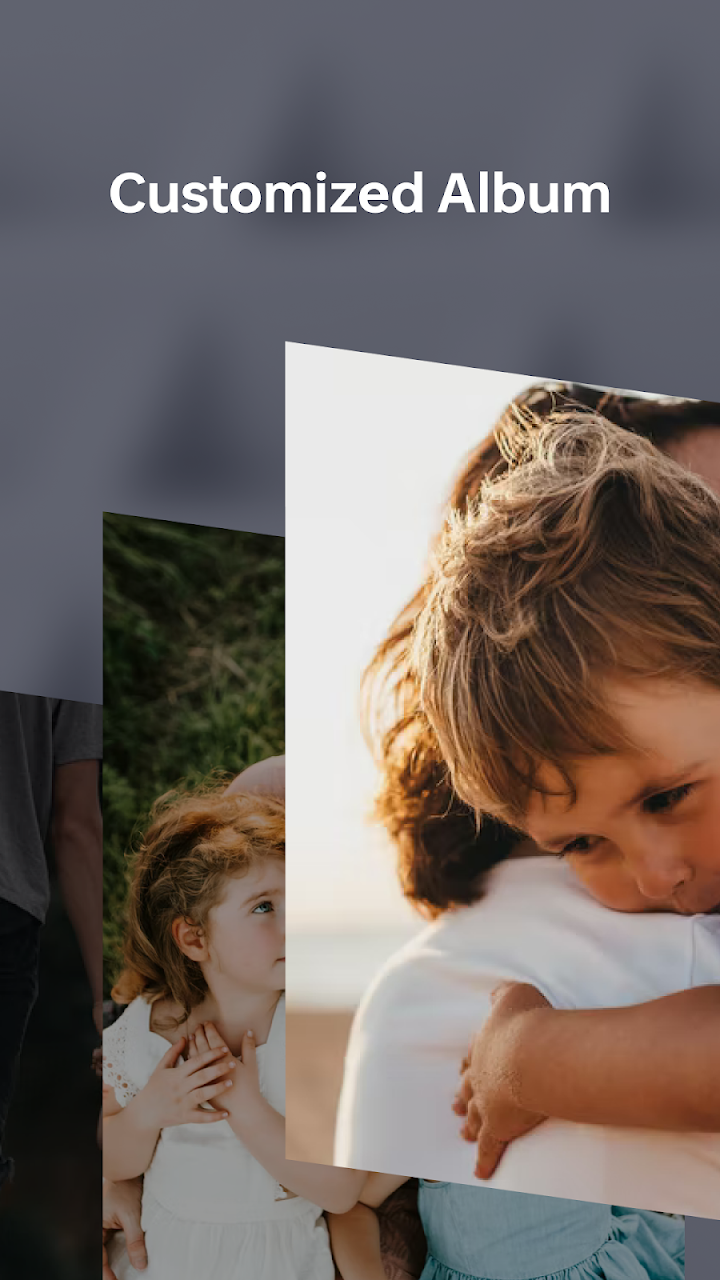
- Custom lock screens — You can customize the lock screen look with wallpapers made for that purpose.
- High-quality images — The app is built around high-quality wallpapers rather than plain backgrounds.
- Free with ads — You can install and use it for free, but it contains ads.
- Wide Android support — It works on Android 7.0 and up and is offered as a universal APK.
For people who want a changing lock screen
Lock Screen Magazine is aimed at users who want their lock screen to feel less static. Instead of leaving the same image in place, it switches wallpapers automatically every time you wake the screen. That makes it a simple fit for people who like visual variety without spending time changing backgrounds manually.
The app focuses on lock screen customization rather than broader phone theming. If you mainly want one place to manage a wallpaper that updates on its own, that is the core job here.
What you get, and what to watch for
- Get: high-quality wallpapers for your lock screen.
- Get: automatic wallpaper changes when you wake the screen.
- Get: a free app with no in-app purchases.
- Watch for: ads, since the app contains them.
- Watch for: no listed permissions, so there is nothing specific to review there.
When storage and setup matter
The app is packaged as a 49.1 MB APK and requires Android 7.0 or newer. That makes it a moderate download for users managing storage on older devices. Because it is a universal build, it is meant to run across supported Android phones without a separate device-specific version.
If you are comparing it with typical utility apps, the main question is whether you want a lock screen wallpaper tool at all. Lock Screen Magazine is narrower than a full personalization suite, but that can be useful if you only need the lock screen piece.
Install and account expectations
Lock Screen Magazine is free to install, and the listing does not show in-app purchases. No permissions are listed, and there is no account requirement mentioned in the app details, so setup appears light. The app was released on 2022-12-13 and was last updated on 2026-11-02.
APK information
- Version
- 40.9.32.1
- Package
- com.heytap.pictorial
- Category
- Tools
- Size
- 49 MB
- Min Android
- 7.0
- Architecture
- universal
Older versions
-
Lock Screen Magazine 40.9.32.1Nov 11, 2026Latest downloadAPK
Lock Screen Magazine FAQ
Does Lock Screen Magazine drain the battery?expand_more
The listing does not mention battery impact. It does state that the wallpaper changes automatically when you wake the screen.
Why does Lock Screen Magazine need these permissions?expand_more
No permissions are listed for this app, so there are no permission requests shown in the listing.
Can I install Lock Screen Magazine without Google Play?expand_more
The app is available as an APK file, so it can be installed outside Google Play if you have the file.
Does Lock Screen Magazine need an account?expand_more
No account requirement is mentioned in the app details.
What Android version does Lock Screen Magazine need?expand_more
It requires Android 7.0 or newer.