- 4.1star21,963 reviews
- 5M+Downloads
- 8 MBAPK size
- EveryoneRated for Everyone
- 6.0+Android
check_circleOriginal APK from EONSOFT · Updated Nov 12, 2026
No threats found
0 / — antivirus engines flagged this file
Original signature
First seen — EONSOFT
Unmodified APK
Same file the developer published — no mods
Mic Speaker screenshots
8 images · tap to enlarge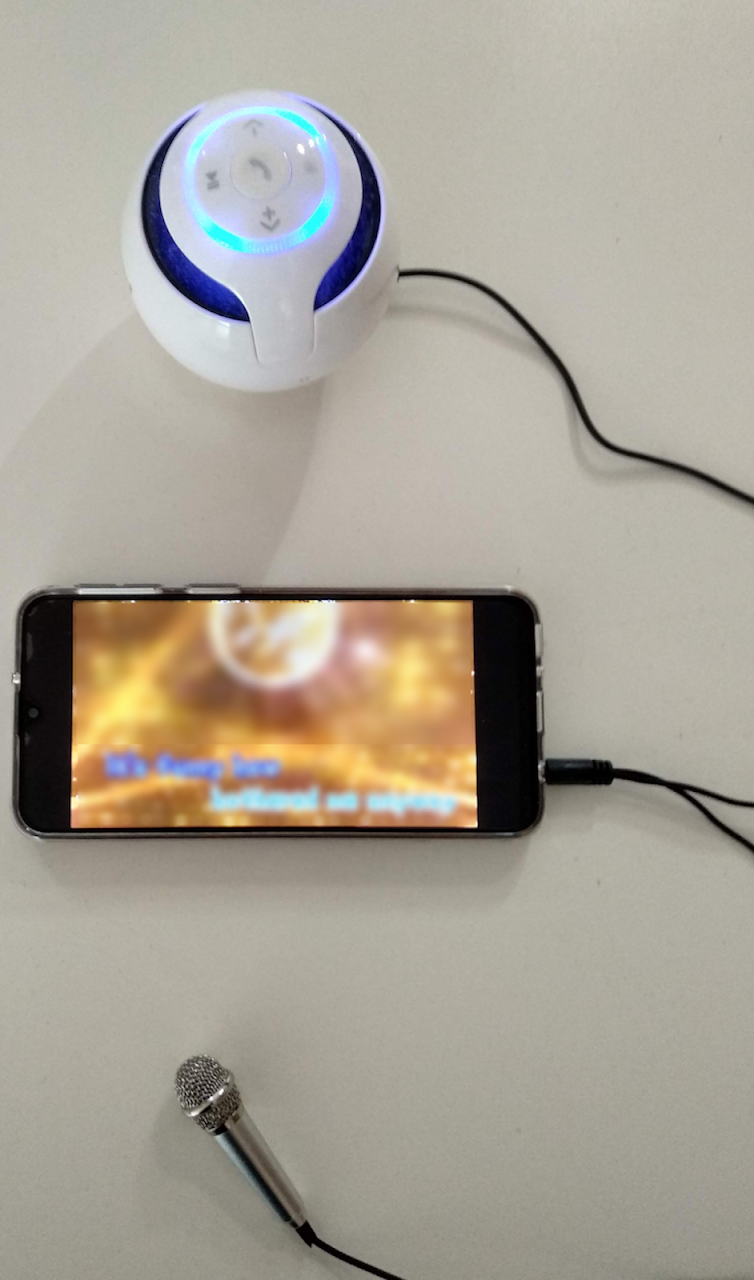
About this app
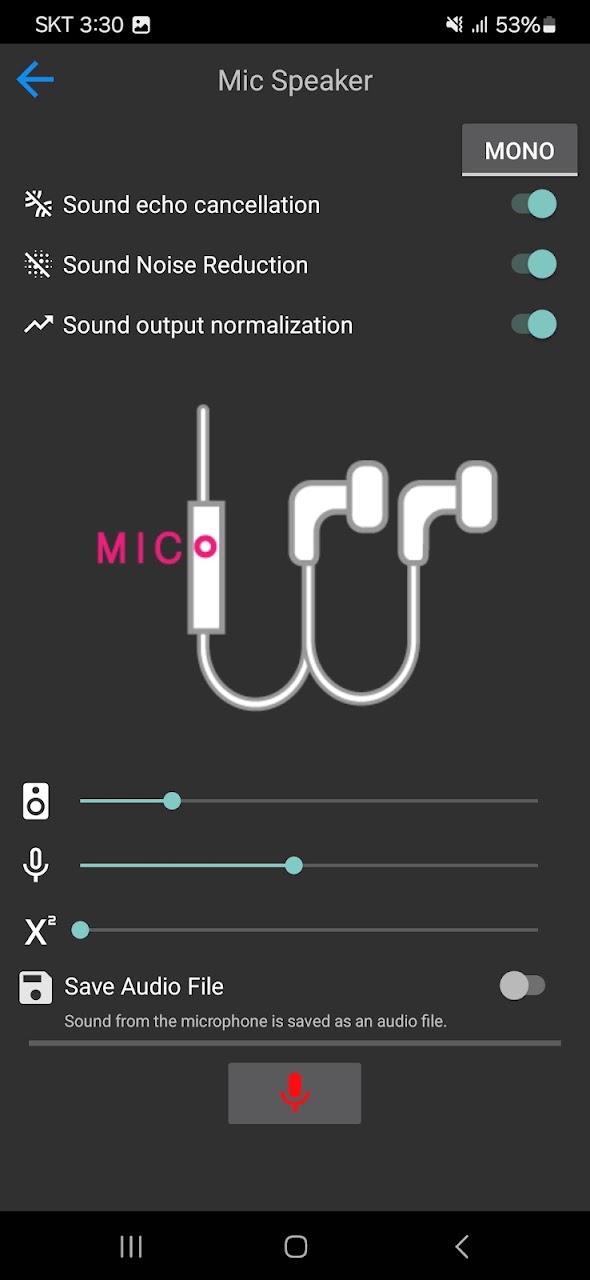
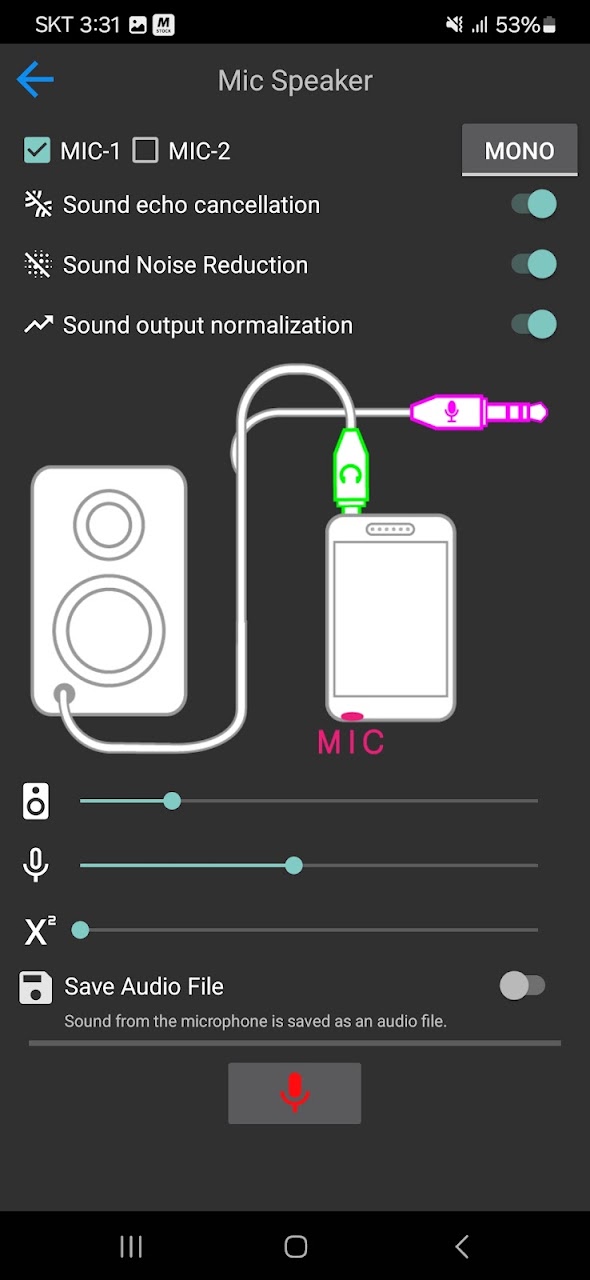
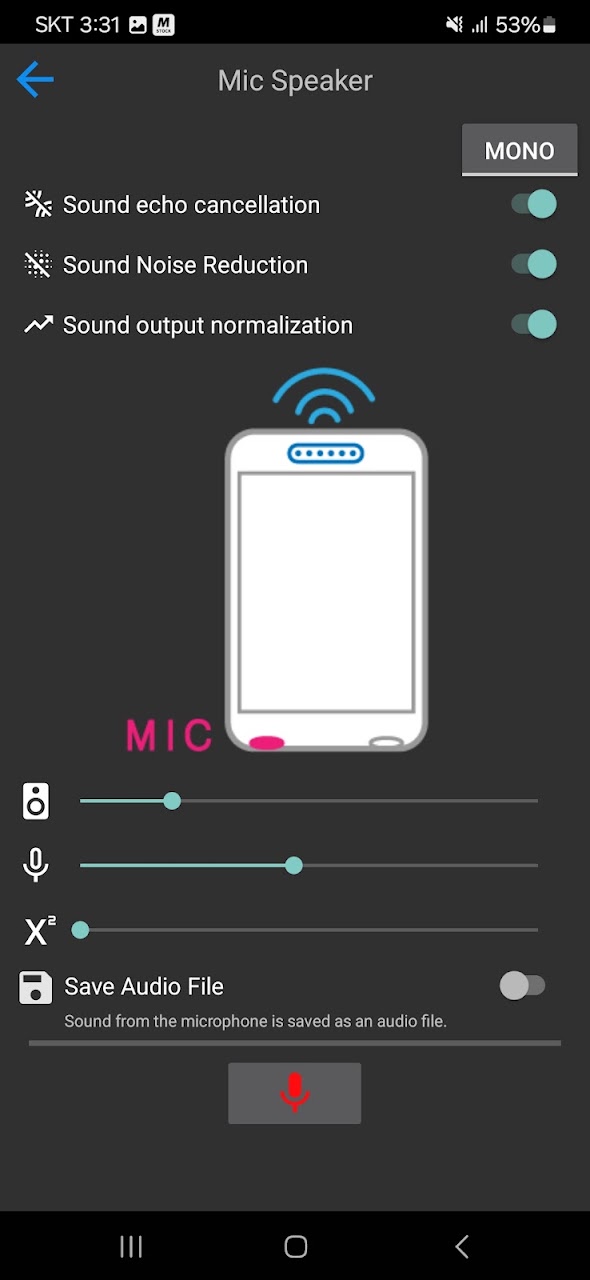
Need to send your microphone sound somewhere else? Mic Speaker lets you choose a speaker unit and play mic audio through earphones, headsets, Bluetooth speakers, or other connected audio devices. On a first launch, you can set the output path, then use it for karaoke, presentations, or background playback.
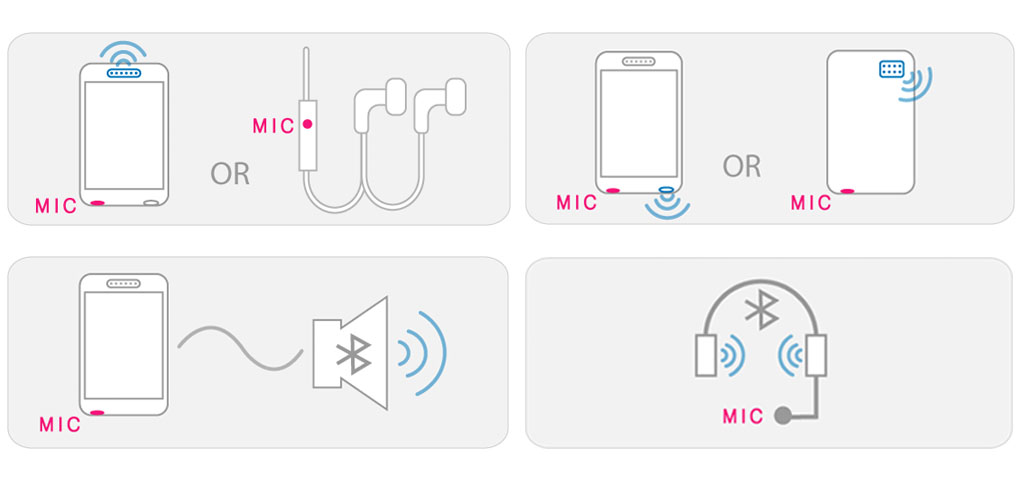
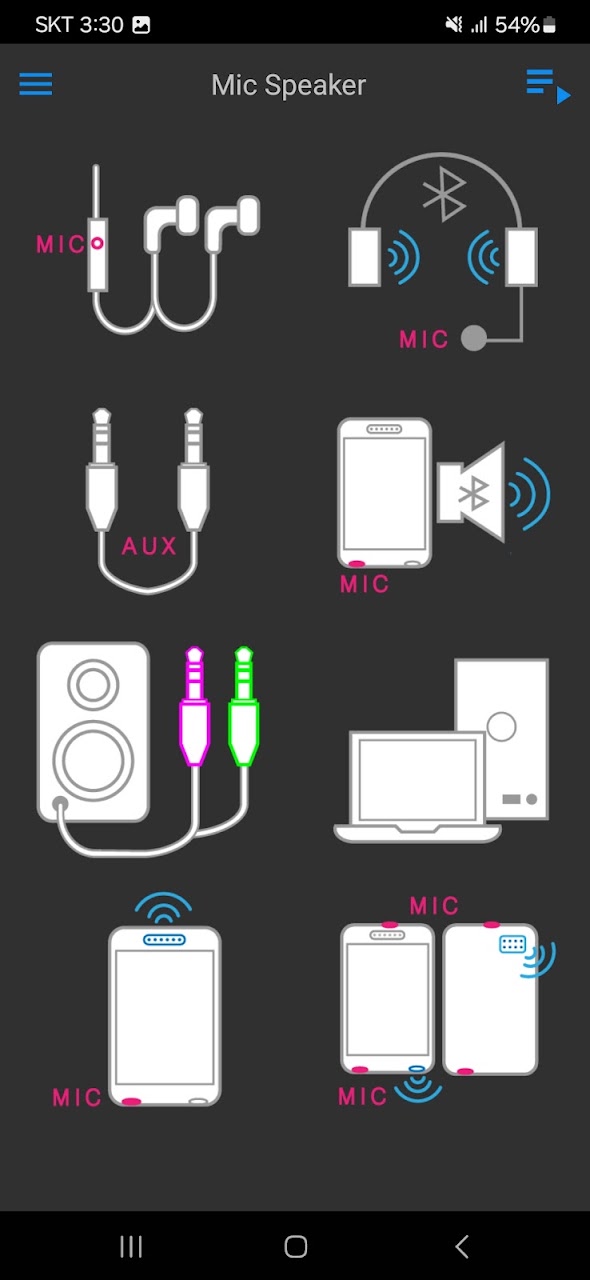
- Select output device — Choose the speaker unit for microphone sound and switch output as needed.
- Background playback — Keep the microphone audio playing in the background while you use other apps.
- Karaoke use — Play music and use the app as a karaoke microphone at home or on the go.
- Presentation support — Send your microphone sound through a headset or speaker during a presentation.
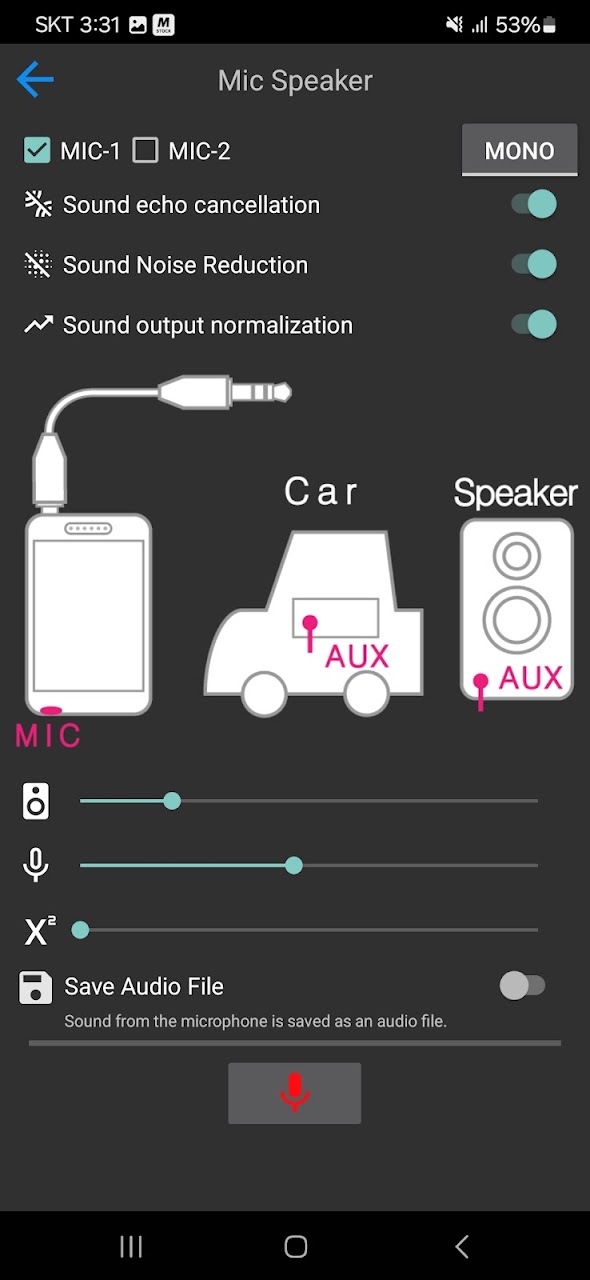
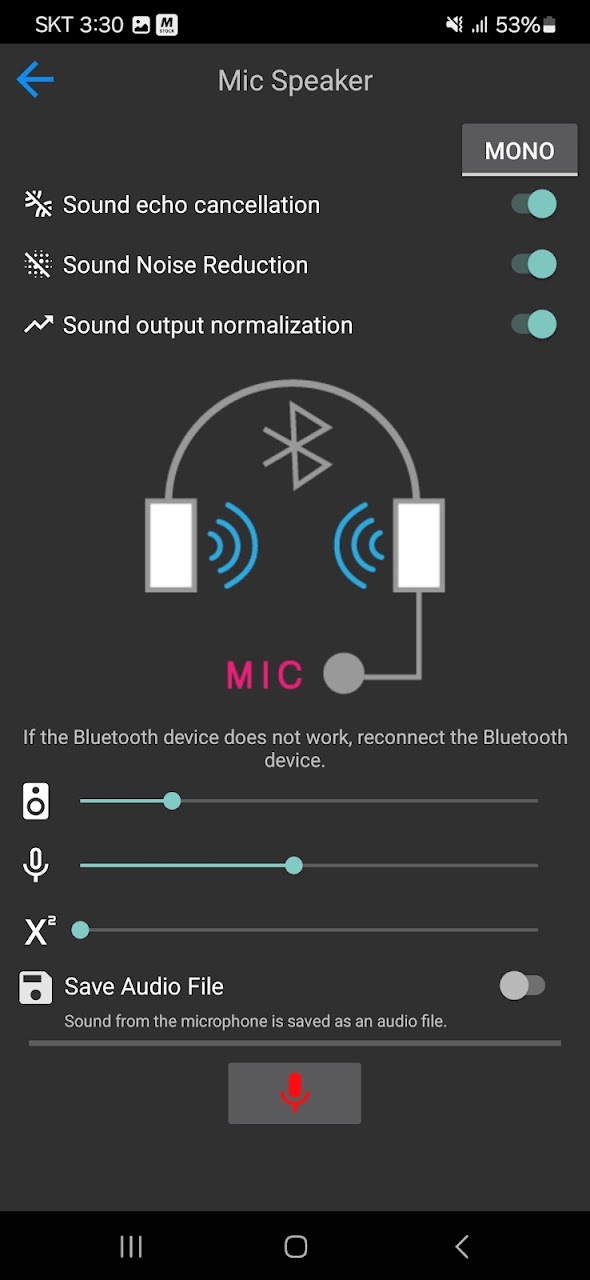
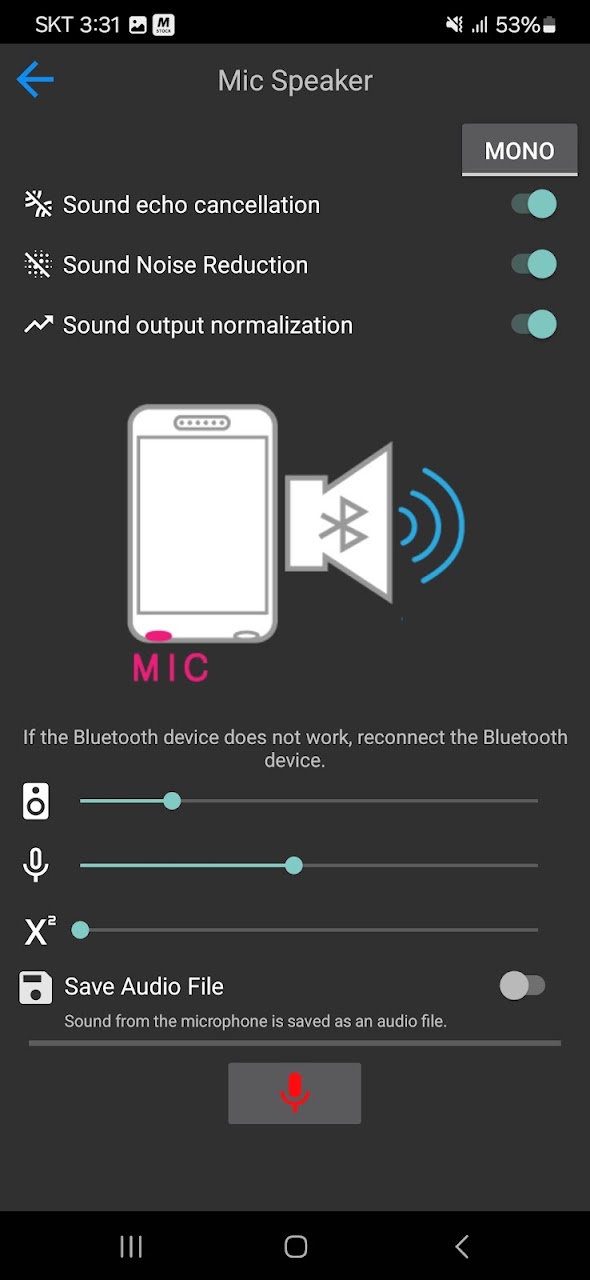
- AUX and Bluetooth — Connect AUX, Bluetooth headsets, Bluetooth speakers, or IEMs for output.
First launch: set where the mic sound goes
When you open Mic Speaker for the first time, the main task is simple: pick the speaker unit that will play your microphone sound. If you are on a long train ride with earbuds in, or setting up a small room for a talk, the app is built around that one routing step.
The app is a free Tools app from EONSOFT. It is an APK, works on Android 6.0 and up, and the file size is 8.0 MB. It also contains ads.
Set up for karaoke, talks, and audio gear
After choosing the output, try the app in the situation you need. You can use it as a karaoke microphone while music is playing, or launch it in the background and follow karaoke accompaniment and lyrics on YouTube. For a presentation, route your voice through a headset or speaker so the sound goes where you want it.
- Use earphones or a headset for direct monitoring.
- Connect a Bluetooth speaker or Bluetooth headset for wireless output.
- Use an AUX cable with another audio device to send mic output onward.
- Try IEMs or multiple speaker devices when you need a different listening setup.
Practical use in daily situations
Mic Speaker also includes a speaker output switching function, so you can change how the microphone sound is sent without rebuilding your setup. If you want to record ASMR, the app can be used for that as well. For a small gathering, you can connect several speaker devices and use the phone as a simple amplifier path for the microphone output.
Because the app focuses on microphone routing, it can stay lightweight in use compared with larger audio tools. Storage use is modest at 8.0 MB, and the app is compatible with Android 6.0 and later.
Requirements and permissions
Mic Speaker is rated for Everyone and has no listed permissions. If you are installing the APK manually, check that your device runs Android 6.0 or later before you start.
APK information
- Version
- 3.1.98
- Package
- com.eonsoft.micspeaker
- Category
- Tools
- Size
- 8 MB
- Min Android
- 6.0
- Architecture
- universal
Older versions
-
Mic Speaker 3.1.98Nov 12, 2026Latest downloadAPK
Mic Speaker FAQ
Does Mic Speaker drain the battery?expand_more
The app description does not give battery details. It is a small 8.0 MB APK, but battery use depends on how long you keep microphone playback running.
Why does Mic Speaker need these permissions?expand_more
No permissions are listed for this app. That means there are no permissions shown here to explain.
Is this Mic Speaker APK the original file?expand_more
This page describes the APK for Mic Speaker by EONSOFT. It is version 3.1.98 and the file format is APK.
Which Android version does Mic Speaker need?expand_more
Mic Speaker needs Android 6.0 or later.
Can Mic Speaker play microphone sound through Bluetooth?expand_more
Yes. The app description says you can output sound through a Bluetooth headset or Bluetooth speaker.