- 3.1star1,309 reviews
- 100K+Downloads
- 6 MBAPK size
- EveryoneRated for Everyone
- 12+Android
check_circleOriginal APK from Oki Electric Industry Co., Ltd. · Updated Nov 12, 2026
No threats found
0 / — antivirus engines flagged this file
Original signature
First seen — Oki Electric Industry Co., Ltd.
Unmodified APK
Same file the developer published — no mods
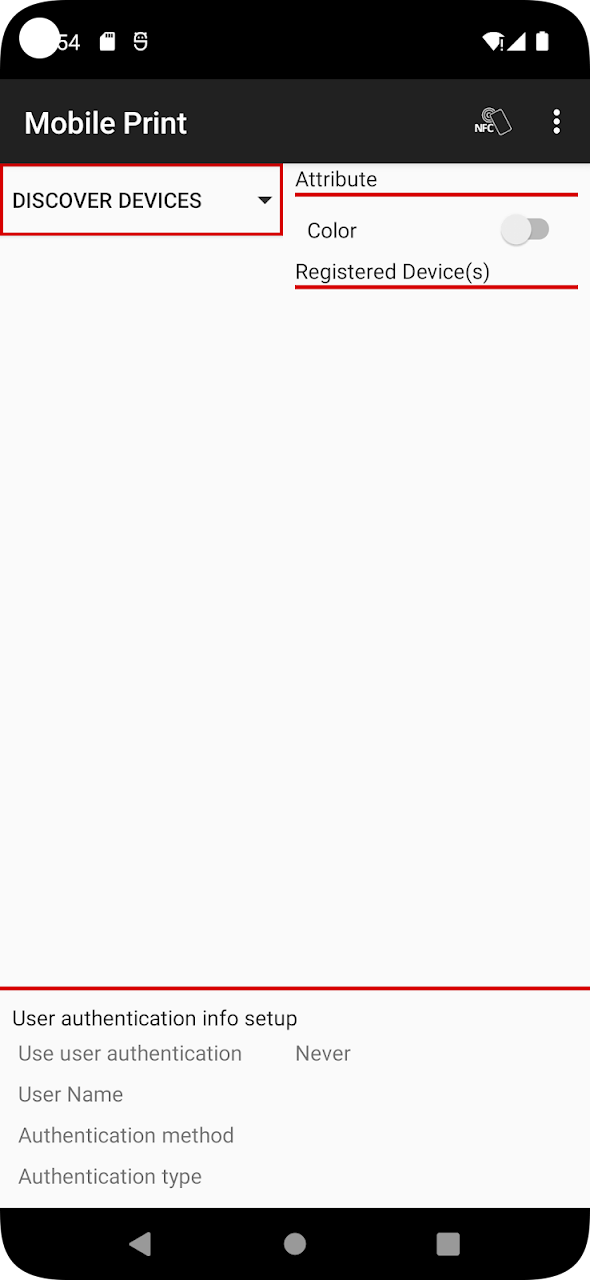
Mobile Print screenshots
2 images · tap to enlarge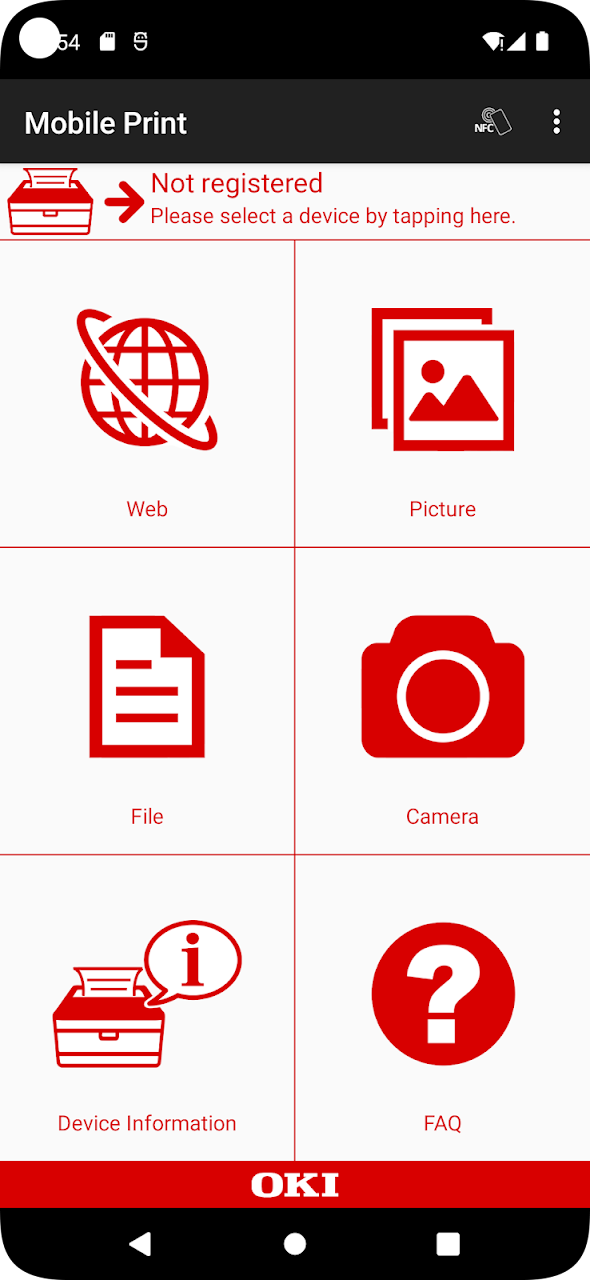
About this app
Print PDFs, photos, and web pages to compatible OKI printers and MFPs from your Android device. Mobile Print keeps the workflow focused on direct output, with image adjustments, file selection, and support tools built in. It is free, has no ads, and asks for no permissions.
- Print to OKI devices — Send documents and images to OKI printers and multi-function devices over wireless or wired LAN.
- Web page printing — Open a web page in the app and print it without leaving the workflow.
- Photo printing — Choose one or more photos from your device gallery before printing.
- Scan to app — On supported MFPs with WSD scan, scan a document into the app and preview it.
- Support and status — Check consumables status, view device web pages, and search OKI support answers by keyword.
Printing to OKI hardware
Mobile Print is built for one job: sending PDFs, photos, and web pages from an Android phone or tablet to OKI printers and multi-function devices. It works over wireless or wired LAN, so the app is aimed at users who already rely on OKI equipment rather than general-purpose printing.
The app is free, contains no ads, and has no in-app purchases. It also asks for no permissions. Installation is modest too: it uses an APK file, needs Android 12 or later, and the file size is 5.8 MB.
What it handles inside the app
Mobile Print covers several everyday tasks without adding much clutter. You can print from the web, pick single or multiple photos from the gallery, and choose from supported file types including jpeg, bmp, gif, txt, and pdf. It also includes image adjustments to improve photos before printing.
- Gets: direct printing to OKI devices, scan support on some MFPs, consumables status, and OKI support access.
- Watch for: scanning is not available on MC862, MC861, MC860, MC852, MC851, MC780, MC770, and MC760.
- Watch for: Office-format files require a Google Drive connection with a Google Account.
What the rating suggests
The app’s 3.1 rating from 1,309 ratings points to a mixed reception. The distribution is split, with many 5-star ratings and a large number of 1-star ratings as well. That pattern suggests the app can meet the needs of some OKI users well, while others run into limits tied to device support or workflow.
For someone who needs basic printing to compatible OKI hardware, Mobile Print is straightforward. For users outside that setup, or anyone needing broader printer support, it will feel narrow by design.
What's new
Version 2.9.0 · Nov 12, 2026
- Fixed a minor bug.
APK information
- Version
- 2.9.0
- Package
- com.oki.mobileprint
- Category
- Tools
- Size
- 6 MB
- Min Android
- 12
- Architecture
- universal
Older versions
-
Mobile Print 2.9.0Nov 12, 2026Latest downloadAPK
Mobile Print FAQ
Why does Mobile Print need these permissions?expand_more
The app lists no permissions. Based on the store listing, it does not request access beyond what is shown there.
Does Mobile Print need root?expand_more
No root requirement is listed for Mobile Print.
Which processors does this APK support?expand_more
The APK is listed as universal.
Who develops Mobile Print?expand_more
Mobile Print is developed by Oki Electric Industry Co., Ltd.
Can Mobile Print print web pages and photos?expand_more
Yes. The app supports printing web pages and lets you choose single or multiple photos from your device gallery.