
mp3 mp4 Cutter Editor. Video Maker, No Watermark.
Indragni Soft Solutions- 0.0star0 reviews
- 10K+Downloads
- 23 MBAPK size
- EveryoneRated for Everyone
- API 14+Android
check_circleOriginal APK from Indragni Soft Solutions · Updated Nov 10, 2026
No threats found
0 / — antivirus engines flagged this file
Original signature
First seen — Indragni Soft Solutions
Unmodified APK
Same file the developer published — no mods
mp3 mp4 Cutter Editor. Video Maker, No Watermark. screenshots
5 images · tap to enlarge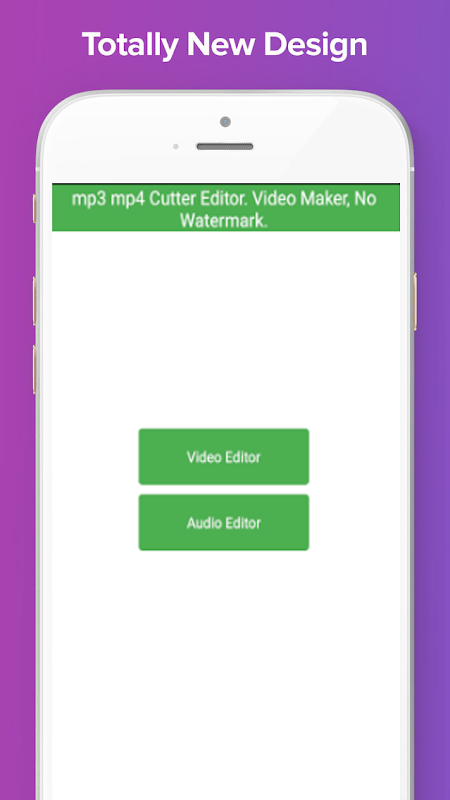
About this app
mp3 mp4 Cutter Editor. Video Maker, No Watermark. stands out for handling both audio and video cutting in one Android app. On first launch, you can choose an audio or video file from your device, then trim it by setting start and end points. It is free, works without in-app purchases, and keeps the process local on your phone.
- Audio and video cut — Trim MP3 files and cut MP4 videos from the same app.
- Local editing — Files stay on your phone because no upload or download is required.
- Format support — Works with many video formats, including MP4, AVI, MOV, WMV, VOB, FLV, 3GP, MKV, and WebM.
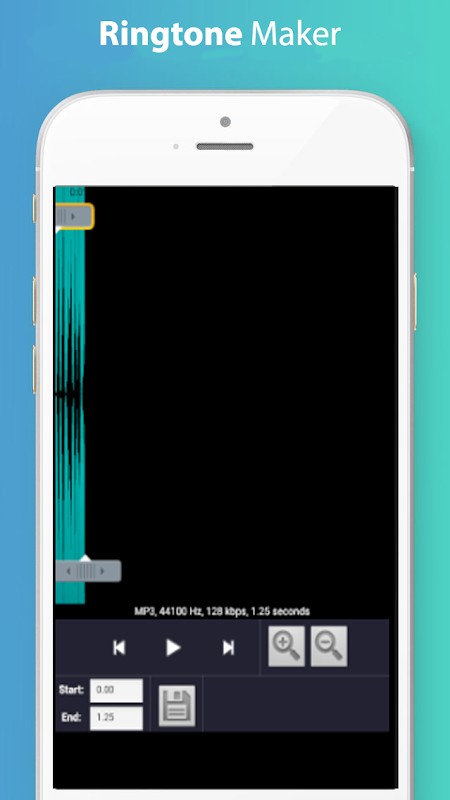
- Simple trimming — Choose a source file, set the start and end, then save the result.
- Free to use — The app is free and does not include in-app purchases.
First launch and setup
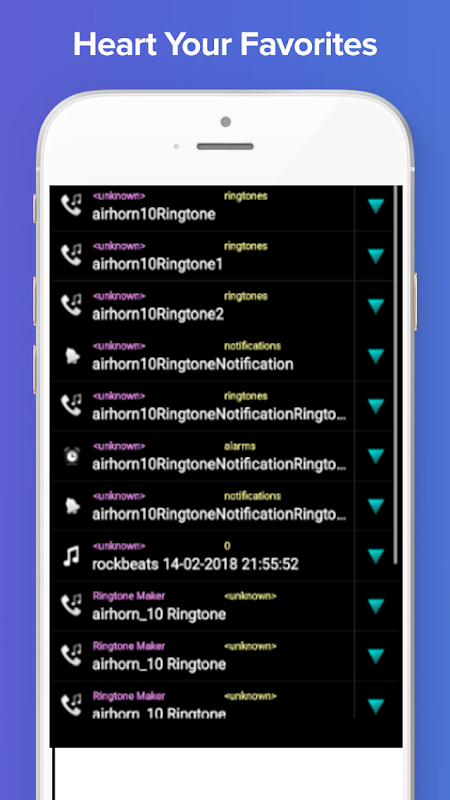
After opening the app, you are prompted to choose either audio or video. From there, select a source file from your device and move into trimming or cutting. The app is an APK file, sized at 23.0 MB, and it supports Android devices from API 14 and up.
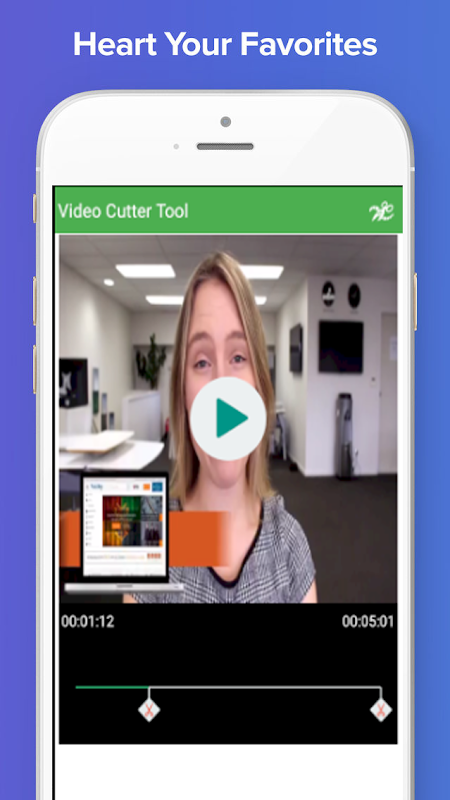
The workflow is straightforward: pick the file, set the start and end points, then tap the edit or cut button to save the finished version. The app description also points to real-time editing on the phone, so the main work happens locally rather than through uploading files.
MP3 and MP4 support
This editor is built around two common formats: MP3 for audio and MP4 for video. It also lists support for many standard video types, including AVI, MOV, WMV, VOB, FLV, 3GP, MKV, MPEG, QuickTime, RealMedia, VCD, WebM, and Windows Media Video formats. That makes it useful if your clips come from different sources.
The app description mentions downloaded MP4 files from the internet or other sources, so it is not limited to files created inside the phone camera. It also includes frame grabbing and transcoding to MP4.
Practical trimming tips
For shorter clips, the app is meant to help you remove unwanted sections and keep only the part you want to share. The description notes that cutting can help save storage space and make it easier to send video through social apps when large files are a problem.
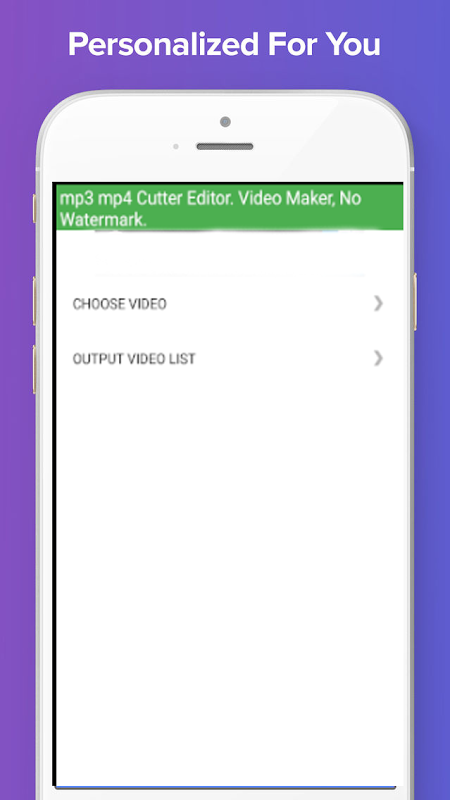
- Use the video list screen to find saved clips quickly.
- Set clear start and end points before saving.
- Keep in mind that video editing can take time because it is CPU intensive.
- Use the app for both audio edits and video trims when you want one tool for both.
Requirements and permissions
The app is free, contains no ads, and has no in-app purchases. It is rated Everyone. No permissions are listed for this release, and no permissions were added in the current version. The app was released and last updated on 2018-09-15.
APK information
- Version
- 1.10
- Package
- mp.mp.cutter.editor
- Category
- Video Players & Editors
- Size
- 23 MB
- Min Android
- API 14
- Architecture
- universal
Older versions
-
mp3 mp4 Cutter Editor. Video Maker, No Watermark. 1.10Nov 10, 2026Latest downloadAPK
mp3 mp4 Cutter Editor. Video Maker, No Watermark. FAQ
Can mp3 mp4 Cutter Editor. Video Maker, No Watermark. play offline?expand_more
The app is designed for local editing on your phone, and no upload or download of files is required. It works on files already stored on the device.
Does mp3 mp4 Cutter Editor. Video Maker, No Watermark. support Chromecast?expand_more
Chromecast support is not listed. The app description focuses on editing files on the phone.
Which Android version does mp3 mp4 Cutter Editor. Video Maker, No Watermark. need?expand_more
It requires Android API 14 or higher.
What video formats can mp3 mp4 Cutter Editor. Video Maker, No Watermark. open?expand_more
It supports many standard formats, including AVI, MOV, WMV, VOB, MP4, FLV, 3GP, MKV, WebM, and more.