- 4.1star144,285 reviews
- 10M+Downloads
- 33 MBAPK size
- EveryoneRated for Everyone
- 8.0+Android
check_circleOriginal APK from Landocs Apps · Updated Nov 12, 2026
No threats found
0 / — antivirus engines flagged this file
Original signature
First seen — Landocs Apps
Unmodified APK
Same file the developer published — no mods
Multi Stopwatch and Timer Plus screenshots
8 images · tap to enlarge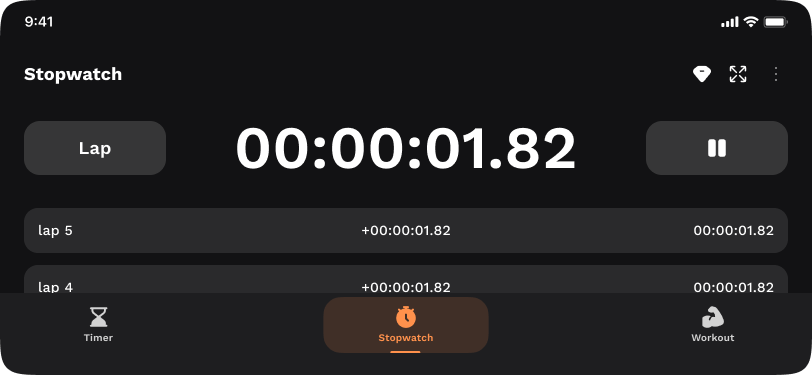
About this app
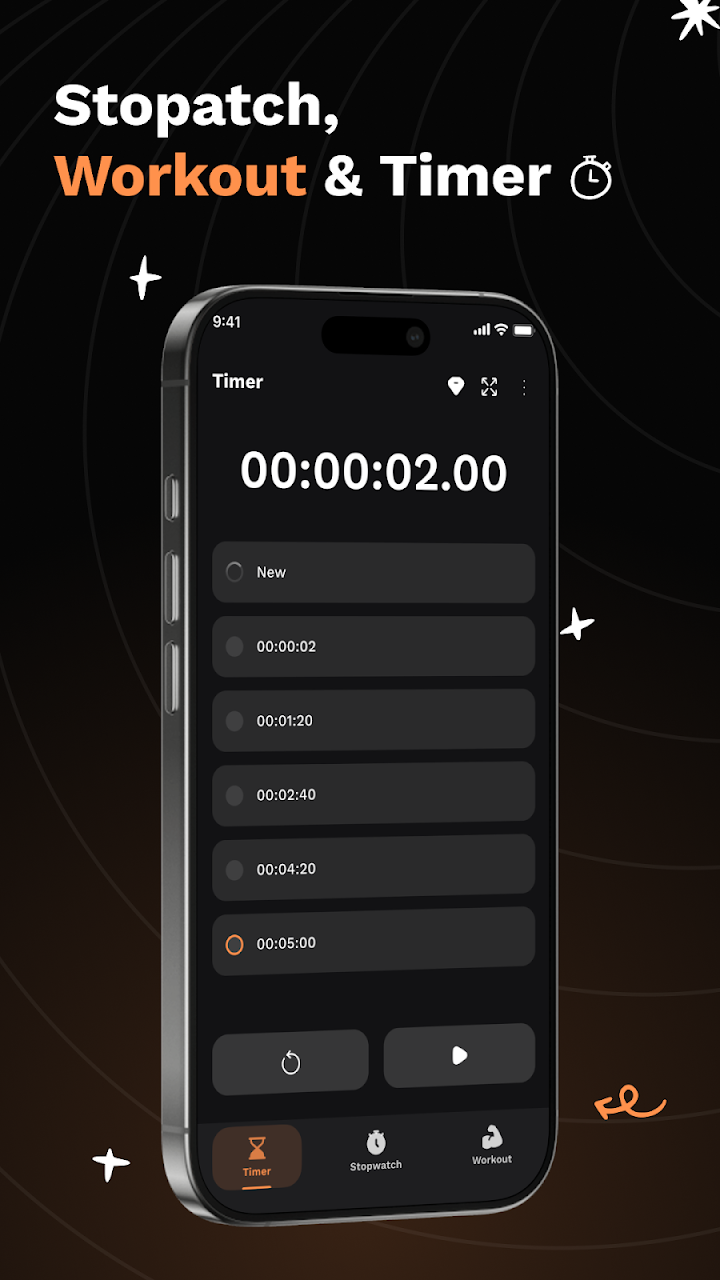
Need one app for timing different routines? Multi Stopwatch and Timer Plus lets you save timers as presets, switch with a swipe, record laps to 1/100 of a second, and run countdowns or interval rounds. It is built for everyday timing, from kitchen tasks to track sessions.
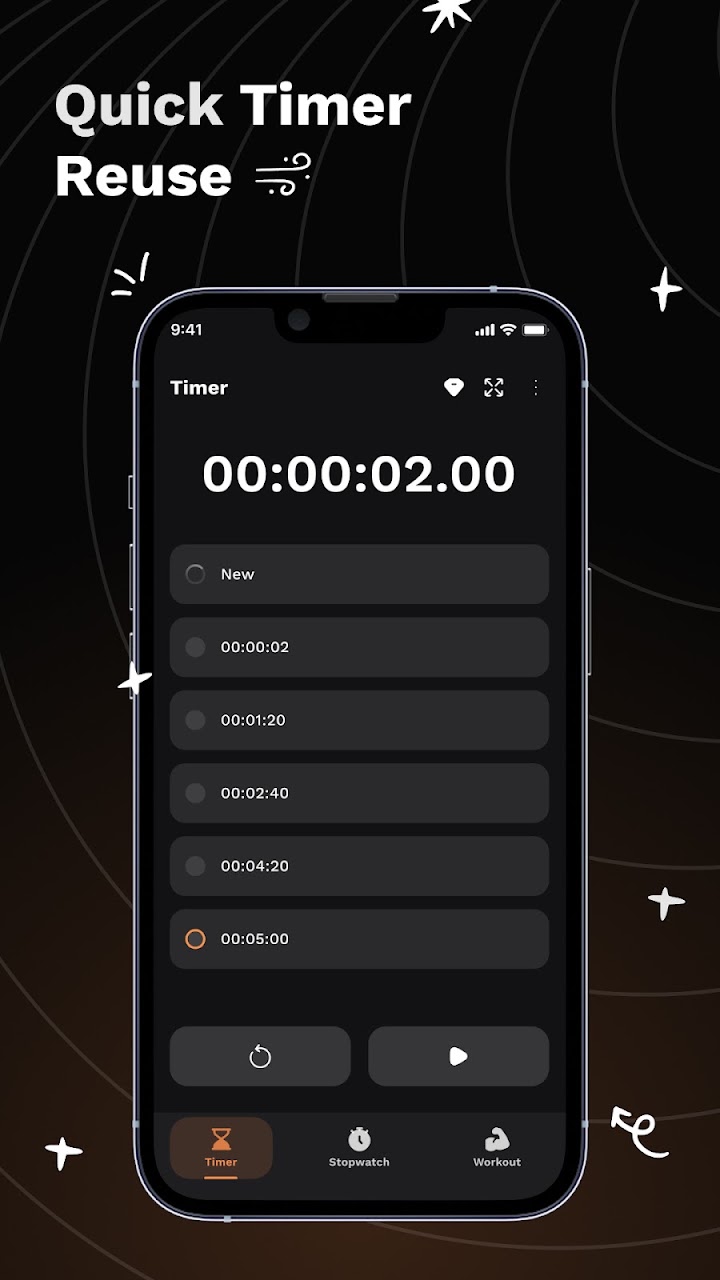
- Saved timer presets — Create separate timers and stopwatches for different routines and keep them ready to use.
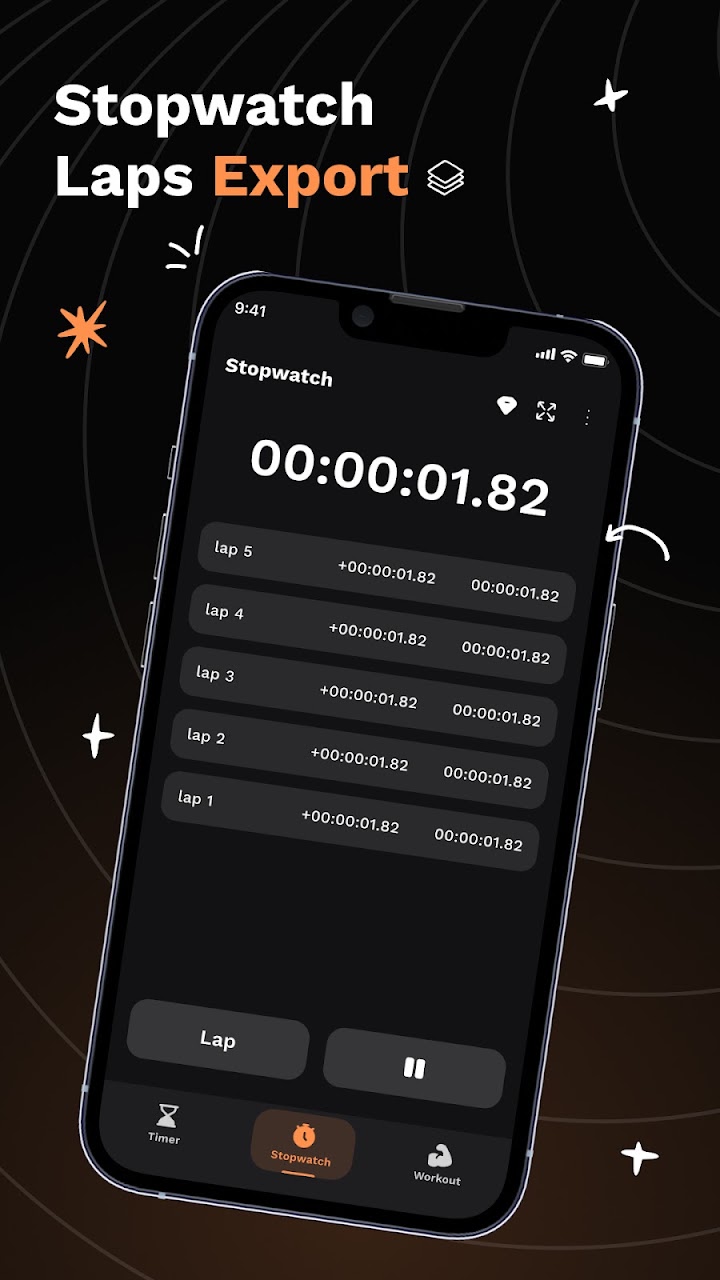
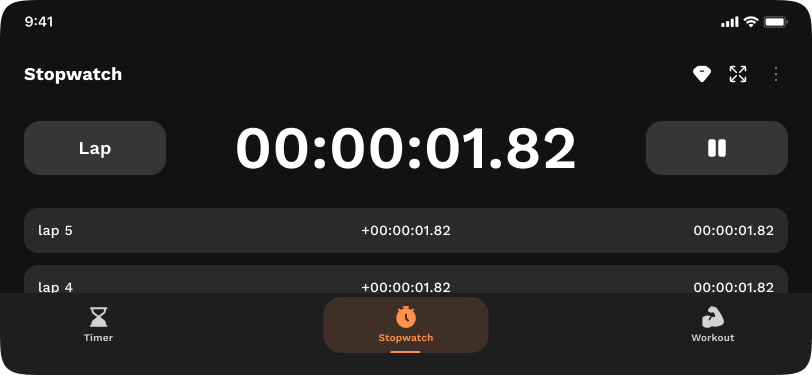
- Lap and split timing — Record laps and splits with stopwatch timing accurate to 1/100 of a second.
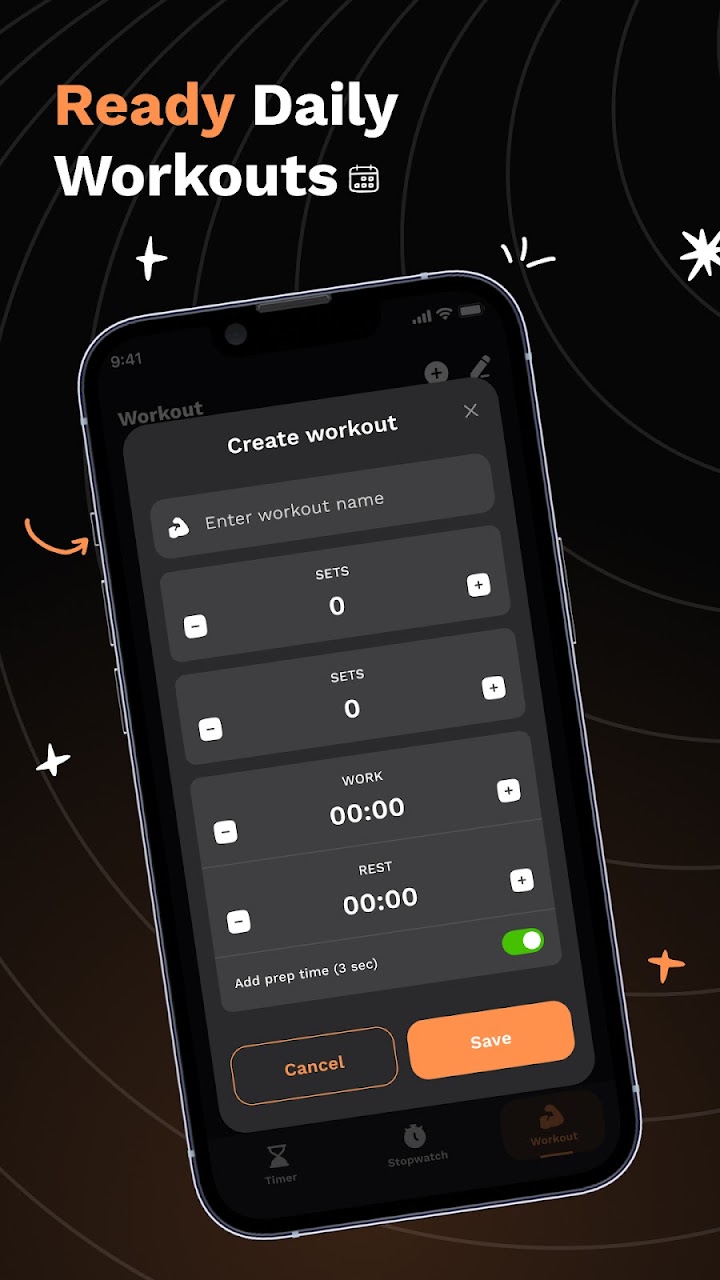
- Countdown and intervals — Use countdowns for cooking or breaks, or set interval rounds for HIIT, circuits, and sprints.
- Alarm on lock screen — The alarm sounds even when your phone is locked.
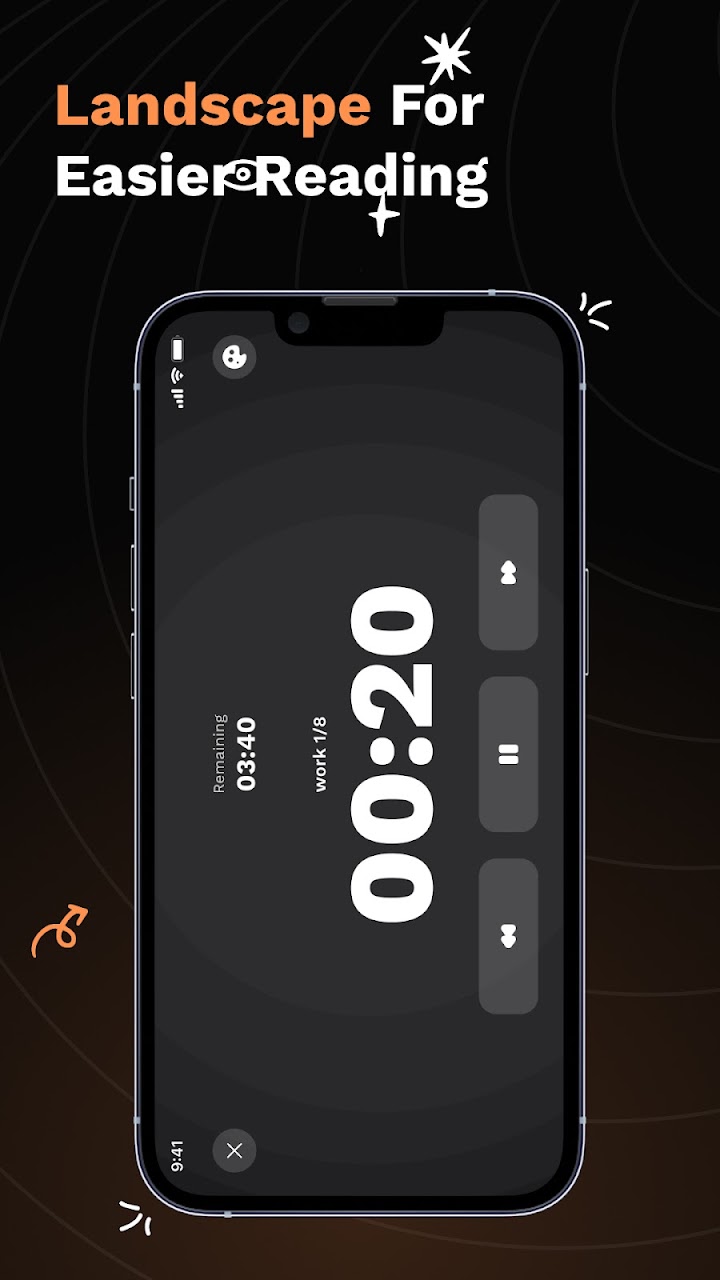
- Full-screen display — Switch to full screen for large numbers that are easier to read from across the room.
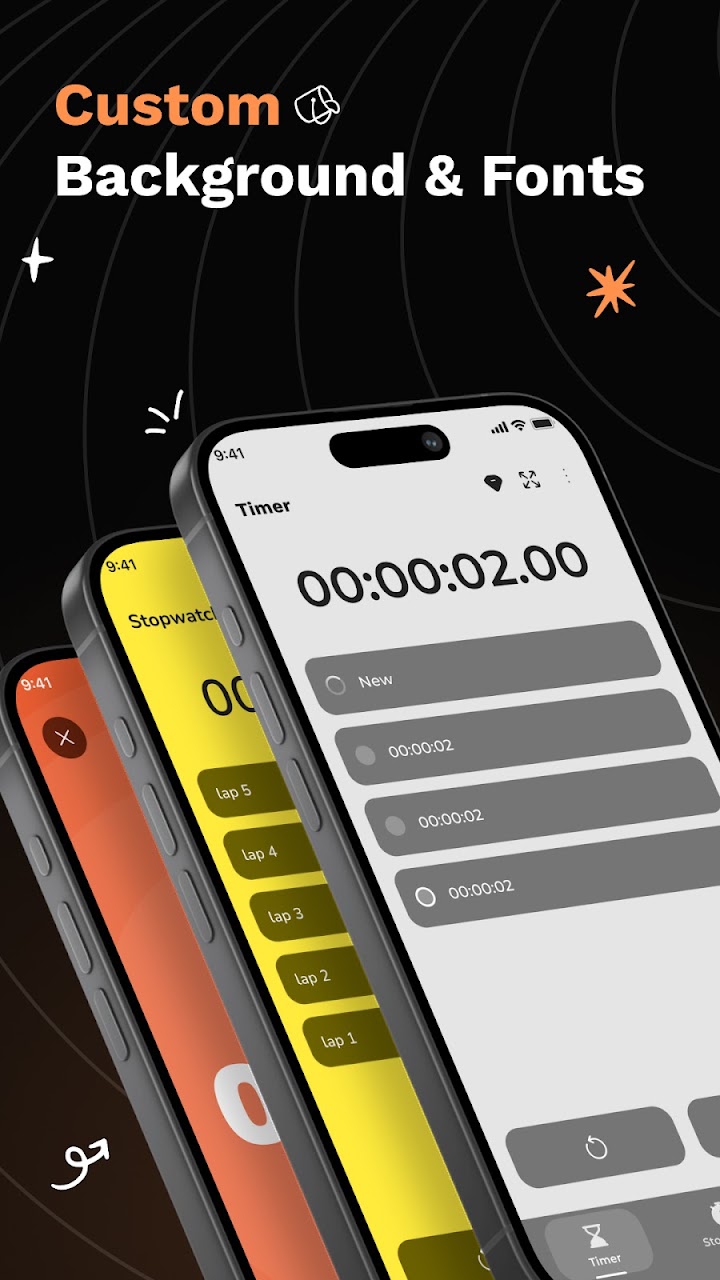
- Color customization — Adjust font and background colors to keep the display clear in different lighting.
What to expect on first launch
When you open Multi Stopwatch and Timer Plus for the first time, you can set up timers and stopwatches for the routines you use most. A gym session, a kitchen countdown, and a study timer can each stay saved as a preset, so you do not need to rebuild them every time you start a new task.
The app is a single place for stopwatch timing, lap timing, countdowns, and interval rounds. It installs as an APK file, is 33.0 MB, and requires Android 8.0 or later.
Set up the timers you use every day
Start with the situations that come up most often. On a long train ride, you might set a study countdown and keep it ready for the next session. In the kitchen, you can save a cooking timer. At the track or pool, you can keep a stopwatch preset for laps and splits.
- Save a timer or stopwatch as a preset.
- Swipe between saved timers instead of setting them up again.
- Use countdowns for cooking, rest breaks, or study.
- Use interval modes for HIIT, circuits, and sprints.
Use laps, splits, and clear timing displays
The stopwatch records lap times and splits, and the timing is accurate to 1/100 of a second. If you want to keep a record after a run or workout, you can copy lap times and paste them into notes, messages, or a spreadsheet. For reading from farther away, full screen mode shows large numbers, and the font and background colors can be changed to suit the light around you.
Practical tips for daily use
For repeated routines, save each setup once and return to it later with a swipe. If you need an alarm while your phone is locked, use a countdown or interval timer and let it sound in the background. Premium removes ads if you want an ad-free version.
Requirements and permissions
Multi Stopwatch and Timer Plus works on Android 8.0 and later. The APK is universal, and no permissions are listed for this app. It does not require a root setup or an account to use the timing tools described here.
APK information
- Version
- 1.79
- Package
- com.sportstracklive.stopwatch
- Category
- Tools
- Size
- 33 MB
- Min Android
- 8.0
- Architecture
- universal
Older versions
-
Multi Stopwatch and Timer Plus 1.79Nov 12, 2026Latest downloadAPK
Multi Stopwatch and Timer Plus FAQ
Why does Multi Stopwatch and Timer Plus need these permissions?expand_more
No permissions are listed for this app.
Does Multi Stopwatch and Timer Plus need root?expand_more
No root requirement is listed for Multi Stopwatch and Timer Plus.
Does Multi Stopwatch and Timer Plus need an account?expand_more
No account requirement is listed for the app.
Does Multi Stopwatch and Timer Plus work on tablets?expand_more
The APK is universal and works on Android 8.0 and later.
Can I copy lap times from the stopwatch?expand_more
Yes. You can record laps and splits, then copy lap times to paste into notes, messages, or a spreadsheet.