- 0.0star0 reviews
- 10K+Downloads
- 8 MBAPK size
- EveryoneRated for Everyone
- 5.0+Android
check_circleOriginal APK from Government of Malaysia · Updated Nov 12, 2026
No threats found
0 / — antivirus engines flagged this file
Original signature
First seen — Government of Malaysia
Unmodified APK
Same file the developer published — no mods
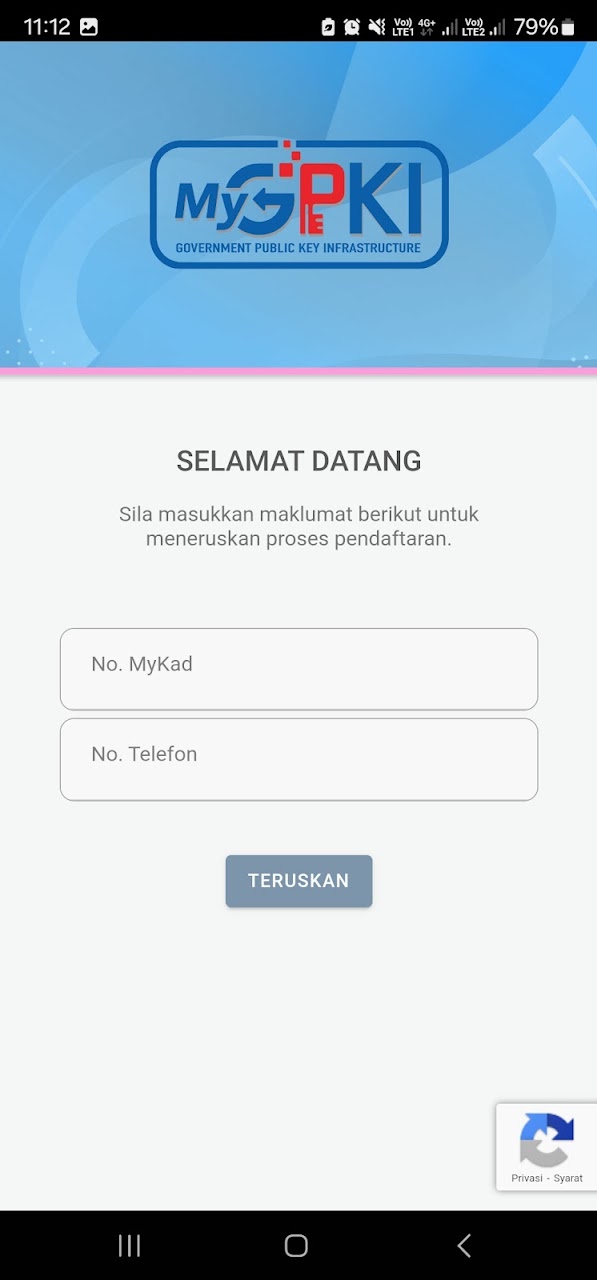
MyGPKI Mobile screenshots
4 images · tap to enlarge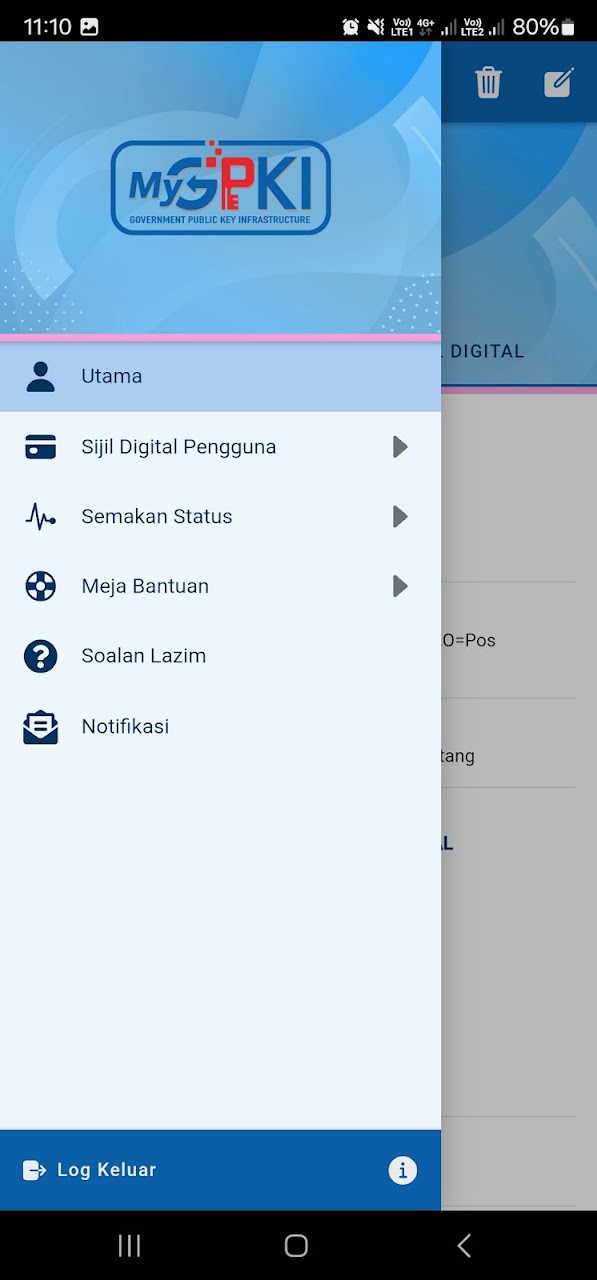
About this app
MyGPKI Mobile is the Android client for GPKI tasks from the Government of Malaysia. It brings administrator login, digital certificate applications, application status checks, certificate details, complaint handling, and FAQ access into one app, so the same account and certificate workflows can be checked from the phone instead of a desktop.
- GPKI Login — Use the app to sign in as a GPKI administrator.
- Apply For Certificates — Submit digital certificate applications from the mobile client.
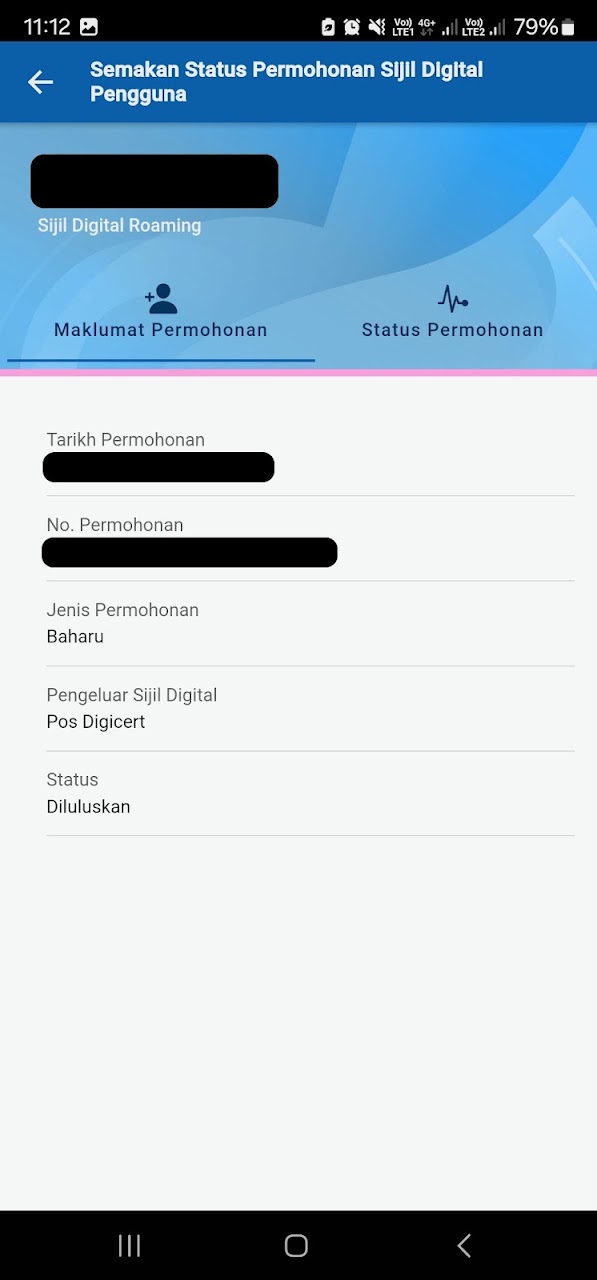
- Track Status — Check application status for Token, SoftCert, and RoamingCert.
- View Certificate Info — Open digital certificate details inside the app.
- Send Complaints — Lodge complaints or inquiries through the built-in module.
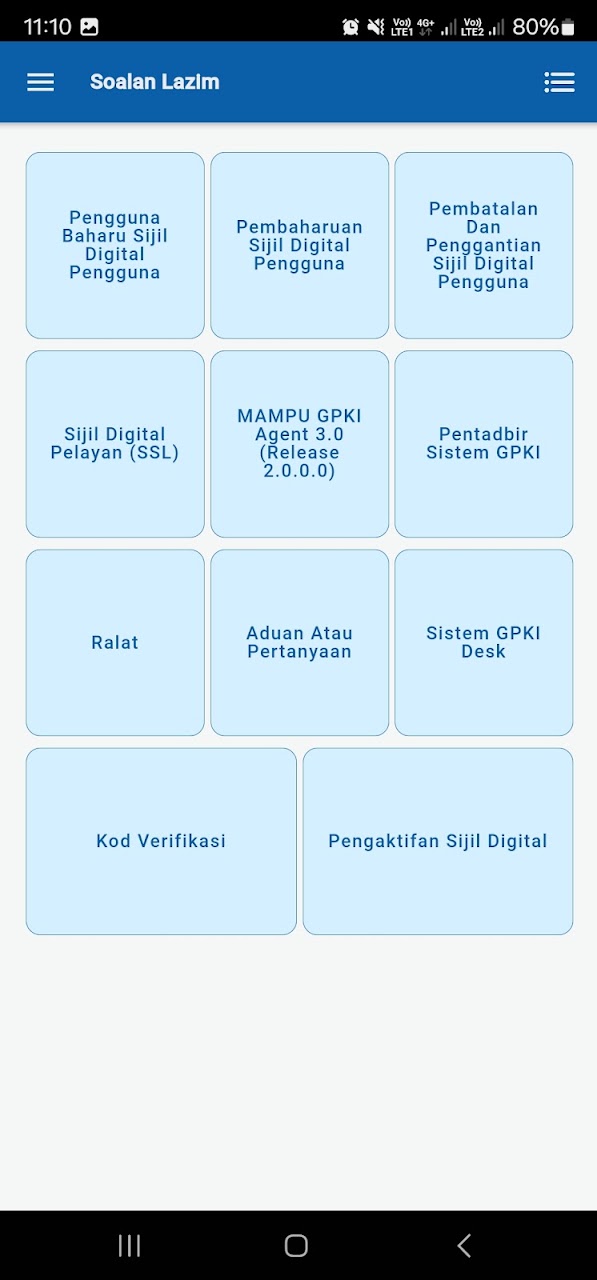
- FAQ Access — Read the app's FAQ section for common GPKI questions.
First launch and setup
MyGPKI Mobile opens as a focused GPKI client rather than a general tool, so the first thing you should expect is access to administrator and user certificate modules. The app is free, has no ads, and does not list in-app purchases. It comes as an APK file, is 8.0 MB, supports universal architecture, and requires Android 5.0 or later.
Login GPKI administrator
On a normal day, this is the screen you would open first if you manage GPKI work. The app includes a dedicated administrator login module, then moves into certificate-related actions without extra layers of menus. If you are checking a case quickly, the layout is built around direct access to the task you need.
Digital certificate application and status
The main user workflow is the digital certificate application module. From there, you can submit an application and later check its status for Token, SoftCert, and RoamingCert. If you are following up on a request during the day, this is the section you will return to most often.
There is also a digital certificate information area for looking up certificate details, plus a complaints and inquiries module when a case needs follow-up. The included FAQ section is useful when you want a quick reminder before contacting support.
Practical use on a phone
Because the app is only 8.0 MB, storage use is light compared with larger Android tools. There are no listed permissions, so you do not need to review a long access prompt before using it. The app does not show ads, which keeps the screen focused on certificate work and status checks.
Requirements and permissions
Install the APK only if your device runs Android 5.0 or newer. The package is universal, so it is not tied to a specific CPU architecture. No permissions are listed for this version, and no added permissions are noted in the latest release. The current version is 2.0.0.
The latest update brings a new Mobile GPKI version, a new GPKI service logo, and broader improvements to the User and Server Digital Certificate modules.
What's new
Version 2.0.0 · Nov 12, 2026
- i. Kemaskini Mobile GPKI Versi Baharu
- ii. Logo Baharu Perkhidmatan GPKI
- iii. Penambahbaikan fungsi secara komprehensif pada Modul Sijil Digital Pengguna dan Pelayan
APK information
- Version
- 2.0.0
- Package
- my.gov.onegovappstore.GPKIMobileClient
- Category
- Tools
- Size
- 8 MB
- Min Android
- 5.0
- Architecture
- universal
Older versions
-
MyGPKI Mobile 2.0.0Nov 12, 2026Latest downloadAPK
MyGPKI Mobile FAQ
Does MyGPKI Mobile drain the battery?expand_more
The app does not list battery-heavy features, and its APK size is 8.0 MB. No specific battery impact is stated.
Why does MyGPKI Mobile need these permissions?expand_more
No permissions are listed for this app version, so there are no permission requests to explain.
How do I install the MyGPKI Mobile APK file?expand_more
Install the APK on an Android device running 5.0 or later. The file is universal and the package size is 8.0 MB.
What changed in the latest MyGPKI Mobile version?expand_more
The latest update includes a new Mobile GPKI version, a new GPKI service logo, and comprehensive improvements to the User and Server Digital Certificate modules.
What can I do in MyGPKI Mobile?expand_more
You can log in as a GPKI administrator, apply for digital certificates, check application status for Token, SoftCert, and RoamingCert, view certificate information, and lodge complaints or inquiries.