No.Pix Color by Number & Pixel
ideaFun - Pixel Art Coloring Games Color by Number- 4.7star1,201,627 reviews
- 100M+Downloads
- 5 MBAPK size
- EveryoneRated for Everyone
- API 18+Android
check_circleOriginal APK from ideaFun - Pixel Art Coloring Games Color by Number · Updated Nov 10, 2026
No threats found
0 / — antivirus engines flagged this file
Original signature
First seen — ideaFun - Pixel Art Coloring Games Color by Number
Unmodified APK
Same file the developer published — no mods
No.Pix Color by Number & Pixel screenshots
8 images · tap to enlarge


About this app
With 100M+ installs and a 4.7 rating, No.Pix Color by Number & Pixel is a simple way to fill in pixel art during a commute, a break, or a quiet night at home. Open it, pick a picture, zoom in, and tap through the numbered cells until the artwork is complete. It also works offline, so you can keep coloring without a connection.
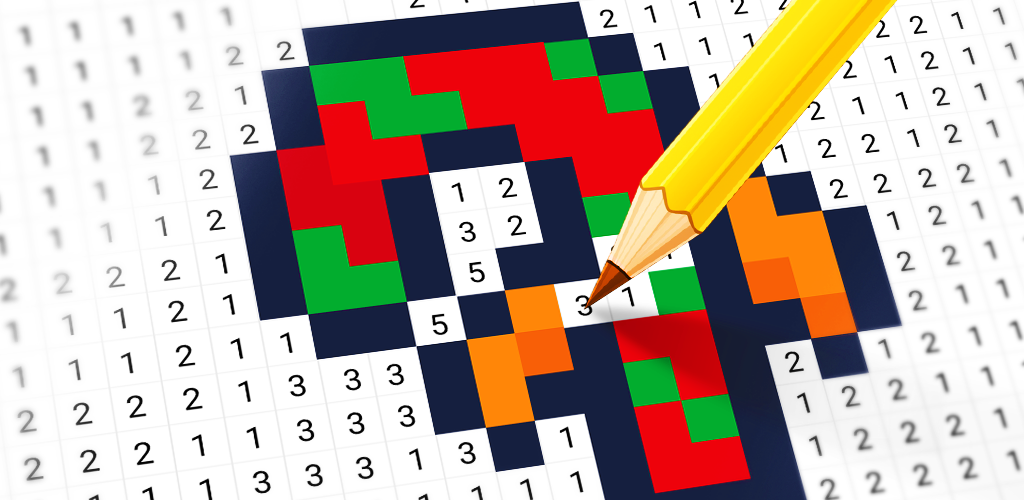
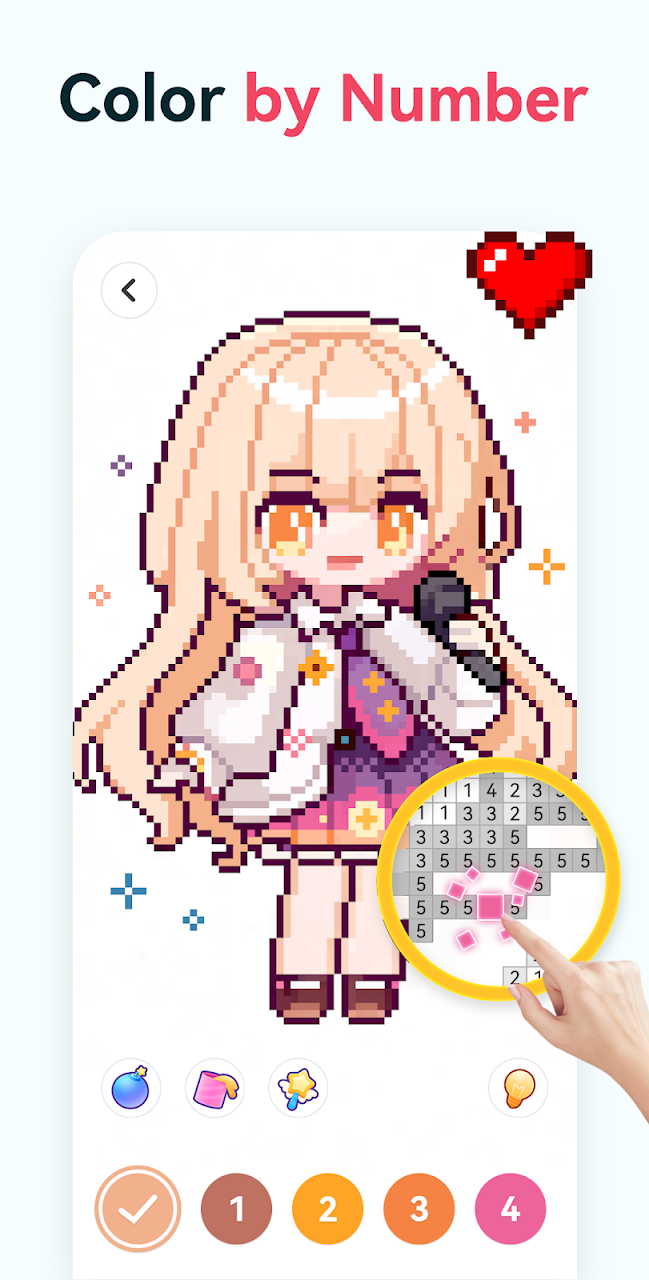
- Color by number — Pick a picture and tap the matching cells to build pixel art one color at a time.
- Works offline — You can color without Wi‑Fi, which makes it easy to use on trains or while traveling.
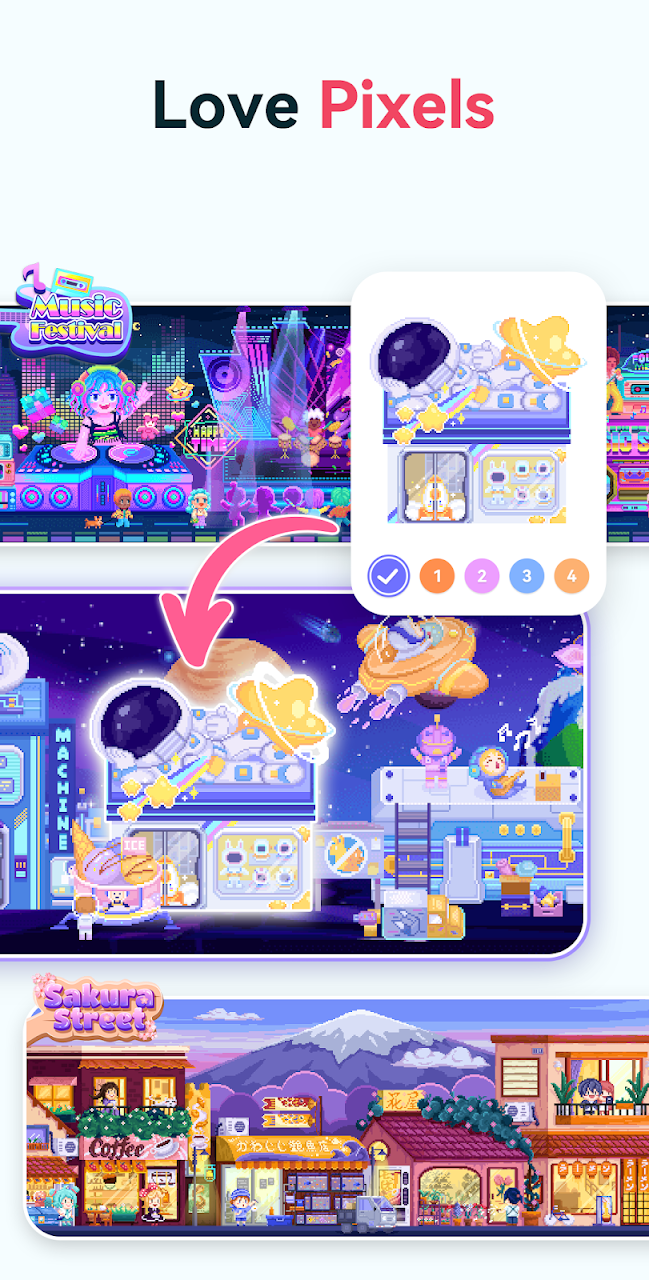
- Pixel Town mode — Decorate Pixel Town with themed content like Food Street and Underwater World.
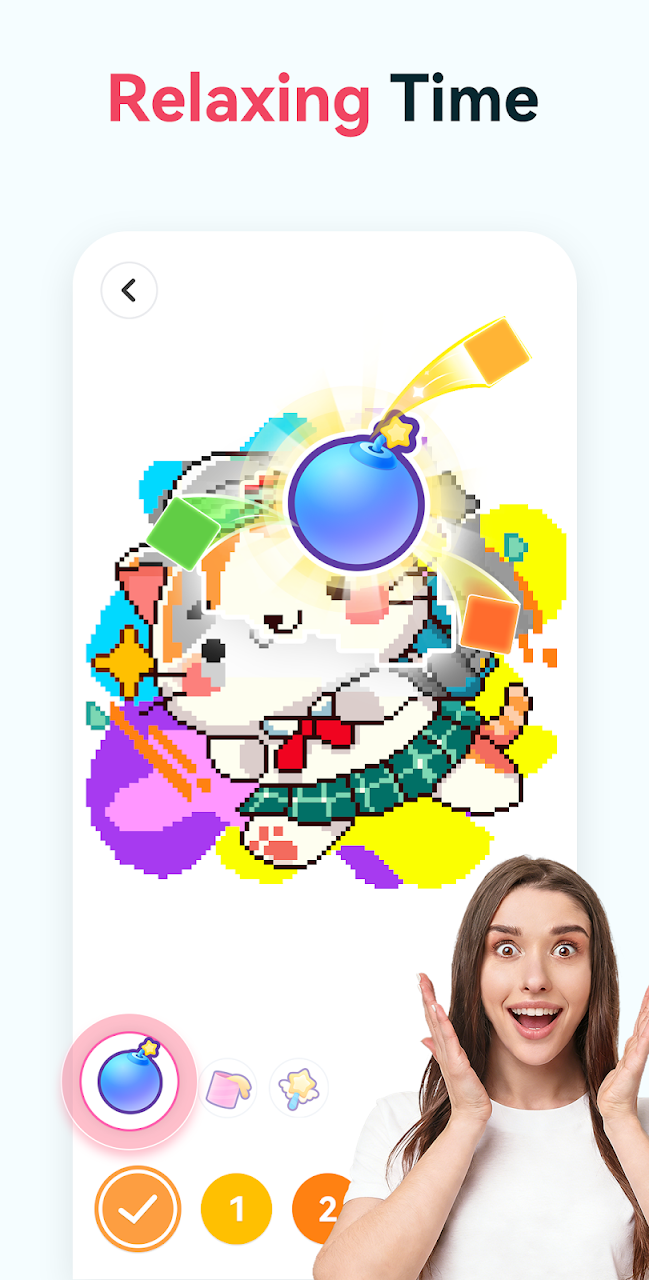
- Easy zoom tools — Pinch to zoom in or out, then use the help tools to find the next cells faster.
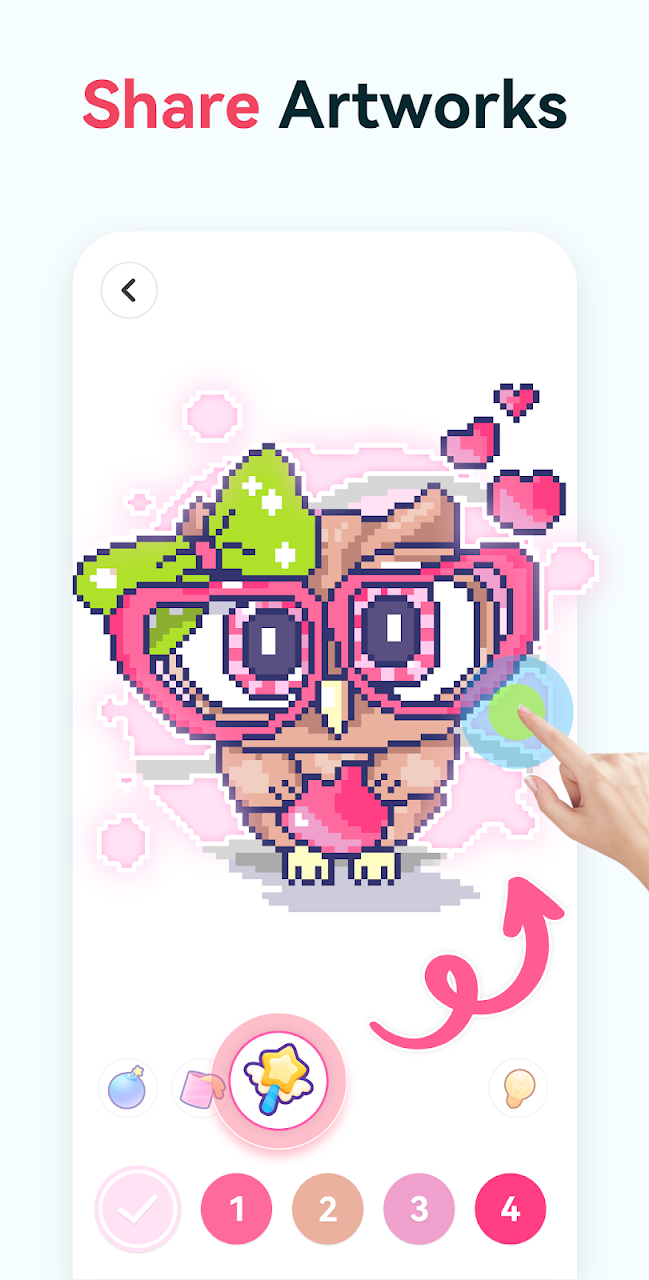
- Save and share — Keep your finished art and share it, along with time-lapse videos, with family and friends.
First tap, then the picture starts taking shape
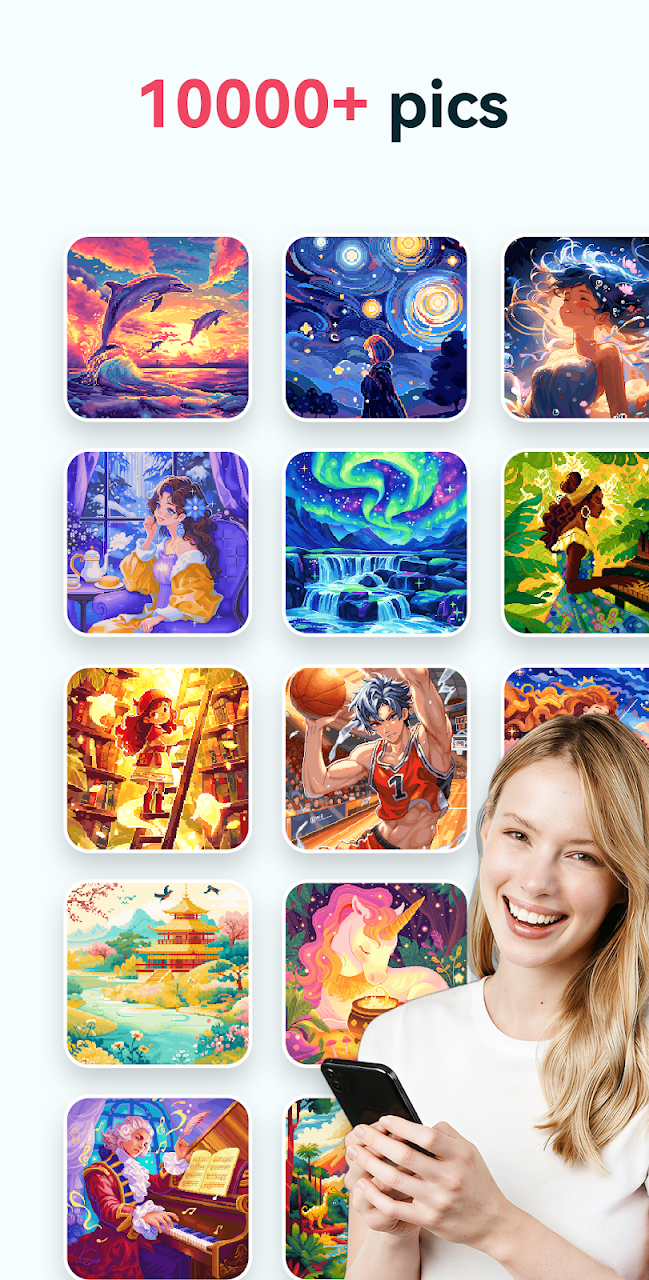
No.Pix Color by Number & Pixel opens straight into pixel art coloring, so there is no setup to get through before you start. On a long train ride or a quiet evening, you can choose from cartoon, scenery, anime, animals, flowers, mandala, and more, then zoom in and work cell by cell until the image is filled in.
The app is free to download, with ads and in-app purchases. It comes as a 5.4 MB APK, supports Android 18 and up, and uses a universal build.
Fill in Pixel Town pieces
One of the more specific parts of the app is Pixel Town, where you color themed areas instead of only single images. The play description points to original material such as Food Street and Underwater World, plus fresh pictures added regularly. That gives returning users something to open between other tasks, especially when they want a short coloring session rather than a long one.
- Daily new pictures keep the gallery moving.
- Offline and online coloring are both supported.
- A camera feature lets you create your own pixel art.
Tools that make coloring easier
The app includes a tips tool that auto-locates color-by-number cells, plus long-press coloring for repeated cells. If you like finishing pieces cleanly, the time-lapse recording and saved drawings make it easy to revisit what you made. The interface is built around quick taps rather than complicated controls, which helps when you only have a few minutes free.
What stands out after a few sessions
The strongest part is how quickly you can get into a coloring session and keep going without a network connection. The tradeoff is the usual free-app friction: ads are present, and in-app purchases are available. Most users seem satisfied overall, with ratings spread heavily toward 5 stars, though there are lower scores too, so the experience may depend on how much interruption you notice while coloring.
For adults who want a calm break and kids who want an easy coloring activity, it is a straightforward pick for pixel art on the phone or tablet.
APK information
- Version
- 3.2
- Package
- com.no.color
- Category
- Entertainment
- Size
- 5 MB
- Min Android
- API 18
- Architecture
- universal
Older versions
-
No.Pix Color by Number & Pixel 3.2Nov 10, 2026Latest downloadAPK
No.Pix Color by Number & Pixel FAQ
Can No.Pix Color by Number & Pixel play offline?expand_more
Yes. The app supports color by number offline, so you can use it without Wi‑Fi.
Does No.Pix Color by Number & Pixel need a subscription?expand_more
No subscription is listed. The app is free to download, with ads and in-app purchases.
Does No.Pix Color by Number & Pixel work on tablets?expand_more
Yes. It is listed for Android devices with API 18 and up, and nothing in the listing limits it to phones only.
What changed in the latest No.Pix Color by Number & Pixel version?expand_more
No recent changes are listed in the update notes.
Can I make my own pixel art in No.Pix Color by Number & Pixel?expand_more
Yes. The app includes a pixel art camera to create your own pixel art.