- 3.5star1,389,857 reviews
- 100M+Downloads
- 36 MBAPK size
- EveryoneRated for Everyone
- 8.0+Android
check_circleOriginal APK from Instabridge Sweden AB · Updated Nov 12, 2026
No threats found
0 / — antivirus engines flagged this file
Original signature
First seen — Instabridge Sweden AB
Unmodified APK
Same file the developer published — no mods
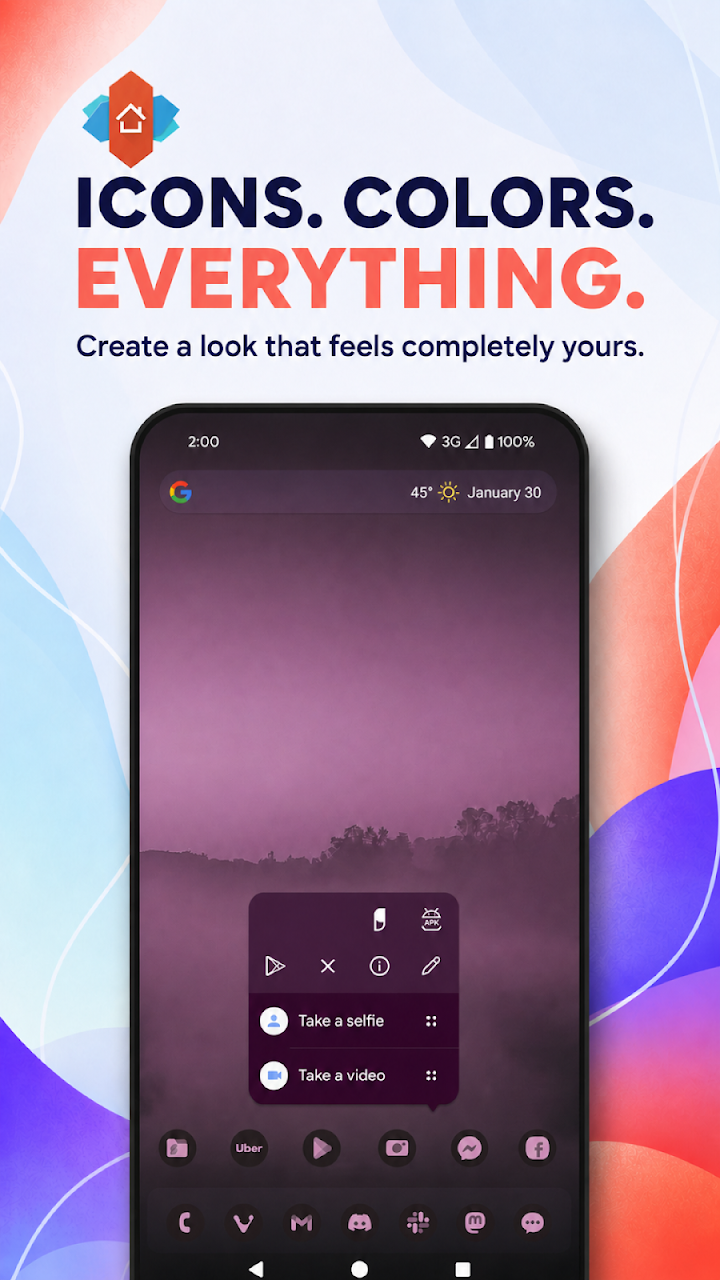
Nova Launcher: Home Screen screenshots
8 images · tap to enlarge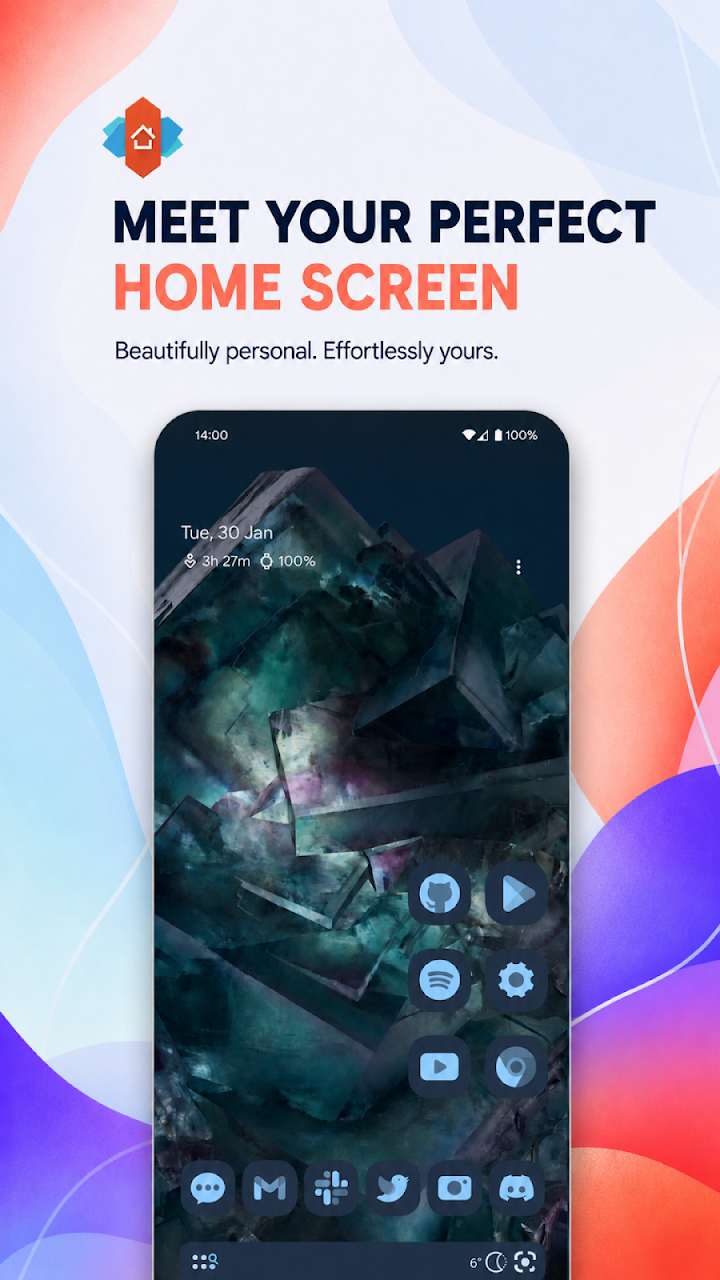
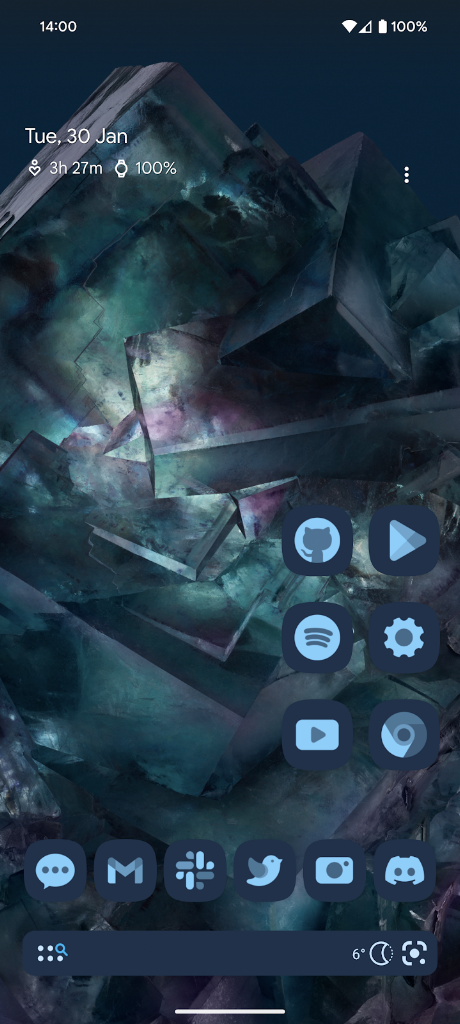
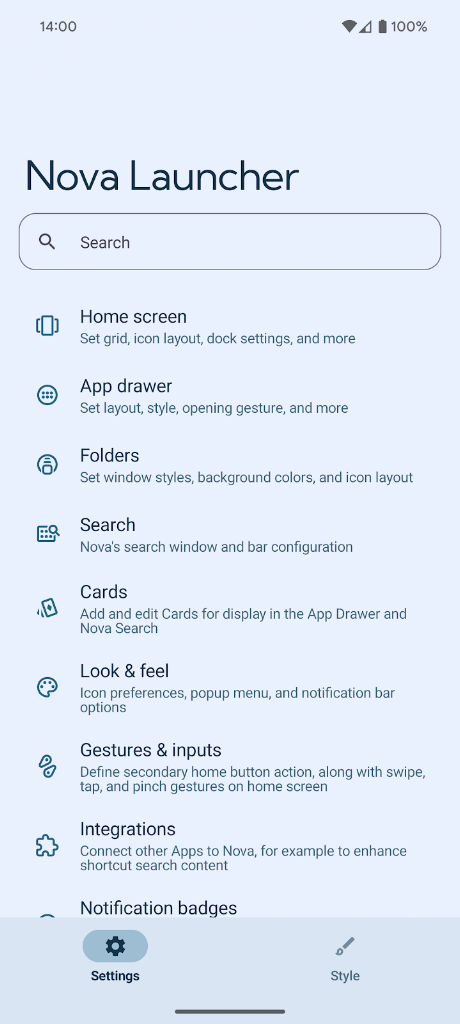
About this app
Nova Launcher: Home Screen stands out by replacing the standard Android home screen with a layout you can shape yourself. It adds icon themes, custom colors, folder and app drawer controls, plus backup and restore tools. If you want a cleaner launcher or more control than a typical Android home screen, this app gives you that flexibility.
- Custom icons — Use icon themes from the Play Store and reshape icons so your home screen looks consistent.
- Color control — Choose Material You colors from your system or set your own colors for a personalized look.
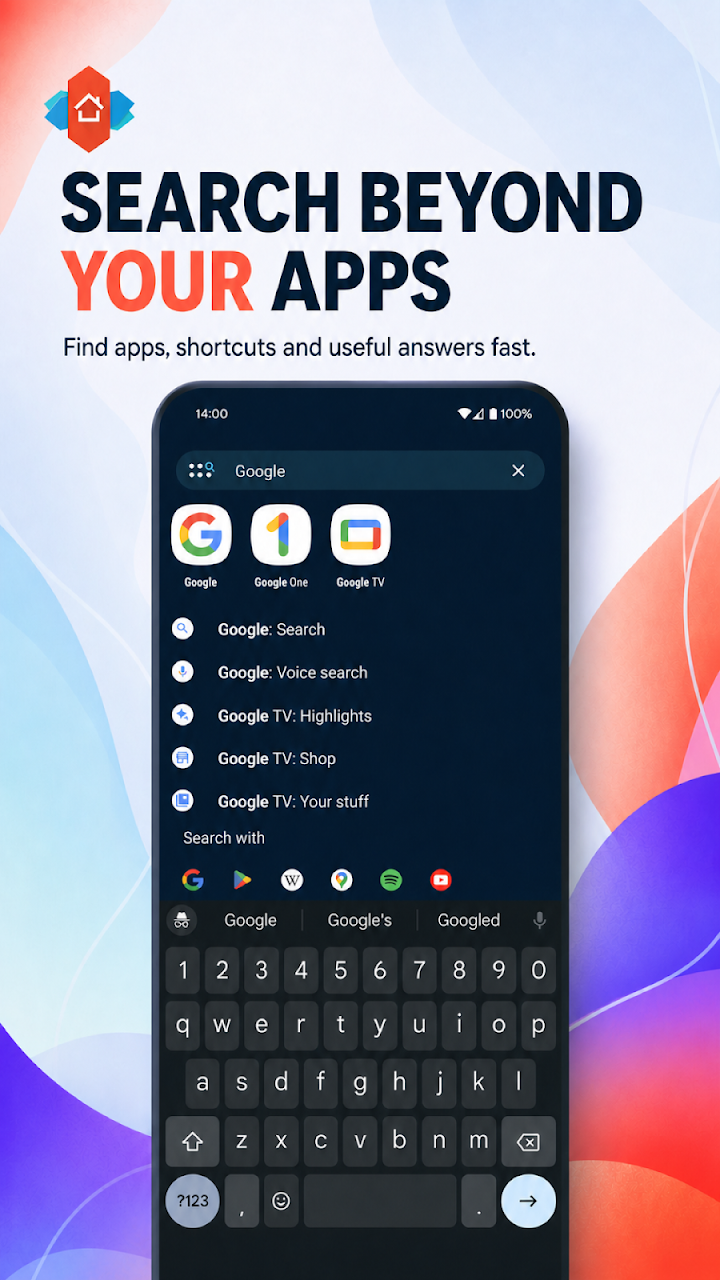
- Search tools — Search apps, contacts, and supported services, with Micro Results for calculations, conversions, and tracking.
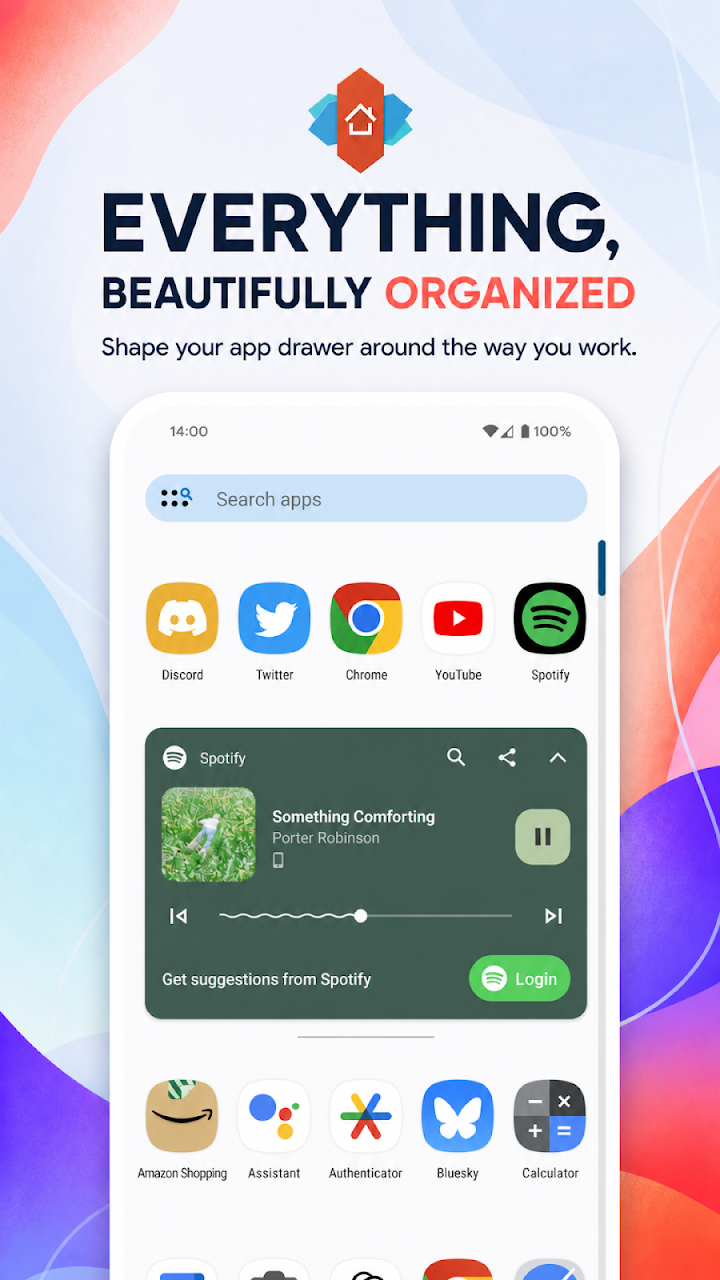
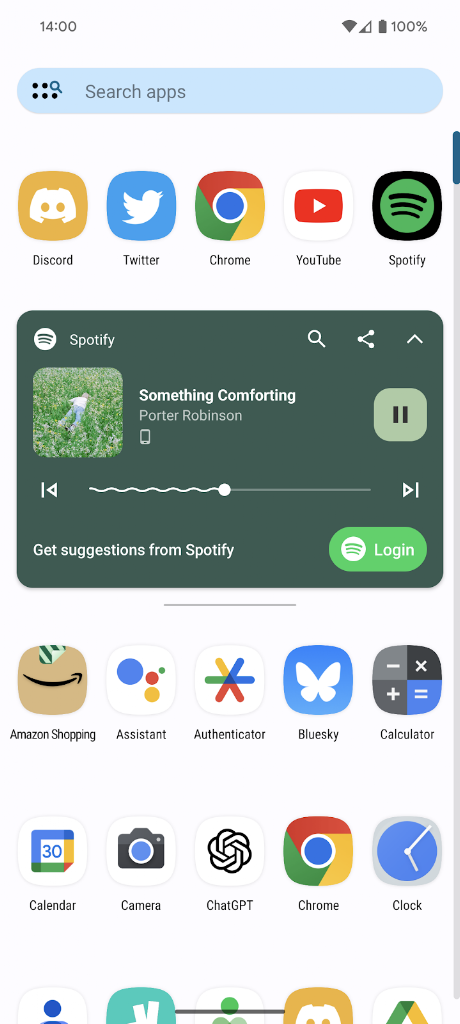
- Layout control — Adjust icon size, labels, scrolling, search bar position, folders, and app drawer cards.
- Precise placement — Snap icons and widgets between grid cells for tighter spacing and exact layouts.
- Backup support — Save setups locally or to the cloud, then restore them when you change phones.
A launcher built around your layout
Nova Launcher: Home Screen replaces the usual Android home screen with one that you can adjust in detail. Compared with system tools like Android System Intelligence or Android System WebView, this app is focused on the launcher itself: icons, folders, search, and the way your home screen is arranged. It is free to install, but it contains ads and offers in-app purchases.
It works on Android 8.0 and up, comes as a universal APK, and the file is 35.6 MB.
What you can change
Nova gives you control over icon themes, icon shapes, colors, light and dark themes, and the app drawer. You can also place icons and widgets with subgrid positioning, which means you can fit items between grid cells for a more exact layout. For people who want a simple launcher, these options can be ignored; for people who like to fine-tune every screen, they are the main draw.
- You get: backup and restore, search across apps and contacts, and custom folders.
- Watch for: ads, in-app purchases, and optional features that may ask for extra permissions.
How it compares with other Android tools
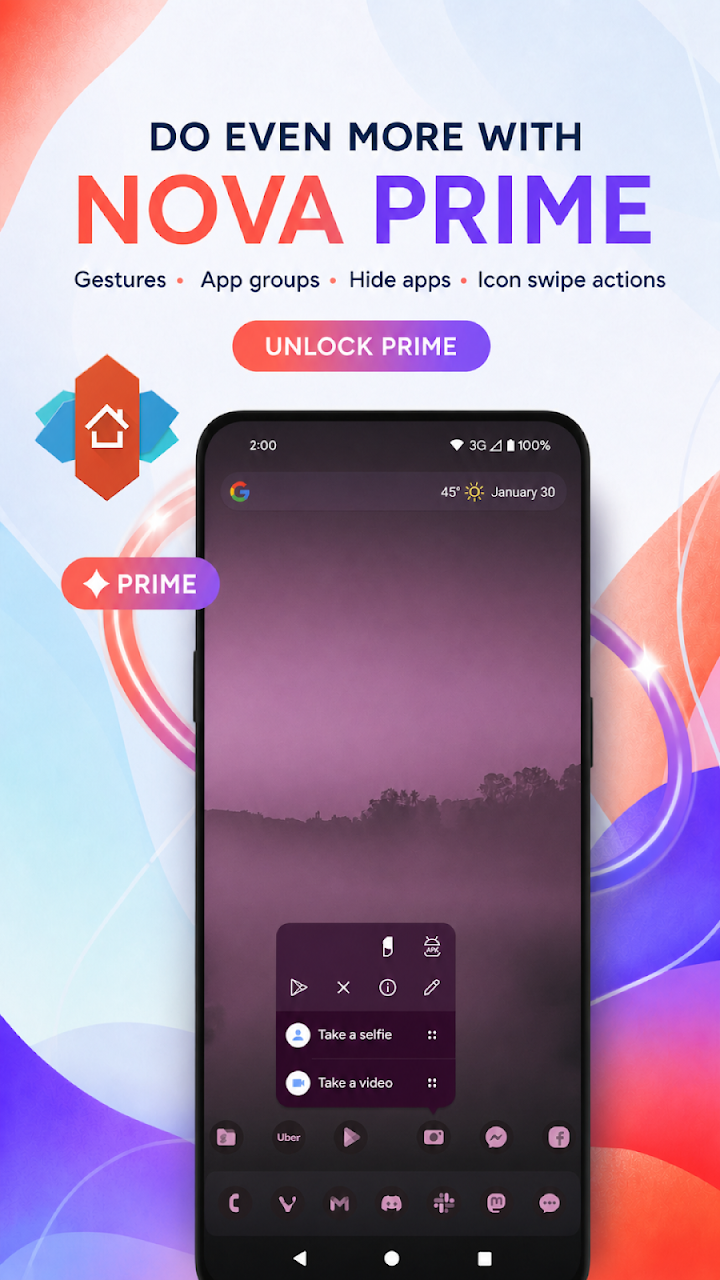
Unlike accessibility tools such as Android Accessibility Suite, Nova is not about helping you use the phone through system-wide assistive features. Instead, it changes how your home screen looks and behaves. It can bring newer launcher features to other phones, while the Prime upgrade adds gestures, app drawer groups, hiding apps, and custom icon swipe actions. If you only need a basic home screen, your phone’s built-in launcher may be enough. If you want more control, Nova is designed for that job.
Permissions and optional features
Nova says it uses AccessibilityService only for optional actions such as desktop gestures and system actions like screen off or opening Recent Apps, and it says no data is collected from that service. It also uses Device Administrator for optional screen off and lock functions, and a Notification Listener for icon badges and media playback controls. These features are optional, so you can decide how much of the app you want to enable.
What's new
Version 89700 (8.9.7) · Nov 12, 2026
- New Adaptive Icon Shapes
- Flower, Pebble and Vessel from Android 11
- Pentagon, Hexagon, Heptagon & Octagon
- Bug fixes and optimizations
APK information
- Version
- 89700 (8.9.7)
- Package
- com.teslacoilsw.launcher
- Category
- Tools
- Size
- 36 MB
- Min Android
- 8.0
- Architecture
- universal
Older versions
-
Nova Launcher: Home Screen 89700 (8.9.7)Nov 12, 2026Latest downloadAPK
Nova Launcher: Home Screen FAQ
Does Nova Launcher: Home Screen drain the battery?expand_more
The app description does not mention battery drain, so there is no stated answer. It does note optional features such as gestures, badges, and media controls.
Does Nova Launcher: Home Screen need root?expand_more
No root requirement is mentioned. The app instead uses optional AccessibilityService, Device Administrator, and Notification Listener permissions for specific features.
Can I install Nova Launcher: Home Screen without Google Play?expand_more
Yes. The app is available as an APK file, which means you can install it outside Google Play if your device allows APK installs.
Which Android version does Nova Launcher: Home Screen need?expand_more
It requires Android 8.0 or later.
What can Nova Launcher Prime add?expand_more
Nova Launcher Prime adds gestures, app drawer groups, hide apps, custom icon swipe gestures, and more scrolling effects and notification badges.