- 4.4star63 reviews
- 50K+Downloads
- 39 MBAPK size
- EveryoneRated for Everyone
- 8.0+Android
check_circleOriginal APK from Mocha games · Updated Nov 12, 2026
No threats found
0 / — antivirus engines flagged this file
Original signature
First seen — Mocha games
Unmodified APK
Same file the developer published — no mods
PDF Reader - All-in-One Suite screenshots
5 images · tap to enlarge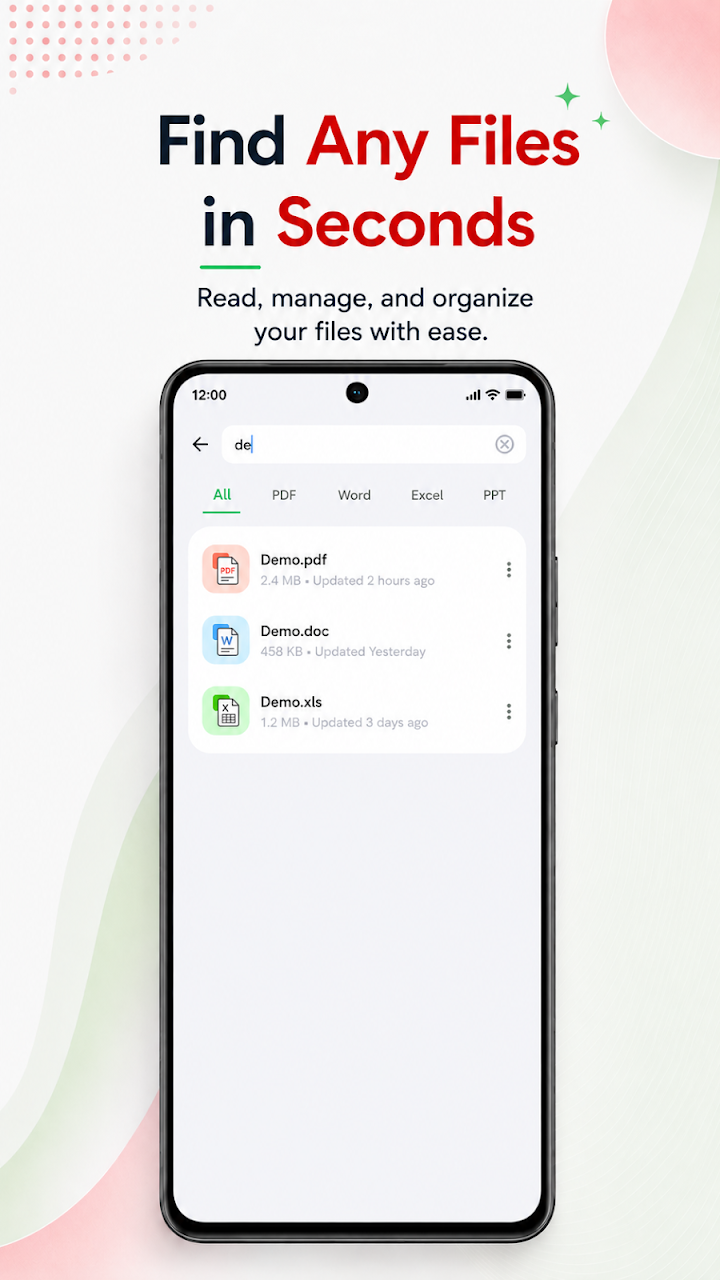
About this app
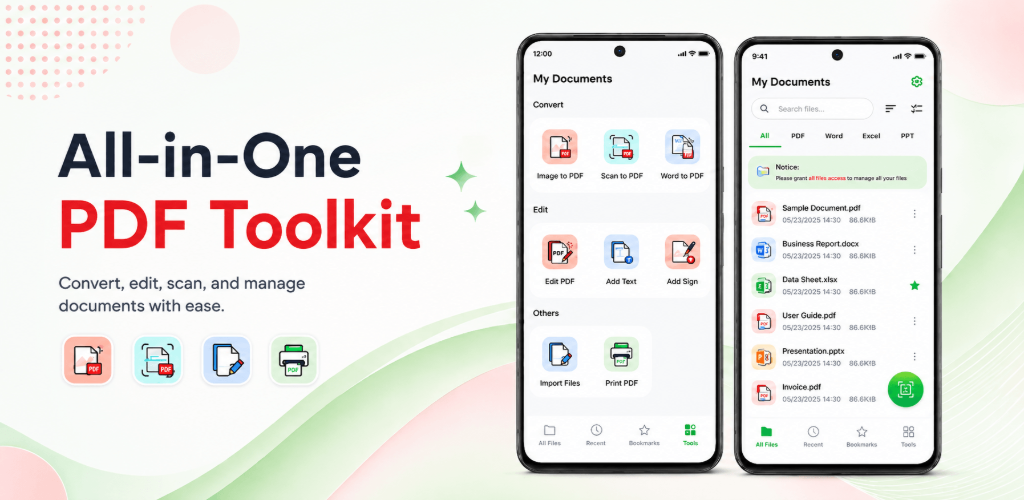
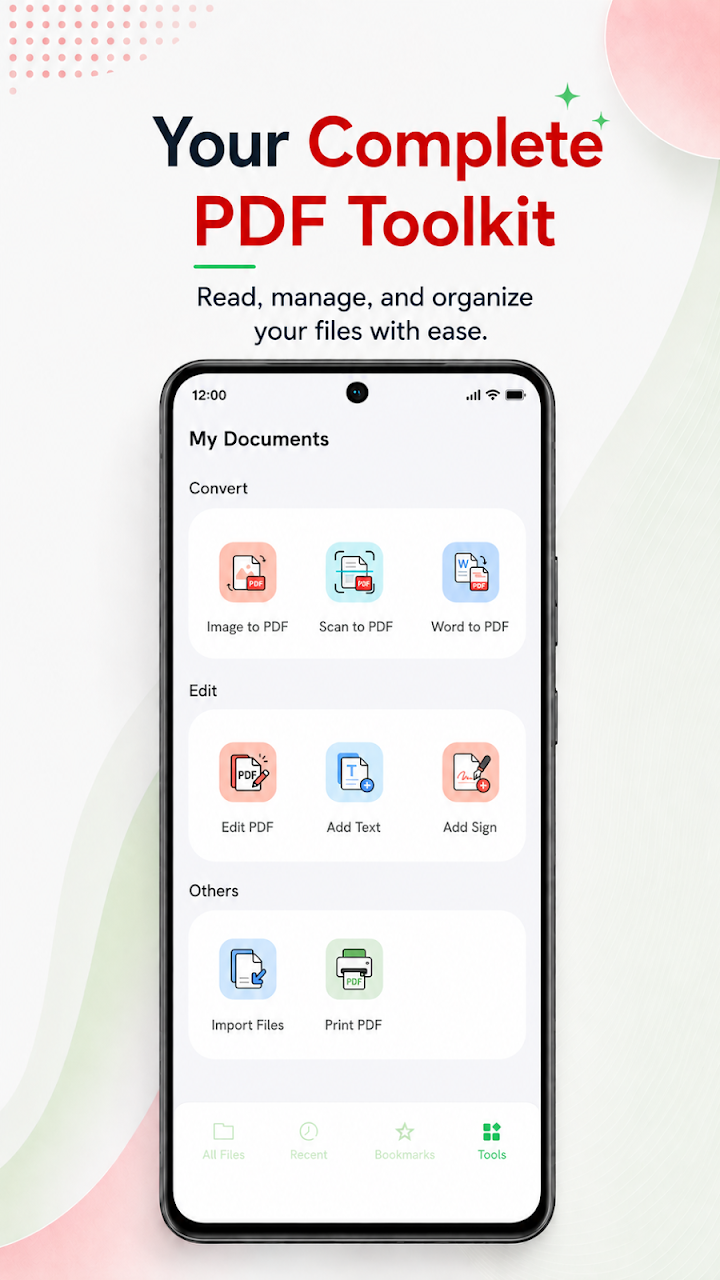
Need one app for PDFs and office files? PDF Reader - All-in-One Suite combines viewing, scanning, editing, signing, and converting in a single tool. It also organizes PDF, Word, Excel, and PPT files in tabs, while keeping processing local on your device and asking for no permissions.
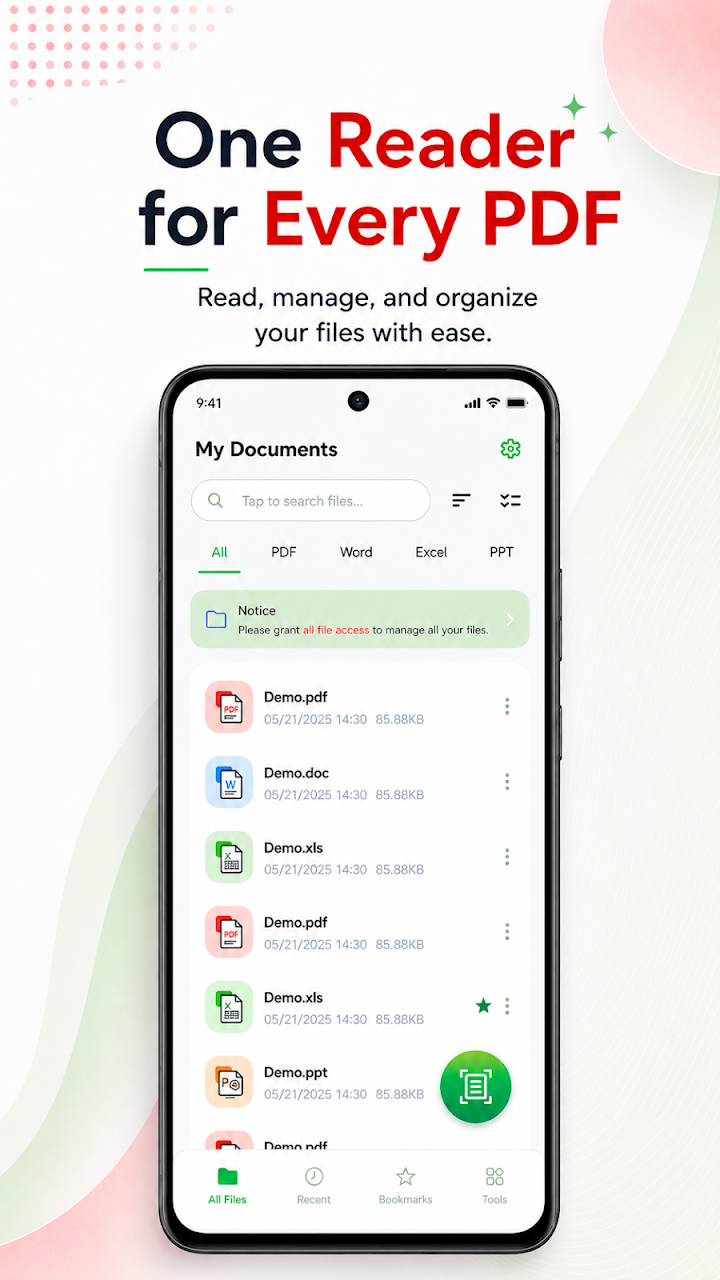
- Tabbed file browsing — Scan and sort documents across PDF, Word, Excel, and PPT tabs from one place.
- Scan to PDF — Turn paper documents, receipts, invoices, and notes into shareable PDF files.
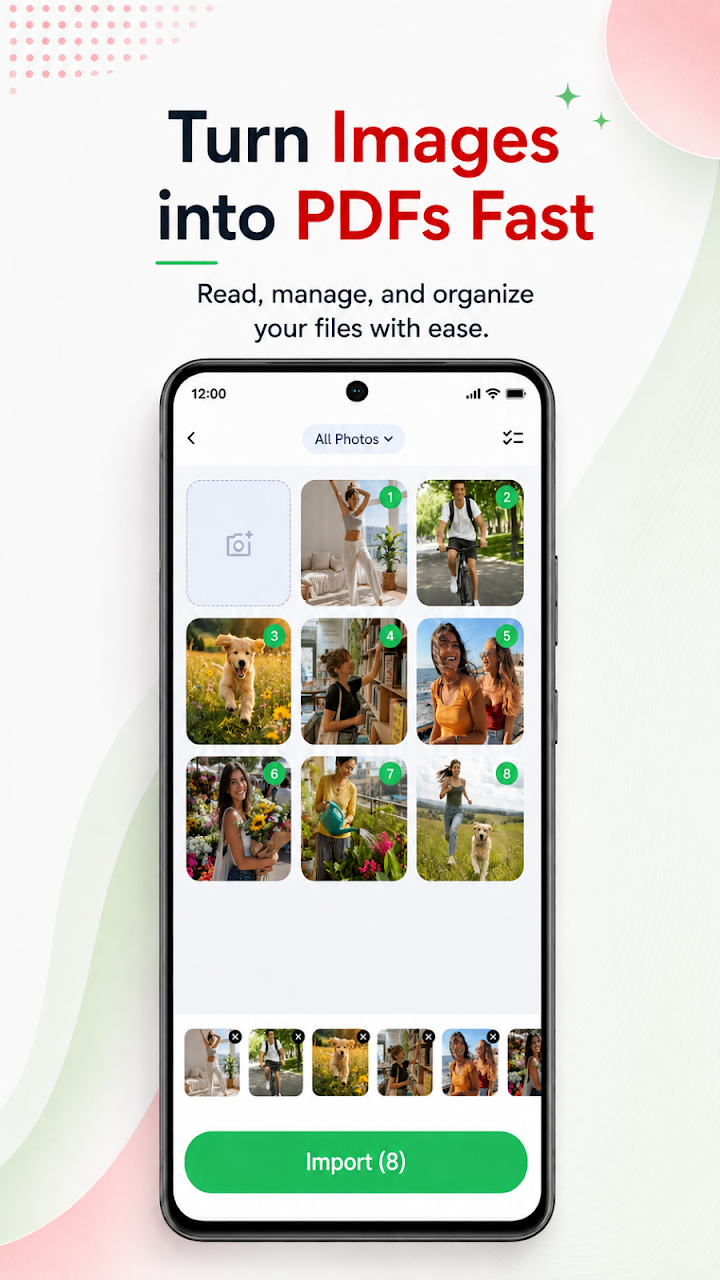
- Image conversion — Convert photos and camera captures into multi-page PDF documents.
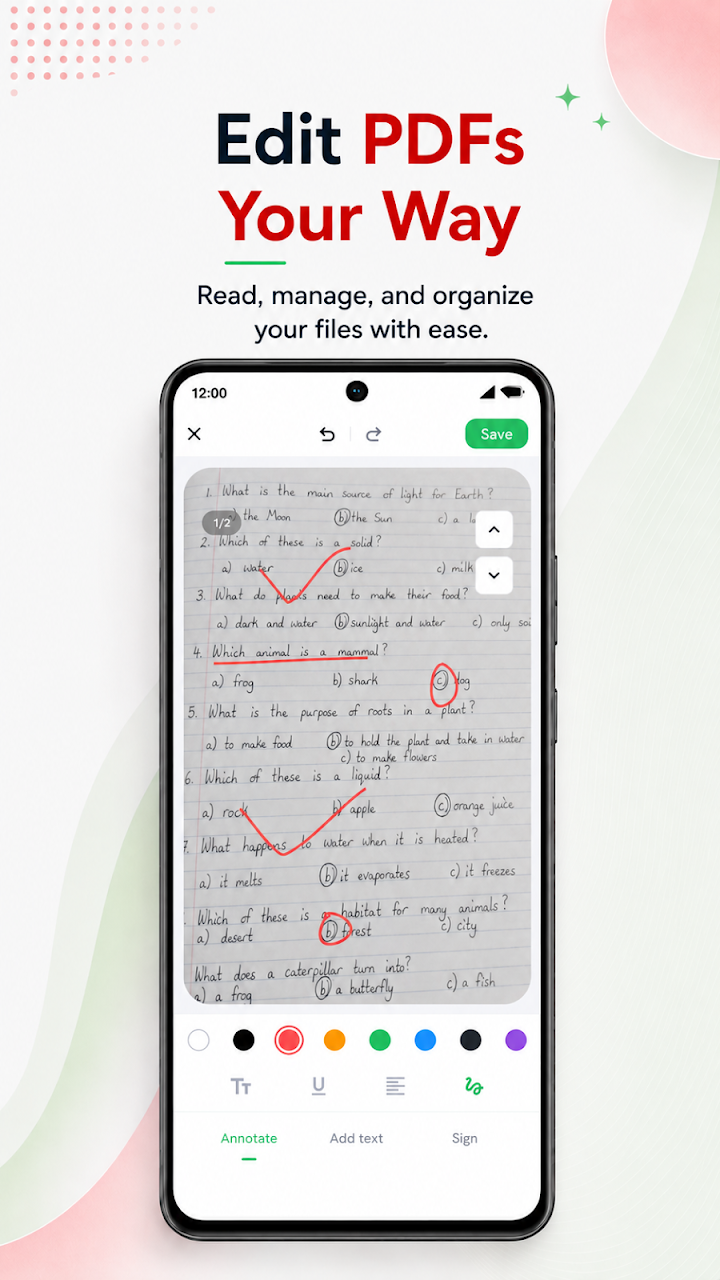
- Edit on pages — Use a brush, text tool, and signature tool to mark up and sign documents.
- Local processing — Your files stay on your device, with no permissions requested.
One app for office files and PDFs
PDF Reader - All-in-One Suite is built for people who want to handle documents without switching between separate tools. It can browse files on your device across PDF, Word, Excel, and PPT tabs, then move into viewing, editing, scanning, signing, or converting when needed. Compared with broader Android tools such as Android System WebView or Android System Intelligence, this app focuses on document work rather than system functions.
Scan paper and turn images into PDF
The app includes scan-to-PDF tools and an ID card scanner, so you can digitize receipts, invoices, notes, and other paper files. It also converts gallery photos and camera captures into multi-page PDFs, which is useful when you need a standard document format instead of loose images.
- You get: PDF viewing, scanning, editing, signing, and conversion in one app.
- Watch for: Ads are included, and there are no in-app purchases.
- You get: Local processing on your device.
- Watch for: No permissions are listed.
Edit, annotate, and sign
For document changes, the app offers a freehand brush for highlighting or sketching, a text tool for comments and notes, and a signature tool for electronic signing. That makes it more directly document-focused than alternatives in the similar-app list that are tied to speech, accessibility, or system-level support rather than PDF editing.
Size, install, and device support
The APK is 39.4 MB, comes as a universal build, and requires Android 8.0 or later. It is free to use, carries ads, and has no in-app purchases. The app is rated 4.4 from 63 ratings, with 50K+ installs and an Everyone content rating.
When it fits, and when another tool may be enough
This app suits users who want a single place for office files and PDF tasks, especially if they need scanning and signing alongside viewing. If you only need a system component or accessibility support, one of the similar apps may fit better; if you want document work in one app, this one keeps the workflow together.
APK information
- Version
- 1.0.1
- Package
- com.pdfall.readerinone.suiteone.android
- Category
- Tools
- Size
- 39 MB
- Min Android
- 8.0
- Architecture
- universal
Older versions
-
PDF Reader - All-in-One Suite 1.0.1Nov 12, 2026Latest downloadAPK
PDF Reader - All-in-One Suite FAQ
Does PDF Reader - All-in-One Suite drain the battery?expand_more
No battery impact is stated. The app does note clear progress indicators during larger conversions and scans, which may help you see when a task is still running.
Why does PDF Reader - All-in-One Suite need these permissions?expand_more
No permissions are listed for this app. It also says files stay on your device and are processed locally.
Is PDF Reader - All-in-One Suite free to use?expand_more
Yes, it is free. The app contains ads and does not include in-app purchases.
How do I update PDF Reader - All-in-One Suite from an APK?expand_more
Install the newer APK over the existing app on a device running Android 8.0 or later. The current APK is a universal build.
What file types can it organize?expand_more
It can scan and browse documents across PDF, Word, Excel, and PPT tabs. It also handles scanned images and photos converted to PDF.