- 3.8star1,371 reviews
- 500K+Downloads
- 6 MBAPK size
- EveryoneRated for Everyone
- API 16+Android
check_circleOriginal APK from Neno Tech · Updated Nov 12, 2026
No threats found
0 / — antivirus engines flagged this file
Original signature
First seen — Neno Tech
Unmodified APK
Same file the developer published — no mods
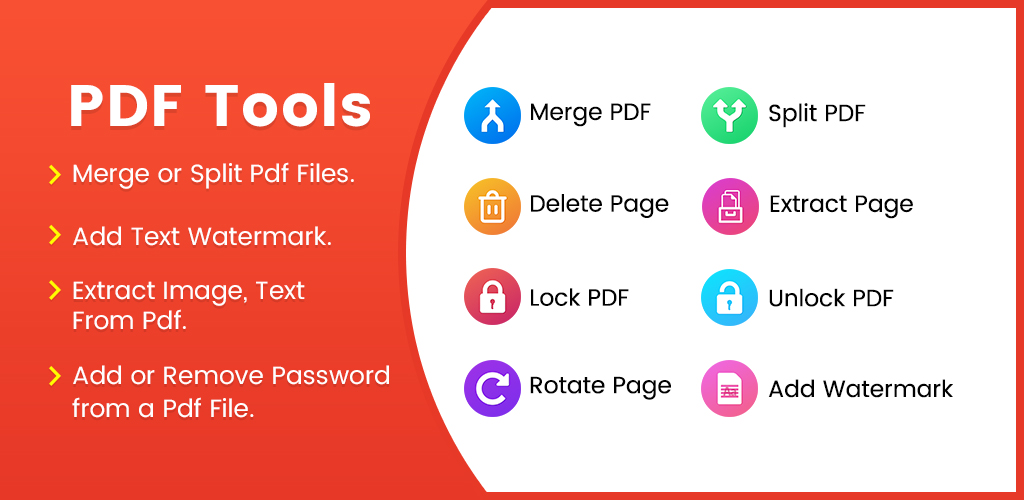
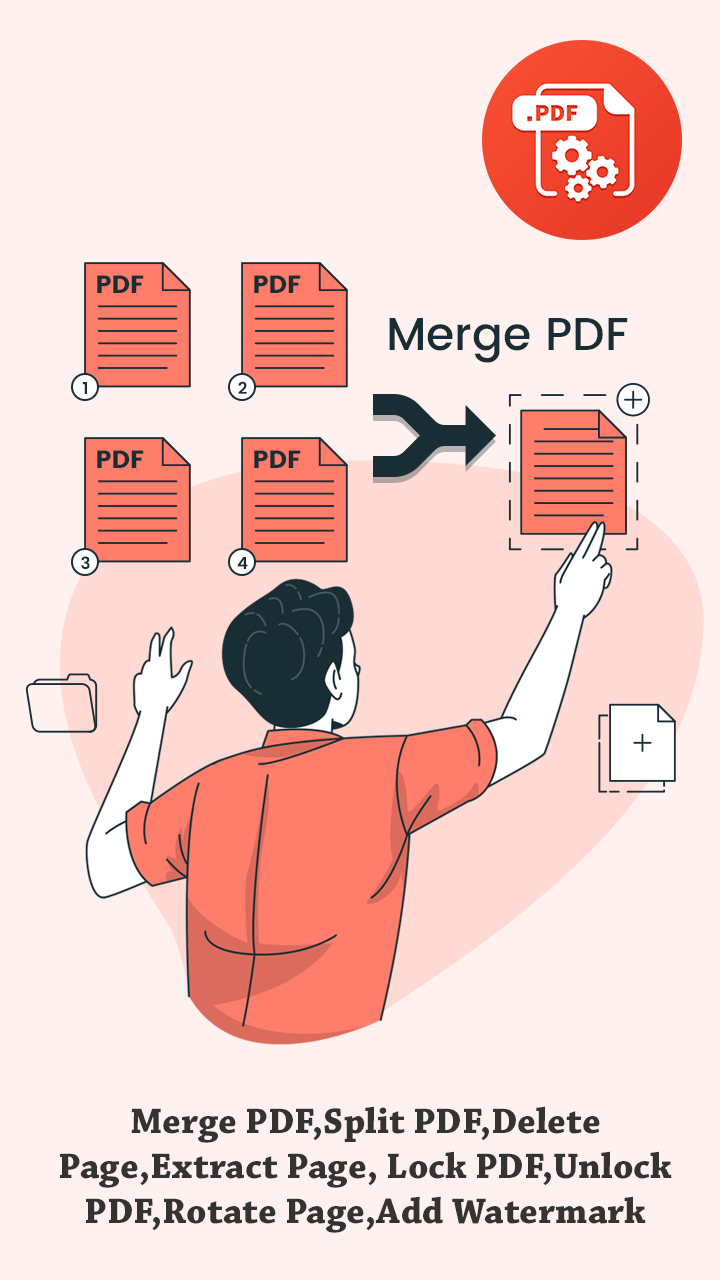
PDF Tools – PDF Utilities screenshots
8 images · tap to enlarge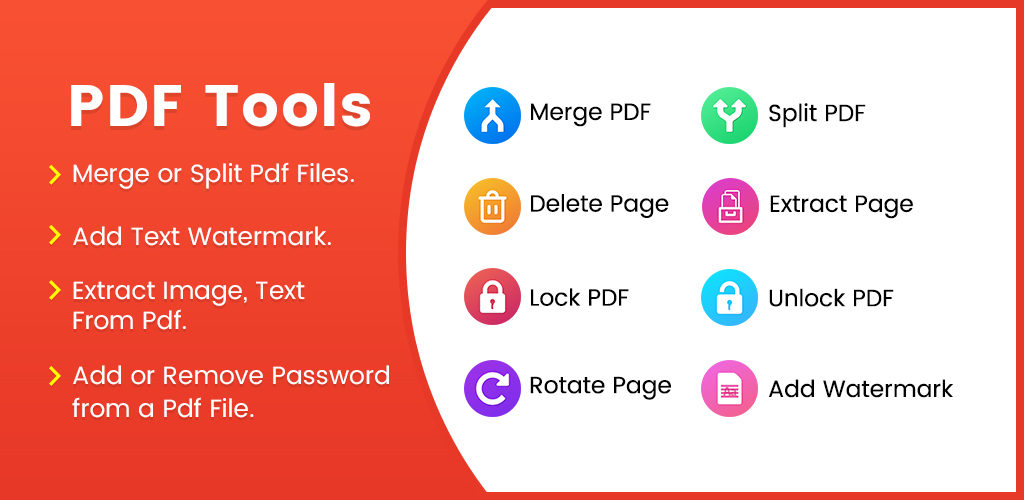
About this app
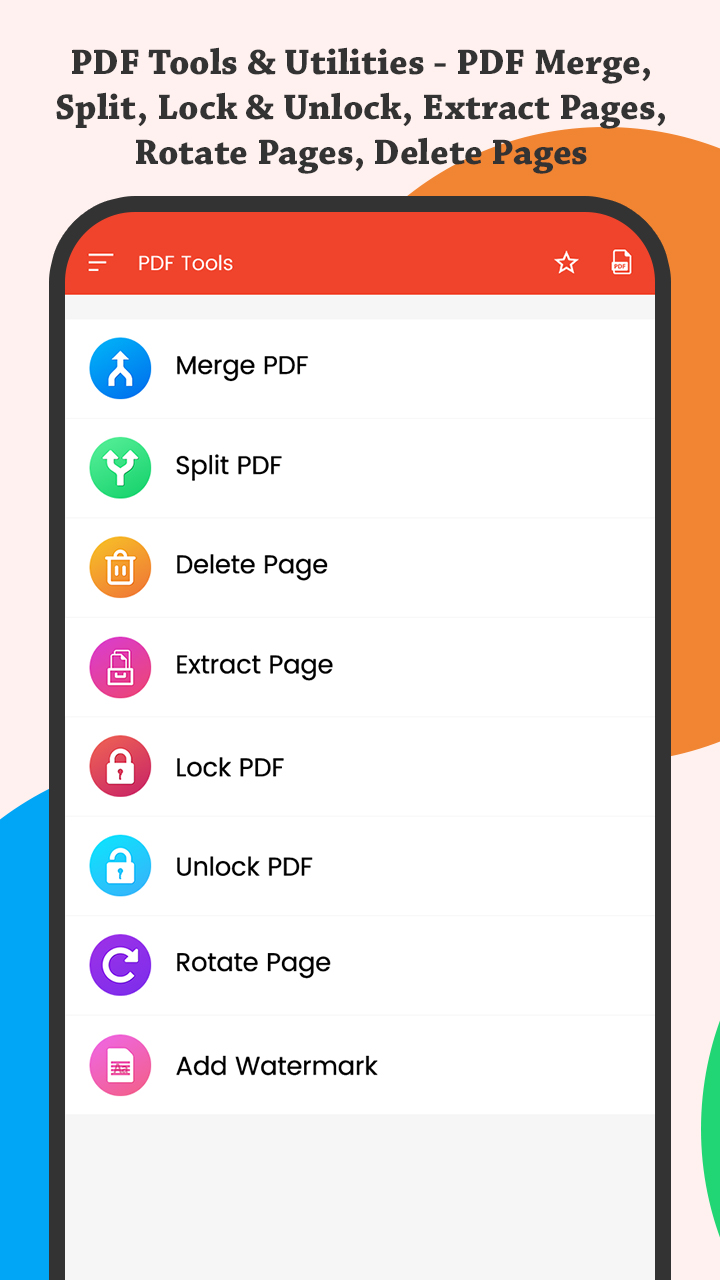
With 500K+ installs, PDF Tools – PDF Utilities is a mobile PDF editor for quick document fixes on Android. It handles common jobs like merging files, splitting pages, locking or unlocking PDFs, rotating pages, and adding watermarks, all from a lightweight app that works on devices running API 16 and up.
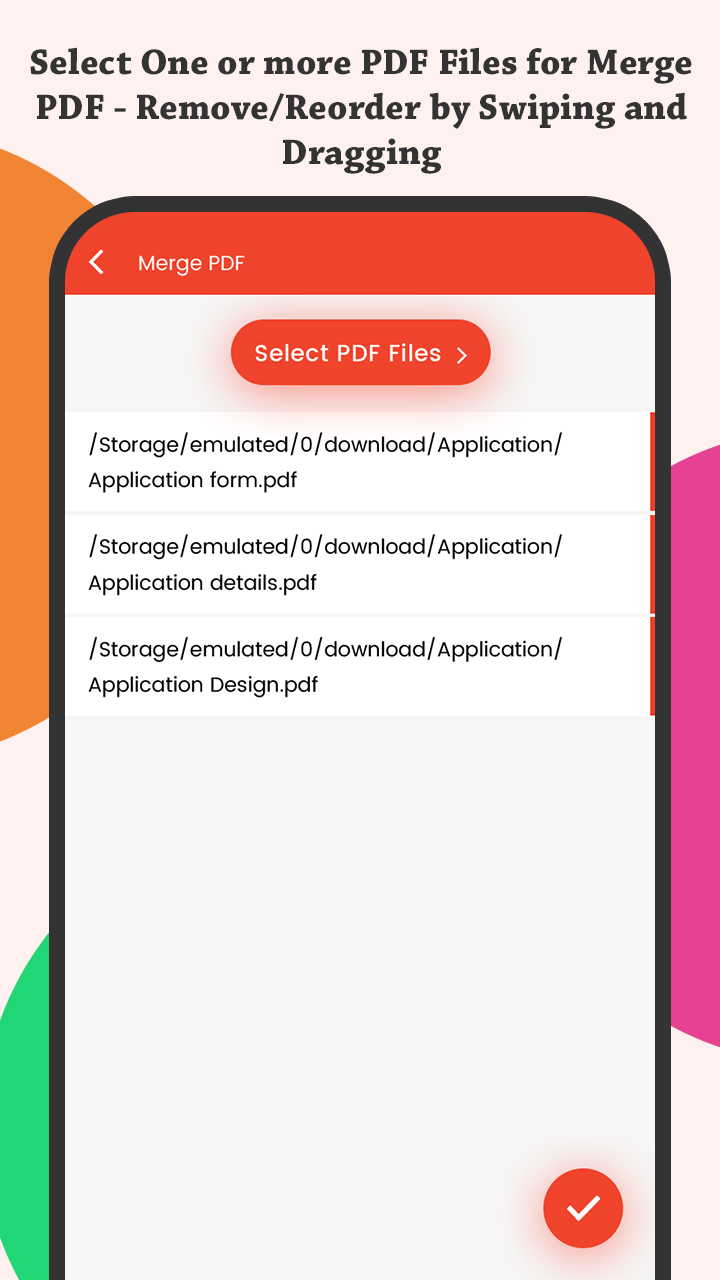
- Merge files — Combine multiple PDFs or images into one document from your phone.
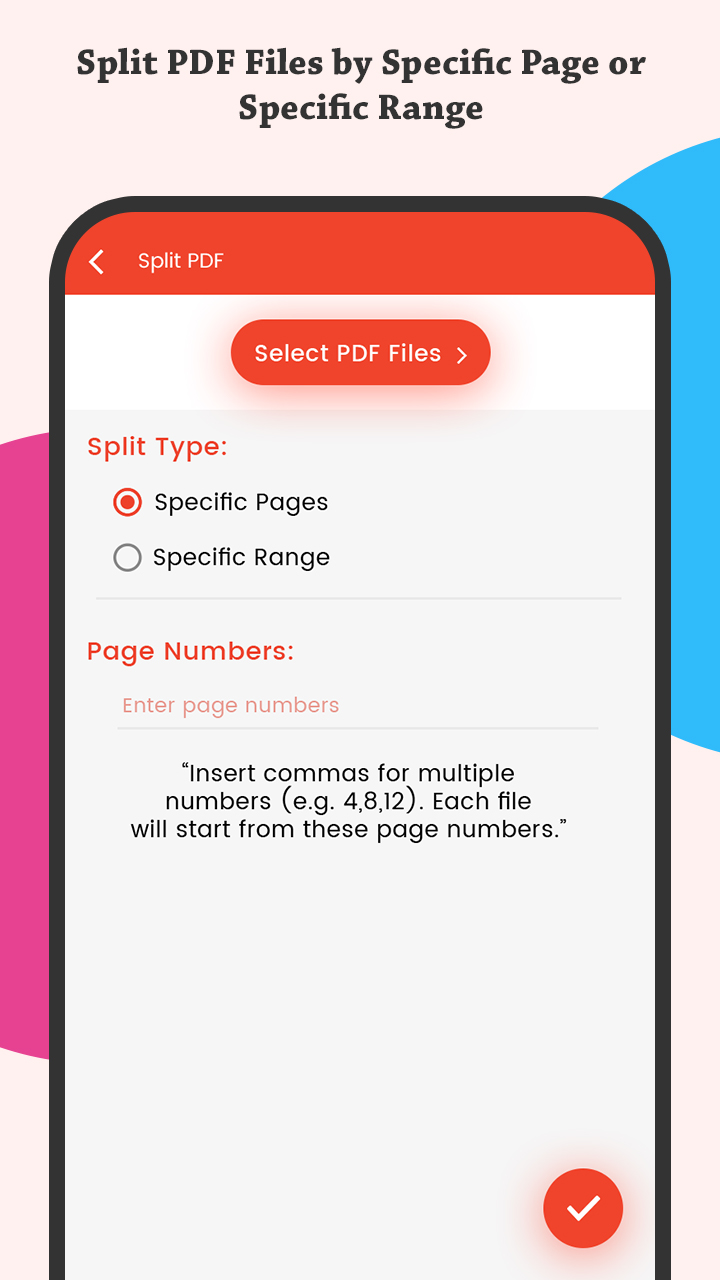
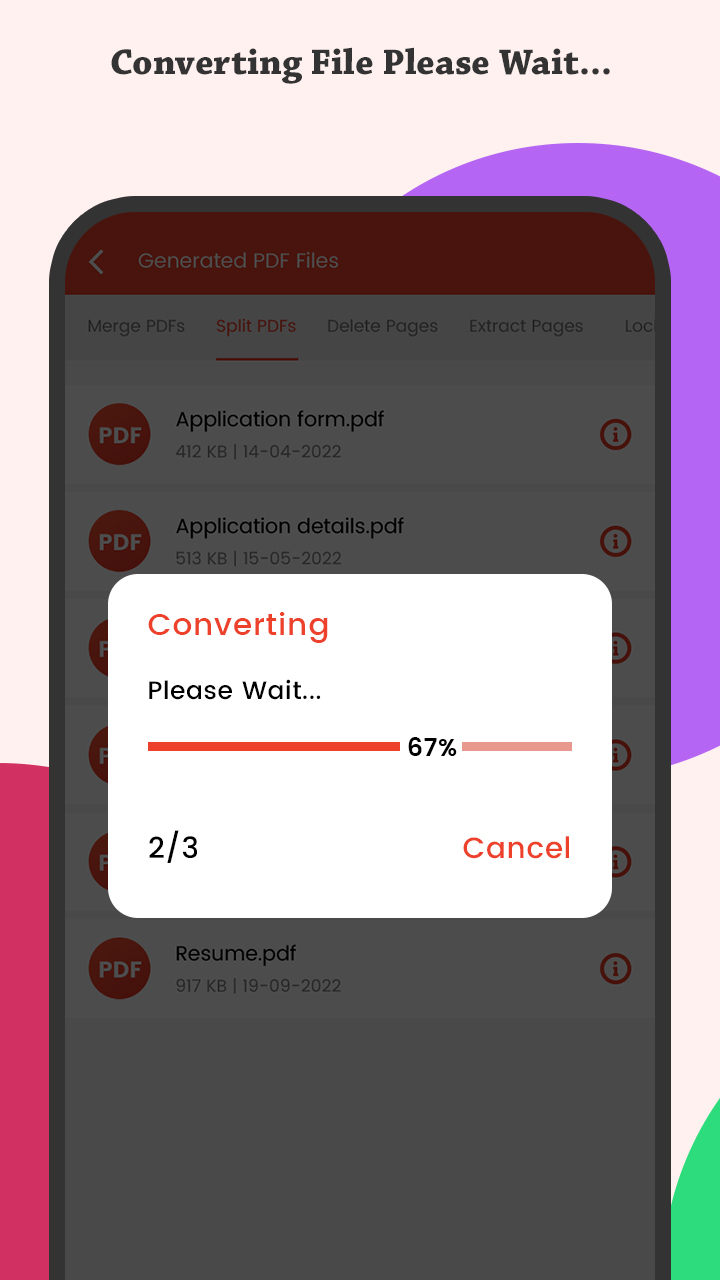
- Split pages — Break a large PDF into smaller files or pull out individual pages.
- Lock and unlock — Encrypt PDFs or remove write protection when you need access again.
- Rotate pages — Turn pages by 90°, 180°, or 270° to fix page orientation.
- Watermark PDFs — Add text or image watermarks with font, color, and position settings.
- Extract content — Save specific pages or embedded images from a PDF as separate files.
When a PDF needs fixing fast
PDF Tools – PDF Utilities fits the moments when a document is almost right but not quite usable: a report needs pages combined, a scan came in sideways, or a file is password protected. It is a free Android tool with ads, rated 3.8 from 1,371 ratings, and it keeps the workflow inside one app instead of bouncing between separate editors.
Merge, split, and reorder PDF pages
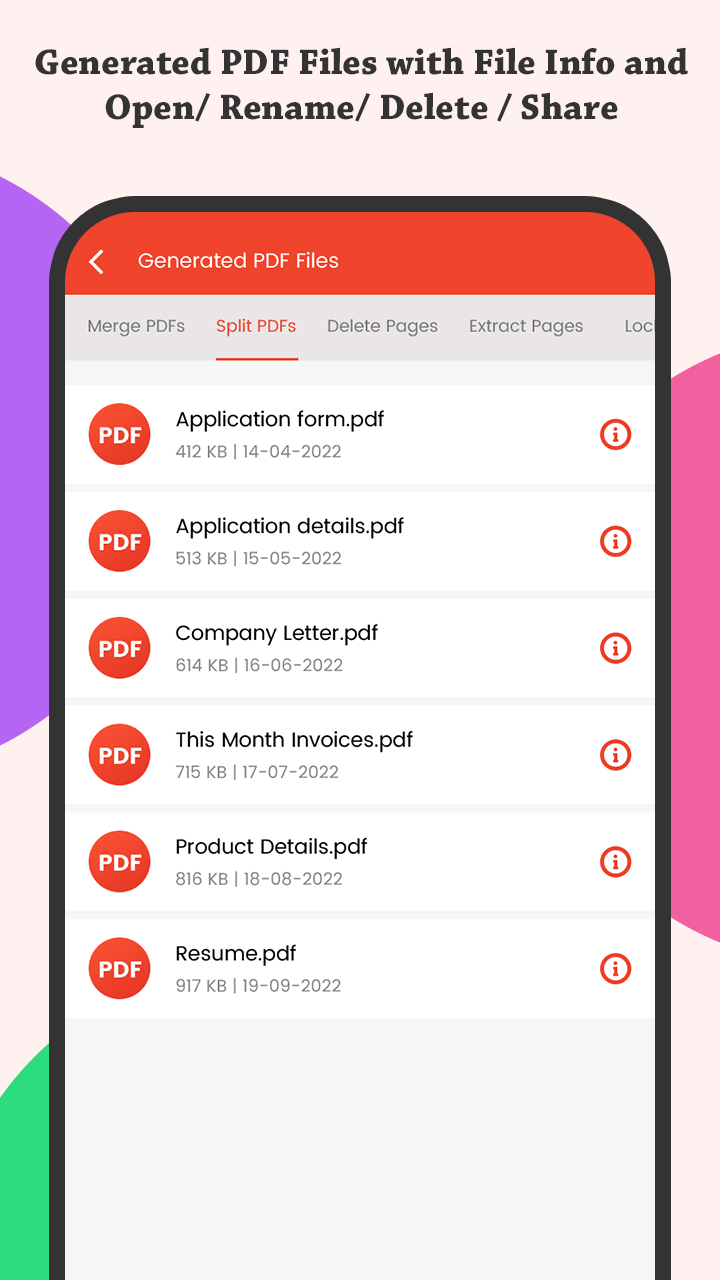
The most practical screen here is the one that lets you reshape a document. You can merge PDFs or images into one file, split a PDF into smaller documents, delete unwanted pages, and reorder content when the sequence is wrong. That makes it useful for study notes, invoices, scanned pages, and other documents that need cleanup before sharing.
Lock, unlock, rotate, and watermark
For day-to-day editing, the app covers the common fixes people reach for most. It can lock PDFs with encryption, remove write protection, and rotate pages by 90°, 180°, or 270°. It also adds text or image watermarks with controls for font, color, and placement, so a file can be marked before sending it out.
Extract pages or images
If you only need part of a file, the app can extract selected pages or pull out embedded images from a PDF. That is handy when one section needs to be reused on its own without rebuilding the whole document.
Size, compatibility, and trade-offs
The APK is 5.5 MB, uses the universal architecture, and supports Android API 16 and above. There are no listed permissions, no in-app purchases, and no root requirement, but the app does show ads. The play summary also points to merge, split, lock, extract, and watermark tools, while compression and scan-to-PDF are listed as coming soon in the description.
For users who mainly need straightforward PDF repairs on a phone, this app covers the basics well. It suits students, office work, and anyone handling document cleanup on Android without needing a full desktop editor.
What's new
Version 1.4 · Nov 12, 2026
- Minor Bug Fixed
- Rotate PDF pages
- Add Text or Image watermarks to PDF
- Remove write protection from PDF
- Encrypt or Lock PDF
- Split PDF into multiple PDFs
APK information
- Version
- 1.4
- Package
- com.nenotech.pdftools
- Category
- Tools
- Size
- 6 MB
- Min Android
- API 16
- Architecture
- universal
Older versions
-
PDF Tools – PDF Utilities 1.4Nov 12, 2026Latest downloadAPK
PDF Tools – PDF Utilities FAQ
Why does PDF Tools – PDF Utilities need these permissions?expand_more
No permissions are listed for this app, so there are no stated permission requests to explain.
Does PDF Tools – PDF Utilities need root?expand_more
No root requirement is listed for PDF Tools – PDF Utilities.
Is this PDF Tools – PDF Utilities APK the original file?expand_more
The app is distributed as an APK and the listing identifies it as PDF Tools – PDF Utilities by Neno Tech.
How do I update PDF Tools – PDF Utilities from an APK?expand_more
Install the newer APK version over the current one. The listed version is 1.4.
Can PDF Tools – PDF Utilities rotate and watermark PDFs?expand_more
Yes. It can rotate pages by 90°, 180°, or 270° and add text or image watermarks with font, color, and position options.