- 3.1star107 reviews
- 10K+Downloads
- 2 MBAPK size
- EveryoneRated for Everyone
- 5.0+Android
check_circleOriginal APK from Progwhiz Solutions · Updated Nov 12, 2026
No threats found
0 / — antivirus engines flagged this file
Original signature
First seen — Progwhiz Solutions
Unmodified APK
Same file the developer published — no mods
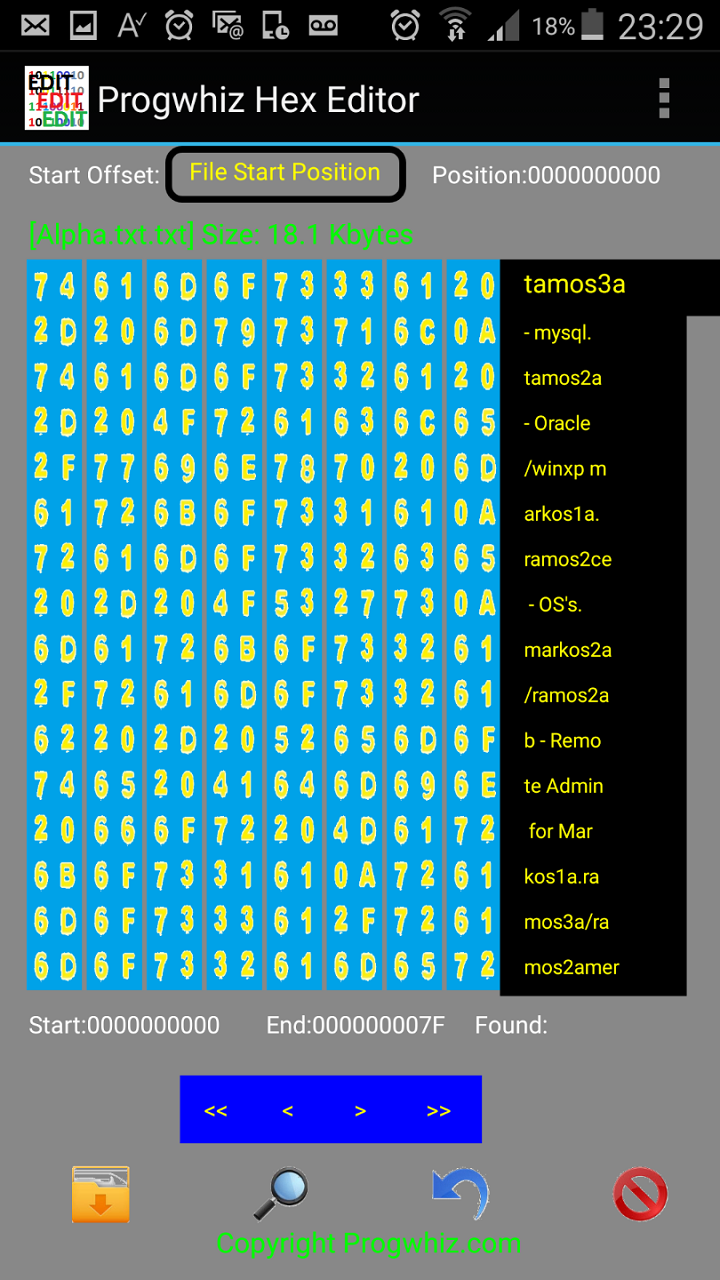
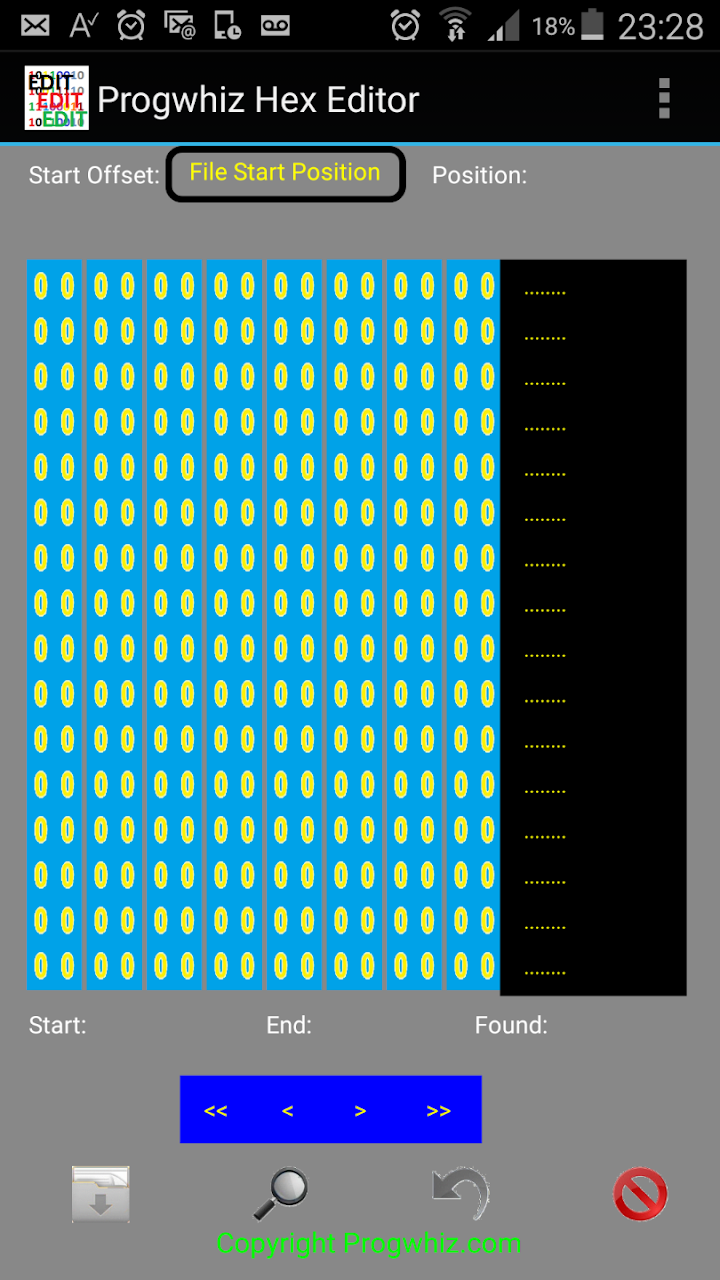
Progwhiz Hex Editor screenshots
4 images · tap to enlarge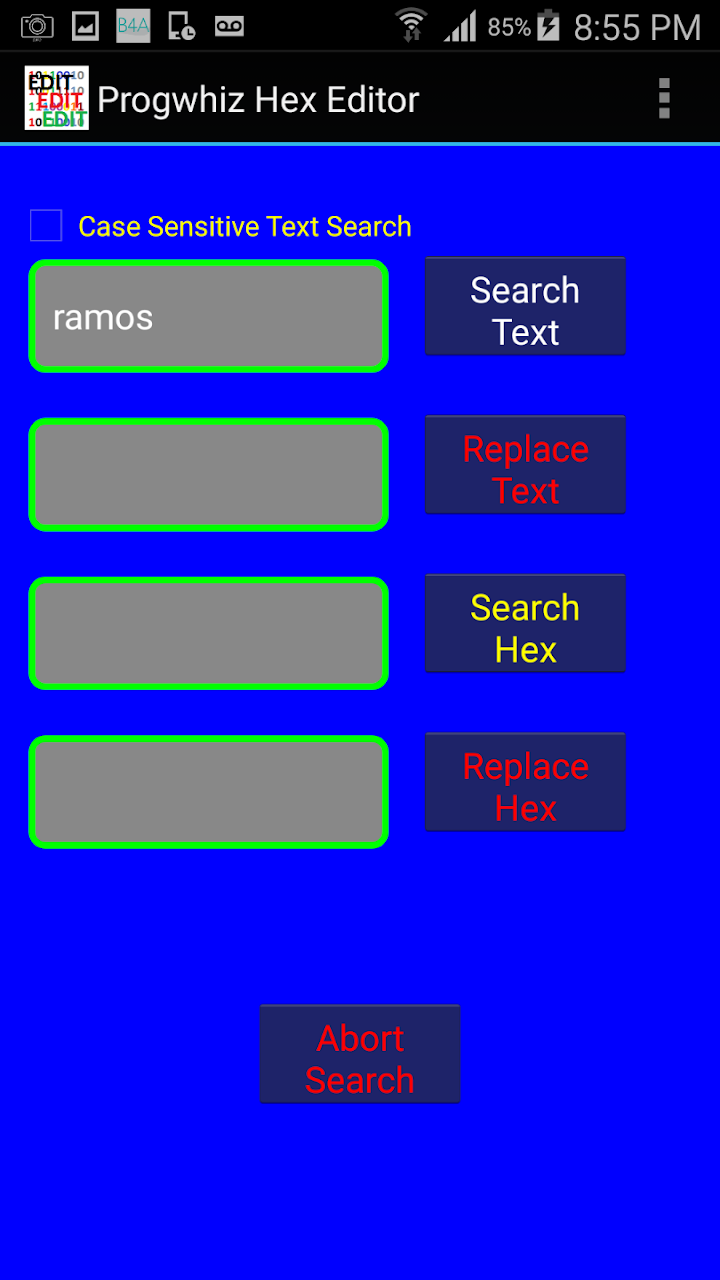
About this app
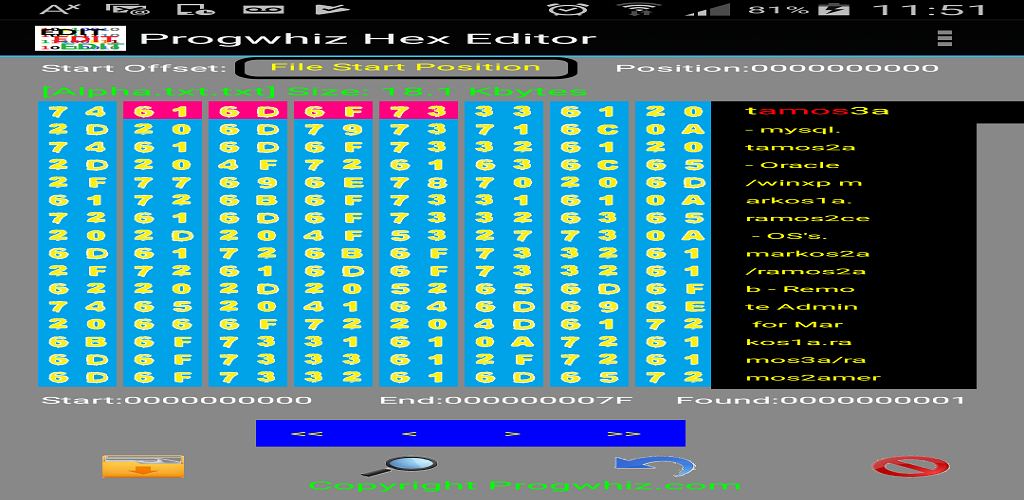
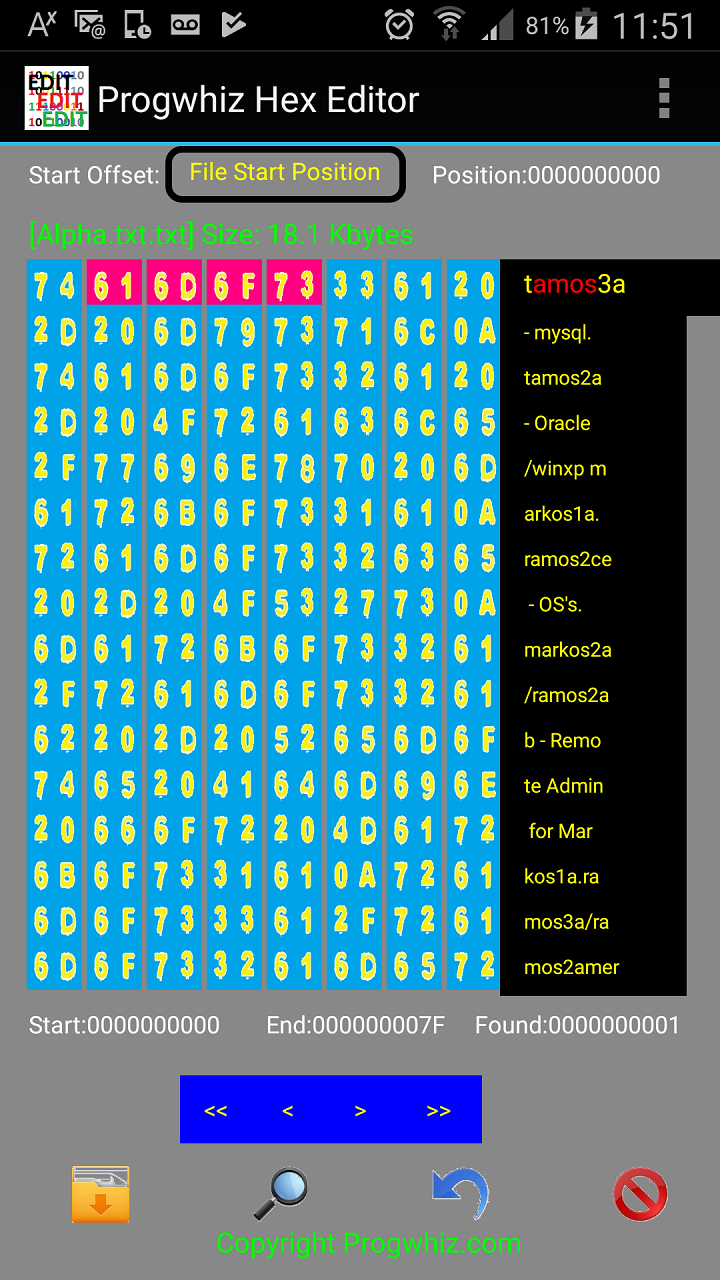
Progwhiz Hex Editor is a simple way to inspect and edit hex files on Android, with search and replace tools for both text and hex patterns. It also supports wildcard matching, so you can look for partial words or flexible byte patterns. The demo version is read only, so you can try it before relying on it for edits.
- Text search tools — Find and replace plain text inside a file, including wildcard searches for partial matches.
- Hex pattern search — Search for hex byte patterns and use wildcards when part of the pattern is unknown.
- Wildcard matching — Use text wildcards like HEL? or HE?P, and hex patterns such as 55??AA.
- Read-only demo — The demo version lets you explore the editor without making changes to your file.
- Light install — It installs as a 2.1 MB APK and works on Android 5.0 and later.
Open a file and start with search
On first launch, Progwhiz Hex Editor is set up as a file editor focused on searching and replacing inside text or hex content. The main thing to notice is that the demo is read only, so you can inspect files and try the search tools without changing anything.
The app is free, does not show ads, and does not include in-app purchases.
Text and hex patterns
For a first task, try a plain text search, then move to hex search if you need to work at the byte level. The app also supports wildcard matching, which means you can search for patterns with missing characters or unknown hex values. That is useful when you know part of what you want, but not every symbol or byte.
- What you get: text search and replace, hex search and replace, wildcard matching
- What to watch for: the demo is read only, so it will not let you edit files
Useful first-day tips
Start with a small file so you can see how the search terms behave before you move on to anything important. If you are looking for text, wildcard examples like HEL? or HE?P can help you narrow down variations. For hex work, patterns such as 55??AA or 55??AA??BB let you match unknown bytes between known values.
The app is an APK file, sized at 2.1 MB, and needs Android 5.0 or later.
Requirements and permissions
Progwhiz Hex Editor has no listed permissions, so it does not ask for access to storage, contacts, location, or other device features. It is also rated Everyone. The app was released in 2016 and was last updated on 2026-08-21, with SDK 36 compliance noted in the latest change.
If you want a lightweight hex editor with search and replace tools, this app gives you a focused starting point without ads or extra purchases.
What's new
Version 131 · Nov 12, 2026
- 1) SDK 36 Compliant
APK information
- Version
- 131
- Package
- com.progwhiz.hexedit
- Category
- Tools
- Size
- 2 MB
- Min Android
- 5.0
- Architecture
- universal
Older versions
-
Progwhiz Hex Editor 131Nov 12, 2026Latest downloadAPK
Progwhiz Hex Editor FAQ
Does Progwhiz Hex Editor drain the battery?expand_more
There is no battery-use claim listed for this app. It is a small 2.1 MB tool with no ads or in-app purchases.
Why does Progwhiz Hex Editor need these permissions?expand_more
No permissions are listed for Progwhiz Hex Editor, so it does not request access to device features through the Play listing.
How big is the Progwhiz Hex Editor download?expand_more
The APK size is 2.1 MB.
Does Progwhiz Hex Editor show ads?expand_more
No. The app is listed as free and does not contain ads.
What Android version does Progwhiz Hex Editor need?expand_more
It requires Android 5.0 or later.