- 4.2star5,915 reviews
- 1M+Downloads
- 5 MBAPK size
- EveryoneRated for Everyone
- API 19+Android
check_circleOriginal APK from EXA Tools · Updated Nov 12, 2026
No threats found
0 / — antivirus engines flagged this file
Original signature
First seen — EXA Tools
Unmodified APK
Same file the developer published — no mods
Protractor screenshots
8 images · tap to enlarge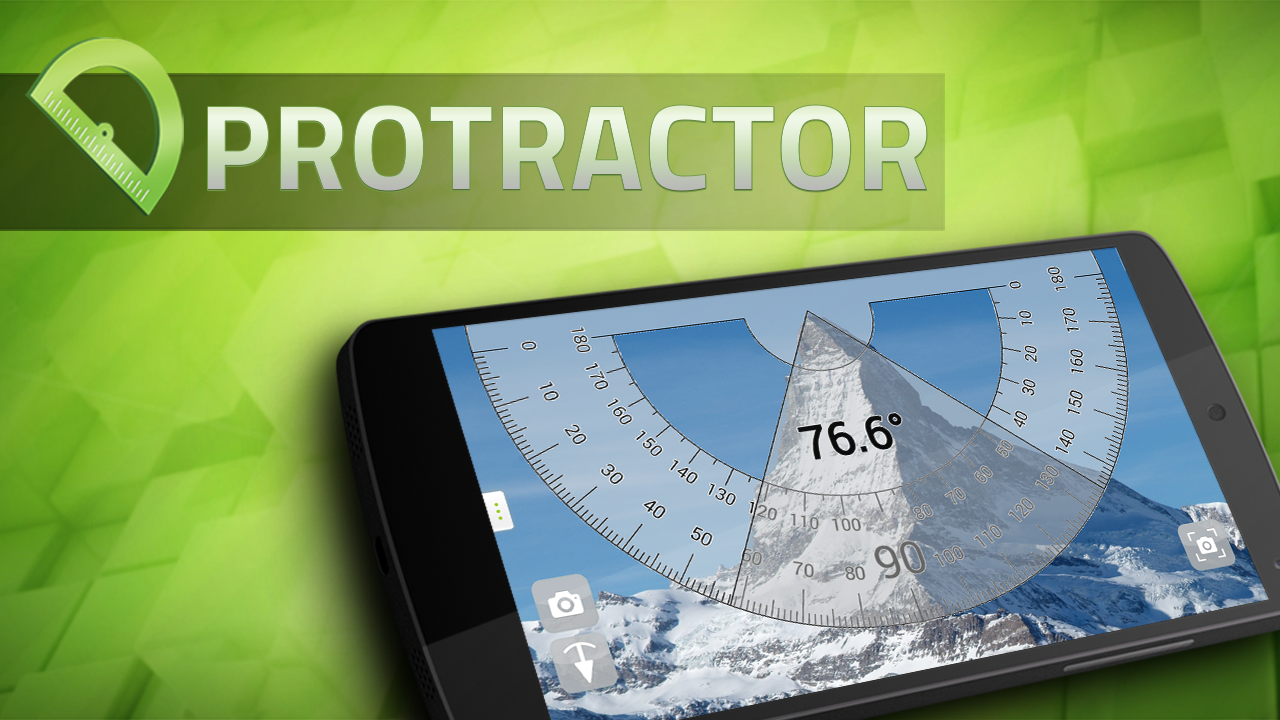
About this app
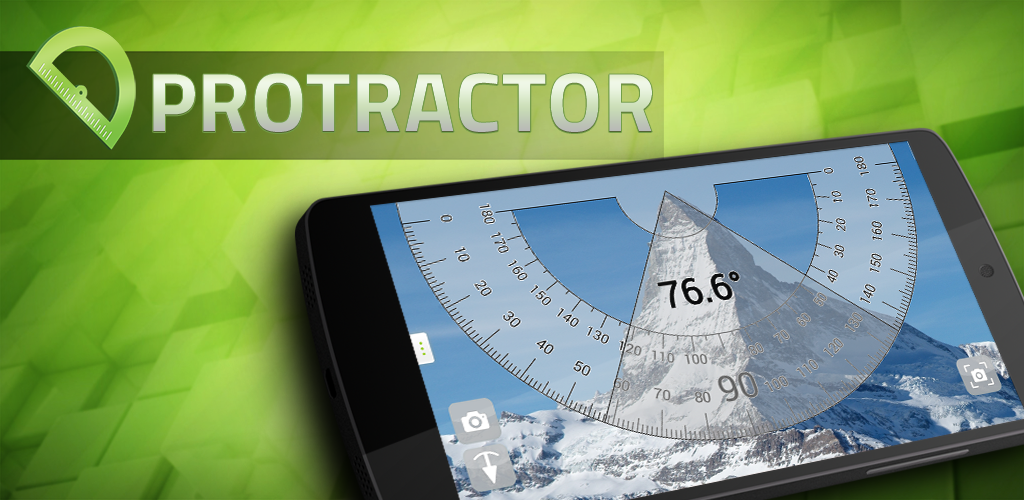
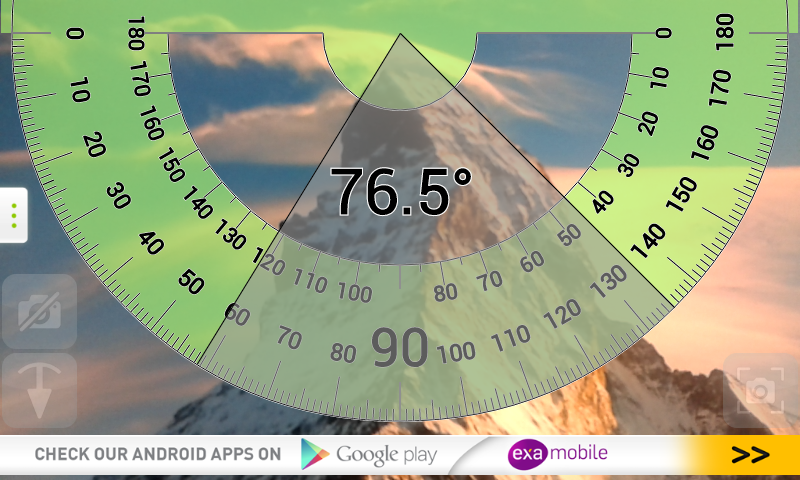
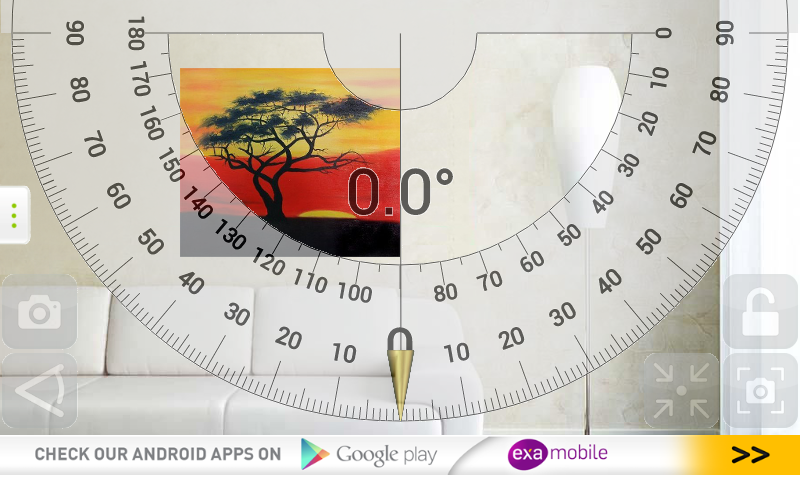
Protractor stands out by combining angle measurement, slope checking, and camera view in one tool. In normal use, you open it to set an angle by touch, check a slope with the plumb bob mode, or point the camera at buildings and other objects. Ads are included, and some features sit behind Premium.
- Touch measure — Set an angle directly on the screen and switch to camera view when you want to measure real objects.
- Plumb bob mode — Use the pendulum-style mode to check slope, with calibration needed before use.
- Camera measurements — Measure the angle of buildings, mountains, or other objects through the camera view.
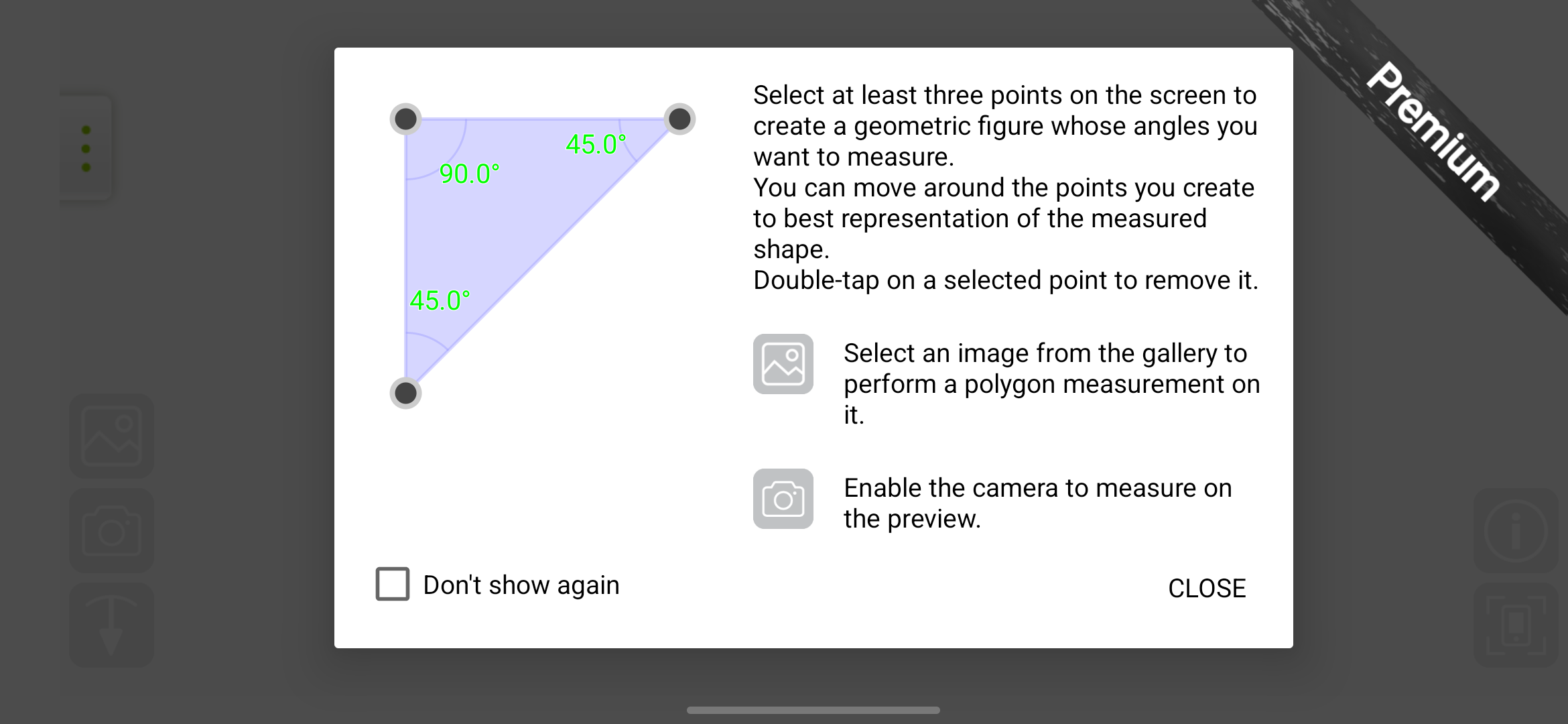
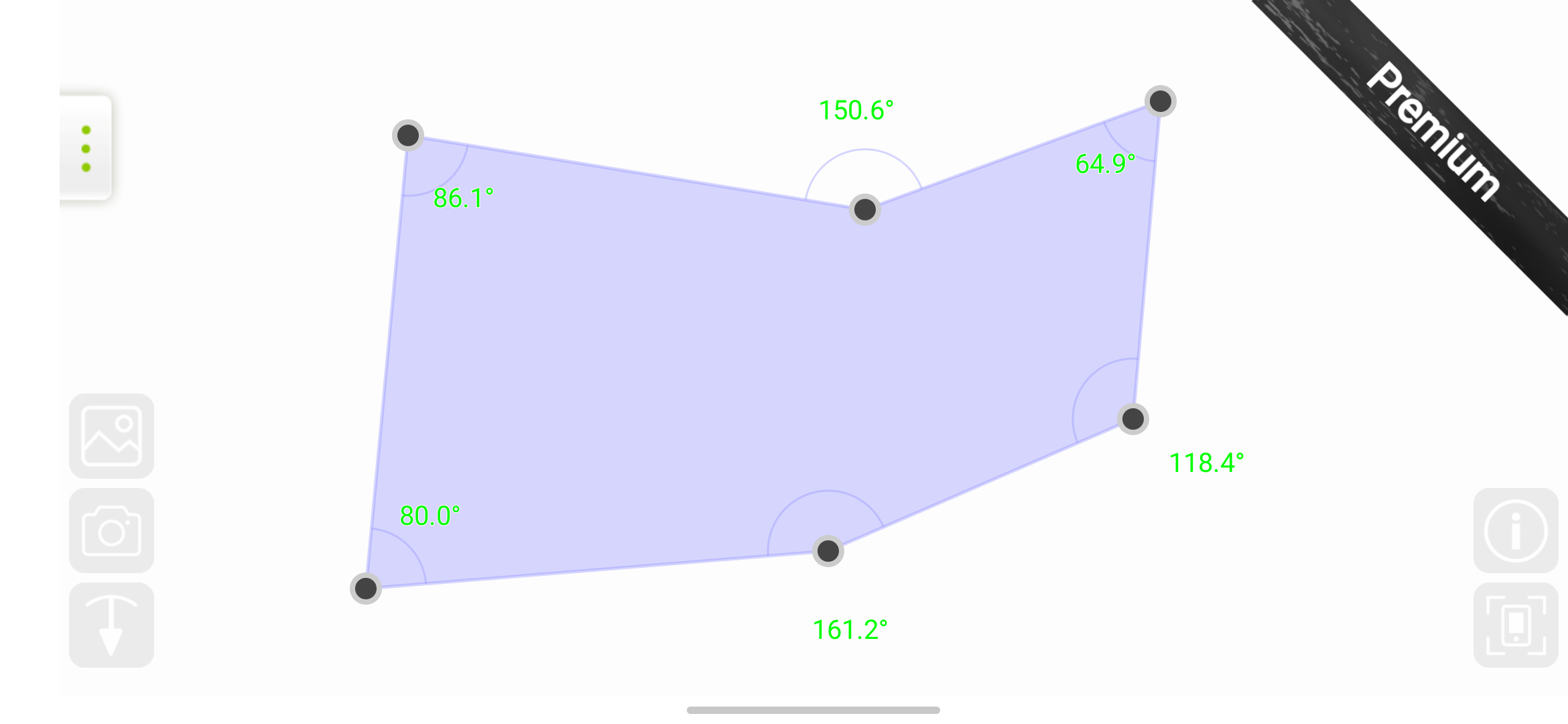
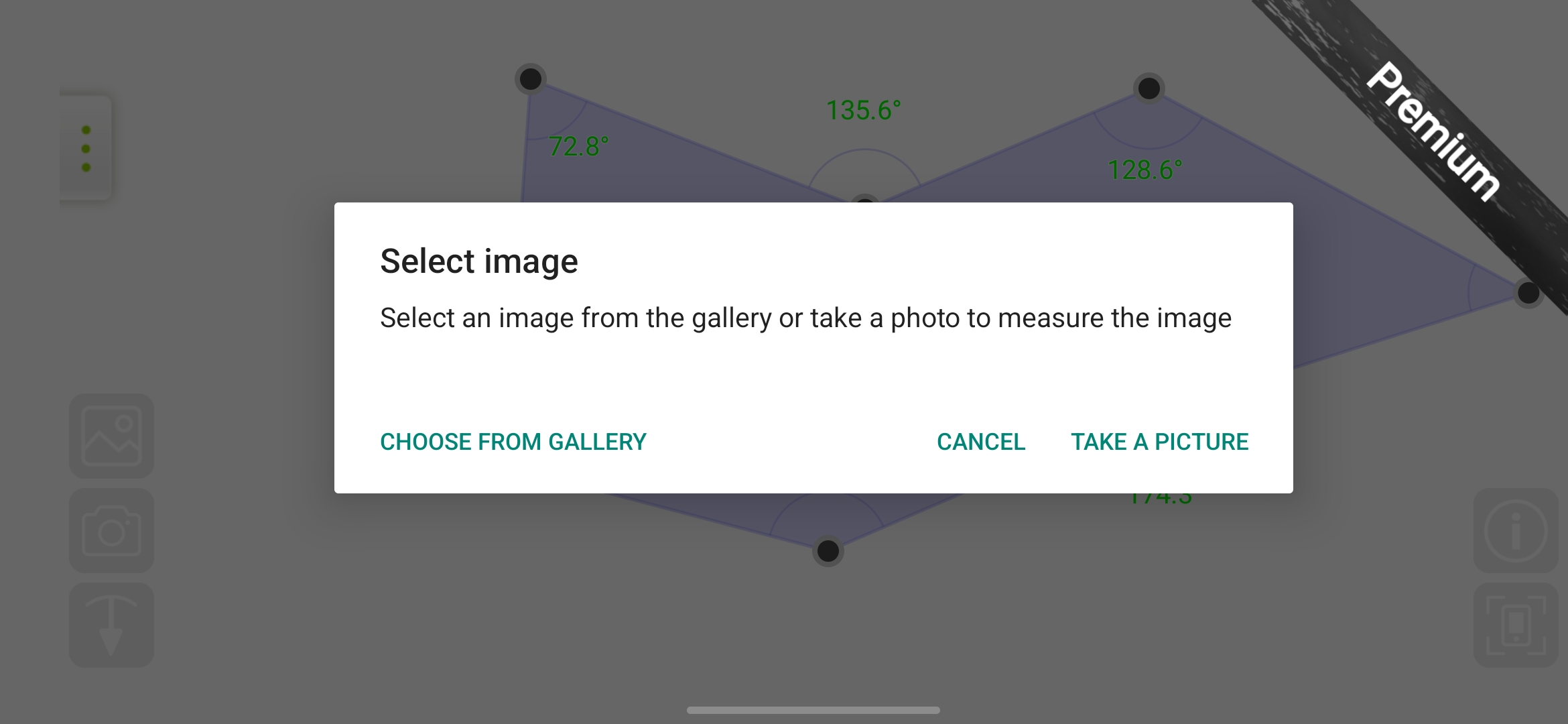
- Polygon Premium — Draw shapes on screen to check angles, with options to use a live camera view or a photo from your gallery.
- Screen capture — Take a screenshot from any mode without leaving the app.
Measure angles on screen or in camera view
Protractor is built around a simple daily task: checking an angle without opening a larger measurement app. The touch measure mode lets you place the angle on the screen, while camera view lets you line it up with real objects around you. That makes it useful for quick checks on buildings, mountains, and other shapes.
The app also includes a plumb bob measure mode for slope. It is a separate workflow from the touch tool, and the app reminds you to calibrate the plumb before using it.
What you get in the free modes
Two measuring modes are available for free: touch measure and plumb bob measure. In both, you can switch to camera view and work against the scene in front of you. That makes Protractor more focused than general camera tools, and more direct than apps built around unrelated system features.
- Touch measure for setting angles by hand
- Plumb bob measure for slope checking
- Camera view in each mode
- Screenshot capture from any mode
Premium polygon drawing and editing
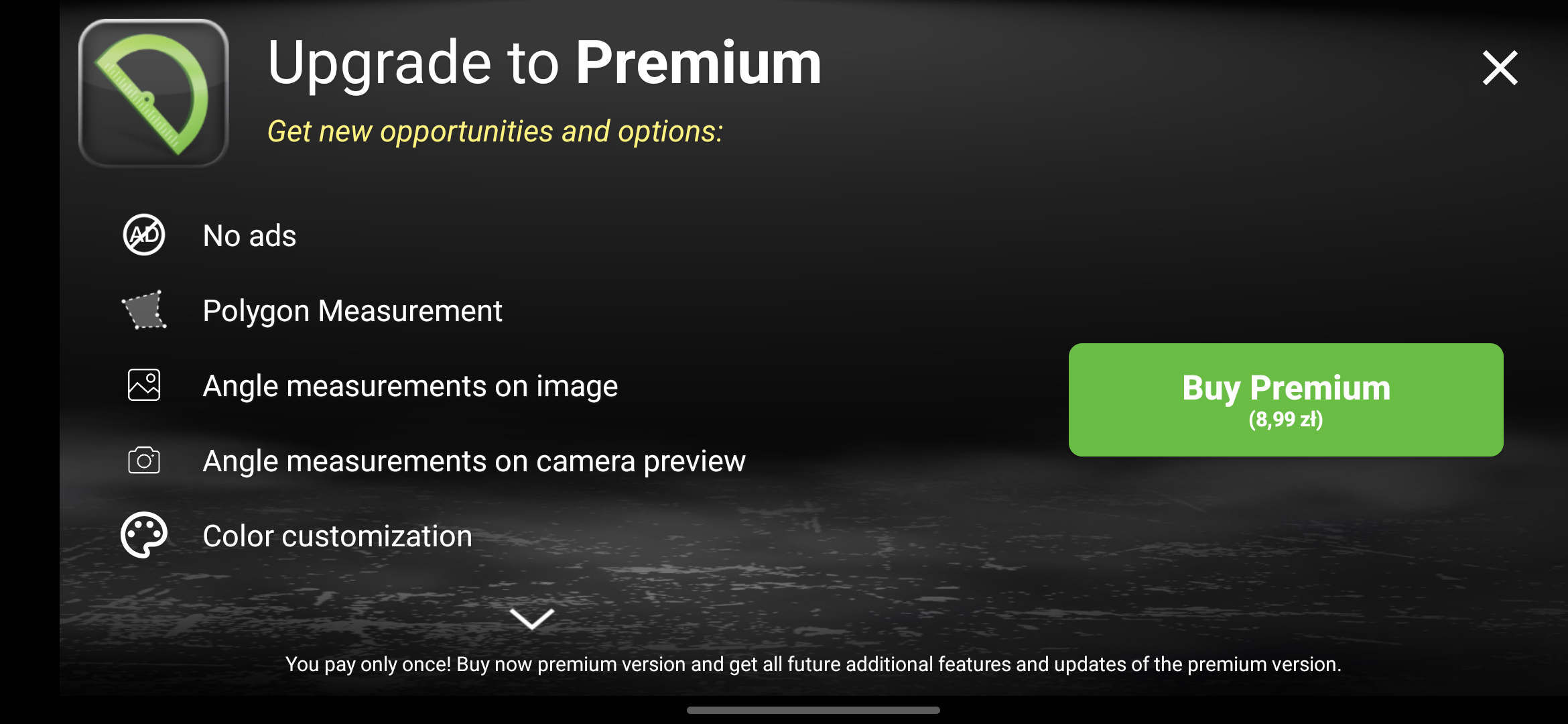
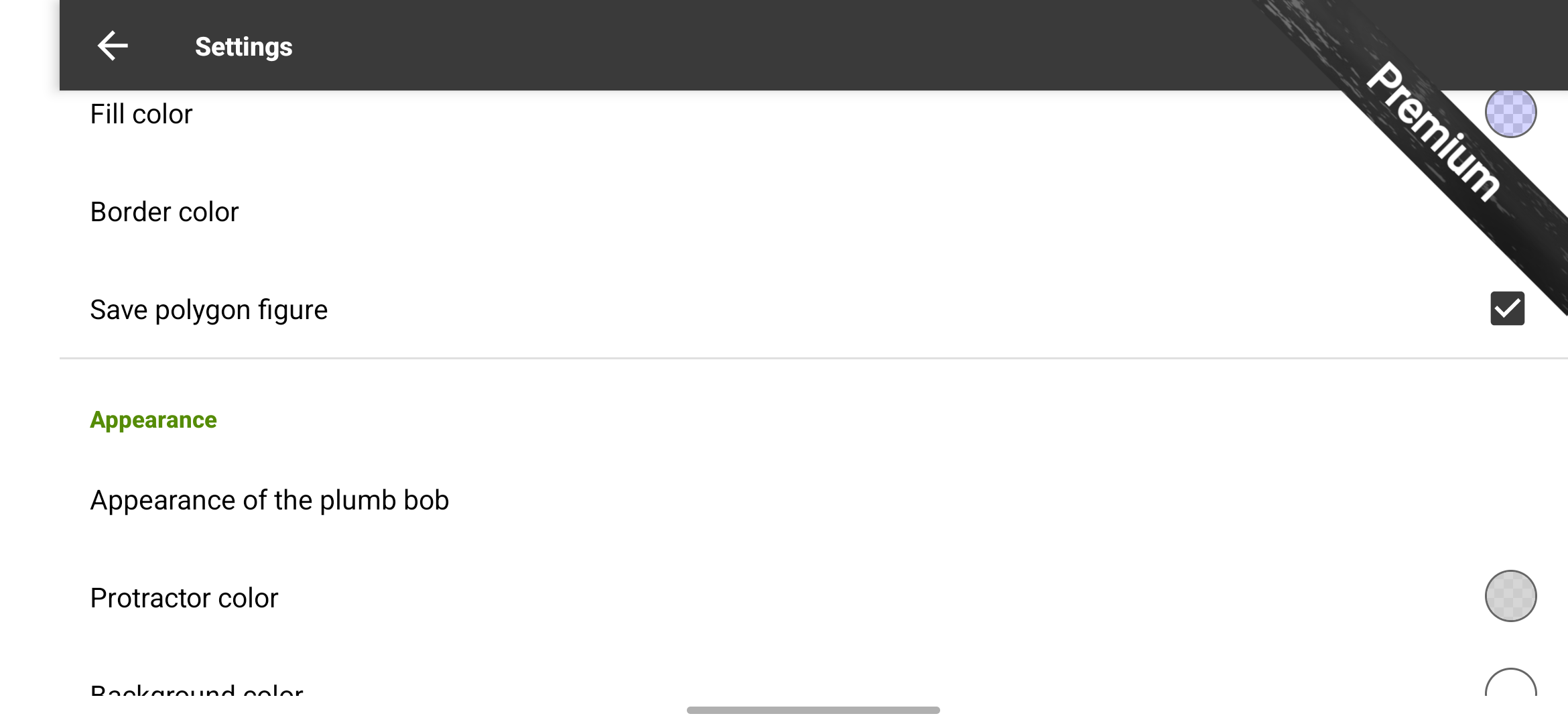
Premium adds polygon measurement, where you draw a shape on the screen and check its angles. You can use the camera to trace a real object, or choose a photo from your gallery and draw on that image. Premium also adds color changes, helper lines, and different angle units.
If you only need simple angle or slope checks, the free tools cover that. If you need shape-by-shape work, the Premium mode is the part that goes further.
Install size, Android support, and ads
The app is an APK file, 4.9 MB in size, and needs Android 19 or newer. It is free to download, but it contains ads and includes in-app purchases. Compared with larger AR-focused apps like Google Play Services for AR, Protractor keeps to a narrow measurement task instead of broader platform features.
It also does not list any permissions, so there is no permission prompt to explain at install time.
Where it fits against other Android tools
Against system or platform apps such as Android System WebView, Android Accessibility Suite, or Android System Intelligence, Protractor is much more specific: it is for measuring angles and slope, not for general device functions. That focus is the main strength. On the other hand, if you want a tool that does not include ads or paid extras, this app does not fit that preference.
The app has a 4.2 rating from 5,915 ratings, so it sits in the middle of a crowded tools category where users seem to value the measuring modes more than extras.
APK information
- Version
- 1.1.04
- Package
- com.exatools.protractor
- Category
- Tools
- Size
- 5 MB
- Min Android
- API 19
- Architecture
- universal
Older versions
-
Protractor 1.1.04Nov 12, 2026Latest downloadAPK
Protractor FAQ
Why does Protractor need these permissions?expand_more
No permissions are listed for Protractor, so there are no stated permission needs to explain.
Does Protractor need root?expand_more
No root requirement is listed for Protractor.
How big is the Protractor download?expand_more
The APK size is 4.9 MB.
Which processors does this Protractor APK support?expand_more
It supports universal ABIs.
Can I measure shapes from a photo in Protractor?expand_more
Yes. Premium mode lets you pick a photo from your gallery or take a new picture and draw a shape on it.