
- 1.4star84 reviews
- 50K+Downloads
- 74 MBAPK size
- EveryoneRated for Everyone
- API 22+Android
check_circleOriginal APK from QNAP · Updated Nov 12, 2026
No threats found
0 / — antivirus engines flagged this file
Original signature
First seen — QNAP
Unmodified APK
Same file the developer published — no mods
Qmedia screenshots
8 images · tap to enlarge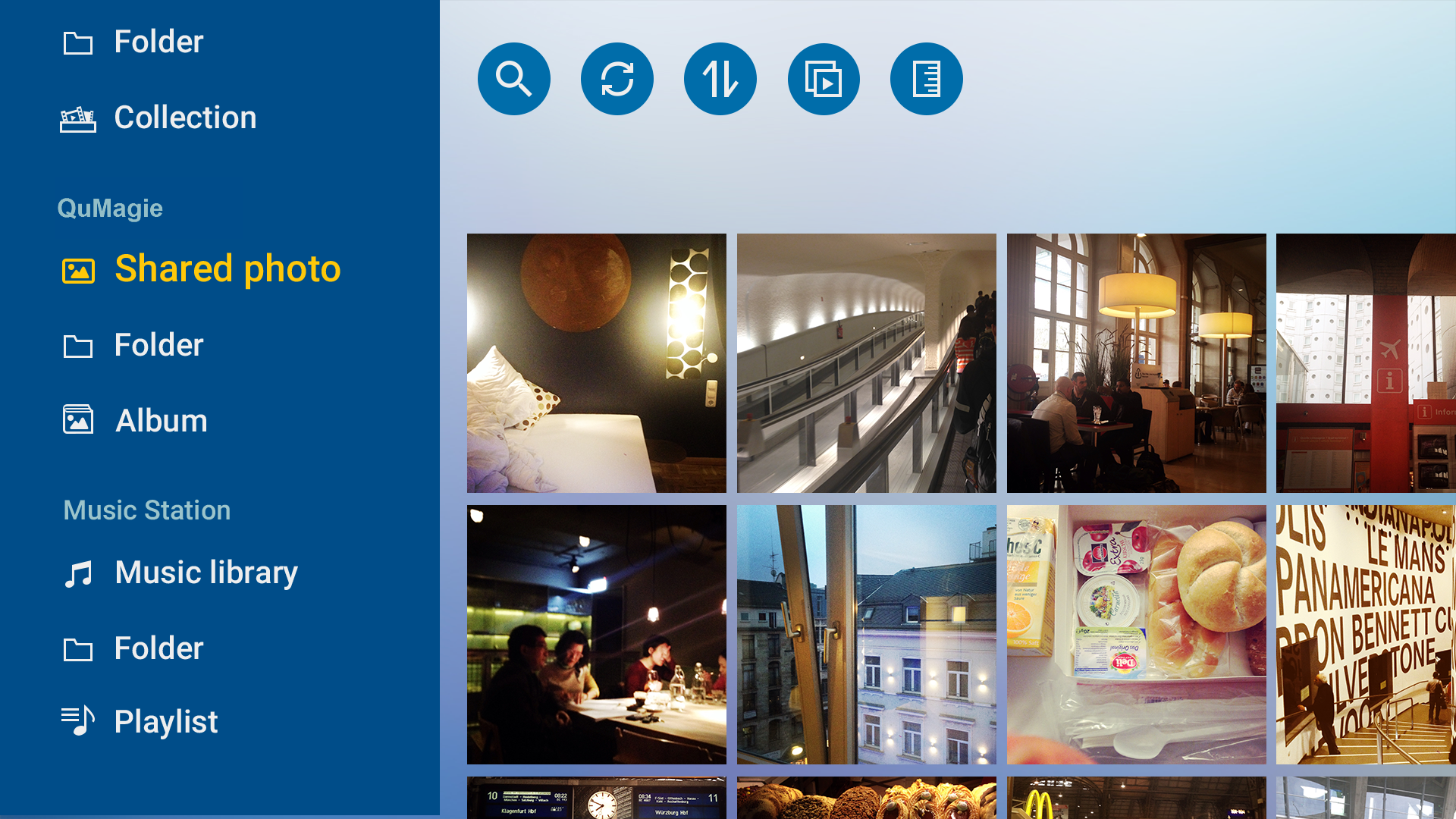
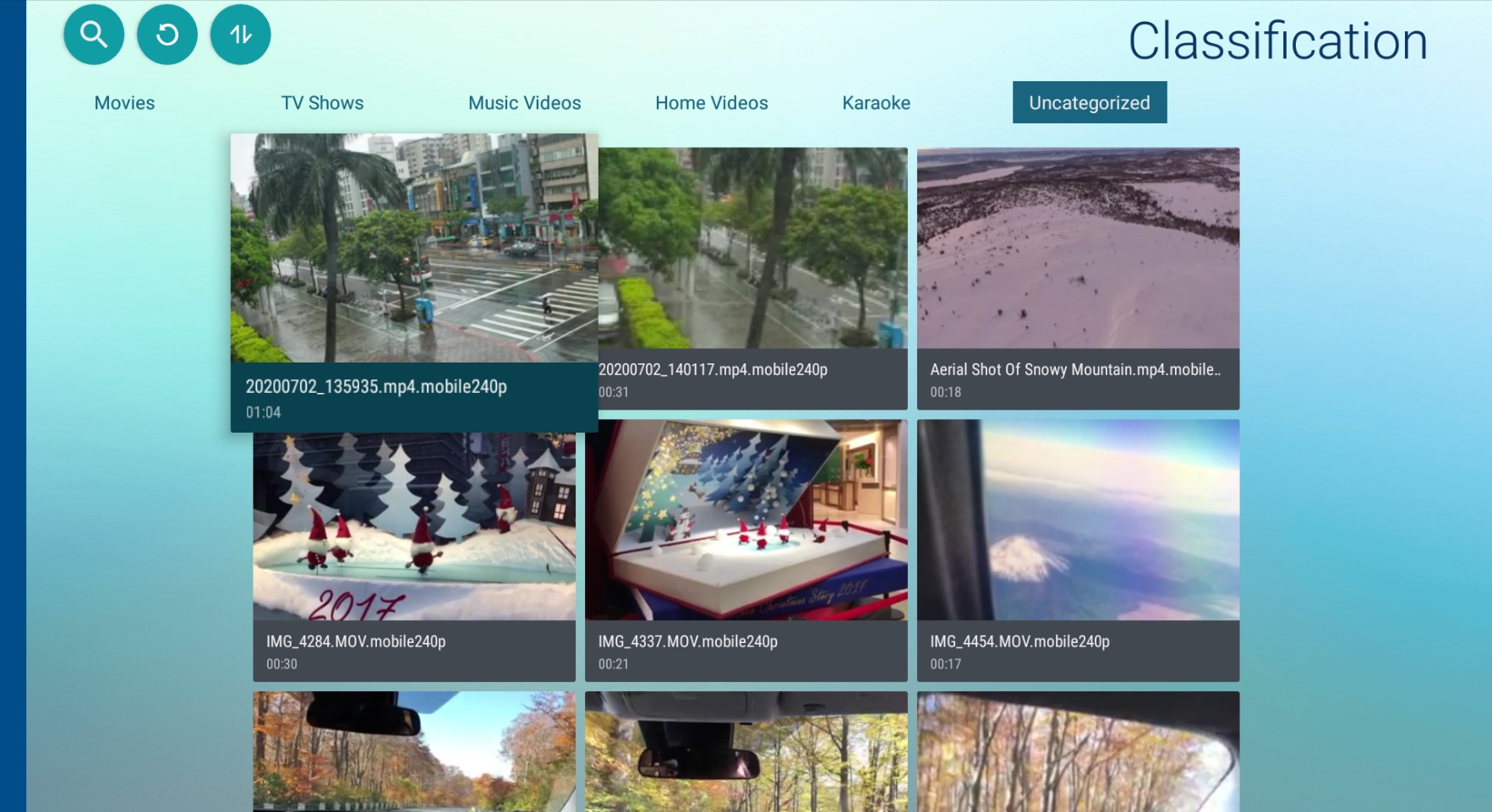
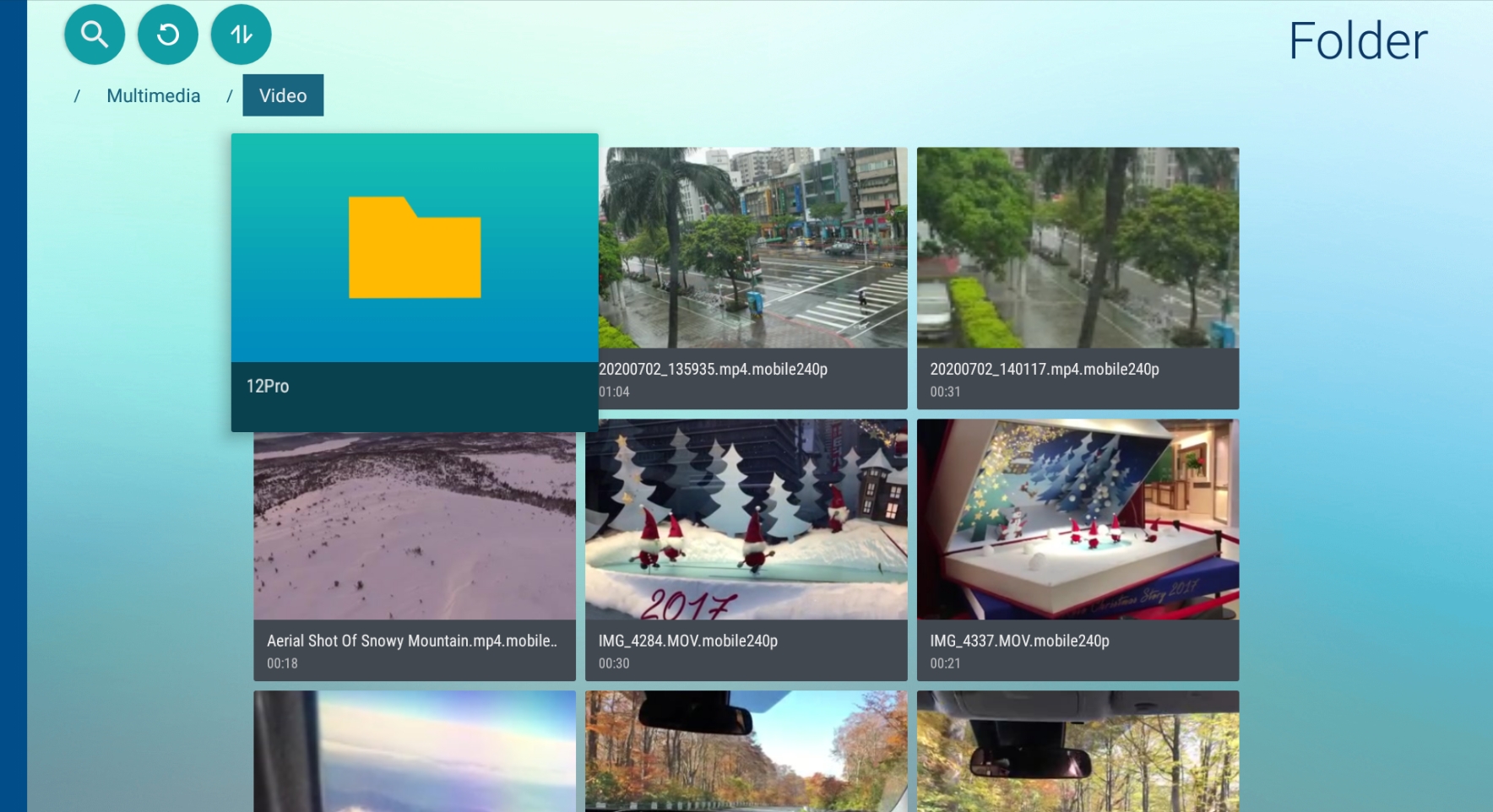
About this app
When you want to sit down in front of an Android TV and browse media stored on your NAS, Qmedia gives you a way to open videos, photos, and music on the big screen. It supports multiple login methods, including local network search, IP address, DDNS, and myQNAPcloud, but it is tied to QNAP services and has a low rating from a small review base.
- NAS media browsing — Open videos, photos, and music from a NAS on the Android TV screen.
- Multiple login methods — Connect by local network search, IP address, DDNS, or myQNAPcloud.
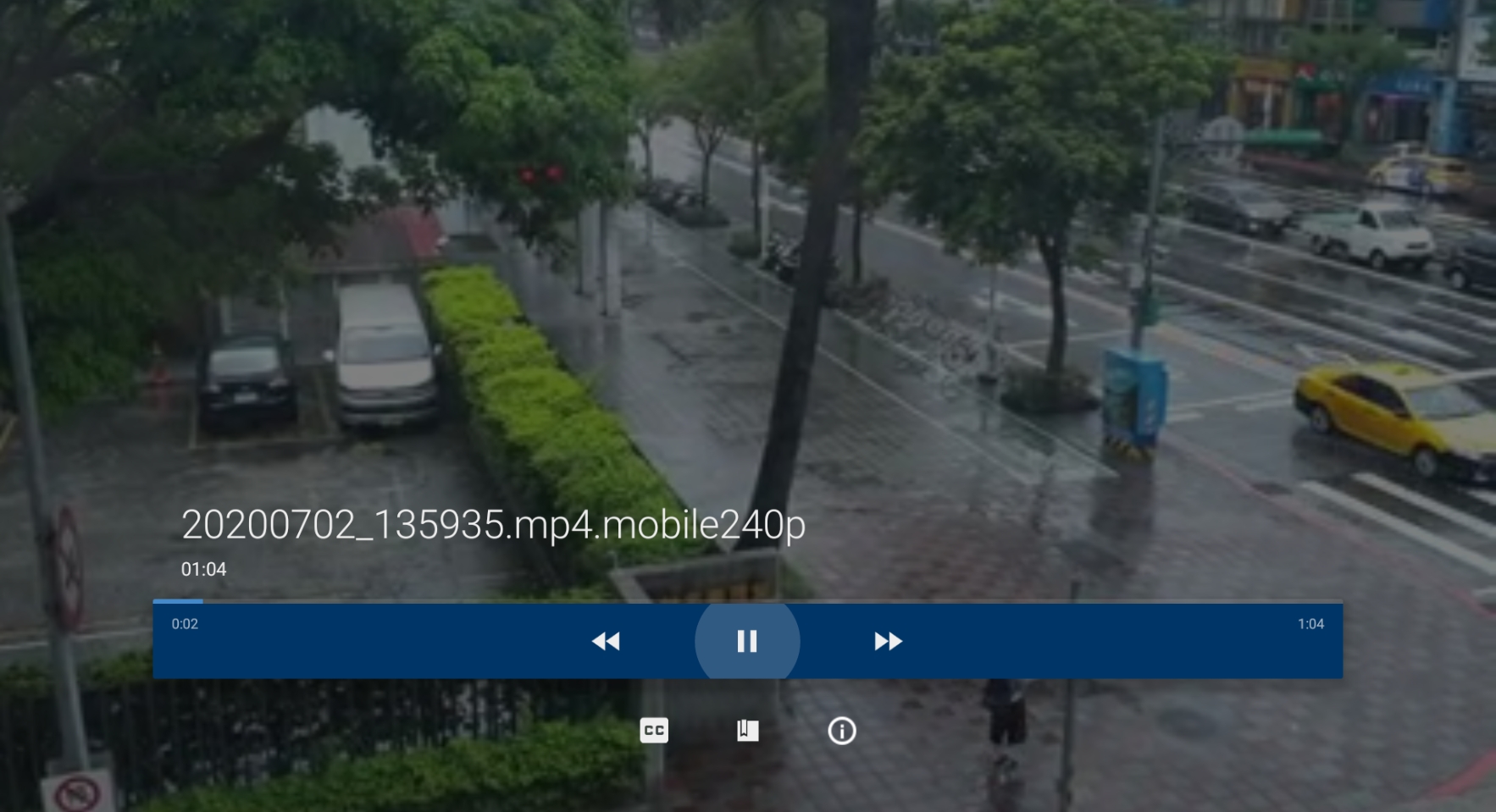
- Playback tools — Use resume playback, online subtitle search, bookmarks, and third-party players.
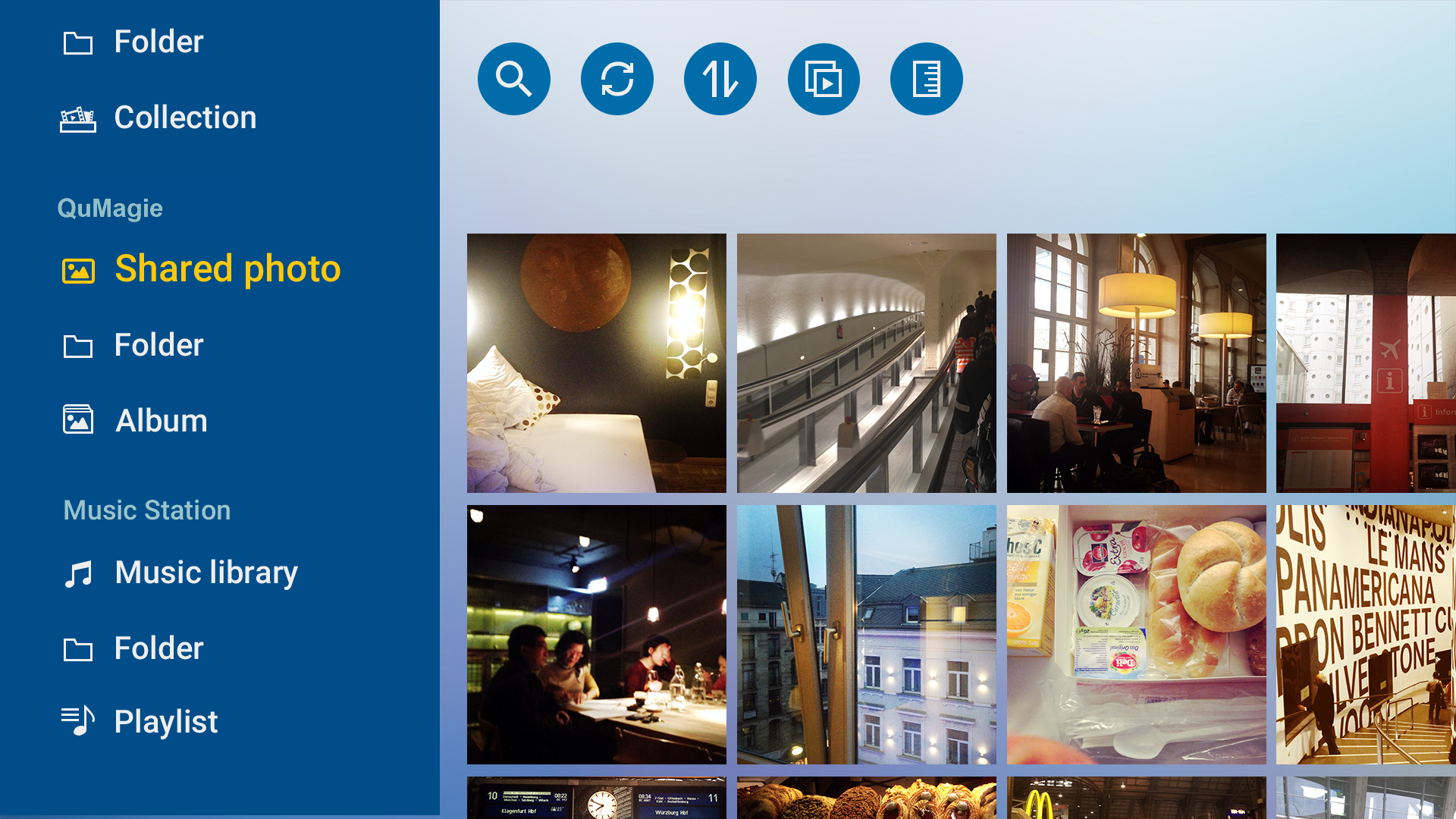
- Photo viewing modes — Run slideshows with effects, music, and speed controls, or browse by timeline.
- Music playback — Play music in the background and see what is currently playing.
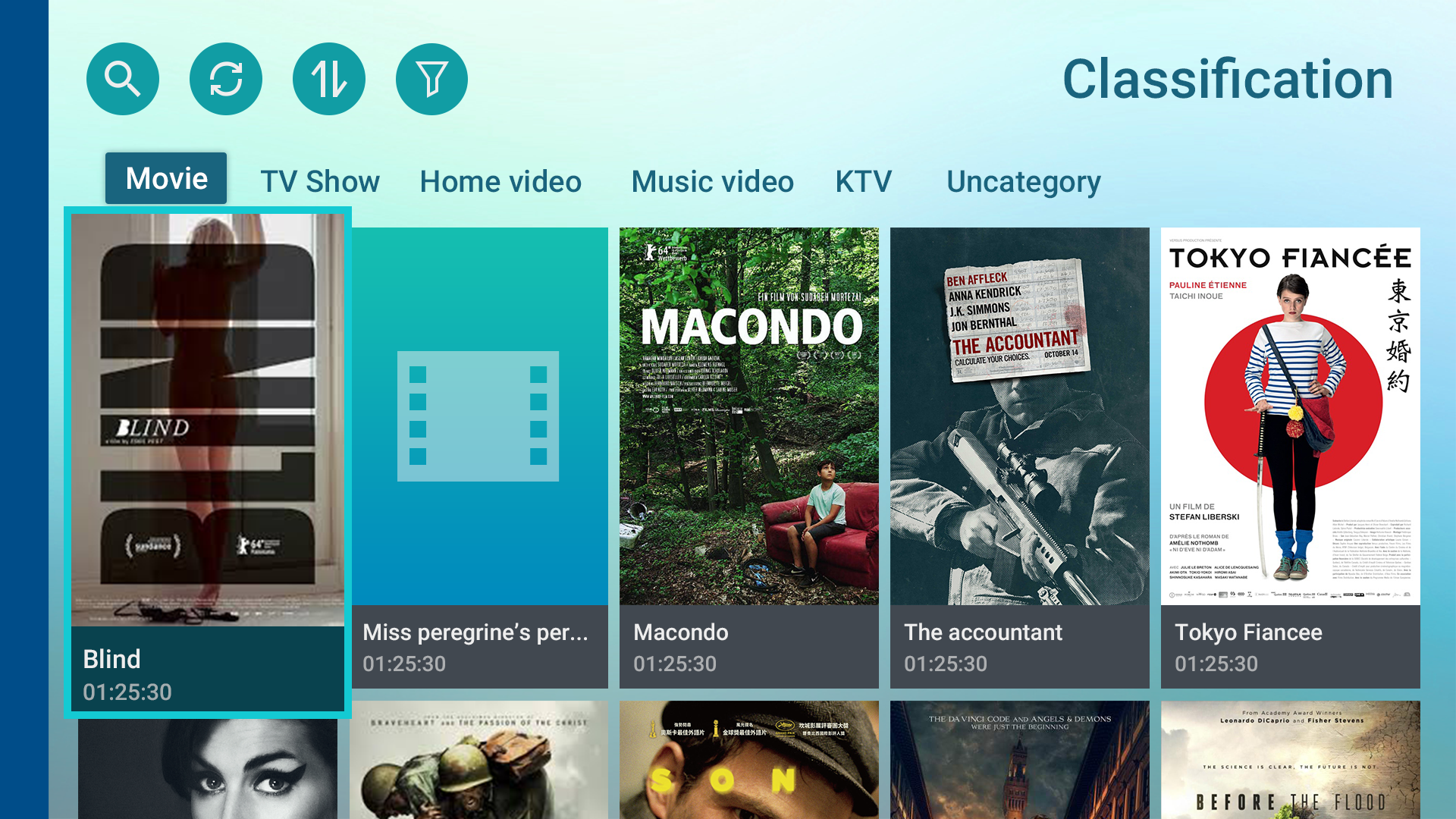
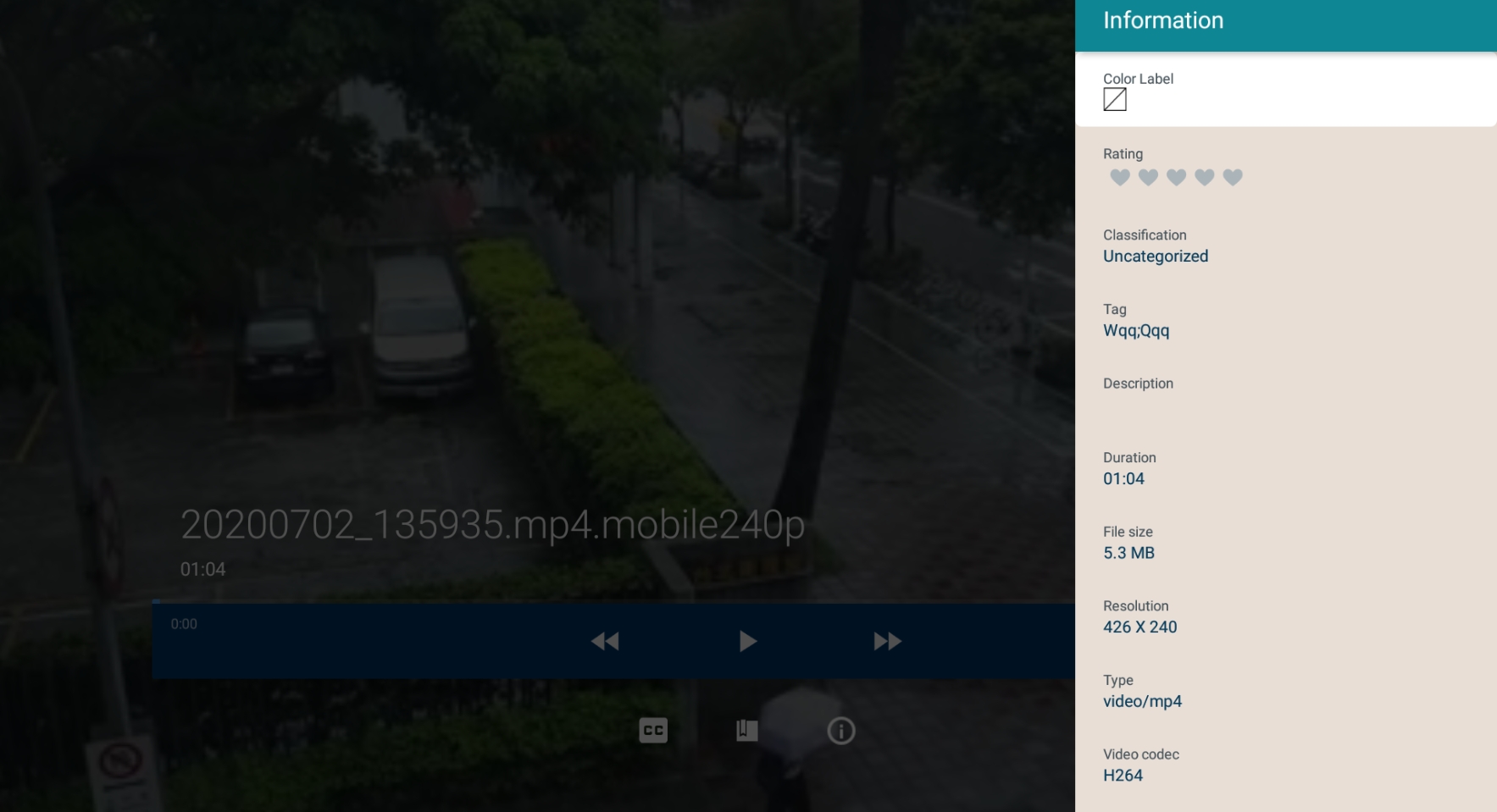
- Online media details — Pull poster, rating, synopsis, and cast details from online movie and TV databases.
Android TV playback from a QNAP NAS
Qmedia is built for Android TV, not phones or tablets, so the main experience is on a television screen. It is meant for browsing media stored on a NAS and opening videos, photos, and music without leaving the couch. The app is free, comes as an APK, and the file is 74.2 MB. It needs Android 5.1 or later, while the supported TV setup listed by QNAP starts at Android TV 7.0.
Browse and play media on one screen
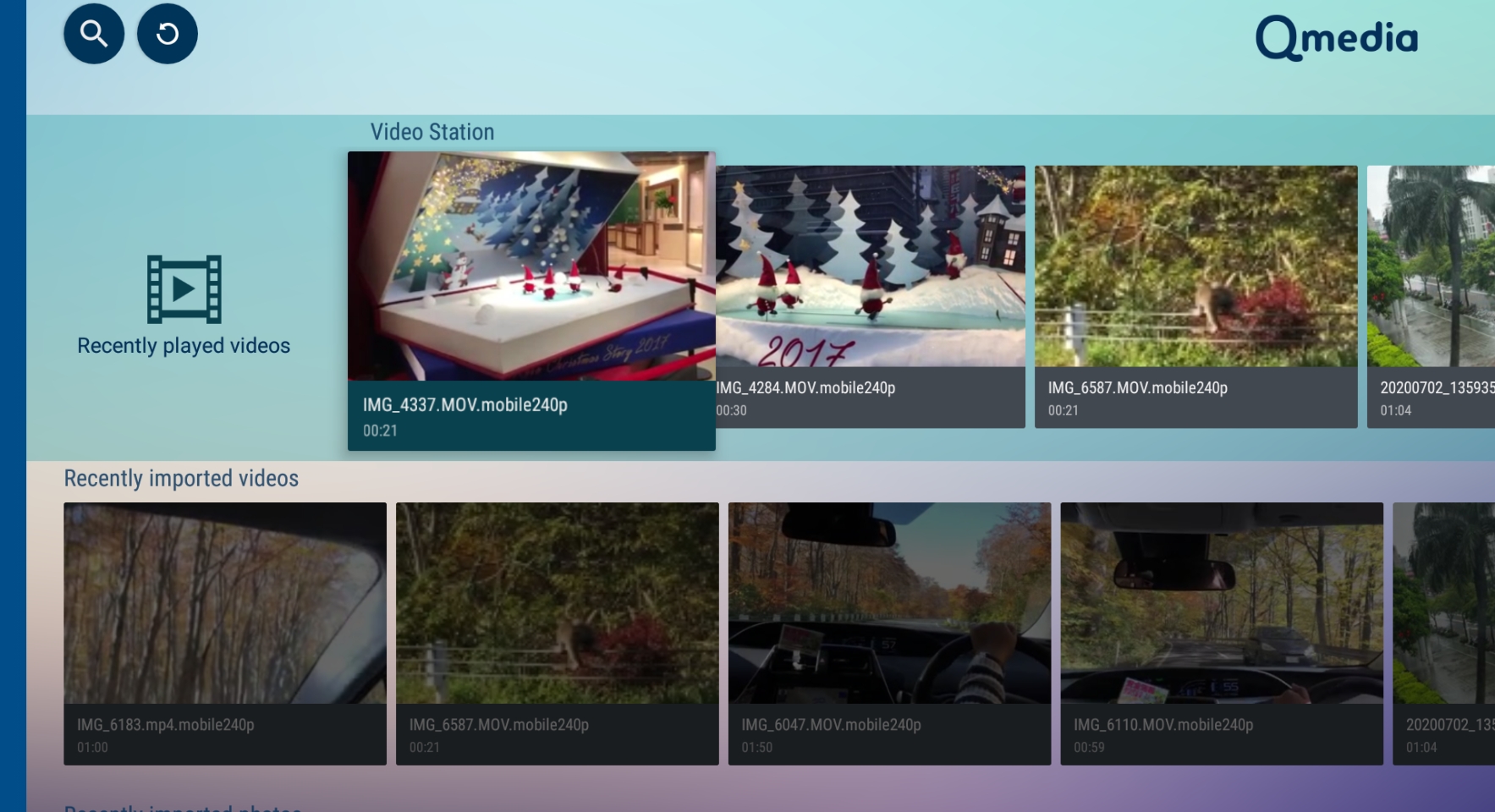
The main page puts videos, photos, and music in one place, which makes it easy to move between different types of media during a normal evening. You can resume playback, search online for subtitles, save bookmarks, and use third-party players for media files. For movie and TV items, Qmedia can also show poster art, ratings, synopsis, and cast details from online databases.
Photo slideshows and music playlists
Qmedia is not just a video browser. Photos can be viewed in a slideshow with effects, music, and speed controls, or explored on a timeline. Music can keep playing in the background while the current track is shown, and playlists are available for browsing. That makes it more focused on local media from a NAS than apps like YouTube for Android TV, which center on online video streaming.
Connection choices and setup limits
To get in, Qmedia supports searching on the local network, entering an IP address, using DDNS, or connecting through myQNAPcloud. The app does not list ads or in-app purchases, and no permissions are shown. Its requirements are specific: QTS 4.3.0, Video Station 5.0, Music Station 5.0, and QuMagie 1.9.1. That makes it narrower than general entertainment apps, but more tied to a QNAP home setup.
- Free app with no in-app purchases listed
- Designed for Android TV media browsing
- Works with NAS video, photo, and music libraries
- Uses QNAP services rather than open streaming catalogs
APK information
- Version
- 1.4.10.0505
- Package
- com.qnap.qmediatv
- Category
- Entertainment
- Size
- 74 MB
- Min Android
- API 22
- Architecture
- universal
Older versions
-
Qmedia 1.4.10.0505Nov 12, 2026Latest downloadAPK
Qmedia FAQ
Can Qmedia play offline?expand_more
Qmedia plays media stored on a NAS, so it can be used with local media access rather than streaming catalogs. The app description does not mention offline downloads.
Does Qmedia need a subscription?expand_more
No subscription is listed. Qmedia is free and does not show in-app purchases.
Does Qmedia need an account?expand_more
It supports multiple login methods, including local network search, IP address, DDNS, and myQNAPcloud. The app description does not spell out a separate Qmedia account.
Which Android version does Qmedia need?expand_more
The app lists Android 5.1 as the minimum Android version. It is also described as an Android TV app with a minimum requirement of Android TV 7.0.
What media features does Qmedia include?expand_more
It supports resume playback, online subtitle search, bookmarks, third-party players, photo slideshows, timeline browsing, and music playlists.