- 4.7star273 reviews
- 100M+Downloads
- 81 MBAPK size
- EveryoneRated for Everyone
- API 19+Android
check_circleOriginal APK from Stupeflix Inc. · Updated Nov 12, 2026
No threats found
0 / — antivirus engines flagged this file
Original signature
First seen — Stupeflix Inc.
Unmodified APK
Same file the developer published — no mods
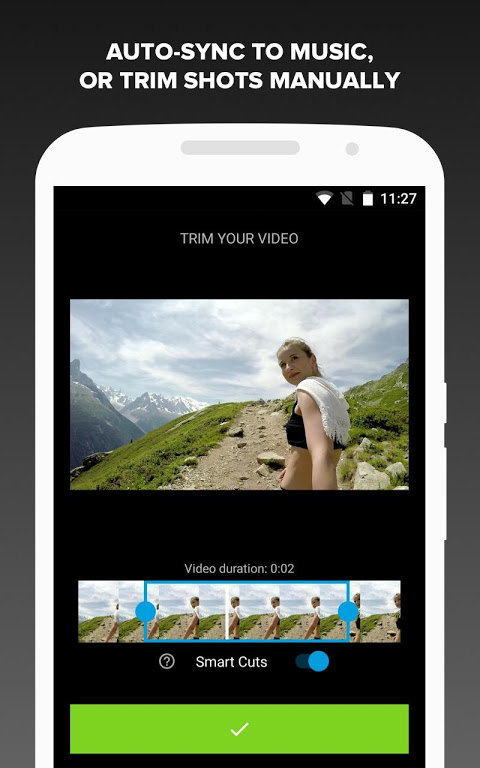
Quik - Free Video Editor screenshots
8 images · tap to enlarge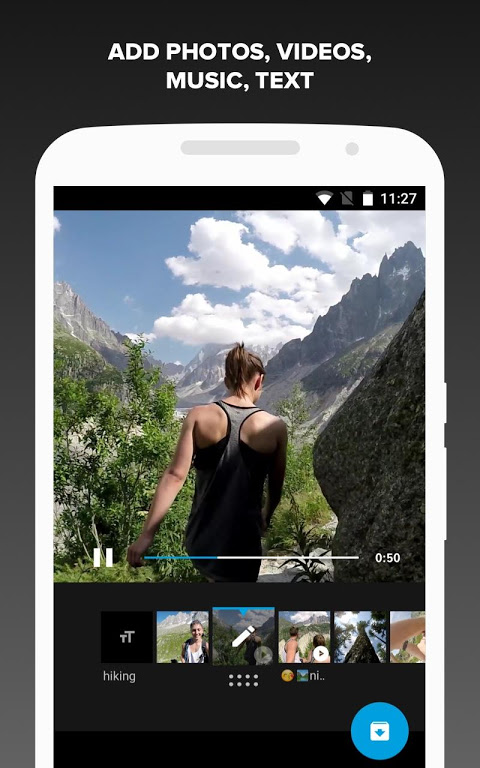
About this app
Quik speeds up video editing by turning selected photos and clips into a finished story with transitions, effects, and music sync. The current release adds drafts, so you can pause a project and return to it later, plus HiLights for marking the moments Quik should cut around when importing video.
- Drafts for later — Save video projects as drafts and reopen them within 7 days.
- HiLights import cuts — Mark the moments you want, and Quik cuts clips around those points.
- Music sync tools — Choose a soundtrack and let Quik match transitions to the beat.
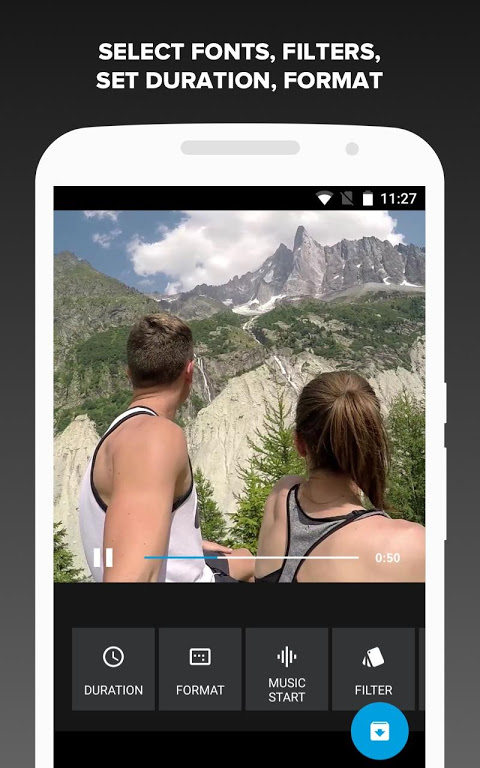
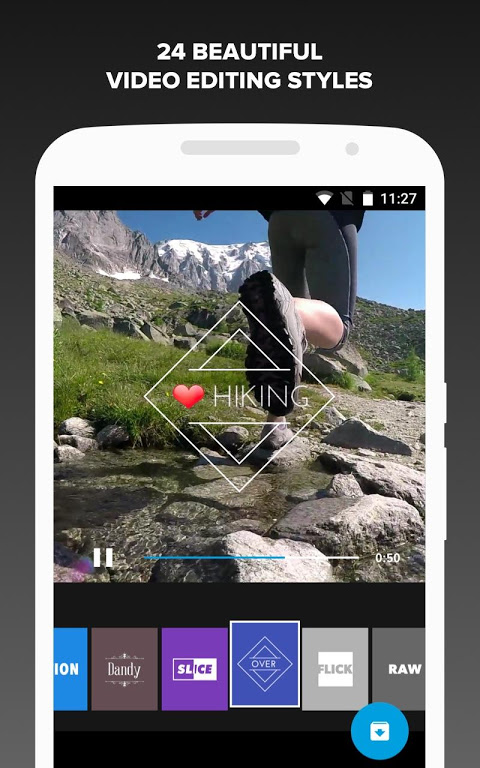
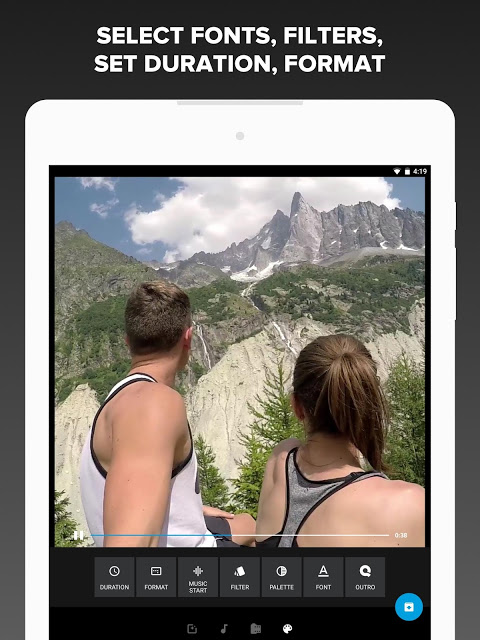
- Style and text control — Pick from 25 video styles and adjust fonts, filters, graphics, and text overlays.
- Flexible sharing — Export in HD 1080p or 720p and share to Instagram, WhatsApp, Facebook, text, or email.
Drafts and HiLights in this release
This version adds drafts, so a video project can be saved and reopened for up to 7 days after it was last opened. It also adds HiLights while importing videos, letting Quik cut a clip around the moments you mark. When bringing in footage from GoPro Plus, HiLights can keep downloads focused on the parts you want.
Quick edits from your gallery and accounts
Quik is built for fast edits: select photos and video clips from your Gallery, Albums, Google Photos, Facebook, or GoPro Plus, and the app analyzes the footage to pick moments and build a story. It works with photos and videos captured on a GoPro, phone, or other device.
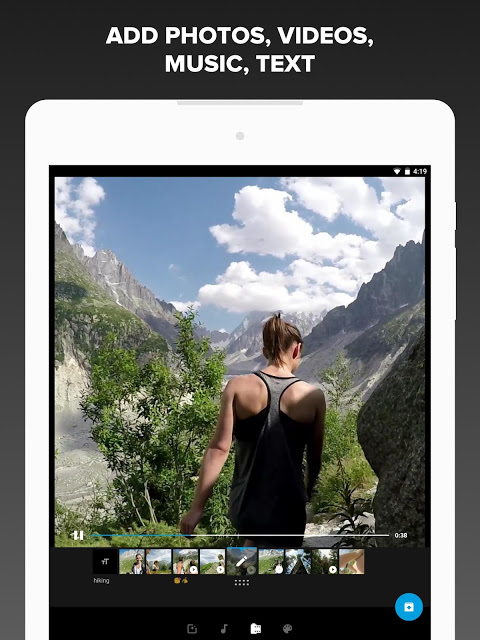
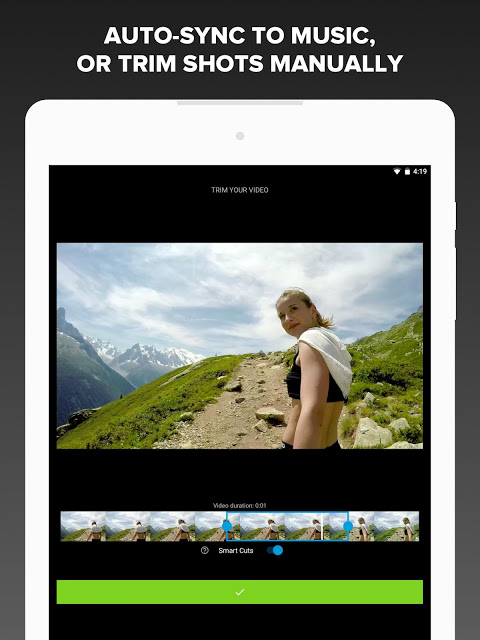
You can add up to 75 photos and video clips, reorder them, trim clips, frame photos, and add title slides or text overlays. The app also supports changing orientation from cinema to square for sharing on Instagram.
Styles, soundtracks, and export
Quik includes 25 video styles with transitions and graphics, plus controls for fonts, filters, and graphics. For audio, you can choose from more than 80 free songs or use music from your own collection, then pick where the song starts. Quik syncs transitions to the beat automatically.
Finished videos can be saved to your camera roll in HD 1080p or 720p and shared through Instagram, WhatsApp, Facebook, text, or email.
- You get: free editing, drafts, HiLights, HD export, and sharing options.
- Watch for: no in-app purchases, no listed permissions, and no separate offline playback feature.
Version and install details
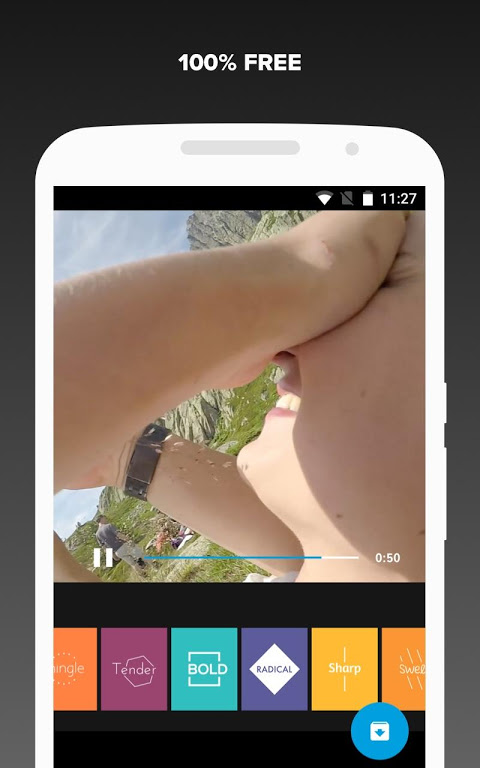
Quik - Free Video Editor is free, contains no ads, and has no in-app purchases listed. It is rated for Everyone, supports API 19 and up, and comes as a universal APK with a size of 81.1 MB.
What's new
Version 1.4.0.2318-db2f0d4 · Nov 12, 2026
- NEW: DRAFTS ---
- Now you can save your video projects as drafts! Video drafts will keep for 7 days after it was last opened.
- NEW: VIDEO HILIGHTS ---
- When you select videos to import, you can now add HiLights around the best moments in your video. For each HiLight, Quik will cut the perfect clip around that moment.
- HILIGHTS + GOPRO PLUS ---
- When importing videos from your GoPro Plus account, adding HiLights is the perfect way to only download small clips around the best moments!
APK information
- Version
- 1.4.0.2318-db2f0d4
- Package
- com.stupeflix.replay
- Category
- Video Players & Editors
- Size
- 81 MB
- Min Android
- API 19
- Architecture
- universal
Older versions
-
Quik - Free Video Editor 1.4.0.2318-db2f0d4Nov 12, 2026Latest downloadAPK
Quik - Free Video Editor FAQ
Does Quik - Free Video Editor support Chromecast?expand_more
Chromecast support is not listed for Quik - Free Video Editor.
Can Quik - Free Video Editor play offline?expand_more
The app description covers editing and sharing, but it does not list offline playback as a feature.
Does Quik - Free Video Editor have in-app purchases?expand_more
No. Quik - Free Video Editor is free and lists no in-app purchases.
Is Quik - Free Video Editor available for older phones?expand_more
It supports Android API 19 and up, so it works on devices running that version or newer.
How many clips can I add to a project?expand_more
You can add up to 75 photos and video clips to a Quik project.