
- 4.2star884,206 reviews
- 100M+Downloads
- 4 MBAPK size
- EveryoneRated for Everyone
- 6.0+Android
check_circleOriginal APK from RARLAB (published by win.rar GmbH) · Updated Nov 12, 2026

No threats found
0 / — antivirus engines flagged this file
Original signature
First seen — RARLAB (published by win.rar GmbH)
Unmodified APK
Same file the developer published — no mods
RAR screenshots
8 images · tap to enlarge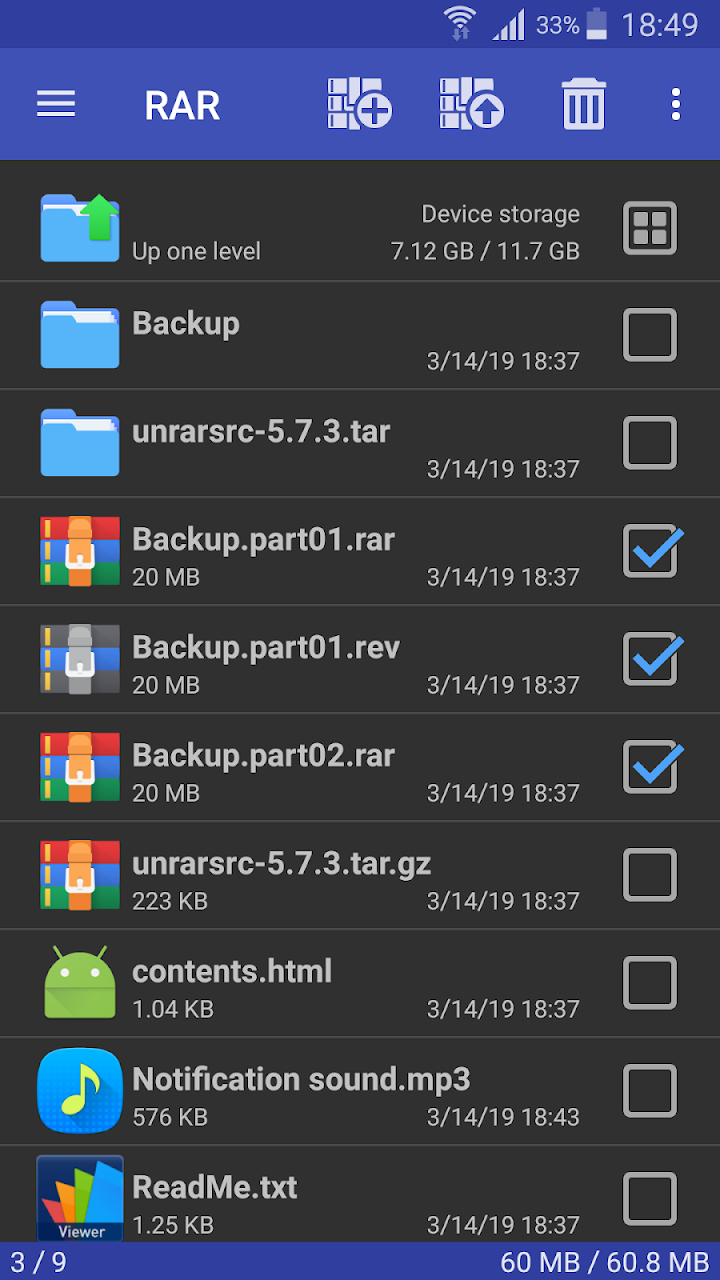
About this app
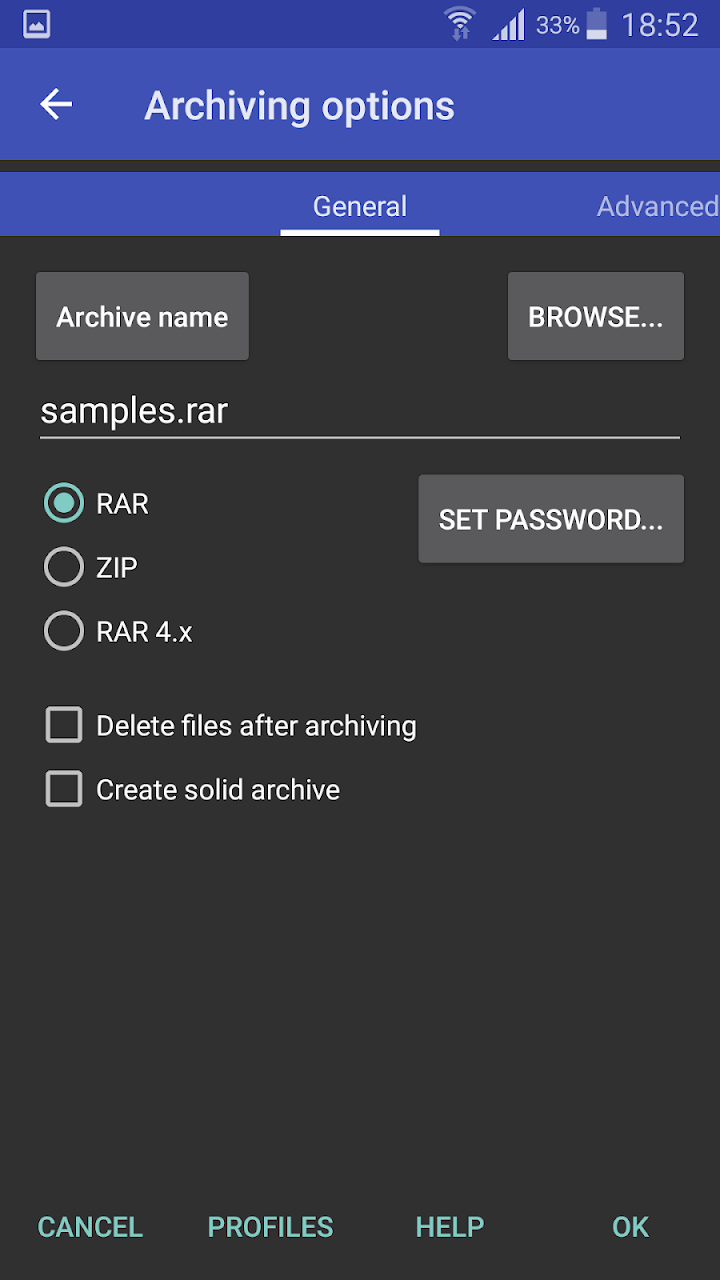
Open RAR when you need to pack files, unpack an archive, or tidy folders on your phone. It handles RAR and ZIP creation, opens many common archive types, and adds simple file management tools. The app is free, works on Android 6.0 and up, and uses a small 4.2 MB APK.
- Create RAR and ZIP — Make RAR or ZIP archives from files and folders on your phone.
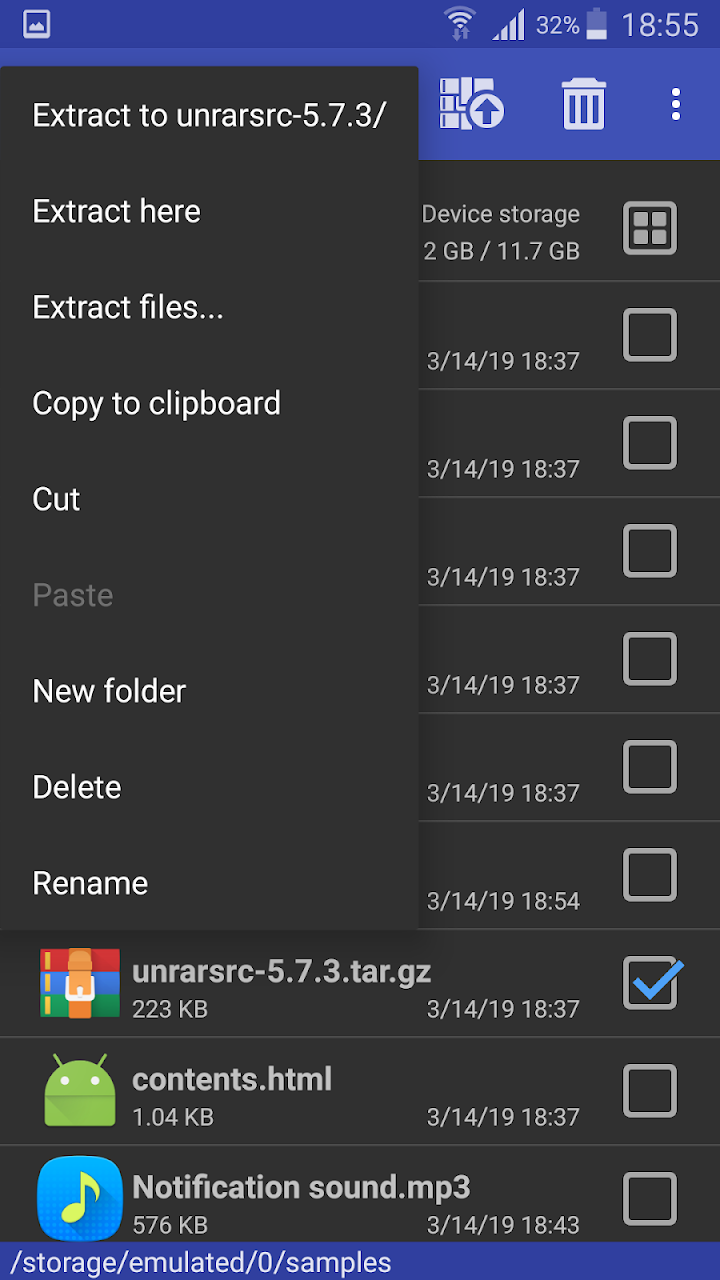
- Open many archive types — Unpack RAR, ZIP, TAR, GZ, BZ2, XZ, 7z, ISO, and ARJ files.
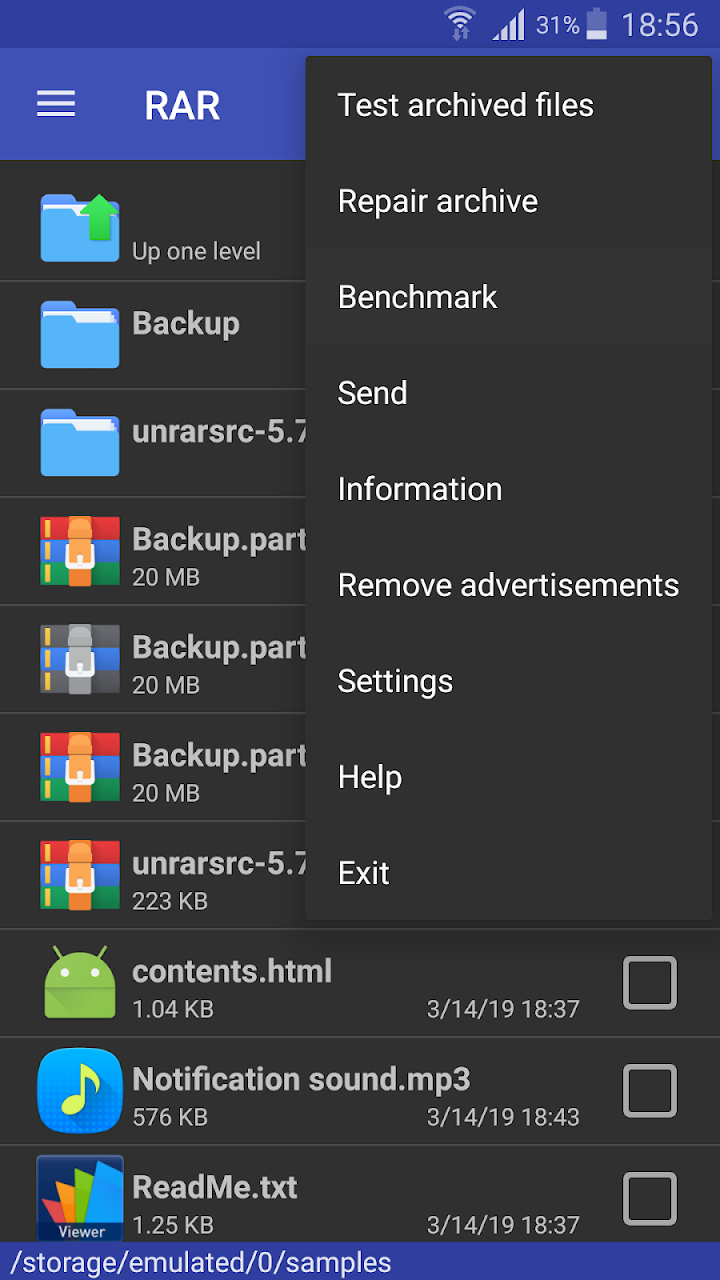
- Repair damaged archives — Use the repair command for damaged ZIP and RAR files.
- Basic file manager — Copy, move, rename, delete, and create folders without leaving the app.
- APK installs — Install applications from APK packages when you need to open app files.
Create and unpack archives on the go
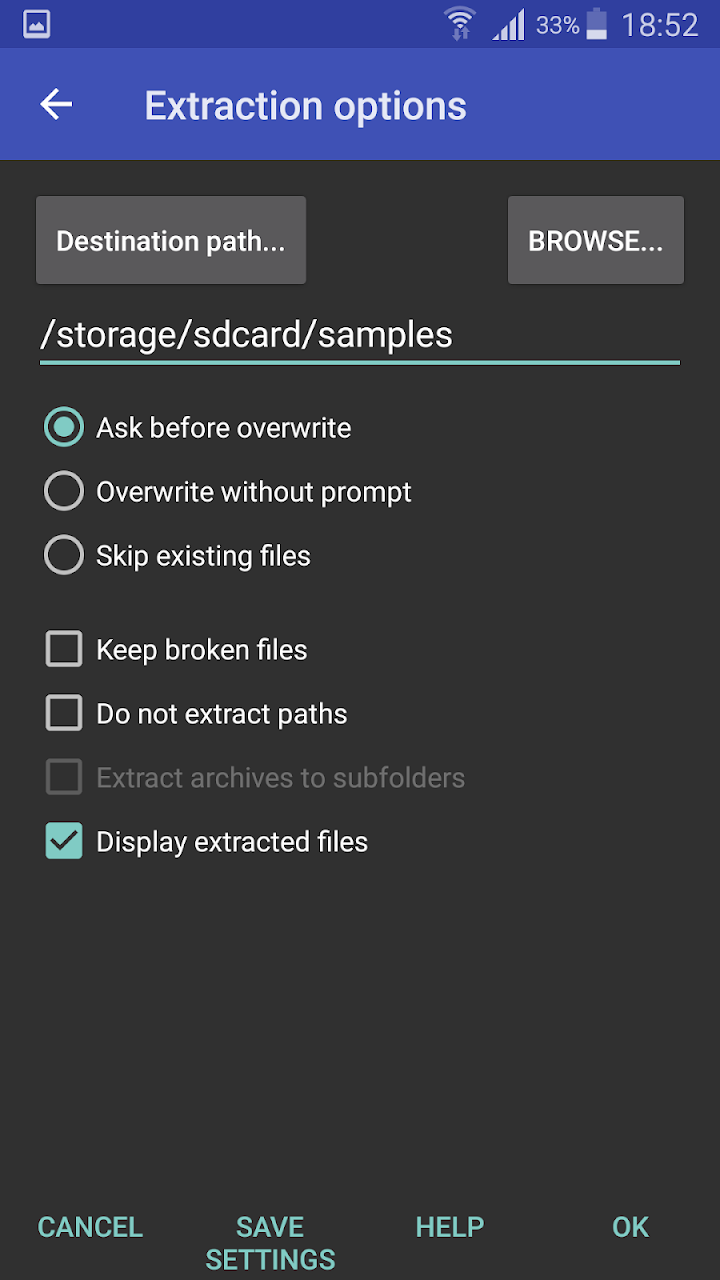
RAR opens with a straightforward set of actions: create RAR or ZIP archives, then unpack a wide range of archive formats when someone sends you a compressed file. In a normal day, that means opening a download, extracting a folder of photos, or bundling files before sharing them. It also supports password-protected ZIP files and multipart RAR archives.
Handle damaged ZIP and RAR files
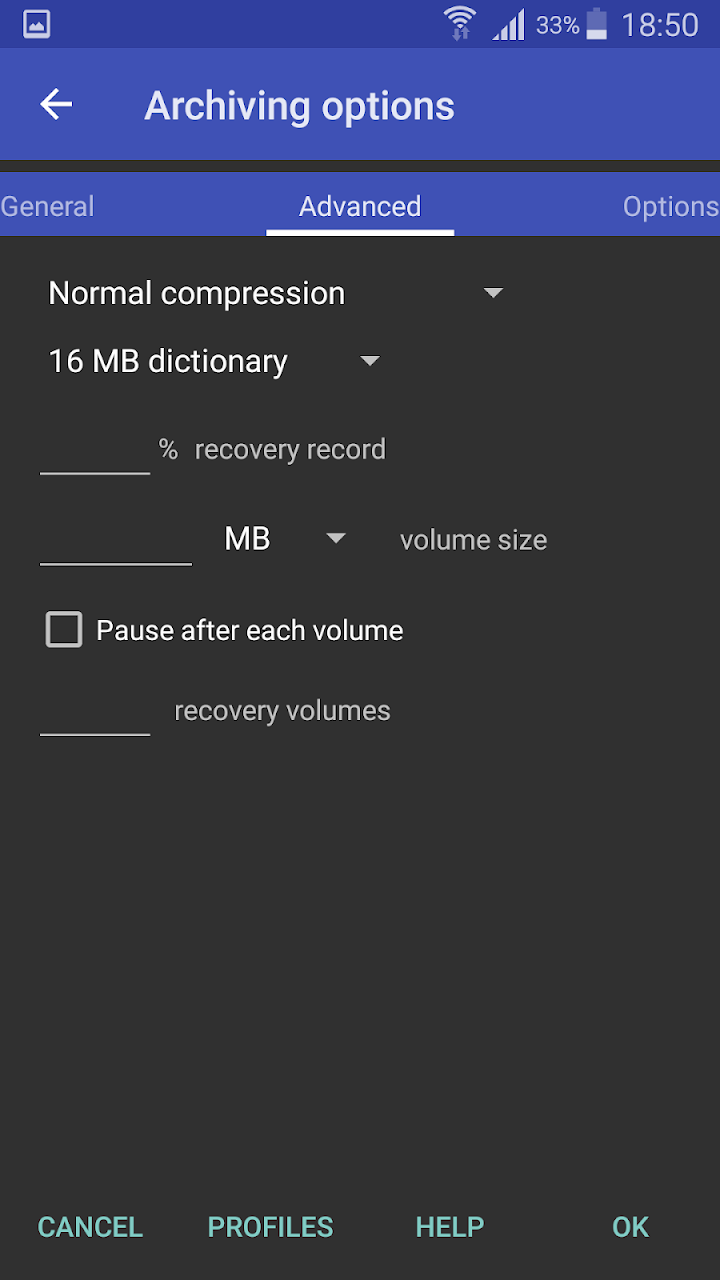
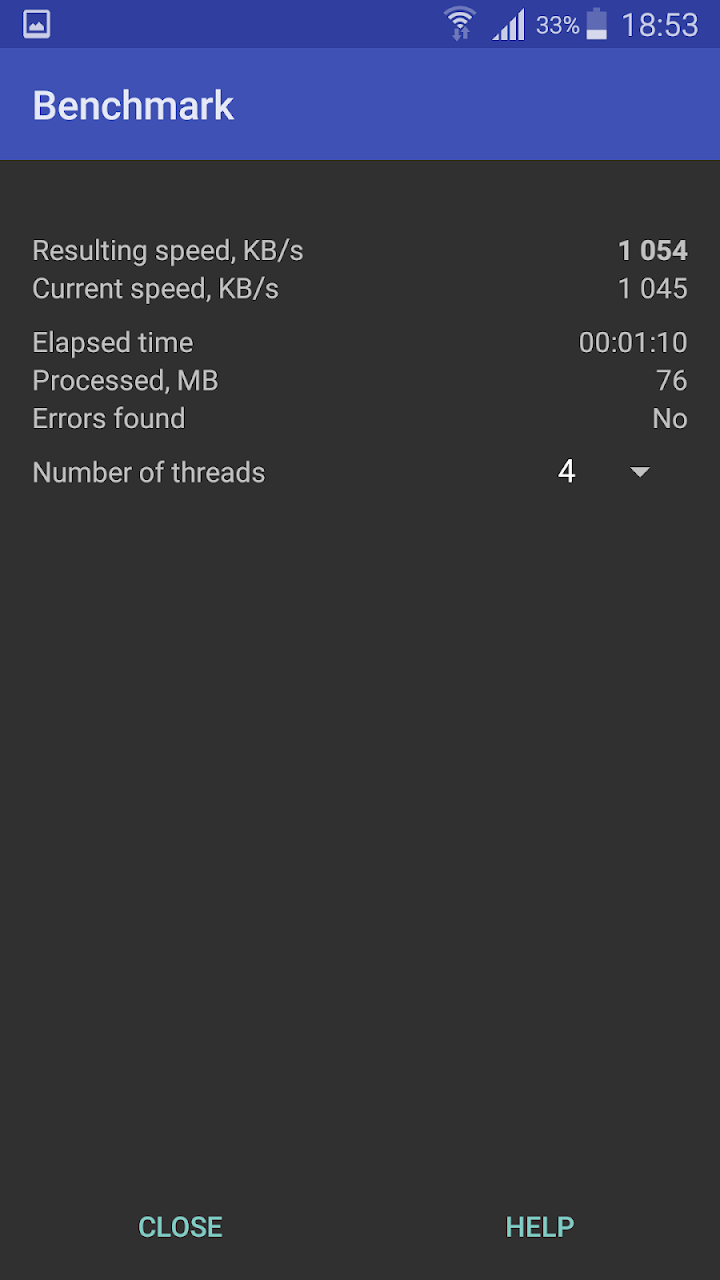
When an archive looks broken, RAR includes a repair command for ZIP and RAR files. It also supports recovery records, recovery volumes, solid archives, and encryption, which are useful if you work with larger or more carefully packed archives. The app can use multiple CPU cores for compression, which helps when creating archives from a lot of files.
Simple file tools inside the app
RAR is not just an extractor. It also works as a basic file manager, so you can copy, delete, move, and rename files and folders, create new folders, and install apps from APK packages. That keeps common file jobs in one place instead of switching between separate tools.
What to expect on your phone
The app is free, contains no ads, and does include in-app purchases. It is available as a 4.2 MB universal APK and needs Android 6.0 or newer. There are no listed permissions, so there is no permission prompt to sort through before using it. The latest version is 7.23.build134.
Security update in the latest build
The newest release fixes a heap overflow vulnerability in the RAR5 recovery volume data reconstruction code. For everyday use, that means the app’s archive tools have been updated with a security fix in the current version.
RAR feels practical if you need archive support more than visual extras. It covers the common compression and extraction jobs clearly, and the rating distribution shows many users are satisfied, with 612,133 five-star ratings out of 884,206 total.
What's new
Version 7.23.build134 · Nov 12, 2026
- Heap overflow vulnerability is fixed in RAR5 recovery volume data reconstruction code. We are thankful to Arjun Basnet from Securin Labs for letting us know about this security issue.
APK information
- Version
- 7.23.build134
- Package
- com.rarlab.rar
- Category
- Tools
- Size
- 4 MB
- Min Android
- 6.0
- Architecture
- universal
Older versions
-
RAR 7.23.build134Nov 12, 2026Latest downloadAPK
RAR FAQ
Does RAR need root access?expand_more
No root access is listed. The app works as a normal Android app.
Does RAR drain the battery?expand_more
Battery use is not listed. The app can use multiple CPU cores when compressing files.
How big is the RAR download?expand_more
The APK is 4.2 MB.
What changed in the latest RAR version?expand_more
The latest version fixes a heap overflow vulnerability in RAR5 recovery volume data reconstruction code.
What archive formats can RAR open?expand_more
RAR can unpack RAR, ZIP, TAR, GZ, BZ2, XZ, 7z, ISO, and ARJ archives.