- 4.1star4,935 reviews
- 1M+Downloads
- 24 MBAPK size
- EveryoneRated for Everyone
- 7.0+Android
check_circleOriginal APK from hk3072072 · Updated Nov 12, 2026
No threats found
0 / — antivirus engines flagged this file
Original signature
First seen — hk3072072
Unmodified APK
Same file the developer published — no mods
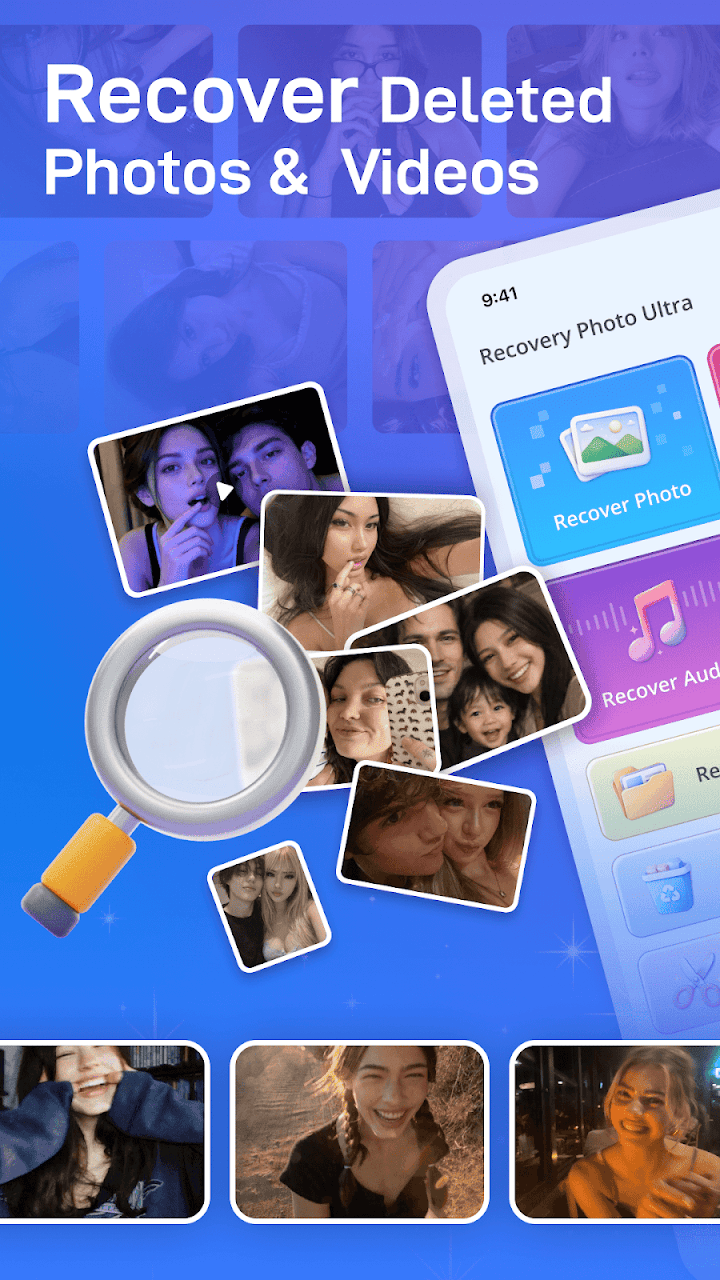
Recovery Photo Ultra screenshots
8 images · tap to enlarge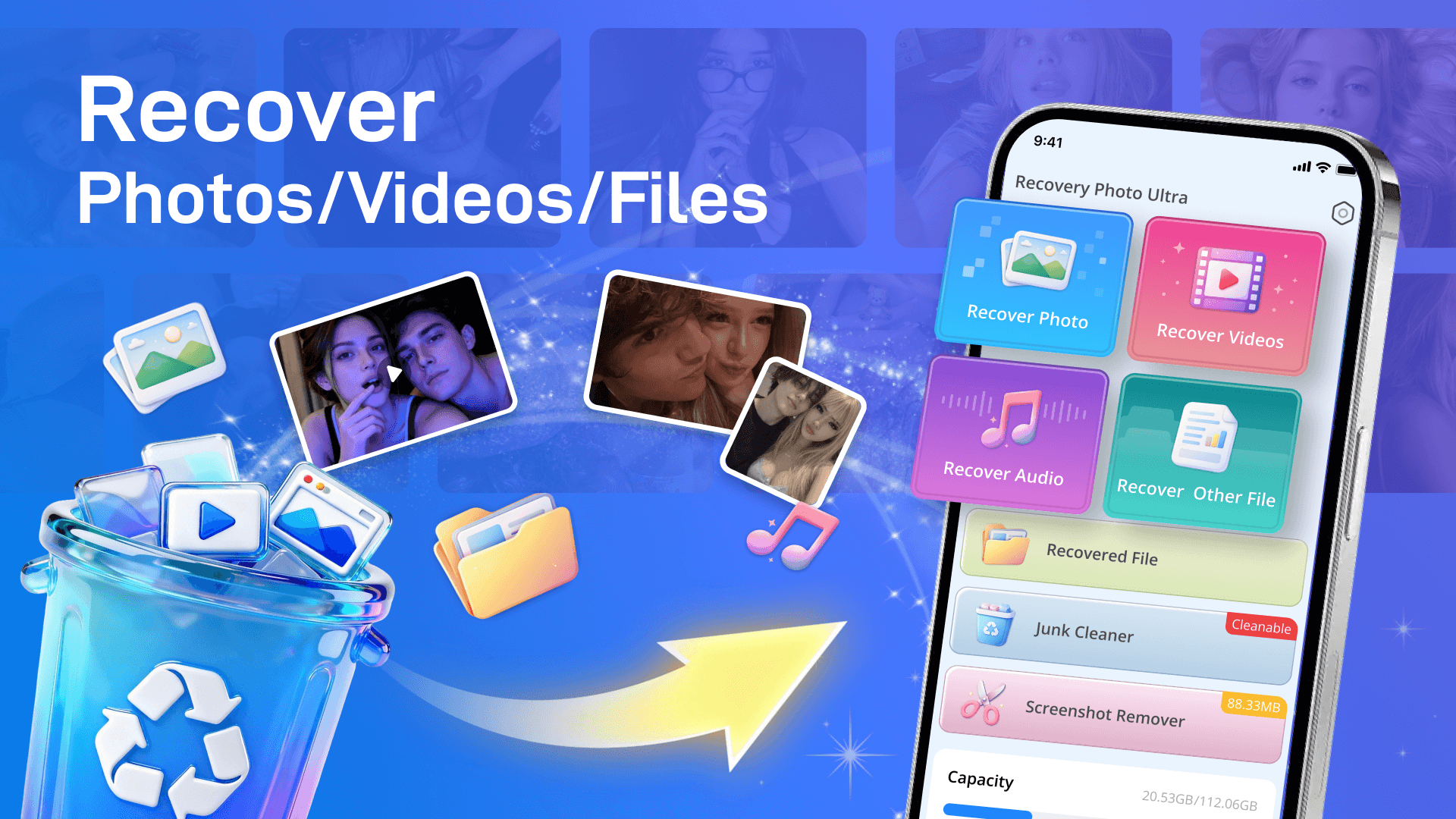

About this app
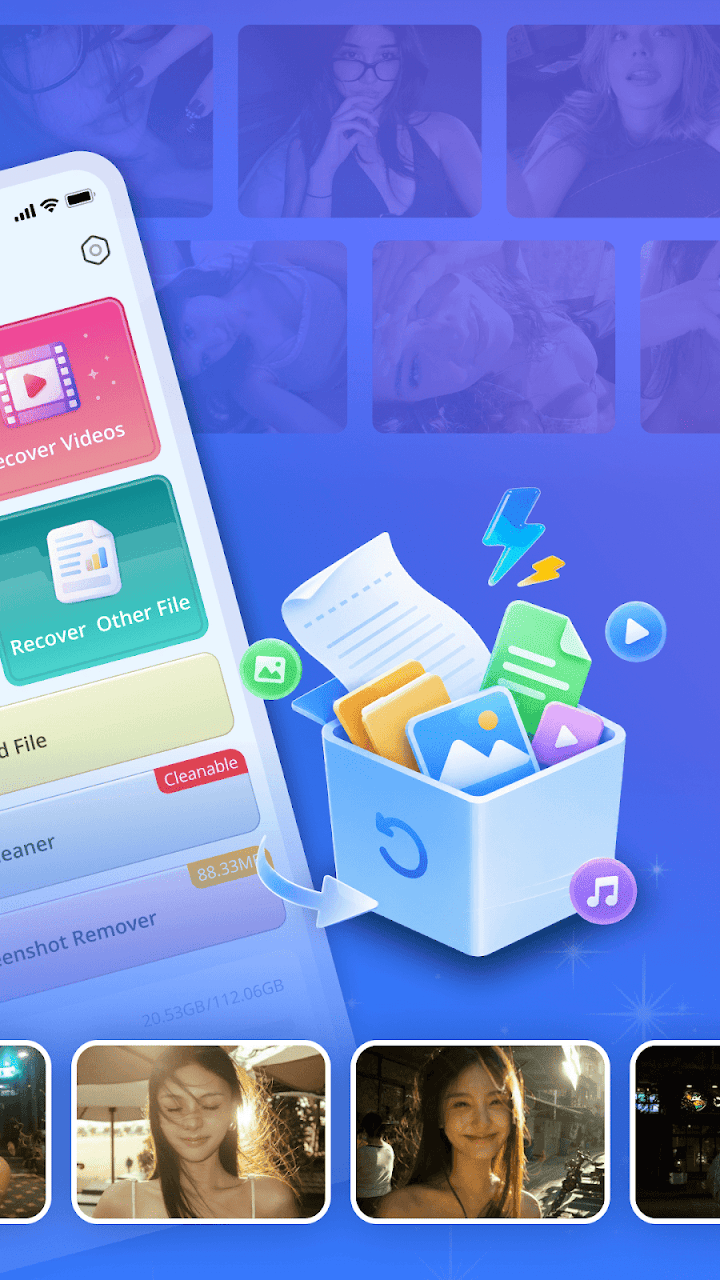
Recover deleted photos, videos, and files from your device without a complicated setup. Recovery Photo Ultra scans locally, lets you preview what it finds, and restores selected items with a single tap. It includes quick and deep scan modes, but results depend on storage condition, Android version, and whether the data has been overwritten.
- Photo recovery scans — Search internal storage for deleted or lost photos that may still be recoverable.
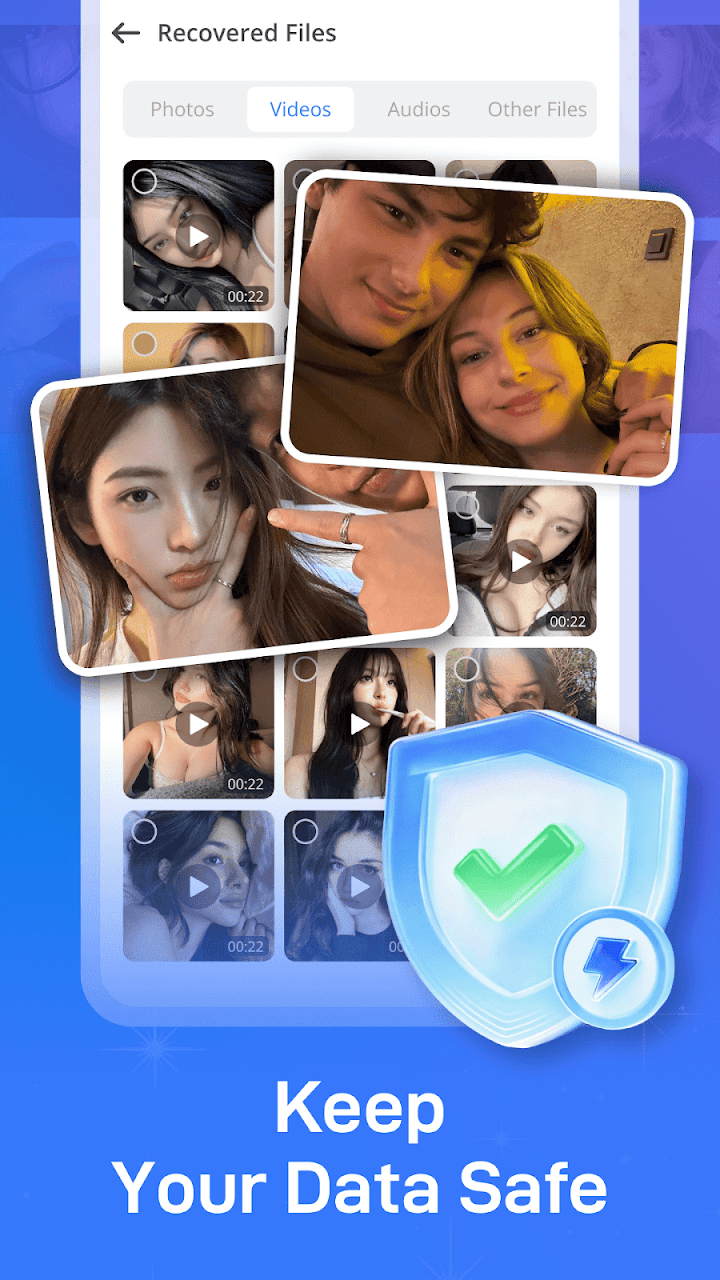
- Video recovery support — Look for deleted videos in supported storage locations and restore them from scan results.
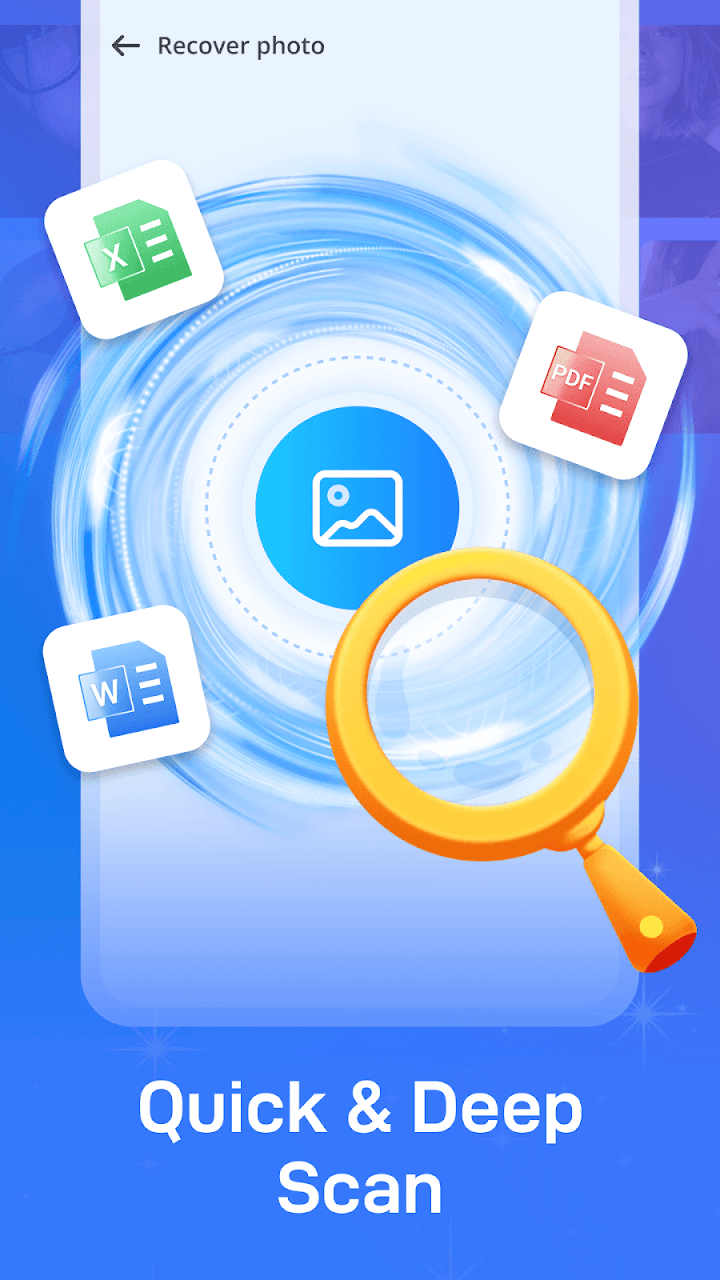
- Quick or deep scan — Use a faster scan when you want speed, or a deeper search when you need broader coverage.
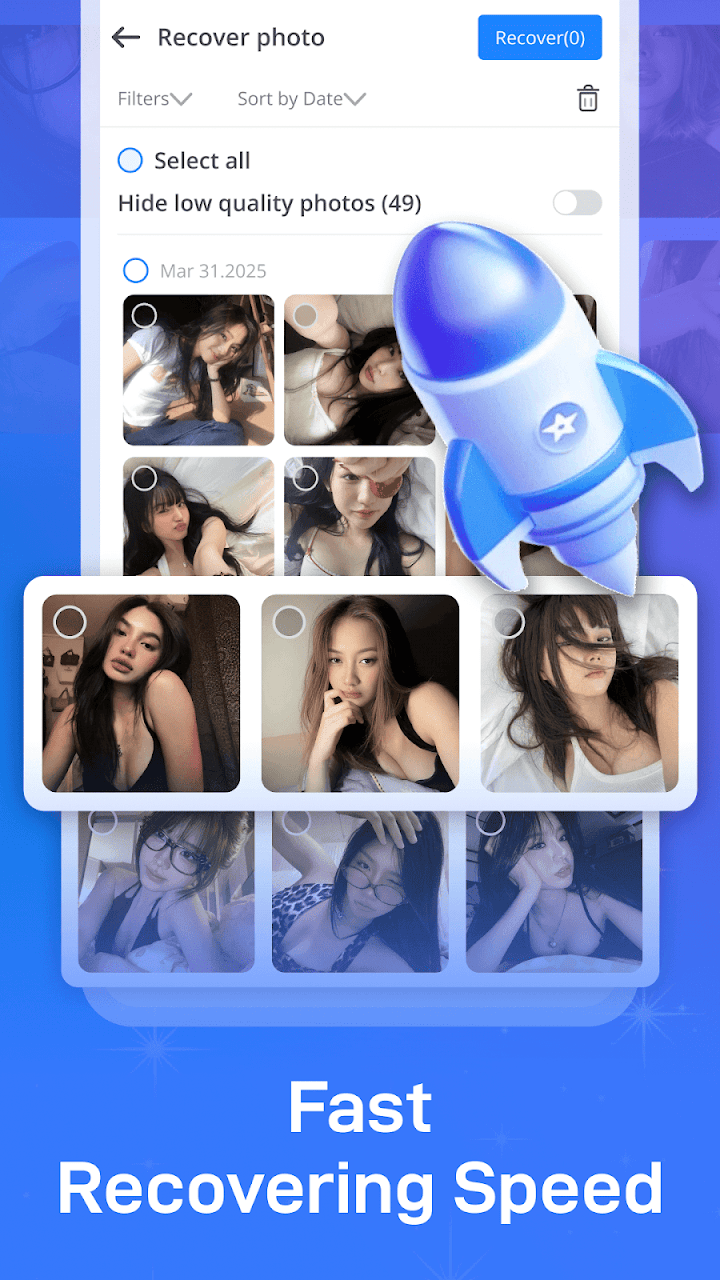
- Preview before restore — Open discovered files first so you can check what to bring back before recovering anything.
- Local file processing — Scanning and recovery happen on the device, with no files uploaded to a server.
- Android install details — The app is an APK, 23.6 MB in size, and needs Android 7.0 or later.
When a file disappears
Recovery Photo Ultra is for the moments when you notice a photo, video, or document is gone and want to check what can still be brought back. It opens into a scan flow rather than an account screen, so the main action is simple: start scanning, review the results, and restore the items you want.
The app is free, shows ads, and does not list any in-app purchases. It also does not request permissions in the details provided, so there is no permission prompt to explain in advance.
Quick scan or deep scan
The main recovery workflow is built around two scan options. Quick scan is meant for faster results, while deep scan is there when you want a more thorough search of recoverable files. After scanning, results can be sorted by file type, size, and date, which helps when you are trying to find one specific item among many.
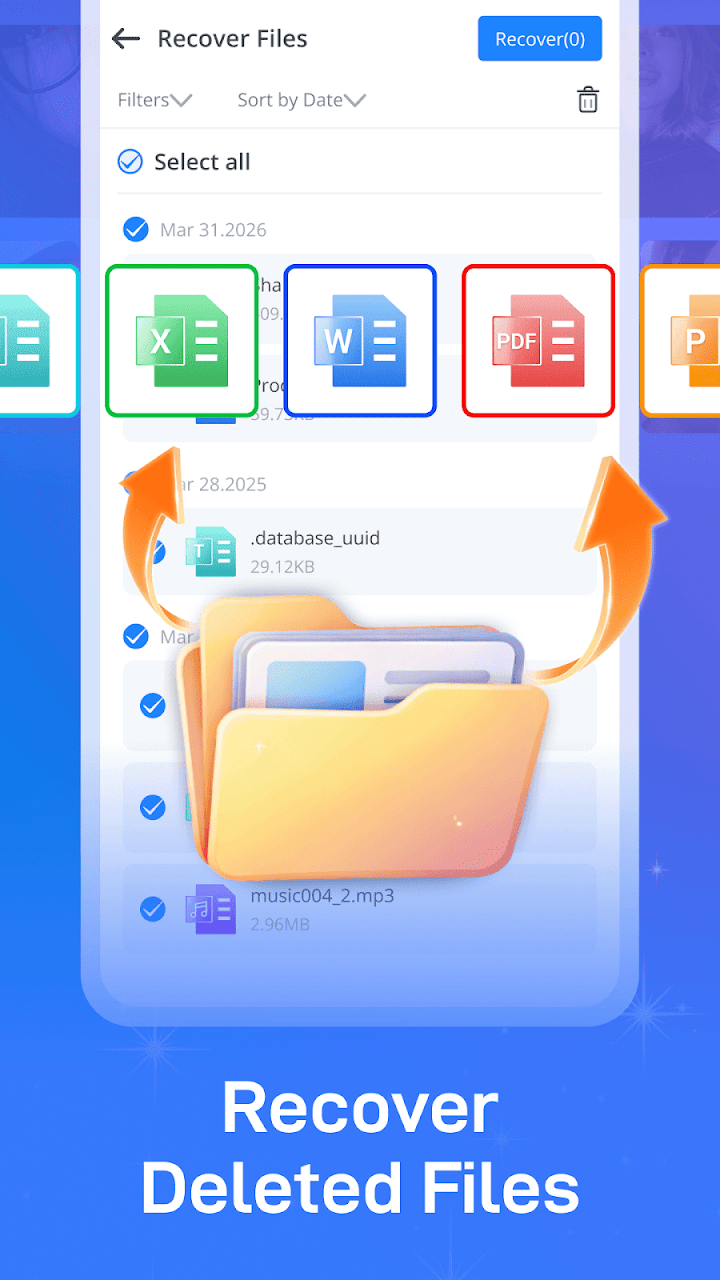
You can also recover more than photos and videos. The app supports documents, audio files, and other file formats it can detect on the device.
Preview deleted photos and videos
Before restoring anything, you can preview discovered files. That matters in day-to-day use because it cuts down on guesswork: instead of recovering every result, you can check which files are actually the ones you need and then restore them with a single tap.
- Recover photos, videos, documents, and audio
- Filter results by type, size, and date
- Preview files before restoring
- Restore selected items in a few taps
Limits, ads, and device load
Recovery results are not guaranteed. The app notes that success depends on device model, storage condition, Android version, and whether overwritten data is still available. Files removed by factory reset, secure erase, or storage overwrite may not be recoverable.
Because scanning is done locally on the device, the app avoids uploading files to a server. That also means there is no cloud-based recovery step to fall back on. The APK is 23.6 MB and runs on Android 7.0 or later, which keeps the install light enough for a utility app, but users should still expect scan time to vary with storage size and scan depth.
Best fit for quick recovery checks
This app suits people who want a straightforward way to check for deleted files after an accident. It is most useful when you need a local scan, a preview step, and a simple restore action, rather than account setup or a more complex recovery suite.
APK information
- Version
- 1.12
- Package
- com.ultra.recovery.photo.video
- Category
- Tools
- Size
- 24 MB
- Min Android
- 7.0
- Architecture
- universal
Older versions
-
Recovery Photo Ultra 1.12Nov 12, 2026Latest downloadAPK
Recovery Photo Ultra FAQ
Why does Recovery Photo Ultra need these permissions?expand_more
No permissions are listed in the app details provided. The app says scanning and recovery happen locally on the device.
Does Recovery Photo Ultra drain the battery?expand_more
Battery impact is not specified. Scan time may vary depending on storage size and whether you use quick scan or deep scan.
Can I install Recovery Photo Ultra without Google Play?expand_more
The app is provided as an APK file. It supports Android 7.0 and later.
Does Recovery Photo Ultra show ads?expand_more
Yes, the app contains ads. It is free and does not list in-app purchases.
Can Recovery Photo Ultra recover documents and audio files?expand_more
Yes, it can scan for more than photos and videos. The app also supports documents, audio files, and other file formats it detects.