- 3.8star37 reviews
- 10K+Downloads
- 56 MBAPK size
- EveryoneRated for Everyone
- 7.0+Android
check_circleOriginal APK from Metaverse Labs · Updated Nov 12, 2026
No threats found
0 / — antivirus engines flagged this file
Original signature
First seen — Metaverse Labs
Unmodified APK
Same file the developer published — no mods
Remote for Five TV screenshots
8 images · tap to enlarge
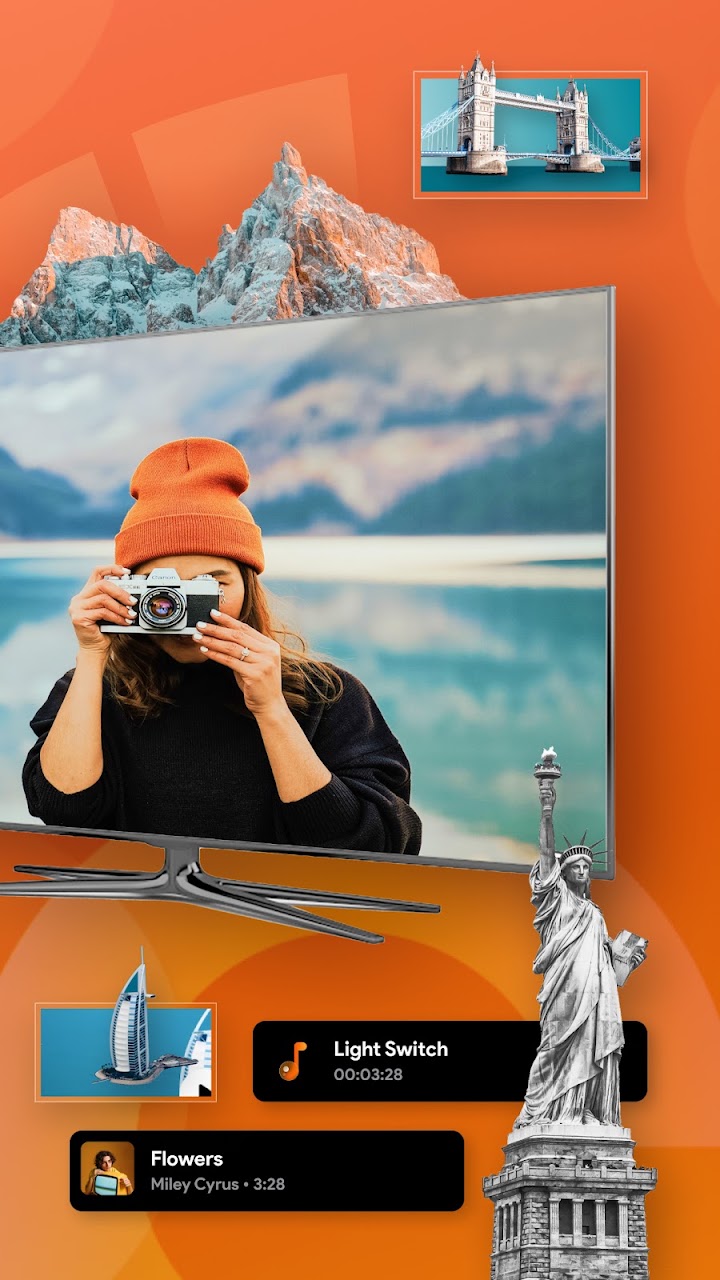
About this app
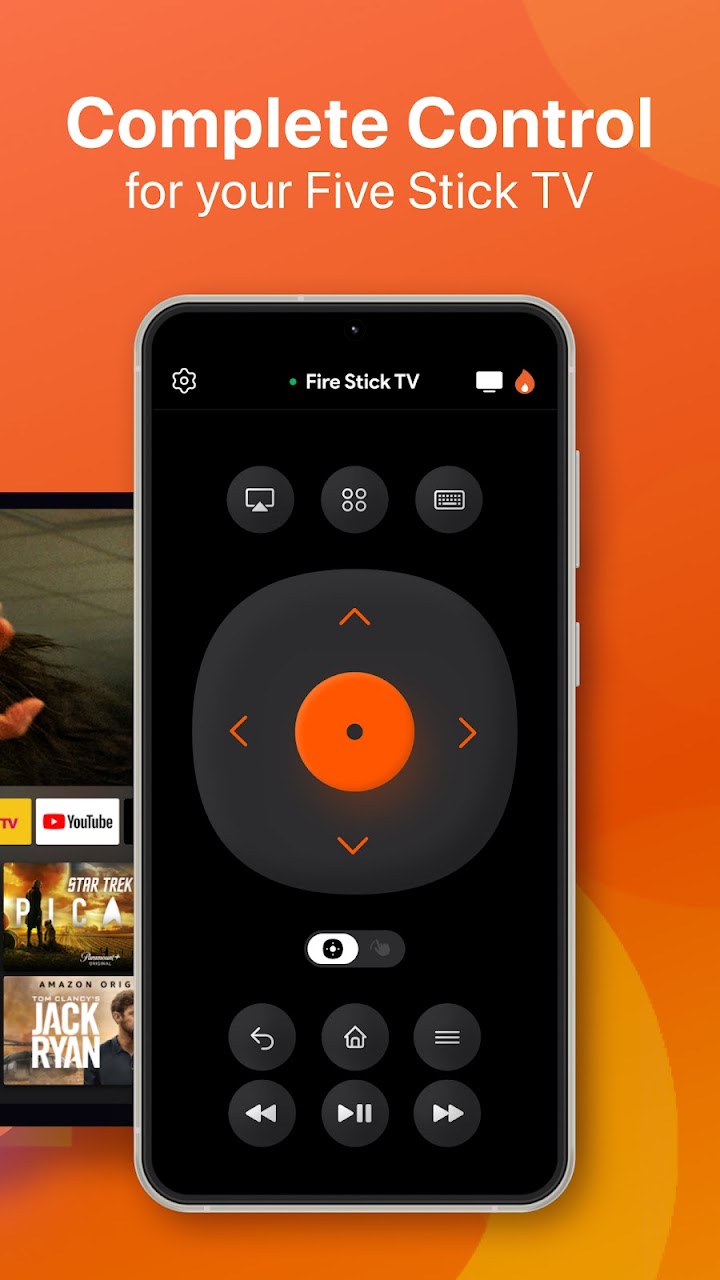
Control your Five TV or FiveStick from your Android phone, with swipe gestures, keyboard entry, and quick access to apps. Remote for Five TV is built for use on the same Wi‑Fi network and requires ADB debugging on the Five device before it can connect. It is free, but it includes ads and in-app purchases.
- Phone-based remote — Use your Android device to control Five TV without reaching for the physical remote.
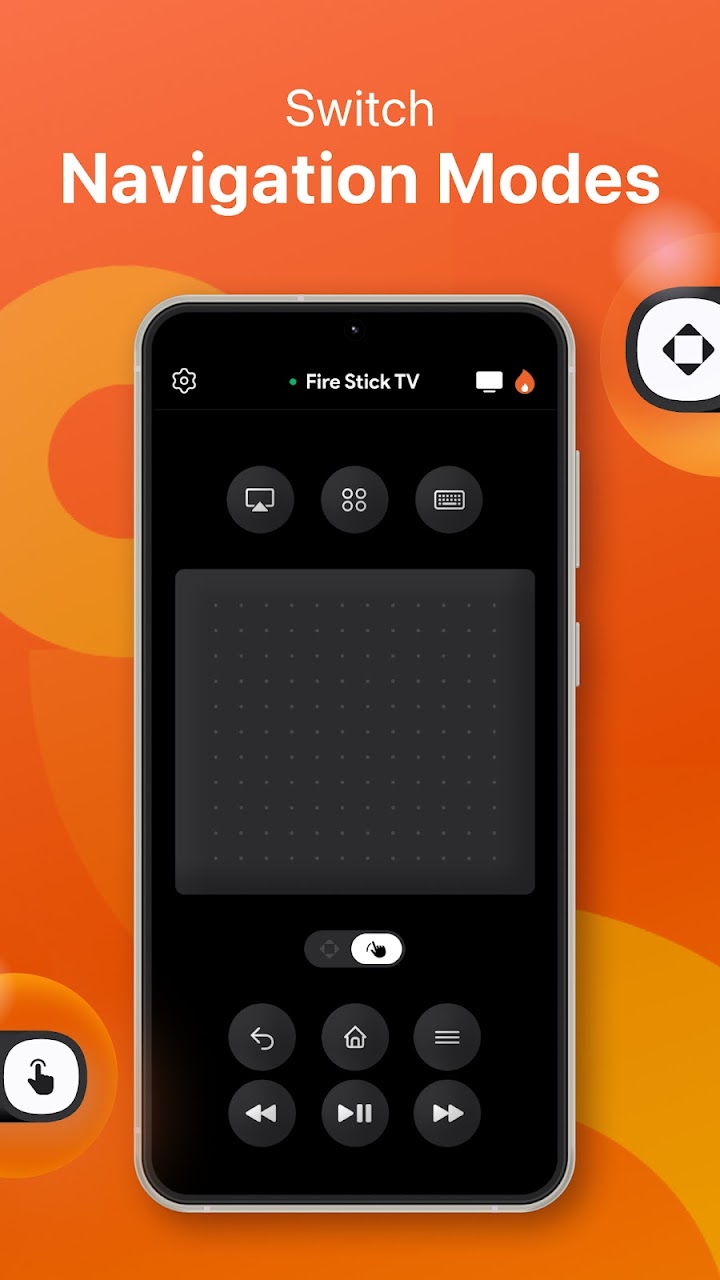
- Swipe navigation — Move through menus with swipe-based gestures designed for easier browsing.
- Keyboard input — Type searches and text on the TV more easily from your phone.
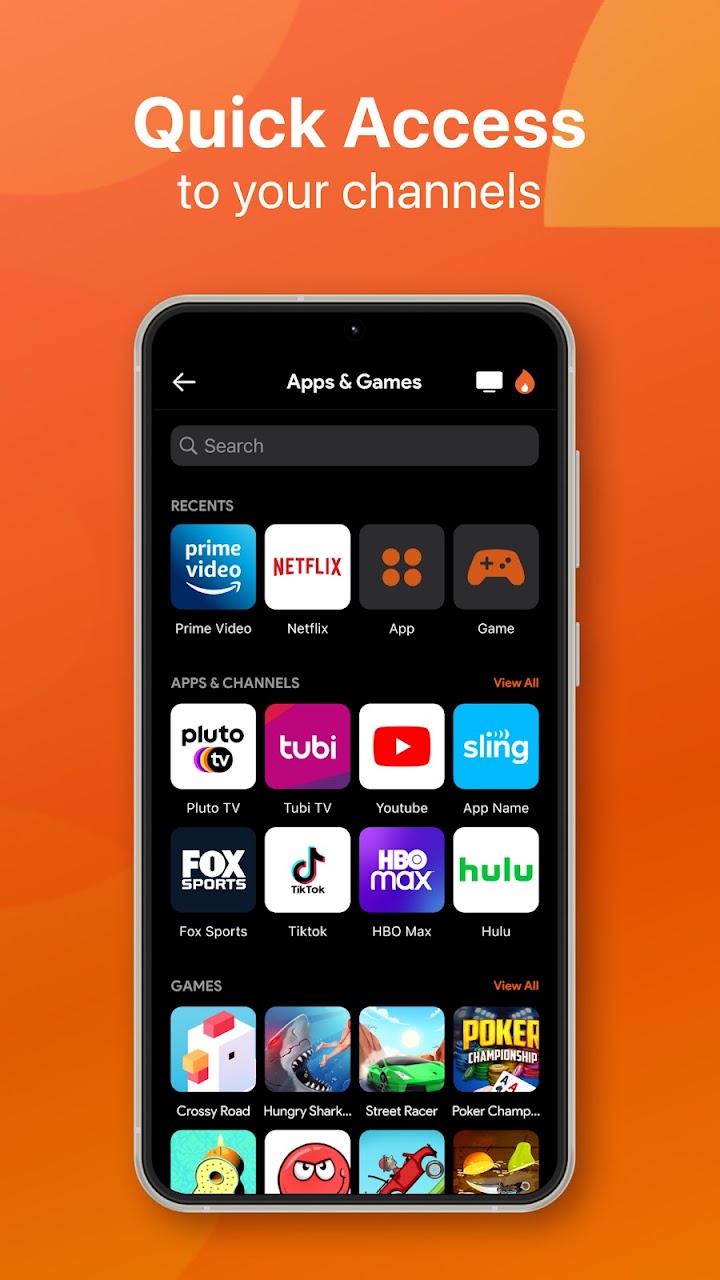
- App shortcuts — Open supported apps and channels quickly from the Apps & Games tab.
- Same-network setup — Connect only when both devices are on the same Wi‑Fi network and the TV allows pairing.
When the TV remote is out of reach
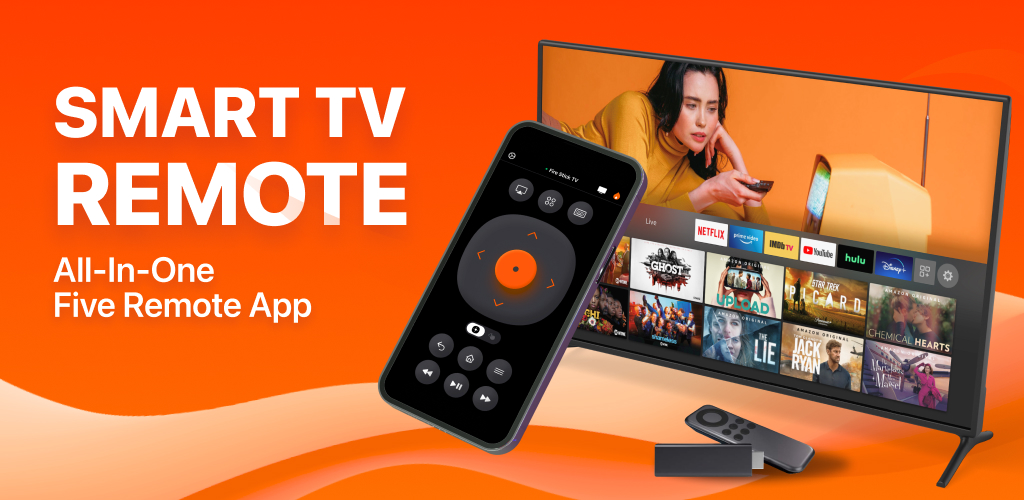
Remote for Five TV is for the common moment when you want to browse, search, or open an app on Five TV or FiveStick without using the physical remote. It turns an Android phone into a controller for the TV, with support for swipes, text entry, and quick app launching. The app is free to download, but it does include ads and in-app purchases.
Connecting to Five TV or FiveStick
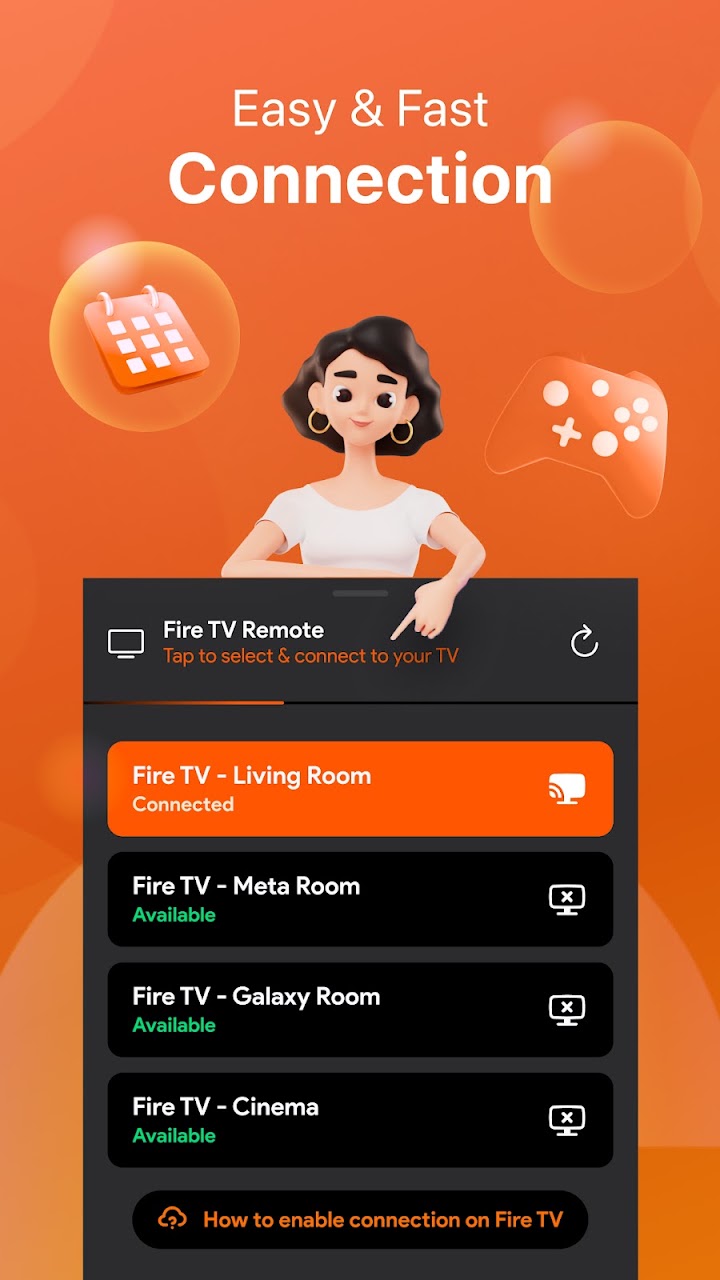
The app is set up for a specific workflow: both devices need to be on the same Wi‑Fi network, and ADB debugging must be enabled on the Five device before pairing. You select the TV in the app and approve the connection on the TV itself. That makes it more specialized than a general Android TV remote app, but it also means it is aimed directly at Five TV and FiveStick users.
It works on Android 7.0 and up, comes as a 56.1 MB APK, and supports universal ABIs.
What it adds beyond basic control
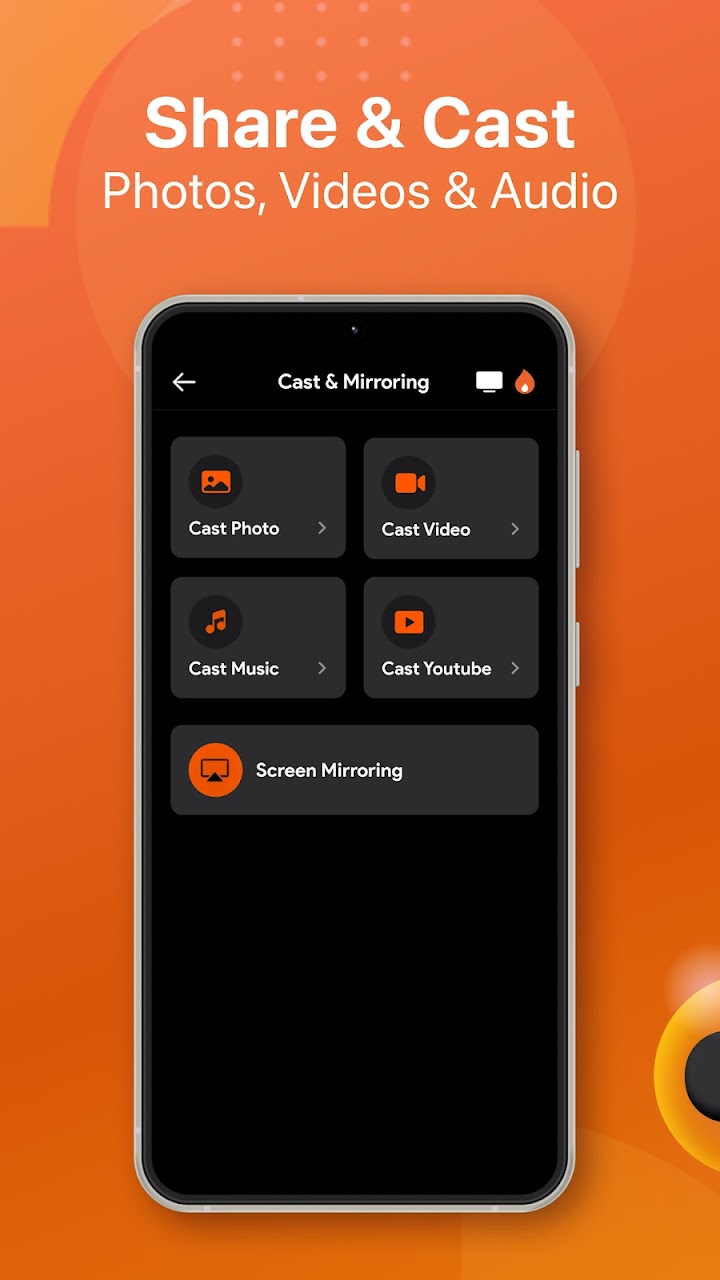
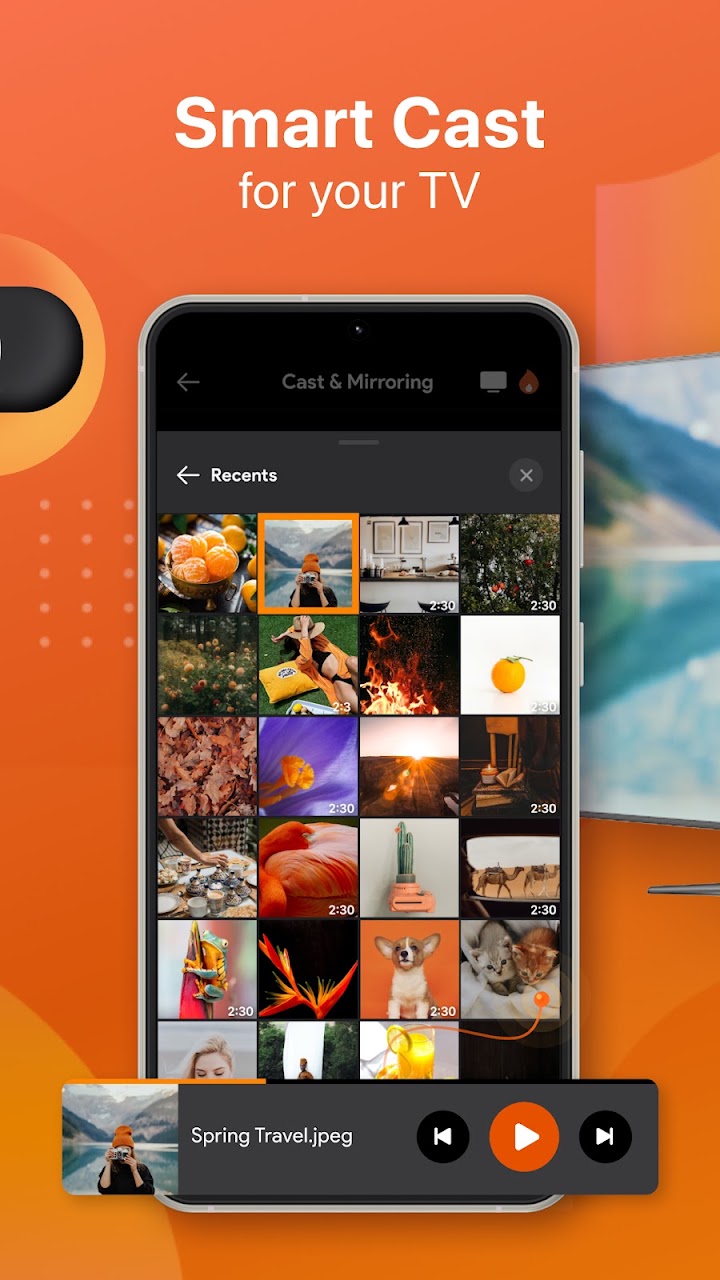
Beyond directional controls, the app includes a keyboard for text input, swipe-based navigation, and an Apps & Games tab with shortcuts to services such as YouTube, Netflix, TikTok, and Pluto TV. It also offers a cast-related feature described as casting apps directly from the TV to your mobile device. For everyday use, that combination is more practical than a simple button-only remote.
- You get: remote control, swipe navigation, keyboard entry, and app shortcuts.
- You need: the same Wi‑Fi network on both devices and ADB debugging enabled on the Five device.
- Watch for: ads, in-app purchases, and a setup process tied to Five TV and FiveStick.
Limits to keep in mind
This app is not an official Amazon product, and it is not affiliated with Amazon.com Inc. It also will not be useful if you want a remote that connects outside your home network, because the app states it only connects when your phone and TV are on the same Wi‑Fi network. With a 3.8 rating from 37 ratings, it has a modest review base rather than a large one.
If you have a Five TV or FiveStick and want phone-based control with text input and app shortcuts, Remote for Five TV fits that narrow job well. If you want a general remote for other devices or a setup that avoids pairing steps, this is less suitable.
APK information
- Version
- 1.3
- Package
- ai.metaverselabs.firetvremoteandroid
- Category
- Tools
- Size
- 56 MB
- Min Android
- 7.0
- Architecture
- universal
Older versions
-
Remote for Five TV 1.3Nov 12, 2026Latest downloadAPK
Remote for Five TV FAQ
Does Remote for Five TV need root?expand_more
No root requirement is listed. The app does require ADB debugging on the Five device before connecting.
Why does Remote for Five TV need these permissions?expand_more
No app permissions are listed in the APK details provided. The setup does require the TV and phone to be on the same Wi‑Fi network and the Five device to allow pairing.
How do I update Remote for Five TV from an APK?expand_more
Download the newer APK version and install it over the existing app on your device. The app is distributed as an APK file, and the current version shown is 1.3.
Which processors does this APK support?expand_more
The APK supports universal ABIs.
What devices does Remote for Five TV work with?expand_more
It is designed for Five TV and FiveStick, with connection steps specific to those devices.