
- 2.0star1,546 reviews
- 100K+Downloads
- 25 MBAPK size
- EveryoneRated for Everyone
- 5.0+Android
check_circleOriginal APK from CodeEdifice · Updated Nov 12, 2026
No threats found
0 / — antivirus engines flagged this file
Original signature
First seen — CodeEdifice
Unmodified APK
Same file the developer published — no mods
Resize Video screenshots
6 images · tap to enlarge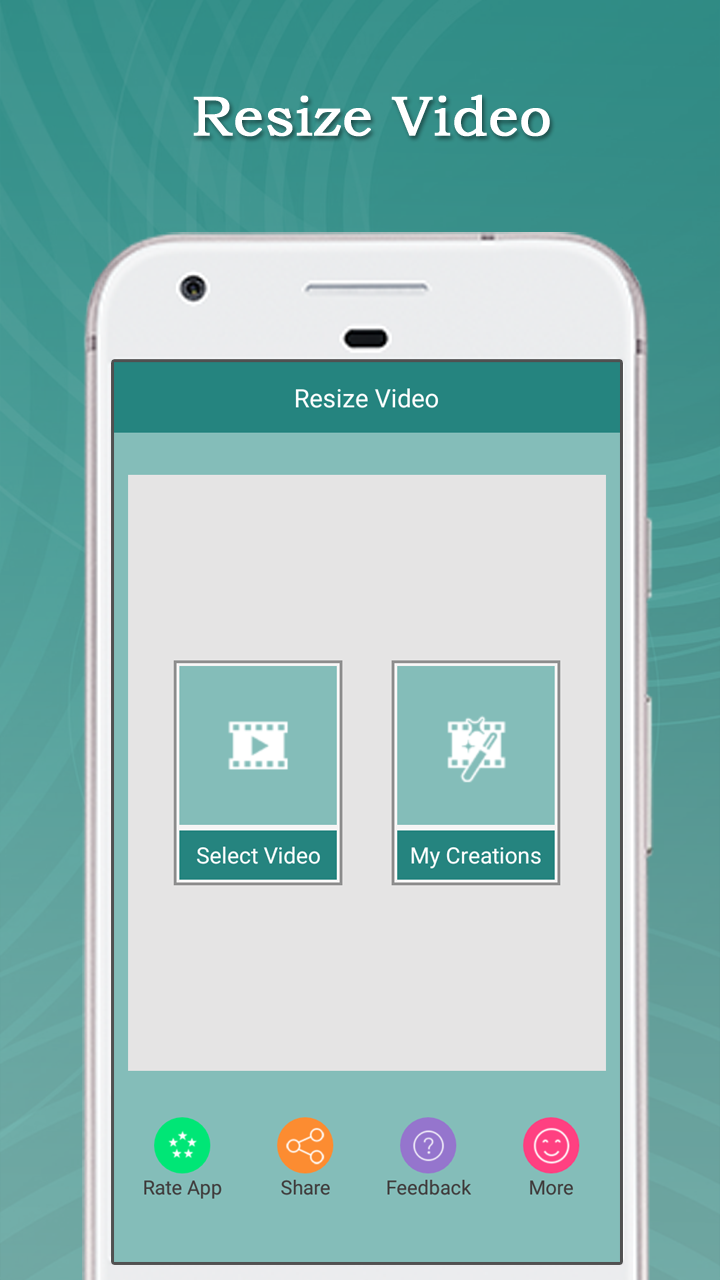
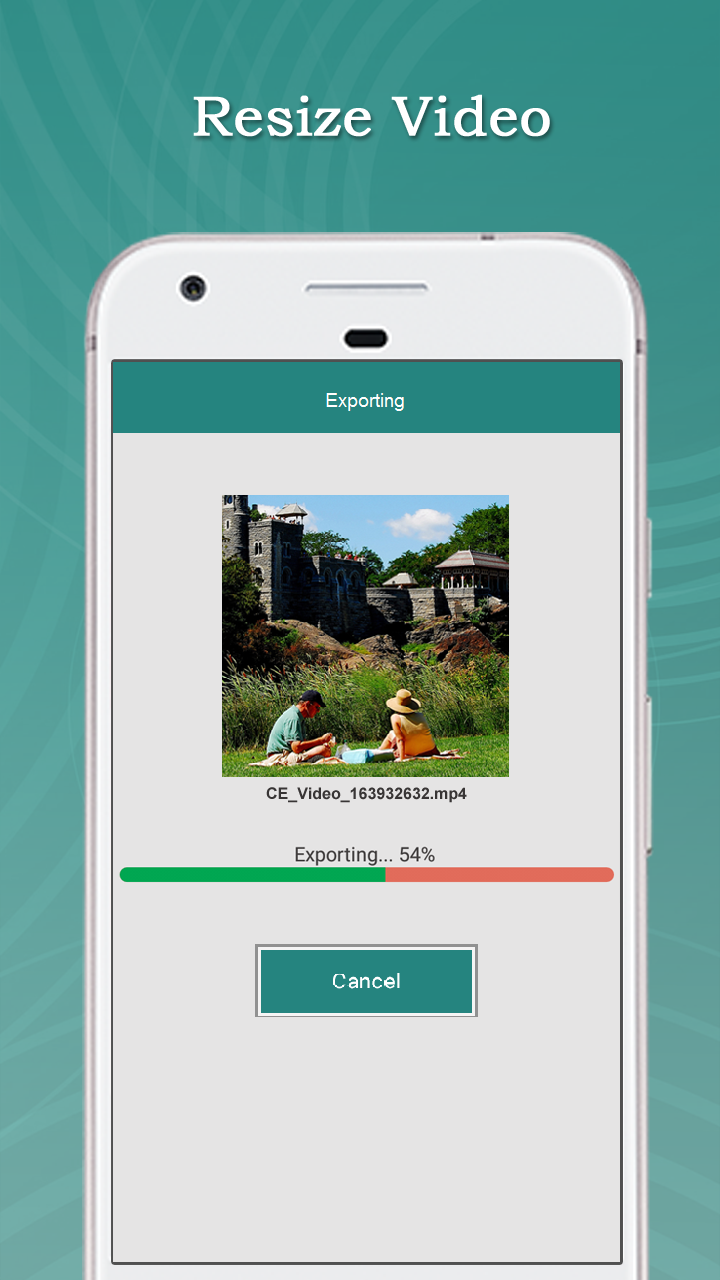
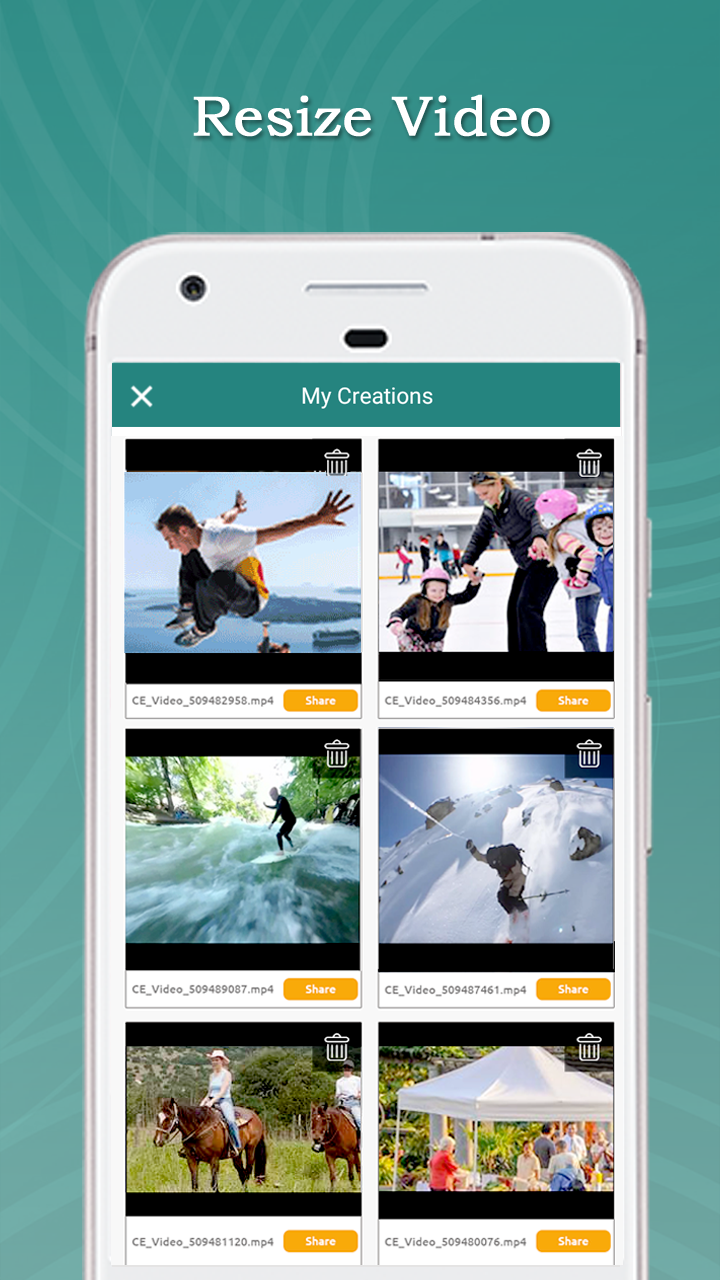
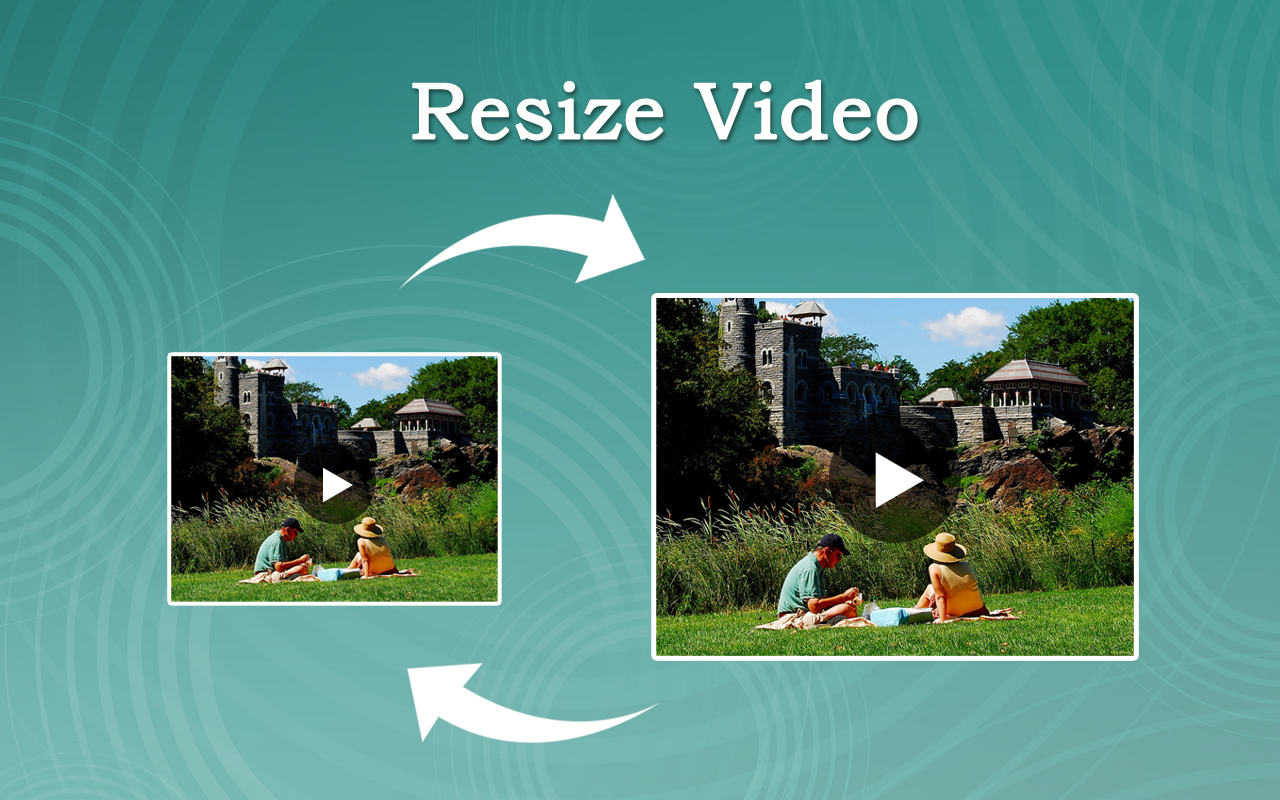
About this app
100K+ installs and a 2.0 rating frame Resize Video as a simple utility for changing video size. Version 1.24 has no listed change log, so the current release is best understood by its core tools: resizing to ratios like 2X or 1/2X, trimming, adding music, muting audio, and saving or sharing the result.
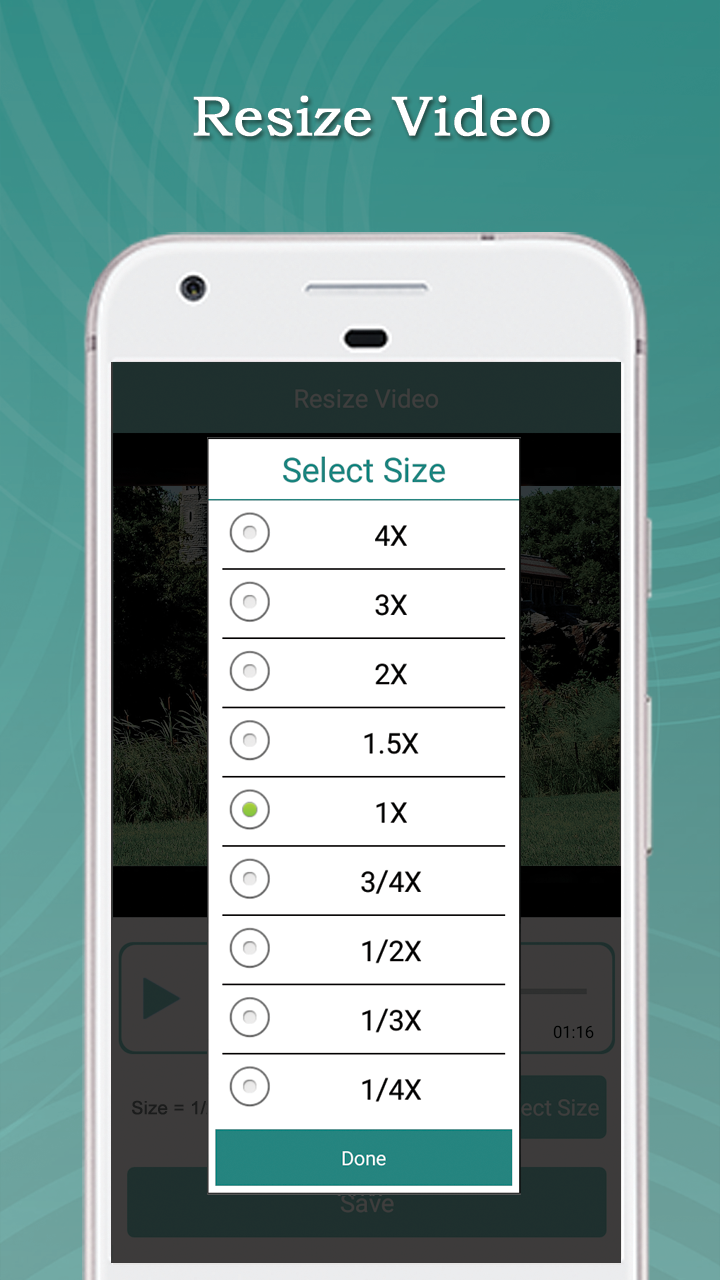
- Resize by ratio — Change a video to sizes such as 2X, 3X, 1/2X, or 1/3X.
- Trim clips — Cut out a chosen part of the video before saving it.
- Add music — Replace or overlay sound by selecting audio from your gallery.
- Mute audio — Remove the original audio track from a video.
- Share and save — Save finished files or send them to apps like Facebook and Gmail.
Version 1.24 and current release details
Resize Video is currently at version 1.24, with no change log listed for this release. The app is free, includes ads, and does not offer in-app purchases. It ships as a universal APK, is 24.8 MB, and needs Android 5.0 or later.
Resizing, trimming, and audio control
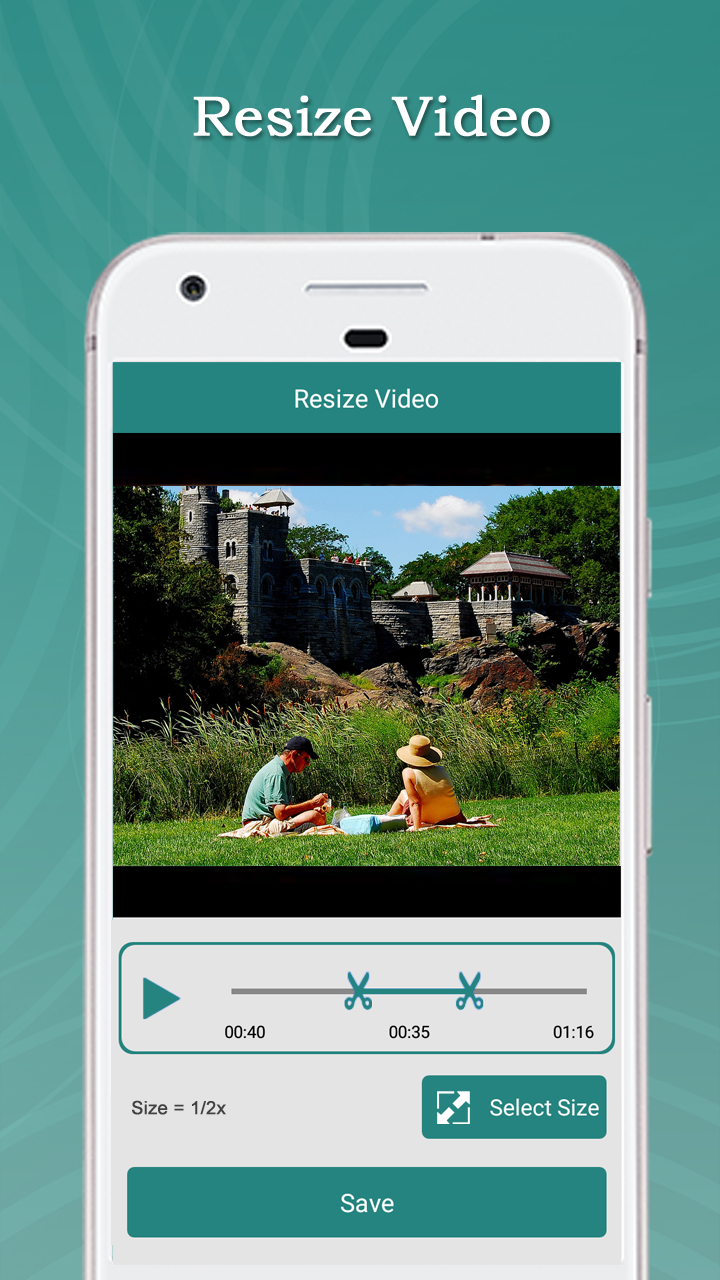
The app centers on one job: changing a video’s size. You can pick a scale such as 2X, 3X, 1/2X, or 1/3X, then trim the clip, mute the original sound, or add music from your gallery. It also includes playback for the resized result, so you can check the output before sharing.
- You get: resize, trim, mute, add music, save, and share tools.
- Watch for: ads, a low user rating, and no in-app purchases.
Import and sharing workflow
Resize Video accepts videos from your gallery or camera, then walks you through choosing a size and audio option before saving. After processing, you can share the file to social apps such as Facebook or Gmail, or keep it on the device for later use.
Compatibility and device notes
This app is listed for Android phones and tablets that run Android 5.0 or newer. The store listing does not mention TV, Chromecast, or car support, so those use cases are not specified here. CodeEdifice also publishes Color Video Effects, Add Music.
APK information
- Version
- 1.24
- Package
- com.codeedifice.resizevideo
- Category
- Video Players & Editors
- Size
- 25 MB
- Min Android
- 5.0
- Architecture
- universal
Older versions
-
Resize Video 1.24Nov 12, 2026Latest downloadAPK
Resize Video FAQ
Can Resize Video play offline?expand_more
The listing does not say whether it works offline. It does include local gallery and camera imports, resizing, trimming, and playback inside the app.
Does Resize Video need a subscription?expand_more
No subscription is listed. The app is free, includes ads, and has no in-app purchases.
Which Android version does Resize Video need?expand_more
It requires Android 5.0 or later.
Does Resize Video work on tablets?expand_more
The app is marked universal, which indicates broad device support. The listing does not name tablet-specific features, but it is available for Android devices running 5.0 or later.
What can I do with Resize Video?expand_more
You can resize a video, trim part of it, add music, mute the original audio, play the result, and share it after saving.