- 4.7star4,774,412 reviews
- 100M+Downloads
- 35 MBAPK size
- TeenRated for Teen
- 7.0+Android
check_circleOriginal APK from Roku, Inc. & its affiliates · Updated Nov 12, 2026
No threats found
0 / — antivirus engines flagged this file
Original signature
First seen — Roku, Inc. & its affiliates
Unmodified APK
Same file the developer published — no mods
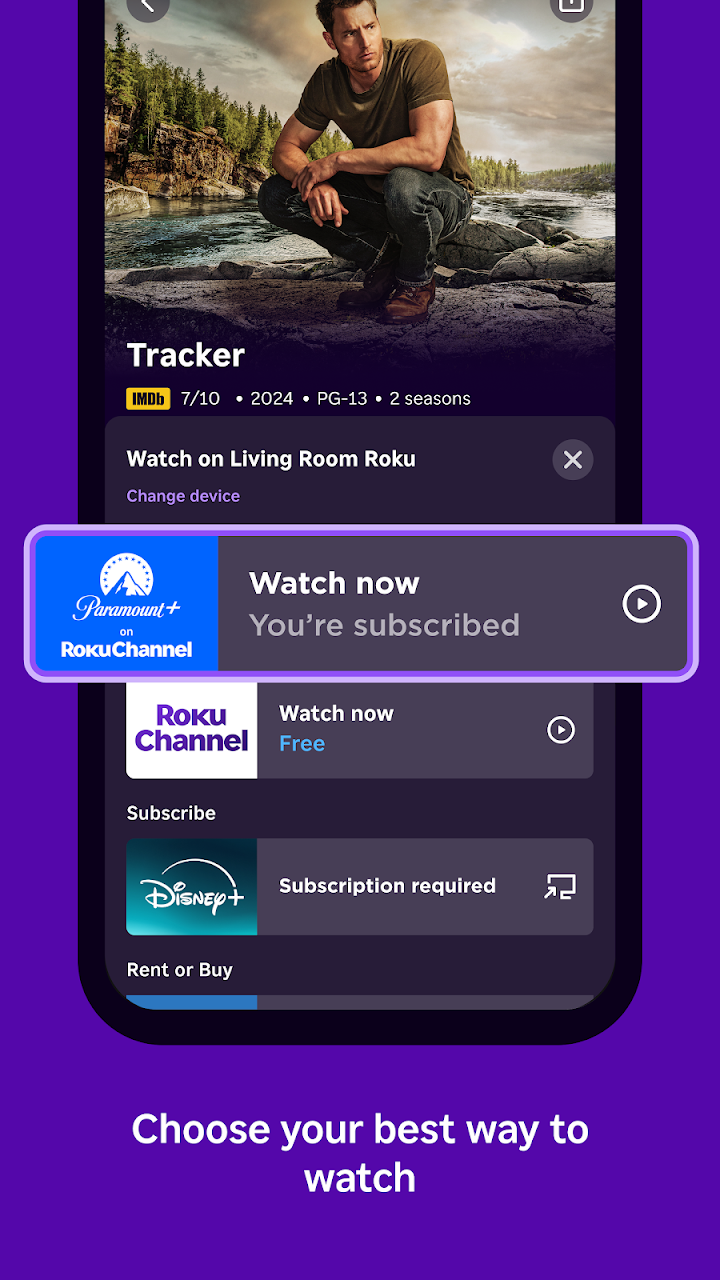
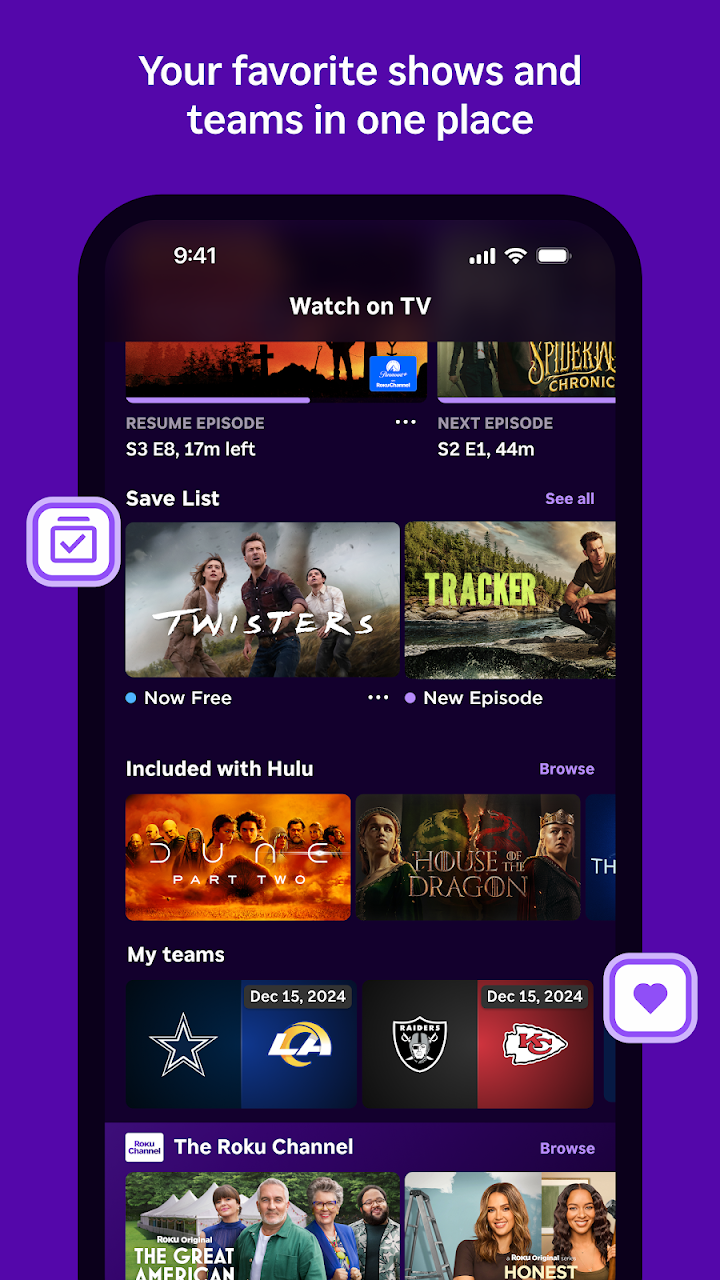
Roku Remote (Official) screenshots
8 images · tap to enlarge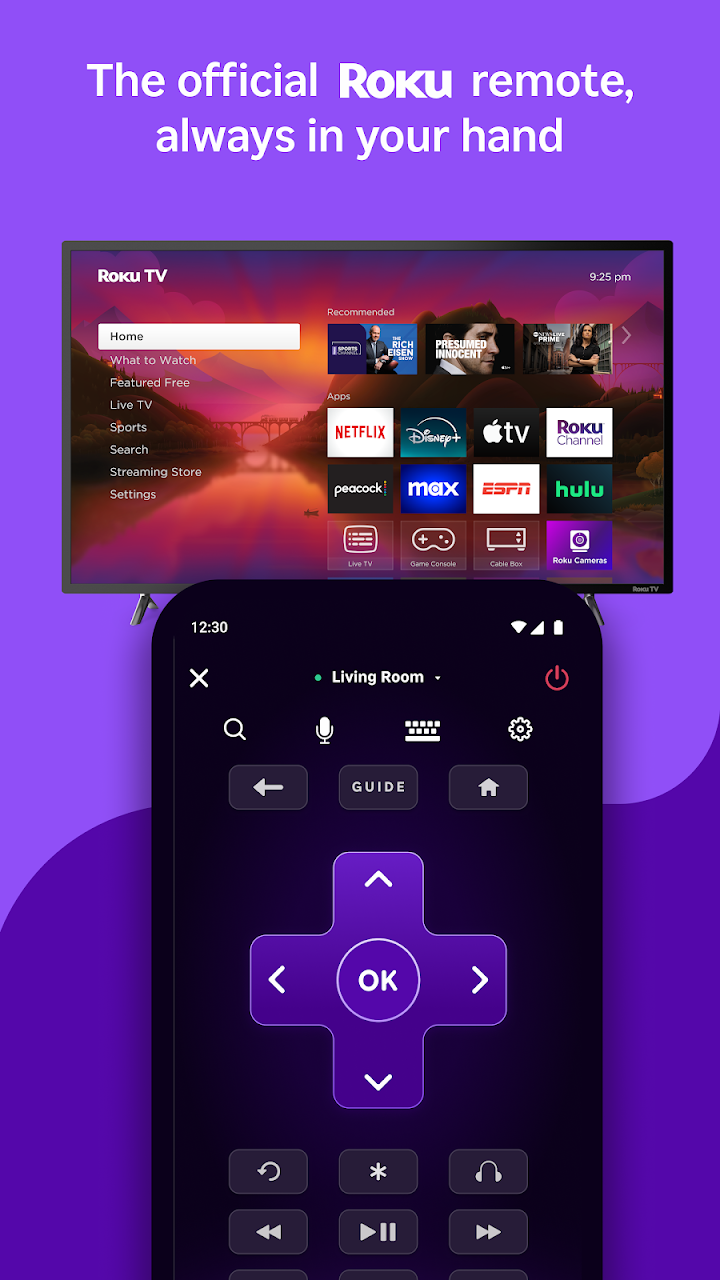
About this app
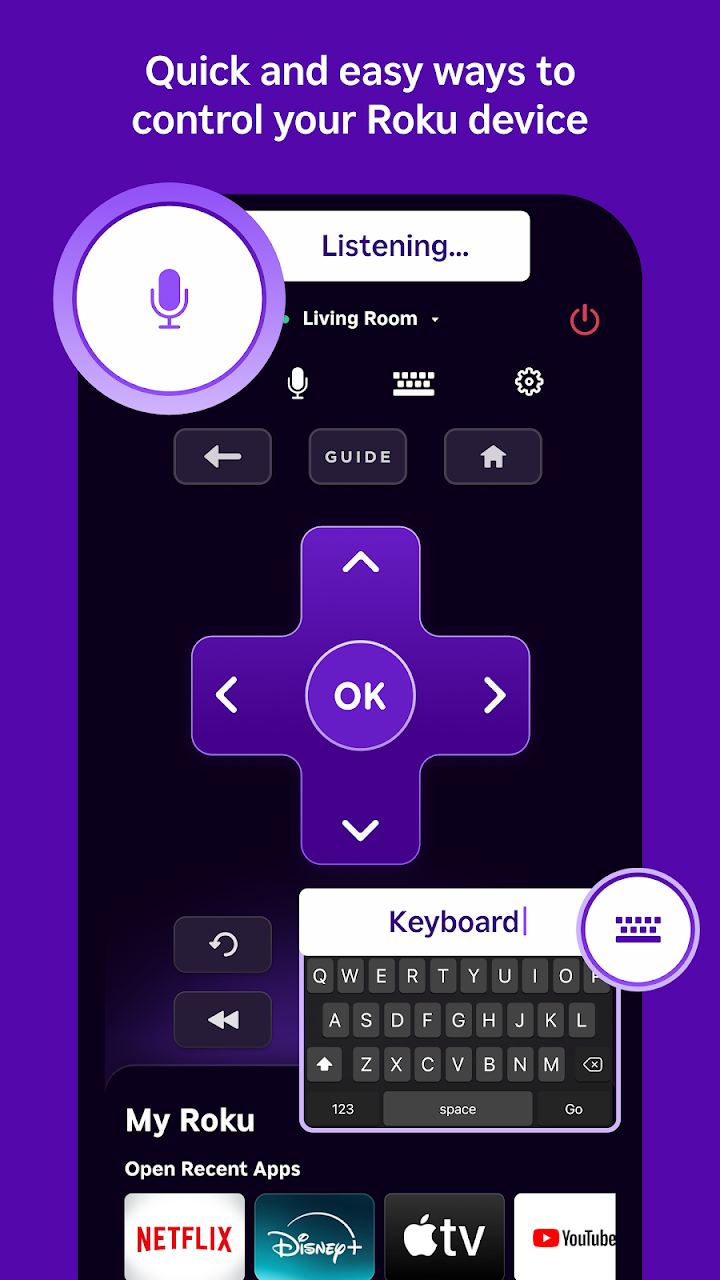
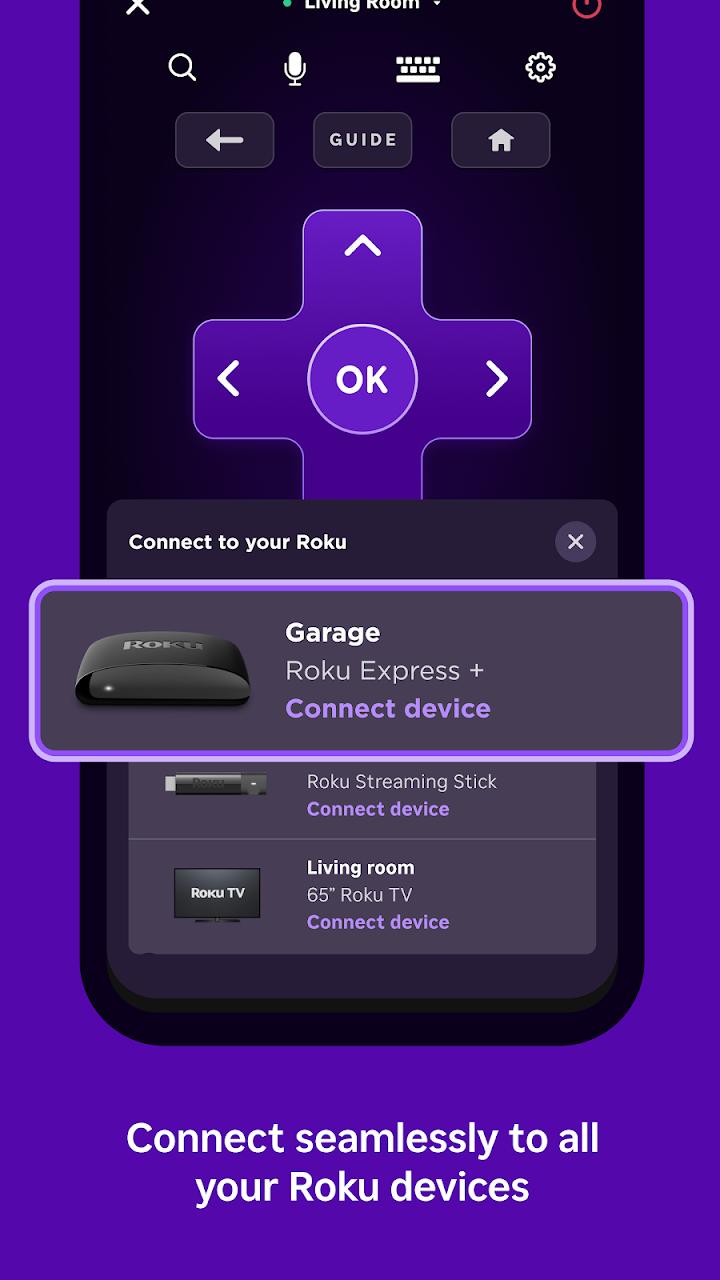
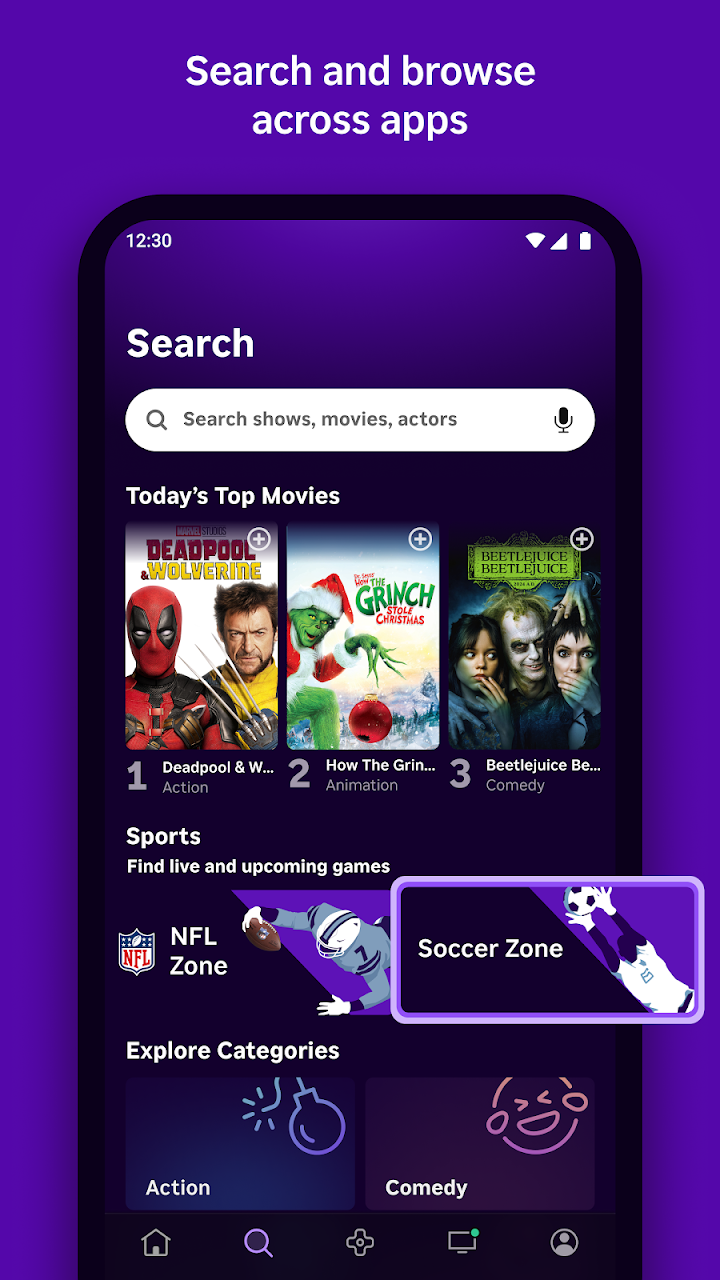
Roku, Inc. & its affiliates make Roku Remote (Official) for controlling Roku players and Roku TVs from an Android phone. It opens into a full remote, with quick access to search, typing, voice input, app launching, and private listening. The app is free, shows ads, and works on devices running Android 7.0 and up.
- Full remote control — Use the phone as a Roku remote with the same core buttons you expect on the hardware remote.
- Phone keyboard input — Type searches, passwords, and Wi‑Fi details from your Android keyboard instead of using the TV grid.
- Voice search — Speak a query to reach apps and content faster on supported Roku devices and regions.
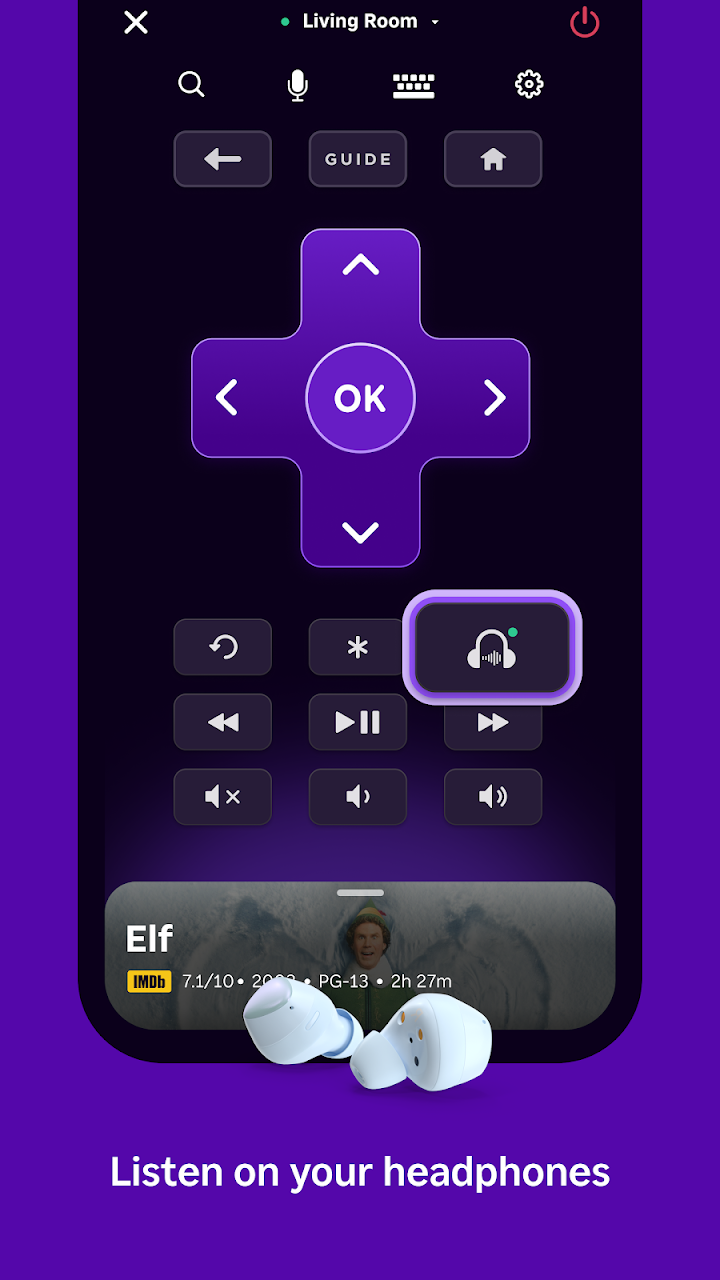
- Private listening — Plug headphones into your phone to listen without playing audio out loud.
- Cast media — Send photos and video from your phone to a Roku-connected screen.
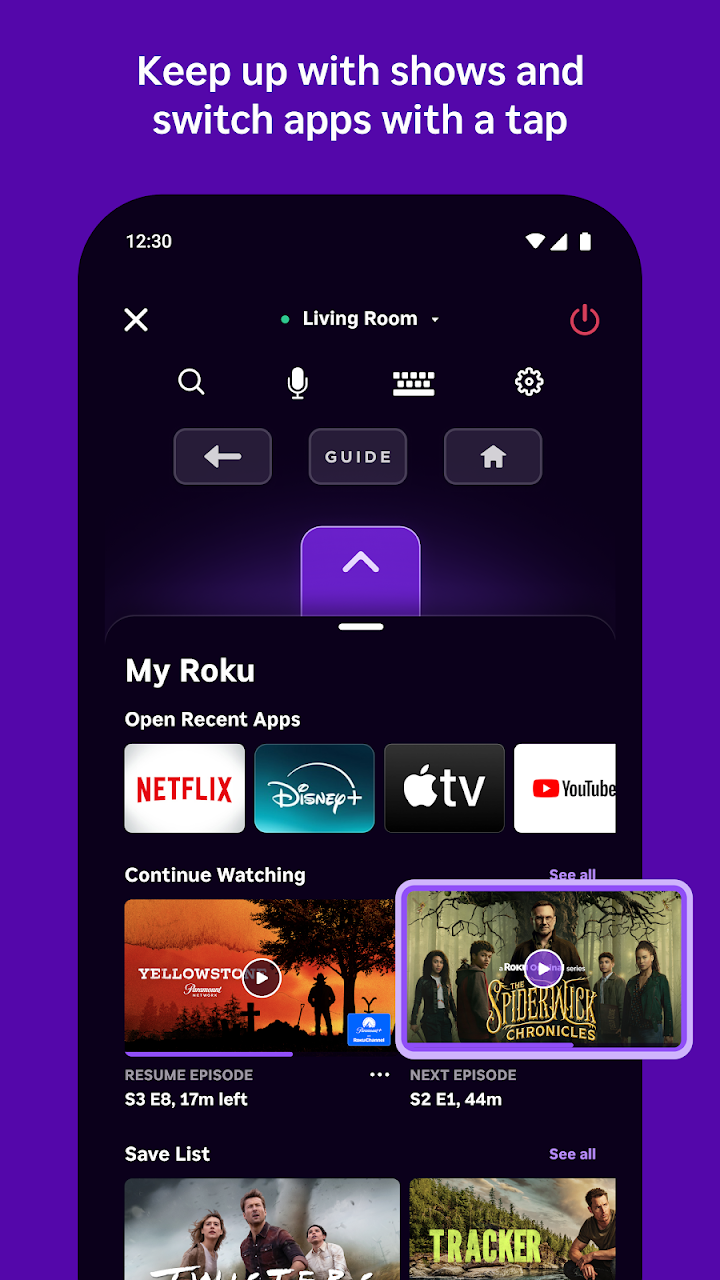
- Launch apps — Add channels to your Roku device or open favorites from the app.
Remote control on the couch
Roku Remote (Official) starts with the job most people need first: replacing the physical remote. It gives you a full Roku-style control surface on your phone, so you can move through menus, open apps, and steer Roku players or Roku TVs without hunting for the remote under cushions.
Typing, voice, and quick launches
The app is most useful when the on-screen keyboard would be slow. You can enter search terms, passwords, and Wi‑Fi details with your phone keyboard, then use voice search when speaking is faster. It also lets you quickly launch favorite channels or add new apps to the Roku device.
Private listening and casting
For late-night viewing, private listening sends audio to headphones connected to your phone instead of the TV speakers. The app also supports casting photos and video from your phone to the big screen, which makes it useful beyond navigation. Roku Channel viewing in the mobile app is available in the US and Mexico only.
Install details and device support
This Android app is free, comes as a 35.0 MB universal APK, and needs Android 7.0 or later. It works with Roku TV models and Roku streaming players. Some features require the phone or tablet to be on the same wireless network as the Roku device, and some functions may require signing in to a Roku account.
What stands out in use
The app’s strong rating is backed by a large number of reviews, and the distribution is heavily weighted toward 5-star ratings. The tradeoffs are straightforward: ads are present, and there are no in-app purchases. Feature availability also varies by device, language, and country, so voice search and channel access are not identical everywhere.
APK information
- Version
- 8.10.2.1535915
- Package
- com.roku.remote
- Category
- Entertainment
- Size
- 35 MB
- Min Android
- 7.0
- Architecture
- universal
Older versions
-
Roku Remote (Official) 8.10.2.1535915Nov 12, 2026Latest downloadAPK
Roku Remote (Official) FAQ
Does Roku Remote (Official) need a subscription?expand_more
No subscription is listed for the app. It is free to install and does contain ads.
Can Roku Remote (Official) play offline?expand_more
Some features need the phone or tablet to be on the same wireless network as the Roku device, so it is not a fully offline experience. Certain functions also require a compatible Roku device and may require a Roku account sign-in.
Which Android version does Roku Remote (Official) need?expand_more
It requires Android 7.0 or later.
What permissions does Roku Remote (Official) ask for?expand_more
No permissions are listed in the app details provided.
Can I use Roku Remote (Official) with Roku TV?expand_more
Yes. It works with Roku TV models and Roku streaming players.