
- 4.7star2,023,531 reviews
- 100M+Downloads
- 21 MBAPK size
- EveryoneRated for Everyone
- 5.0+Android
check_circleOriginal APK from AZ Screen Recorder · Updated Nov 12, 2026
No threats found
0 / — antivirus engines flagged this file
Original signature
First seen — AZ Screen Recorder
Unmodified APK
Same file the developer published — no mods
Screen Recorder - AZ Recorder screenshots
6 images · tap to enlarge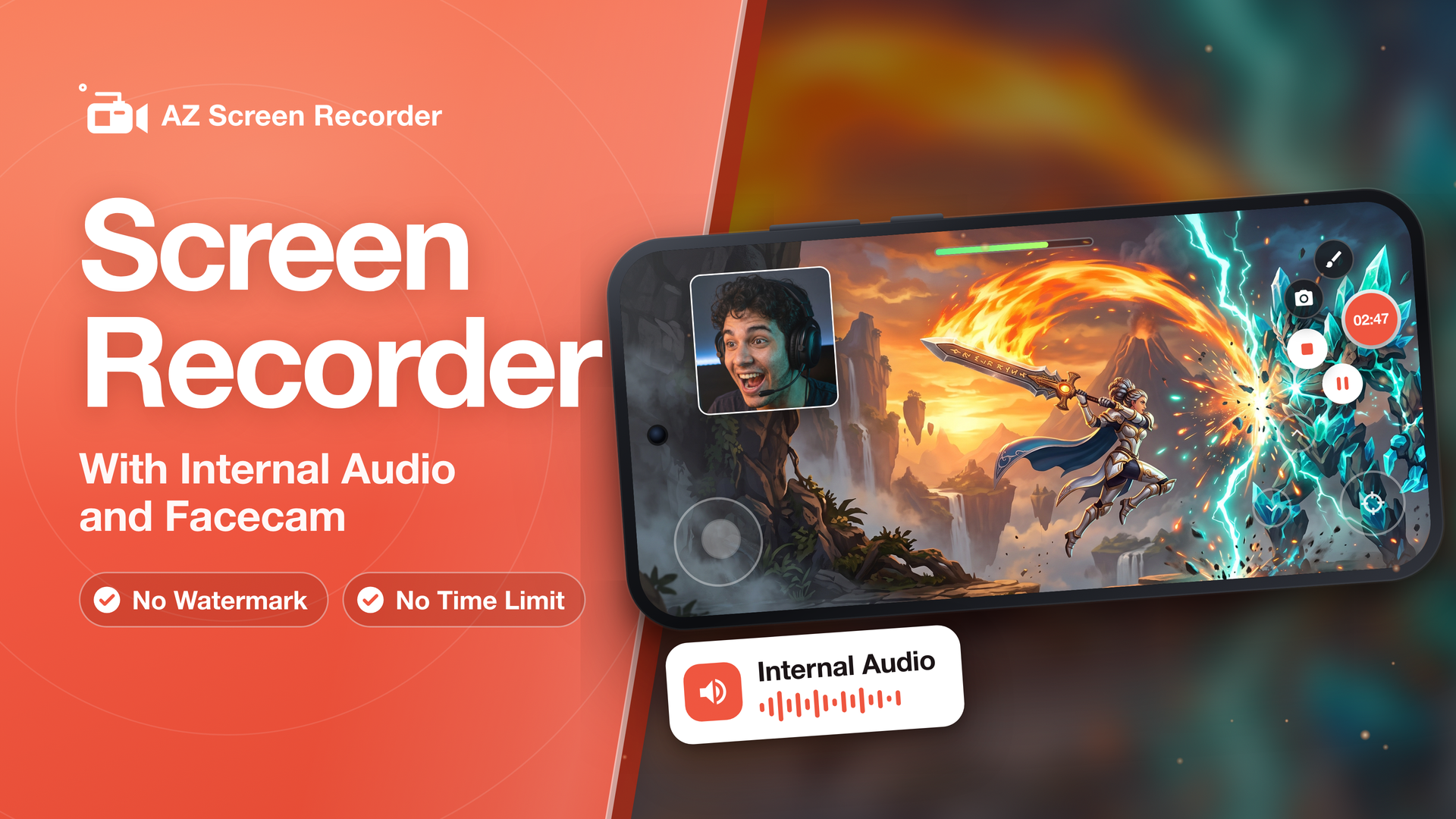

About this app
AZ Screen Recorder makes an Android screen recorder for video capture, screenshots, editing, and livestreaming. It records with mic audio or internal audio, can show facecam, and includes tools for trimming, merging, subtitles, and image editing. The app is free, has ads, and offers in-app purchases.
- Audio Recording — Record screen video with mic audio or internal audio on Android 10 and later.
- Facecam Overlay — Show your face in a floating window while recording or livestreaming.
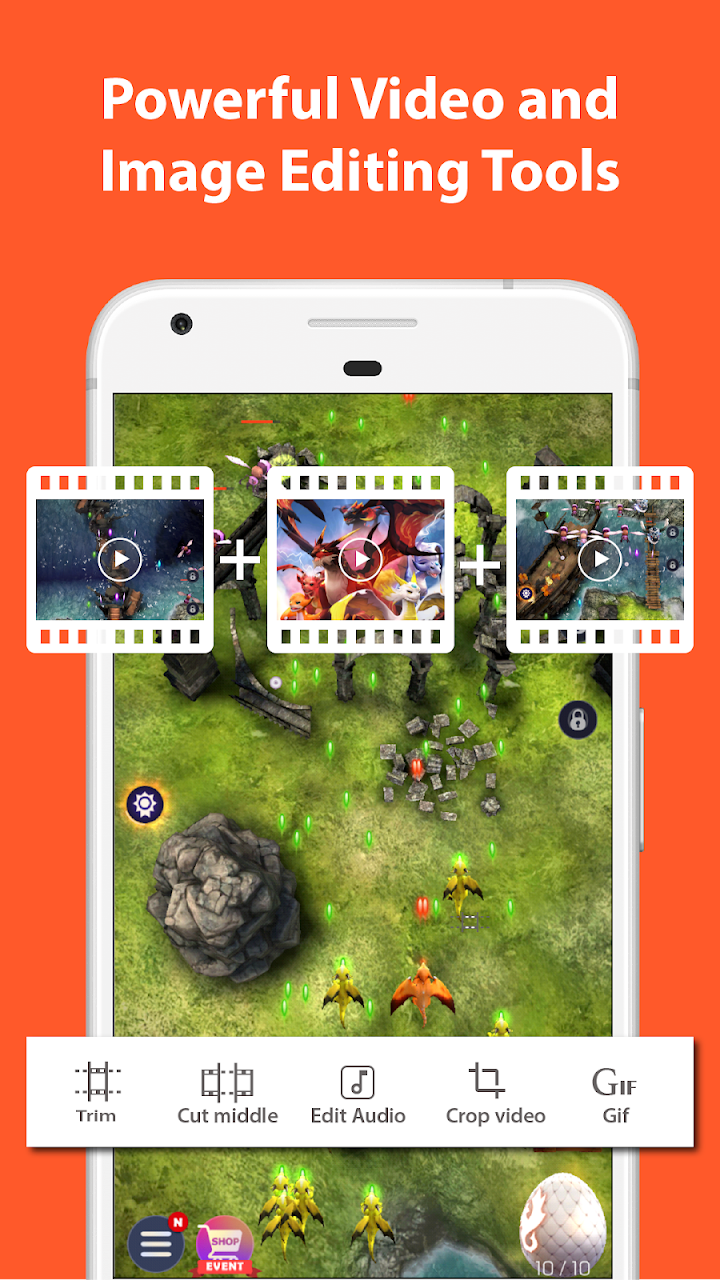
- Video Editing Tools — Trim, merge, crop, rotate, compress, and add subtitles or background music.
- Screenshots and Markup — Capture screenshots with one tap and stitch, blur, crop, or annotate images.
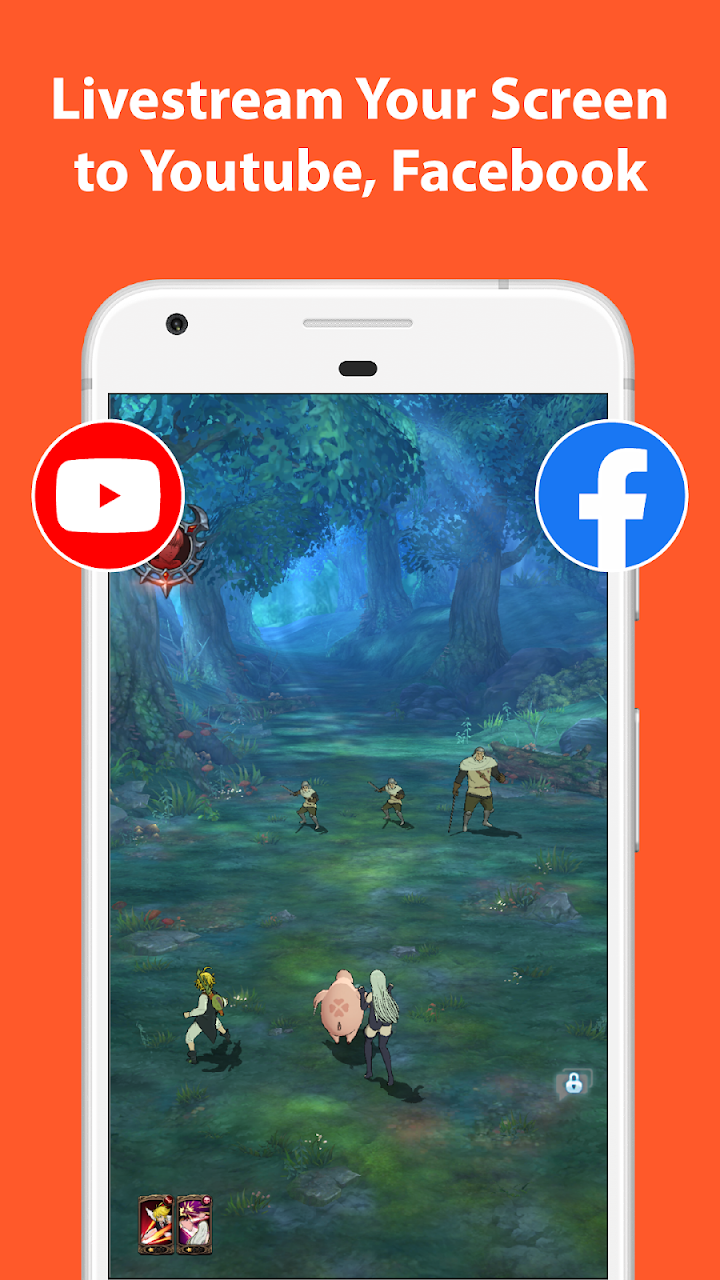
- Livestream Support — Broadcast your phone screen to YouTube or Facebook with selectable stream resolutions.
Screen recording with mic or internal audio
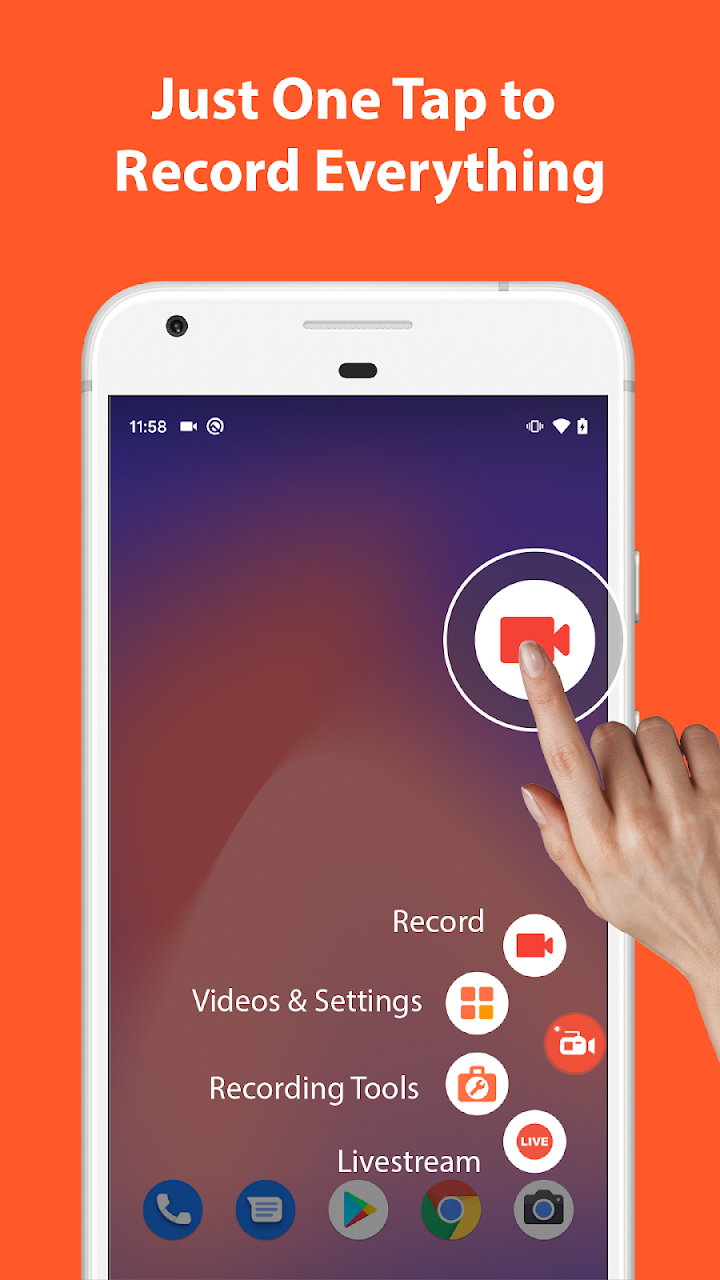
AZ Screen Recorder focuses on recording the screen with sound, which makes it useful for gameplay, app walkthroughs, and video calls. You can start and stop recording with on-screen controls, pause and resume during capture, and draw on the screen while recording. It also supports facecam, so your camera view can appear in a floating window over the video.
The app supports internal audio on Android 10 and later, so game sound or app audio can be captured without relying only on the microphone. It also includes options to record to GIF and to stop recording by shaking the device.
Editing after capture
The built-in editor is more practical than a simple trim tool. You can cut out middle sections, merge clips, add subtitles, crop or rotate videos, extract frames, add background music, and compress files to save space for new recordings. That makes it easier to clean up a screen recording before sharing it.
For example, a long tutorial can be shortened by removing a middle section, then labeled with subtitles before export. A gameplay clip can be compressed after trimming if storage space is limited.
Screenshots, image tools, and livestreaming
Beyond video capture, the app can take screenshots and edit them in the same place. You can stitch several images into one, blur parts you do not want visible, crop edges, and add text, emojis, or drawings. Livestreaming is also included, with support for broadcasting your phone screen to YouTube or Facebook.
When livestreaming, you can choose from different stream resolutions and optionally show your face. If you want to share a phone demo or a game session live, the app combines screen, audio, and facecam options in one package.
Install details and checks
This APK is version 5.8.11c, in universal build form, and uses the APK file format. It is 20.5 MB and requires Android 5.0 or later. Before installing, check that your device meets the Android version requirement and that you are comfortable with the app’s ads and in-app purchases.
- Minimum Android: 5.0
- File size: 20.5 MB
- Format: APK
APK information
- Version
- 5.8.11c
- Package
- com.hecorat.screenrecorder.free
- Category
- Video Players & Editors
- Size
- 21 MB
- Min Android
- 5.0
- Architecture
- universal
Older versions
-
Screen Recorder - AZ Recorder 5.8.11cNov 12, 2026Latest downloadAPK
Screen Recorder - AZ Recorder FAQ
Can Screen Recorder - AZ Recorder play offline?expand_more
The app description does not state offline playback features. It is presented as a screen recorder, editor, and livestreaming app.
Does Screen Recorder - AZ Recorder support Chromecast?expand_more
Chromecast support is not listed. The app’s described sharing options focus on screen recording, screenshots, and livestreaming.
Which processors does this APK support?expand_more
The APK is listed as universal, which indicates broad device support rather than a specific processor type.
Is this the original Screen Recorder - AZ Recorder file?expand_more
The package is listed as an APK for Screen Recorder - AZ Recorder by AZ Screen Recorder. It is version 5.8.11c and marked universal.
Can I record internal audio with Screen Recorder - AZ Recorder?expand_more
Yes. The app supports internal audio on Android 10 and later, along with microphone audio.