
- 4.2star4,176 reviews
- 500K+Downloads
- 21 MBAPK size
- EveryoneRated for Everyone
- 10+Android
check_circleOriginal APK from LeeDrOiD Labs · Updated Nov 12, 2026
No threats found
0 / — antivirus engines flagged this file
Original signature
First seen — LeeDrOiD Labs
Unmodified APK
Same file the developer published — no mods
Shortcutter 2: Quick Settings screenshots
8 images · tap to enlarge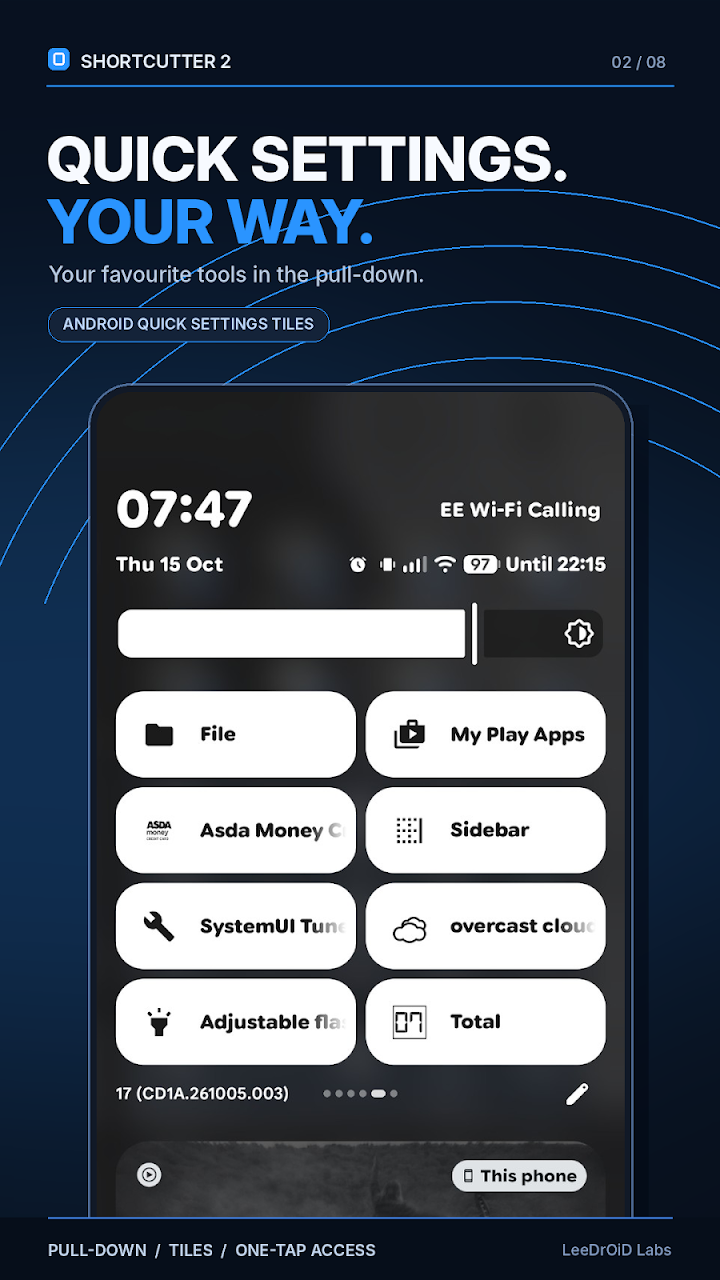
About this app
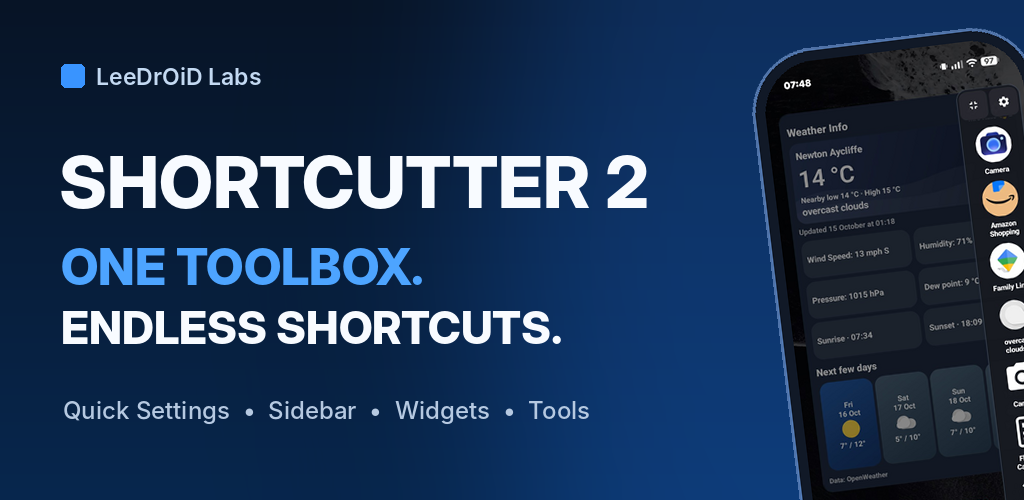
Put useful Android actions where you already swipe for them. Shortcutter 2: Quick Settings lets you add custom tiles, launch apps and settings, and keep shortcuts close through widgets, a sidebar, or a floating toolbox. It runs on Android 10 and up, is free to start, and includes no ads.
- Custom tiles — Add tiles for apps, activities, shortcuts, and supported Android settings to your Quick Settings panel.
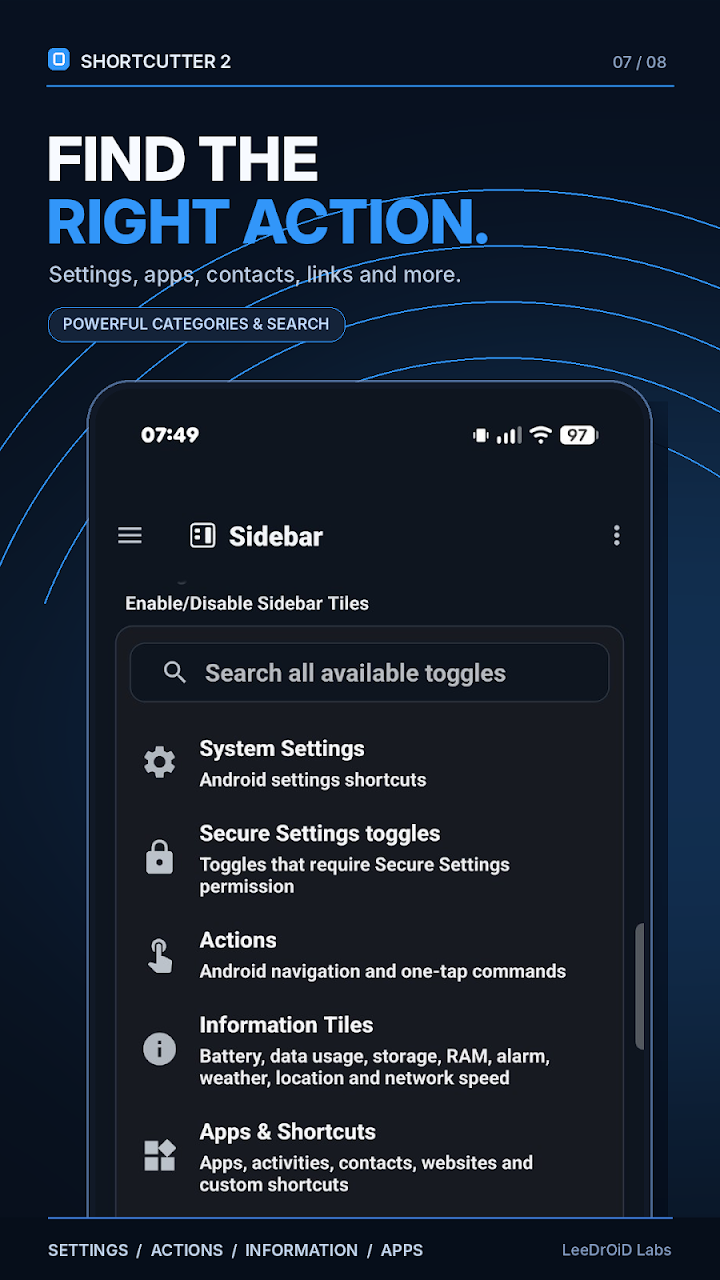
- Shortcut search — Find the tile or action you want faster with built-in shortcut search.
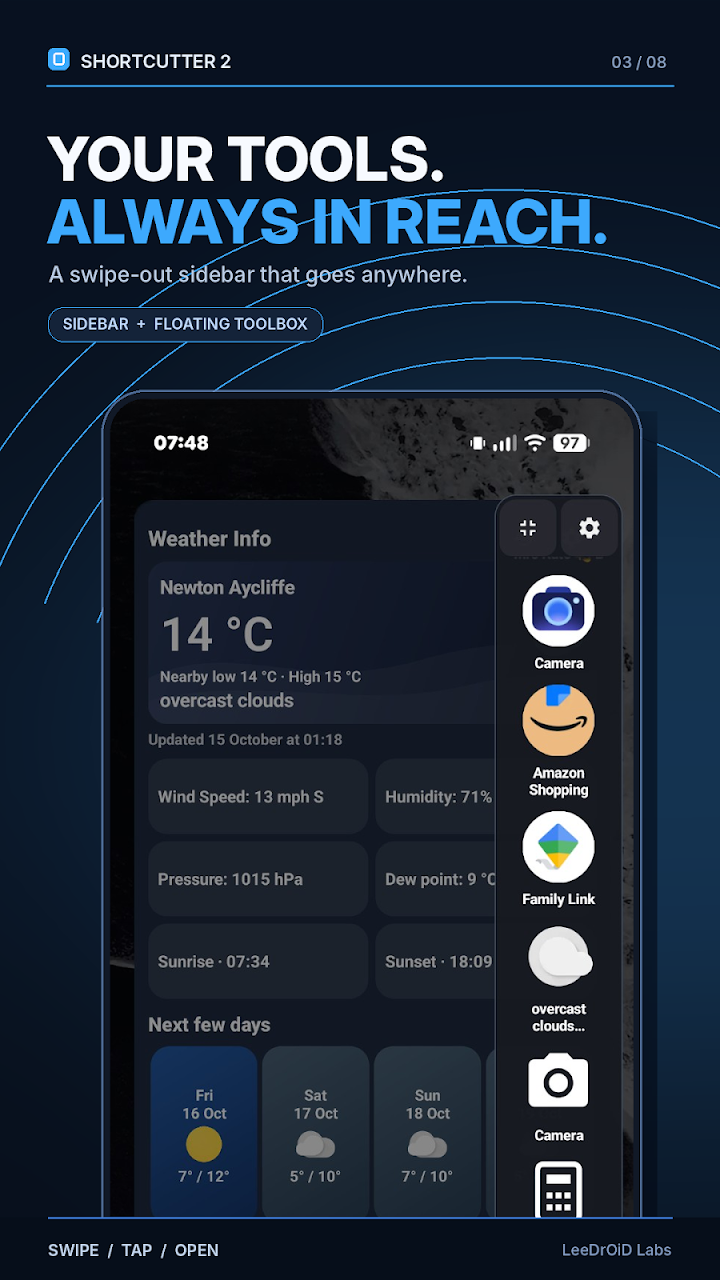
- Sidebar access — Open a swipe-out sidebar from the left, right, or bottom and keep tools within reach.
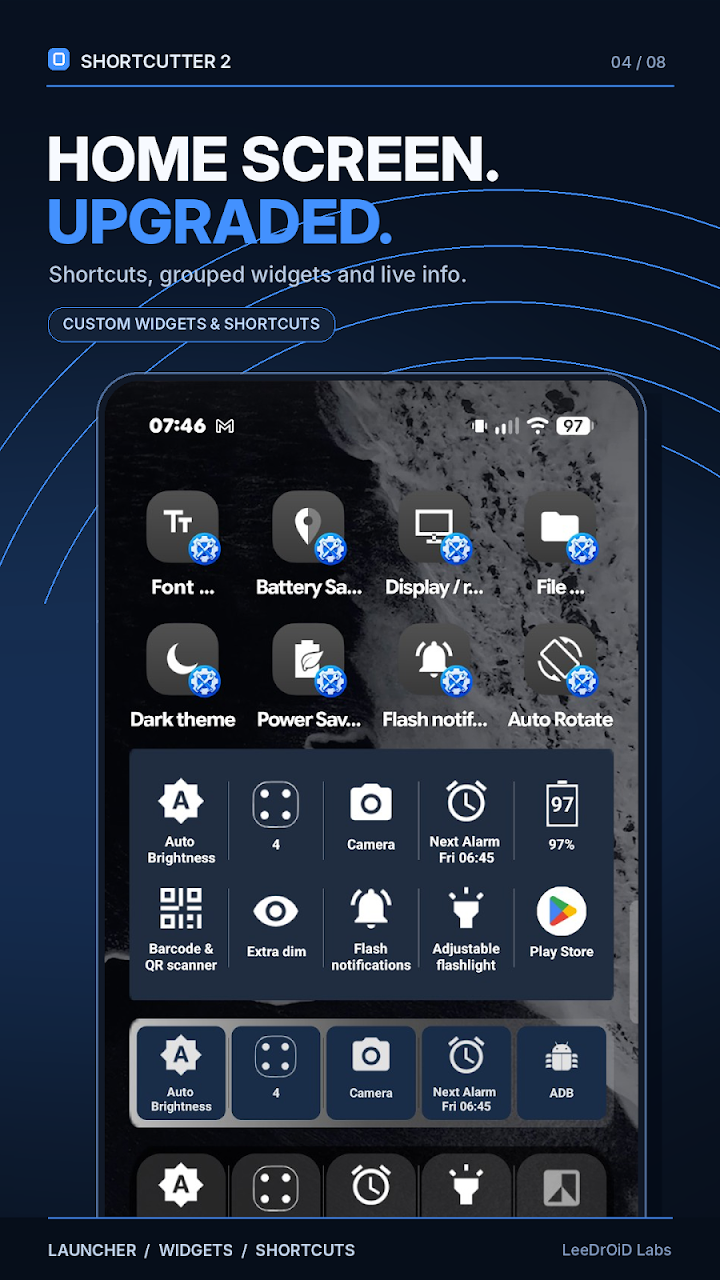
- Widgets and launcher — Pin shortcuts to the home screen, build grouped widgets, and launch supported tools from your launcher.
- Built-in tools — Use QR scanning, calculators, weather, battery info, screen tools, and audio controls from inside the app.
- Optional Pro — Start free, then unlock extra features and customisation with an in-app Pro upgrade.
Quick Settings tiles for daily shortcuts
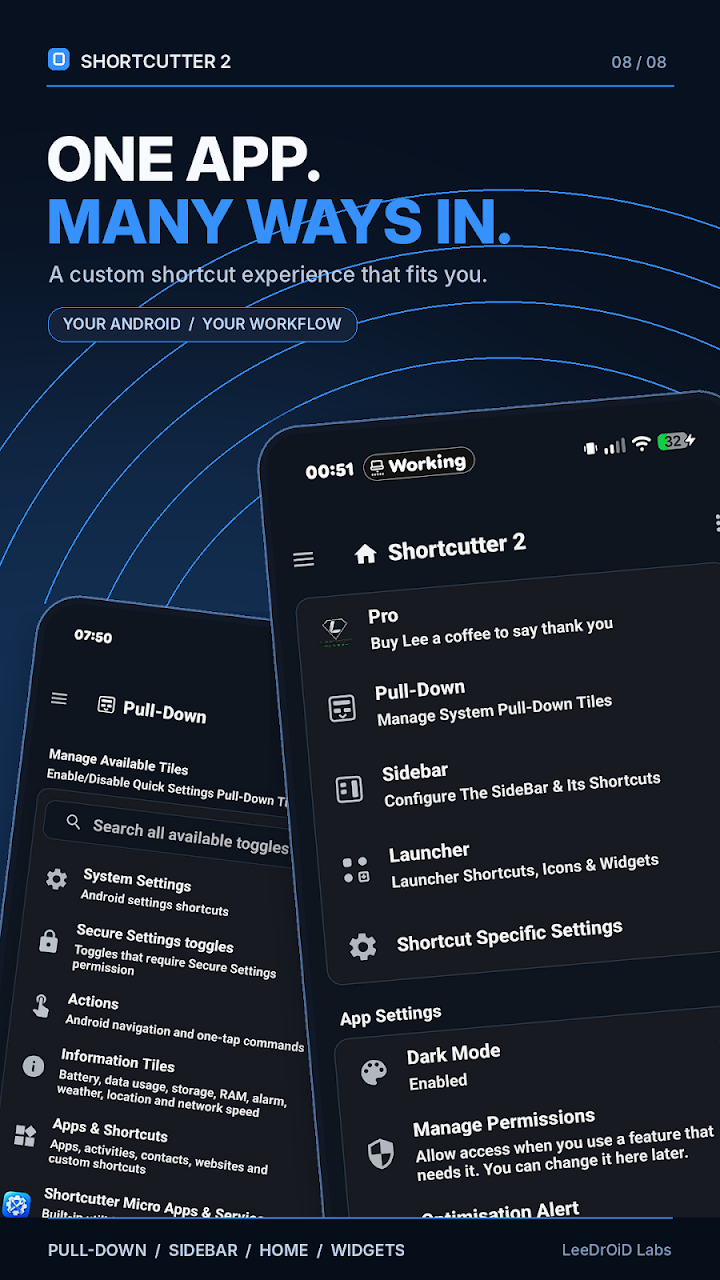
Shortcutter 2: Quick Settings is built for the moments when you want a faster route to something you use often. Instead of digging through menus, you can add tiles for apps, activities, websites, contacts, calls, messages, and supported Android settings. Those tiles sit alongside your existing system tiles, so the pull-down panel you already use does more of the work.
The app also includes shortcut search, which helps when the tile list starts growing. If Android blocks a direct action, Shortcutter can open the relevant settings screen instead.
Sidebar, floating toolbox, and widgets
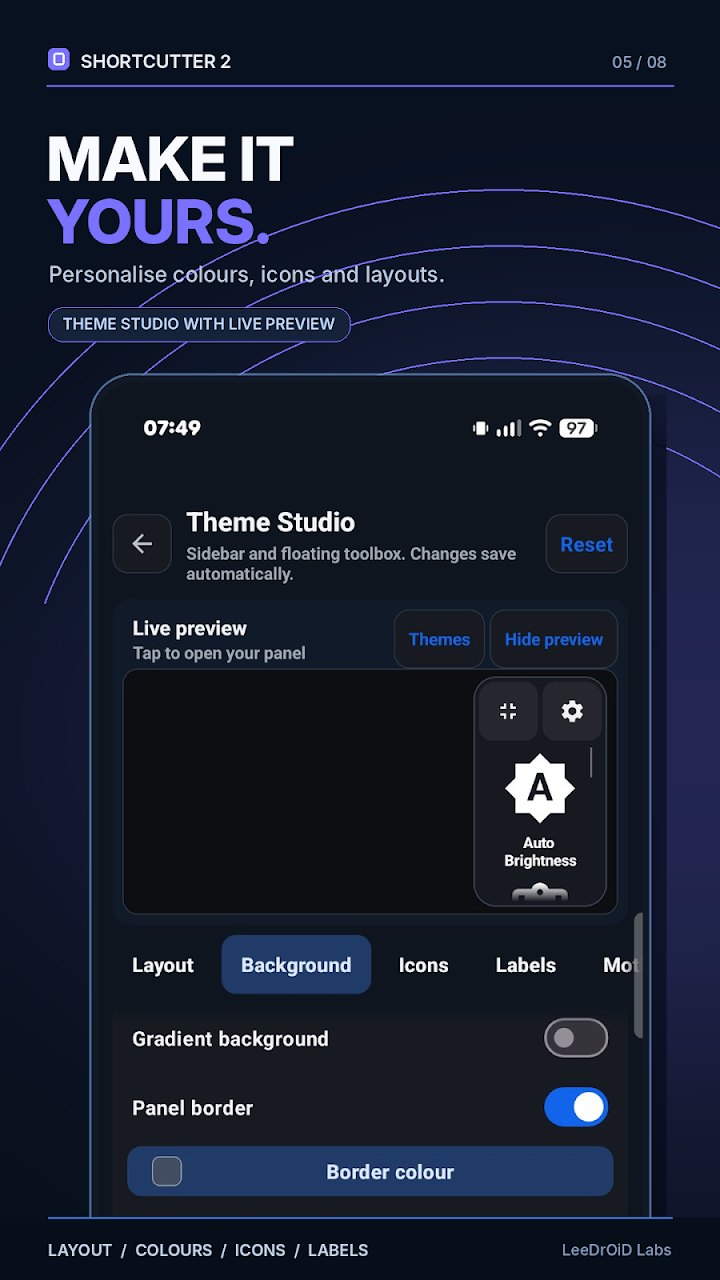
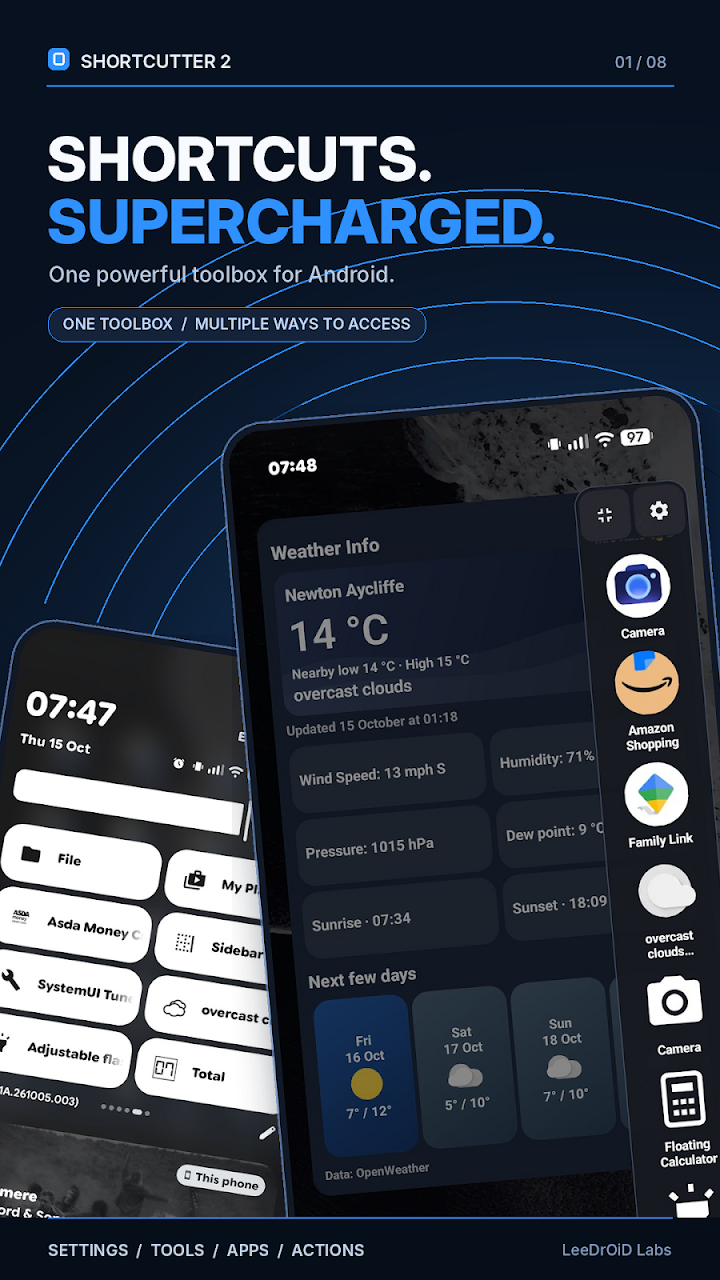
When you are already inside another app, the sidebar and floating toolbox keep shortcuts close without switching context. You can place the sidebar on the left, right, or bottom edge, then customise the layout, icon style, position, and appearance. Theme Studio adds live previews, colours, gradients, borders, and backgrounds.
Home screen widgets and launcher shortcuts give you another path in. You can pin individual shortcuts, group them into widgets, or launch supported tools directly from the app drawer or launcher.
QR scanning, timers, and Android controls
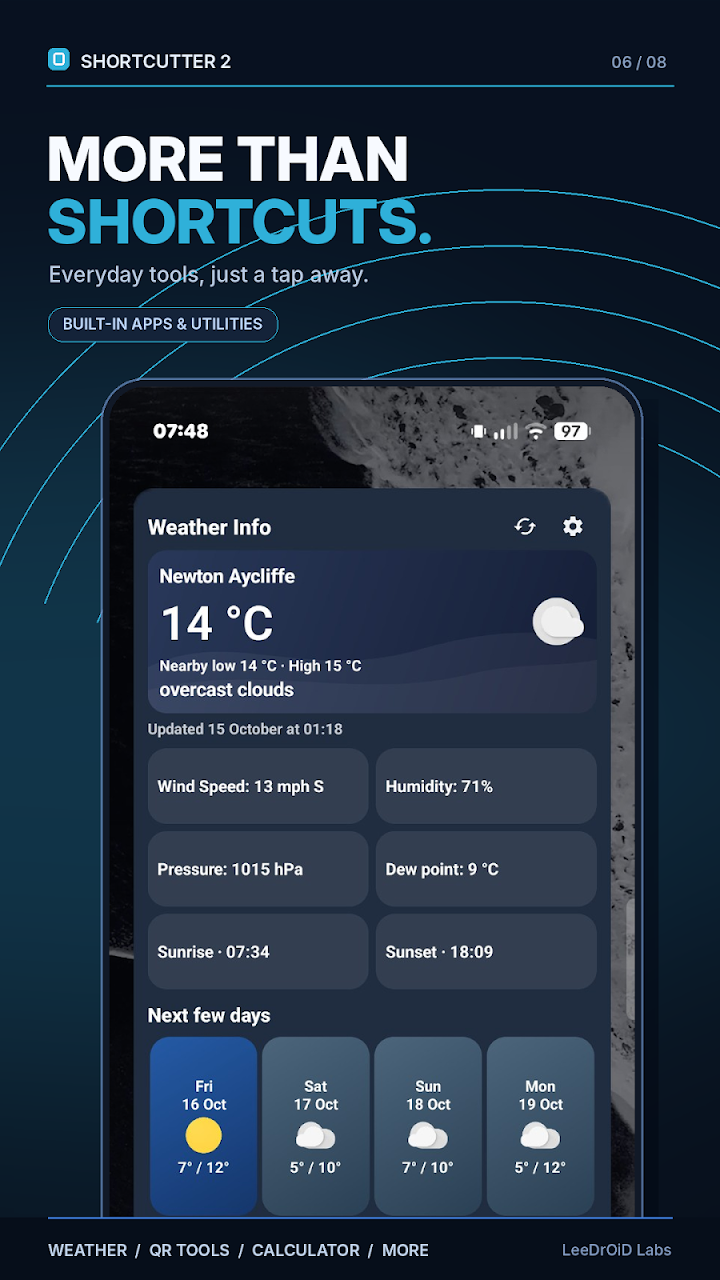
Shortcutter also includes built-in tools that fit into ordinary routines: QR and barcode scanning from the camera or gallery, a QR generator, calculator, stopwatch, timer, counter, dice, weather, next alarm, battery and device details, flashlight, brightness, screen orientation, screen capture, screen recording, media controls, clipboard tools, reminders, file shortcuts, zoom accessibility shortcuts, audio tools, EQ/boost, Volume Panel integration, navigation actions, network settings, and developer shortcuts.
It works with compatible automation apps such as Tasker, and some specialist actions can use ADB, Secure Settings, or root.
Limits, compatibility, and install details
Everyday use does not require root, but a few advanced controls do. Android version, device support, and permissions also affect which actions are available, and some features may open a system screen instead of changing a setting directly. The app is free to use, contains no ads, and offers optional in-app purchases for Pro features. It is an APK, 21.4 MB, and requires Android 10 or later.
- Permissions are requested as needed for features such as weather, contacts, and overlay panels.
- Accessibility is used for optional actions like Back, Home, Recent Apps, screen lock, and certain floating controls.
- Shizuku support, long-press shortcut options, sidebar app exclusions, and folders in the sidebar were added in the latest update.
What's new
Version 9.1.71 · Nov 12, 2026
- November 3rd 2026
- New long press shortcut options.
- Sidebar app exclusions.
- Add Shizuku support.
- Calculator enhancements.
- New Quick Settings style.
APK information
- Version
- 9.1.71
- Package
- com.leedroid.shortcutter
- Category
- Tools
- Size
- 21 MB
- Min Android
- 10
- Architecture
- universal
Older versions
-
Shortcutter 2: Quick Settings 9.1.71Nov 12, 2026Latest downloadAPK
Shortcutter 2: Quick Settings FAQ
Does Shortcutter 2: Quick Settings need root?expand_more
No, root is not needed for everyday use. Some specialist actions can use root, ADB, or Secure Settings permissions.
Does Shortcutter 2: Quick Settings drain the battery?expand_more
The app does not provide a battery-drain claim. It does include battery information and tools like a floating sidebar, widgets, and accessibility-based actions.
What permissions does Shortcutter 2: Quick Settings ask for?expand_more
Permissions are requested as needed for the features you choose, such as location for weather tools, contacts for communication shortcuts, and overlay access for floating panels.
Is Shortcutter 2: Quick Settings available for older phones?expand_more
It requires Android 10 or later, so it is not for older devices below that version.
Can Shortcutter 2: Quick Settings work with Tasker?expand_more
Yes. Shortcutter works with compatible automation apps such as Tasker.