
- 4.5star69,473 reviews
- 1M+Downloads
- 4 MBAPK size
- EveryoneRated for Everyone
- 5.0+Android
check_circleOriginal APK from Lakshman · Updated Nov 12, 2026
No threats found
0 / — antivirus engines flagged this file
Original signature
First seen — Lakshman
Unmodified APK
Same file the developer published — no mods
Signal Strength screenshots
8 images · tap to enlarge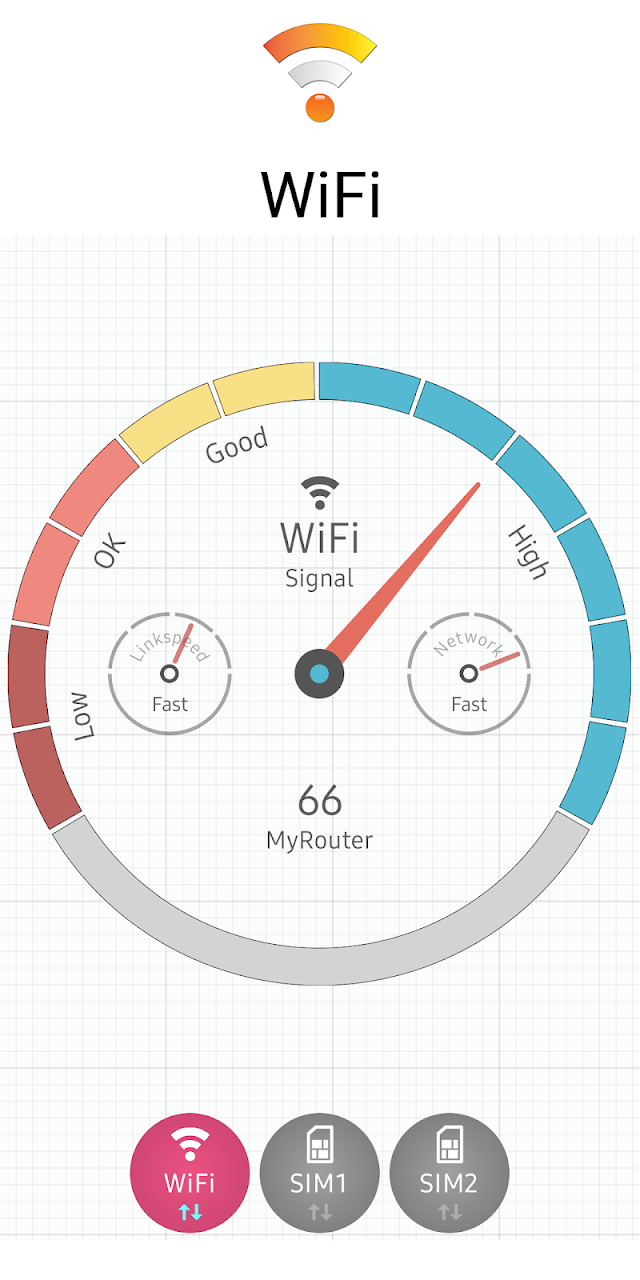

About this app
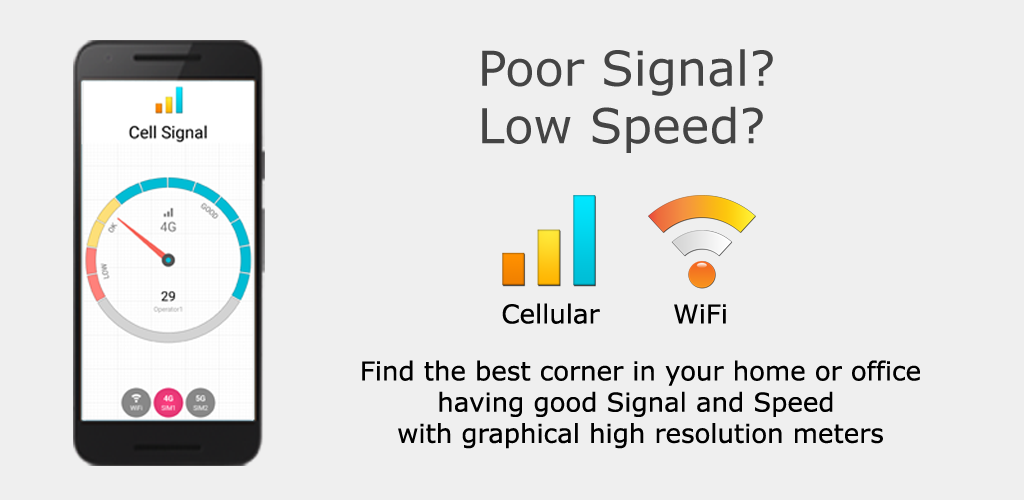
Find stronger 4G, 5G, and WiFi spots in your home or office by checking real-time signal readings instead of relying on signal bars alone. Signal Strength shows dBm values, network details, WiFi scans, and speed test tools, with optional location access for signal data and widgets for quick checks.
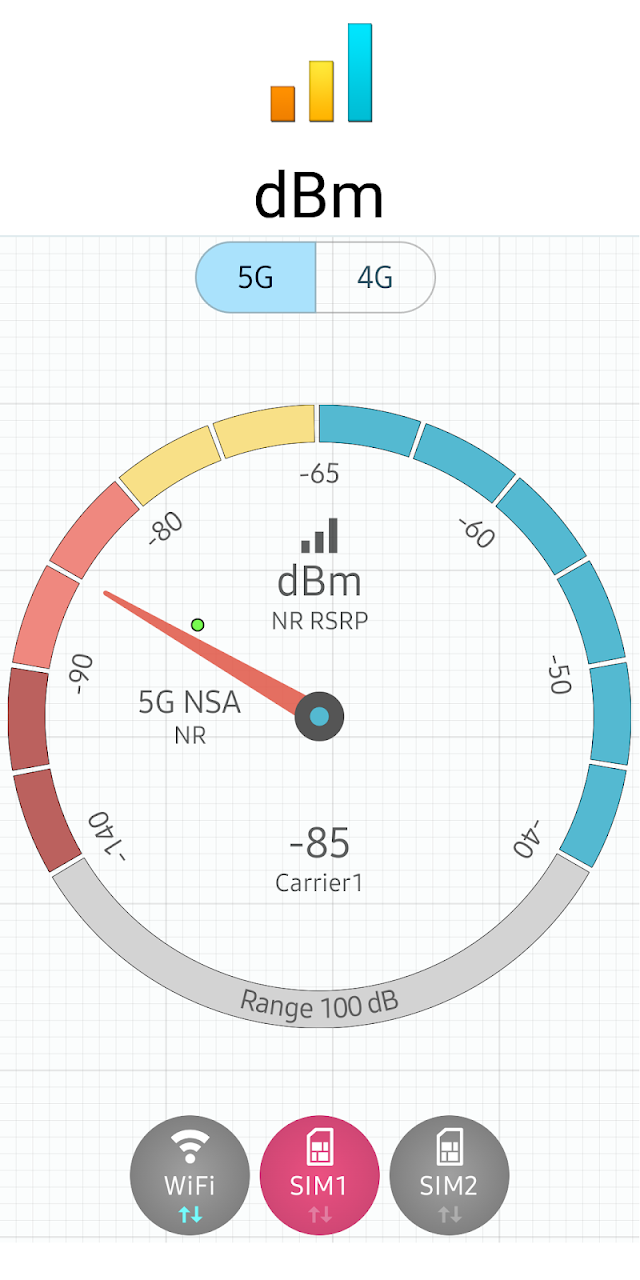
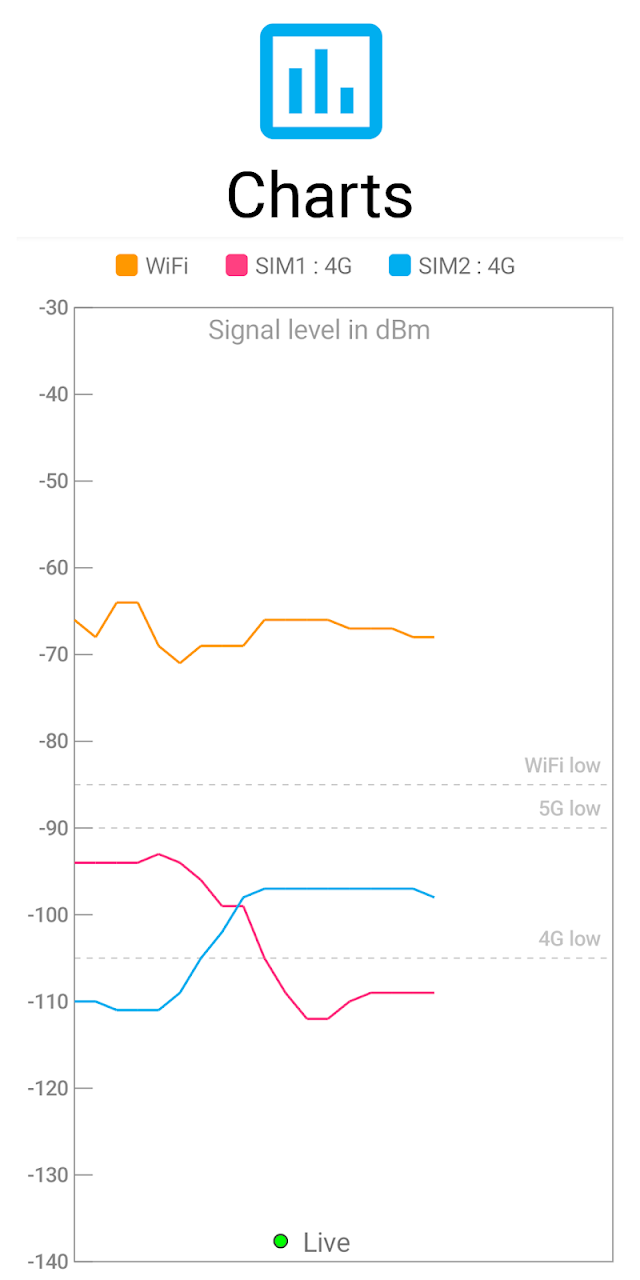
- Real-time dBm — See live signal strength readings for 2G, 3G, 4G, 5G, and WiFi.
- WiFi and network scan — Check nearby WiFi and review connection details like channel, bandwidth, and frequency.
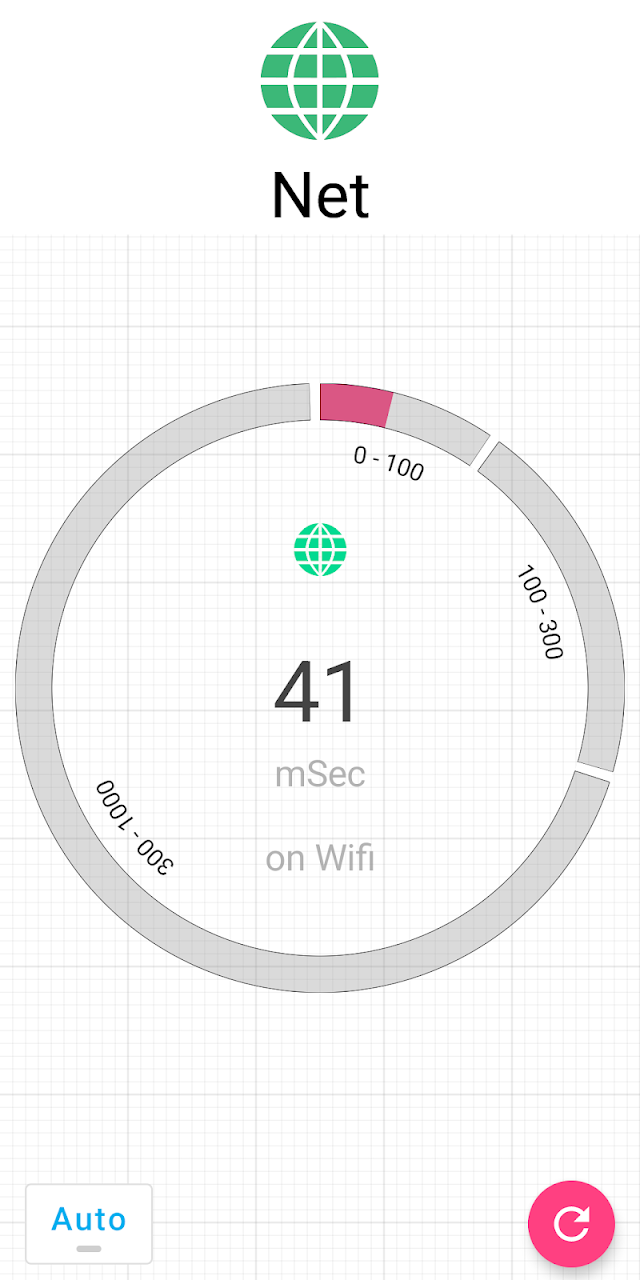
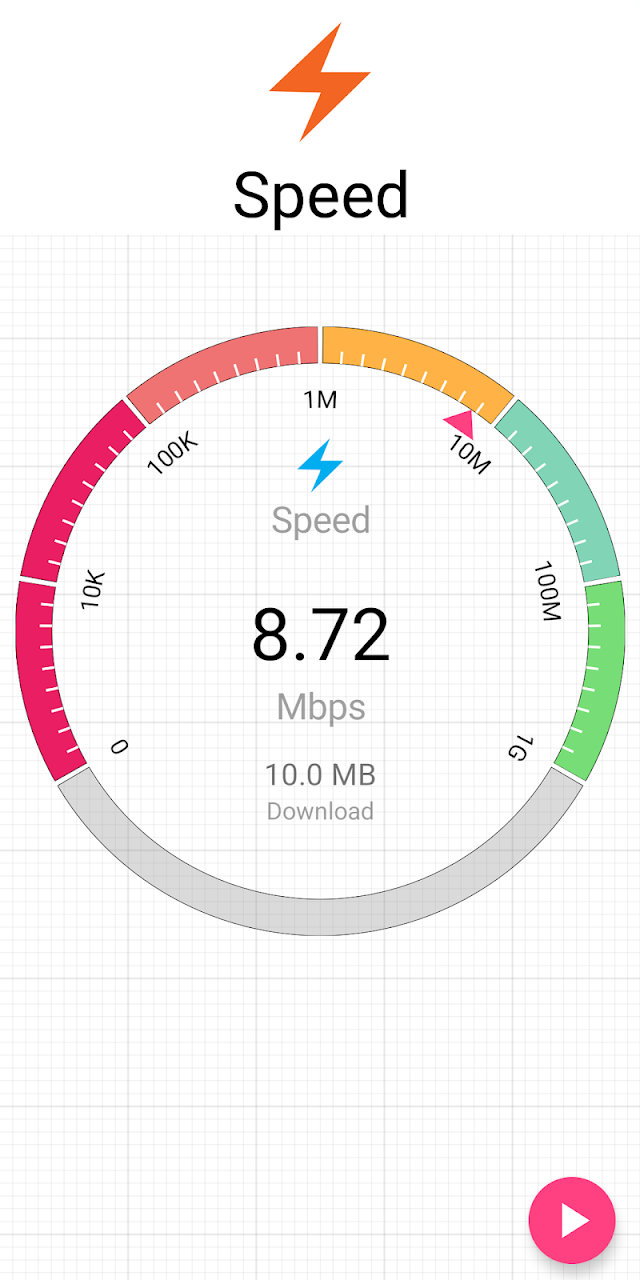
- Speed and latency — Run an internet speed test and view link speed and latency in one place.
- Cell tower details — Inspect network statistics and cell tower details when you need more than signal bars.
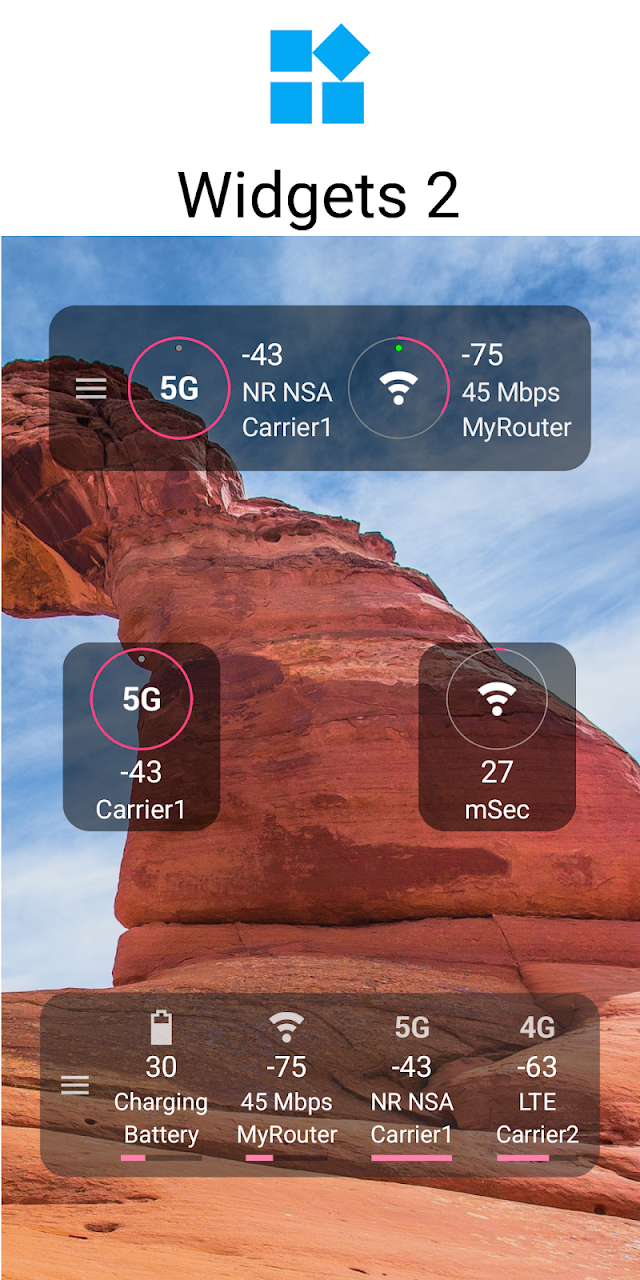
- Home screen widgets — Use premium widgets to keep signal readings visible on the home screen.
Check signal strength in real time
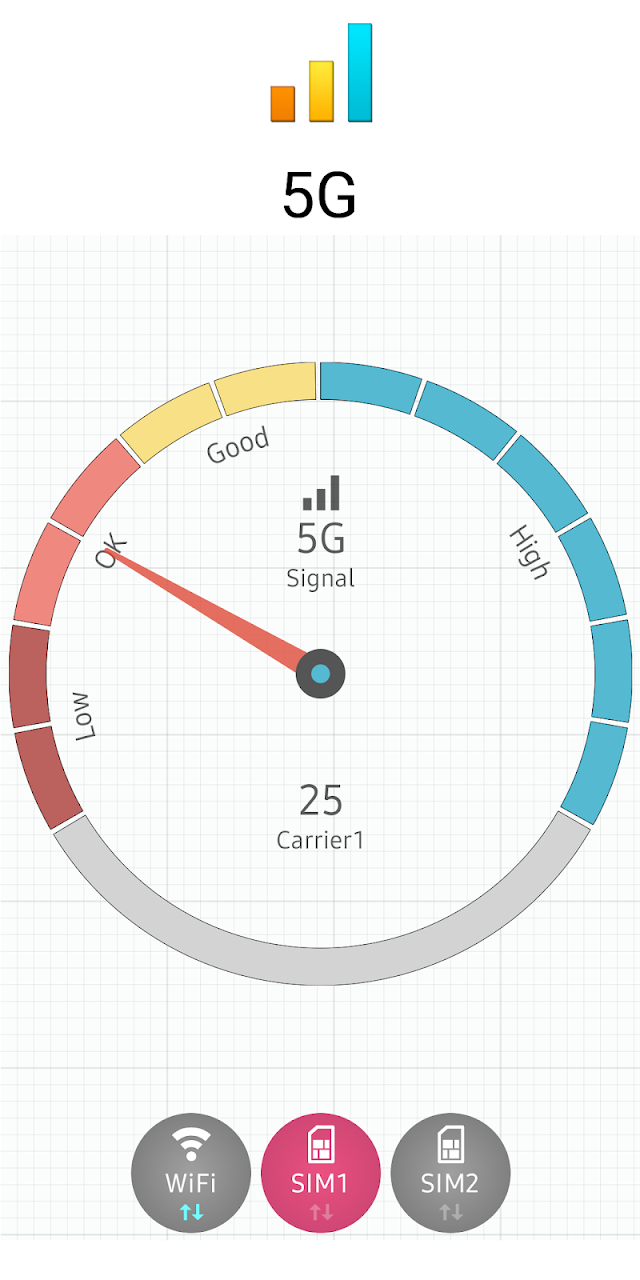
When mobile data feels slow or a WiFi connection drops, this app gives you a direct reading of signal strength instead of guessing from bars. It covers 2G, 3G, 4G, 5G, and WiFi, so you can compare spots around a room, test a router location, or see whether a connection is actually holding steady.
The main screen is built around live dBm monitoring, so the number changes as you move. That makes it useful during normal day-to-day checks: walking around the house, setting up a desk, or looking for the place where a phone gets the clearest signal.
WiFi scanner and network details
The app also goes beyond basic signal readings. It includes a WiFi scanner, network connection check, internet speed test, and deeper technical details such as channel, bandwidth, frequency, link speed, latency, and cell tower data.
- Check whether the connection is stable.
- Compare WiFi locations before settling on a router spot.
- Review network statistics and logging when you need more detail.
Permissions, ads, and storage
Signal Strength is free, contains ads, and offers in-app purchases for premium features like an ad-free experience and home screen signal widgets. It uses optional Location access because Android requires it for signal data, and optional Background location for widgets that run in the background. Phone access is used to show network and SIM details. The app is an APK, uses the universal architecture, and is small at 4.4 MB. It runs on Android 5.0 and up.
Version notes and daily use
The current release is version 21.2.7. In regular use, that means opening the app when you want to check whether a room has weak reception, verify a 5G connection, or confirm the best WiFi placement before leaving the setup in place. Some devices may report signal data differently, and the app includes a debug report option for that case.
APK information
- Version
- 21.2.7
- Package
- com.cls.networkwidget
- Category
- Tools
- Size
- 4 MB
- Min Android
- 5.0
- Architecture
- universal
Older versions
-
Signal Strength 21.2.7Nov 12, 2026Latest downloadAPK
Signal Strength FAQ
Does Signal Strength need root?expand_more
No root requirement is listed. The app uses standard Android permissions for signal data, phone details, and optional background widget support.
Why does Signal Strength need these permissions?expand_more
Phone permission is used to display network and SIM details. Location is optional and needed by Android for signal data, and background location is optional for home screen widgets.
Is Signal Strength free to use?expand_more
Yes. The app is free to download and use, and it also contains ads with in-app purchases available.
Who develops Signal Strength?expand_more
Signal Strength is developed by Lakshman.
What Android version does Signal Strength need?expand_more
It runs on Android 5.0 and above.