
- 4.6star29,053 reviews
- 1M+Downloads
- 33 MBAPK size
- EveryoneRated for Everyone
- API 19+Android
check_circleOriginal APK from mnsquare · Updated Nov 12, 2026
No threats found
0 / — antivirus engines flagged this file
Original signature
First seen — mnsquare
Unmodified APK
Same file the developer published — no mods
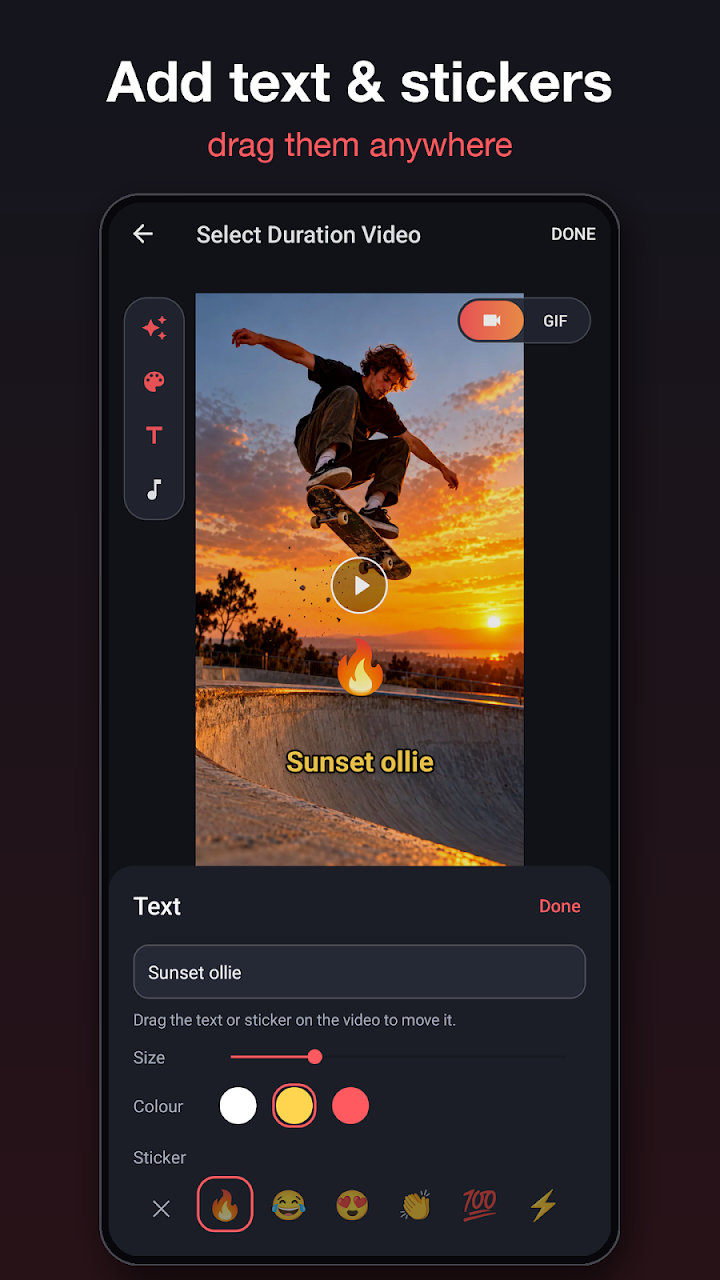
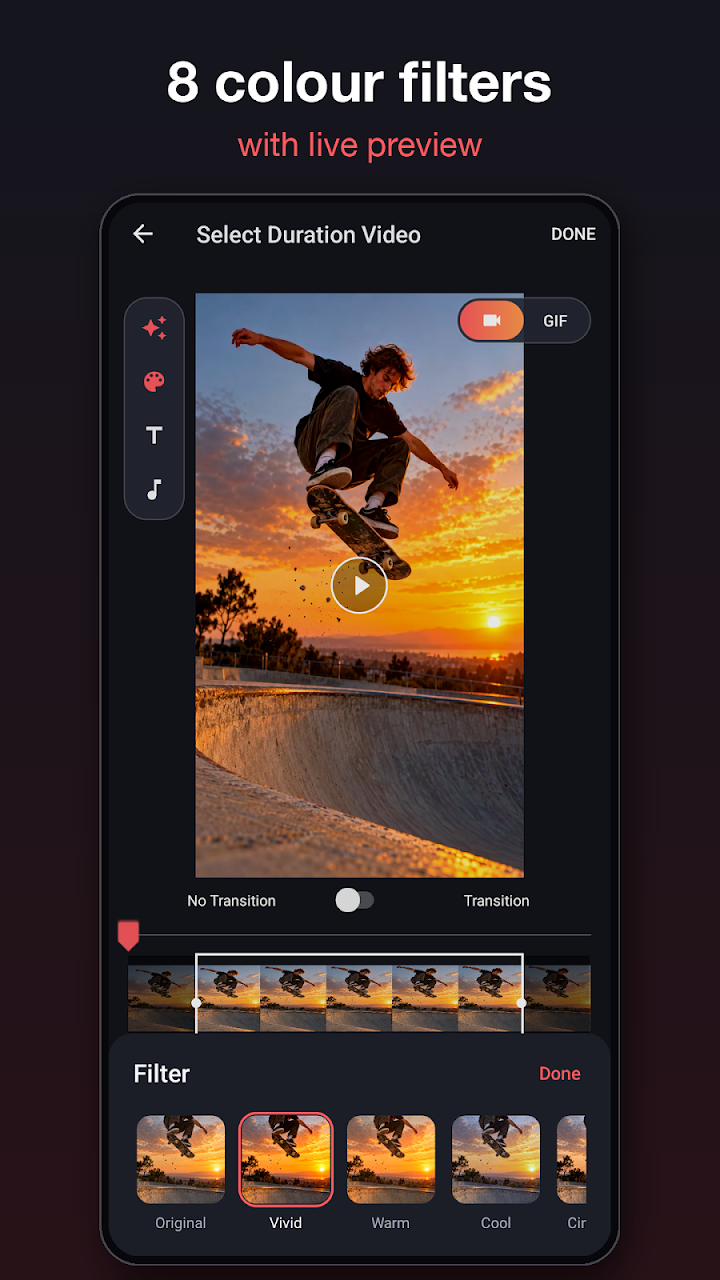
Slow Motion Video Zoom Player screenshots
8 images · tap to enlarge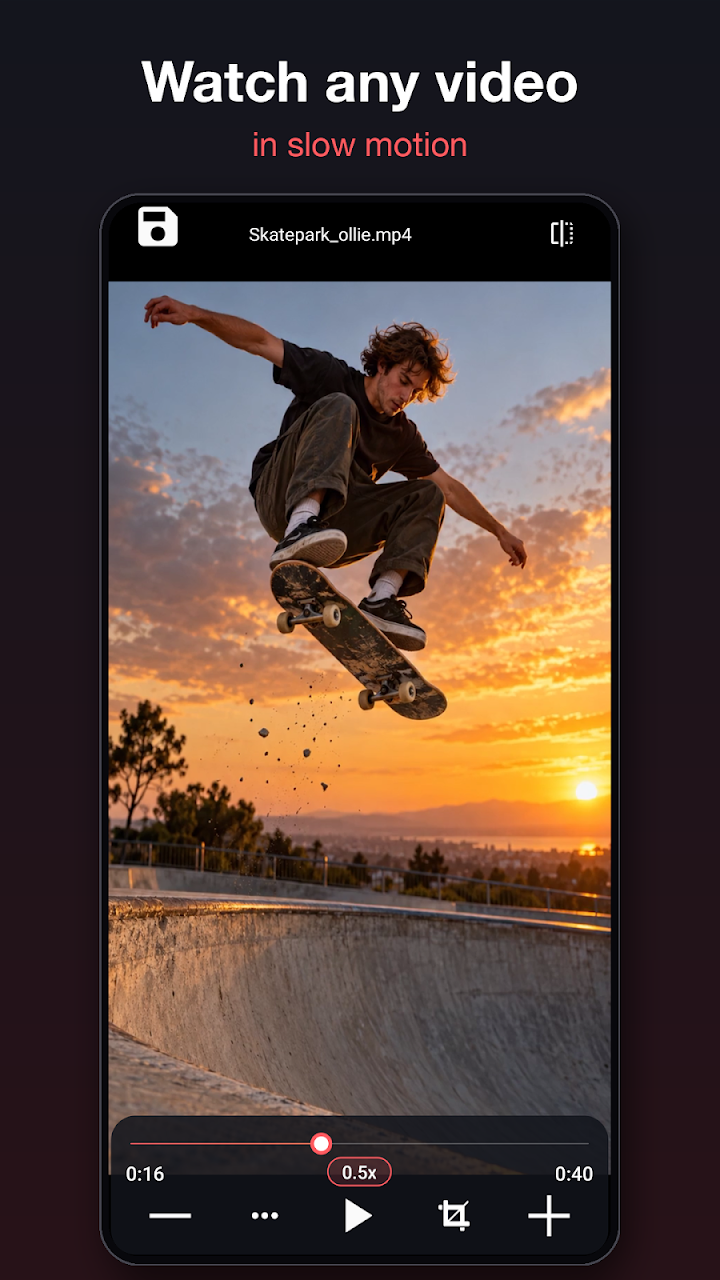
About this app
mnsquare makes Slow Motion Video Zoom Player for watching and editing videos in slow motion, fast motion, reverse, and boomerang modes. It lets you zoom during playback, add filters, text, stickers, and music, then save or share the result. The app is free, with ads and in-app purchases.
- Slow and fast playback — Play videos in slow motion or fast motion with sound.
- Zoom while playing — Pinch to zoom and drag the video as it plays.
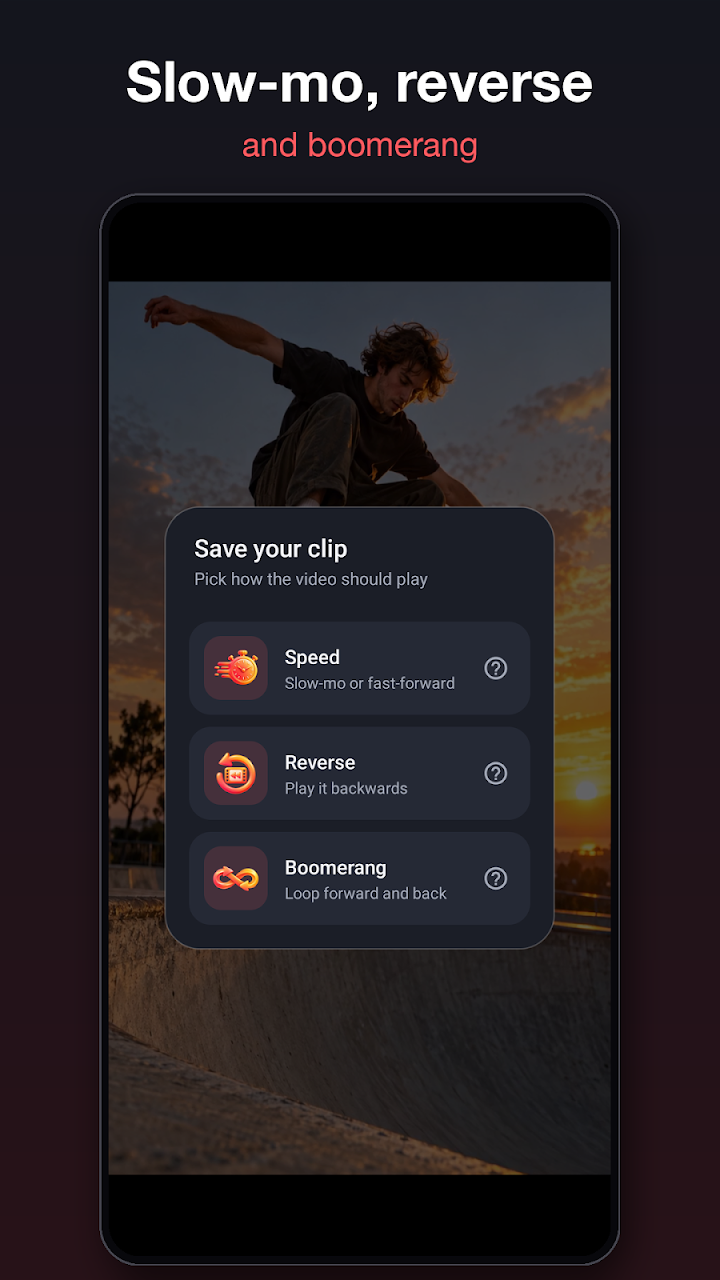
- Save motion edits — Slow down, speed up, reverse, or loop clips as boomerang video.
- Edit before saving — Add filters, text, emoji stickers, and music before export.
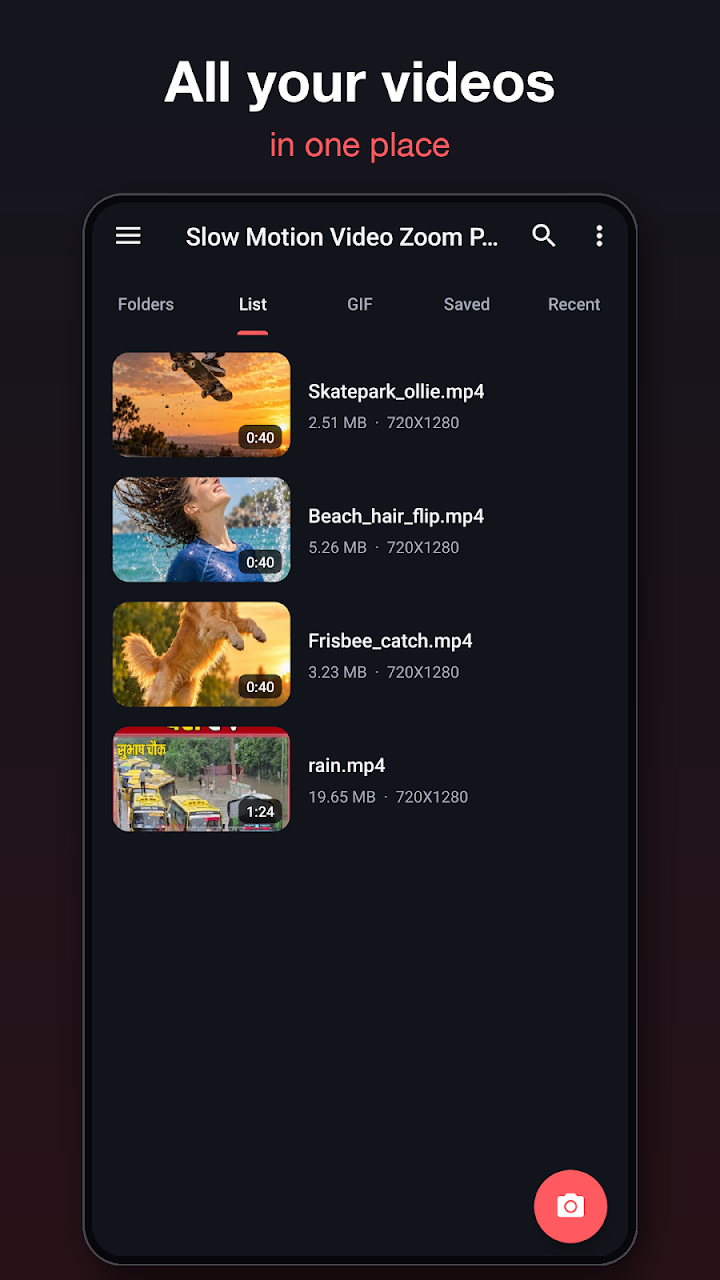
- Video library tools — Browse folders, search, sort, and play common video formats.
- Simple app size — The APK is 33.0 MB and works on Android 19 and above.
For playback with zoom
Use the player to watch videos in slow motion or fast motion with sound. Pinch to zoom and drag while the video is playing, which is useful for dance practice, sports clips, and other moments you want to inspect closely. Mirror mode is also included, and picture-in-picture lets you keep watching while using other apps.
For saving clips in new speeds
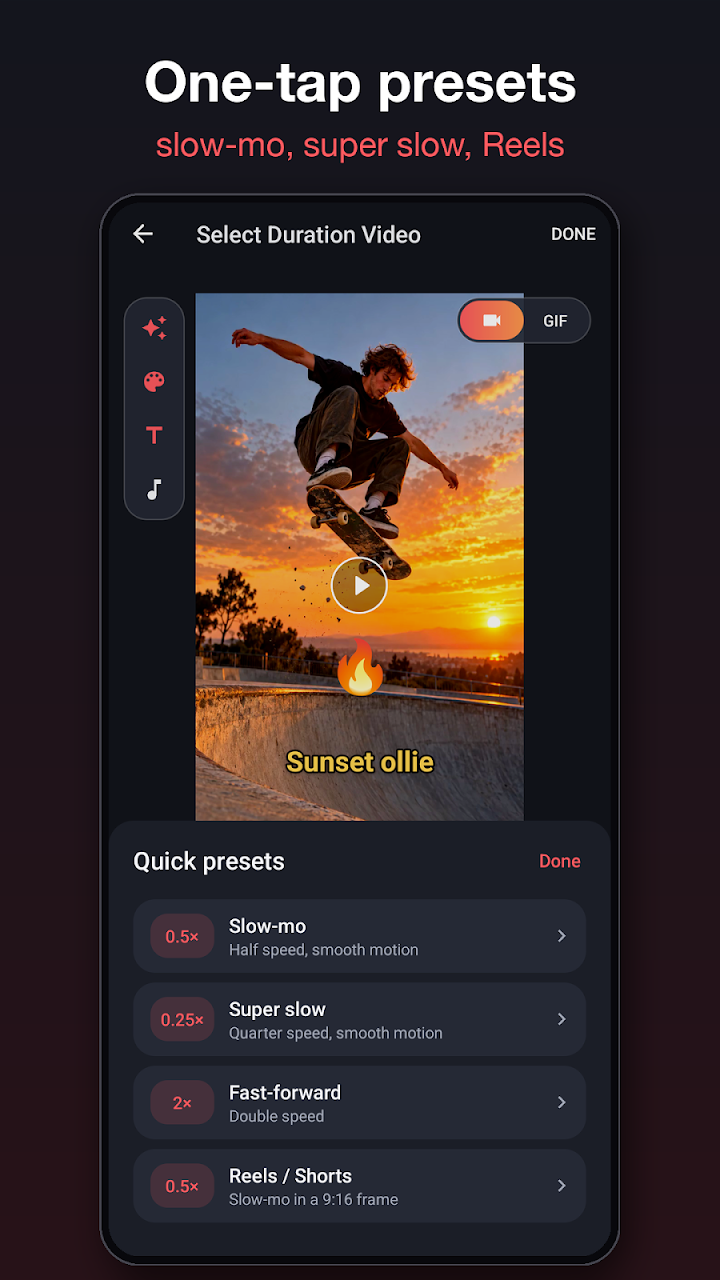
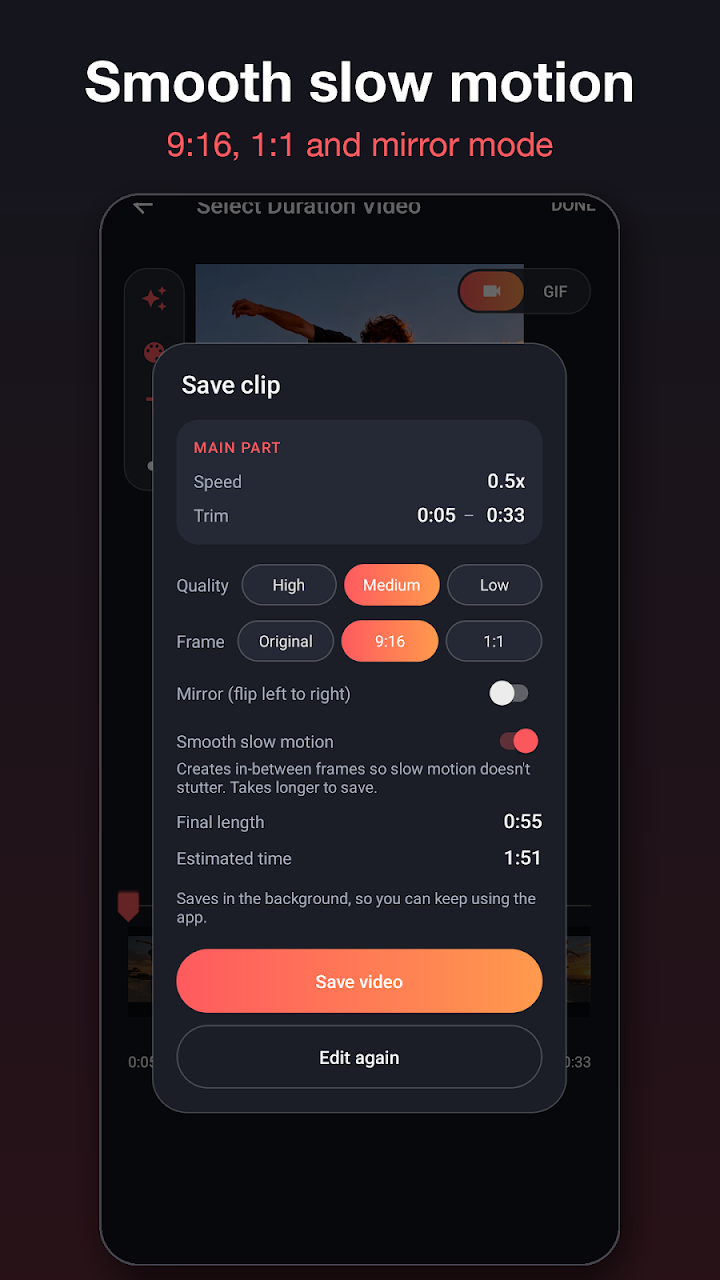
Slow Motion Video Zoom Player can save part of a video in slow motion or fast motion. It also supports reverse and boomerang output, plus speed ramps that move from normal speed into slow motion and back again. Smooth slow motion creates in-between frames so the result does not stutter. You can save as a video or GIF.
For quick edits before export
The editor includes 8 colour filters with live preview, text, emoji stickers, and music from your phone. You can mute the sound if you want, choose 9:16 for Reels, Shorts, TikTok, and Status, or 1:1 square for other posts. The preview matches the speed you will save.
For people sorting video files
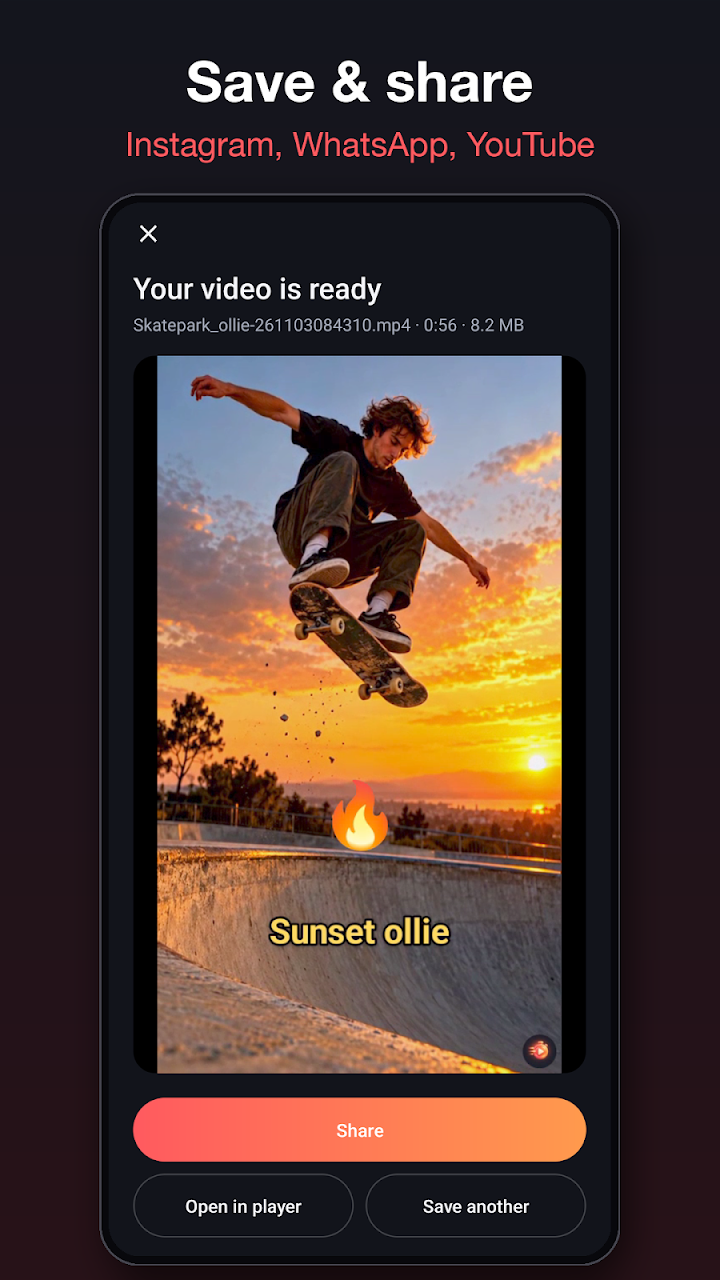
The video library supports folders, list view, GIFs, saved videos, and recently played items, with sorting and search. It can also record videos with the camera and plays common formats. Saving runs in the background with progress and time left, and the finished screen offers one-tap sharing. The app is free to download, uses the APK format, and needs Android 19 or later.
What's new
Version 3.0.28 · Nov 12, 2026
- Fixed Crashes
APK information
- Version
- 3.0.28
- Package
- com.mn2square.slowmotionplayer
- Category
- Video Players & Editors
- Size
- 33 MB
- Min Android
- API 19
- Architecture
- universal
Older versions
-
Slow Motion Video Zoom Player 3.0.28Nov 12, 2026Latest downloadAPK
Slow Motion Video Zoom Player FAQ
Does Slow Motion Video Zoom Player support Chromecast?expand_more
Chromecast support is not listed. The app does include picture-in-picture and can play common video formats.
Does Slow Motion Video Zoom Player need a subscription?expand_more
No subscription is listed. The app is free, and it also contains in-app purchases.
Does Slow Motion Video Zoom Player show ads?expand_more
Yes. The app contains ads.
How big is the Slow Motion Video Zoom Player download?expand_more
The APK size is 33.0 MB.
Can Slow Motion Video Zoom Player save GIFs?expand_more
Yes. It can save edited clips as a video or GIF.