
- 4.2star14,767 reviews
- 1M+Downloads
- 7 MBAPK size
- EveryoneRated for Everyone
- 5.0+Android
check_circleOriginal APK from Leaf Stack Studio · Updated Nov 12, 2026
No threats found
0 / — antivirus engines flagged this file
Original signature
First seen — Leaf Stack Studio
Unmodified APK
Same file the developer published — no mods
Spck Editor / Git Client screenshots
8 images · tap to enlarge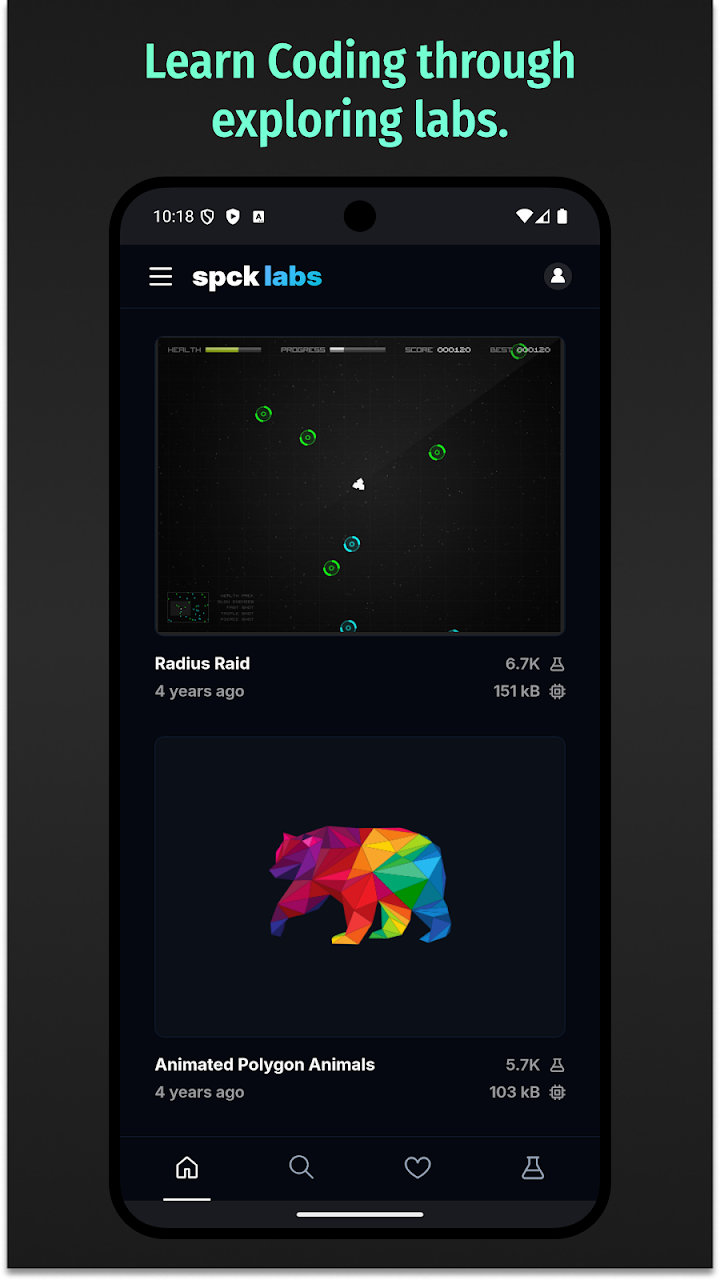
About this app
Need to edit code on Android? Spck Editor / Git Client lets you write, preview, and sync projects from your phone. It combines a compact editor with Git actions like clone, commit, push, and pull, plus HTML preview, snippets, and code completion. The app is free, shows no ads, and includes in-app purchases.
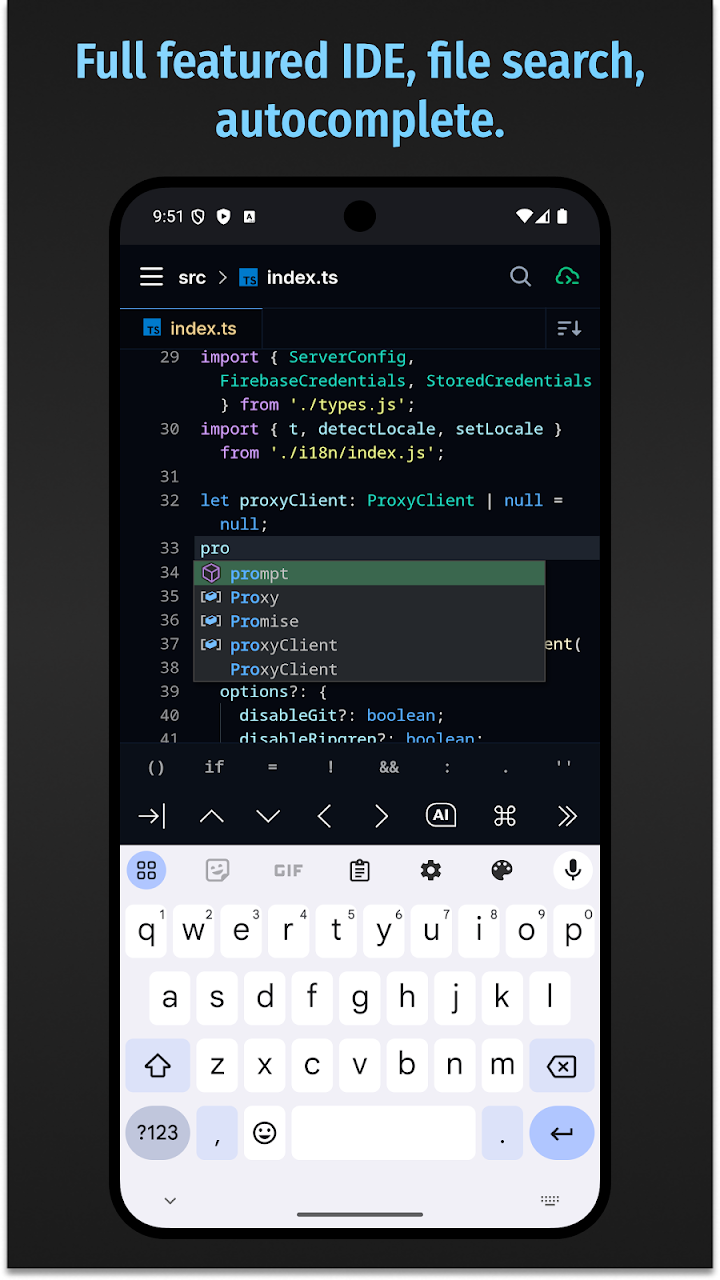
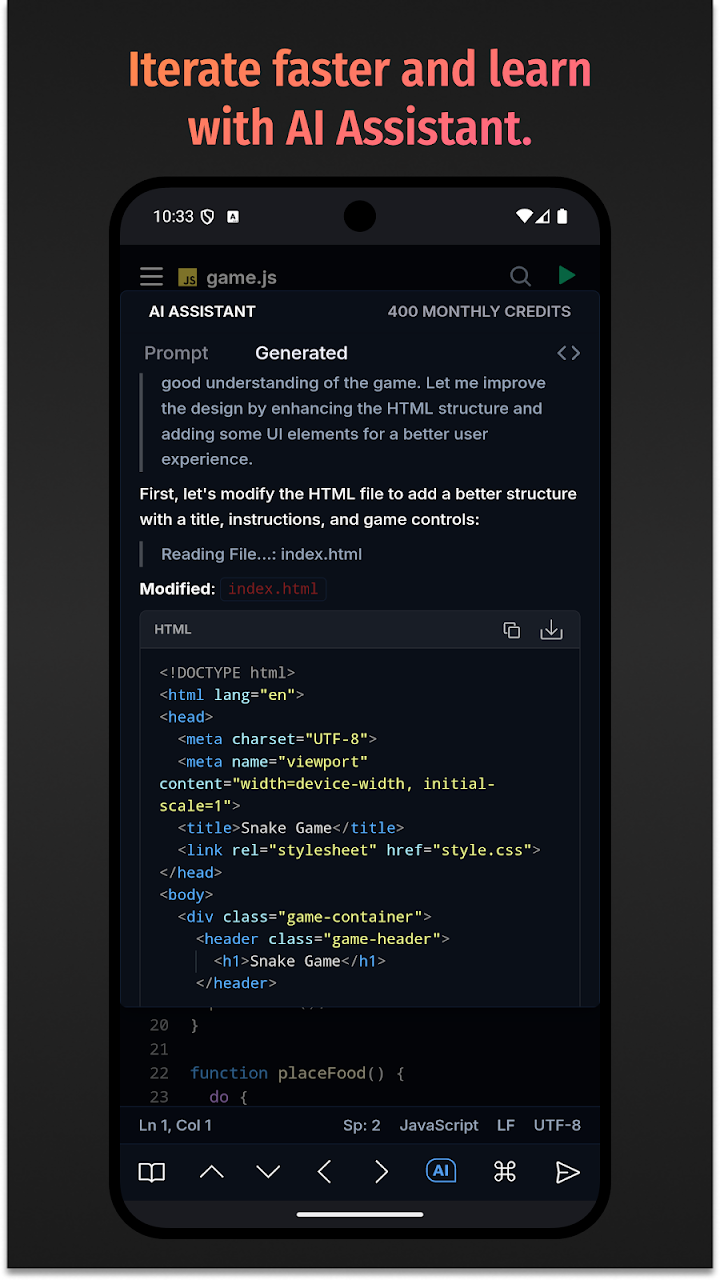
- Edit code fast — Open files, make changes, and use syntax-aware editing with auto-indentation and smart completion.
- Git actions built in — Work with repositories through checkout, pull, push, commit, and log without leaving the app.
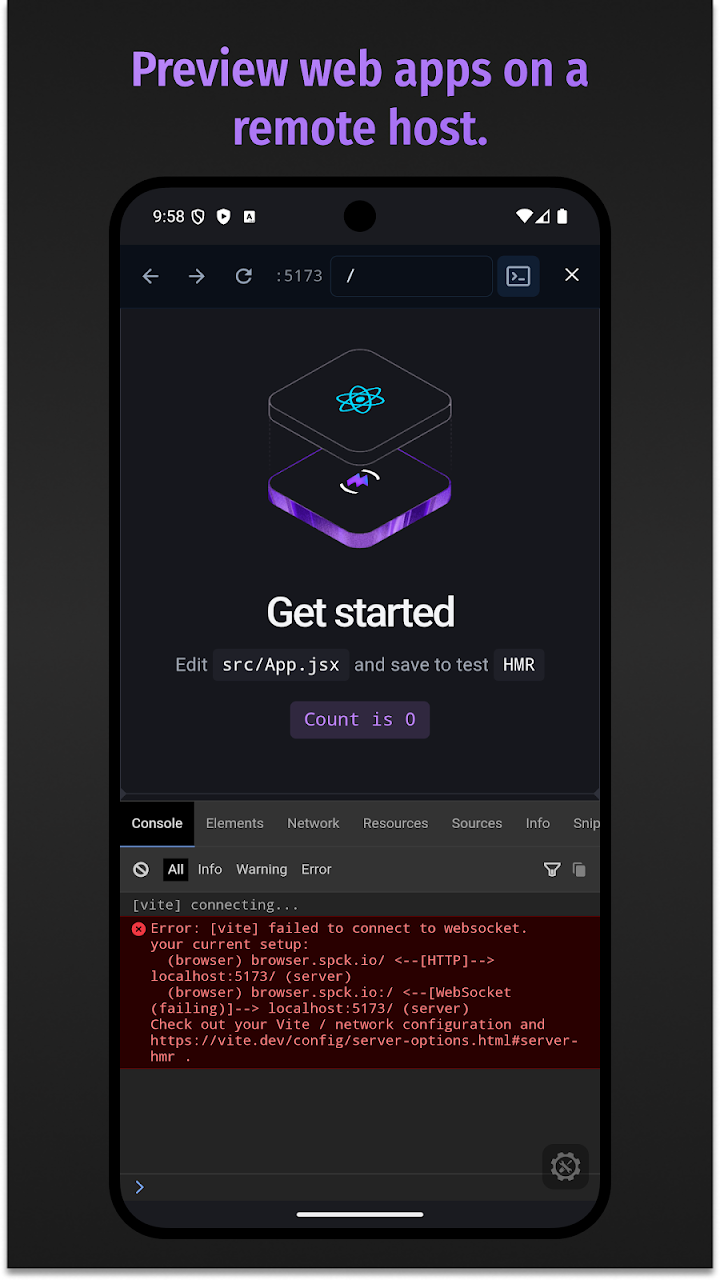
- Preview web files — Preview HTML and Markdown on the device and check changes before you send them anywhere.
- Snippets keyboard — Use the extra on-screen keyboard and quick snippets to speed up repeated edits.
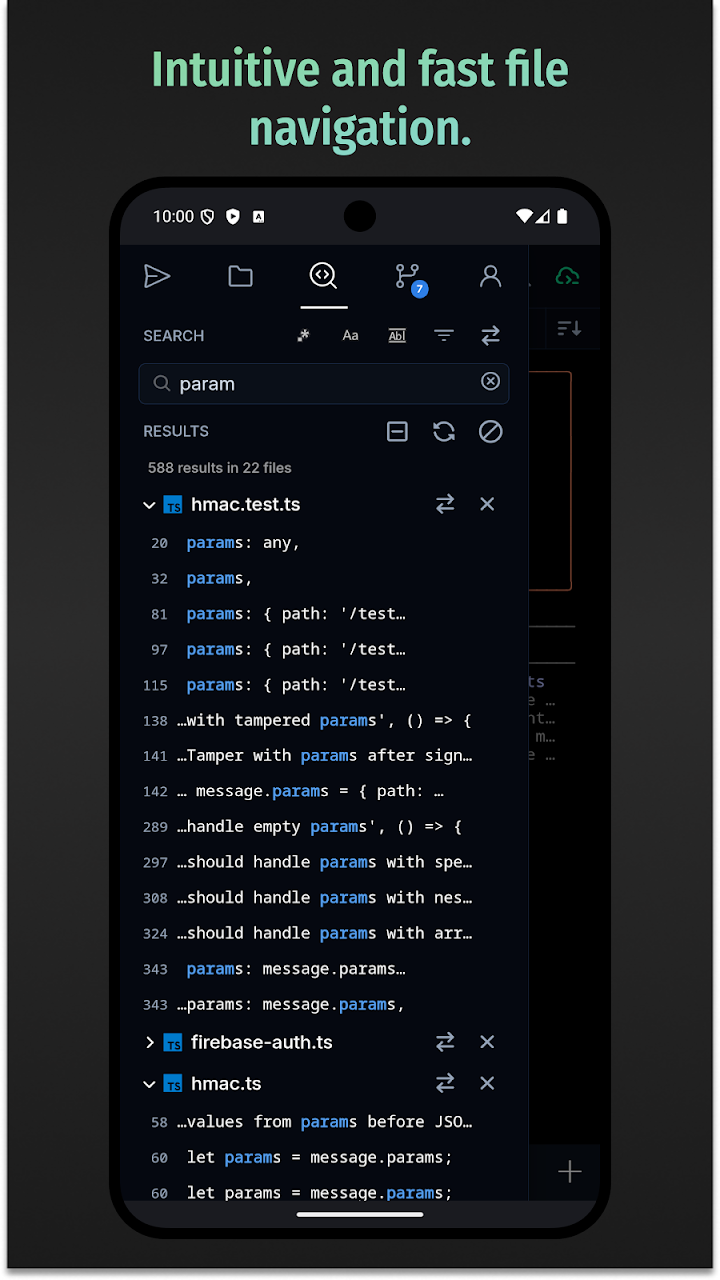
- Search projects — Find projects and files quickly when a repository gets large or you need one line in a hurry.
- Themes and export — Switch between light and dark themes and export or import projects and files as zip archives.
Editing code on Android
Spck Editor / Git Client is built for the moments when you need to fix a file, test a small change, or review code away from a computer. It supports JavaScript, CSS, HTML, and Markdown for full editing, with smart hinting for TypeScript, TSX, JSX, Less, SCSS, and HTML with Emmet support. The app also handles many other languages with syntax highlighting only.
The app is a 7.3 MB APK and needs Android 5.0 or later. That keeps the install small, which matters if you plan to keep a few projects on the device.
Git repo changes and sync
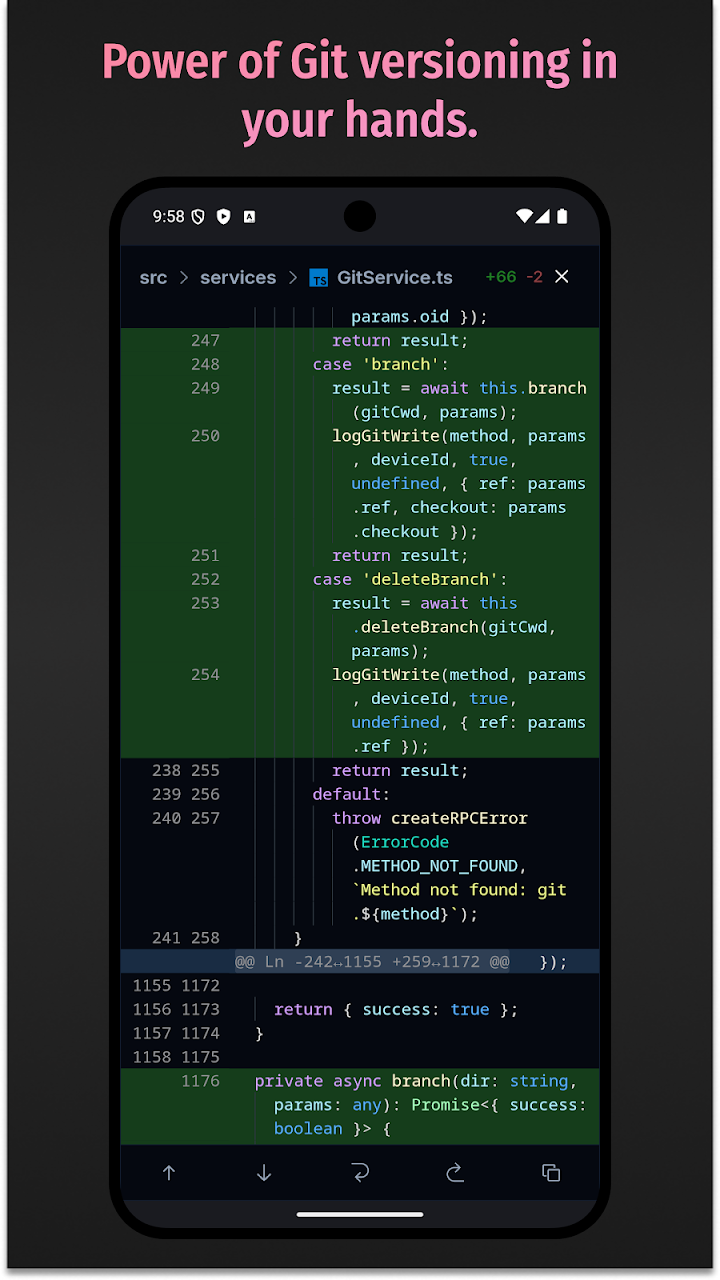
Its Git tools are the part you notice most once a project is already underway. You can clone public or private repositories, then use checkout, pull, push, commit, and log from inside the editor. It also includes a diff viewer, so you can check what changed before sending anything out.
- Clone from GitHub, GitLab, Bitbucket, AWS CodeCommit, Azure DevOps, and more
- Use app tokens for private repositories
- Review diffs before committing
Preview before you leave the app
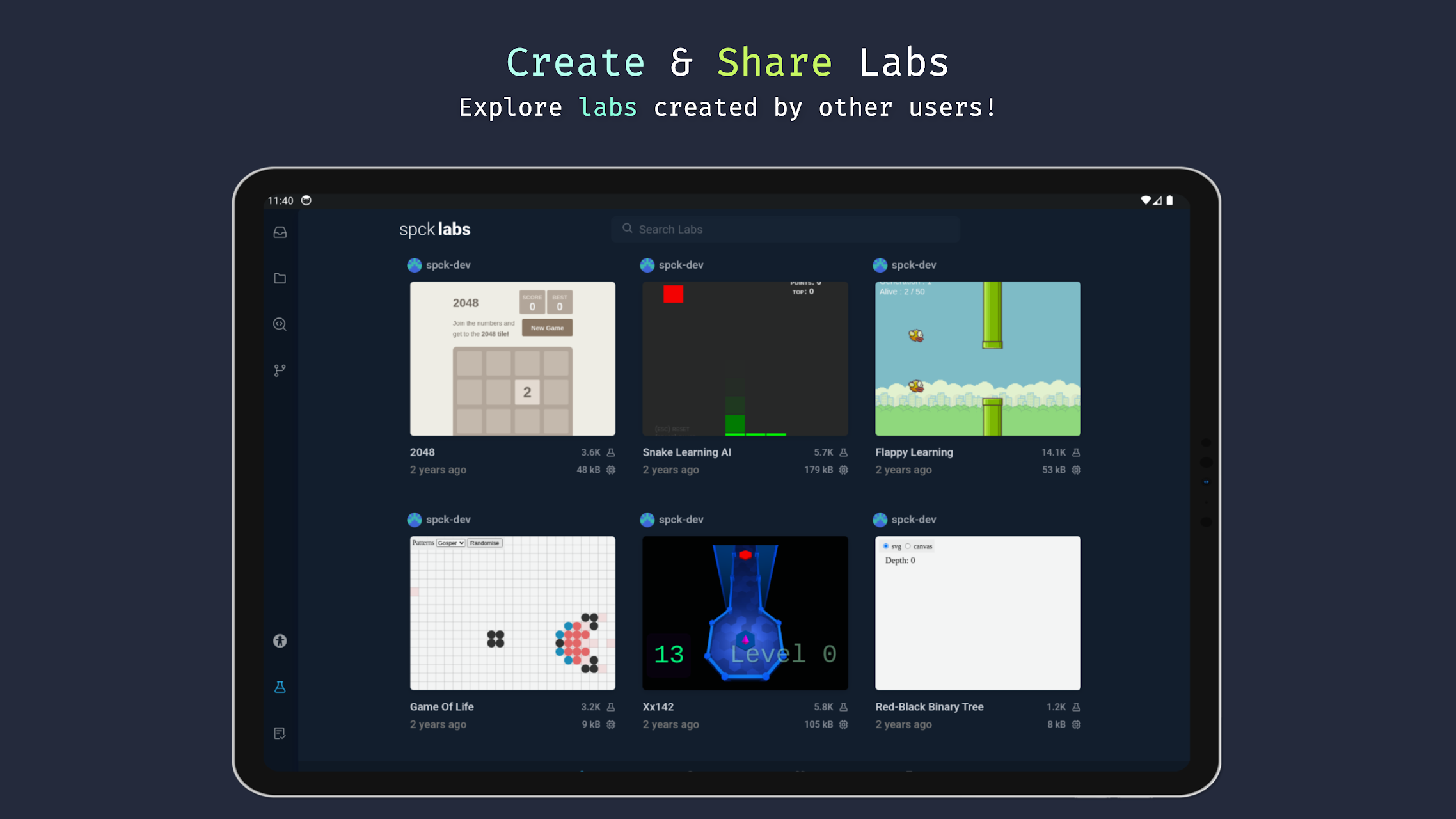
HTML and Markdown preview is useful when you want to see the result of an edit right away. The app also includes project and file search, code analysis, a context provider, JavaScript labs, and a CSS color selector. For people working on repeated edits, the quick snippets keyboard can cut down on tapping.
Permissions, storage, and purchases
No permissions are listed for this version, so there is nothing extra shown for camera, contacts, location, or similar access. The app has no ads, but it does include in-app purchases. It also warns that you should back up projects before uninstalling, since uninstalling can remove stored data. That makes storage the main practical concern here: keep an export or backup if your work matters.
In daily use, this is a tool for short edits, repo syncs, and preview checks rather than a full desktop replacement. It is focused, compact, and designed around code that needs to move between editing and Git quickly.
APK information
- Version
- 8.0.8.0
- Package
- io.spck
- Category
- Tools
- Size
- 7 MB
- Min Android
- 5.0
- Architecture
- universal
Older versions
-
Spck Editor / Git Client 8.0.8.0Nov 12, 2026Latest downloadAPK
Spck Editor / Git Client FAQ
Why does Spck Editor / Git Client need these permissions?expand_more
No permissions are listed for this version. The app’s core tasks are editing files, previewing HTML, and syncing Git repositories.
Does Spck Editor / Git Client need root?expand_more
Nothing in the app description says root is required. It works as a code editor and Git client on standard Android devices.
Does Spck Editor / Git Client work offline?expand_more
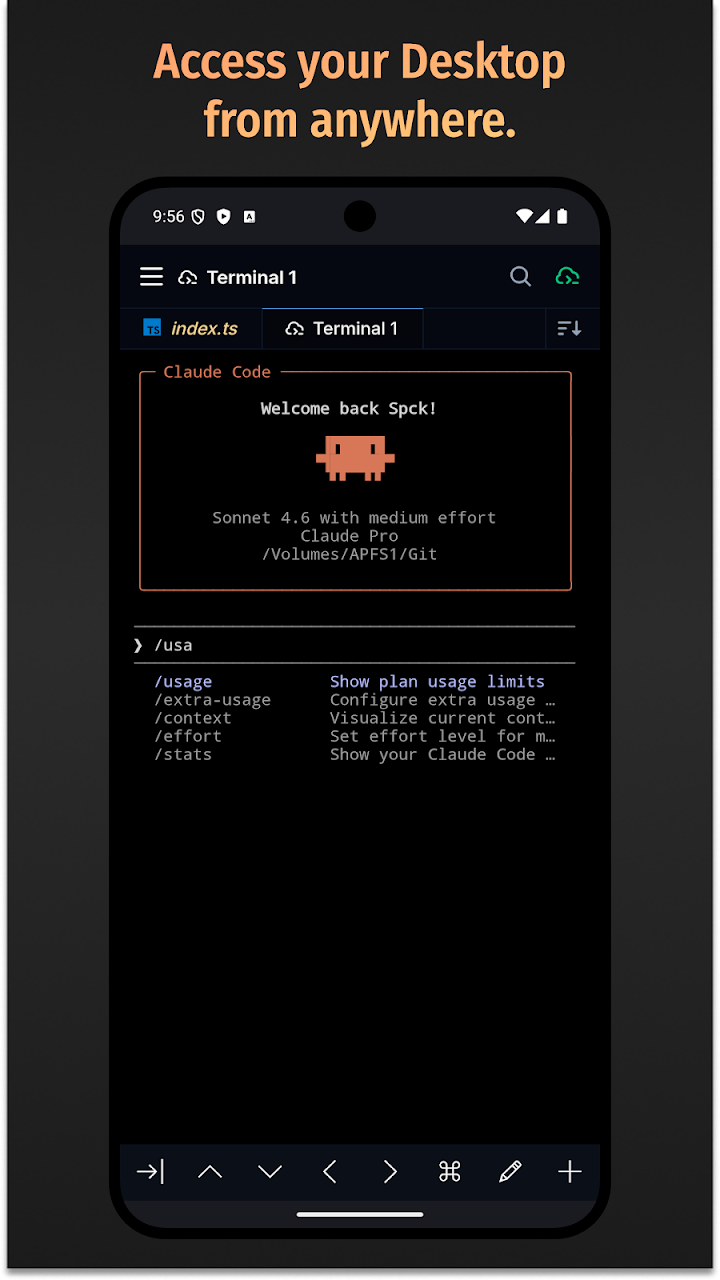
You can edit files locally and preview HTML or Markdown on the device. Git syncing and repository access depend on the repository and network connection.
What is the difference between the APK and the Play Store version of Spck Editor / Git Client?expand_more
This listing is for the Android APK file, and the app is distributed as an APK format install. The description does not mention a separate Play Store-only build or differences between versions.
Which file types can I preview in Spck Editor / Git Client?expand_more
The app supports previewing HTML and Markdown files on the device. Other languages are mainly covered through syntax highlighting and code hinting.