
- 4.6star1,492,454 reviews
- 100M+Downloads
- 28 MBAPK size
- EveryoneRated for Everyone
- 7.0+Android
check_circleOriginal APK from Ookla · Updated Nov 12, 2026
No threats found
0 / — antivirus engines flagged this file
Original signature
First seen — Ookla
Unmodified APK
Same file the developer published — no mods
Speedtest by Ookla screenshots
8 images · tap to enlarge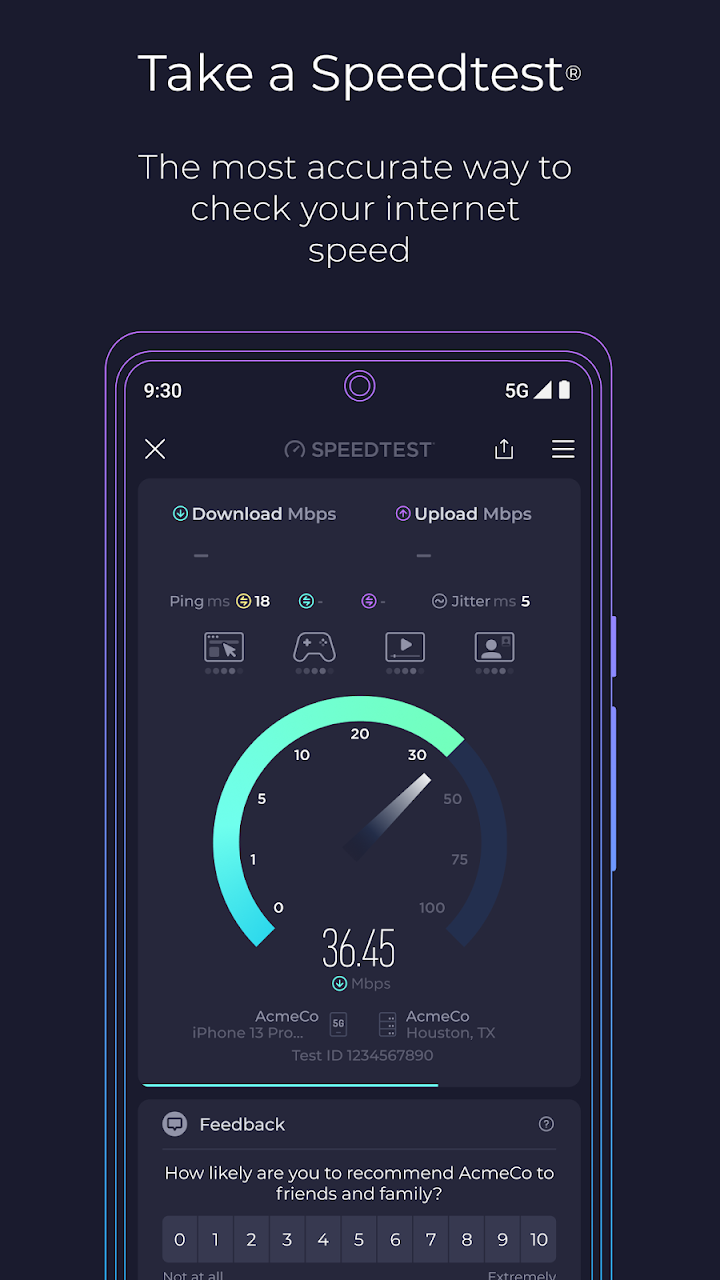
About this app
Ookla’s Speedtest by Ookla is a Tools app for checking internet and mobile network performance. On first launch, you can run a speed test, look up carrier coverage maps, or check Downdetector status for services you rely on. It is free to install, includes ads, and offers in-app purchases for removing them.
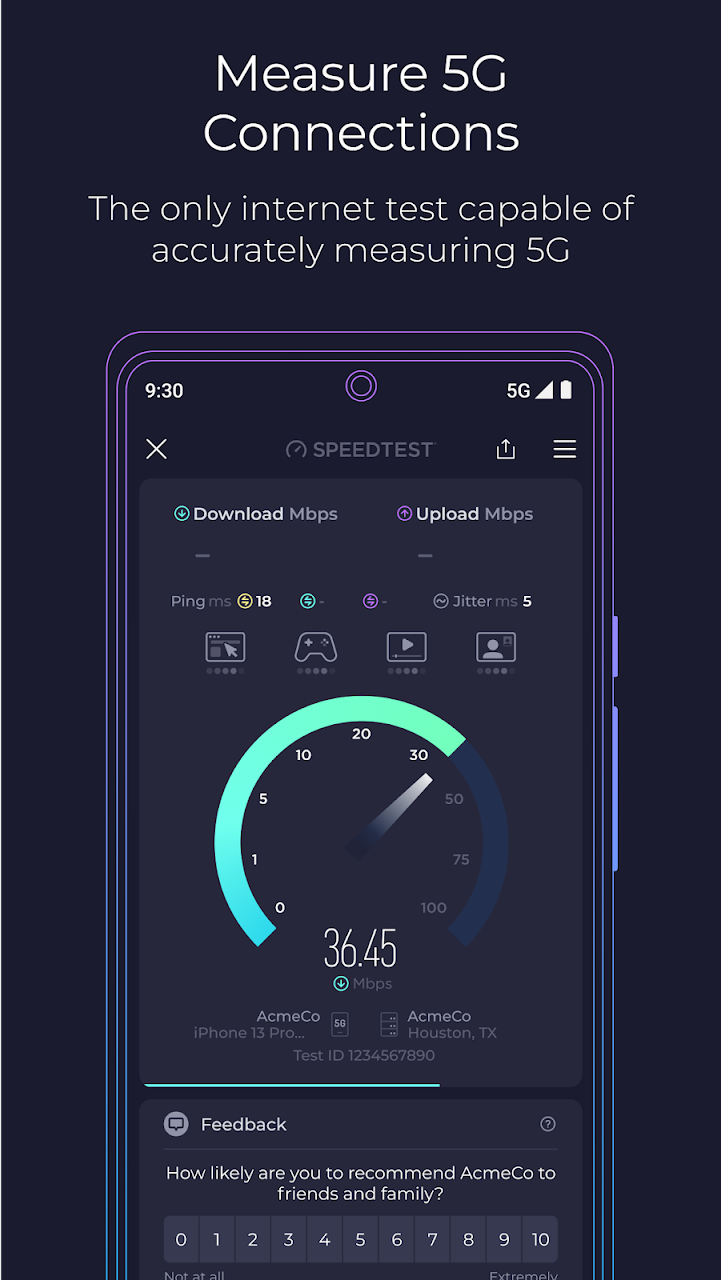
- One-tap speed tests — Run a quick test to check download, upload, and latency when a connection feels slow.
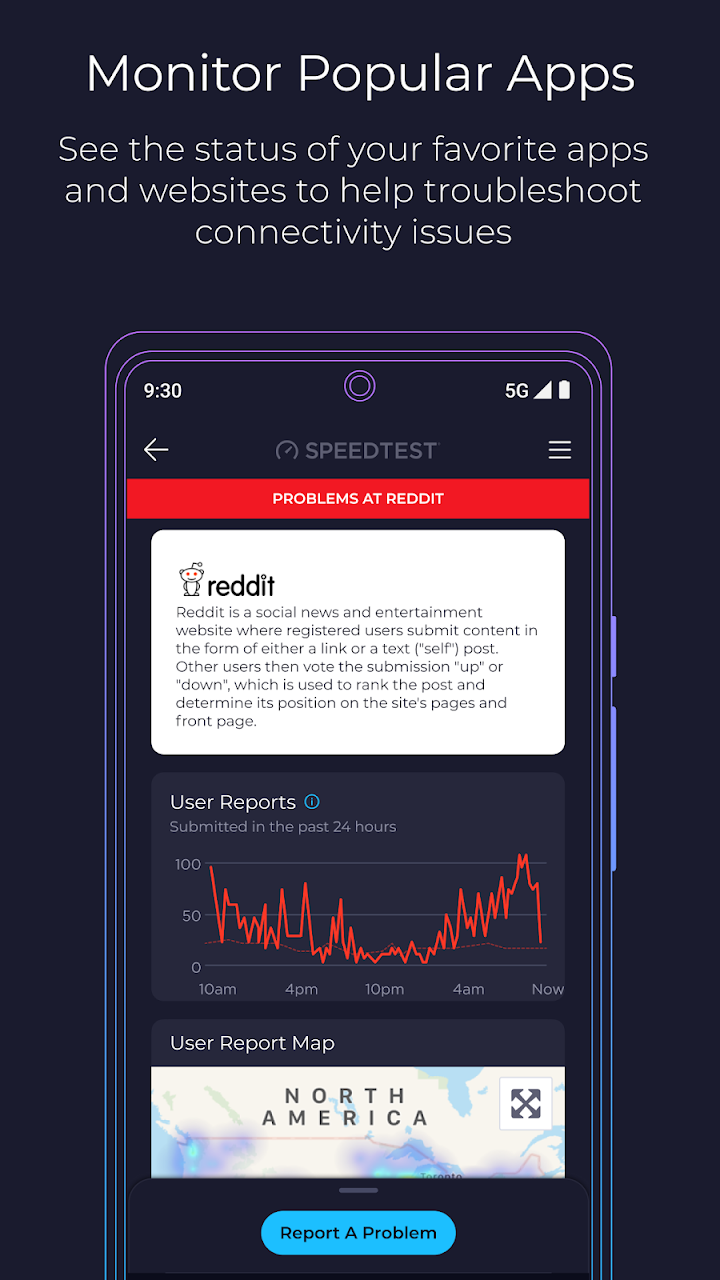
- Downdetector status — See real-time updates for apps and services and track ones you use often.
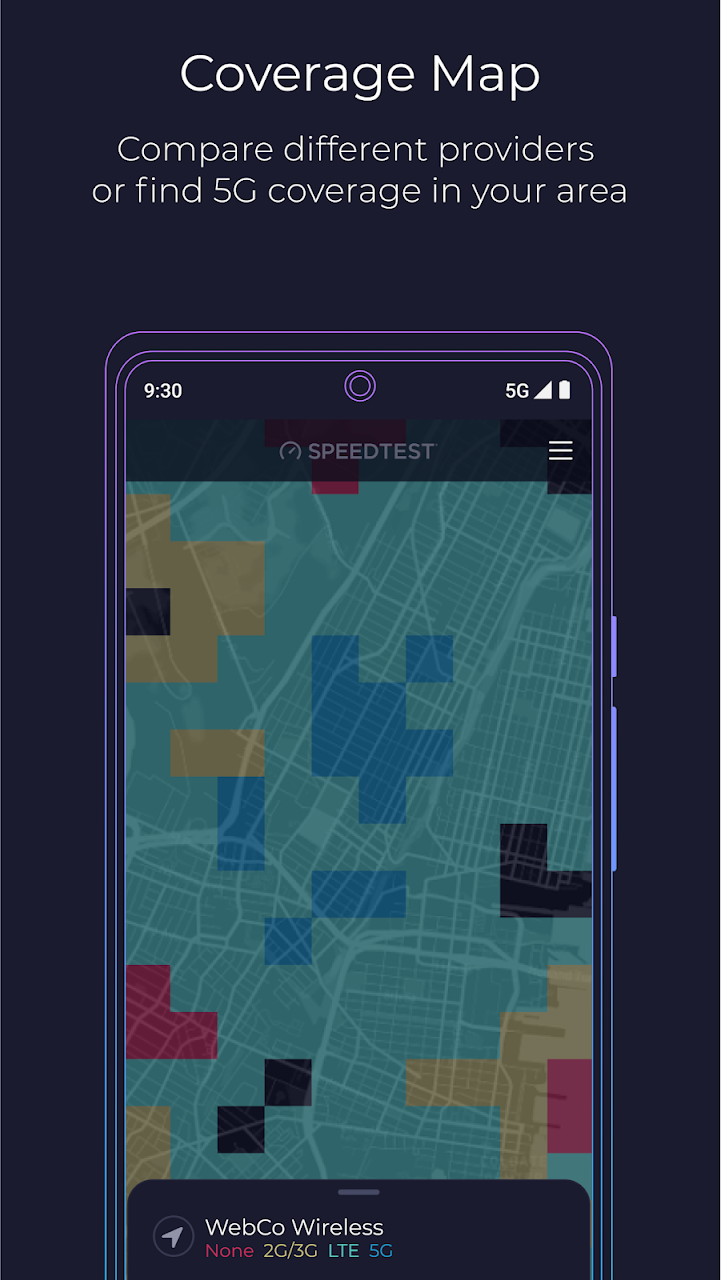
- Carrier coverage maps — Compare mobile coverage and 5G availability using real-world network data.
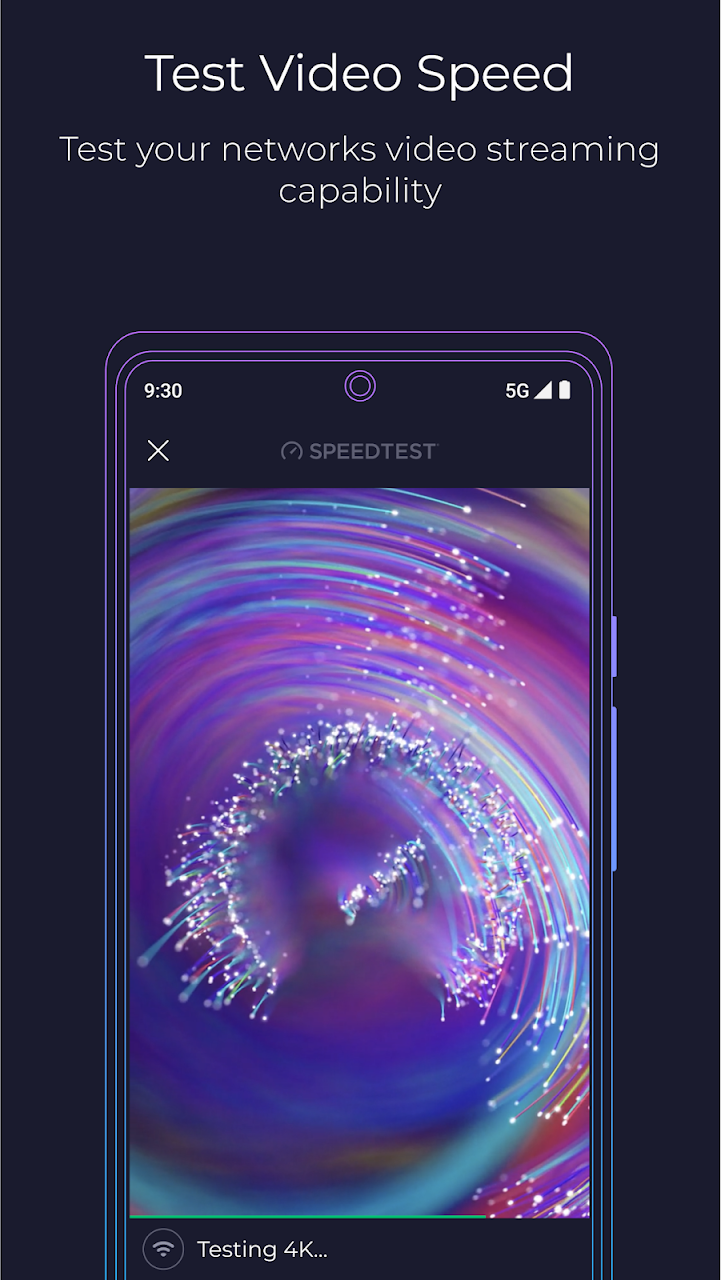
- Video test — Check how your current network handles streaming before you start a show.
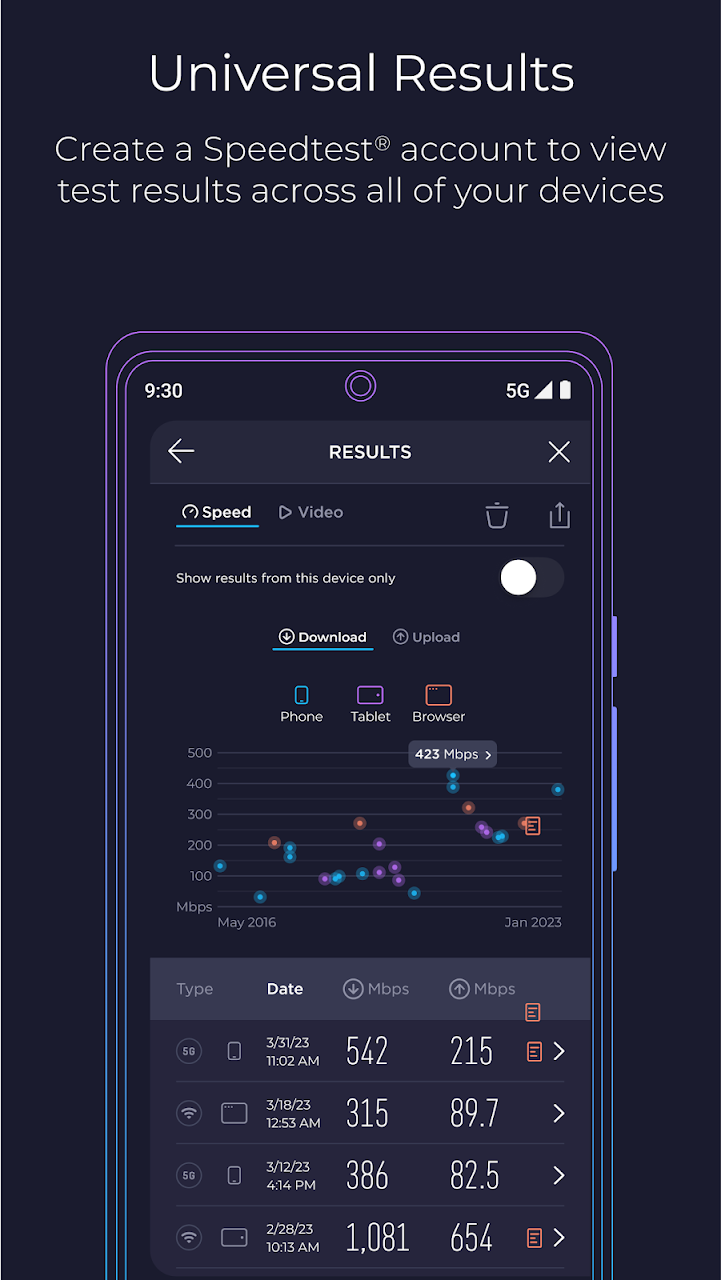
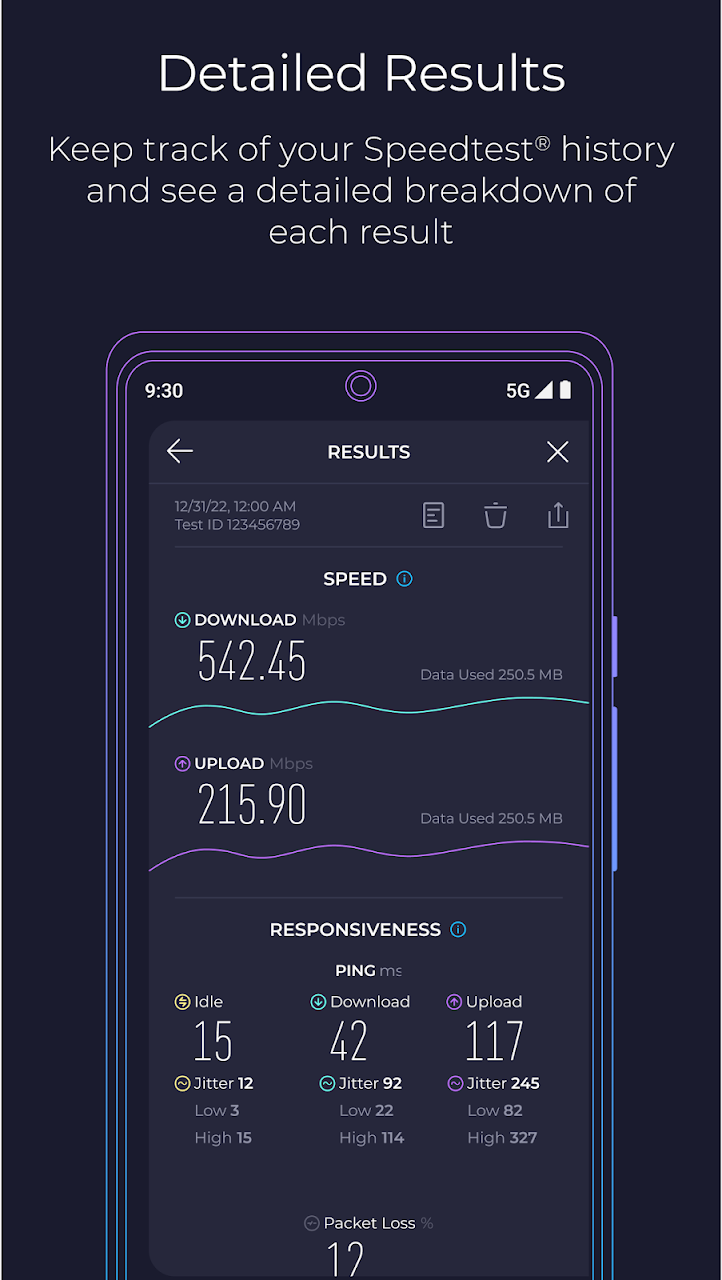
- Test history sharing — Review past results and share them when you want to compare connections.
Start with the speed tab
When you open Speedtest by Ookla, the main test is the quickest place to begin. Tap once to check download speed, upload speed, and three latency measurements. That makes it useful on a long train ride, in a café with crowded Wi‑Fi, or right before a gaming session when you want to know whether the connection is holding up.
The app also includes Downdetector, so you can look at real-time status updates for favorite online apps and services in the same place.
Check coverage and streaming next
If your mobile connection feels uneven, switch to Speedtest Maps to see where coverage is strong or weak for providers in your area. You can also compare where 5G is available and where another technology is more common. For evenings when streaming matters more than raw speed, the video test shows your network’s current streaming quality and gives guidance for improving the experience.
- You get: speed tests, service status updates, coverage maps, video testing, and past results.
- Watch for: ads unless you remove them with an in-app purchase.
- Good to know: it works on Android 7.0 and up, and the APK is 28.3 MB.
Practical first-day tips
Try the app in the same spots where you usually notice problems: at home, at work, or while traveling. Save a few results so you can compare a weak signal with a better one later. If an app or service seems down, check Downdetector before restarting your router or changing settings. The app’s result history and sharing tools also make it easier to show what happened.
Requirements and permissions
Speedtest by Ookla is free, contains ads, and offers in-app purchases. It does not list any permissions here, and no root access is mentioned. That keeps setup simple: install the universal APK, open it, and start testing without extra account steps shown in the app details.
What's new
Version 7.1.4 · Nov 12, 2026
- We've added a few updates to make the Speedtest app even better. Please give us a star rating or write us a review to let us know what you think.
- We’ve made some updates to the test experience for better readability.
- New Speedtest Articles
- Bug Fixes
- Thanks and happy testing!
APK information
- Version
- 7.1.4
- Package
- org.zwanoo.android.speedtest
- Category
- Tools
- Size
- 28 MB
- Min Android
- 7.0
- Architecture
- universal
Older versions
-
Speedtest by Ookla 7.1.4Nov 12, 2026Latest downloadAPK
Speedtest by Ookla FAQ
Does Speedtest by Ookla need root?expand_more
No root access is mentioned for Speedtest by Ookla.
Why does Speedtest by Ookla need these permissions?expand_more
No permissions are listed for this app, so there are no specific permission requests shown here.
Does Speedtest by Ookla work offline?expand_more
The app is built around speed tests, network status, and service updates, so those features depend on a connection.
Does Speedtest by Ookla work on tablets?expand_more
The app is listed for Android 7.0 and up, with a universal APK, so it can install on compatible Android devices, including tablets that meet that requirement.
Can I remove ads in Speedtest by Ookla?expand_more
Yes. The app includes an option to remove ads through in-app purchases.