
- 4.0star21,994 reviews
- 1M+Downloads
- 7 MBAPK size
- TeenRated for Teen
- API 19+Android
check_circleOriginal APK from Spreaker, Inc · Updated Nov 12, 2026
No threats found
0 / — antivirus engines flagged this file
Original signature
First seen — Spreaker, Inc
Unmodified APK
Same file the developer published — no mods
Spreaker Podcasts screenshots
8 images · tap to enlarge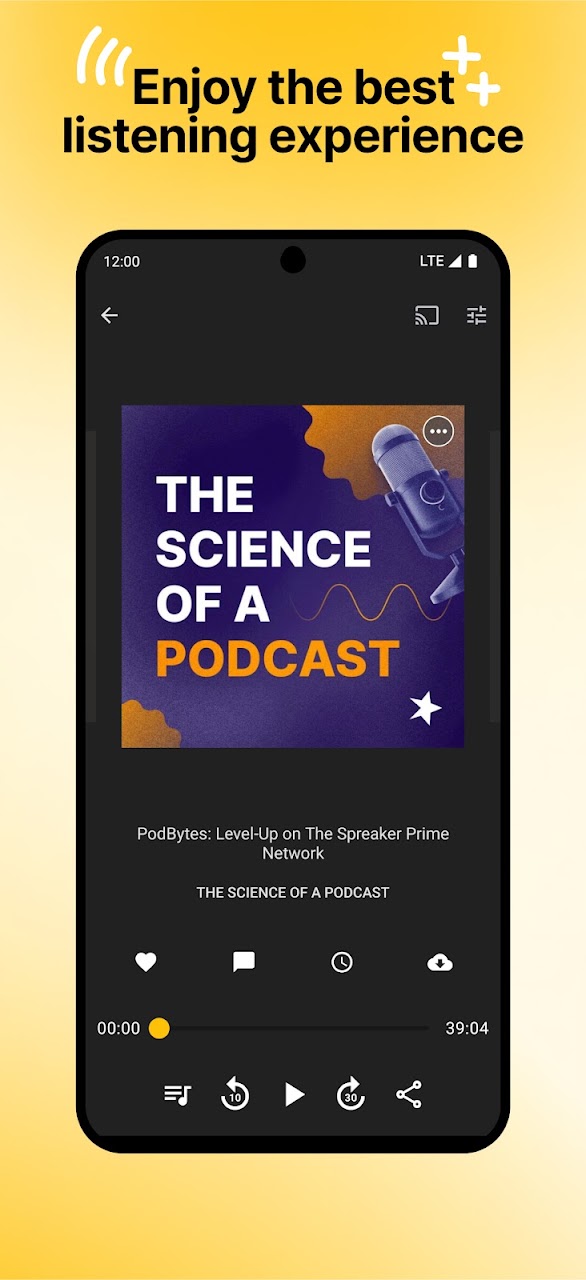
About this app
Spreaker, Inc makes Spreaker Podcasts for listening to, sharing, and creating podcasts on Android. You can browse curated lists by topic, keep shows in Following, download episodes for offline listening, and use playback controls for rewind, fast-forward, and speed changes. It also lets you create episodes in the app and publish them directly.
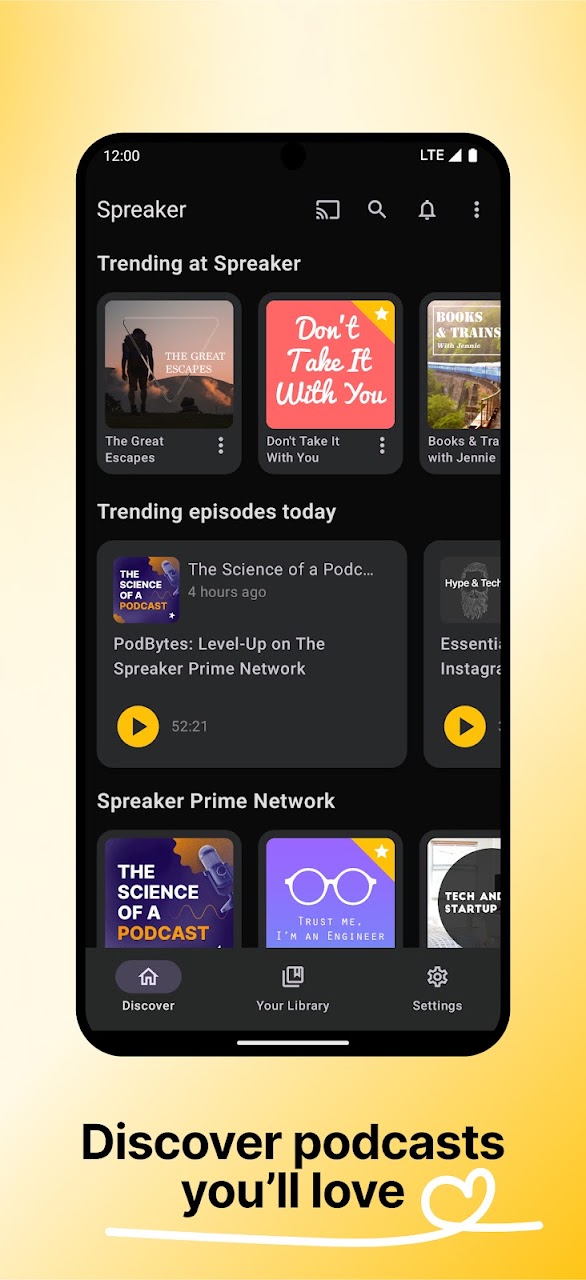
- Curated podcast lists — Browse topic-based lists to find podcasts about areas like true crime, technology, and news.
- Offline listening — Download episodes to keep listening on a train ride, commute, or any time you do not have a connection.
- Create in app — Record and build episodes from the app with templates, sound effects, and background music.
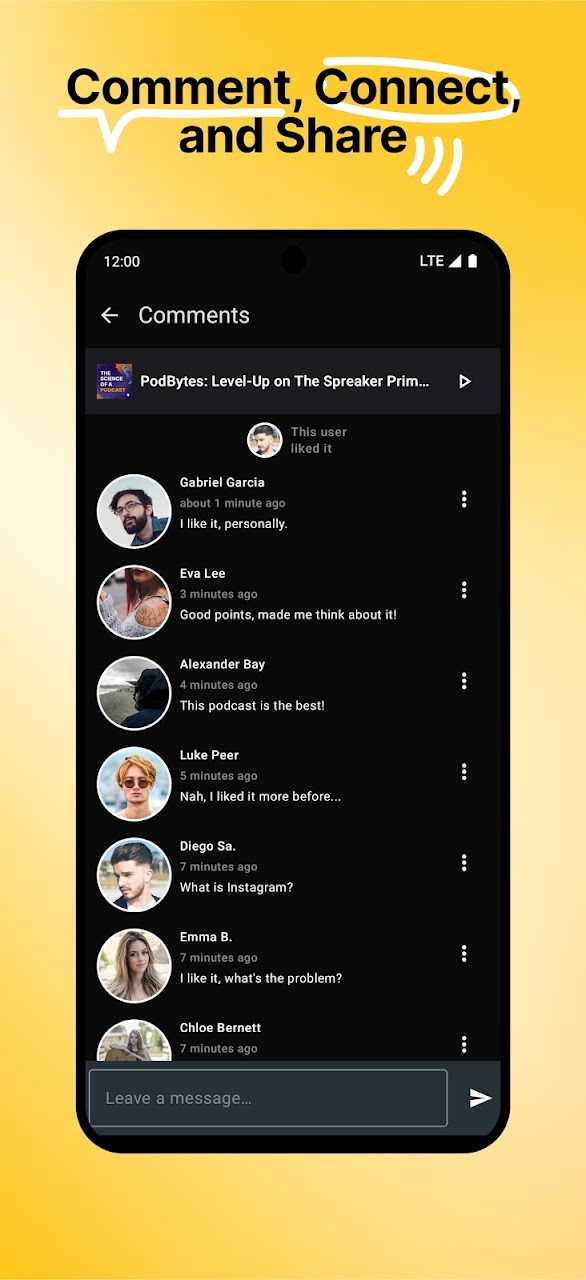
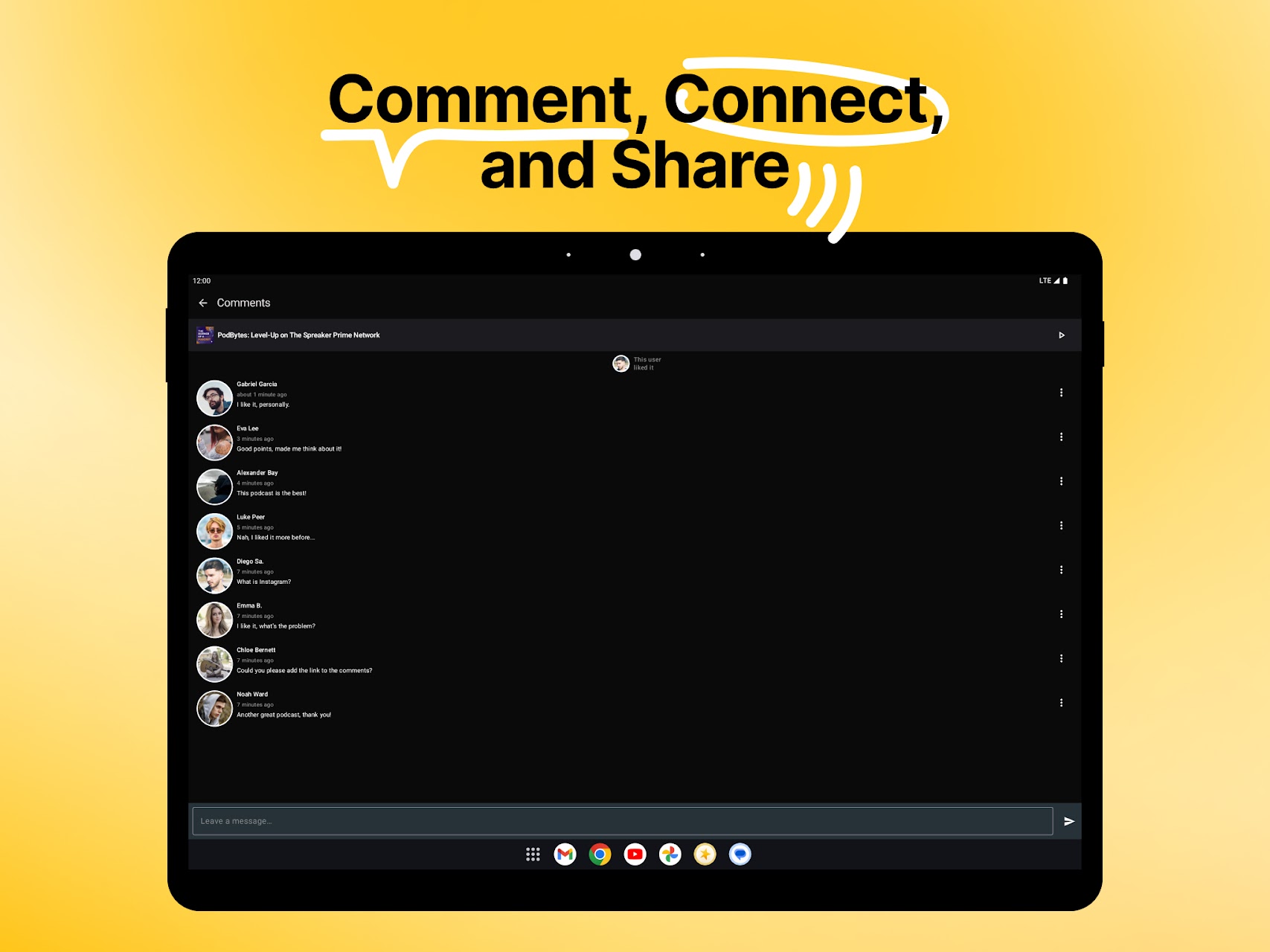
- Share and comment — Comment on episodes, chat with hosts, and share picks with friends or followers.
- Playback controls — Rewind, fast-forward, and change speed to match the way you want to listen.
- Free to use — The app is free and includes ads, with no in-app purchases listed.
Find podcasts by topic
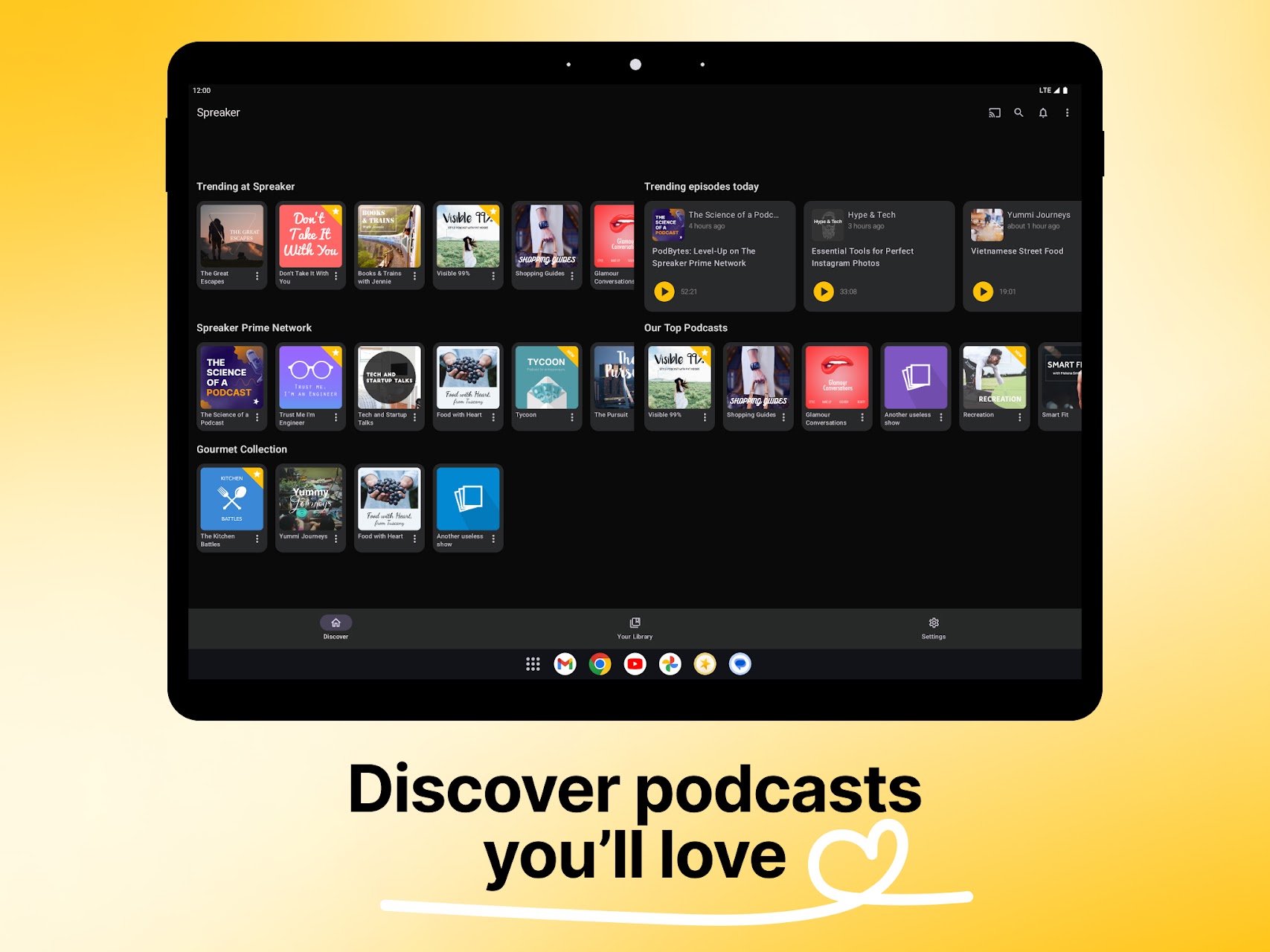
When you want something specific, Spreaker Podcasts points you toward curated lists instead of making you search from scratch. On a quiet evening, you can open a category like true crime, technology, or news and start with a selection that already fits the mood.
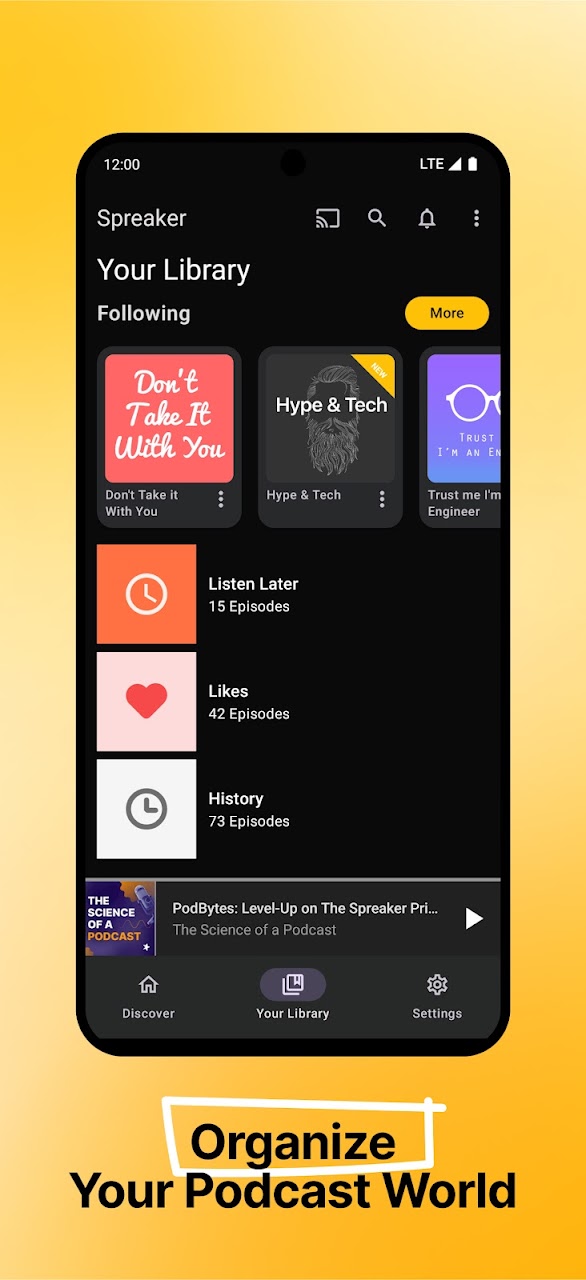
The app also keeps your listening organized with Following, Downloads, Listen Later, Likes, and History, so a show you saved during lunch is easy to pick up again later.
Listen offline and control playback
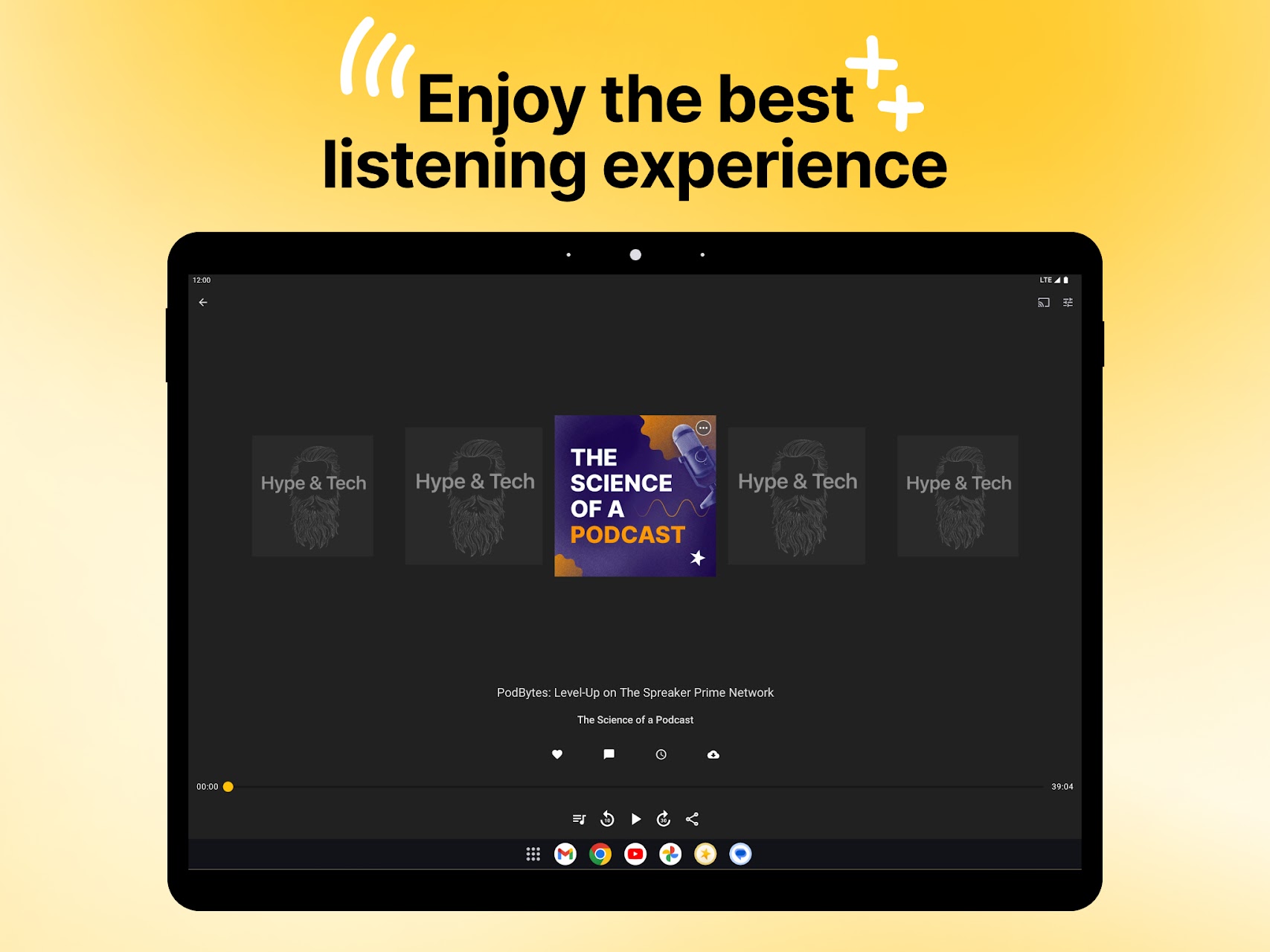
If you are on a long train ride or in a place with weak signal, you can download episodes and listen offline anytime. Playback tools let you rewind, fast-forward, and adjust speed, which helps when you want to revisit a section or move through a longer episode more quickly.
Spreaker Podcasts also supports Android Auto and Google Cast, so the player can be used in more than one listening setup.
Create and publish episodes
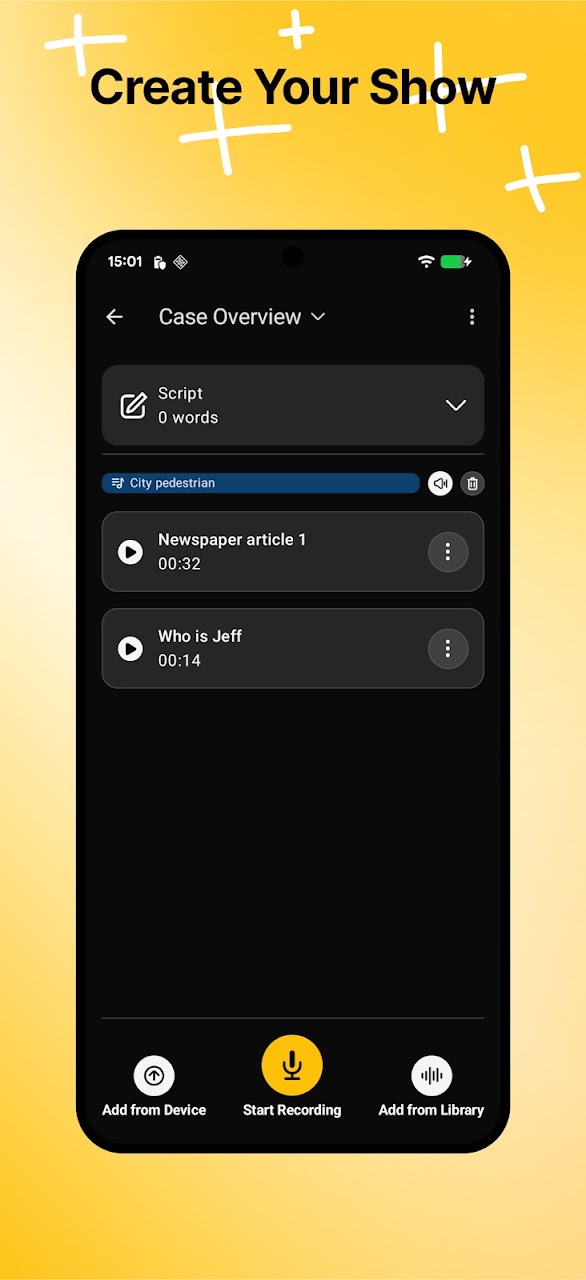
Spreaker Podcasts is not only for listening. You can create your own podcast directly in the app, using a simplified creation flow that helps you build episodes step by step. Templates give you a starting structure, and you can add sound effects and background music from the included copyright-free library.
When your episode is ready, you can publish it directly from the app and share it with listeners without leaving the workflow.
Share, comment, and install
On a tablet at home or on your Android phone, you can comment on episodes, chat with hosts, and share episodes through Instagram, Facebook, or WhatsApp. The app is free, includes ads, and does not list in-app purchases. It comes as an APK file, is 6.7 MB, and requires Android API 19 or higher.
- Format: APK
- Size: 6.7 MB
- Minimum Android: API 19
APK information
- Version
- 4.10.7
- Package
- com.spreaker.android
- Category
- Entertainment
- Size
- 7 MB
- Min Android
- API 19
- Architecture
- universal
Older versions
-
Spreaker Podcasts 4.10.7Nov 12, 2026Latest downloadAPK
Spreaker Podcasts FAQ
Does Spreaker Podcasts need a subscription?expand_more
No subscription is listed. The app is free to use and includes ads.
Does Spreaker Podcasts support Chromecast?expand_more
Yes. The app lists Google Cast integration.
Does Spreaker Podcasts work on tablets?expand_more
Yes. It is an Android app and can be used on tablets that meet the minimum version requirement.
How do I install the Spreaker Podcasts APK file?expand_more
Download the APK file, then open it on an Android device that runs API 19 or higher and follow the install prompts.
Can I create a podcast inside the app?expand_more
Yes. Spreaker Podcasts includes tools to create episodes in the app and publish them directly.