
- 3.1star1,085,235 reviews
- 100M+Downloads
- 128 MBAPK size
- TeenRated for Teen
- 8.0+Android
check_circleOriginal APK from Valve Corporation · Updated Nov 12, 2026
No threats found
0 / — antivirus engines flagged this file
Original signature
First seen — Valve Corporation
Unmodified APK
Same file the developer published — no mods
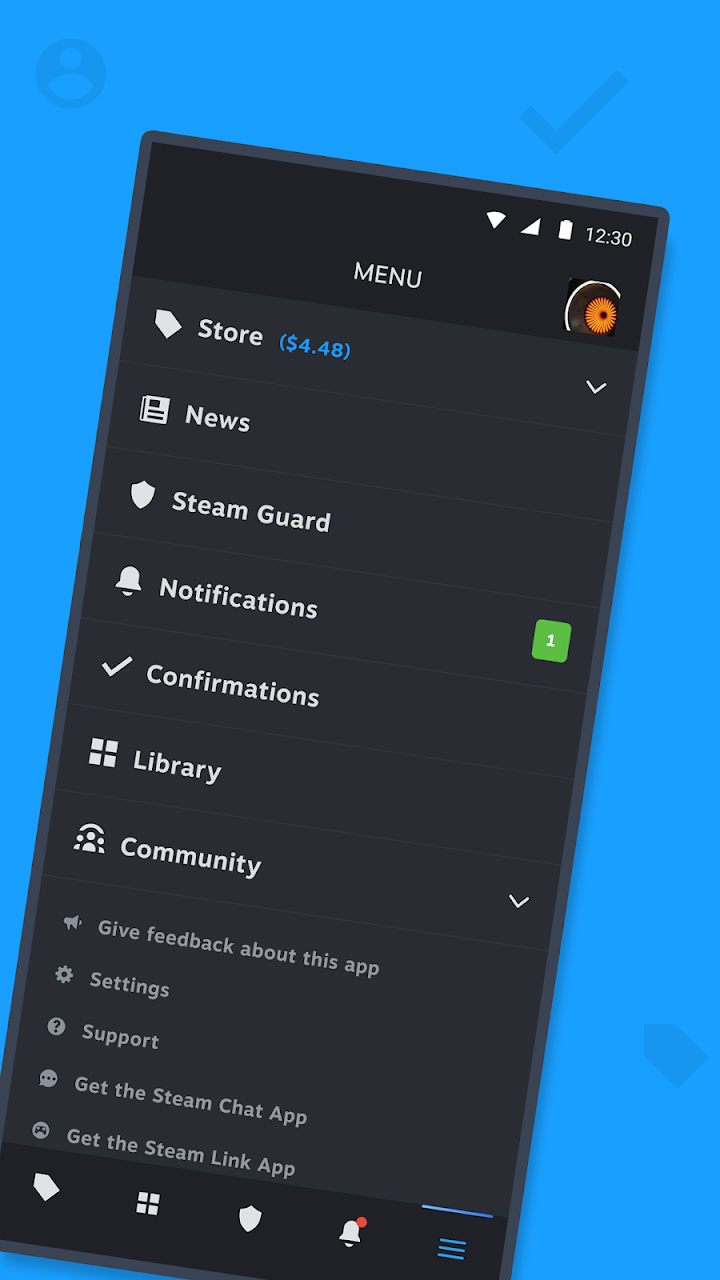
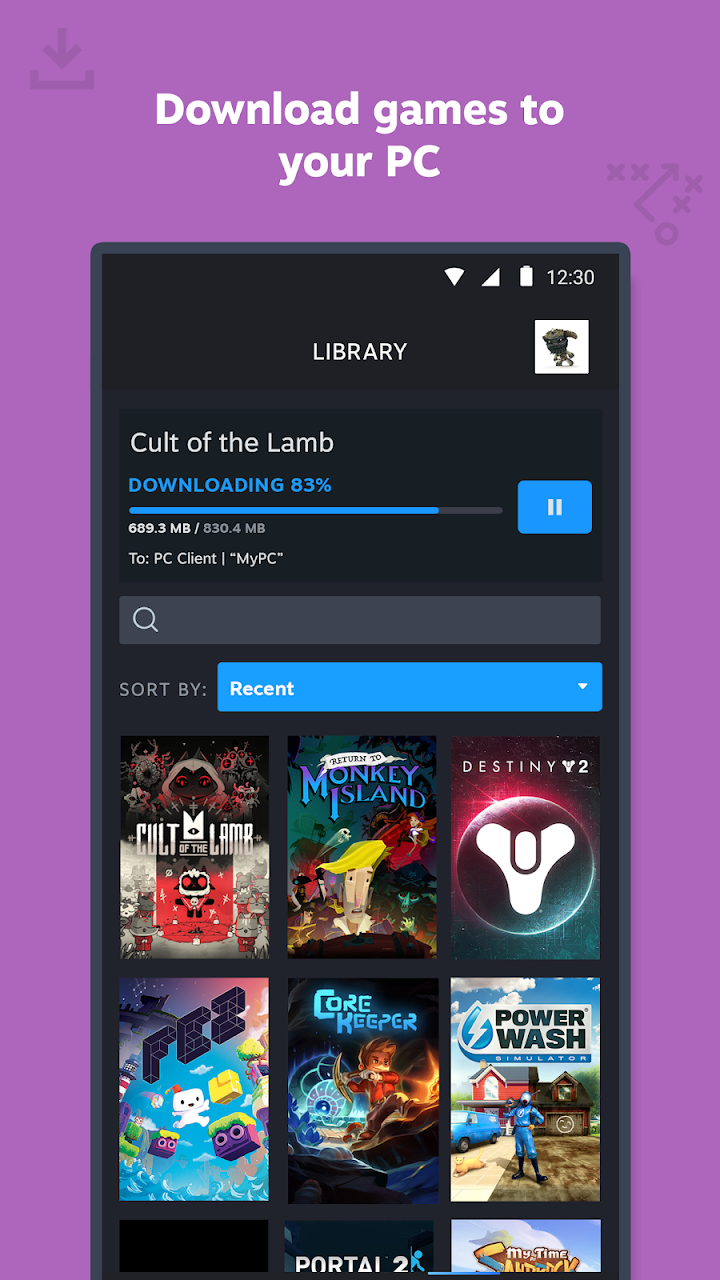
Steam screenshots
8 images · tap to enlarge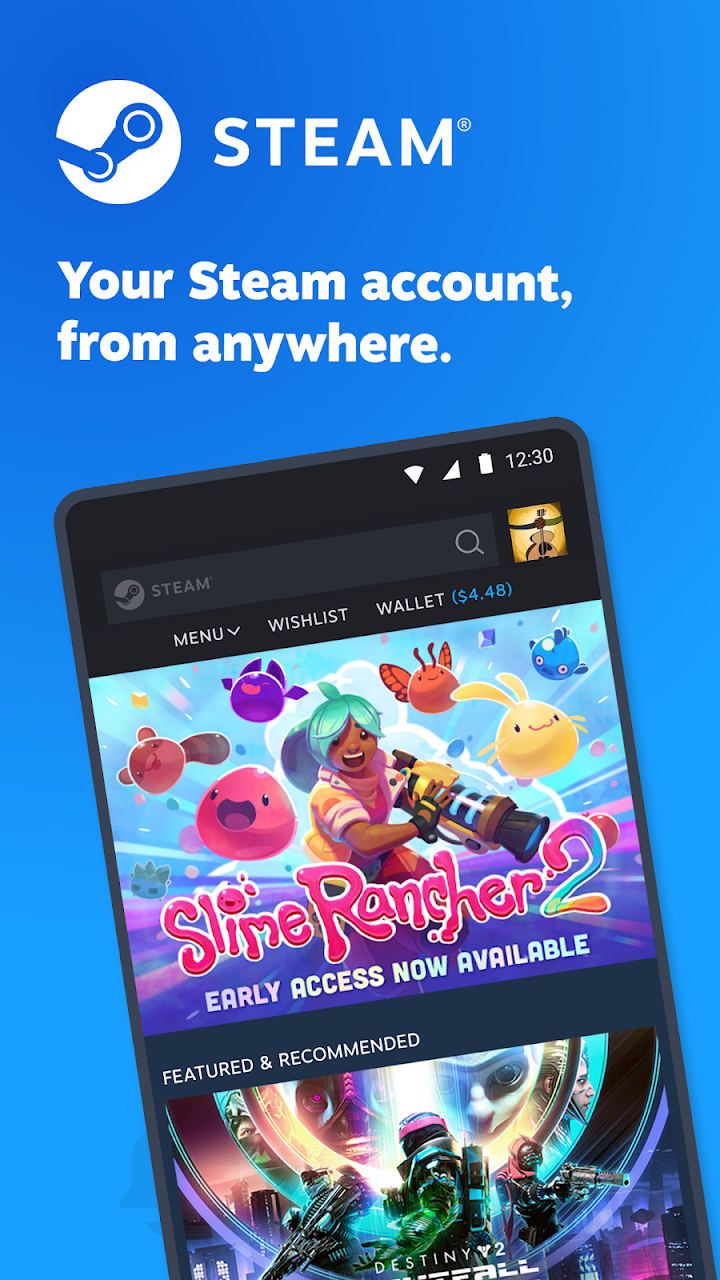

About this app
Valve Corporation’s Steam app is for people who want to keep up with their PC game library from Android. It lets you browse the store, handle Steam Guard sign-ins, check community activity, and confirm trades from your phone. The app is free, with no ads or in-app purchases listed.
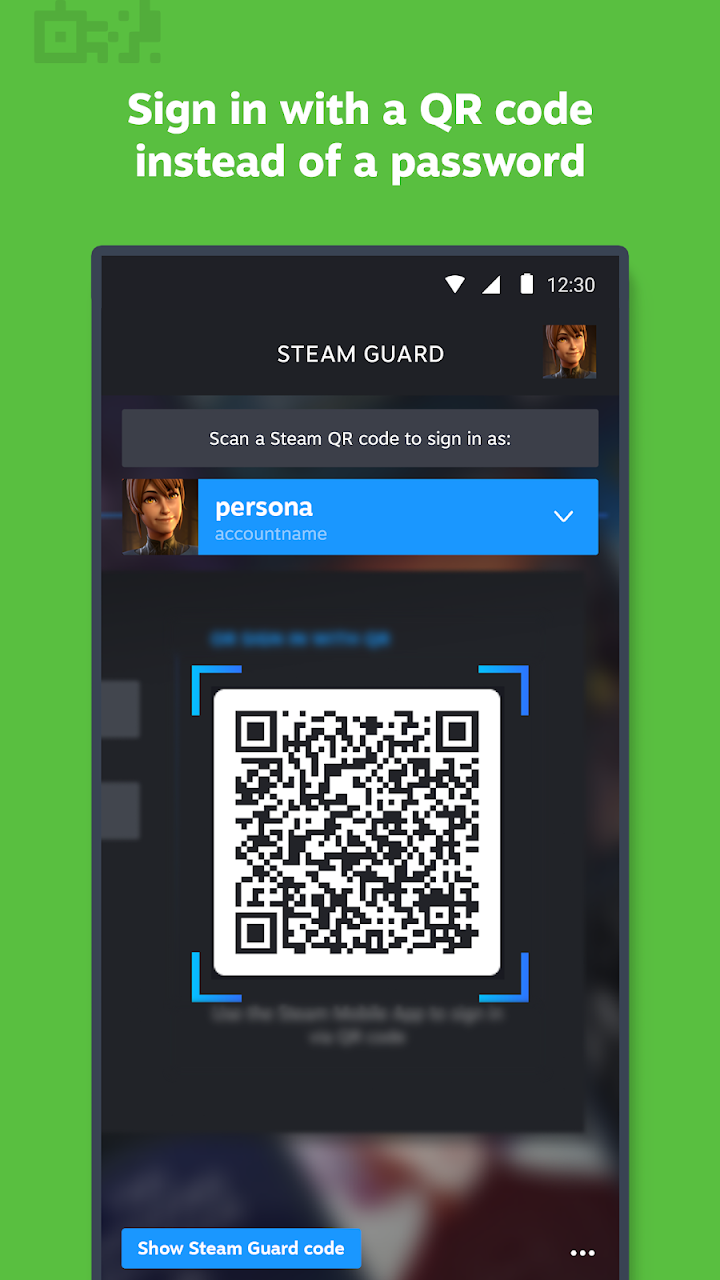
- Steam Guard access — Use two-factor authentication, QR sign-in, and sign-in confirmations to protect your account.
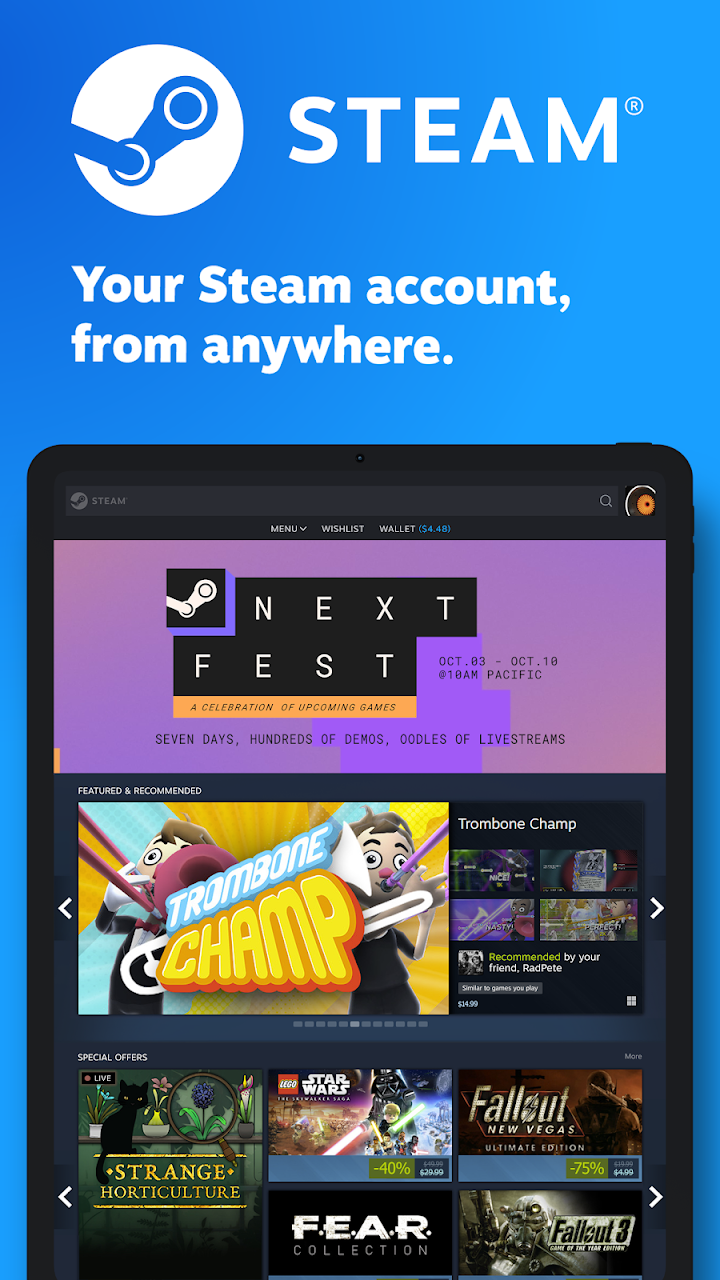
- Store browsing — Shop the Steam catalog from your phone and keep an eye on sales.
- Library control — View game details, discussions, guides, and support from the new Library view.
- Remote downloads — Manage game downloads and updates on your PC while away from it.
- Trade confirmations — Approve item trades and market sales faster from your phone.
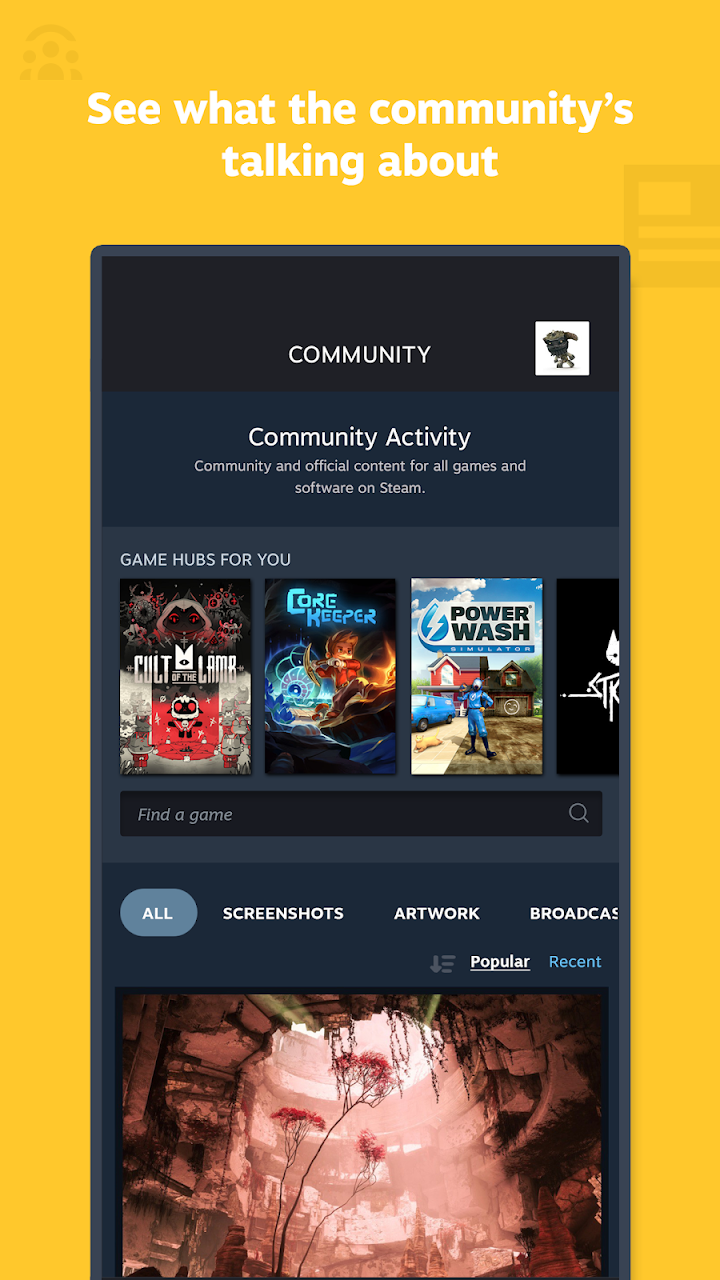
- Community updates — See a personalized news feed, notifications, friends, groups, screenshots, and more.
For players who use Steam every day
Steam on Android is built for people who already use Valve’s PC platform and want a mobile companion. It is not a separate game service; it mirrors the parts of Steam that matter when you are away from your computer, including store browsing, account protection, and community activity.
When you want to shop or check sales
If you like watching the Steam catalog for discounts, the app makes that possible from your phone. You can browse PC games, keep up with store updates, and see a feed based on your library. That makes it useful for quick checks during a commute or between classes.
For account security and sign-ins
Steam Guard is the app’s most practical feature for regular users. It supports two-factor authentication, QR code sign-in, and sign-in confirmations, so you can approve access without typing passwords each time. It also lets you manage authorized devices.
- Gets: store access, Steam Guard, library tools, trade confirmations, notifications
- Watch for: it is tied to your Steam account and is focused on Steam’s own ecosystem
For library checks and remote actions
The Library view brings game content, discussions, guides, support, and other Steam details into one place. You can also manage downloads and updates on your PC from the app, which is useful if you want a game ready when you get home.
Community tools and device control
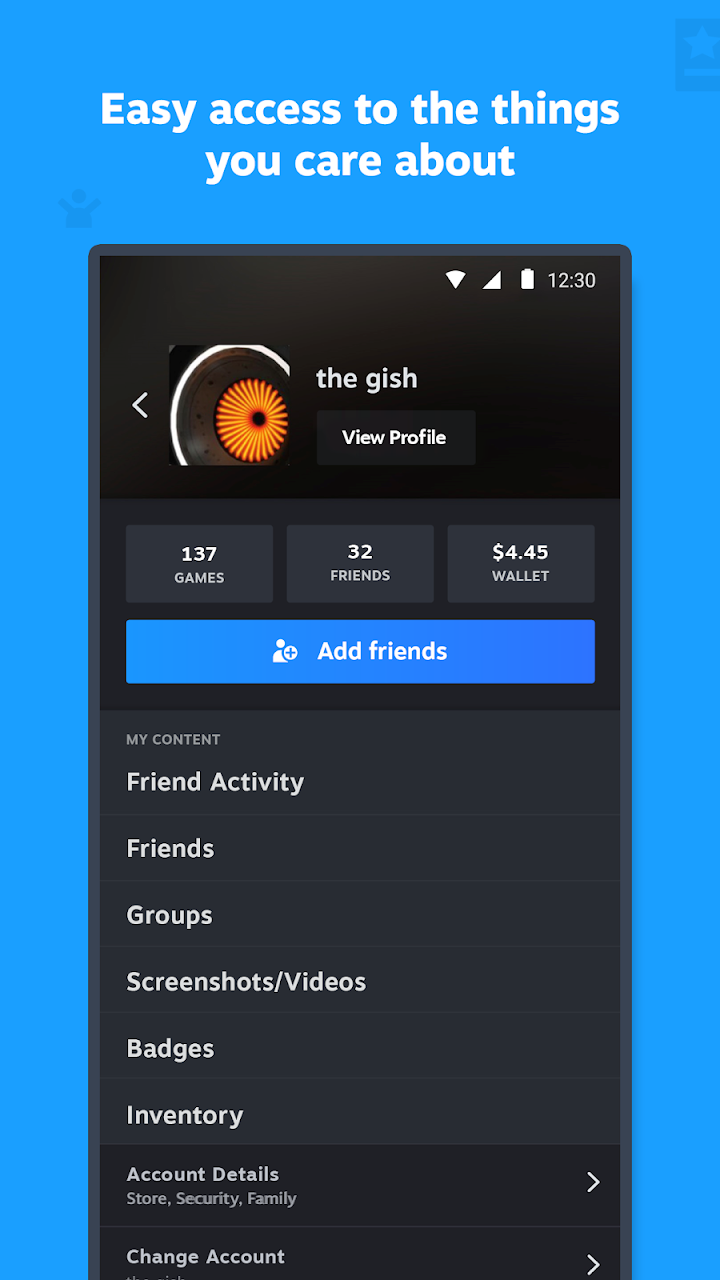
Steam also covers the social side of the platform. You can access friends, groups, screenshots, inventory, wallet, Workshop, broadcasts, and community discussions, plus customize notifications for sales, comments, trades, and friend requests. The app is free, does not list ads or in-app purchases, and needs Android 8.0 or later. It comes as a universal APK and is about 128.4 MB.
What's new
Version 3.10.12 · Nov 12, 2026
- Fixed an issue with certain labels within the app not being localized correctly
- Improved the reliability of some communications the embedded Steam store browser has with the app
- Updated internal dependencies to bring in external fixes and improvements
APK information
- Version
- 3.10.12
- Package
- com.valvesoftware.android.steam.community
- Category
- Entertainment
- Size
- 128 MB
- Min Android
- 8.0
- Architecture
- universal
Older versions
-
Steam 3.10.12Nov 12, 2026Latest downloadAPK
Steam FAQ
Can Steam play offline?expand_more
The app description focuses on store browsing, account security, community features, and remote management. It does not say that the Android app can play games offline.
Does Steam support Chromecast?expand_more
Chromecast support is not mentioned for this app.
Does Steam work on tablets?expand_more
The app needs Android 8.0 or later and is offered as a universal APK, which suggests broad device support, but tablet-specific features are not listed.
Does Steam need an account?expand_more
Yes. The app is built around a Steam account for store access, Steam Guard, community features, and confirmations.
Can I manage Steam trades from my phone?expand_more
Yes. The app includes trade and market confirmations so you can speed up item trades and sales from Android.