
- 4.3star1,283 reviews
- 100M+Downloads
- 6 MBAPK size
- EveryoneRated for Everyone
- API 9+Android
check_circleOriginal APK from Chainfire · Updated Nov 12, 2026
No threats found
0 / — antivirus engines flagged this file
Original signature
First seen — Chainfire
Unmodified APK
Same file the developer published — no mods
SuperSU screenshots
8 images · tap to enlarge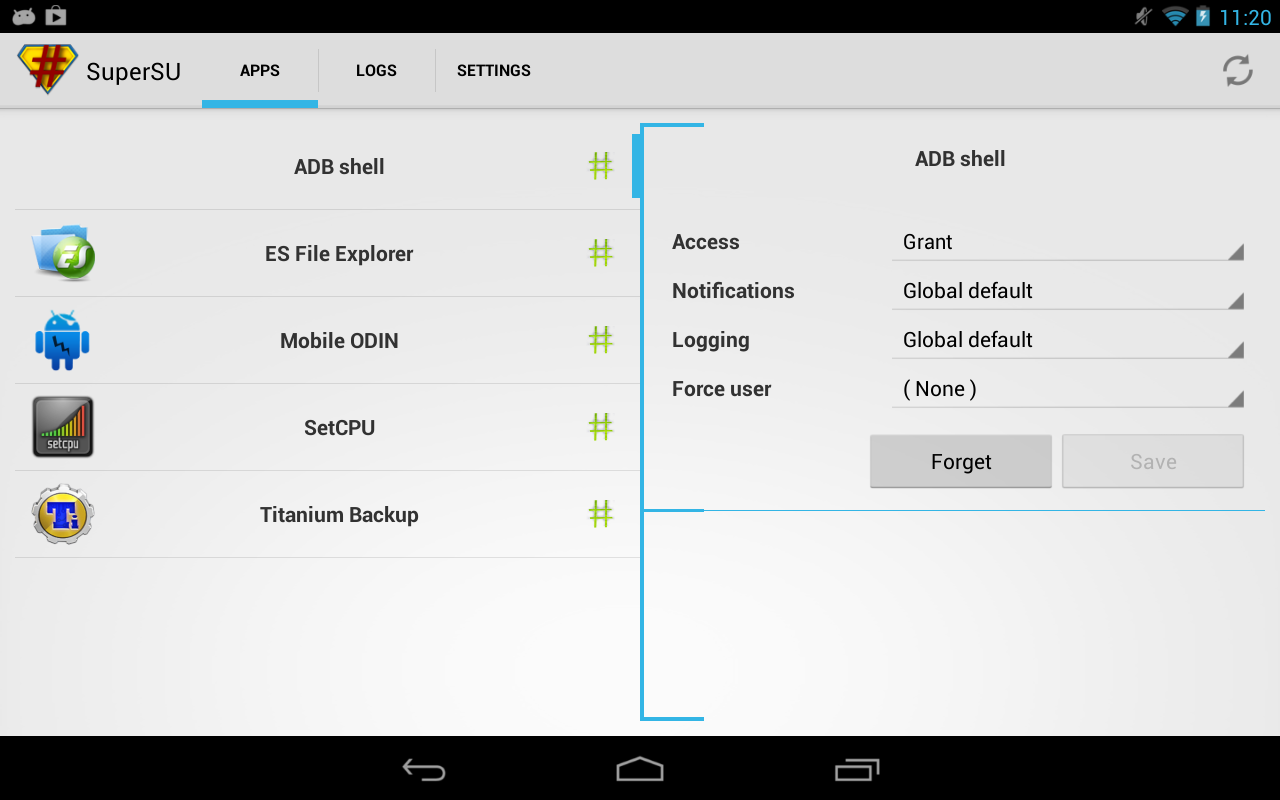
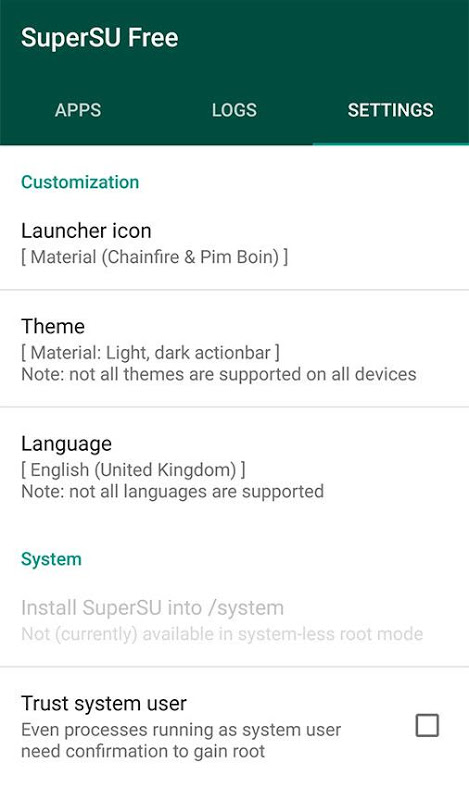
About this app
Need a way to manage root access? SuperSU is a tools app for rooted devices. It keeps track of which apps you have allowed, lets you revoke access later, and can log how often apps request root. It is free, has no ads, and needs a rooted phone to work.
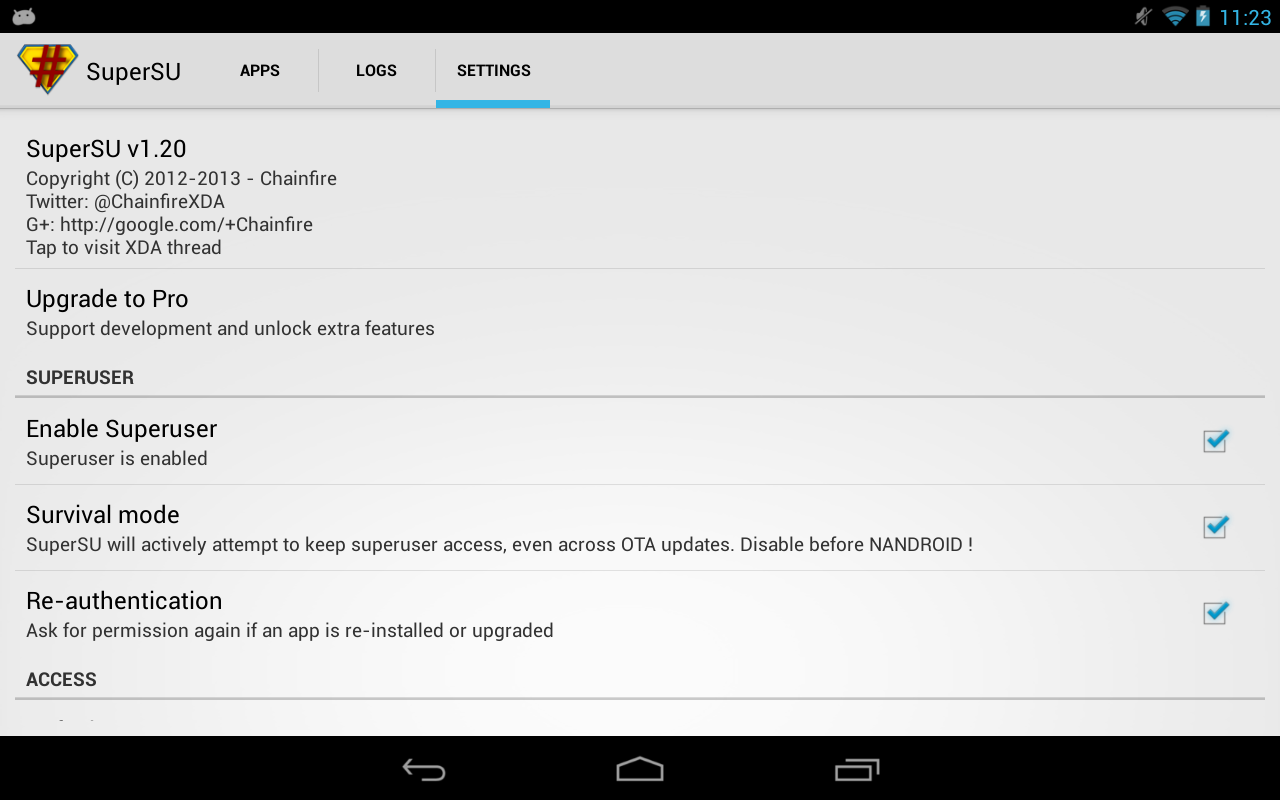
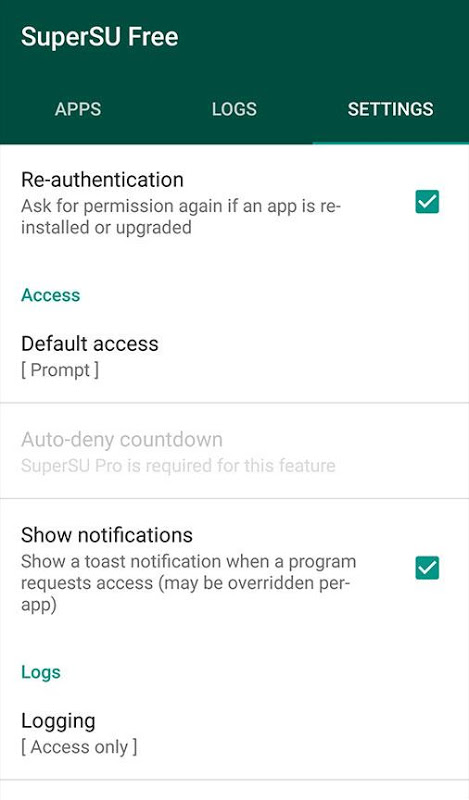
- Root access control — Manage which apps can use root on a rooted device.
- Permission history — See which apps were granted root and review them later.
- Revoke access — Remove root permission from apps whenever you want.
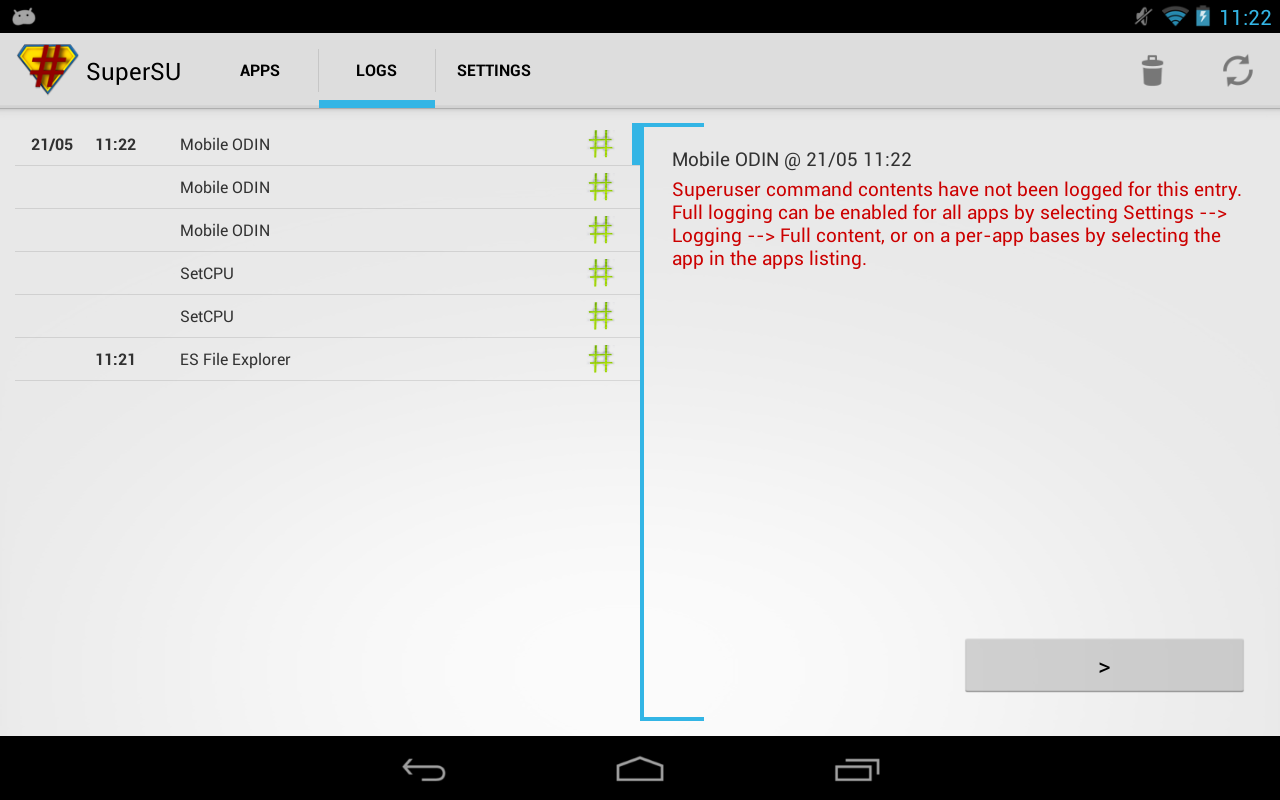
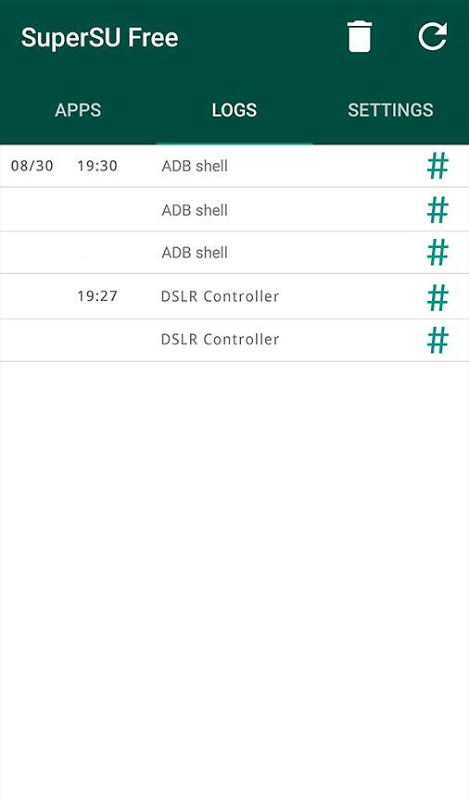
- Root request logs — Check how often apps ask for root and whether they do it in the background.
- Recovery mode support — Use the app even when Android is not fully booted.
First launch on a rooted device
SuperSU opens as a root access manager for apps on a rooted phone. On first launch, expect it to work only after root access is already set up on the device. The app is free, has no ads, and does not include in-app purchases.
The app file is an APK, sized at 5.9 MB. It supports Android 9 and up, with a universal build.
Set up root permissions
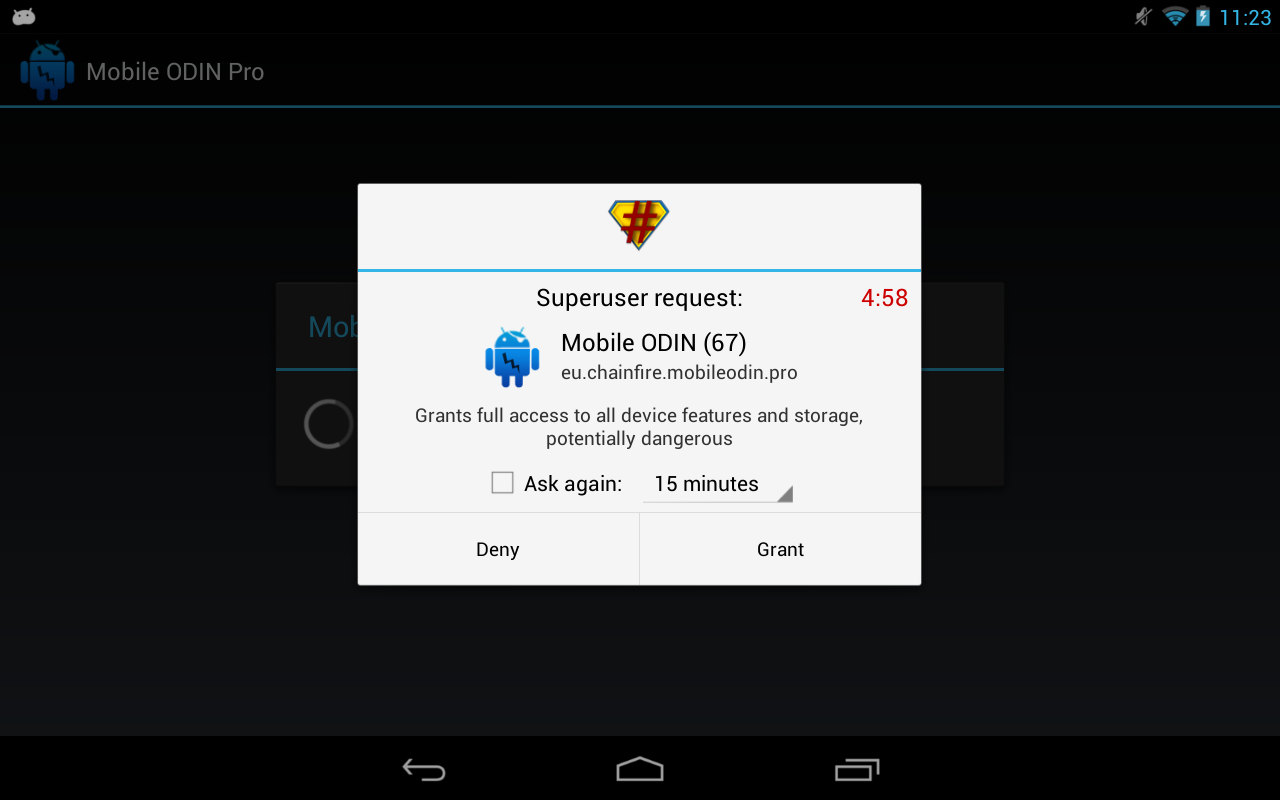
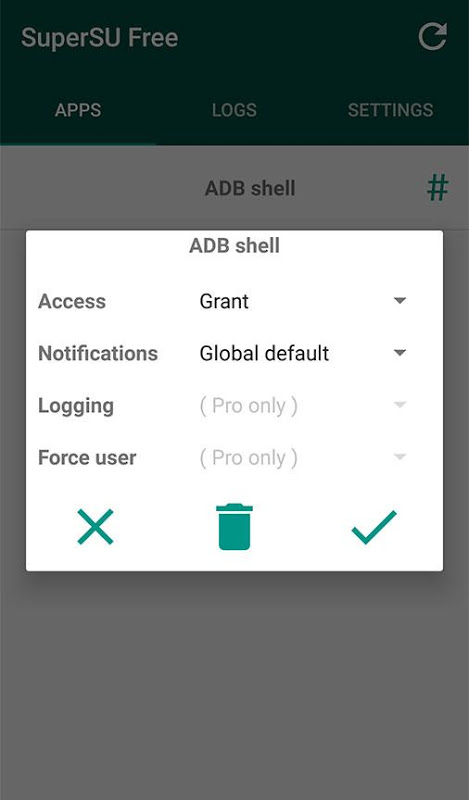
The main job is simple: decide which apps get root. When an app asks for root, SuperSU records that choice and can grant the same permission again the next time you open that app. You can also go back later and revoke access if you no longer want it.
- Review apps that have asked for root.
- Grant or remove permission for each app.
- See how often an app uses root.
Practical checks after install
Use the log view to check root requests and background use. This helps you see which apps are asking for elevated access more often than expected. SuperSU can also temporarily unroot the device, which may help when you need to troubleshoot a boot loop or work with a phone that is not booting normally.
The app also works in recovery mode and when Android is not properly booted. That makes it useful for checking root access in situations where the normal system is not fully available.
Requirements and permissions
SuperSU requires a rooted device. Rooting can be done through an APK provided by a third-party rooting service or by manually granting root access in recovery mode. No app permissions are listed for this version, so there are no permission prompts to review here.
Version 2.82 includes a bug fix for an installation error and disables feedback.
What's new
Version 2.82 · Nov 12, 2026
- V2.82 Bug Fix on installation error and disable feedback
APK information
- Version
- 2.82
- Package
- eu.chainfire.supersu
- Category
- Tools
- Size
- 6 MB
- Min Android
- API 9
- Architecture
- universal
Older versions
-
SuperSU 2.82Nov 12, 2026Latest downloadAPK
SuperSU FAQ
Does SuperSU drain the battery?expand_more
The app description does not mention battery use.
Why does SuperSU need these permissions?expand_more
No app permissions are listed for this version. SuperSU needs root access because it manages root permissions for other apps.
Does SuperSU need an account?expand_more
No account is mentioned. The app is described as a root access manager for rooted devices.
Which Android version does SuperSU need?expand_more
SuperSU needs Android 9 or later. The listed minimum is API 9.
Can SuperSU work if Android will not boot normally?expand_more
Yes. It works when Android is not properly booted and also in recovery mode.