- 4.6star157,870 reviews
- 10M+Downloads
- 52 MBAPK size
- EveryoneRated for Everyone
- 6.0+Android
check_circleOriginal APK from idealappcenter · Updated Nov 12, 2026
No threats found
0 / — antivirus engines flagged this file
Original signature
First seen — idealappcenter
Unmodified APK
Same file the developer published — no mods
Talking Translator - Languages screenshots
8 images · tap to enlarge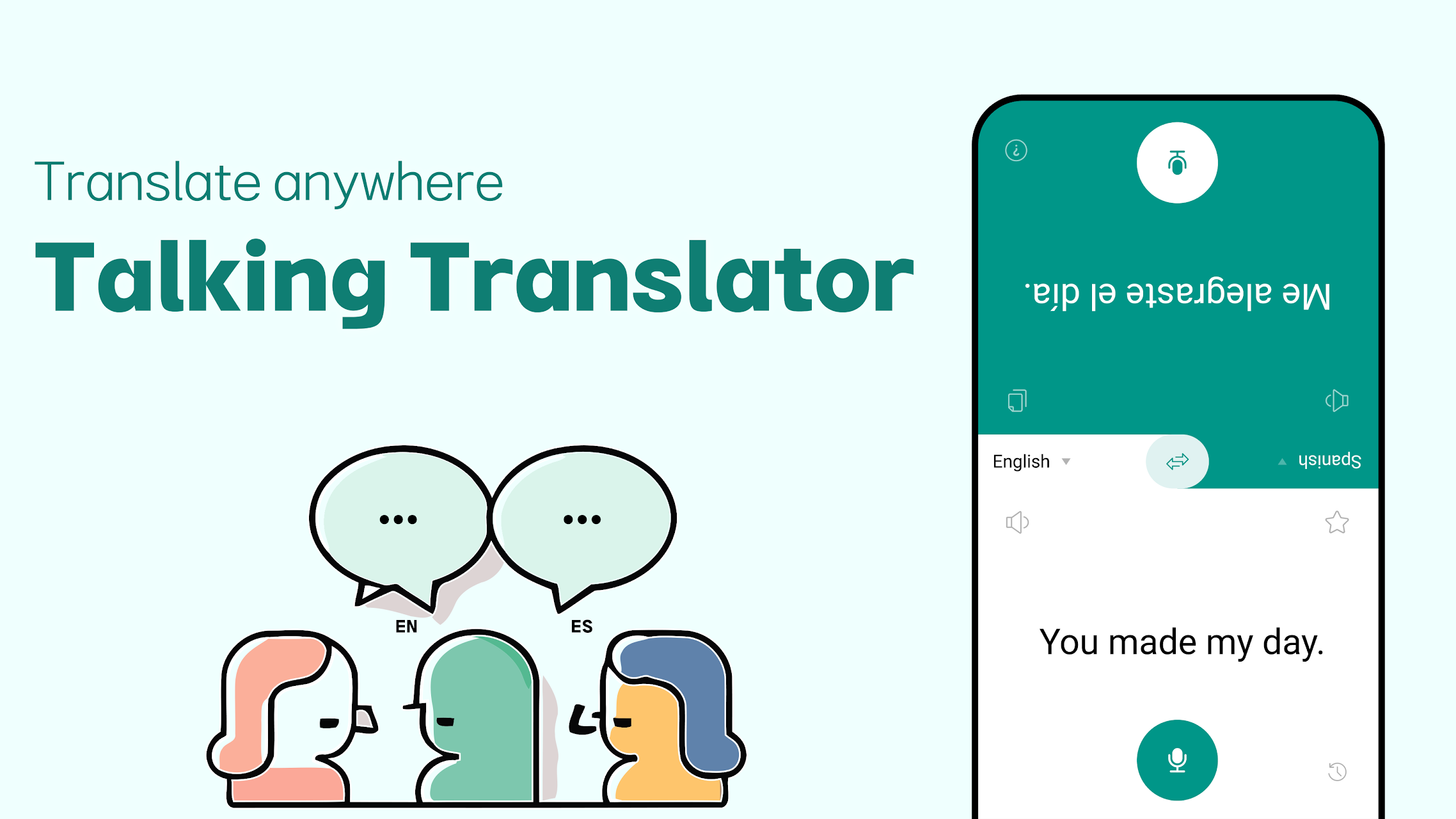
About this app
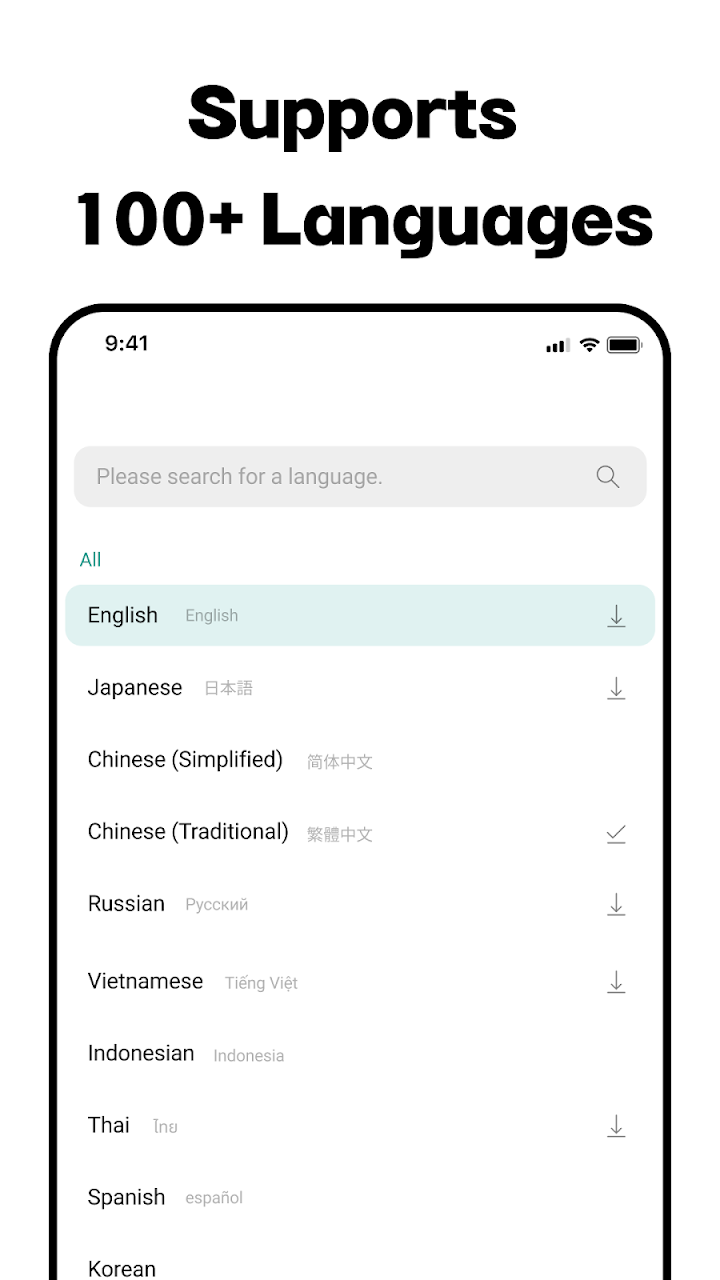
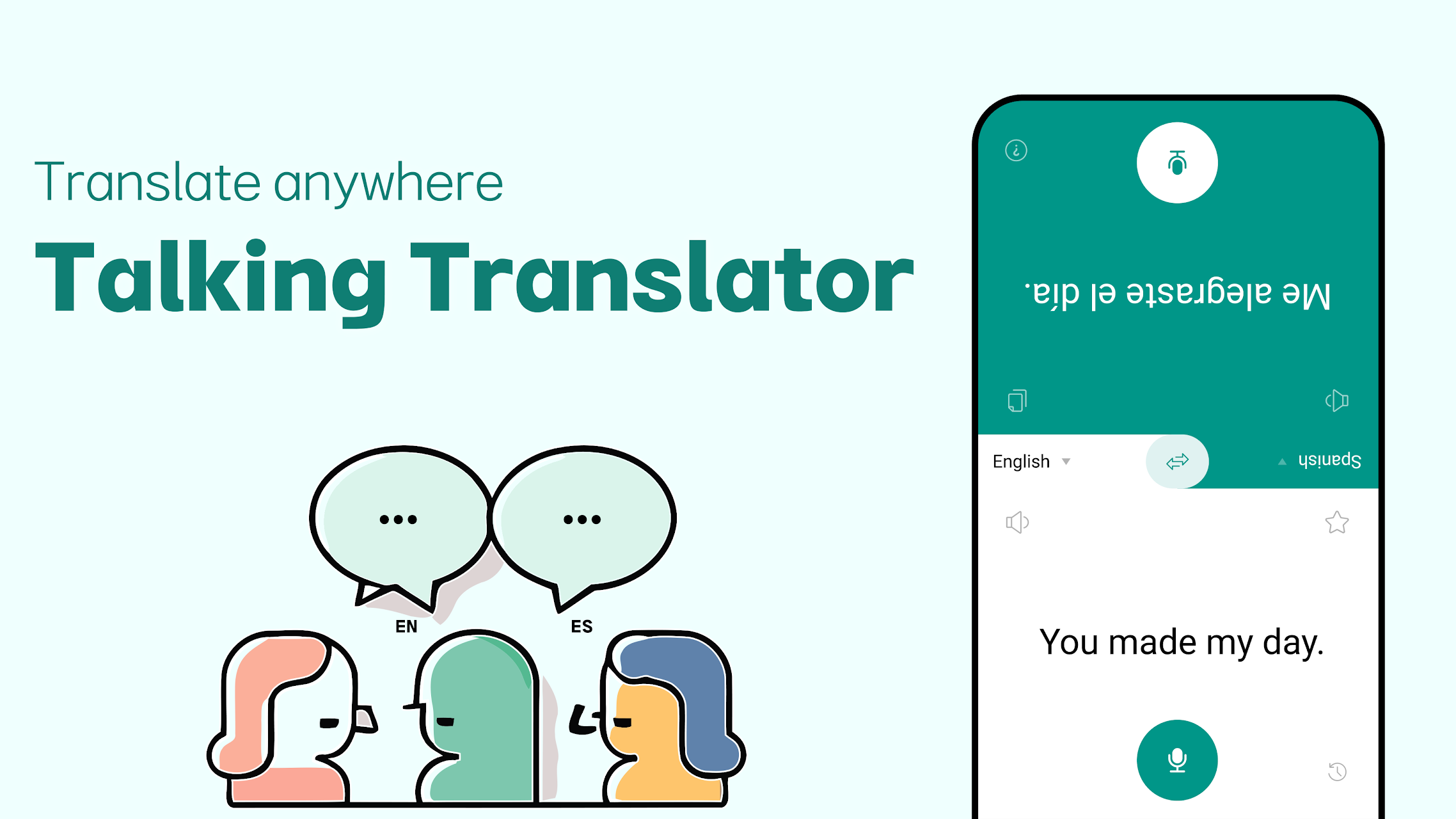
Need a translator for travel or daily chats? Talking Translator - Languages handles voice, typed text, and handwriting in more than 100 languages. It also includes offline translation, a shared view for two people, and shortcuts like a notification bar tool and keyboard.
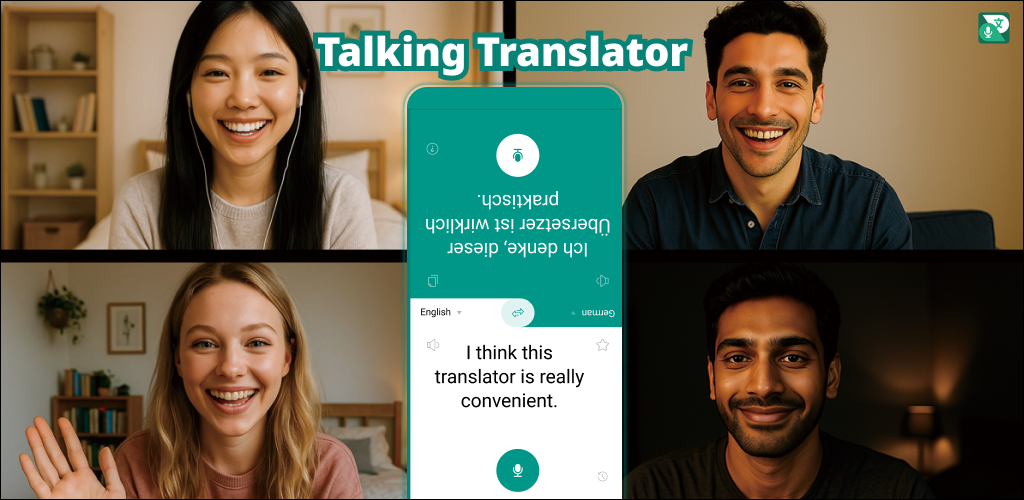
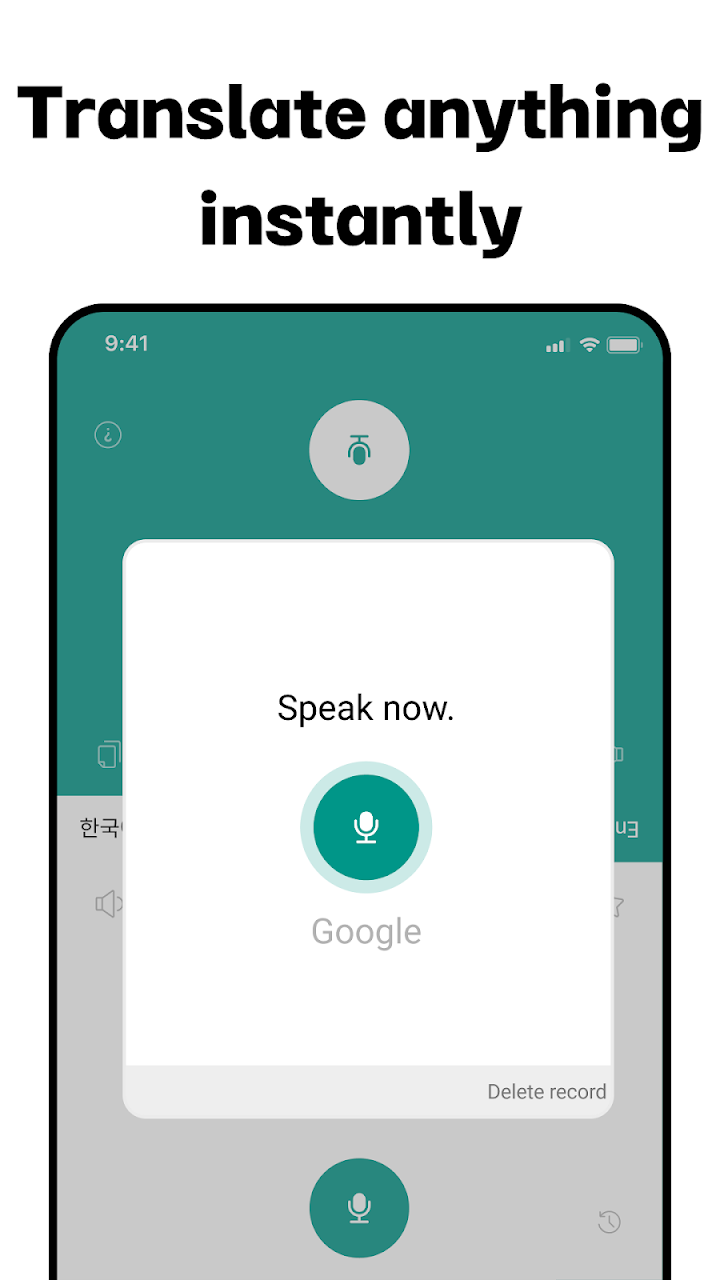
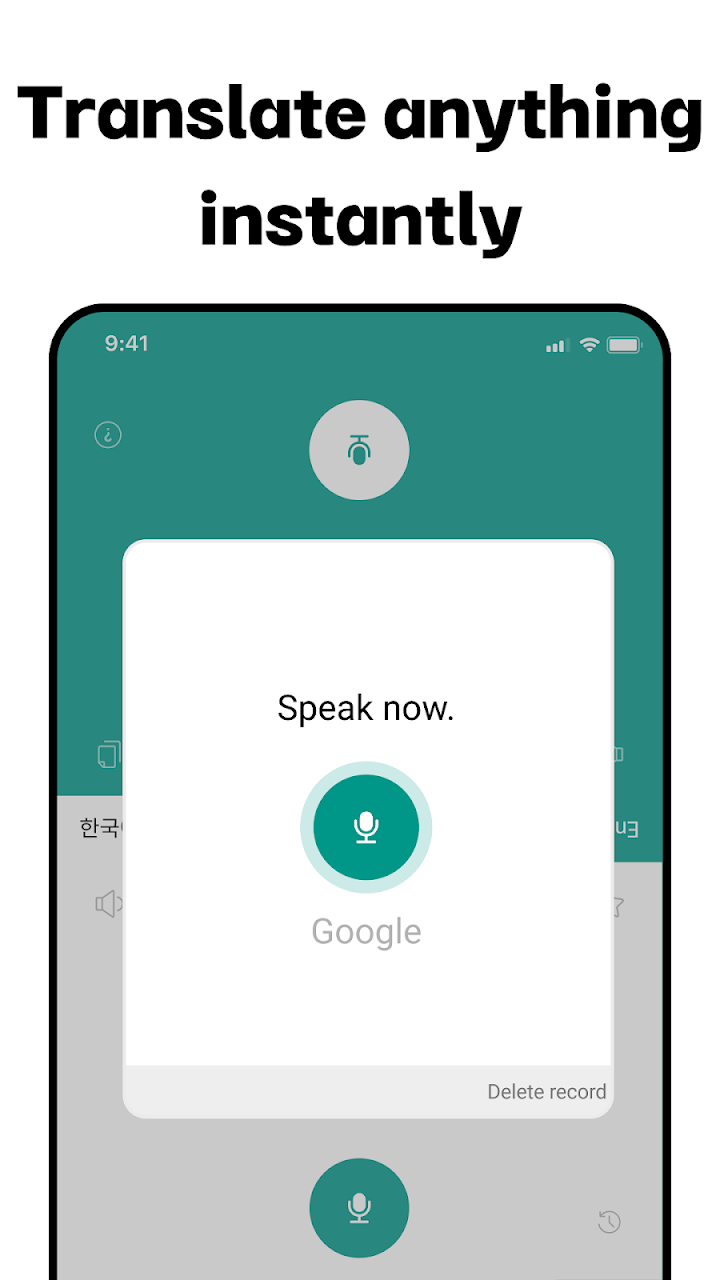
- Voice translation — Open the app and translate spoken phrases quickly, even when the connection is weak or unstable.
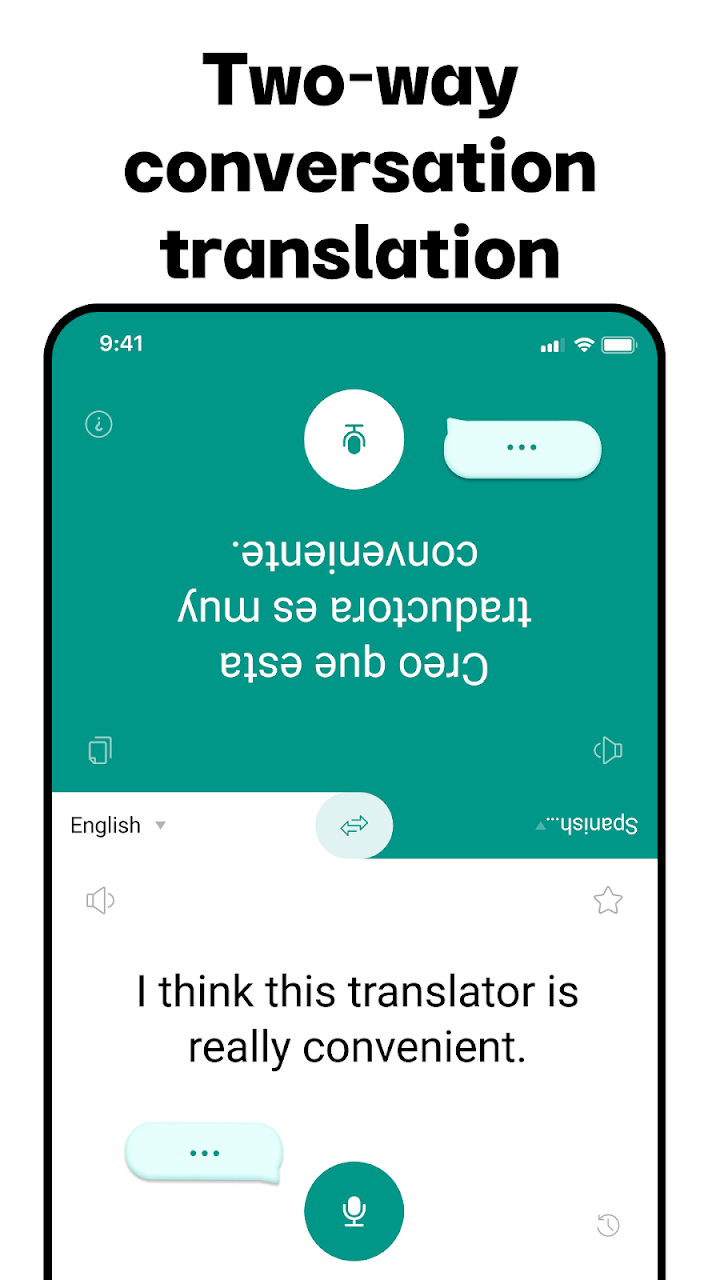
- Shared view — Use the shared view so both people can follow the same translation on screen.
- Handwriting input — Write a sentence by hand when you need to translate signs, notes, or unclear text.
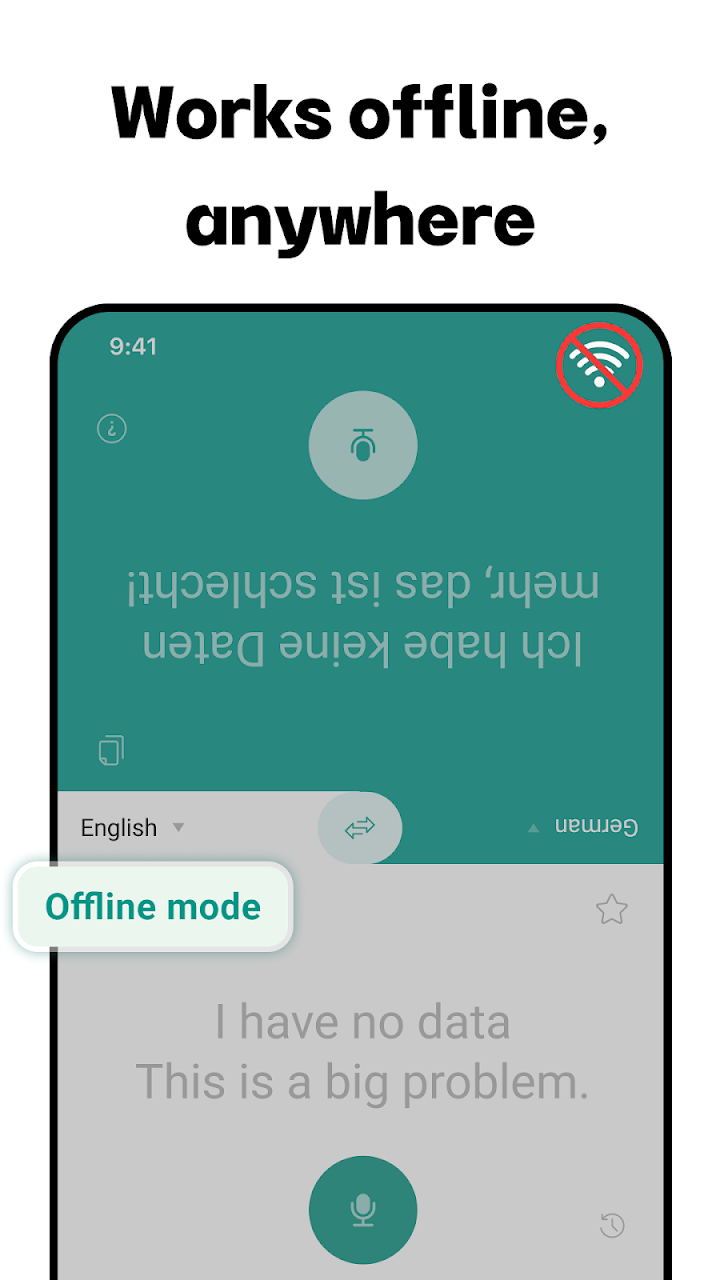
- Offline mode — Keep translating without data or signal when you are offline.
- Saved phrases — Copy, share, and save favorites, then revisit past phrases from voice history.
- Theme choices — Pick from 8 colorful themes, including cherry, watermelon, and grape.
Voice, text, and handwriting
Talking Translator - Languages is built for quick translation in everyday moments. You can speak a phrase, type it, or write it by hand. That helps when you are asking for directions, handling a work trip, or reading a sign you cannot type easily. Voice history lets you return to earlier phrases later.
Shared view for two people
The shared view is meant for face-to-face conversation. One screen shows the translation clearly so both people can keep up without passing the phone back and forth. It is a simple way to make a short exchange easier, especially when you want the other person to read along.
Offline and quick access
The app supports offline translation, so you can still use it without data or signal. It also offers a notification bar shortcut, keyboard access, search, and even a flashlight tool. The app is free, but it contains ads and offers in-app purchases. It works on Android 6.0 and up, comes as a 52.2 MB APK, and uses a universal build.
- You get: 100+ languages, voice translation, handwritten text translation, favorites, copying and sharing, 8 themes.
- Watch for: ads, optional in-app purchases, and microphone and notification permissions if you use voice input or conversation alerts.
What to check first
The app has no required permissions listed. Optional permissions include microphone/audio recording for interpreting and translating by voice, and notifications for “Today’s Conversation” alerts. It does not need root. The app is rated Everyone and has been available since 2019.
APK information
- Version
- 2.7.5
- Package
- com.translate.talkingtranslator
- Category
- Tools
- Size
- 52 MB
- Min Android
- 6.0
- Architecture
- universal
Older versions
-
Talking Translator - Languages 2.7.5Nov 12, 2026Latest downloadAPK
Talking Translator - Languages FAQ
Why does Talking Translator - Languages need these permissions?expand_more
Optional microphone/audio recording permission is used for voice input in interpreting and translating. Notifications are used for “Today’s Conversation” alerts.
Does Talking Translator - Languages need root?expand_more
No root requirement is listed.
Is Talking Translator - Languages available for older phones?expand_more
It supports Android 6.0 and up, so it can run on older phones that meet that version.
Can I install Talking Translator - Languages without Google Play?expand_more
The app is available as an APK file. The listing does not mention any other store or installation method.
Does Talking Translator - Languages work offline?expand_more
Yes. The app includes offline translation, so you can still translate without data or signal.