
- 4.7star56,985 reviews
- 1M+Downloads
- 7 MBAPK size
- EveryoneRated for Everyone
- API 19+Android
check_circleOriginal APK from Recomendados · Updated Nov 12, 2026
No threats found
0 / — antivirus engines flagged this file
Original signature
First seen — Recomendados
Unmodified APK
Same file the developer published — no mods
The Translator screenshots
8 images · tap to enlarge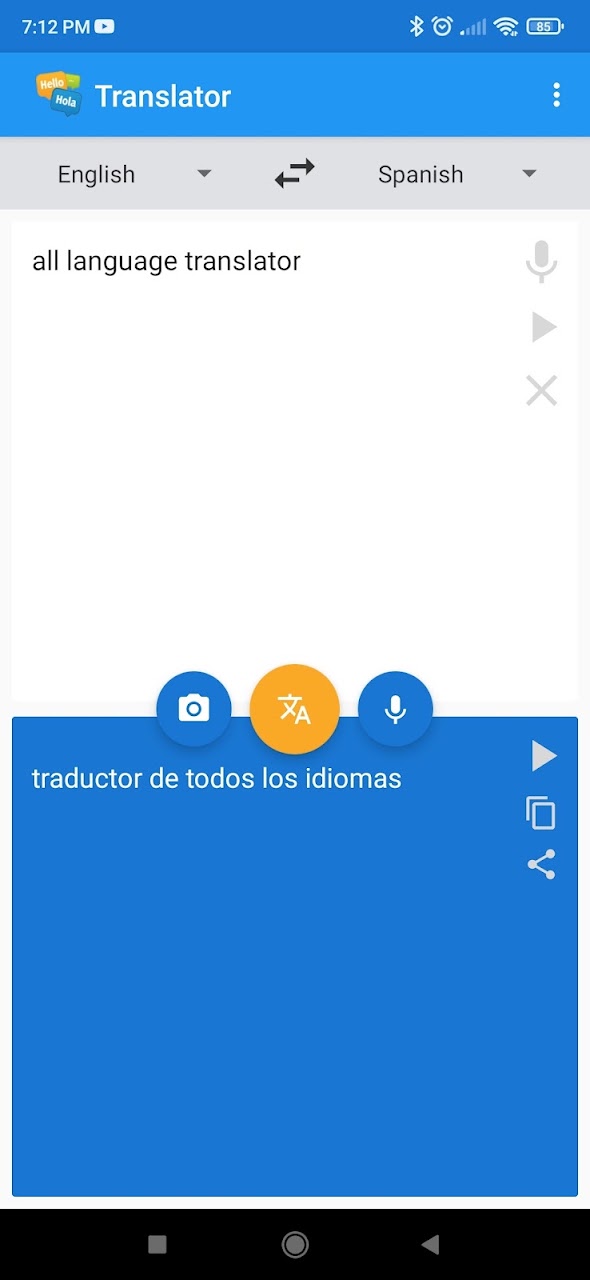
About this app
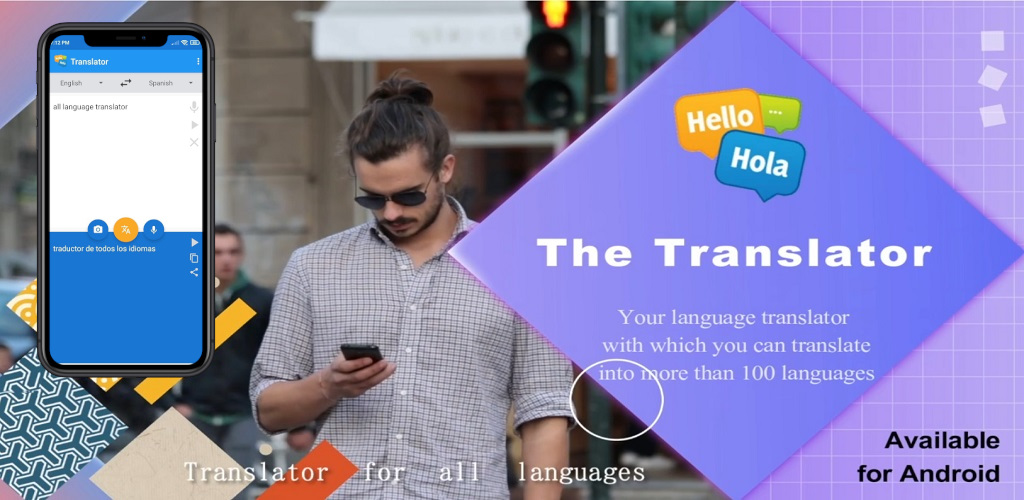
The Translator is a simple language tool for text, voice, and photo translation. It lets you type, speak, or scan text, then returns a translation you can copy or share. It also includes pronunciation playback, so you can hear how words and phrases sound before you use them.
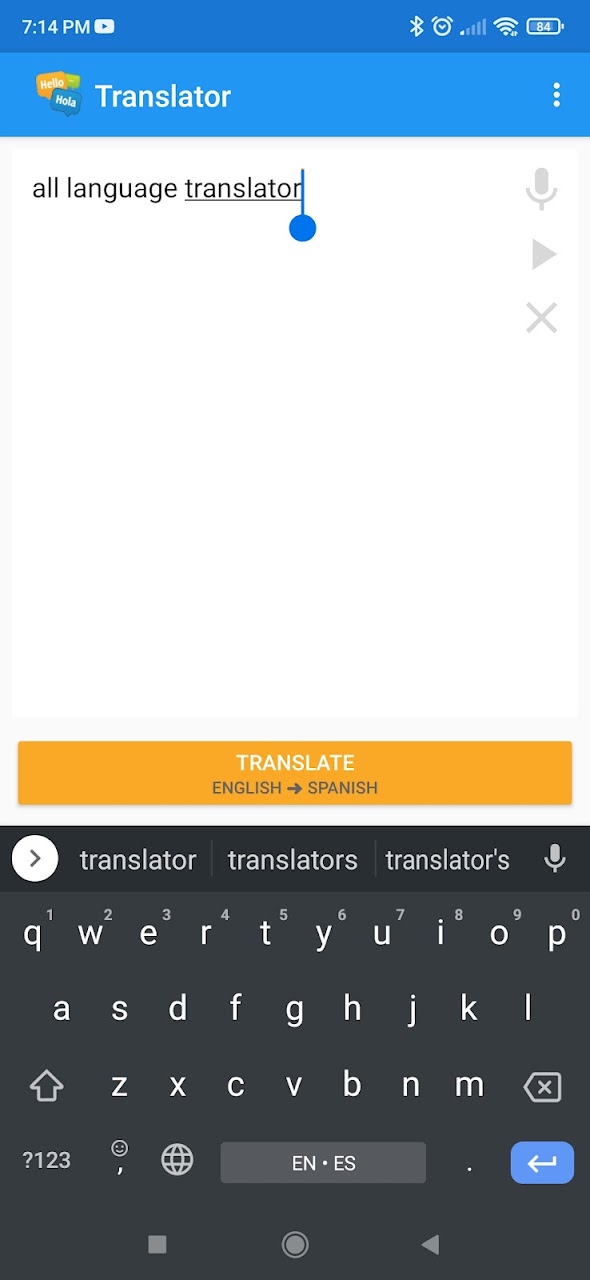
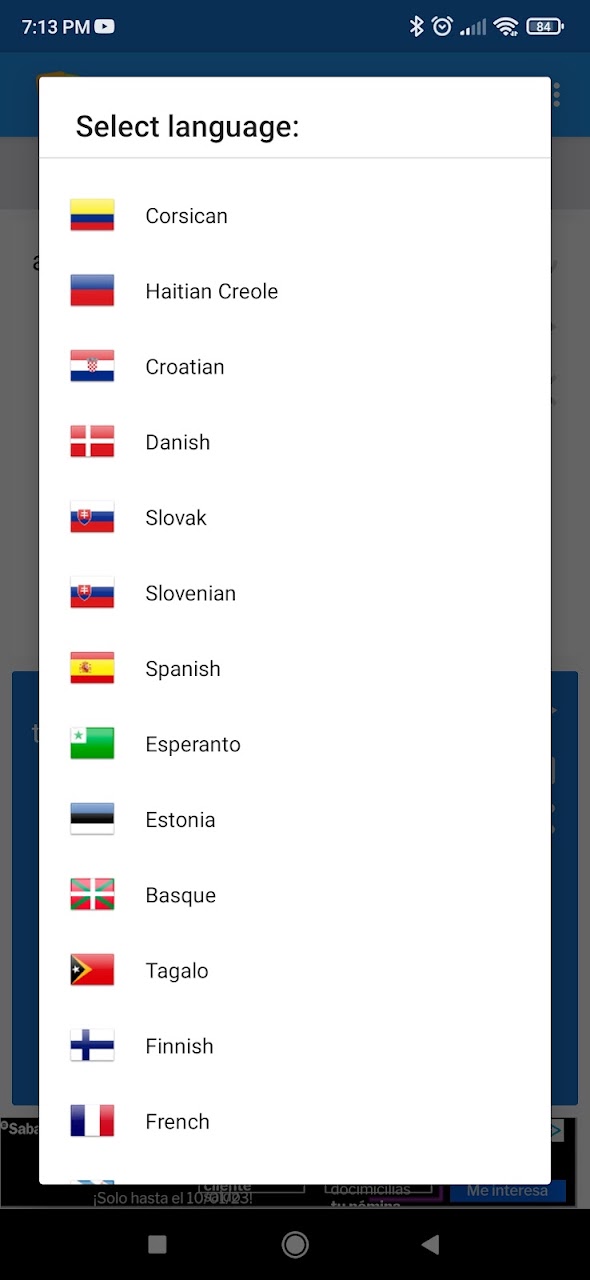
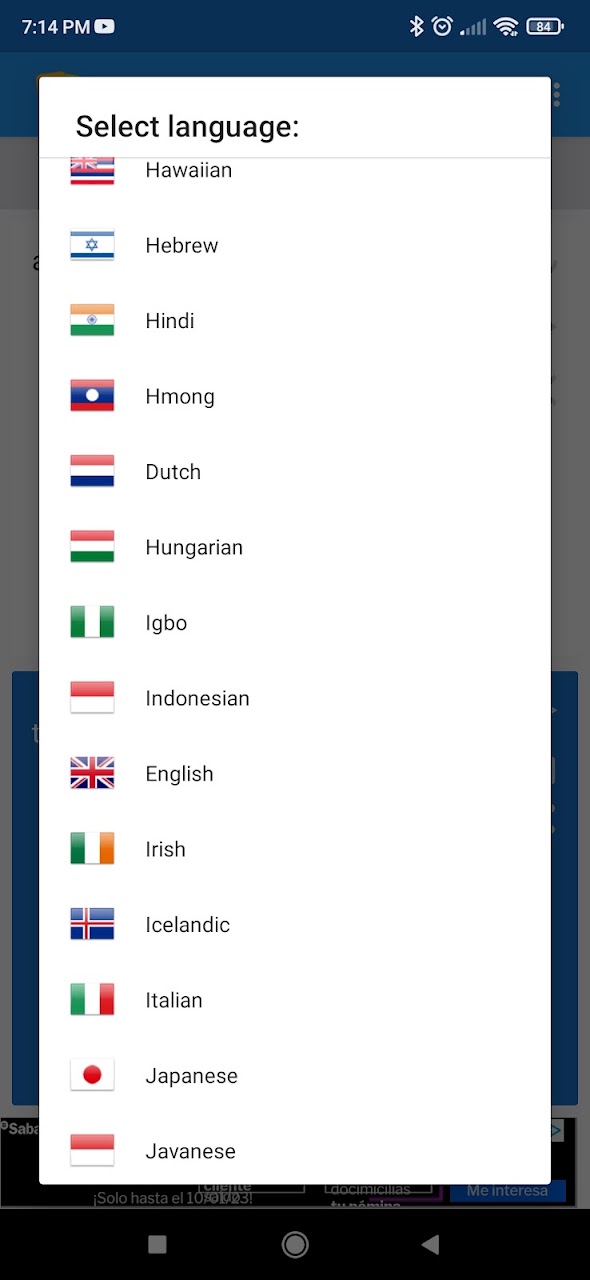
- Text input — Type a word or phrase and choose the source and target languages.
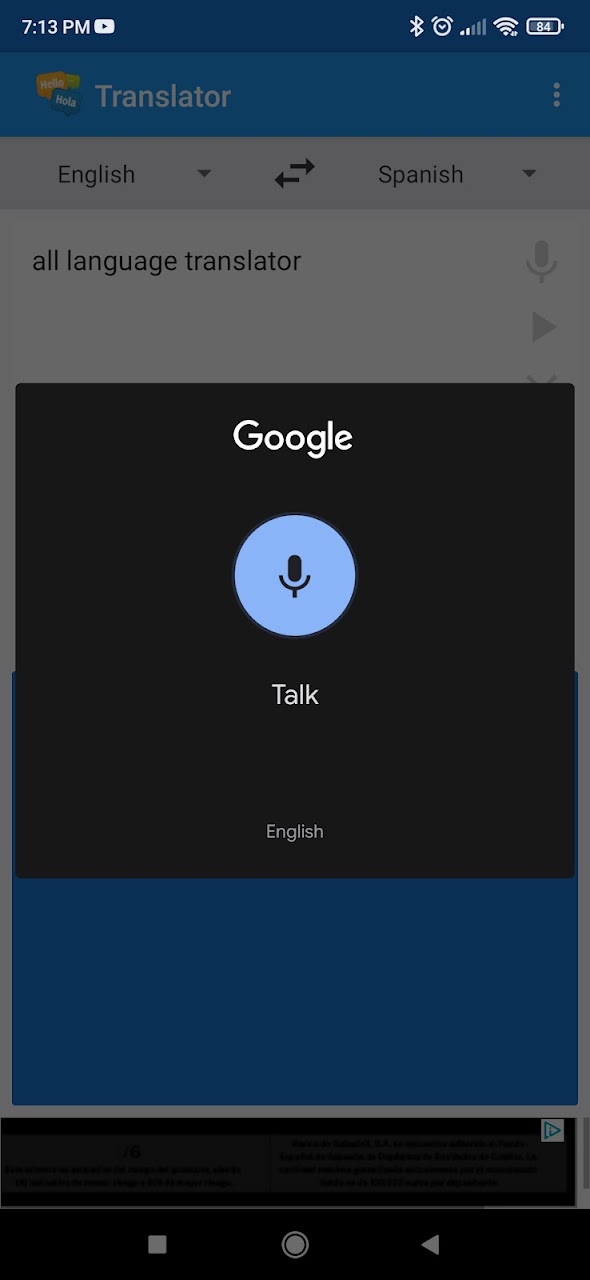
- Voice input — Speak instead of typing when that is easier.
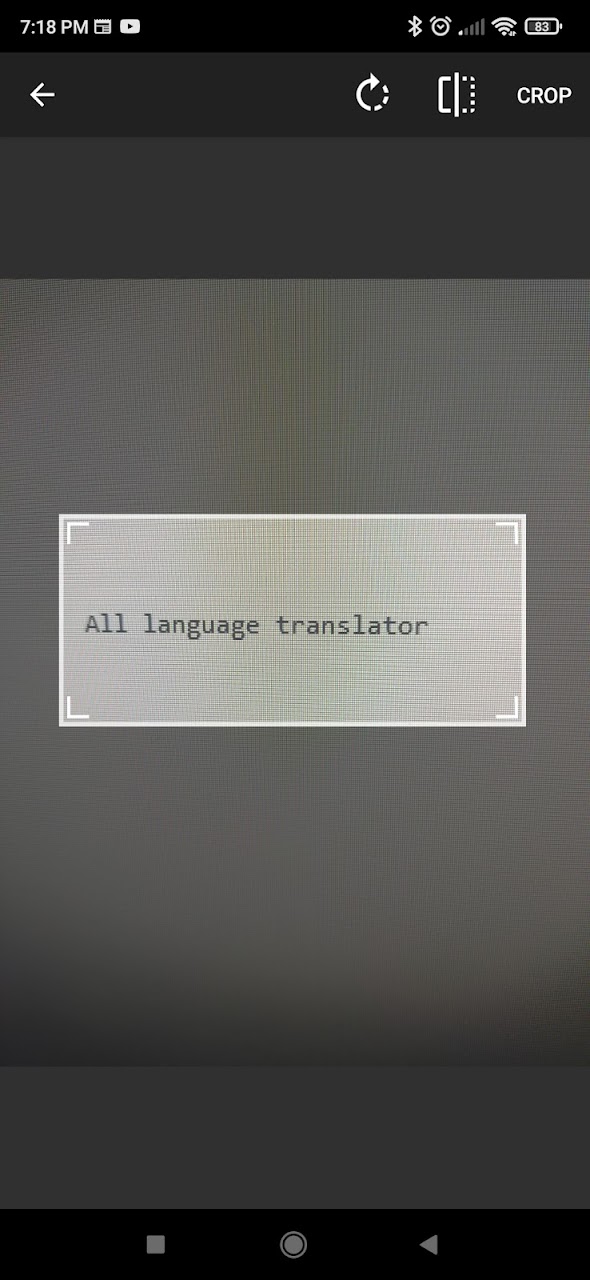
- Photo recognition — Use the camera image text reader to translate words from photos.
- Pronunciation playback — Listen to translated words and phrases to check how they sound.
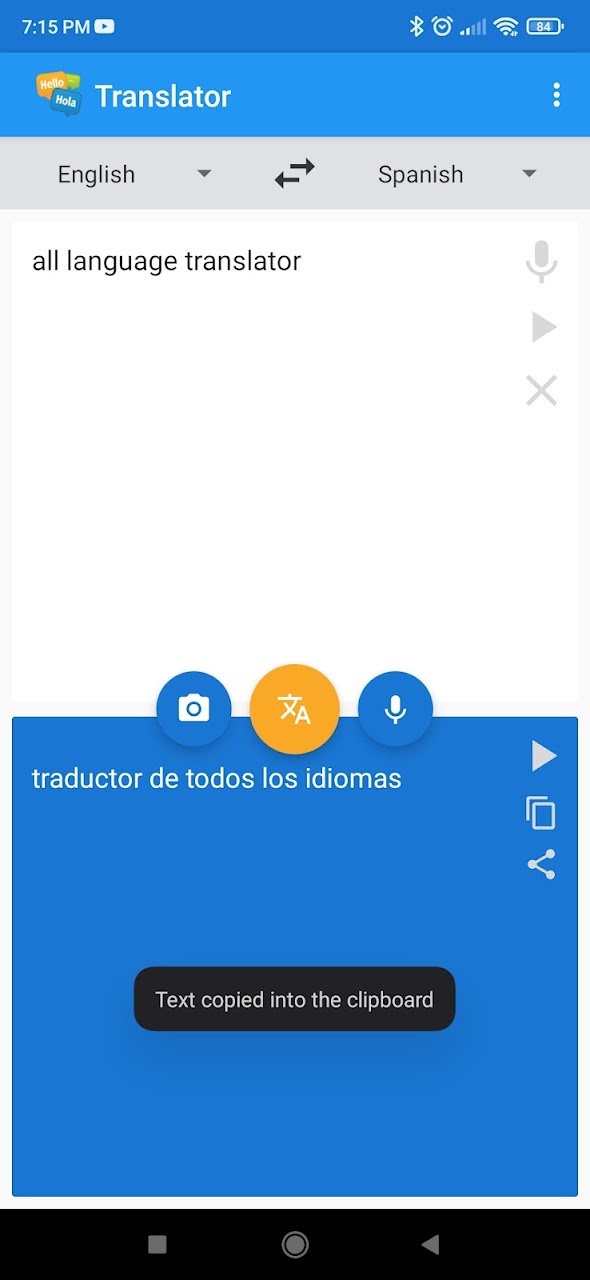
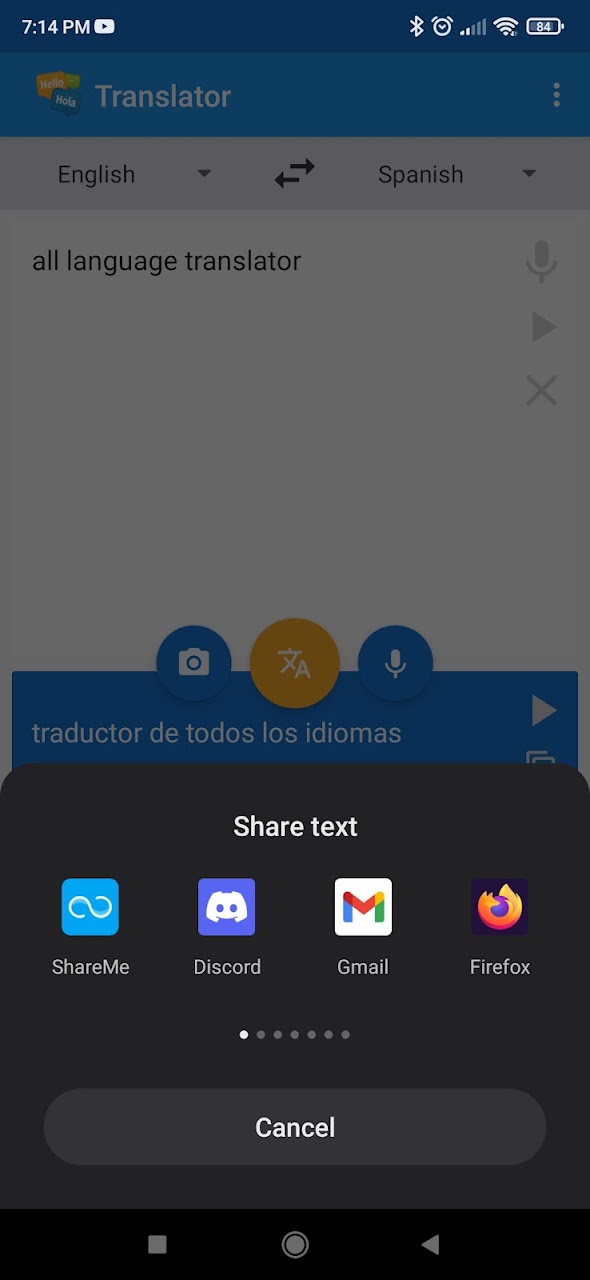
- Share results — Copy a translation or send it through social apps and messaging.
- Many languages — Supports languages such as English, Spanish, French, German, Arabic, Japanese, and more.
First launch: what to expect
On first launch, The Translator opens as a straightforward translation tool. You enter text in the upper box, pick a source language, choose a target language, and see the result below. The app also supports voice input and photo recognition, so you can translate without typing every time. It is free to use, but it needs an internet connection.
Set up your first translation
Start with a short phrase you already know. Select the language you are translating from, then the language you want. If speaking is easier, use voice input. If the text is in a sign, menu, or document, try photo recognition first. The app can translate between English, Spanish, and many other supported languages.
- You get: text, voice, and photo translation.
- You get: pronunciation playback for translated words and phrases.
- You get: copy and share options for the result.
- Watch for: an internet connection is required.
- Watch for: ads are included.
Practical use on day one
Use the app for quick checks while reading websites, asking questions abroad, or understanding everyday phrases. If you want to practise a language, listen to the pronunciation and repeat the phrase. If you need to share the result, the translated text is ready to copy and send through messaging or social apps. The app is small at 7.1 MB, comes as an APK, and runs on Android 19 and up.
Requirements and permissions
The Translator is free, has no in-app purchases, and does not list any permissions. It does not ask for root access or an account. The current version is 5.3, and the recent update fixed issues in the translator. Since the app uses online translation, plan to use it where you have a data connection or Wi-Fi.
What's new
Version 5.3 · Nov 12, 2026
- Fixed issues in the translator
APK information
- Version
- 5.3
- Package
- com.defch.translate
- Category
- Tools
- Size
- 7 MB
- Min Android
- API 19
- Architecture
- universal
Older versions
-
The Translator 5.3Nov 12, 2026Latest downloadAPK
The Translator FAQ
Does The Translator need root?expand_more
No. The app does not list root access as a requirement.
Why does The Translator need these permissions?expand_more
No permissions are listed for this app. It is still designed to use an internet connection for translation.
Does The Translator need an account?expand_more
No account is mentioned for using the app.
What is the difference between the APK and the Play Store version of The Translator?expand_more
The app is distributed as an APK here, and it is free to use. The listed package details show the APK format, 7.1 MB size, and Android 19+ support.
Can The Translator translate from photos?expand_more
Yes. It can recognize text from photos and translate it without manual typing.