
- 4.0star6,346 reviews
- 50M+Downloads
- 38 MBAPK size
- EveryoneRated for Everyone
- API 19+Android
check_circleOriginal APK from MCMrARM · Updated Nov 12, 2026
No threats found
0 / — antivirus engines flagged this file
Original signature
First seen — MCMrARM
Unmodified APK
Same file the developer published — no mods
Toolbox for Minecraft: PE screenshots
7 images · tap to enlarge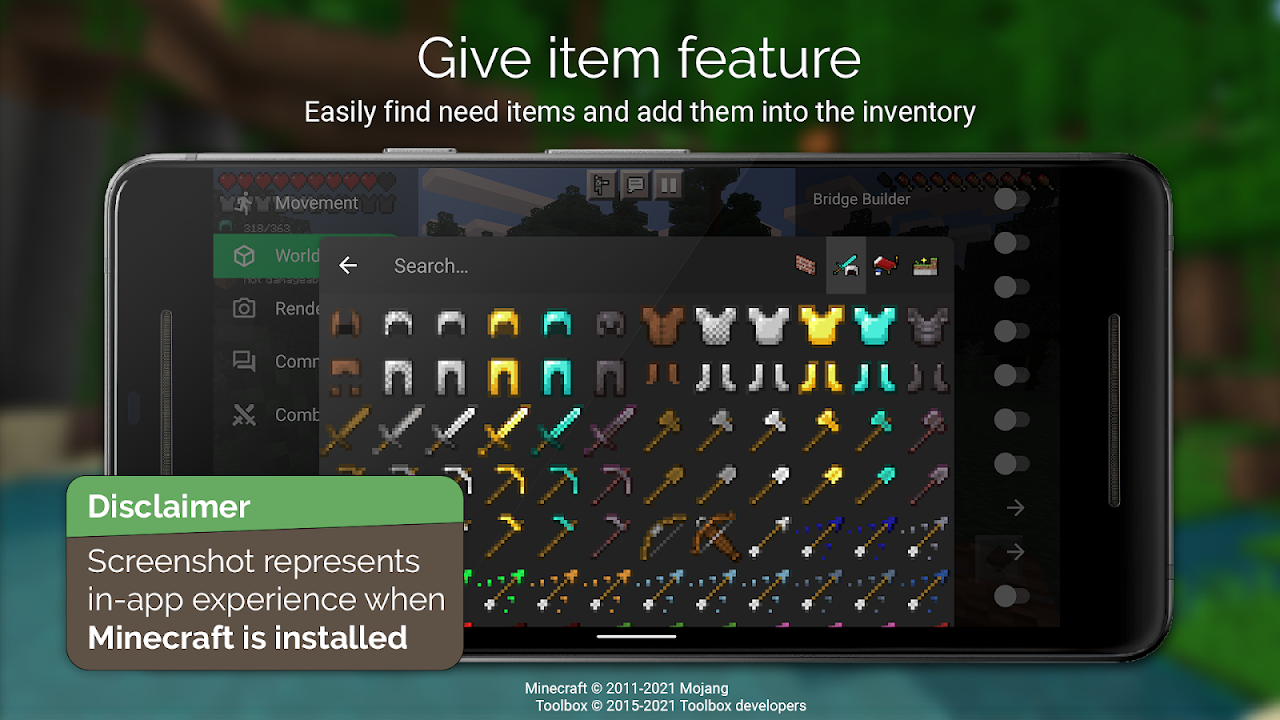
About this app
MCMrARM’s Toolbox for Minecraft: PE is a launcher and mod for Minecraft: Pocket Edition. It fits into quick survival fixes and creative building sessions, letting you pull items from a menu, switch gamemodes, and use tools like X-Ray, Fullbright, Minimap, and Rapid Build without leaving the game flow for long.
- Spawn missing items — Open the menu and pick items when Survival is missing something you need.
- Change game mode — Switch gamemode from inside the tool instead of stopping to restart your session.
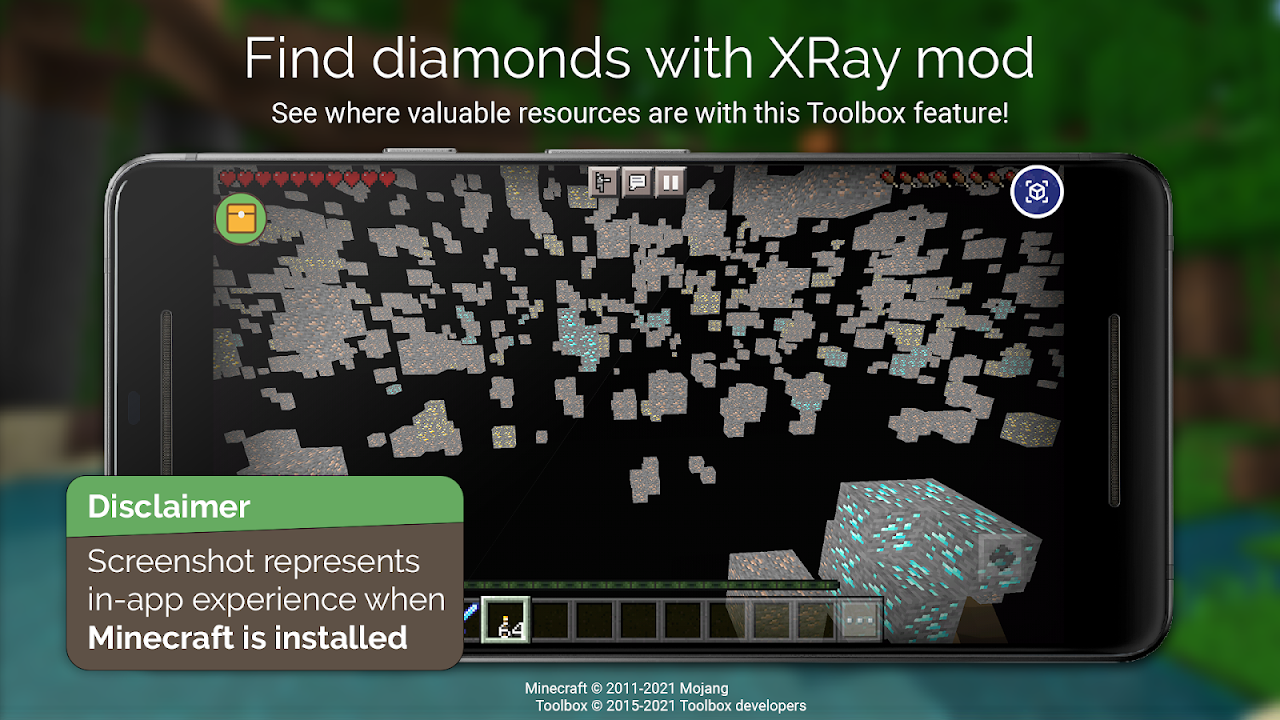
- X-Ray and Fullbright — Use X-Ray to look for valuable blocks and Fullbright to light up dark caves.
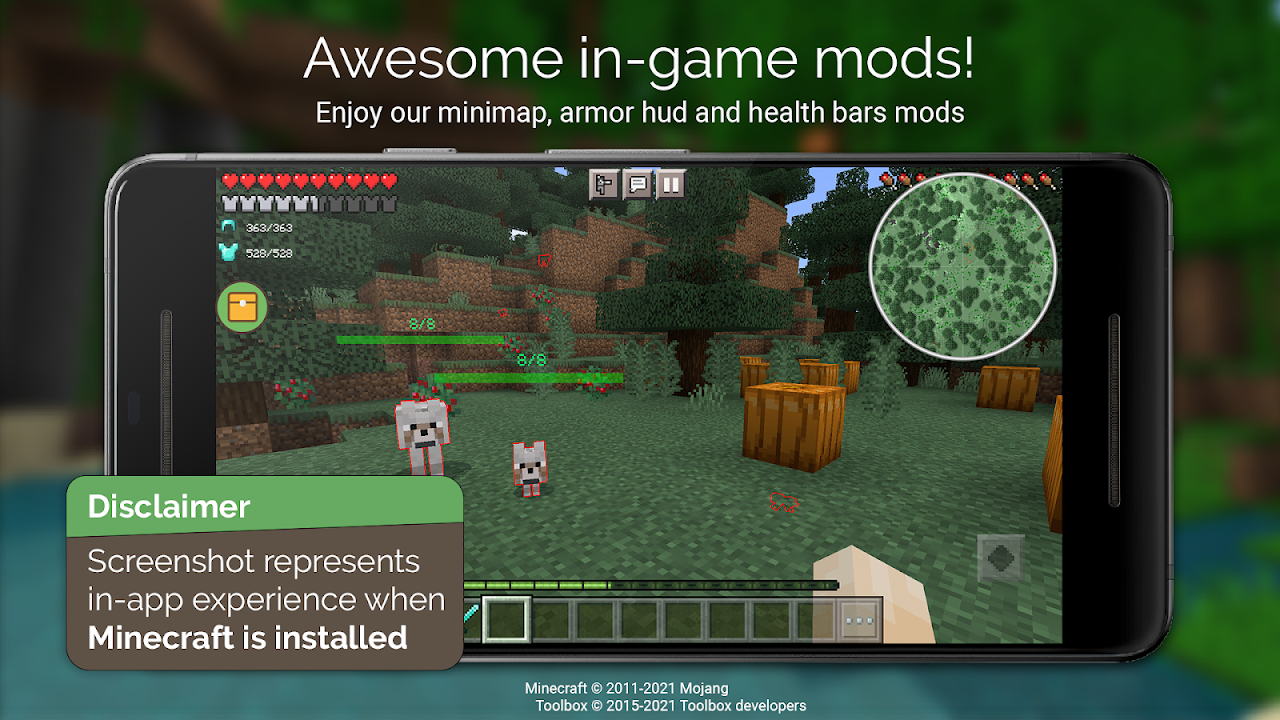
- Minimap navigation — Follow the Minimap when you want a quicker way to move around the world.
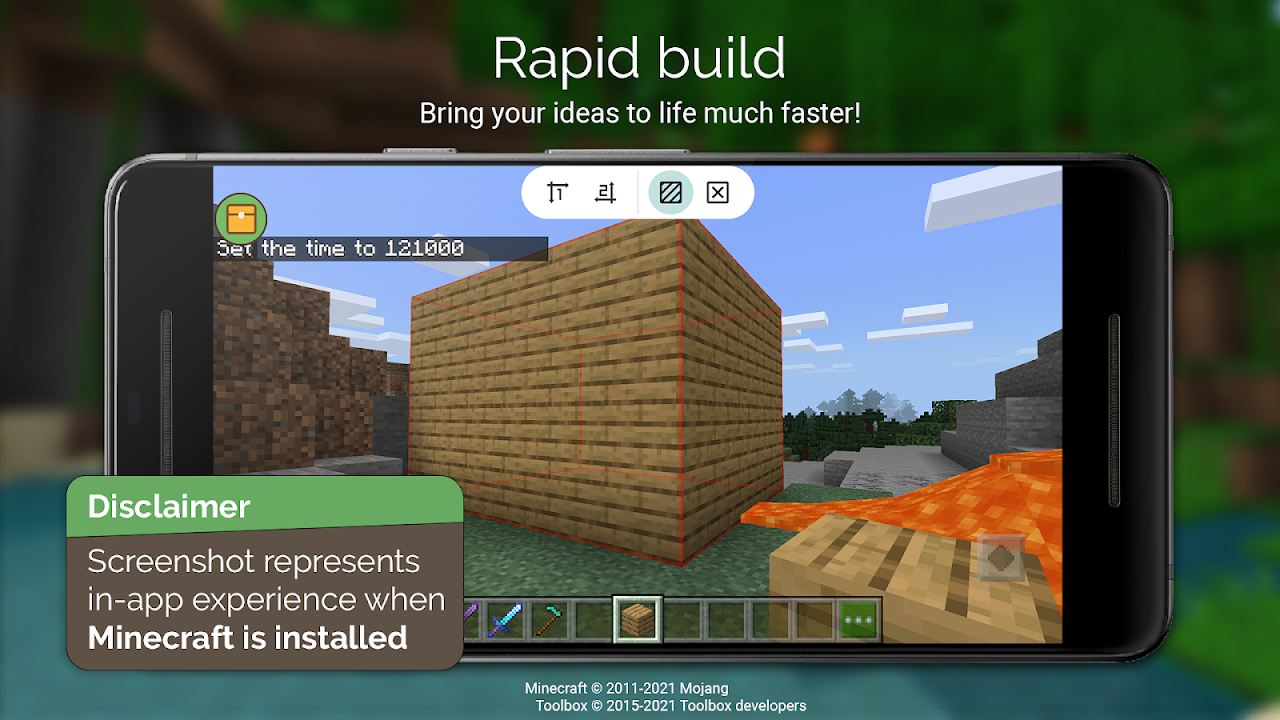
- Creative building tools — Use Rapid Build and Reach to make complex structures easier to place.
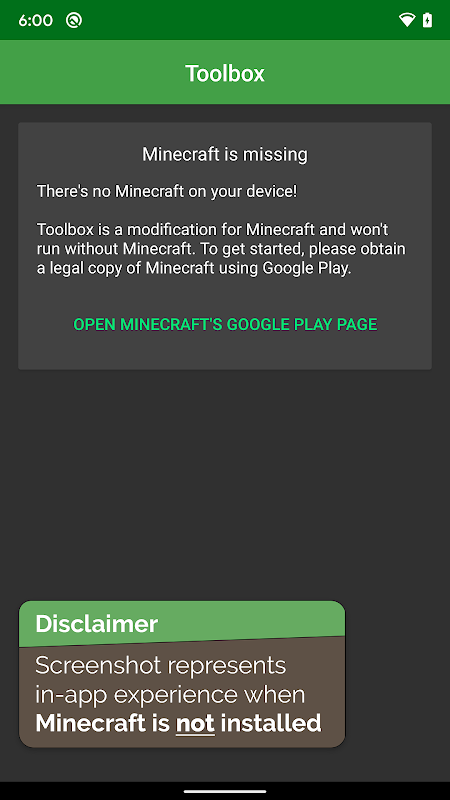
- Minecraft PE required — This mod needs Minecraft: Pocket Edition installed first; it is an APK, 38.4 MB, and needs Android 19 or later.
Tools you open mid-session
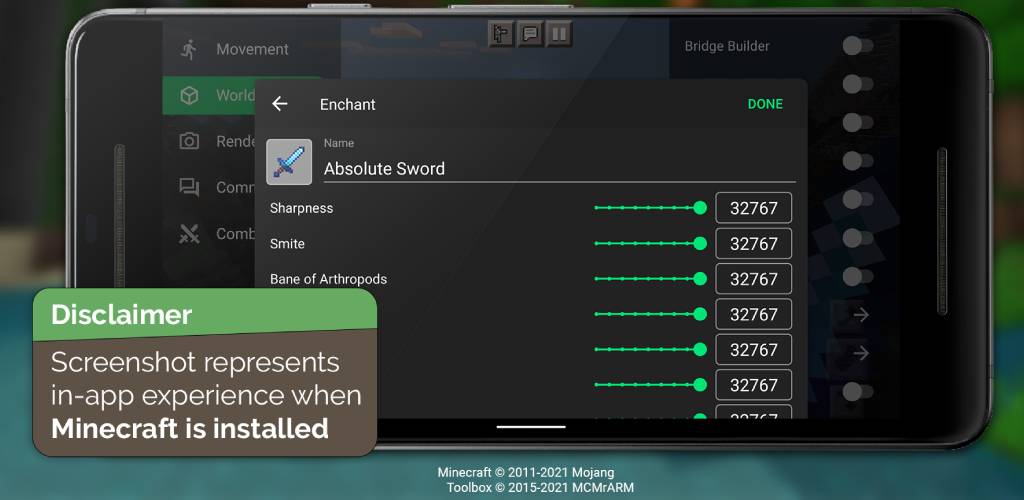
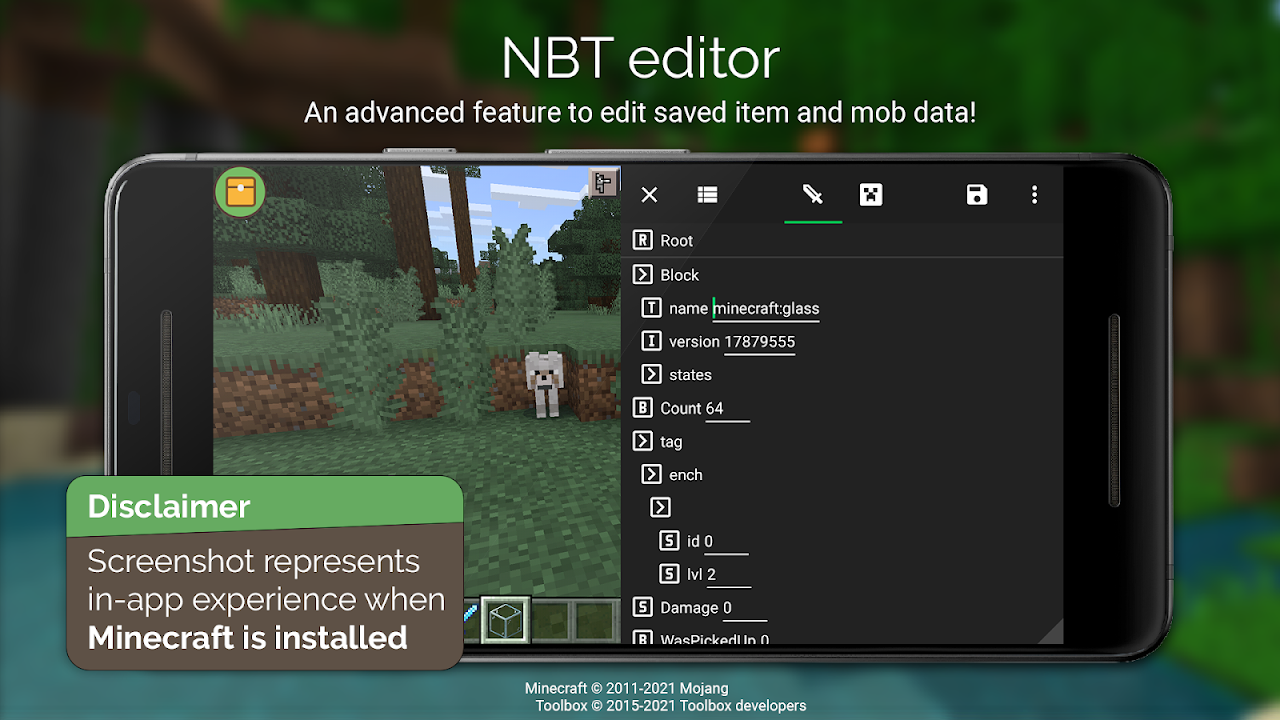
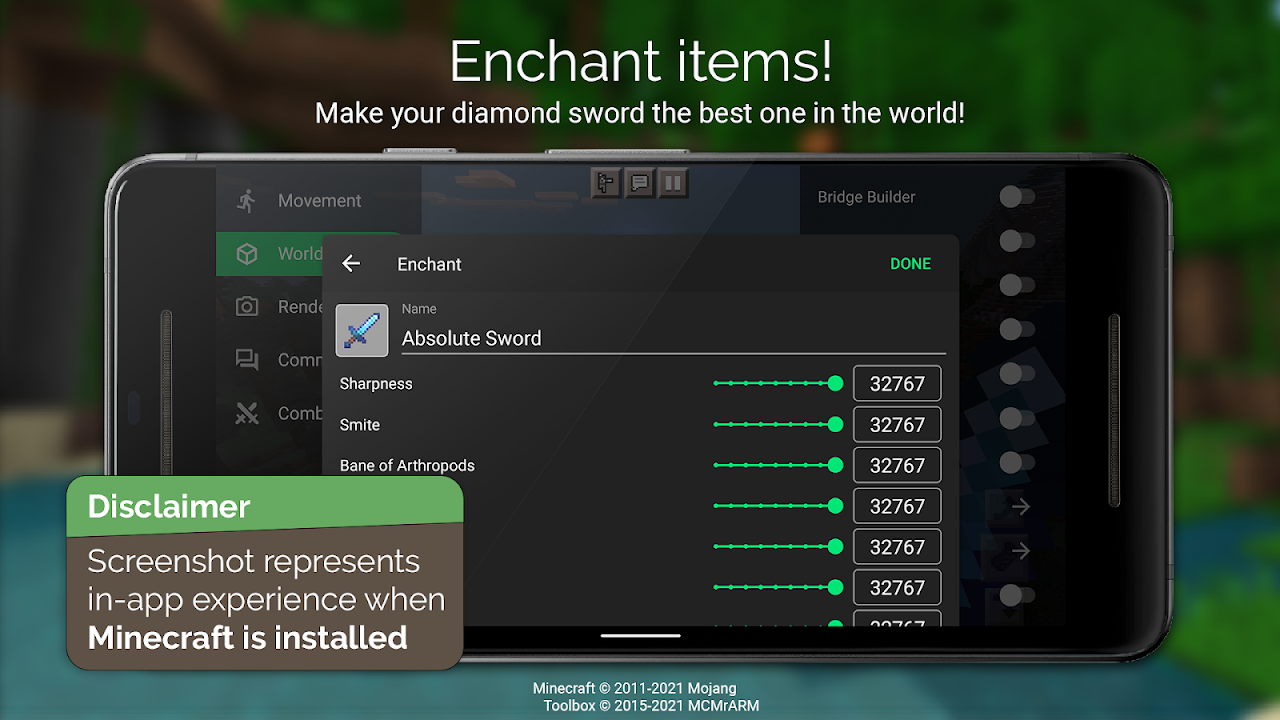
Toolbox for Minecraft: PE is made for those moments when you are already in a world and do not want to stop to dig through menus. If you are short on materials, you can pull items from the toolbox. If you want to change how you play, you can switch gamemode, add potion effects, or enchant items from the same place.
It is a better fit than general Android utilities like Android System WebView or Android System Intelligence because it is built for Minecraft: Pocket Edition itself, not for the phone as a whole.
Find caves, blocks, and your way
When a cave goes dark or a search for diamonds drags on, the app’s in-game modes are the main draw. Fullbright helps in dark spaces, X-Ray highlights valuable blocks, and the Minimap gives you a clearer sense of where you are. These are the features you would likely turn on during a normal play session rather than something you set once and forget.
Google Play Services for AR and Android Accessibility Suite solve very different problems, so they are not substitutes for this kind of Minecraft-specific control.
Build faster in creative worlds
If you spend time making large structures, Rapid Build and Reach can make placement feel less slow. The app also includes teleport commands, which can save you from walking back and forth to chests or build spots. The Play description says version 5.4.57 adds support for Minecraft 1.20.80.
Installing it means getting the APK, with a 38.4 MB file size, on Android 19 or later. There are no ads listed and no in-app purchases, so once it is installed, the focus stays on the Minecraft tools rather than store prompts.
When it fits, and when it does not
This app is strongest for players who want direct control inside Minecraft: PE. If you mainly want system-level Android features, another app in the list may suit you better. But if your day includes survival runs, cave trips, or creative builds, Toolbox keeps those actions close at hand in one launcher/mod.
It has been available since 2016 and is still updated, with the latest change adding 1.20.80 support.
What's new
Version 5.4.57 · Nov 12, 2026
- 5.4.57
- 1.20.80 support!
APK information
- Version
- 5.4.57
- Package
- io.mrarm.mctoolbox
- Category
- Tools
- Size
- 38 MB
- Min Android
- API 19
- Architecture
- universal
Older versions
-
Toolbox for Minecraft: PE 5.4.57Nov 12, 2026Latest downloadAPK
Toolbox for Minecraft: PE FAQ
Does Toolbox for Minecraft: PE drain the battery?expand_more
The listing does not mention battery use. It does note the APK size is 38.4 MB and that it needs Android 19 or later.
Why does Toolbox for Minecraft: PE need these permissions?expand_more
No permissions are listed for this app, so there is nothing shown to explain here.
Which processors does this Toolbox for Minecraft: PE APK support?expand_more
The APK is marked universal, so it is not limited to a specific ABI in the listing.
Can I install Toolbox for Minecraft: PE without Google Play?expand_more
The app is distributed as an APK, so it is not limited to an in-store install path. It also requires Minecraft: Pocket Edition to be installed first.
What can I do with Toolbox for Minecraft: PE in Minecraft PE?expand_more
You can give yourself items, change gamemode, add potion effects, enchant items, use X-Ray, Fullbright, a Minimap, teleport commands, and building tools like Rapid Build and Reach.