
- 4.0star2,579 reviews
- 1M+Downloads
- 26 MBAPK size
- EveryoneRated for Everyone
- 7.0+Android
check_circleOriginal APK from Dev Rez · Updated Nov 12, 2026
No threats found
0 / — antivirus engines flagged this file
Original signature
First seen — Dev Rez
Unmodified APK
Same file the developer published — no mods
Total Cleaner: Home Launcher screenshots
5 images · tap to enlarge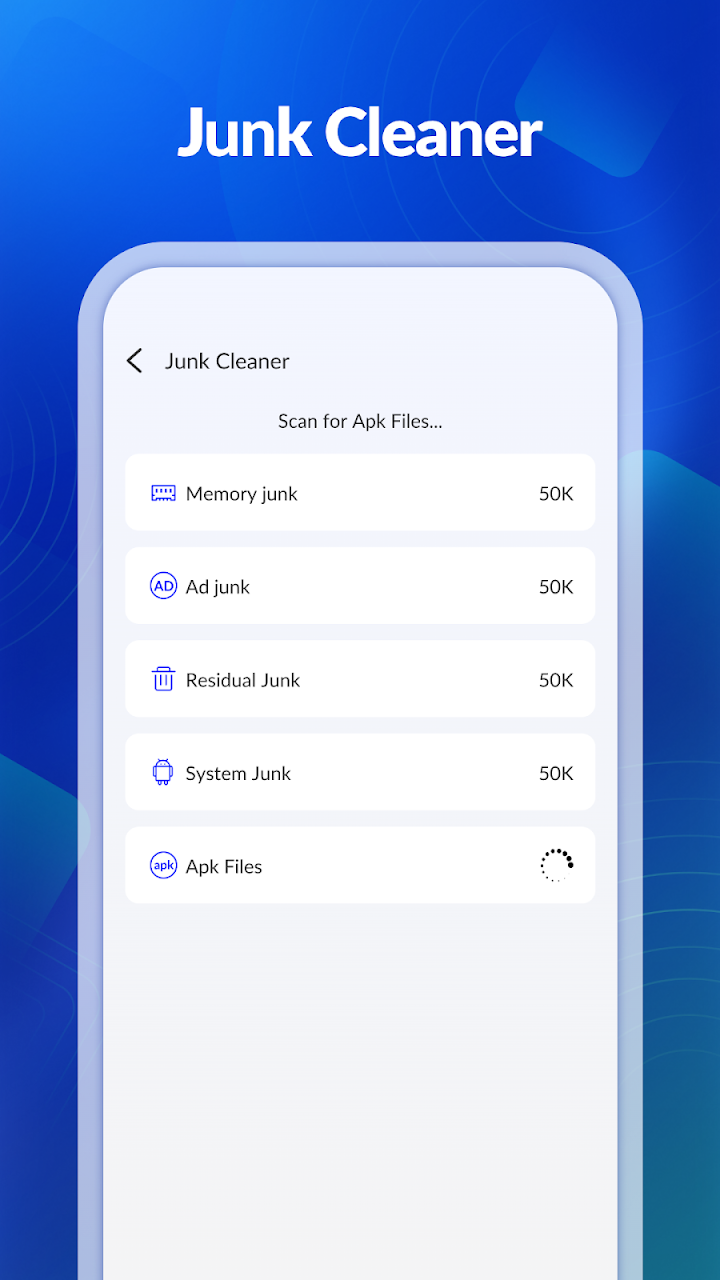
About this app
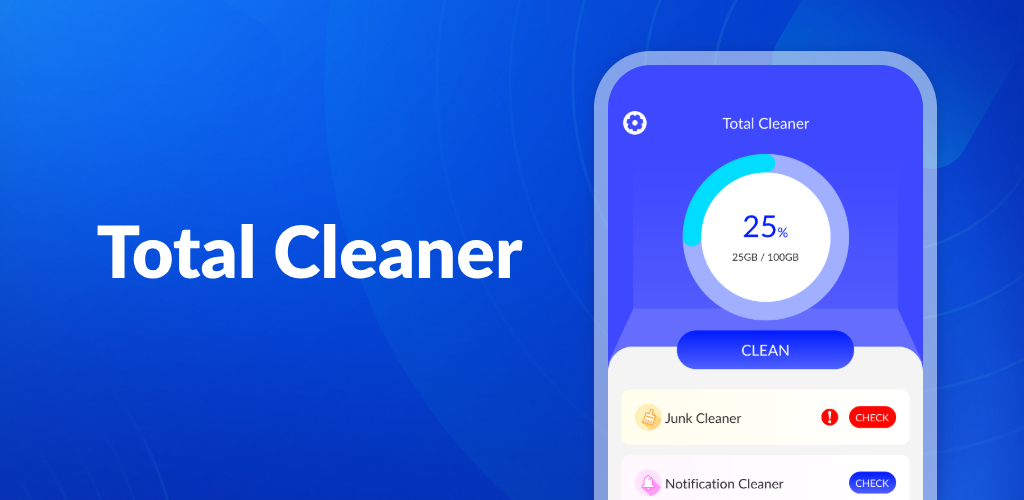
When your phone starts feeling crowded, Total Cleaner: Home Launcher gives you one place to tidy it up. You can scan for junk files, clear duplicates and large files, review installed apps, and then arrange your home screen layout. It is free, shows ads, and does not list any permissions.
- Junk file cleanup — Scans temporary files, cache, and leftover data so you can free up storage space.
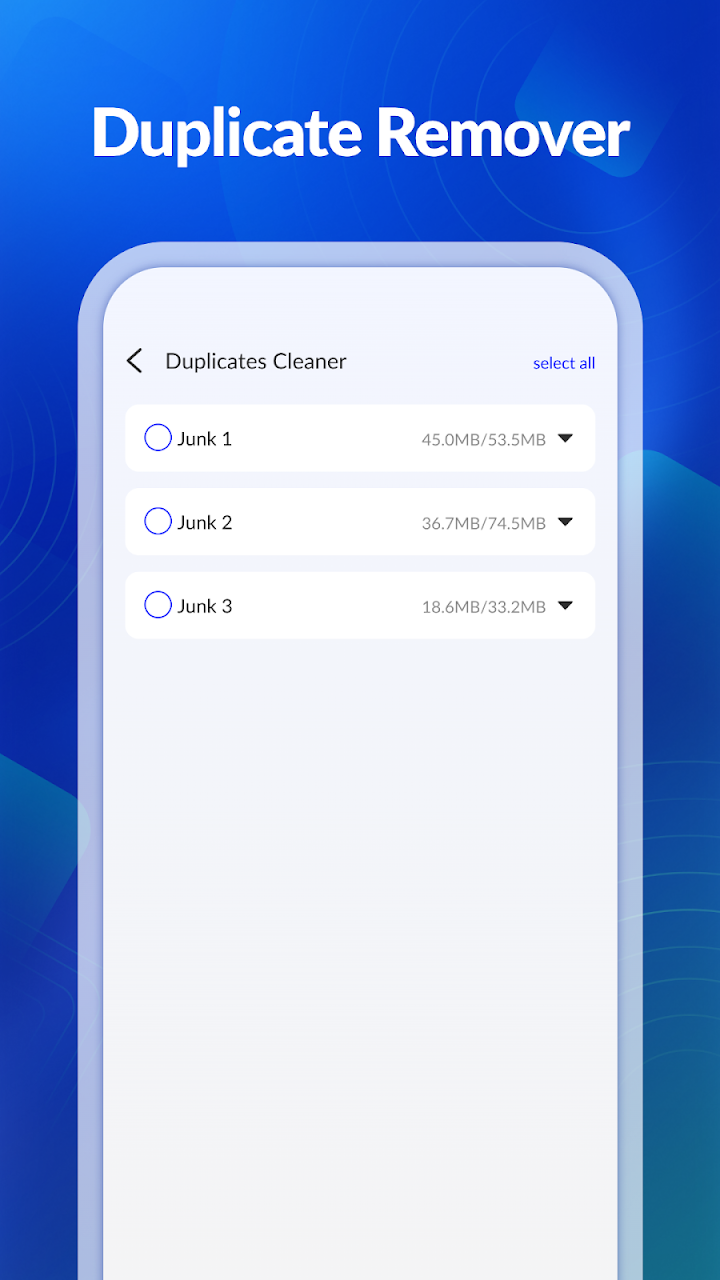
- Duplicate file removal — Finds identical files and documents so you can delete extra copies.
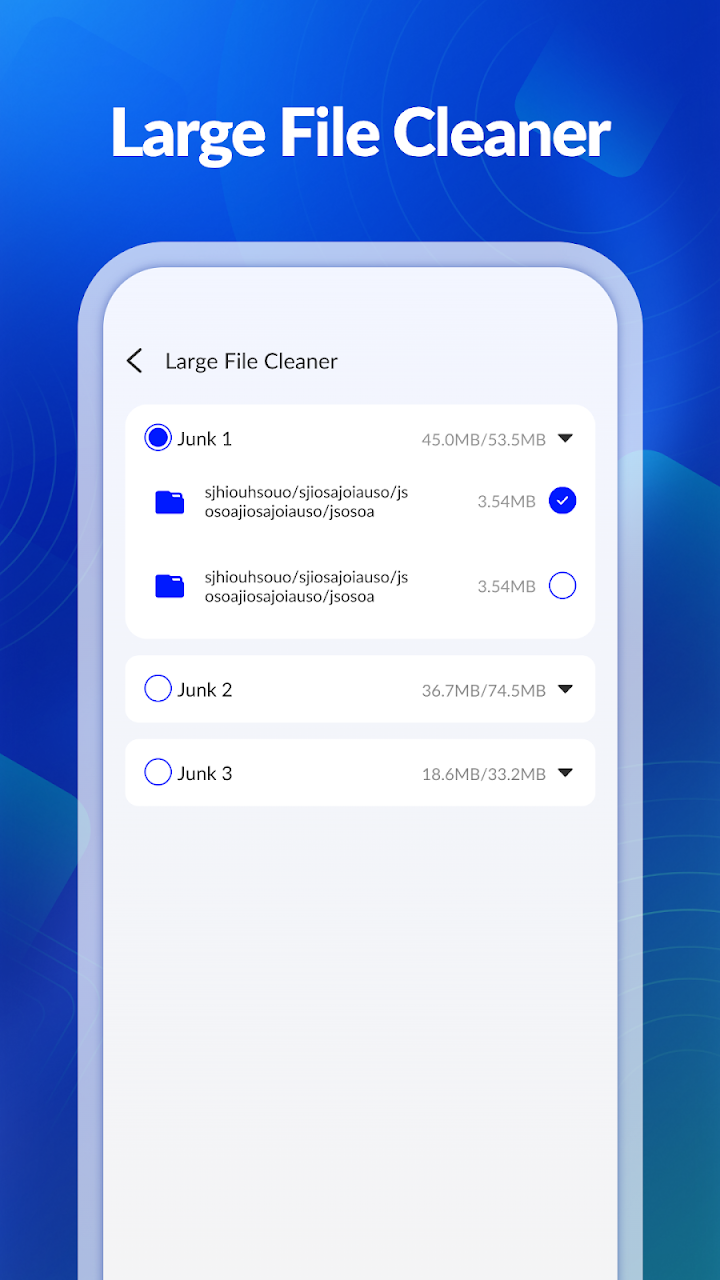
- Large file finder — Locates bigger files and media that take up a lot of space.
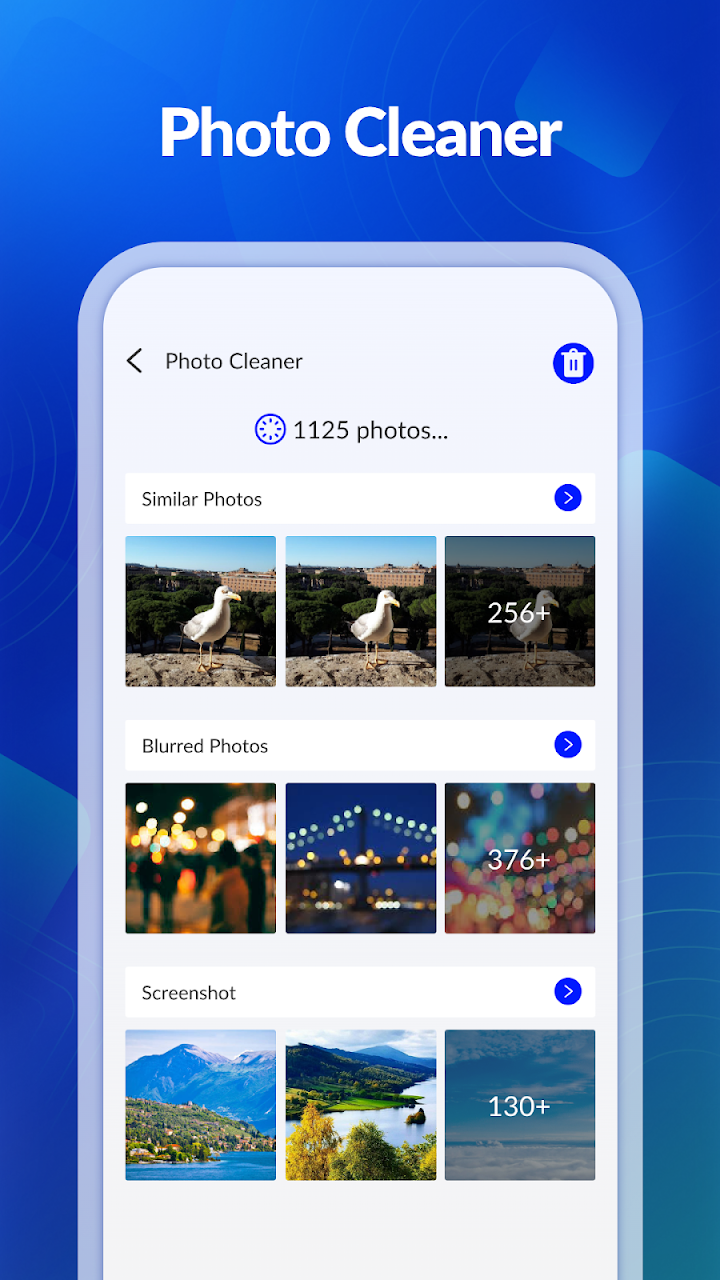
- Photo cleanup — Checks for similar or redundant images to help keep your gallery tidy.
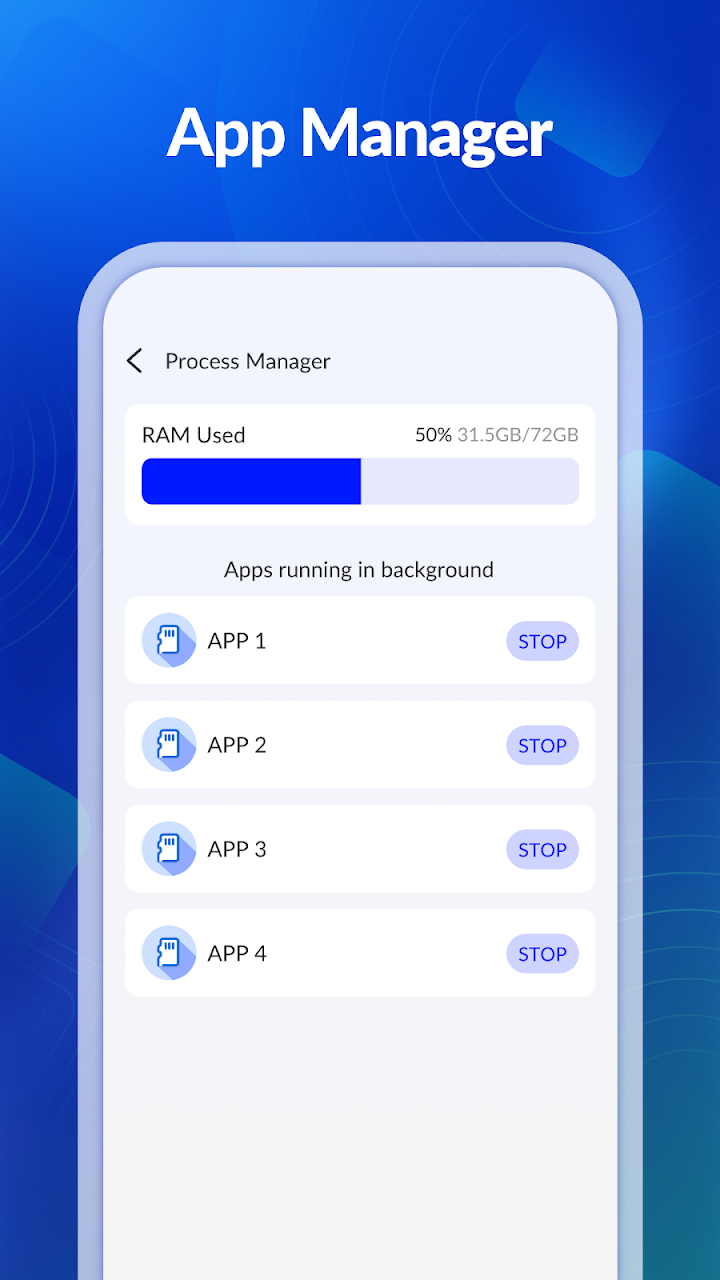
- App manager — Shows installed apps in one place so you can review and uninstall them.
- Home screen launcher — Lets you organize your home screen layout and app arrangement.
Cleaner tools for a busy phone
Total Cleaner: Home Launcher brings storage cleanup and home screen organization into one app. In a normal day, you might open it when your phone feels slow or cluttered, then move through the cleaner tools to remove junk, duplicate files, large files, and extra photos. It also includes an app manager and a launcher for arranging your home screen.
Junk, duplicates, and large files
The cleaner side focuses on the most common storage problems. Junk Cleaner looks through temporary files, system cache, and leftover data. Duplicate Remover helps you spot identical files and documents. Large File Cleaner points out bigger files and media that take up more room than you want. These tools are meant for simple cleanup without needing technical steps.
Photo cleaner and app manager
If your gallery has repeated shots or near-duplicates, Photo Cleaner can help reduce the clutter. App Manager gives you a central place to see installed apps and remove ones you no longer use. That makes it easier to handle both storage cleanup and app cleanup from the same screen.
Home Launcher details
The launcher part is for organizing your home screen layout and arranging apps the way you like. The app is free, contains ads, and does not list in-app purchases. It works on Android 7.0 and up, comes as a 25.8 MB APK, and uses a universal build.
Version and update notes
The current release is version 1.0.2, with the last update on 2026-10-30. No changes are listed for this version, so the app’s current focus is the same set of cleaner tools, app management, and home screen organization.
APK information
- Version
- 1.0.2
- Package
- com.cleaner.rez.cleantotal
- Category
- Tools
- Size
- 26 MB
- Min Android
- 7.0
- Architecture
- universal
Older versions
-
Total Cleaner: Home Launcher 1.0.2Nov 12, 2026Latest downloadAPK
Total Cleaner: Home Launcher FAQ
Why does Total Cleaner: Home Launcher need these permissions?expand_more
No permissions are listed for this app. It does not show any permission requests in the details provided.
Does Total Cleaner: Home Launcher need root?expand_more
Root is not mentioned for this app, so there is no sign that it needs rooted access.
Does Total Cleaner: Home Launcher work on tablets?expand_more
It supports Android 7.0 and up, and the build is universal. That points to broad device support, including tablets that meet the Android version requirement.
How big is the Total Cleaner: Home Launcher download?expand_more
The APK size is 25.8 MB.
What can I clean with Total Cleaner: Home Launcher?expand_more
It includes junk cleanup, duplicate removal, large file cleanup, photo cleanup, and an app manager.