
- 4.6star247,254 reviews
- 10M+Downloads
- 108 MBAPK size
- EveryoneRated for Everyone
- API 19+Android
check_circleOriginal APK from TP-LINK SYSTEMS INC. · Updated Nov 12, 2026
No threats found
0 / — antivirus engines flagged this file
Original signature
First seen — TP-LINK SYSTEMS INC.
Unmodified APK
Same file the developer published — no mods
TP-Link Deco screenshots
5 images · tap to enlarge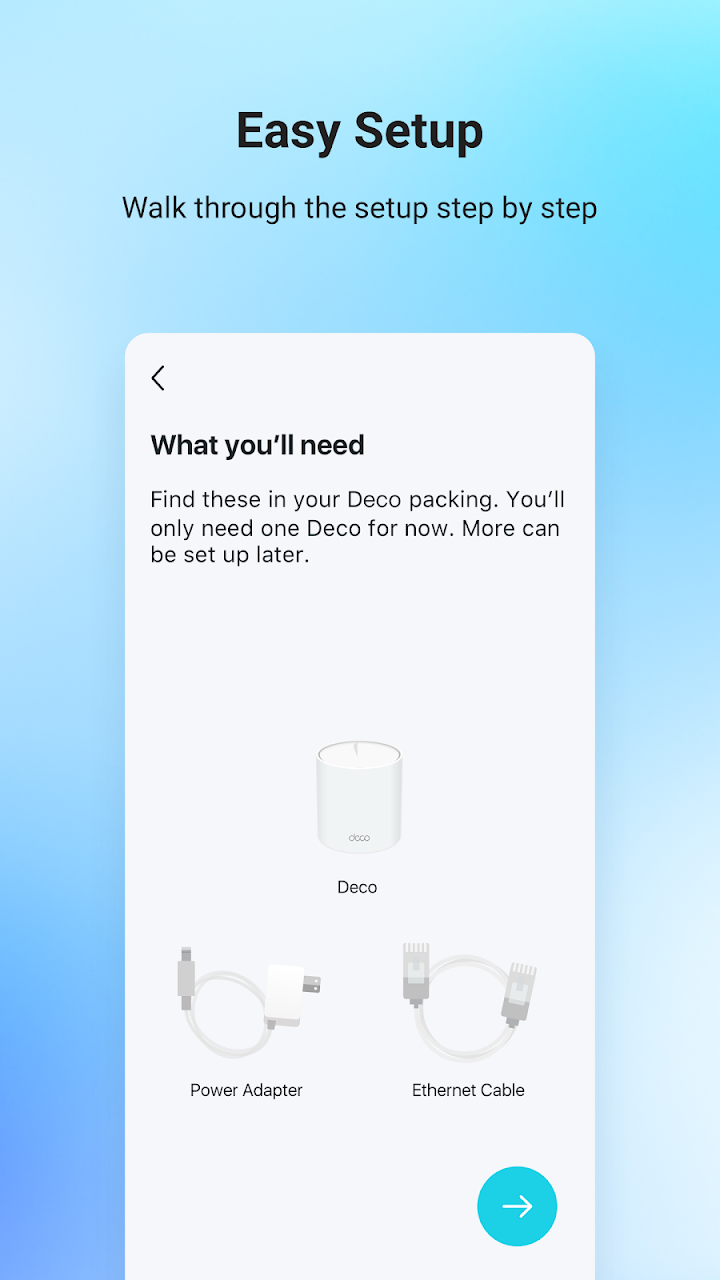
About this app
When you want to get your mesh WiFi running without sitting down at a computer, the Deco app walks you through setup on your phone. It helps you place units for better coverage, then gives you a simple place to check devices, pause access for kids, and manage your network day to day.
- Step-by-step setup — Follow guided instructions to get a Deco mesh network up and running.
- Coverage guidance — See suggestions for where to place extra Deco units around your home.
- Device control — Check what is connected and block unwanted devices with a tap.
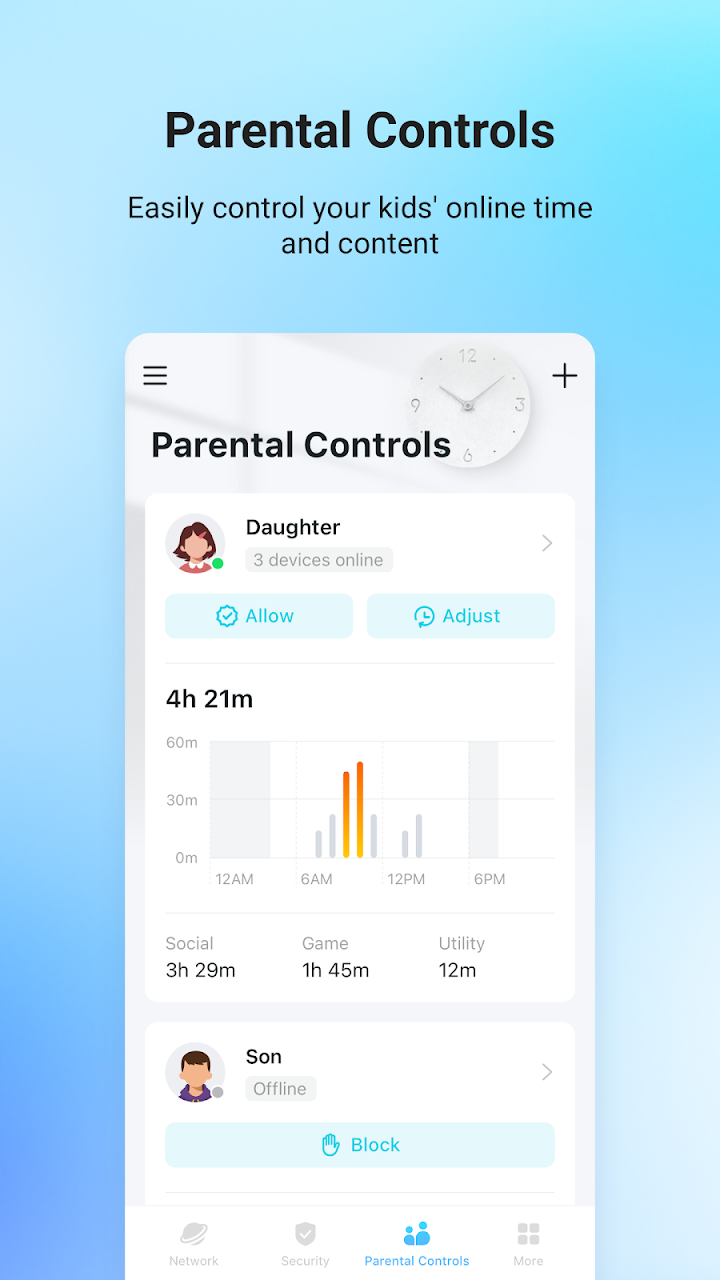
- Parental controls — Pause WiFi, set schedules, and limit access on kids’ devices.
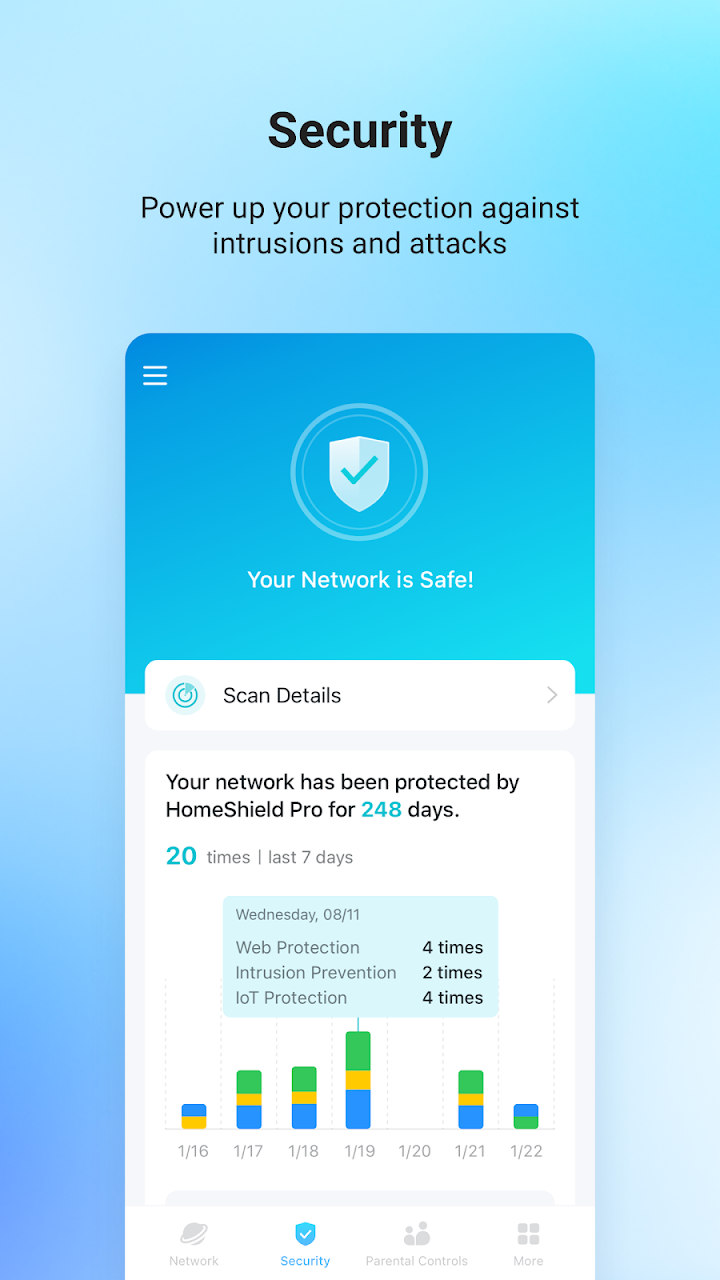
- Network protection — Create a guest network, run performance tests, and get threat warnings.
- Smart home control — Check and control compatible cameras, plugs, and lights from the app.
Getting Deco set up on your phone
TP-Link Deco is built for setting up and managing a mesh WiFi system from Android. The app opens with step-by-step setup help, so you can get the network connected without using a computer. It also points out where extra Deco units may work best for whole-home coverage. The app is free, has no ads, and the APK is 107.6 MB with support starting at Android 19.
Checking devices and network status
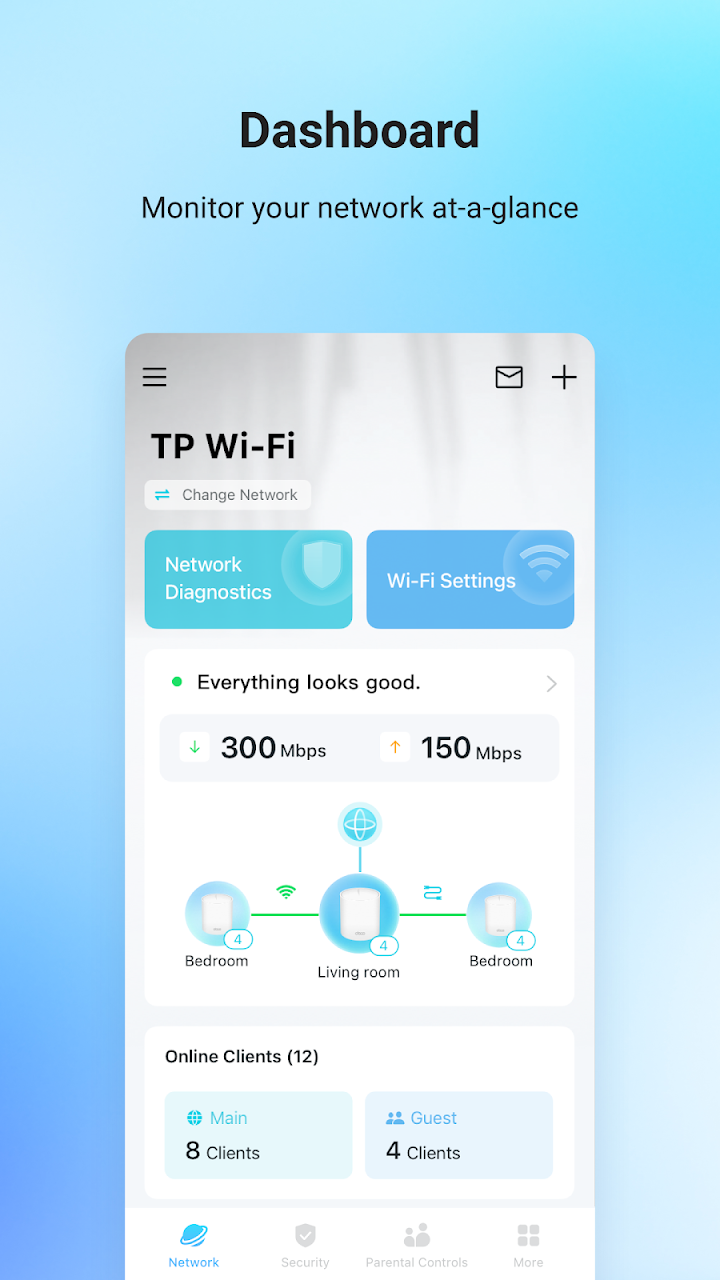
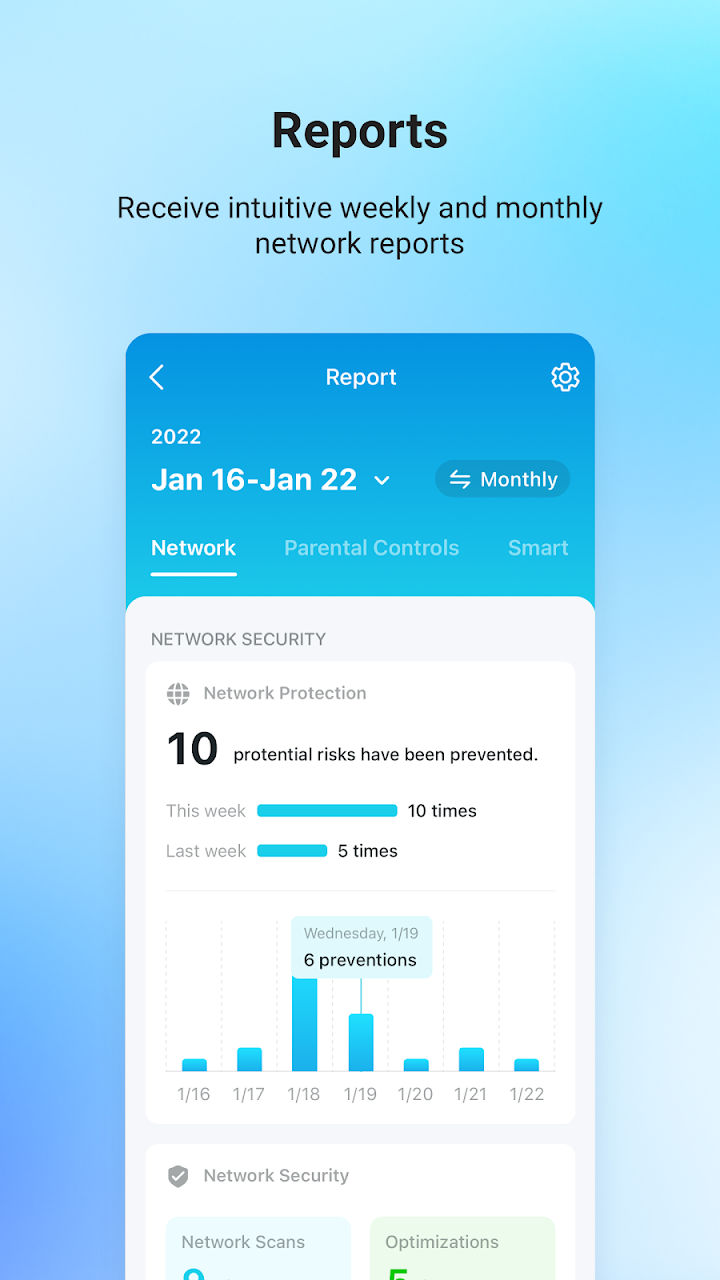
After setup, the app becomes a daily control panel for your home network. You can see which devices are connected, check connection status and network speed, and tap to block devices you do not want on your WiFi. Detailed reports help you understand what is happening on the network, even if you are not used to router tools.
- Device list: See who or what is connected.
- Speed check: View network speed at a glance.
- Block list: Stop unwanted devices with one tap.
Parental controls and guest access
The app also includes parental controls for family routines. You can pause WiFi on a child’s device, set time restrictions, and create schedules for when specific devices can go online. If you need to share internet with visitors, the guest network keeps private devices separate while still giving friends access.
Protection and smart home tools
Deco includes tools for protecting your network, such as threat warnings, unauthorized access blocking, and performance tests. It also works with compatible smart cameras, plugs, and lights, so you can check their status in the same app. There are no permissions listed, so the app does not show any permission prompts here.
There is some in-app purchasing, and features can vary by Deco model and software version. Ratings are strong overall, with many users leaving 5-star reviews, though some lower ratings are mixed in. If you want one app for setup, device control, and basic home network management, Deco keeps those tasks in one place.
APK information
- Version
- 2.14.21
- Package
- com.tplink.tpm5
- Category
- Tools
- Size
- 108 MB
- Min Android
- API 19
- Architecture
- universal
Older versions
-
TP-Link Deco 2.14.21Nov 12, 2026Latest downloadAPK
TP-Link Deco FAQ
Does TP-Link Deco need root?expand_more
No root requirement is listed for TP-Link Deco.
Why does TP-Link Deco need these permissions?expand_more
No permissions are listed for this app, so there are no permission prompts shown here.
Can I install TP-Link Deco without Google Play?expand_more
Yes. The app is available as an APK file, so it can be installed outside Google Play if your device allows APK installs.
Who develops TP-Link Deco?expand_more
TP-Link Deco is developed by TP-LINK SYSTEMS INC.
What Android version does TP-Link Deco support?expand_more
It supports Android 19 and up.